
 15
15presentation
College Essay Thesis Builder Slides
Build stronger academic arguments with a college essay thesis builder featuring guided examples, revision prompts, and editable PowerPoint and Google Slides.
Google SlidesPowerPoint
presentation · English
Help students make a memorable first impression with student self introduction slides, bright pink layouts, and lively transitions for, PowerPoint, or…
Design notes
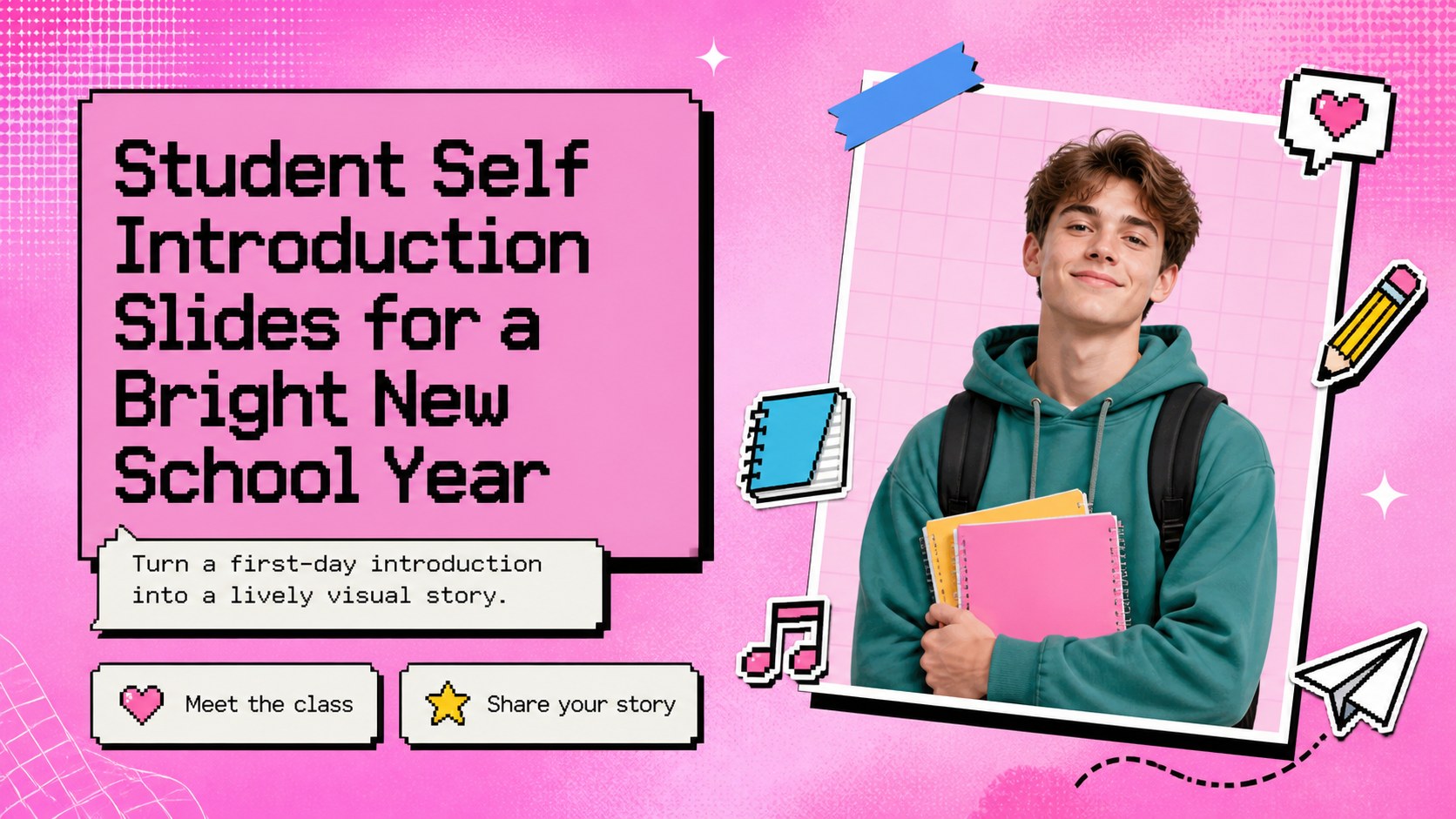
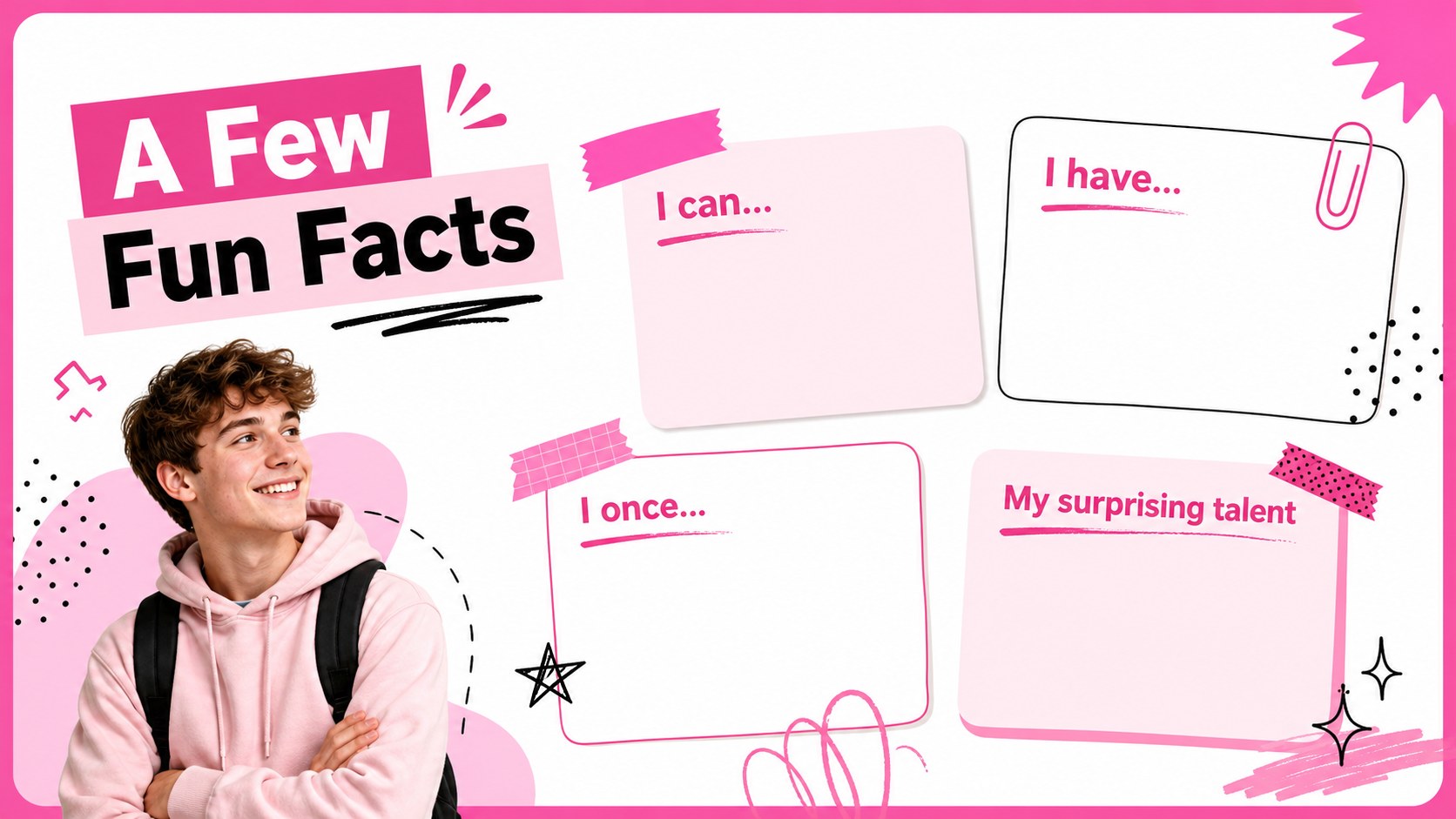
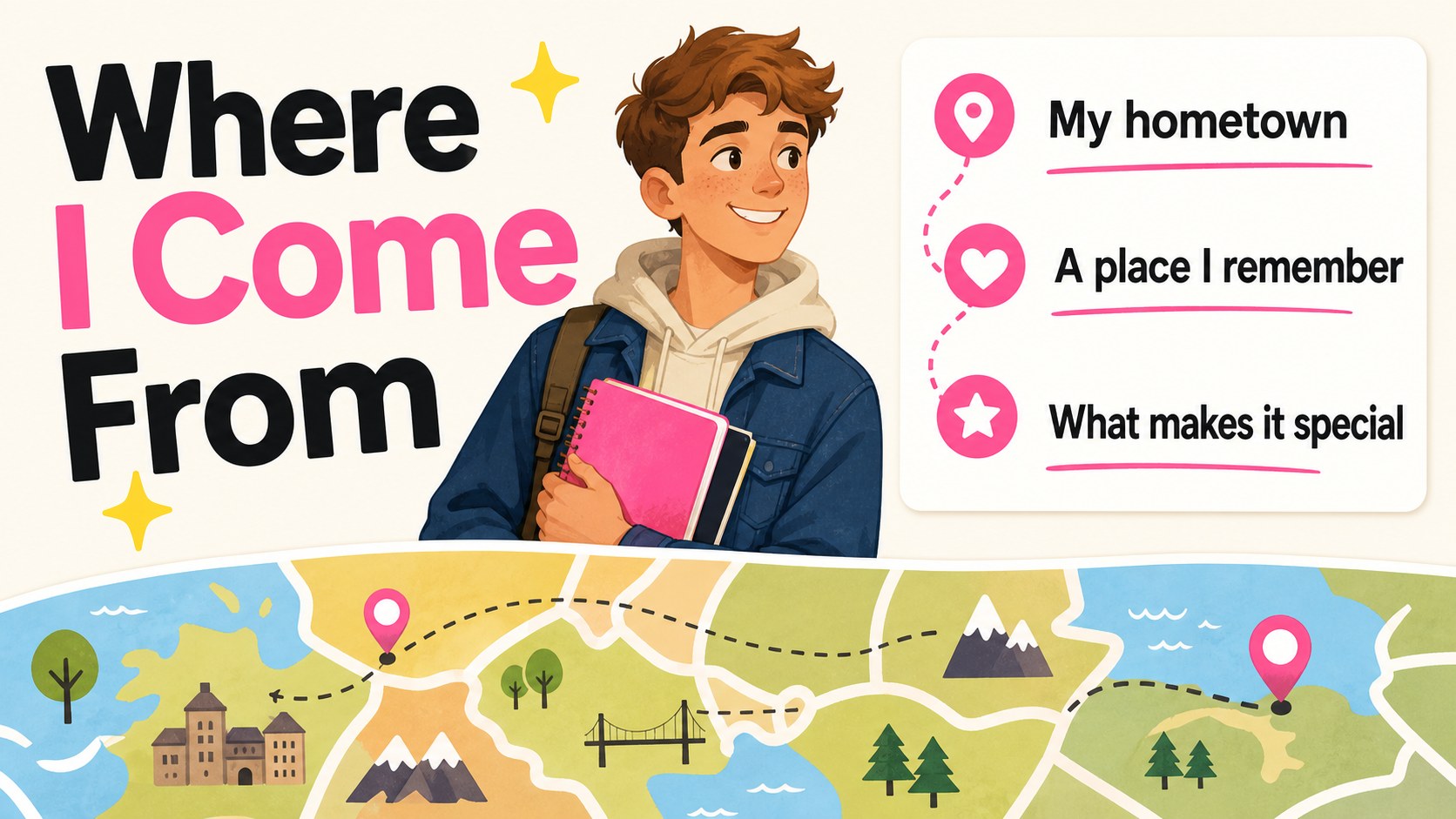
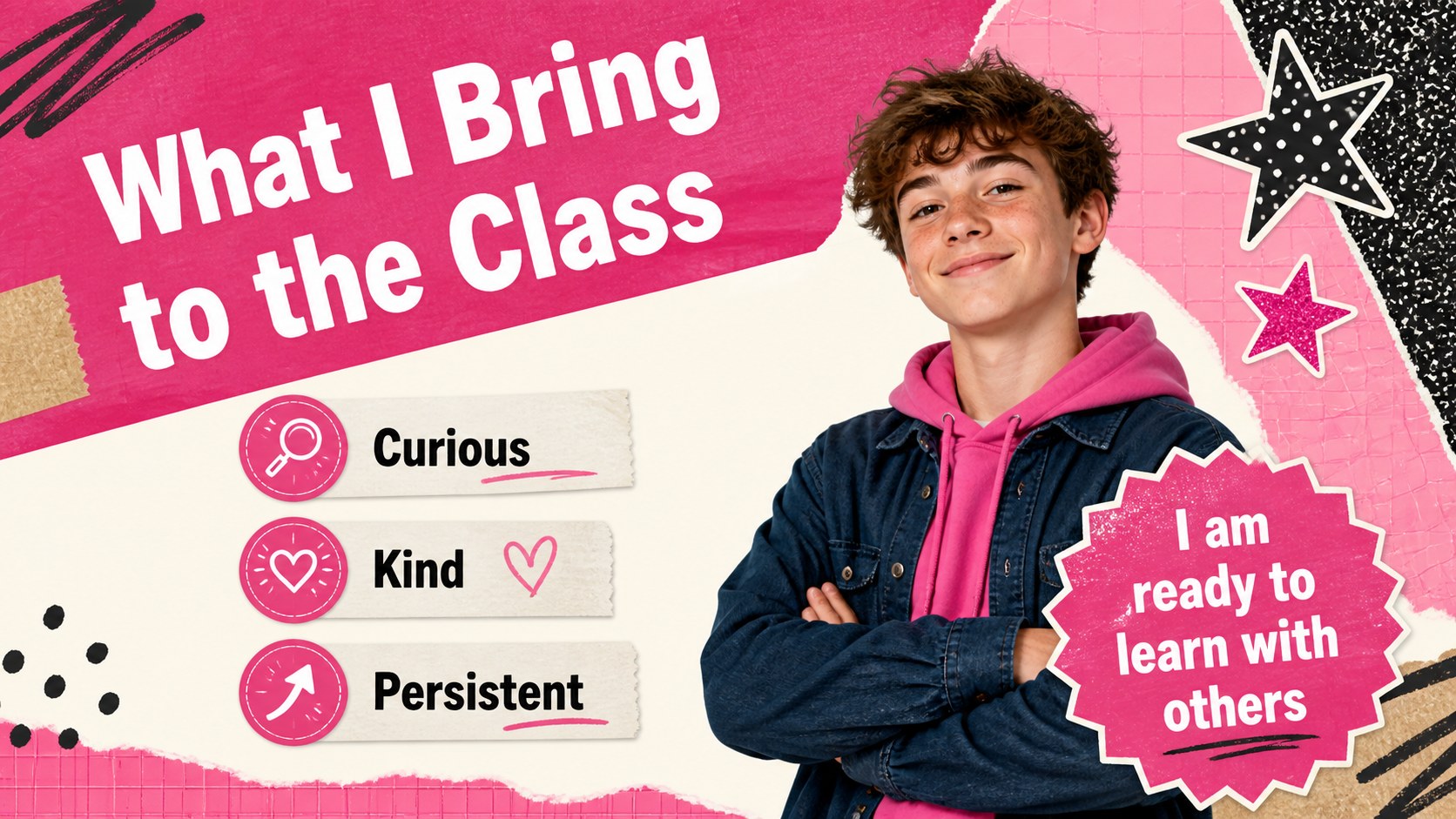
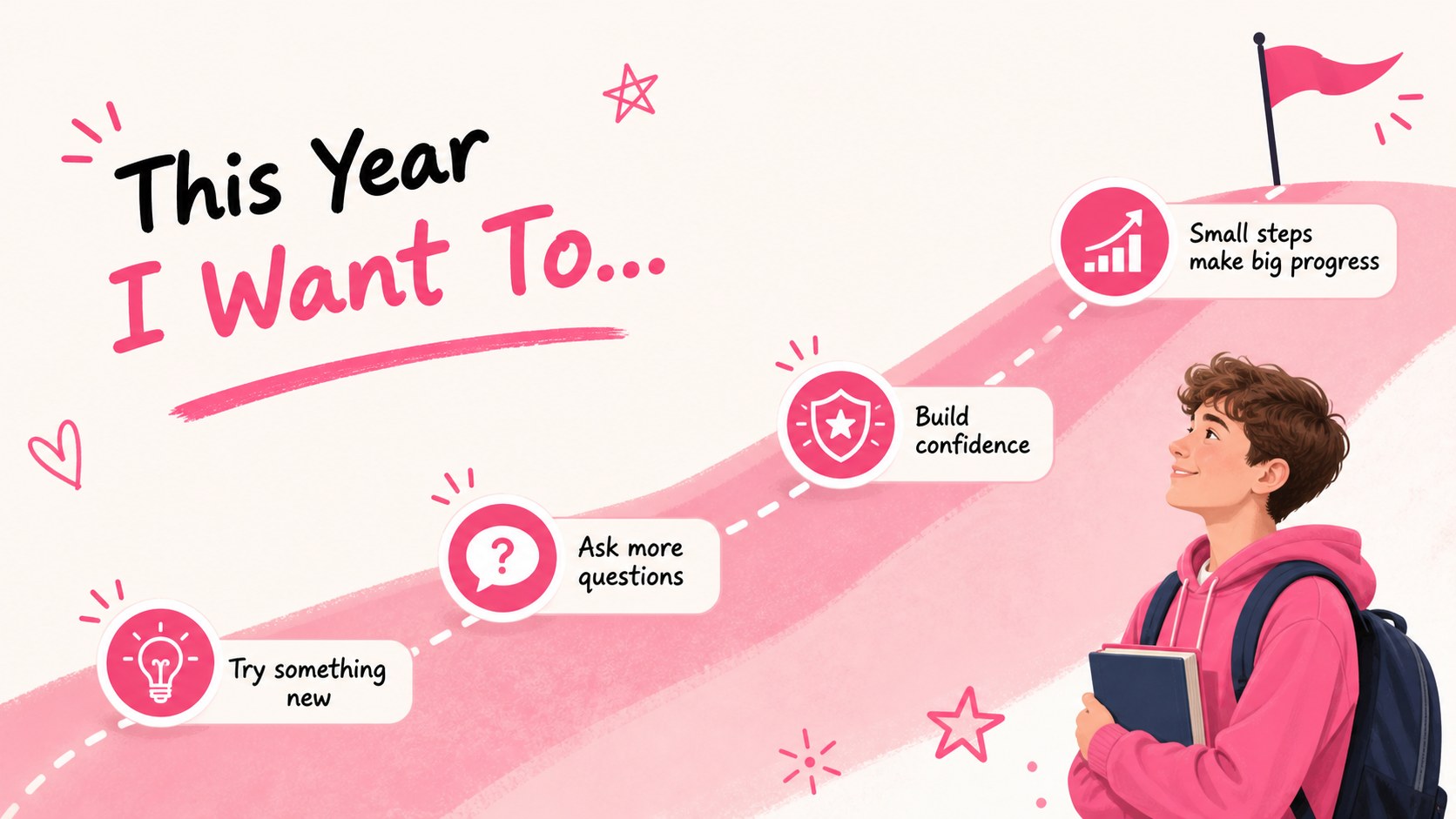
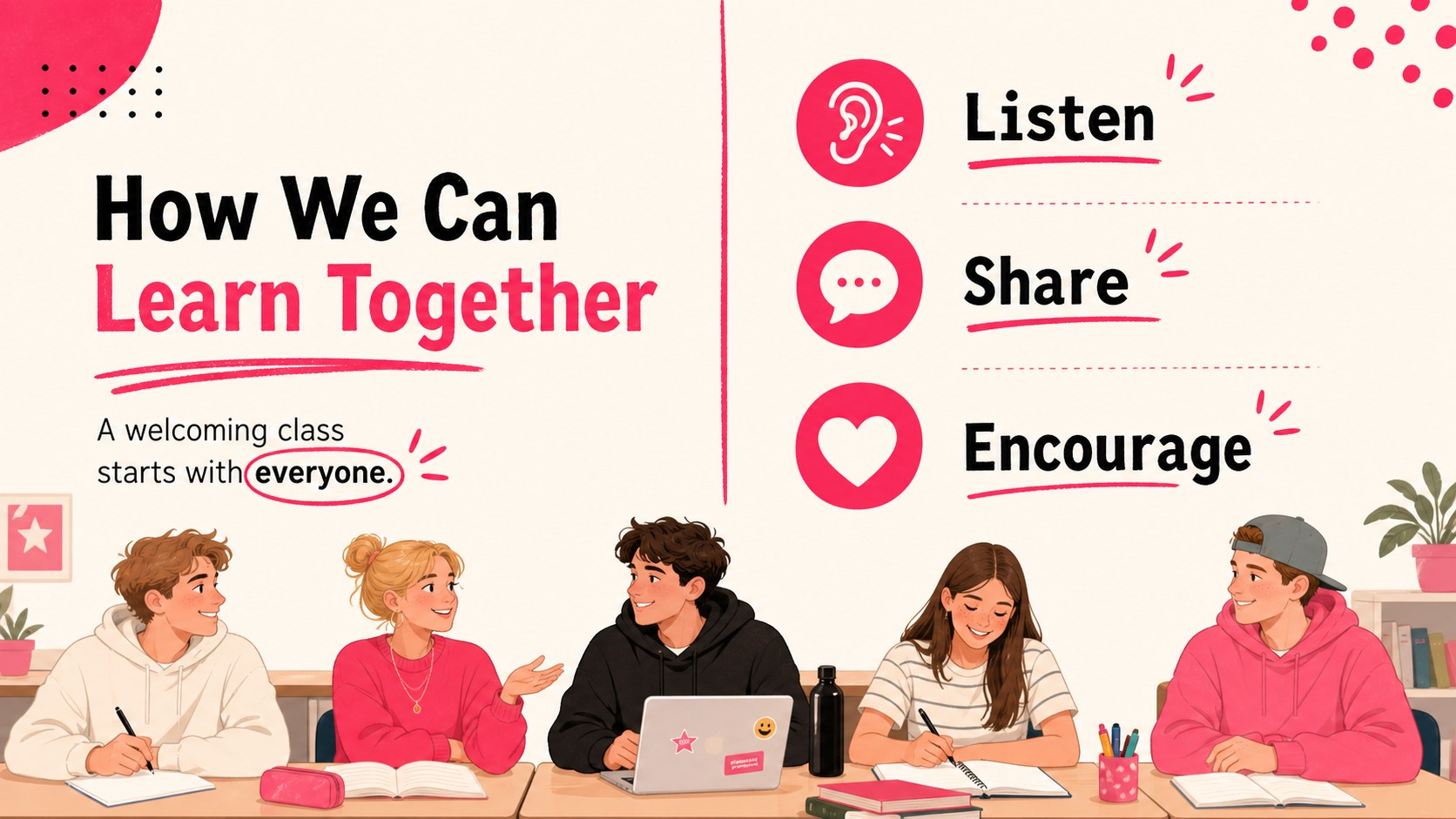
Student self introduction slides give learners a colorful, welcoming way to introduce their personalities, interests, and goals at the beginning of a new school year. The bright pink palette, playful typography, and energetic visual rhythm make this deck a strong choice for a first day student presentation that feels personal without becoming difficult to edit.
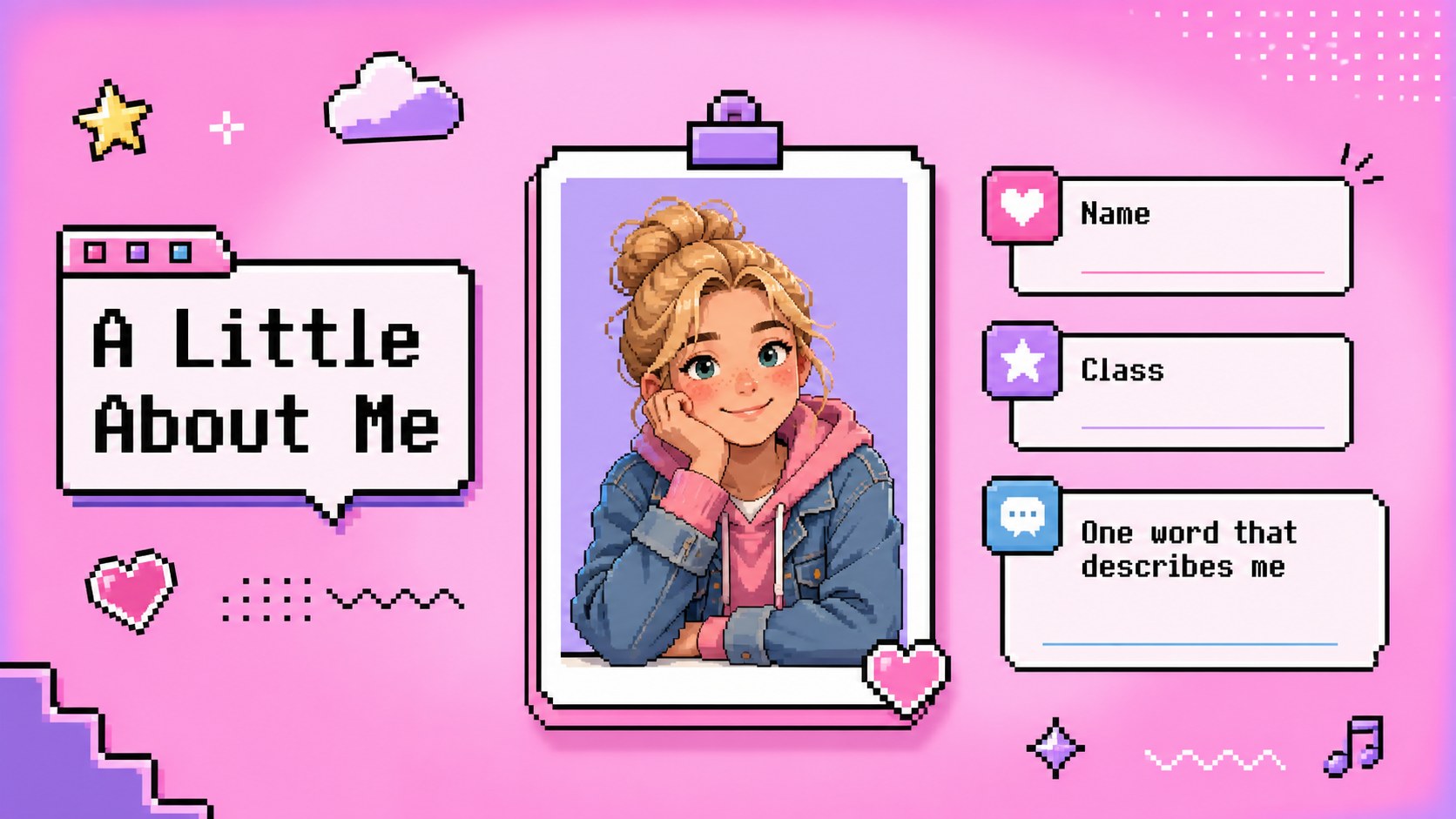
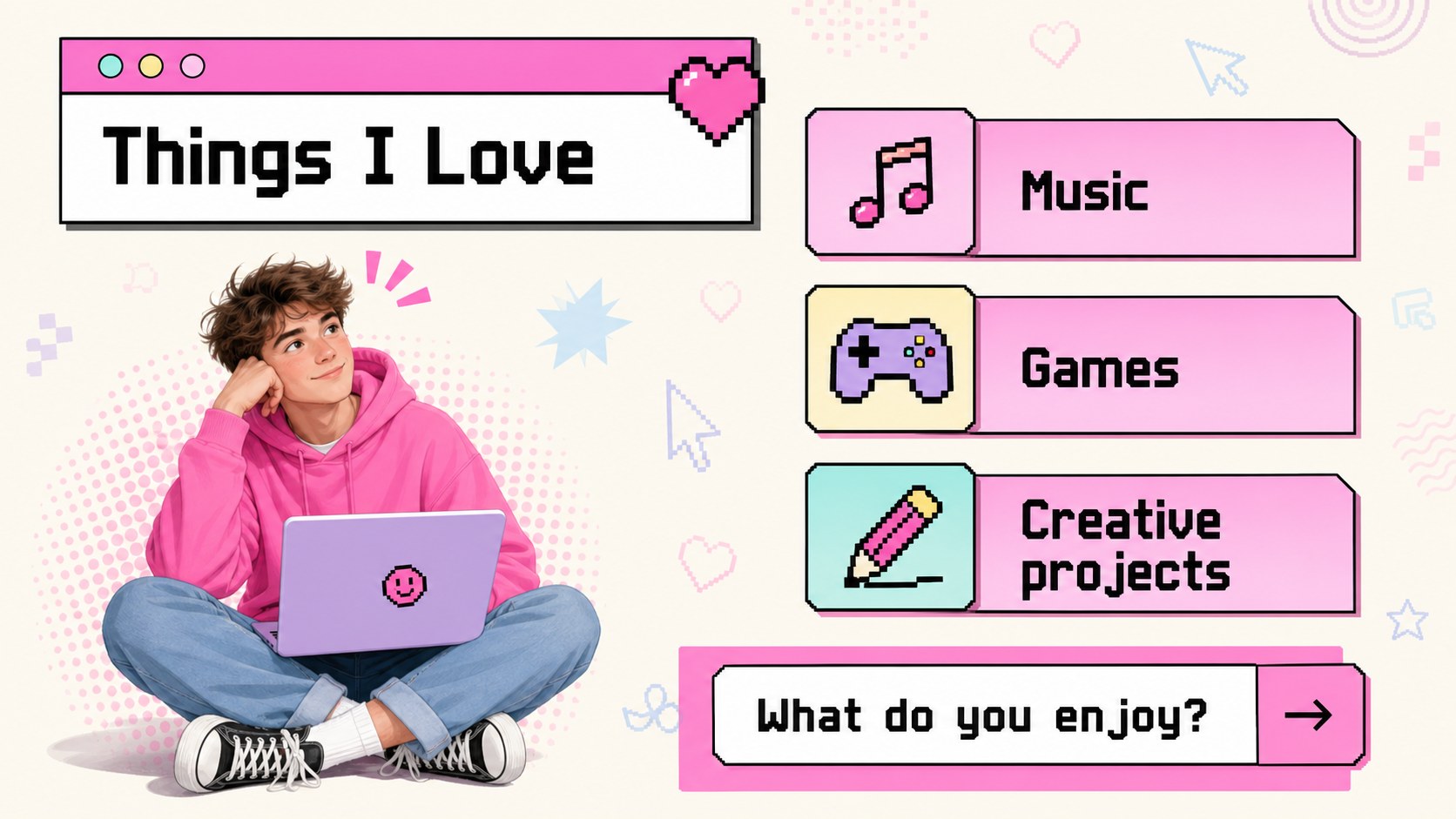
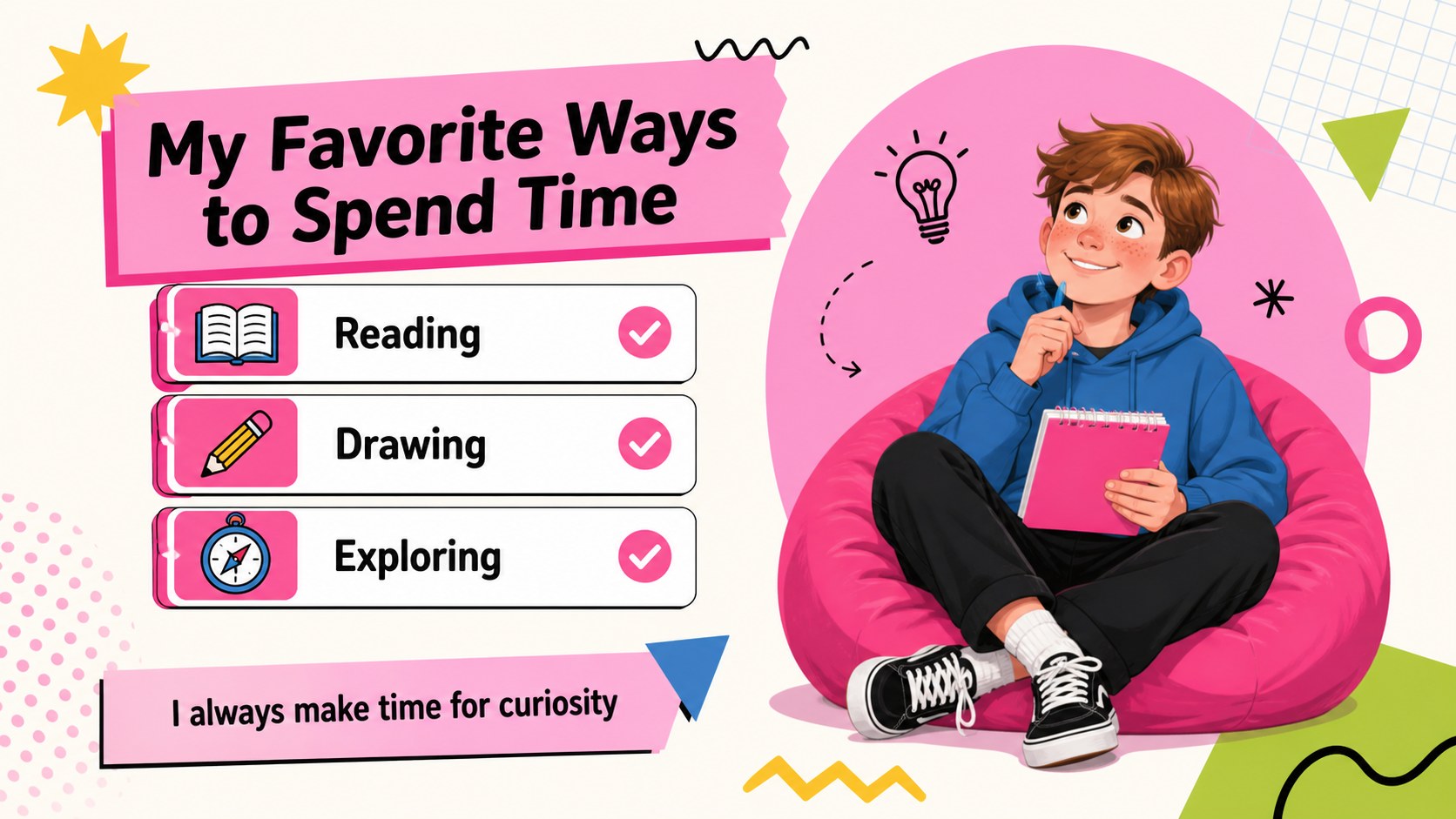
Inside, you will find 12 adaptable layouts for a title page, quick facts, family or hometown details, favorite activities, strengths, future goals, fun facts, and a friendly closing message. The structure also works well as creative about me slides for classroom sharing, orientation activities, peer introductions, or short presentations at clubs and workshops. Use the built-in transition-friendly layouts to create a smooth flow between ideas, then replace the sample text, photos, icons, and colors with your own content.
This classroom introduction template is designed for elementary and middle school students, teachers planning welcome activities, and families helping children prepare a polished presentation. Edit it, or export the finished deck for PowerPoint and Google Slides. Add speaker notes for prompts, adjust the reading level, and make the story as simple or detailed as the presenter needs.
Perfect for: first-day classroom introductions; student orientation activity; peer getting-to-know-you project; club member welcome presentation; family-assisted school presentation.
Frequently asked questions
Can students edit the presentation themselves? Yes. The layouts are designed for straightforward editing, with replaceable text, images, icons, and decorative elements. Younger students can work from the existing prompts while older students can expand each section.
Practical details
Yes. The layouts are designed for straightforward editing, with replaceable text, images, icons, and decorative elements. Younger students can work from the existing prompts while older students can expand each section.
Yes. Open the template and export the finished presentation as a PowerPoint file, or save an editable copy to Google Drive for Google Slides. Some animation behavior may vary between platforms.
You can change the wording, photos, illustrations, colors, fonts, and slide order to match the presenter. Add speaker notes or remove sections to fit a short classroom introduction.
The playful design works especially well for elementary and middle school settings, but the content prompts can be adjusted for clubs, workshops, or older students. Simplify the text or add more detailed goals and achievements as needed.
Keep exploring
15Build stronger academic arguments with a college essay thesis builder featuring guided examples, revision prompts, and editable PowerPoint and Google Slides.
 15
15Build an engaging World UFO Day session with this flying saucer history lesson deck, featuring retro green-and-brown slides for PowerPoint and Google Slides.
 14
14Plan a memorable Lunar New Year campaign with the 2036 Dragon Year Celebration Theme, featuring bold red-and-yellow slides for lessons and events.
 15
15Build a thoughtful classroom discussion with this interfaith awareness lesson deck, featuring editable blue-and-white slides for PowerPoint and Google Slides.
 15
15Use this environmental awareness lesson deck to teach climate action through illustrated activities, discussion prompts, and ready-to-edit visuals.
 15
15Build playful lessons and party stories with a kid-friendly zombie celebration theme in purple, green and pastel blue for PowerPoint and Google Slides.
 15
15Build eerie lessons, campaigns, and story pitches with an undead survival scenario theme featuring editable slides for PowerPoint and Google Slides.
 16
16Turn environmental research into a clear story with a Watercolor Ecology Presentation Theme for PowerPoint and Google Slides in calming green and blue.