
 15
15presentation
College Essay Thesis Builder Slides
Build stronger academic arguments with a college essay thesis builder featuring guided examples, revision prompts, and editable PowerPoint and Google Slides.
Google SlidesPowerPoint
spreadsheet · English
Keep schoolwork under control with a colorful student homework organizer for deadlines, priorities, and progress across every class and study session.
Design notes
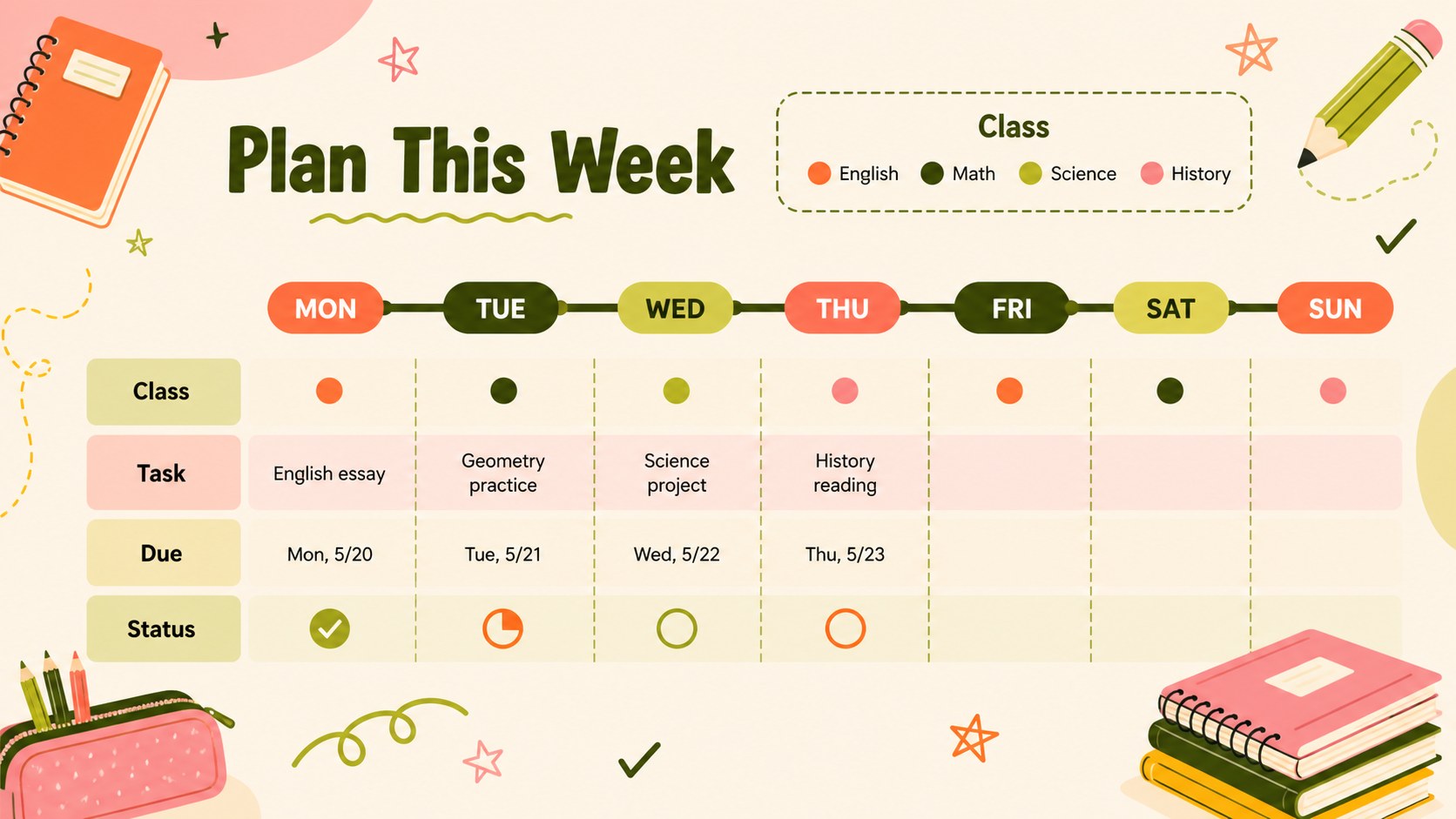
Make schoolwork easier to see and manage with these Student Homework Organizer Slides. The cheerful orange, green, and pink palette, playful doodles, and clean 16:9 layouts give students a practical workspace for planning assignments without making organization feel dull. Use the template to map out upcoming deadlines, sort tasks by urgency, and track progress from first draft to final submission.
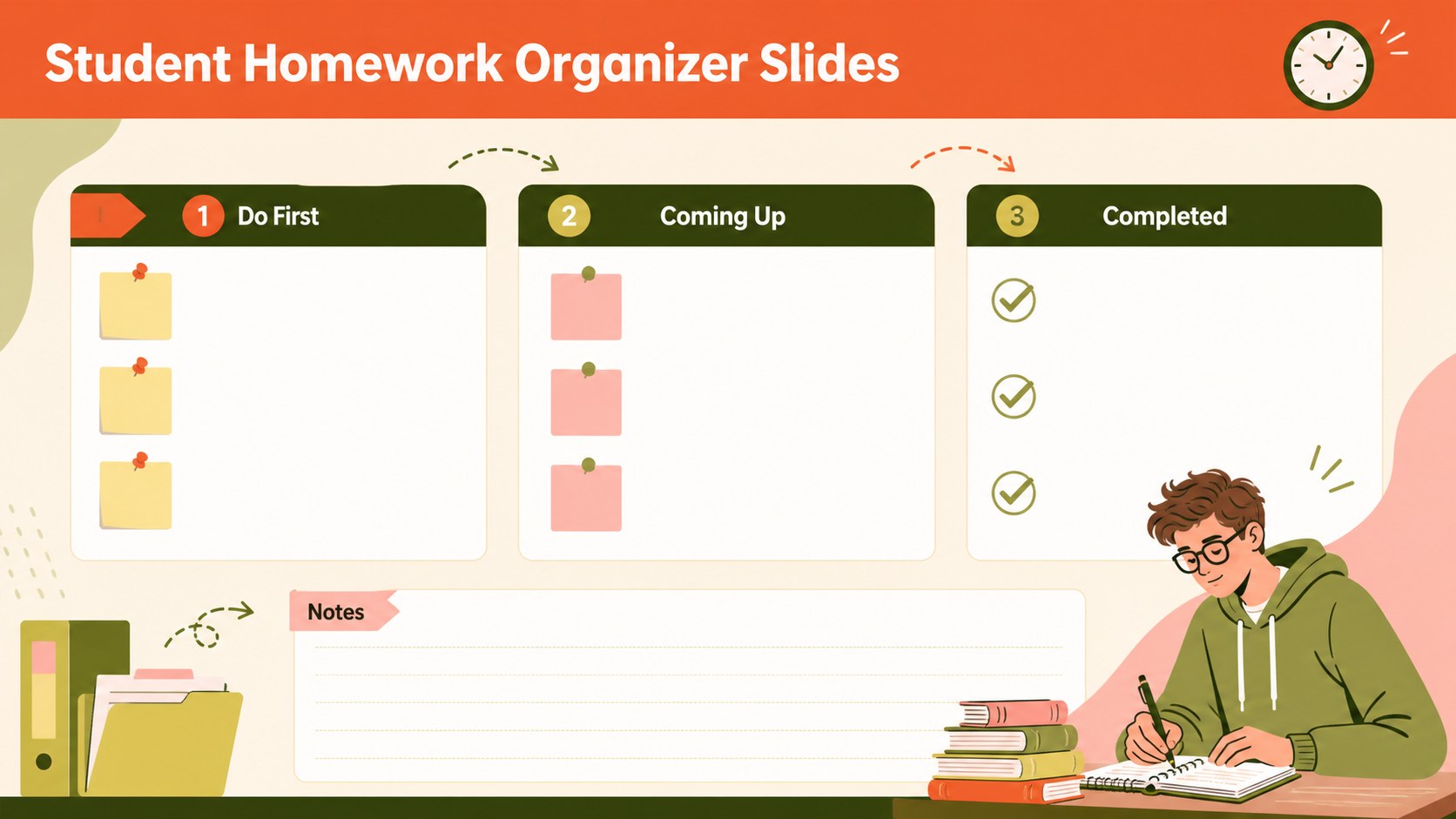
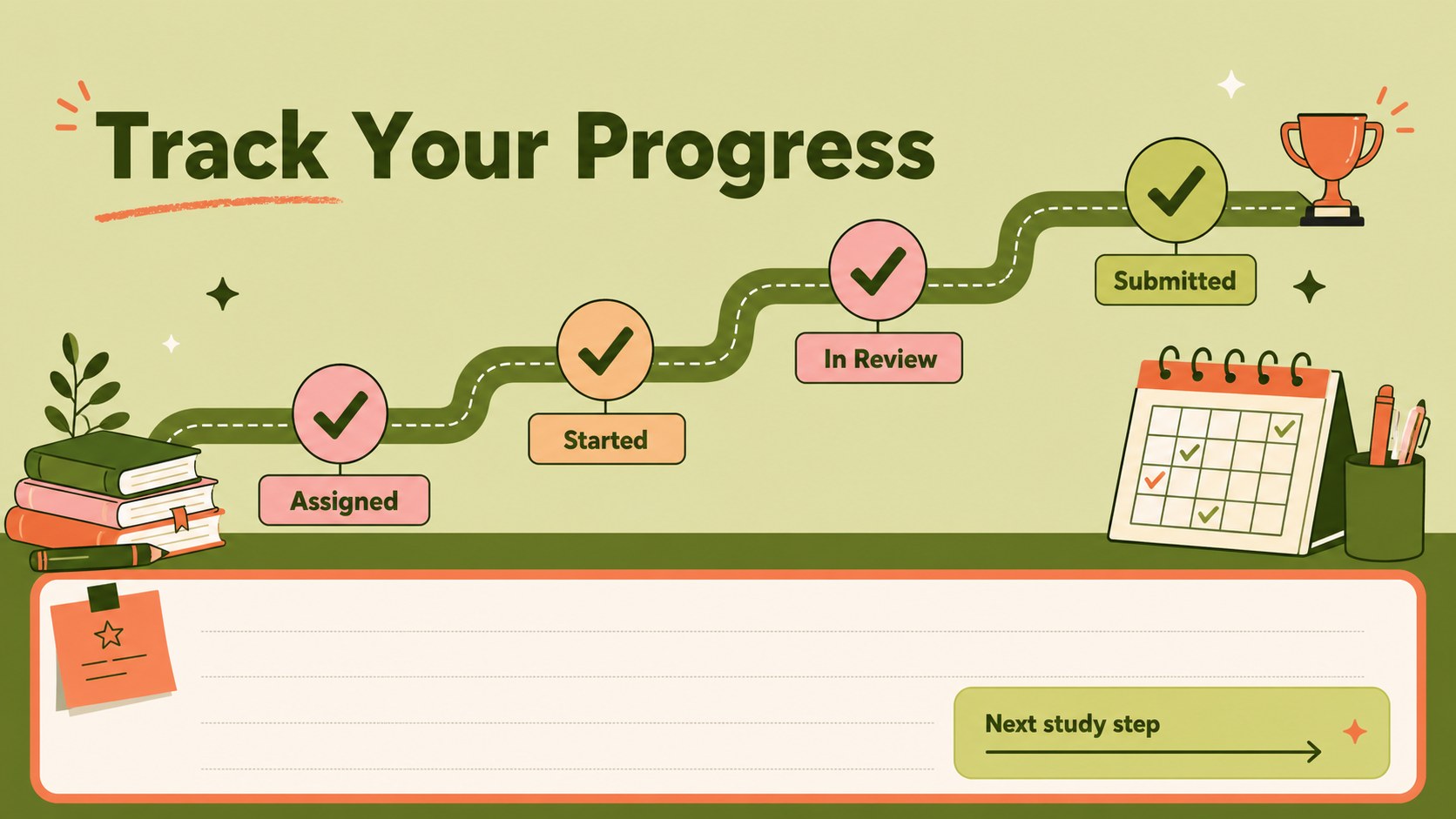
Inside, you’ll find a weekly homework planning template, a class-by-class assignment overview, a priority view for urgent tasks, and a progress layout for monitoring completed work. Add subject names, due dates, estimated effort, notes, and status labels to create a system that fits your routine. The colorful study schedule spreadsheet layout also works well for balancing homework with revision, projects, and extracurricular activities.
This template is suited to middle school and high school students, teachers preparing classroom resources, tutors, and families supporting an organized study routine. Customize the text, colors, illustrations, and table fields, Google Sheets, Excel, PowerPoint, or Google Slides. Use the homework progress tracking sheet to review what is finished, identify overdue work, and start each study session with a clear next step.
Perfect for: weekly homework planning; class assignment tracking; exam and project scheduling; teacher study-skills workshop; family learning routine.
Frequently asked questions
Can I edit the organizer for different classes? Yes. Replace the sample subjects, assignment names, dates, notes, and status labels with your own information. You can also duplicate or remove rows and sections to match the number of classes you manage.
Practical details
Yes. Replace the sample subjects, assignment names, dates, notes, and status labels with your own information. You can also duplicate or remove rows and sections to match the number of classes you manage.
The template can be adapted, Google Sheets, Excel, PowerPoint, or Google Slides, depending on the downloaded format. is useful for changing illustrations and layouts, while spreadsheet versions are convenient for entering and sorting schoolwork.
Yes. Adjust the orange, green, and pink palette, replace the playful graphics, or simplify the decoration for a more minimal look. Keep the visual hierarchy intact so deadlines and priority labels remain easy to scan.
Yes. Teachers can adapt it as a classroom handout, study-planning activity, or homework management resource. Students can use the same layouts for individual assignments, group projects, and revision tasks.
Keep exploring
15Build stronger academic arguments with a college essay thesis builder featuring guided examples, revision prompts, and editable PowerPoint and Google Slides.
 15
15Build an engaging World UFO Day session with this flying saucer history lesson deck, featuring retro green-and-brown slides for PowerPoint and Google Slides.
 14
14Plan a memorable Lunar New Year campaign with the 2036 Dragon Year Celebration Theme, featuring bold red-and-yellow slides for lessons and events.
 15
15Build a thoughtful classroom discussion with this interfaith awareness lesson deck, featuring editable blue-and-white slides for PowerPoint and Google Slides.
 15
15Use this environmental awareness lesson deck to teach climate action through illustrated activities, discussion prompts, and ready-to-edit visuals.
 15
15Build playful lessons and party stories with a kid-friendly zombie celebration theme in purple, green and pastel blue for PowerPoint and Google Slides.
 15
15Build eerie lessons, campaigns, and story pitches with an undead survival scenario theme featuring editable slides for PowerPoint and Google Slides.
 16
16Turn environmental research into a clear story with a Watercolor Ecology Presentation Theme for PowerPoint and Google Slides in calming green and blue.