
 15
15presentation
College Essay Thesis Builder Slides
Build stronger academic arguments with a college essay thesis builder featuring guided examples, revision prompts, and editable PowerPoint and Google Slides.
Google SlidesPowerPoint
presentation · English
Plan speeches, introduce candidates, and organize school initiatives with a student election campaign deck for PowerPoint and Google Slides, ready for any…

Design notes
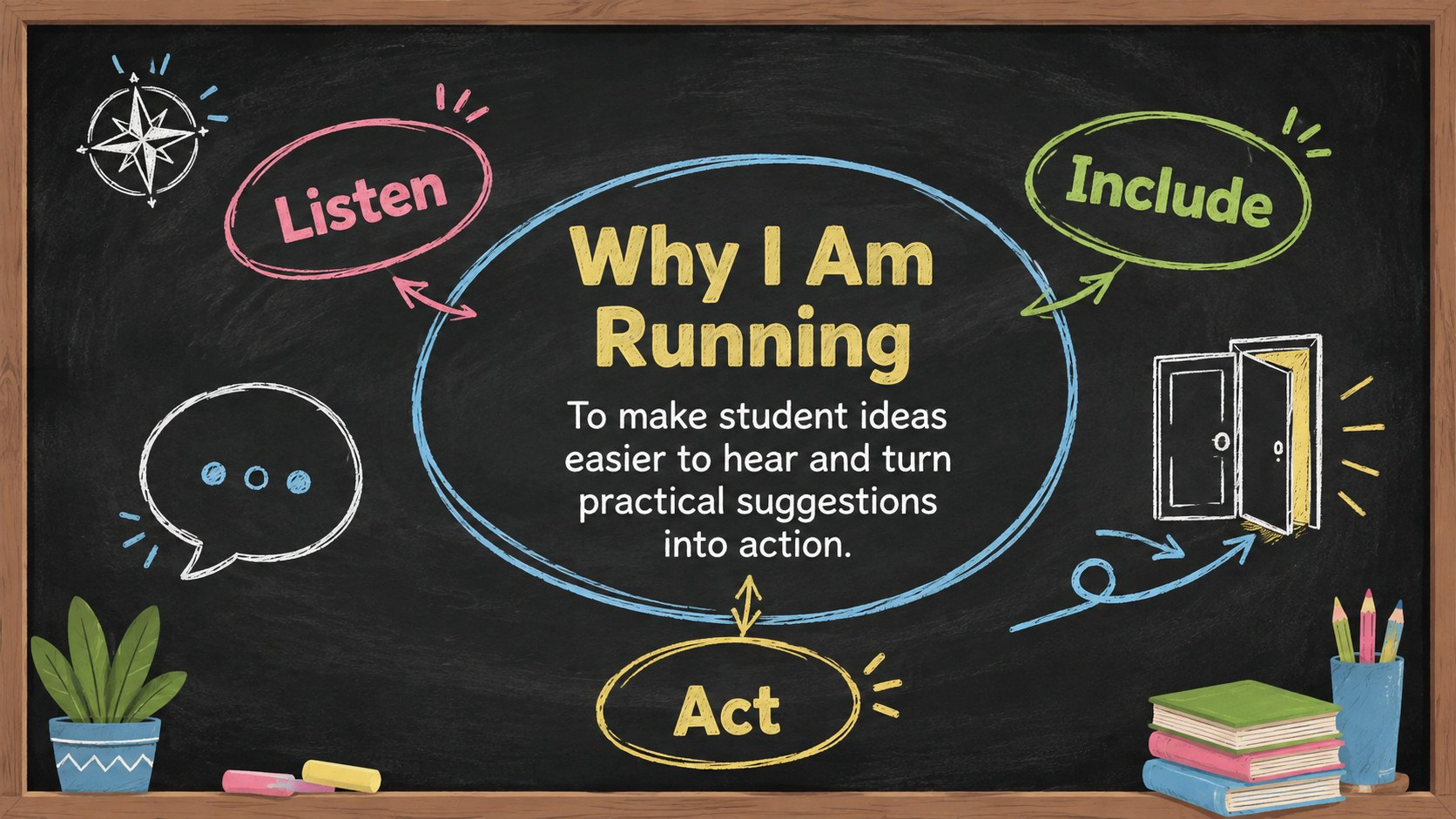
Give student leaders a confident way to share their ideas with this student election campaign deck. Playful chalk marks, colorful classroom illustrations, and a bold black background create an approachable school atmosphere while keeping proposals easy to follow. The layouts work equally well for candidate introductions, club meetings, leadership workshops, and election-day reminders.
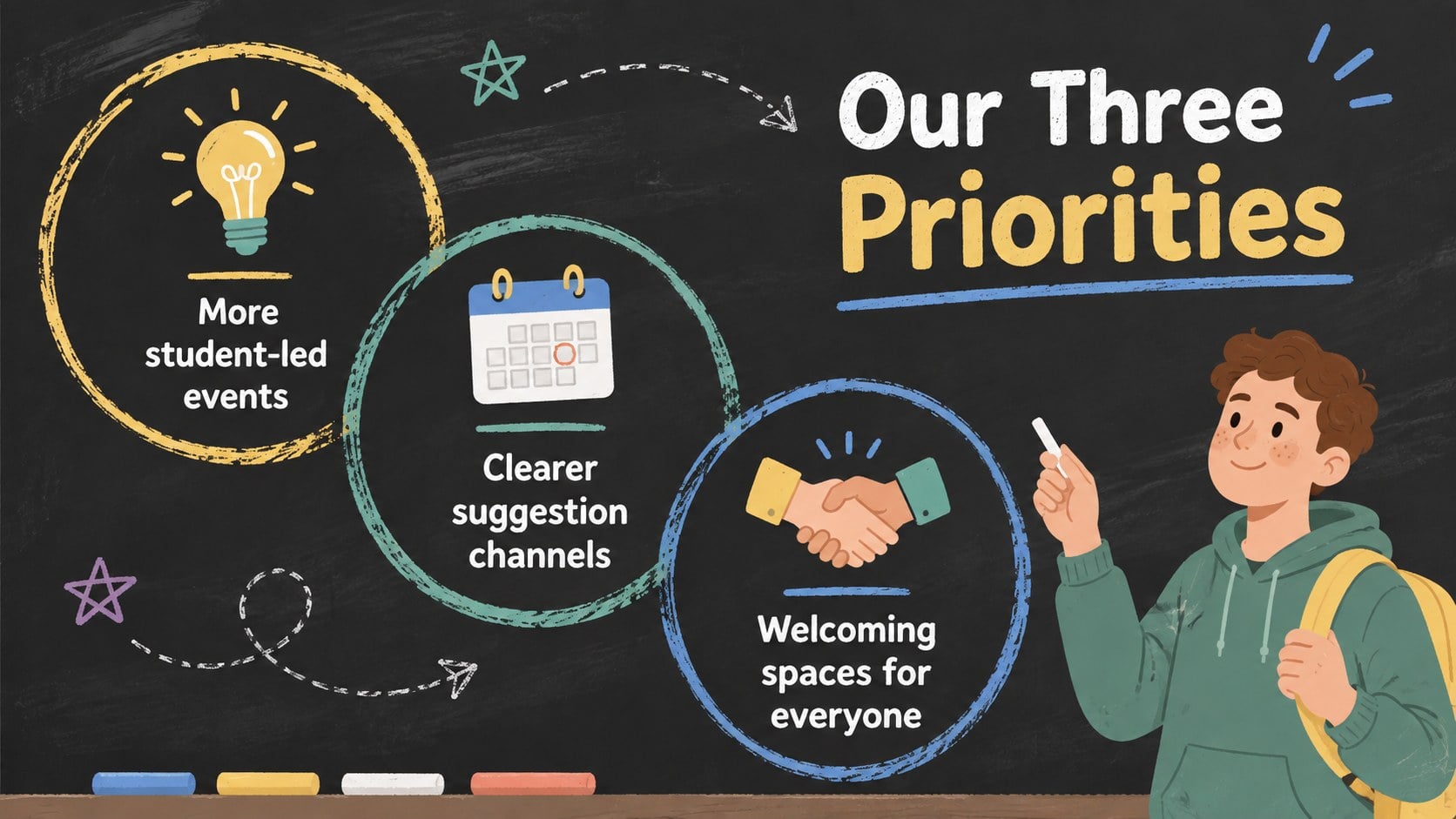
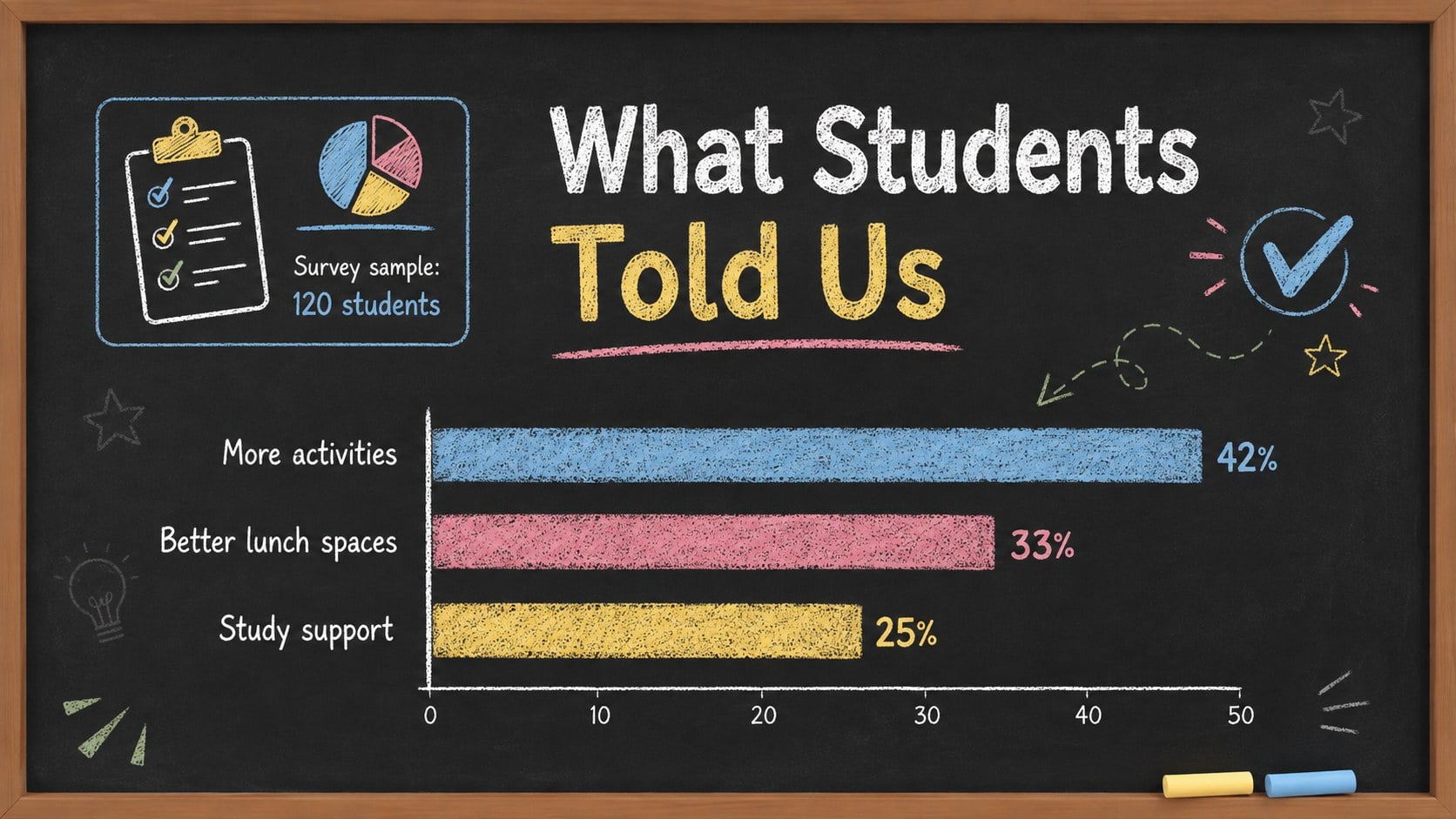
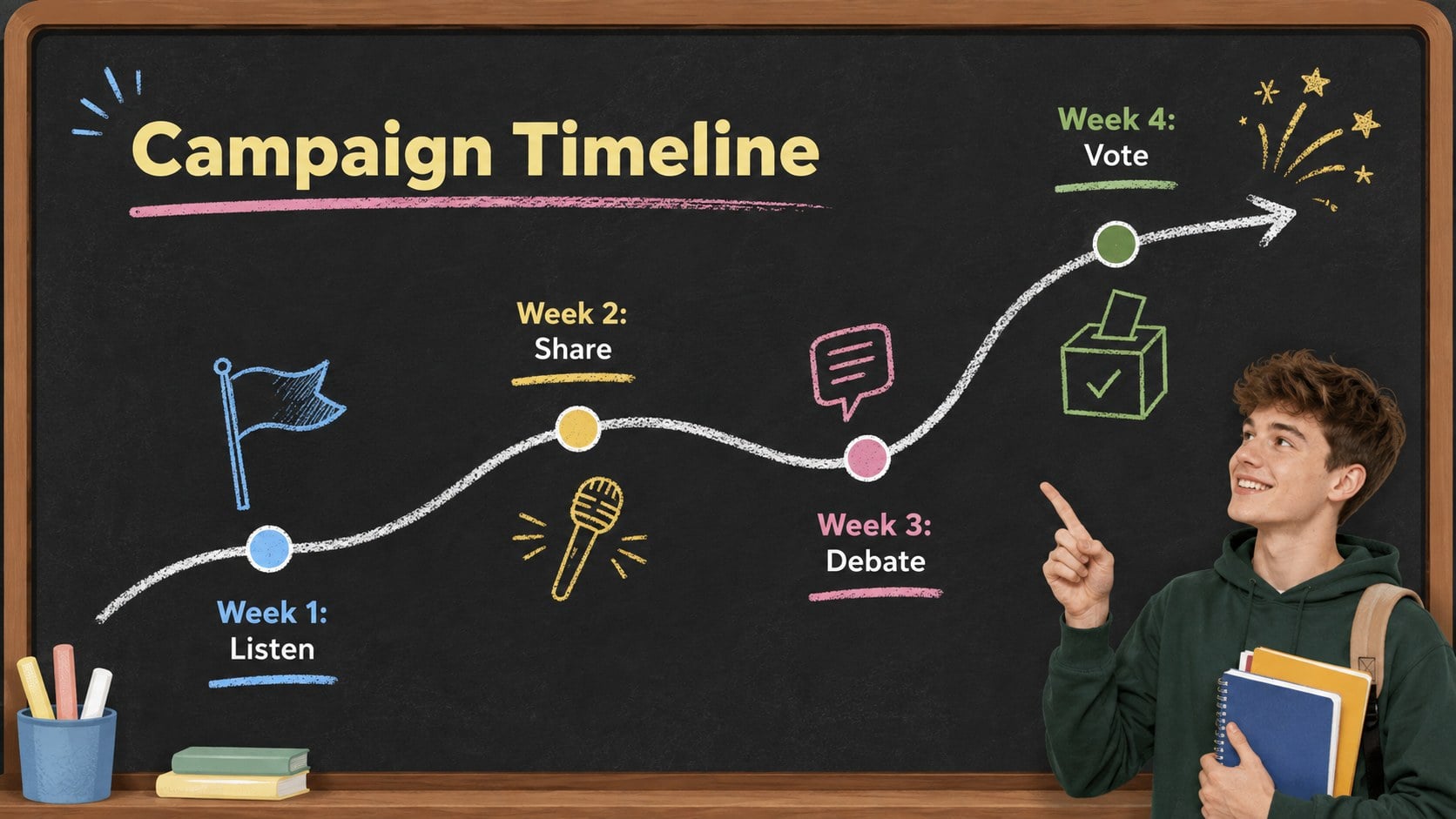
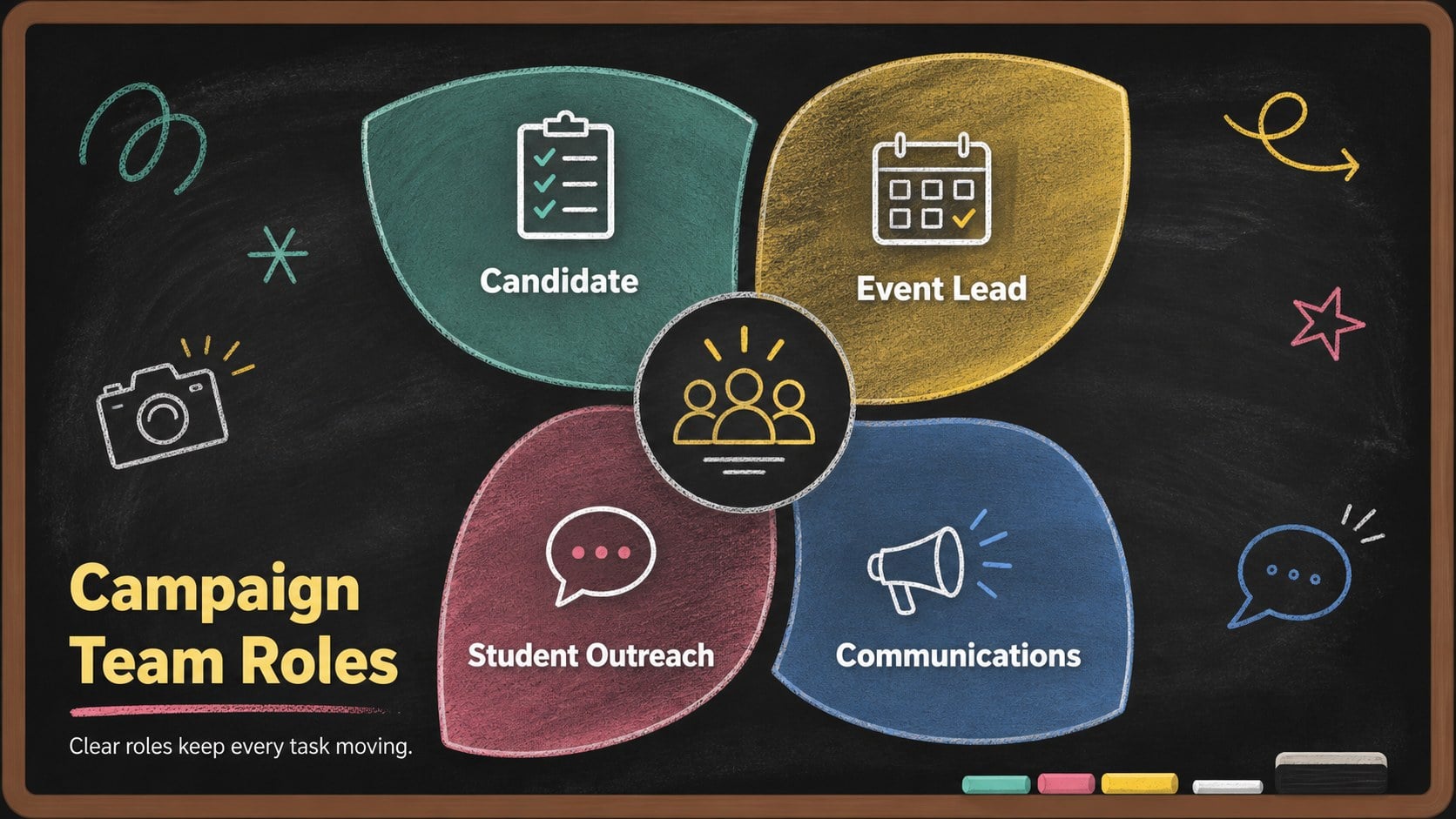
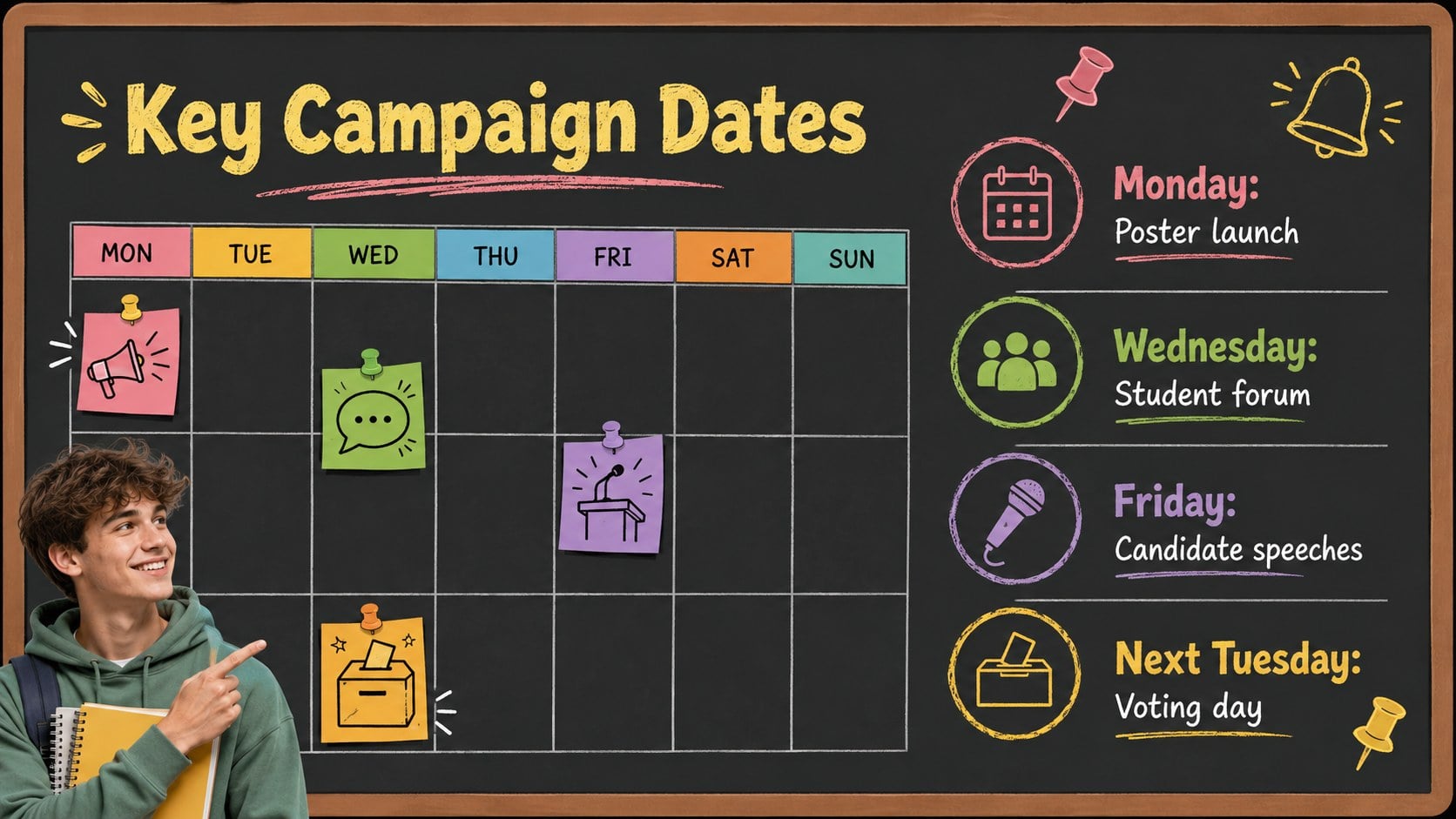
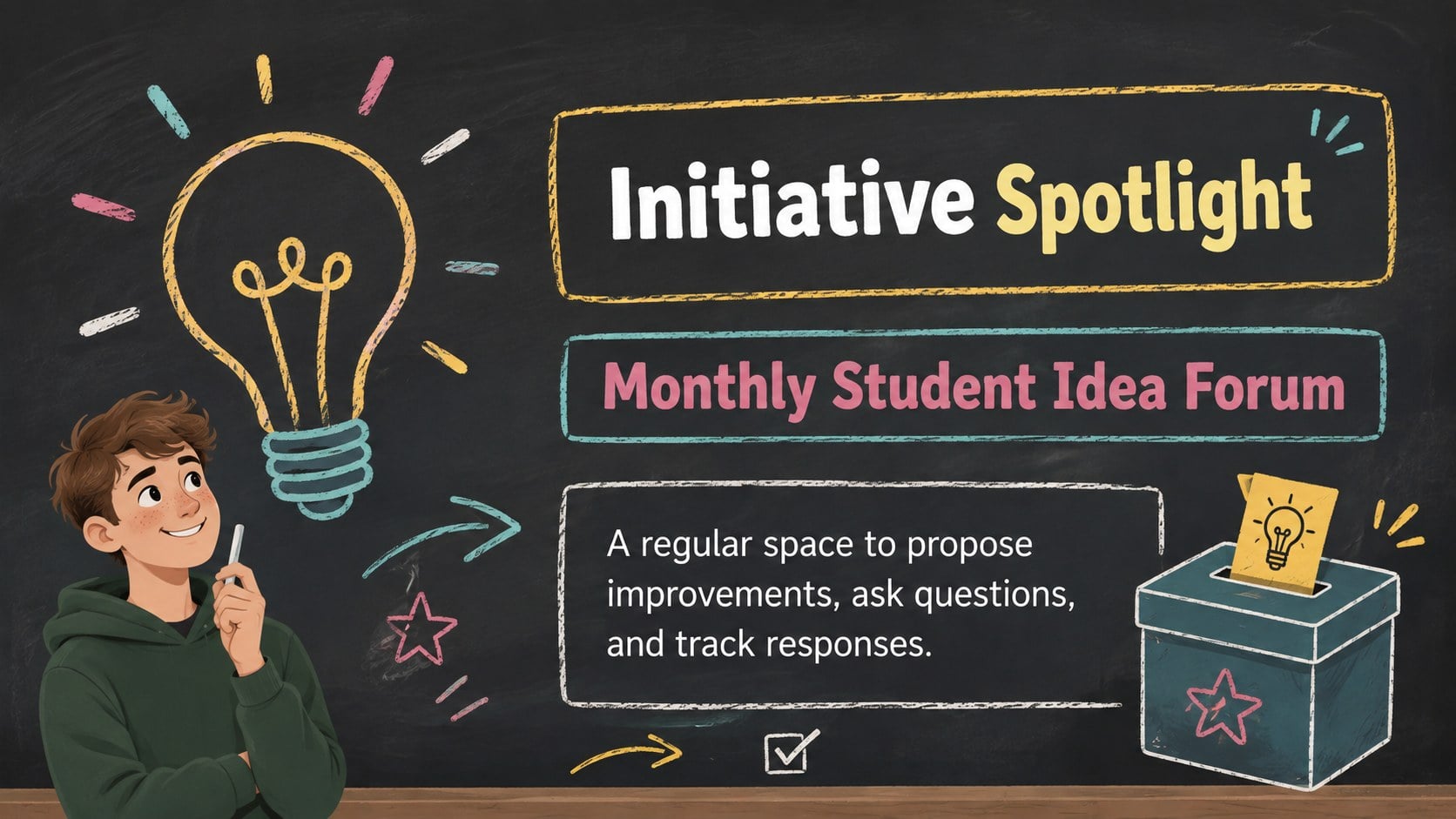
Inside, you will find more than 25 editable layouts for campaign priorities, candidate profiles, student surveys, event schedules, team responsibilities, budgets, timelines, and voting information. Use the school council election presentation to organize a complete campaign, or select individual pages for announcements and assemblies. Charts, tables, diagrams, image spaces, and section dividers make this a flexible set of student leadership campaign slides.
Designed for elementary, middle, and high school communities, the template suits candidates, class representatives, teachers, activity coordinators, and student government advisers. Build a candidate speech presentation for school, explain how an initiative will benefit classmates, or summarize progress after the vote. Every page can be customized in PowerPoint or Google Slides, including colors, fonts, wording, graphics, and data. The friendly chalkboard look keeps the presentation energetic without distracting from the candidate's message.
Perfect for: student council candidate speech; school election assembly; campaign team planning; class representative introduction; student government project update.
Frequently asked questions
Can I edit every part of the campaign deck? Yes. You can change the text, colors, fonts, illustrations, charts, and layout elements to match your school and campaign.
Practical details
Yes. You can change the text, colors, fonts, illustrations, charts, and layout elements to match your school and campaign.
The template is designed for PowerPoint and Google Slides. Some animations or fonts may appear slightly different when moving between platforms.
Yes. Simplify the wording and use more visual pages for younger students, or add detailed policies, survey data, and budgets for middle and high school campaigns.
Candidates can introduce themselves, explain priorities, share proposed activities, outline timelines, present survey findings, and provide voting details. The layouts also support post-election planning and progress reports.
Keep exploring
15Build stronger academic arguments with a college essay thesis builder featuring guided examples, revision prompts, and editable PowerPoint and Google Slides.
 15
15Build an engaging World UFO Day session with this flying saucer history lesson deck, featuring retro green-and-brown slides for PowerPoint and Google Slides.
 14
14Plan a memorable Lunar New Year campaign with the 2036 Dragon Year Celebration Theme, featuring bold red-and-yellow slides for lessons and events.
 15
15Build a thoughtful classroom discussion with this interfaith awareness lesson deck, featuring editable blue-and-white slides for PowerPoint and Google Slides.
 15
15Use this environmental awareness lesson deck to teach climate action through illustrated activities, discussion prompts, and ready-to-edit visuals.
 15
15Build playful lessons and party stories with a kid-friendly zombie celebration theme in purple, green and pastel blue for PowerPoint and Google Slides.
 15
15Build eerie lessons, campaigns, and story pitches with an undead survival scenario theme featuring editable slides for PowerPoint and Google Slides.
 16
16Turn environmental research into a clear story with a Watercolor Ecology Presentation Theme for PowerPoint and Google Slides in calming green and blue.