
 15
15presentation
College Essay Thesis Builder Slides
Build stronger academic arguments with a college essay thesis builder featuring guided examples, revision prompts, and editable PowerPoint and Google Slides.
Google SlidesPowerPoint
presentation · English
Turn complex topics into clear visual contrasts with a student comparison graphic organizer, editable in PowerPoint and Google Slides for class.
Design notes
Make similarities, differences, and shared qualities easier to understand with this student comparison graphic organizer. Designed in vivid pink and purple, the geometric theme gives school projects a modern visual structure without distracting from the lesson. Edit every heading, label, shape, and text block in PowerPoint or Google Slides to match the subjects being explored.
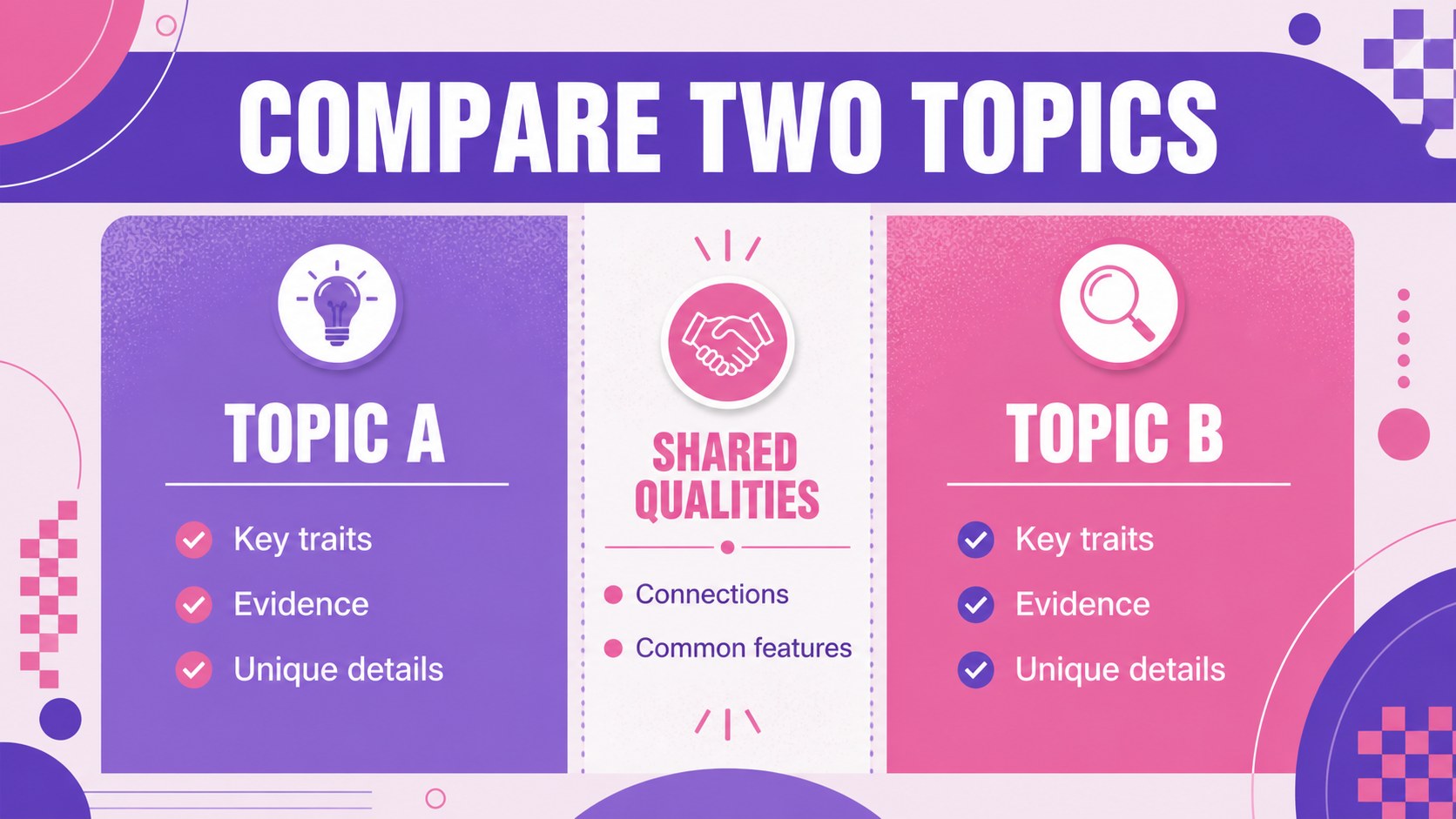
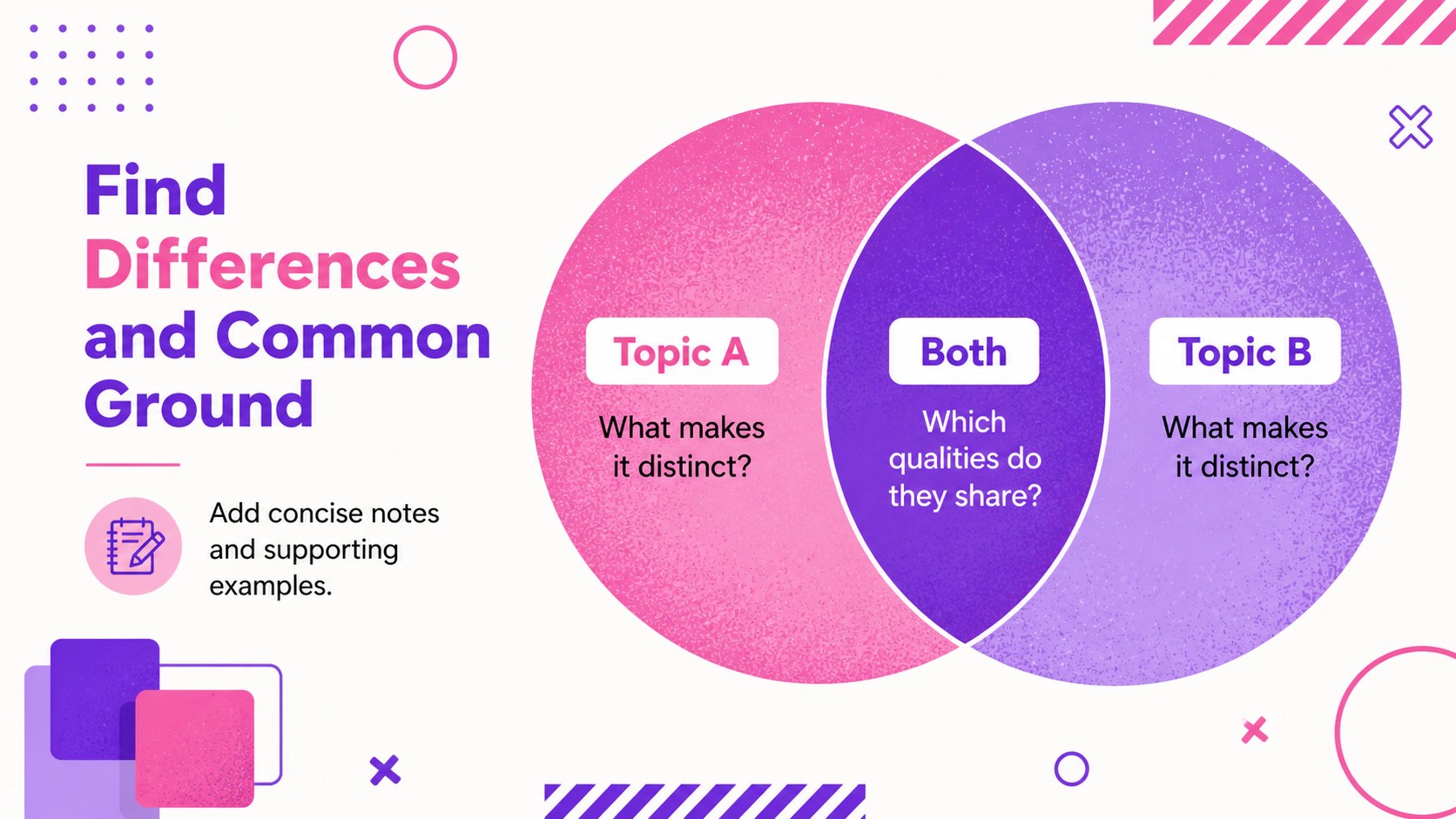
The three-slide set includes a polished cover, a side-by-side organizer, and an overlapping comparison diagram. Use the side by side comparison slides for students to examine books, historical figures, scientific concepts, locations, products, or competing ideas. The overlapping layout works as an editable similarity and difference worksheet, helping learners identify unique traits as well as common ground. Strong typography, layered shapes, and clear content zones keep information easy to scan.
This pink and purple comparison template is suitable for teachers introducing a lesson, students presenting research, and education teams preparing review materials. It can support individual assignments, partner work, group discussions, assessment activities, or printed classroom handouts. Replace the sample wording, adjust the geometric elements, add icons or images, and duplicate sections when a topic requires more detail. The consistent design makes it simple to build a complete comparison activity while preserving a lively, organized classroom look.
Perfect for: compare two literary characters; contrast historical events; review scientific concepts; evaluate competing ideas; organize student research.
Frequently asked questions
Can I edit every part of this comparison organizer? Yes. You can change the headings, body text, colors, shapes, and labels to fit any pair of topics. Sections may also be duplicated or removed for shorter and longer activities.
Practical details
Yes. You can change the headings, body text, colors, shapes, and labels to fit any pair of topics. Sections may also be duplicated or removed for shorter and longer activities.
The template is designed for PowerPoint and Google Slides. Both platforms allow you to present it digitally or export the completed organizers for printing.
Yes. Add prompts or leave selected areas blank, then print the slides as student handouts. The layouts also work well for live whole-class discussions and collaborative online assignments.
Replace the sample topics with books, people, events, places, products, or academic concepts. You can also add subject-specific icons and images while keeping the pink and purple geometric design.
Keep exploring
15Build stronger academic arguments with a college essay thesis builder featuring guided examples, revision prompts, and editable PowerPoint and Google Slides.
 15
15Build an engaging World UFO Day session with this flying saucer history lesson deck, featuring retro green-and-brown slides for PowerPoint and Google Slides.
 14
14Plan a memorable Lunar New Year campaign with the 2036 Dragon Year Celebration Theme, featuring bold red-and-yellow slides for lessons and events.
 15
15Build a thoughtful classroom discussion with this interfaith awareness lesson deck, featuring editable blue-and-white slides for PowerPoint and Google Slides.
 15
15Use this environmental awareness lesson deck to teach climate action through illustrated activities, discussion prompts, and ready-to-edit visuals.
 15
15Build playful lessons and party stories with a kid-friendly zombie celebration theme in purple, green and pastel blue for PowerPoint and Google Slides.
 15
15Build eerie lessons, campaigns, and story pitches with an undead survival scenario theme featuring editable slides for PowerPoint and Google Slides.
 16
16Turn environmental research into a clear story with a Watercolor Ecology Presentation Theme for PowerPoint and Google Slides in calming green and blue.