
 15
15presentation
College Essay Thesis Builder Slides
Build stronger academic arguments with a college essay thesis builder featuring guided examples, revision prompts, and editable PowerPoint and Google Slides.
Google SlidesPowerPoint
document · English
Build fair, transparent grading criteria with this student assessment rubric workbook, designed for quick editing in PowerPoint and Google Slides.
Design notes
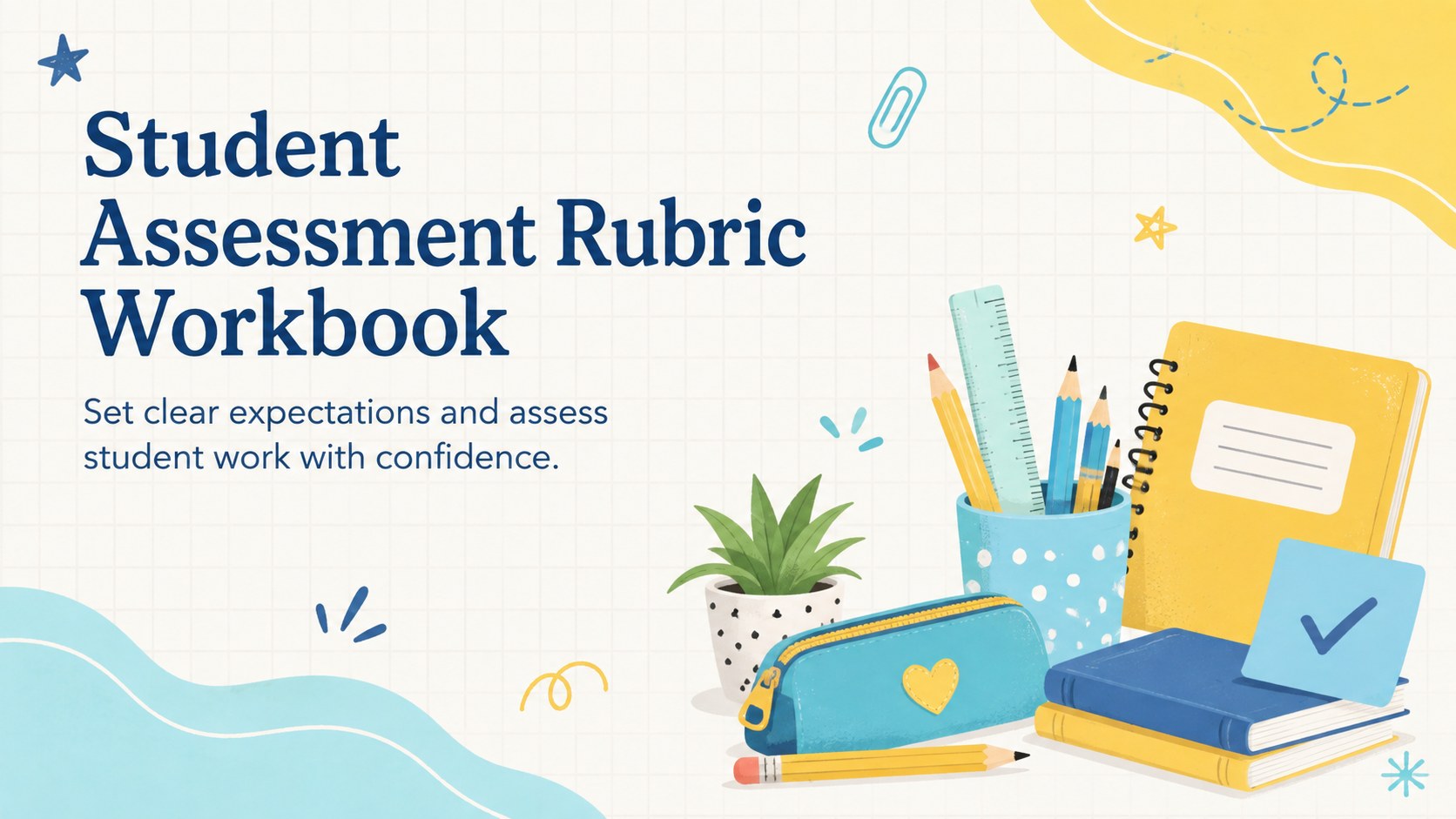
Create fair, consistent evaluations with the Student Assessment Rubric Workbook, a practical teaching resource for defining criteria, performance levels, and scoring expectations. Its cheerful yellow, blue, and pastel illustrations make assessment planning approachable while keeping essential grading information easy to scan. Teachers can adapt the layouts for essays, presentations, creative projects, group assignments, or subject-specific tasks.
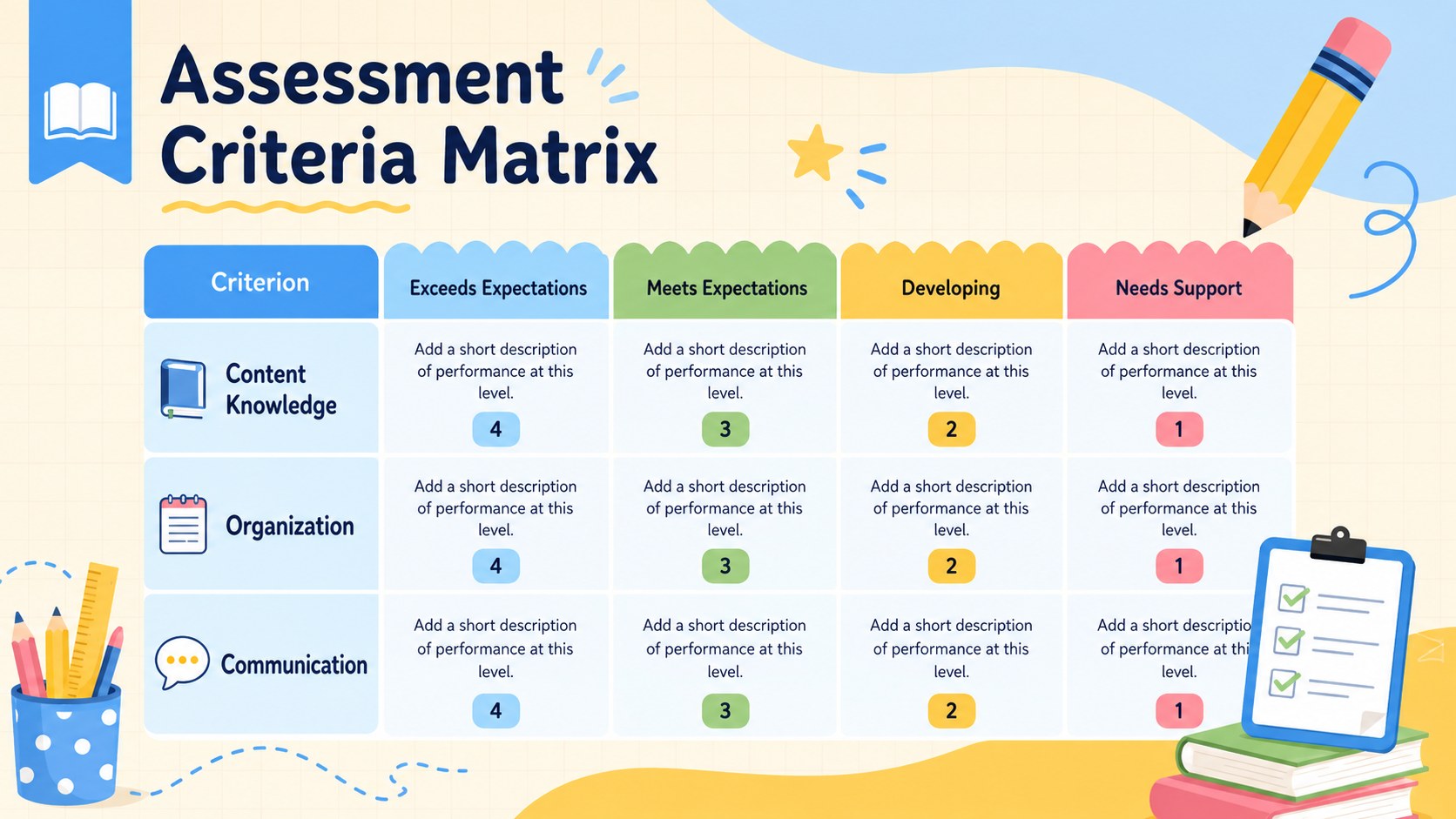
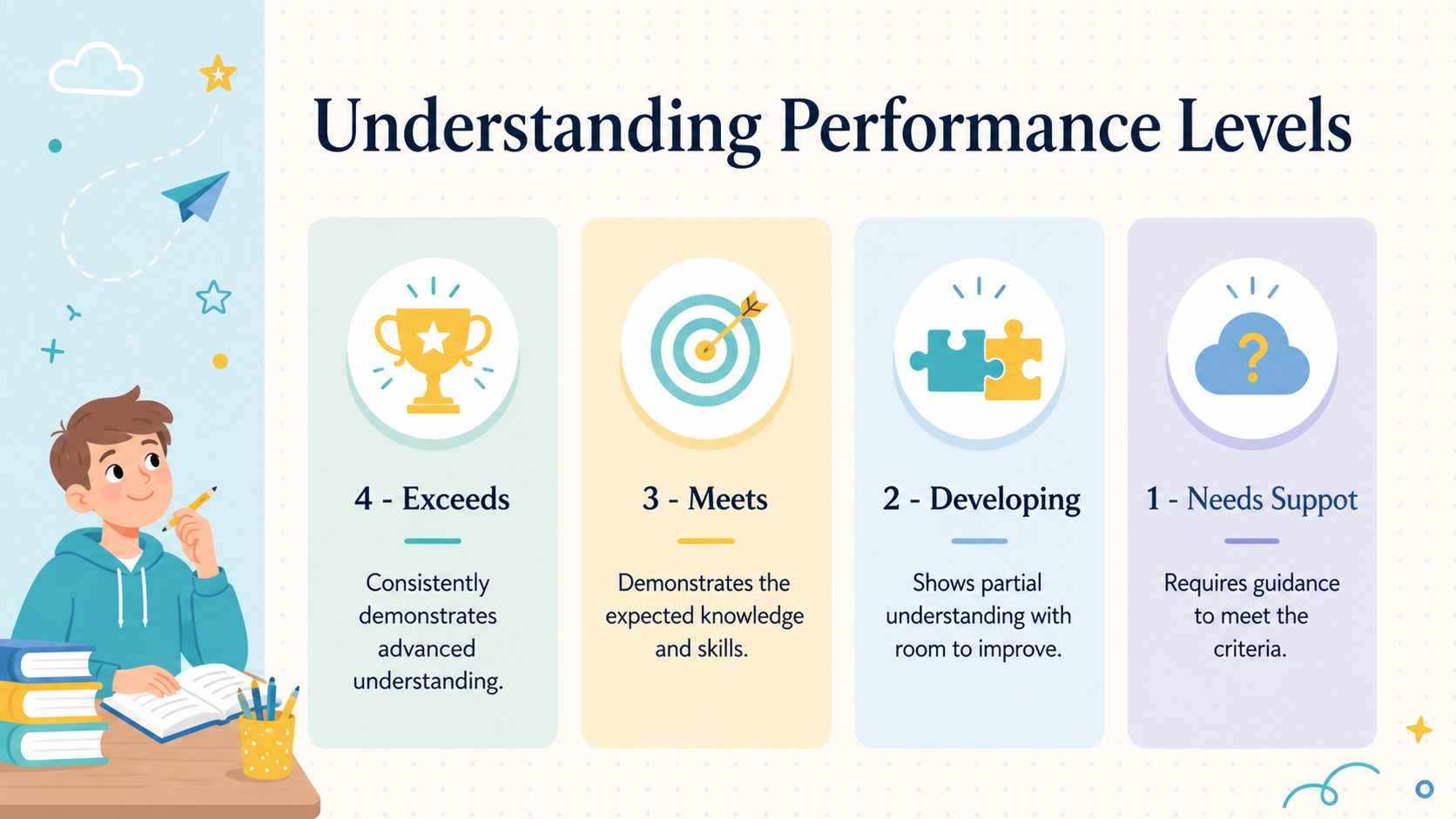
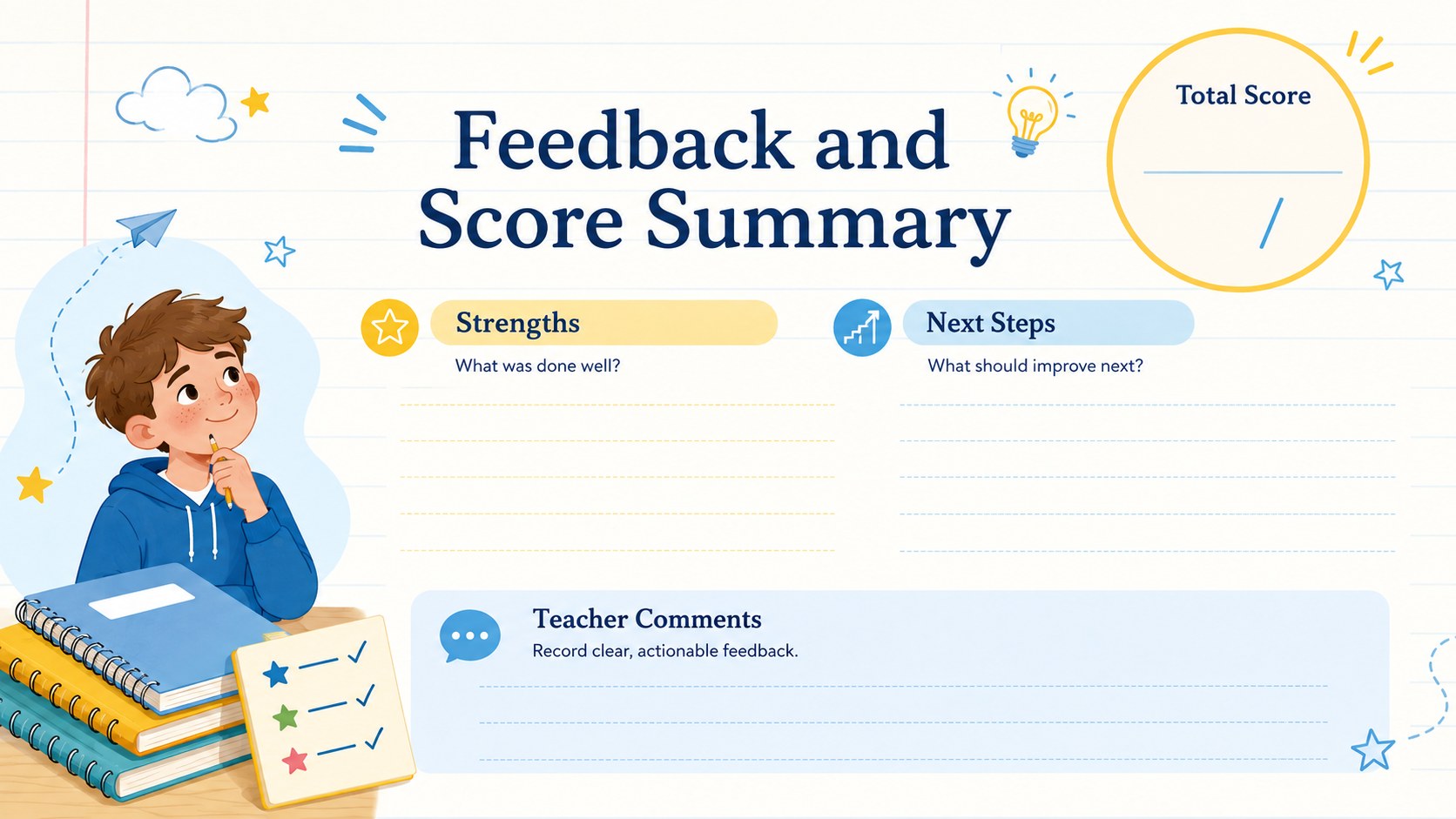
Inside, you will find a polished cover, an editable criteria matrix, a performance-level guide, and a feedback summary page. Use the editable rubric template for teachers to assign point values, explain achievement standards, and record focused comments. The included student assessment criteria slides also help educators introduce requirements before an assignment begins, giving learners a clearer picture of successful work.
Designed for classroom teachers, tutors, department leaders, and curriculum teams, this classroom grading rubric presentation supports both formative and summative assessment. Every element can be adjusted in PowerPoint or Google Slides, including headings, descriptions, score ranges, illustrations, and colors. Keep the lively blue and yellow palette or apply your school's visual identity. The workbook can be presented digitally, shared with students, or exported as a PDF for printing and recordkeeping.
Perfect for: essay grading criteria; student project evaluation; oral presentation scoring; group assignment assessment; classroom feedback conferences.
Frequently asked questions
Can I edit the rubric criteria and scoring levels? Yes. You can replace every criterion, performance description, point value, and feedback field to match your assignment or grading framework.
Practical details
Yes. You can replace every criterion, performance description, point value, and feedback field to match your assignment or grading framework.
The workbook is designed for PowerPoint and Google Slides. Text, colors, shapes, and illustrations can be customized in either platform.
Yes. The layouts are suitable for language arts, science, social studies, arts, mathematics, and interdisciplinary projects. Duplicate the criteria rows or slides when an assignment requires additional assessment categories.
Yes. Export the finished slides as a PDF and select an appropriate print layout. Review the print preview first to confirm that scoring text and feedback fields remain easy to read.
Keep exploring
15Build stronger academic arguments with a college essay thesis builder featuring guided examples, revision prompts, and editable PowerPoint and Google Slides.
 15
15Build an engaging World UFO Day session with this flying saucer history lesson deck, featuring retro green-and-brown slides for PowerPoint and Google Slides.
 14
14Plan a memorable Lunar New Year campaign with the 2036 Dragon Year Celebration Theme, featuring bold red-and-yellow slides for lessons and events.
 15
15Build a thoughtful classroom discussion with this interfaith awareness lesson deck, featuring editable blue-and-white slides for PowerPoint and Google Slides.
 15
15Use this environmental awareness lesson deck to teach climate action through illustrated activities, discussion prompts, and ready-to-edit visuals.
 15
15Build playful lessons and party stories with a kid-friendly zombie celebration theme in purple, green and pastel blue for PowerPoint and Google Slides.
 15
15Build eerie lessons, campaigns, and story pitches with an undead survival scenario theme featuring editable slides for PowerPoint and Google Slides.
 16
16Turn environmental research into a clear story with a Watercolor Ecology Presentation Theme for PowerPoint and Google Slides in calming green and blue.