
 15
15presentation
College Essay Thesis Builder Slides
Build stronger academic arguments with a college essay thesis builder featuring guided examples, revision prompts, and editable PowerPoint and Google Slides.
Google SlidesPowerPoint
presentation · English
Share milestones, skill growth, and next steps with student achievement snapshot slides for PowerPoint and Google Slides in a colorful minimal style.
Design notes
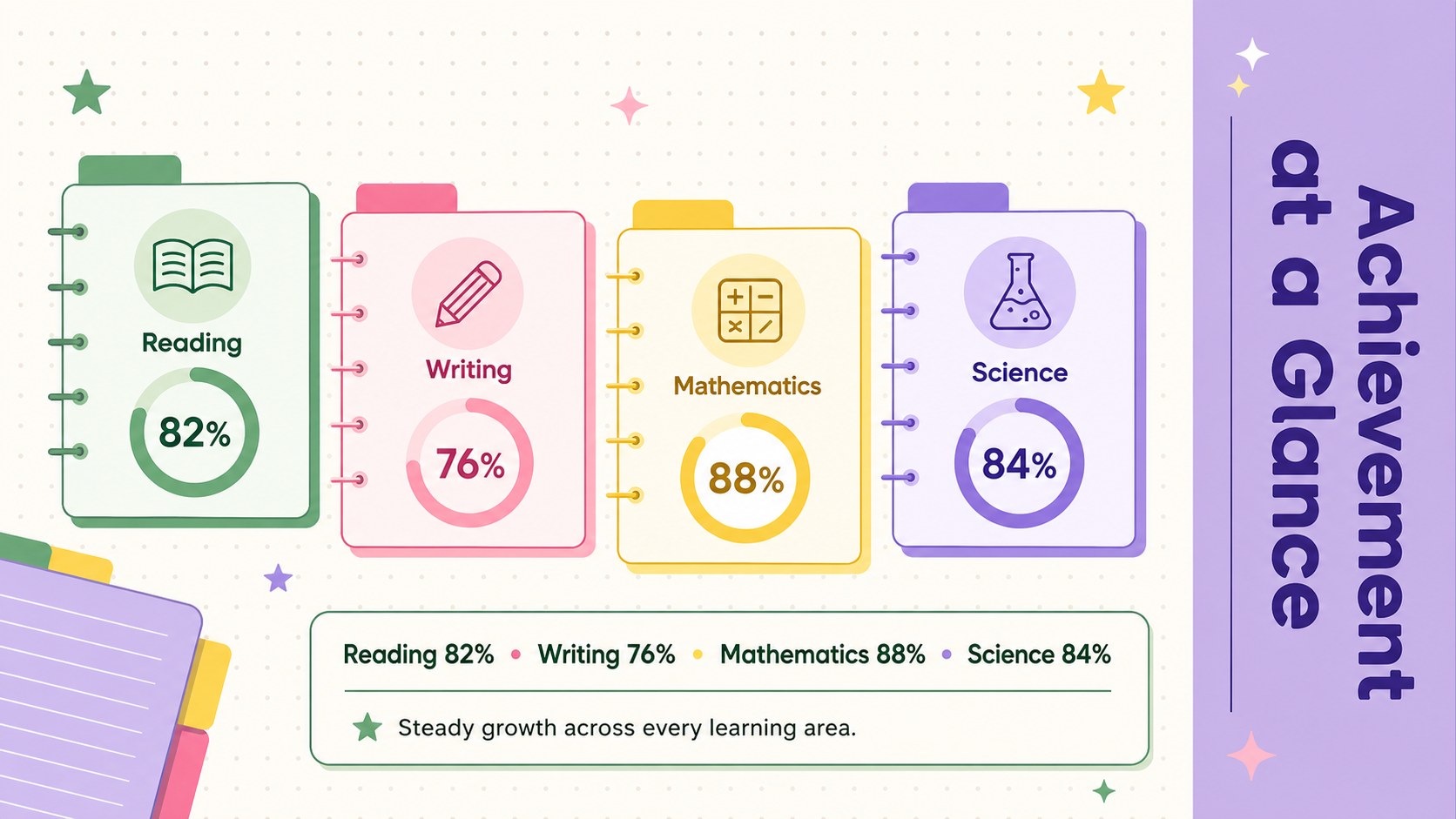
Student achievement snapshot slides give educators a clear, approachable way to summarize academic development without overwhelming students or families. The modern minimal design combines green, purple, yellow, and pink accents with structured layouts that keep scores, observations, and goals easy to scan. Edit every element in PowerPoint or Google Slides to create a report that reflects your classroom and assessment process.
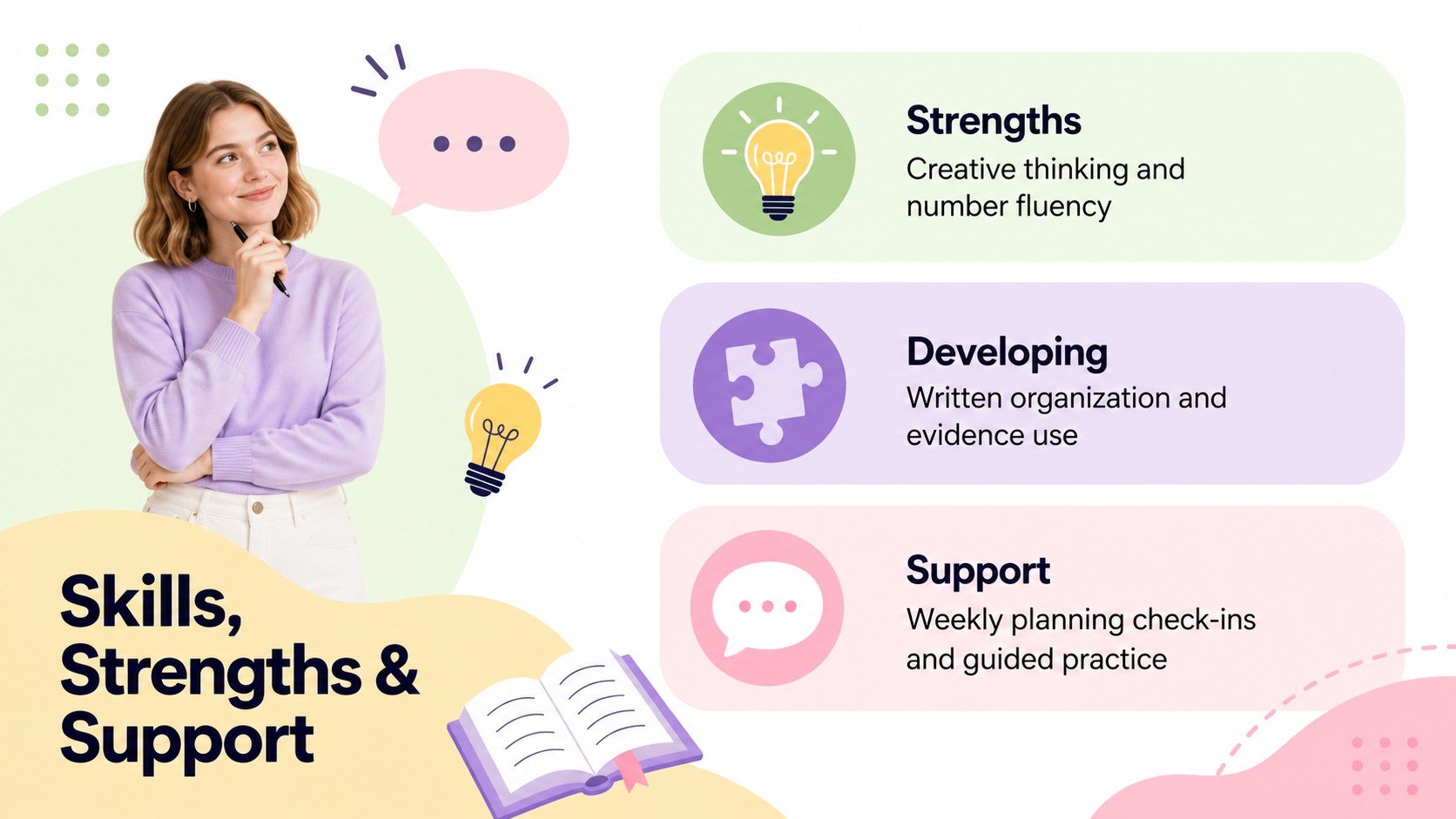
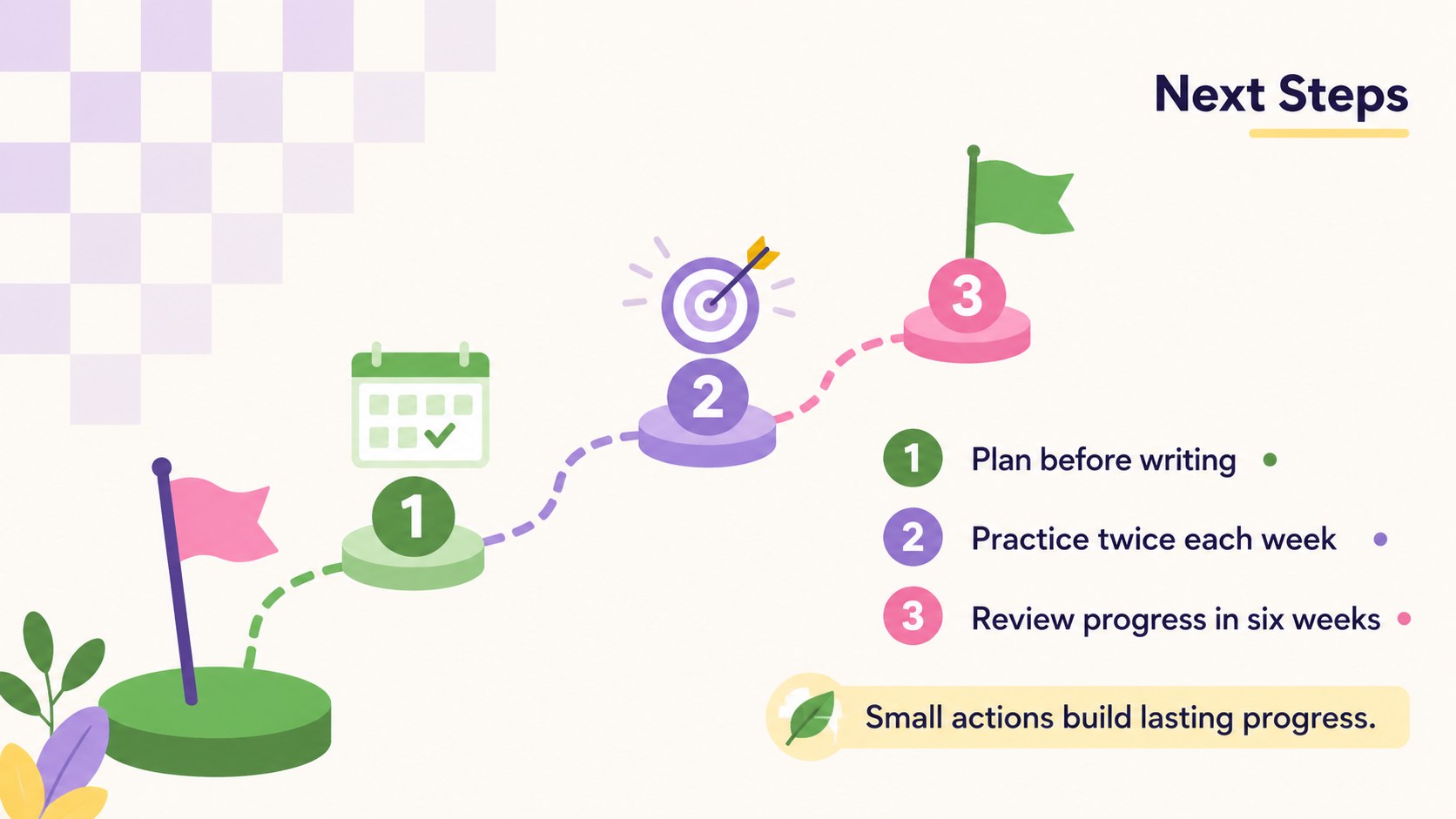
The four-slide deck includes a welcoming overview, a colorful academic growth dashboard, a skills and support summary, and a practical next-steps plan. Use the layouts to present subject results, celebrate milestones, identify areas that need attention, and record measurable targets. Charts, progress indicators, text blocks, and decorative shapes can be adjusted for individual learners, small groups, or a full class. The playful typography and clean grid structure balance child-friendly energy with a polished, professional appearance.
Designed for teachers, tutors, learning support specialists, and school administrators, this parent teacher conference progress slides set works equally well for scheduled review meetings and written updates. It can also become an editable student assessment overview for end-of-term conferences, intervention planning, portfolio reviews, or learner reflection sessions. Replace the sample wording, enter current results, and adapt the colors or sections while preserving a consistent visual story from achievements to future goals.
Perfect for: parent-teacher progress conference; end-of-term achievement summary; student portfolio review; learning support meeting; individual goal-setting session.
Frequently asked questions
Can I edit these slides for an individual student? Yes. Replace the sample names, results, observations, and goals with information for a specific learner. Charts, progress indicators, colors, and section labels can also be adjusted.
Practical details
Yes. Replace the sample names, results, observations, and goals with information for a specific learner. Charts, progress indicators, colors, and section labels can also be adjusted.
The template is designed for Microsoft PowerPoint and Google Slides. After opening it in either platform, you can edit the content, present it on screen, or export it for sharing.
Yes. The green, purple, yellow, and pink palette is fully editable, so you can apply school colors or create a calmer classroom scheme. Keep strong contrast between text and backgrounds for readability.
Include recent achievements, subject or skill results, concise teacher observations, support priorities, and two or three measurable next steps. Use only the sections that are relevant to the learner and meeting.
Keep exploring
15Build stronger academic arguments with a college essay thesis builder featuring guided examples, revision prompts, and editable PowerPoint and Google Slides.
 15
15Build an engaging World UFO Day session with this flying saucer history lesson deck, featuring retro green-and-brown slides for PowerPoint and Google Slides.
 14
14Plan a memorable Lunar New Year campaign with the 2036 Dragon Year Celebration Theme, featuring bold red-and-yellow slides for lessons and events.
 15
15Build a thoughtful classroom discussion with this interfaith awareness lesson deck, featuring editable blue-and-white slides for PowerPoint and Google Slides.
 15
15Use this environmental awareness lesson deck to teach climate action through illustrated activities, discussion prompts, and ready-to-edit visuals.
 15
15Build playful lessons and party stories with a kid-friendly zombie celebration theme in purple, green and pastel blue for PowerPoint and Google Slides.
 15
15Build eerie lessons, campaigns, and story pitches with an undead survival scenario theme featuring editable slides for PowerPoint and Google Slides.
 16
16Turn environmental research into a clear story with a Watercolor Ecology Presentation Theme for PowerPoint and Google Slides in calming green and blue.