
 15
15presentation
College Essay Thesis Builder Slides
Build stronger academic arguments with a college essay thesis builder featuring guided examples, revision prompts, and editable PowerPoint and Google Slides.
Google SlidesPowerPoint
presentation · English
Build confident young storytellers with storytelling lesson slides for kids, featuring plot maps, character prompts, and playful activities for PowerPoint…
Design notes
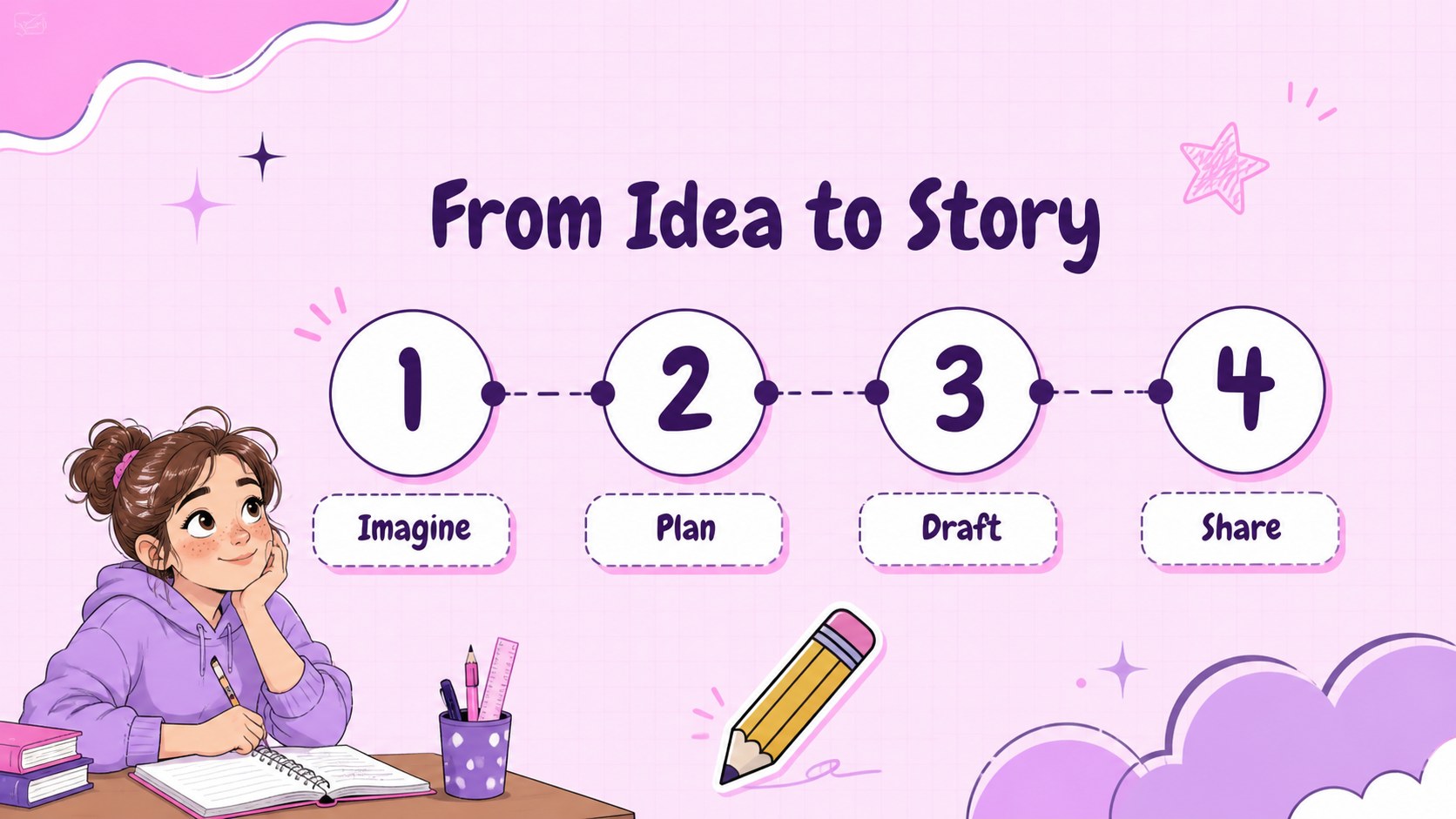
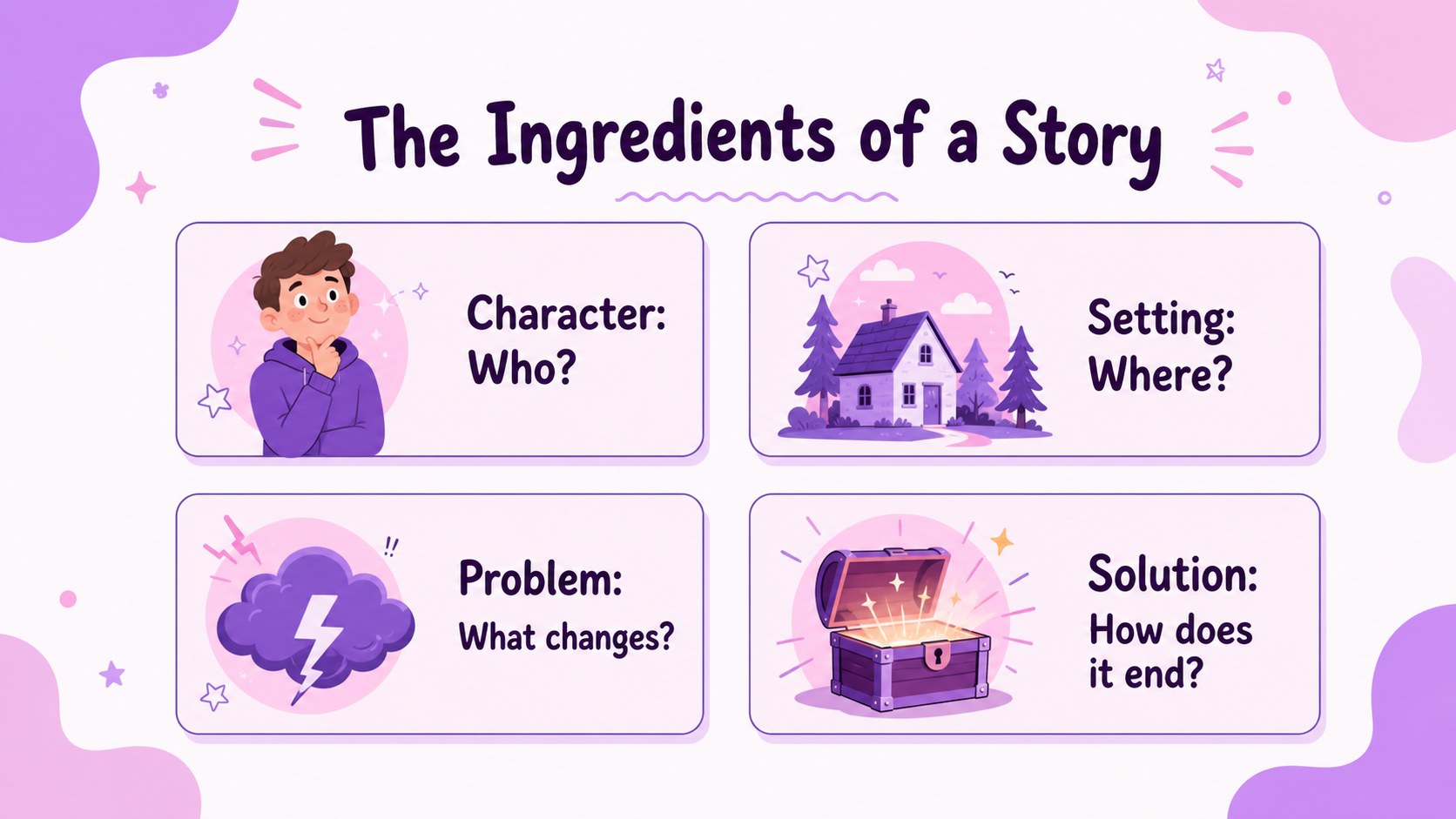
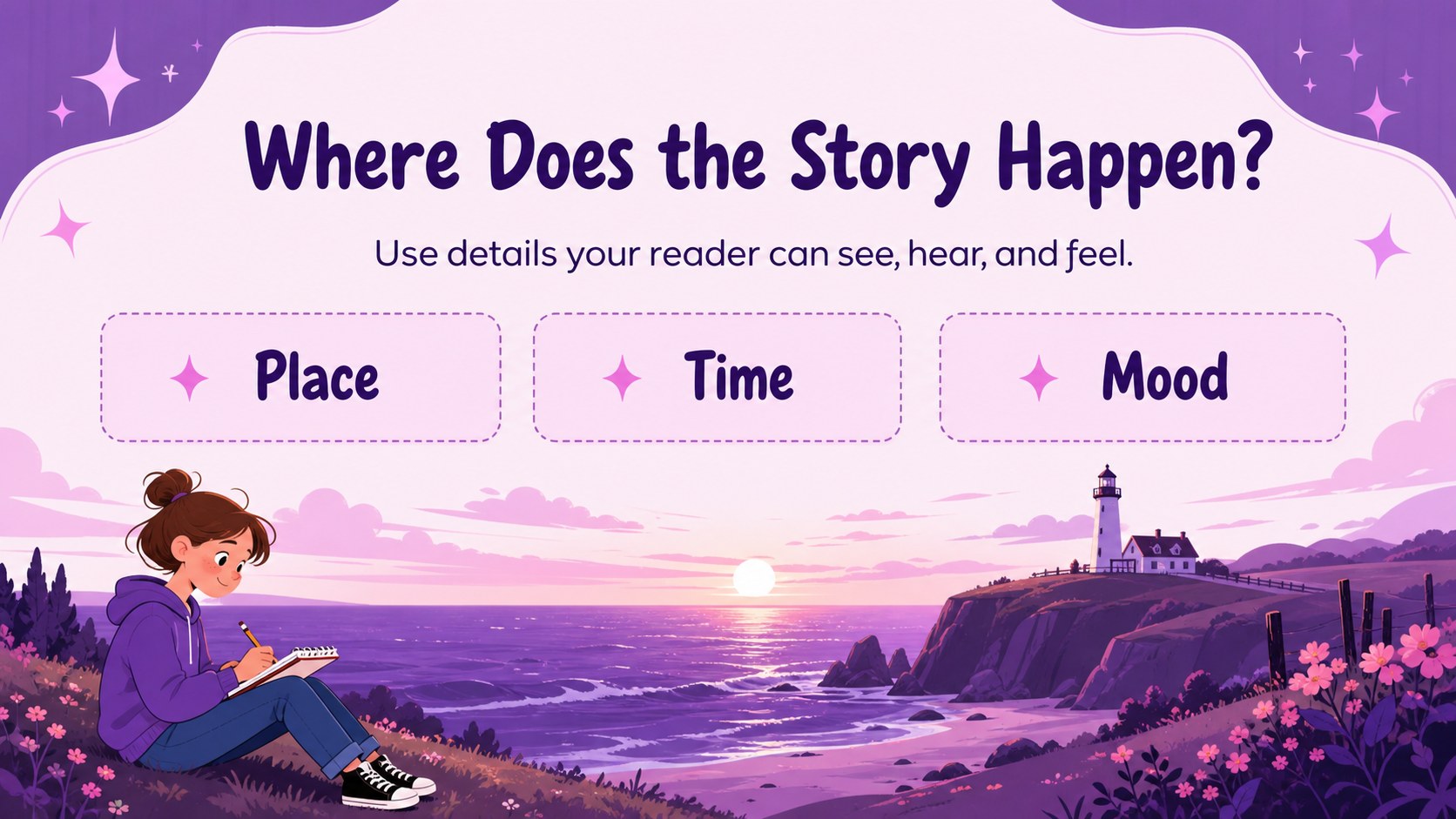
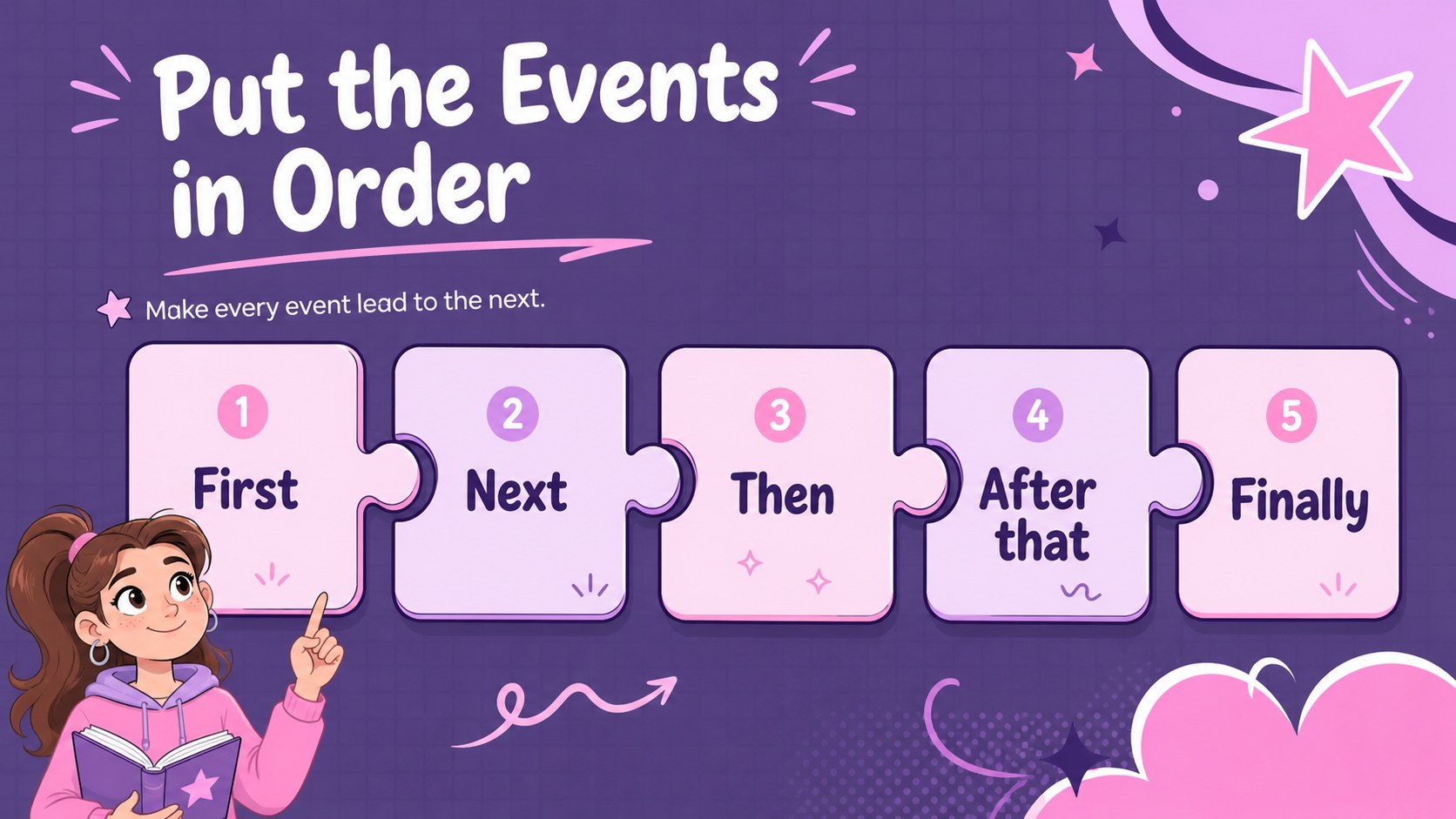
Help elementary learners turn imaginative ideas into clear, engaging stories with storytelling lesson slides for kids. This playful pink deck gives teachers an approachable way to introduce story ingredients, sequence events, develop characters, and revise a beginning, middle, and ending.
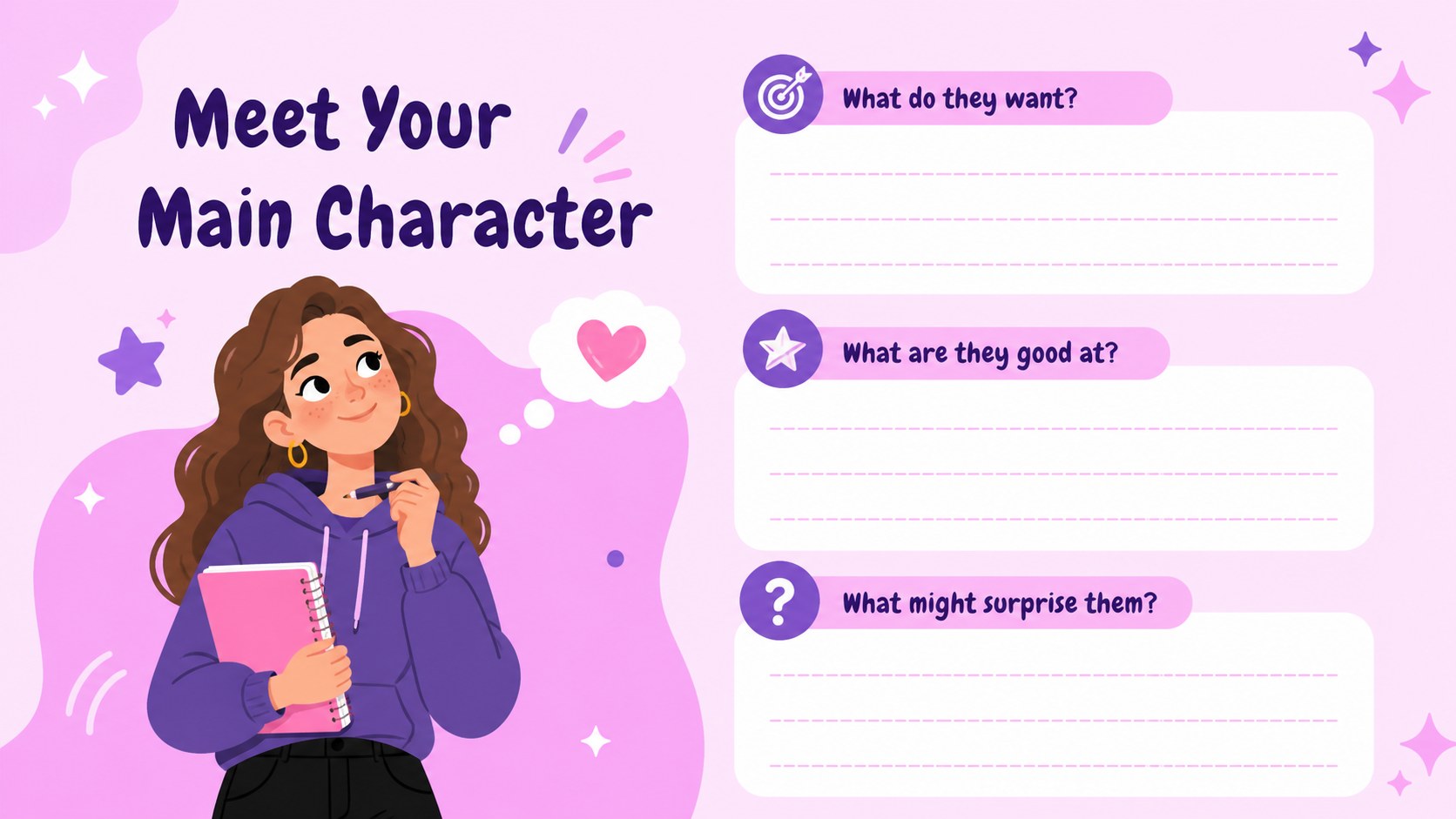
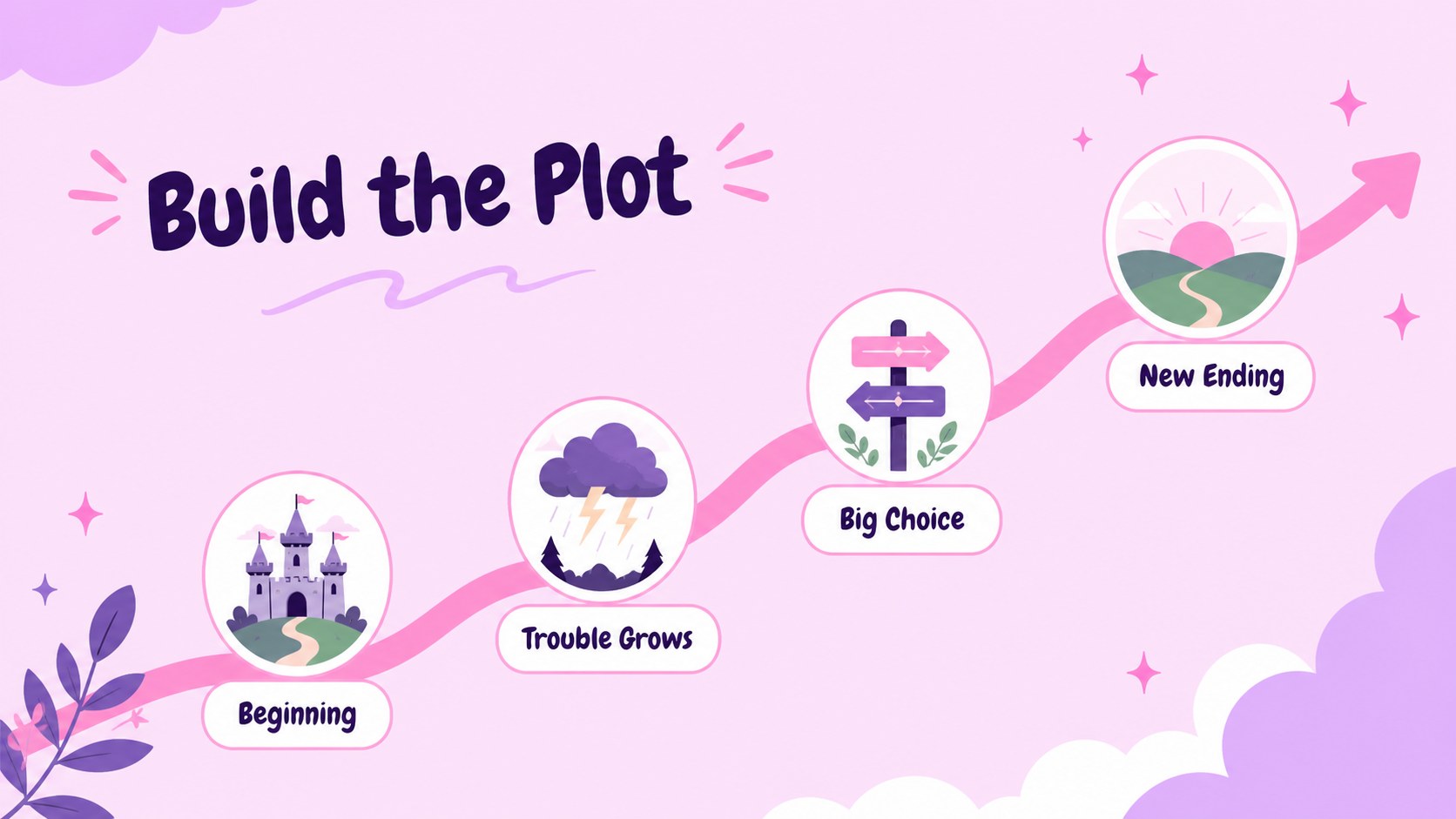
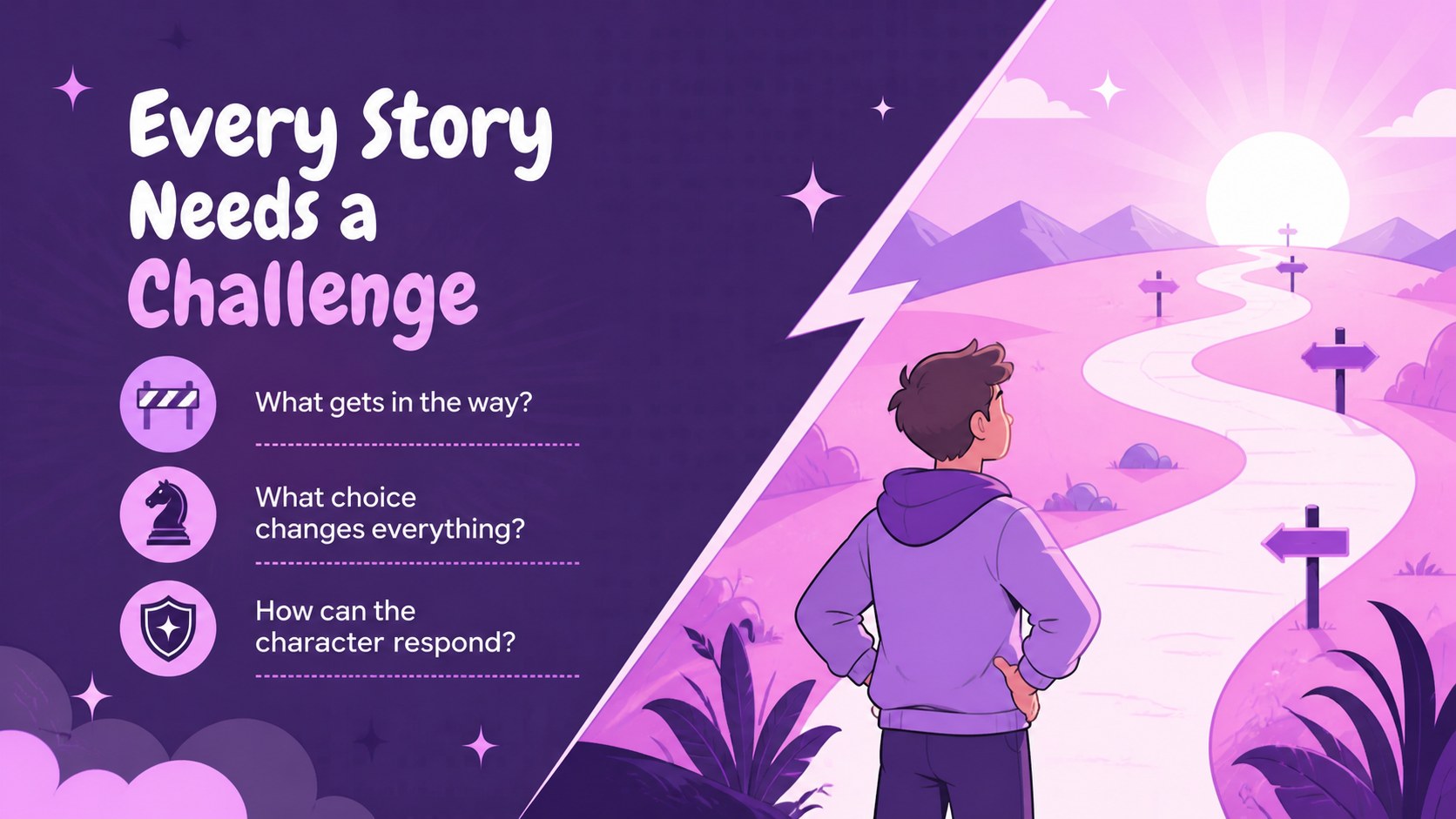
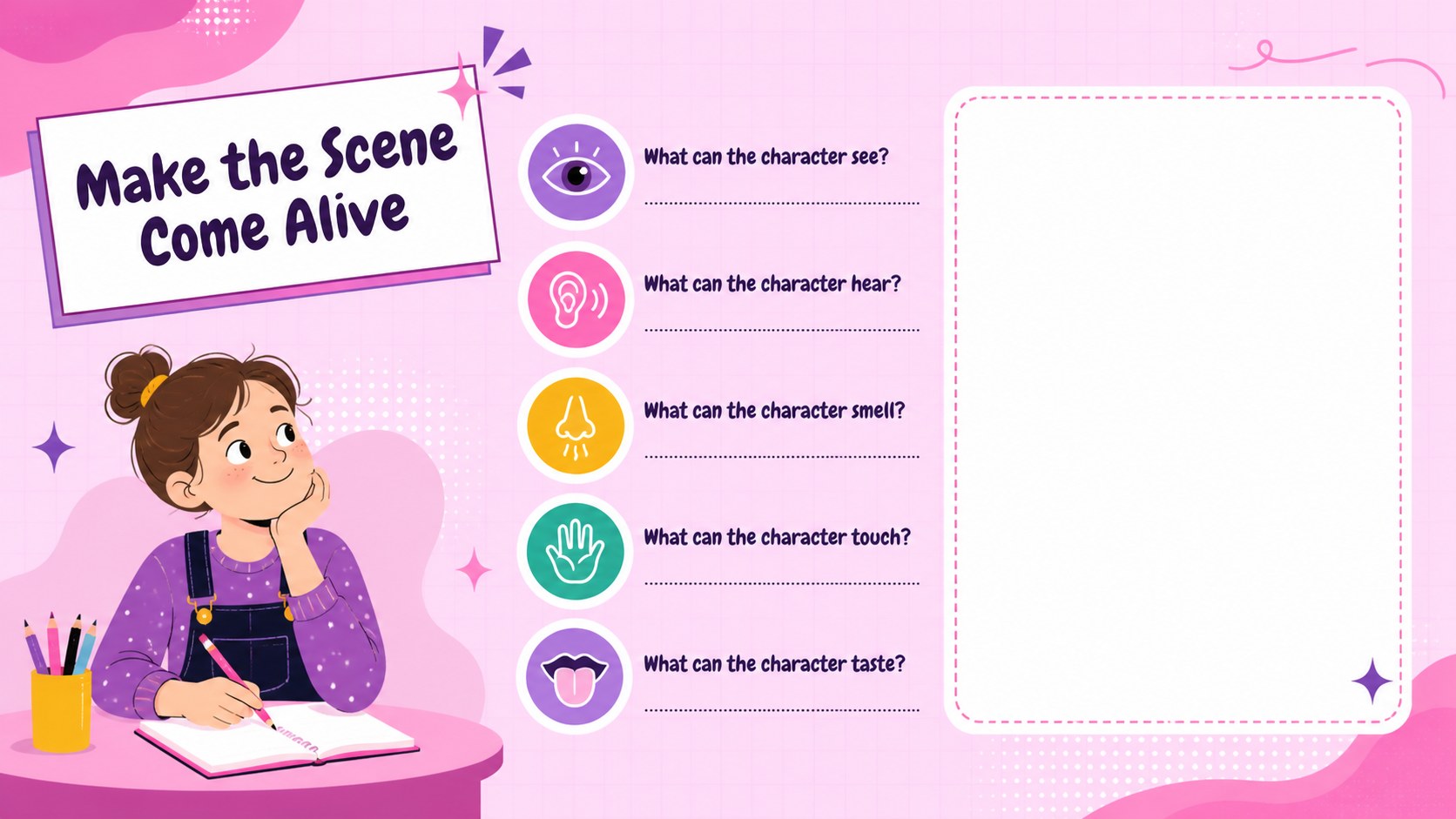
Inside, students can explore story settings, build character profiles, arrange plot points, identify challenges and solutions, and use sensory details to make scenes more vivid. A story mountain, idea prompts, vocabulary support, guided practice pages, and a final sharing activity create a complete classroom sequence. The layouts are easy to adapt for whole-class instruction, partner work, or independent writing time.
Designed for elementary educators, literacy coaches, homeschool teachers, and substitute instructors, the template works well for reading units, writing workshops, and creative language lessons. Use it as a storytelling activity deck for elementary students, a visual narrative writing lesson, or a short story planning presentation. Every slide is editable in PowerPoint and Google Slides, with a single Quicksand-style font direction, cheerful pink accents, and flexible spaces for examples, illustrations, and student responses.
Perfect for: elementary writing workshop; creative storytelling lesson; reading and language arts unit; homeschool narrative writing activity; guided short story planning.
Frequently asked questions
Can I edit the lesson in PowerPoint? Yes. The slides are designed for editing in PowerPoint, so you can change text, colors, examples, images, and activity instructions. Add your own school branding only where appropriate for your classroom materials.
Practical details
Yes. The slides are designed for editing in PowerPoint, so you can change text, colors, examples, images, and activity instructions. Add your own school branding only where appropriate for your classroom materials.
Yes, you can use the deck in Google Slides for browser-based editing and classroom sharing. Check the imported file for small font or spacing changes before presenting.
Replace the sample vocabulary with simpler or more advanced terms, and adjust the number of prompts on each activity slide. You can also turn the planning pages into pair work, teacher-led modeling, or independent writing tasks.
It is intended for elementary learners, especially students practicing basic narrative structure and story sequencing. Teachers can increase the challenge by asking older students to add dialogue, point of view, or multiple plot complications.
Keep exploring
15Build stronger academic arguments with a college essay thesis builder featuring guided examples, revision prompts, and editable PowerPoint and Google Slides.
 15
15Build an engaging World UFO Day session with this flying saucer history lesson deck, featuring retro green-and-brown slides for PowerPoint and Google Slides.
 14
14Plan a memorable Lunar New Year campaign with the 2036 Dragon Year Celebration Theme, featuring bold red-and-yellow slides for lessons and events.
 15
15Build a thoughtful classroom discussion with this interfaith awareness lesson deck, featuring editable blue-and-white slides for PowerPoint and Google Slides.
 15
15Use this environmental awareness lesson deck to teach climate action through illustrated activities, discussion prompts, and ready-to-edit visuals.
 15
15Build playful lessons and party stories with a kid-friendly zombie celebration theme in purple, green and pastel blue for PowerPoint and Google Slides.
 15
15Build eerie lessons, campaigns, and story pitches with an undead survival scenario theme featuring editable slides for PowerPoint and Google Slides.
 16
16Turn environmental research into a clear story with a Watercolor Ecology Presentation Theme for PowerPoint and Google Slides in calming green and blue.