
 15
15presentation
College Essay Thesis Builder Slides
Build stronger academic arguments with a college essay thesis builder featuring guided examples, revision prompts, and editable PowerPoint and Google Slides.
Google SlidesPowerPoint
spreadsheet · English
Build a storybook identity classroom theme with pastel visuals for student introductions, teacher-led activities, and creative school presentations.
Design notes
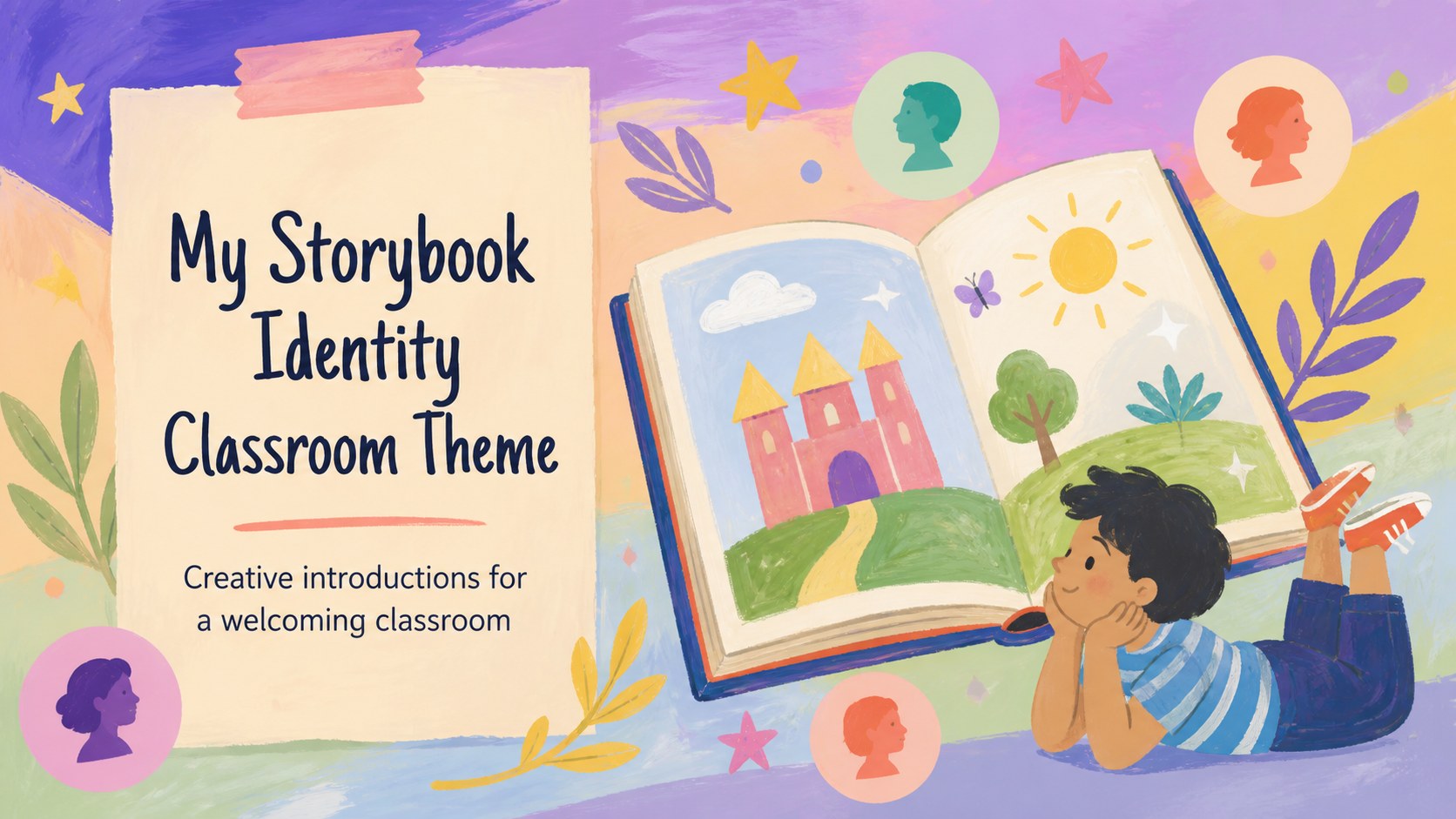
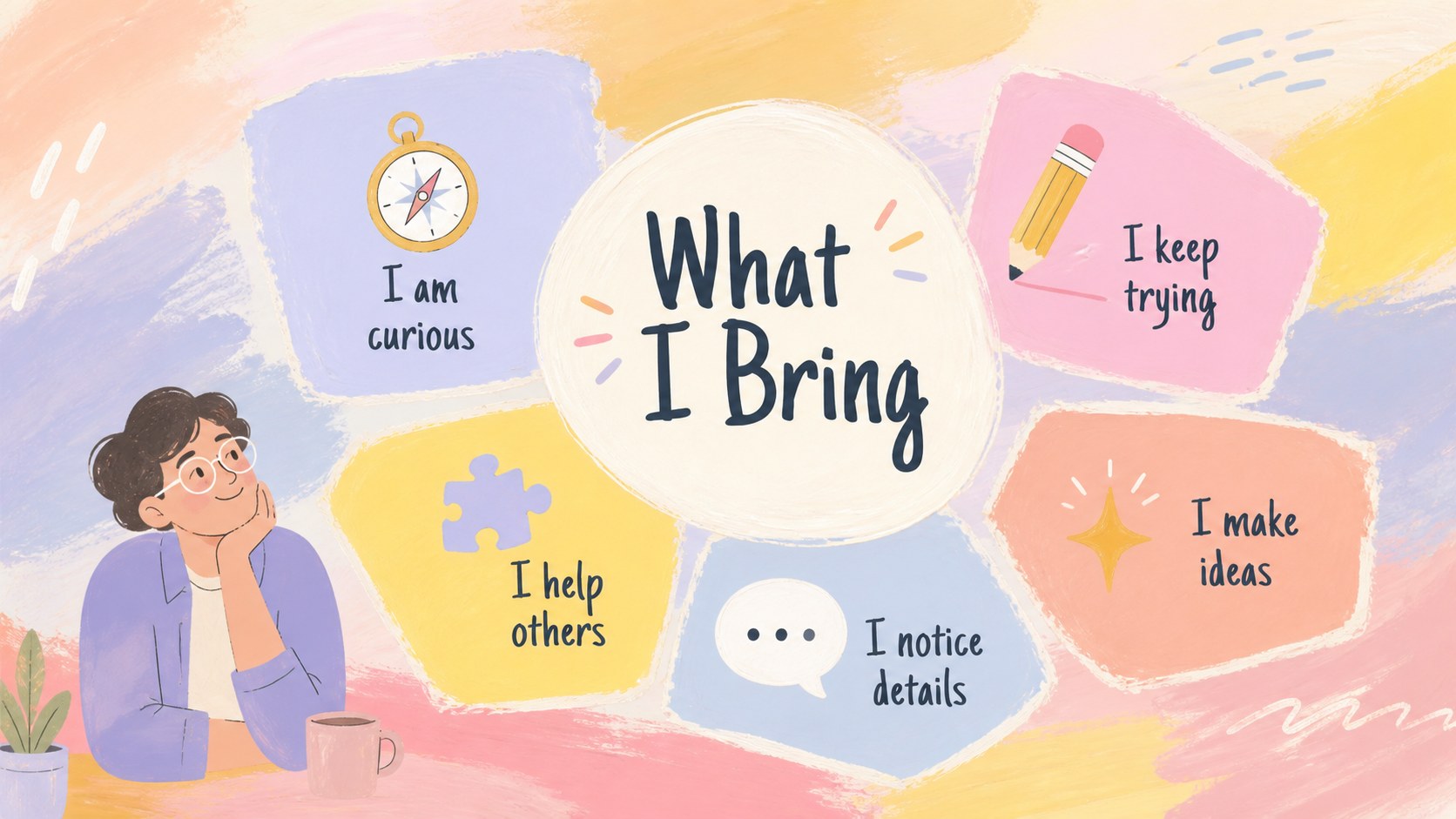
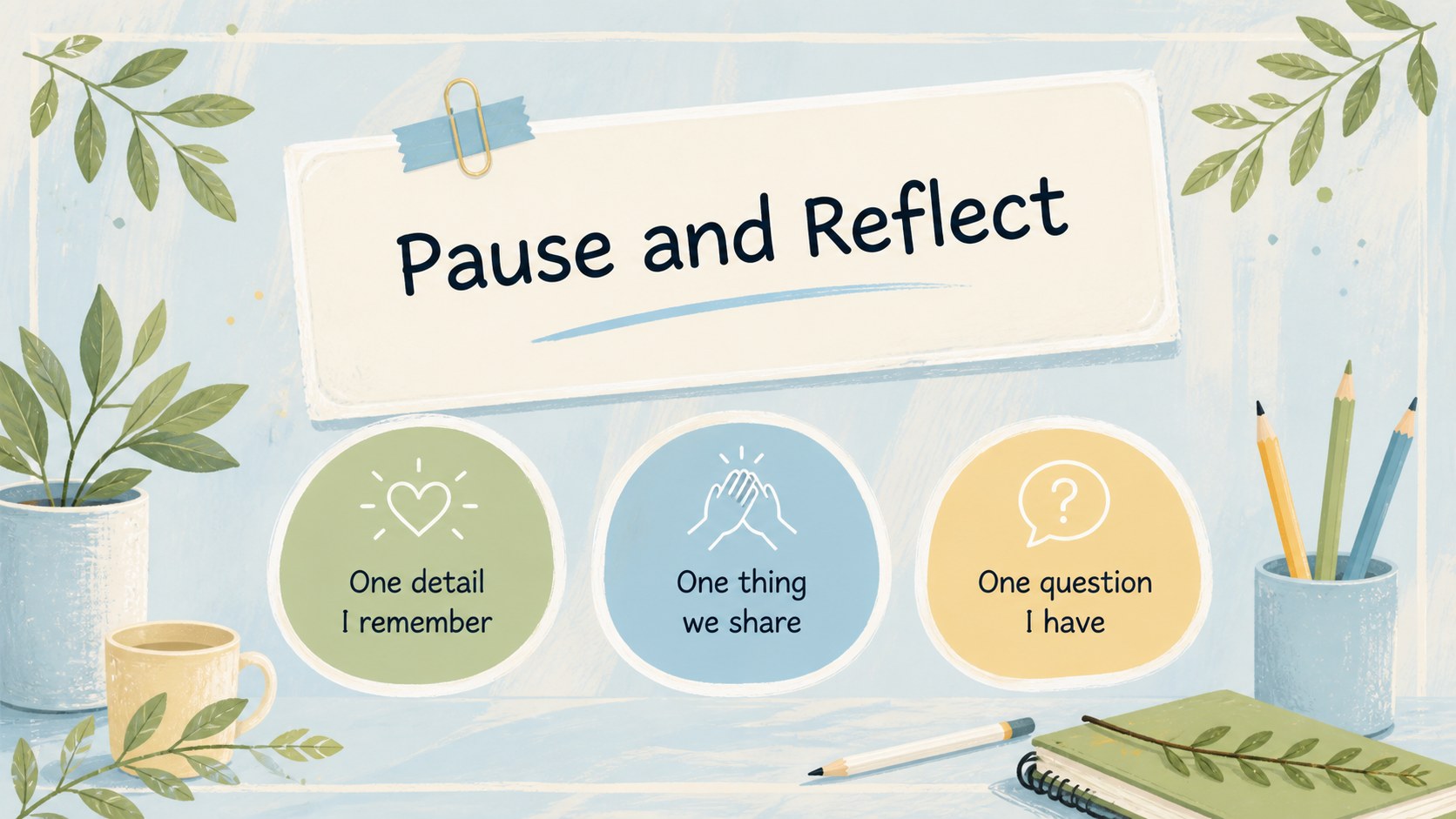
Make the first weeks of class more welcoming with a storybook identity classroom theme designed for introductions, creative reflection, and student-led sharing. Its pastel color palette, hand-drawn details, and playful paper-inspired elements create an approachable setting for learners from preschool through high school.
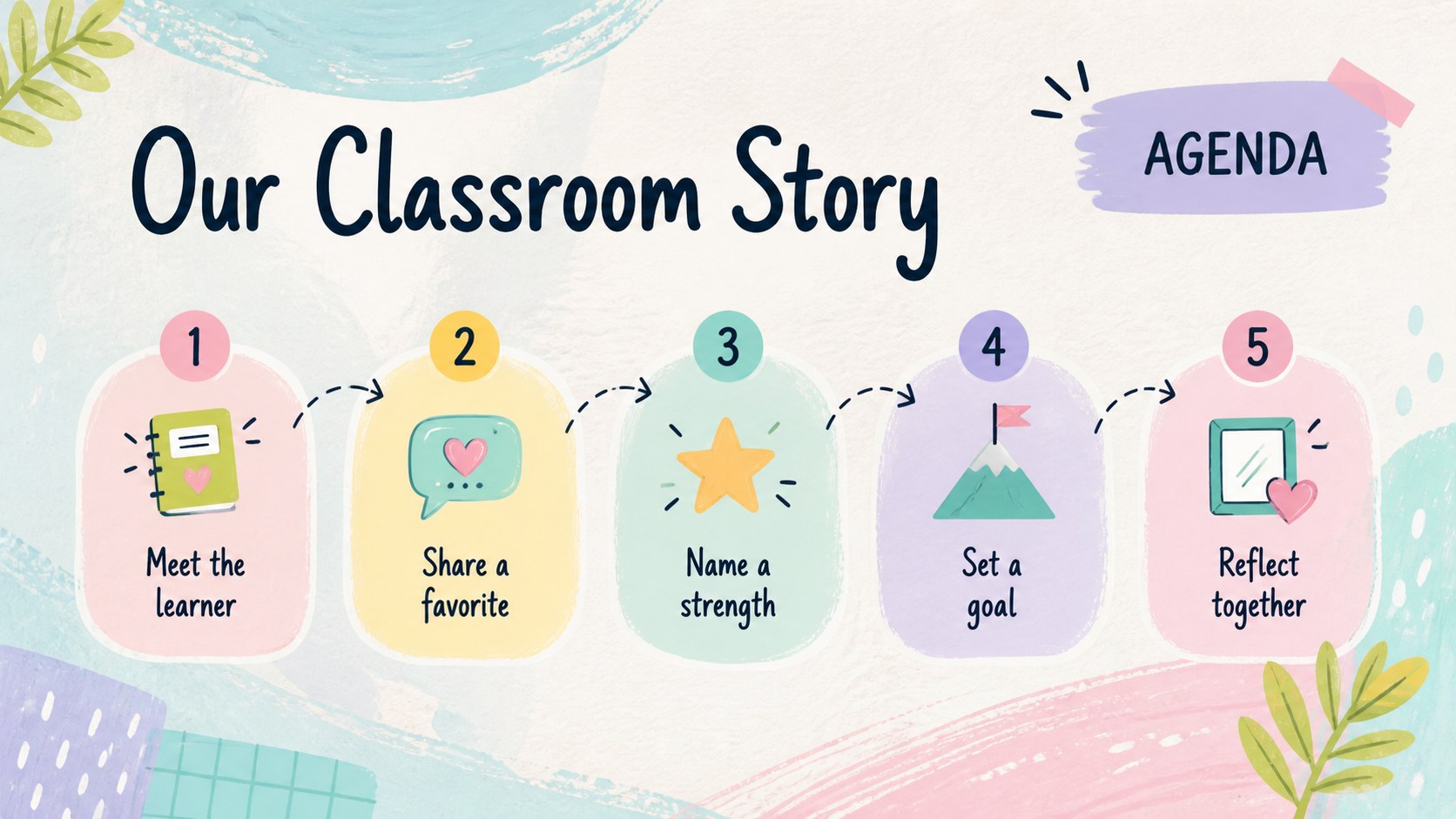
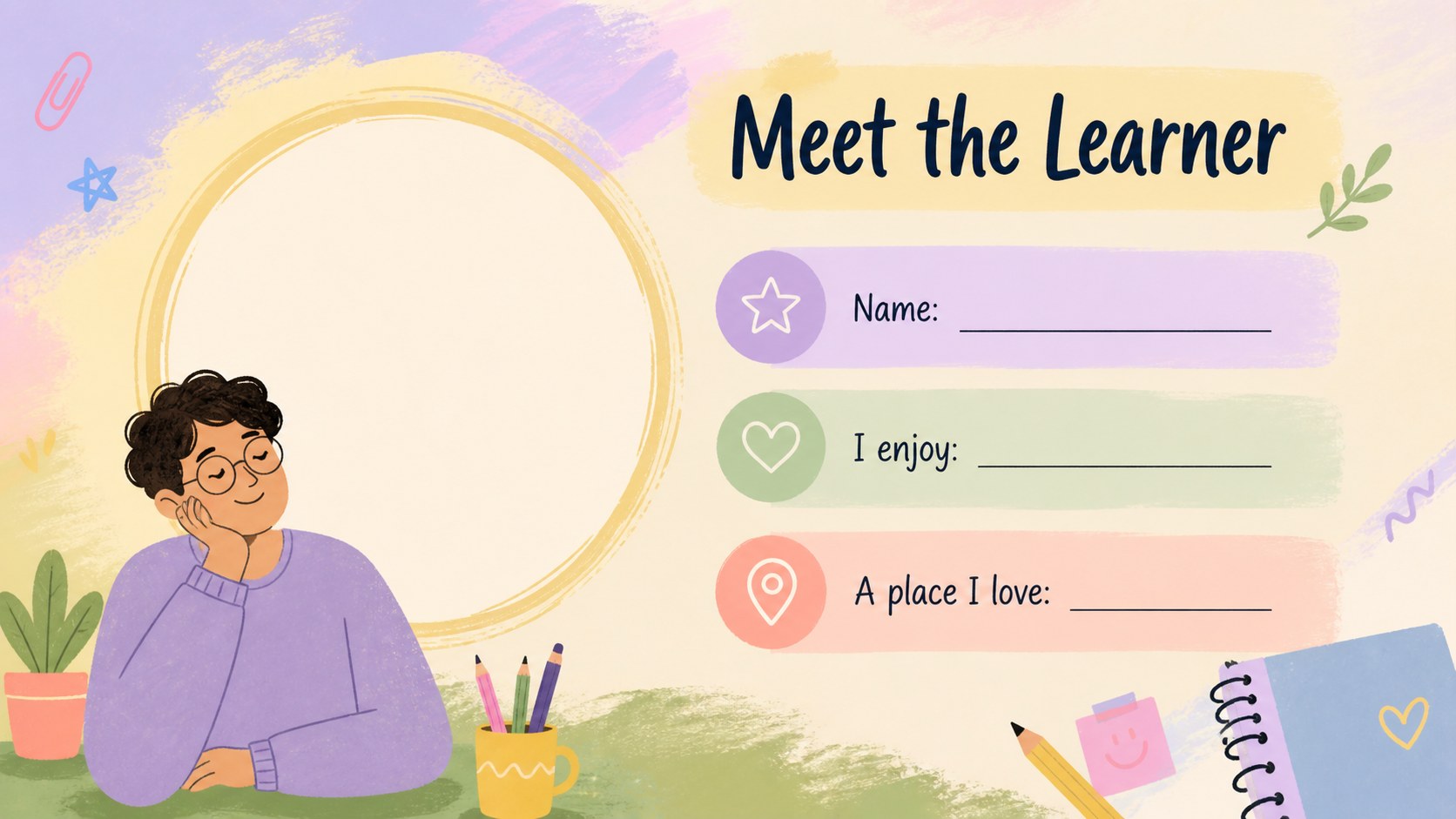
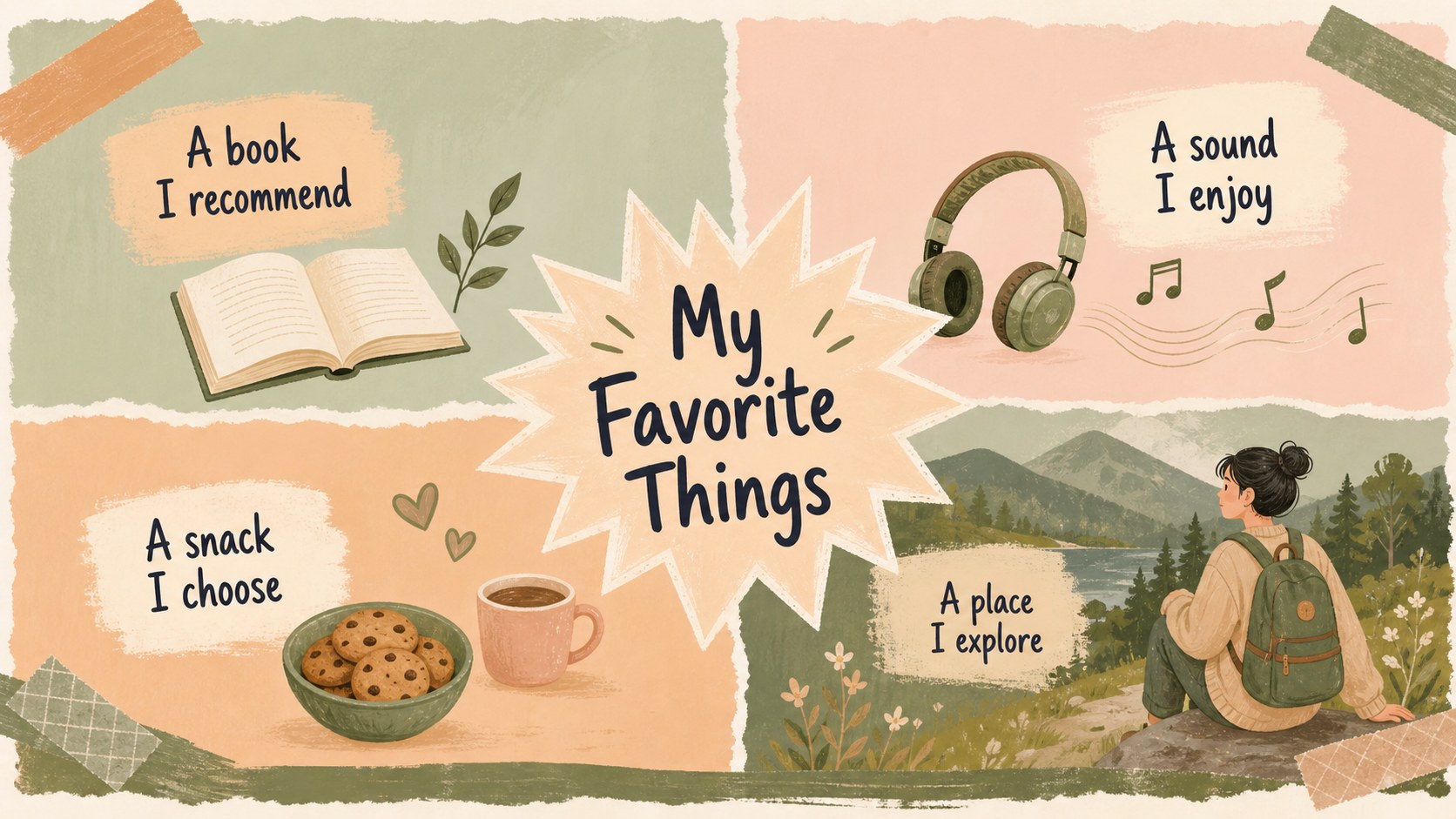
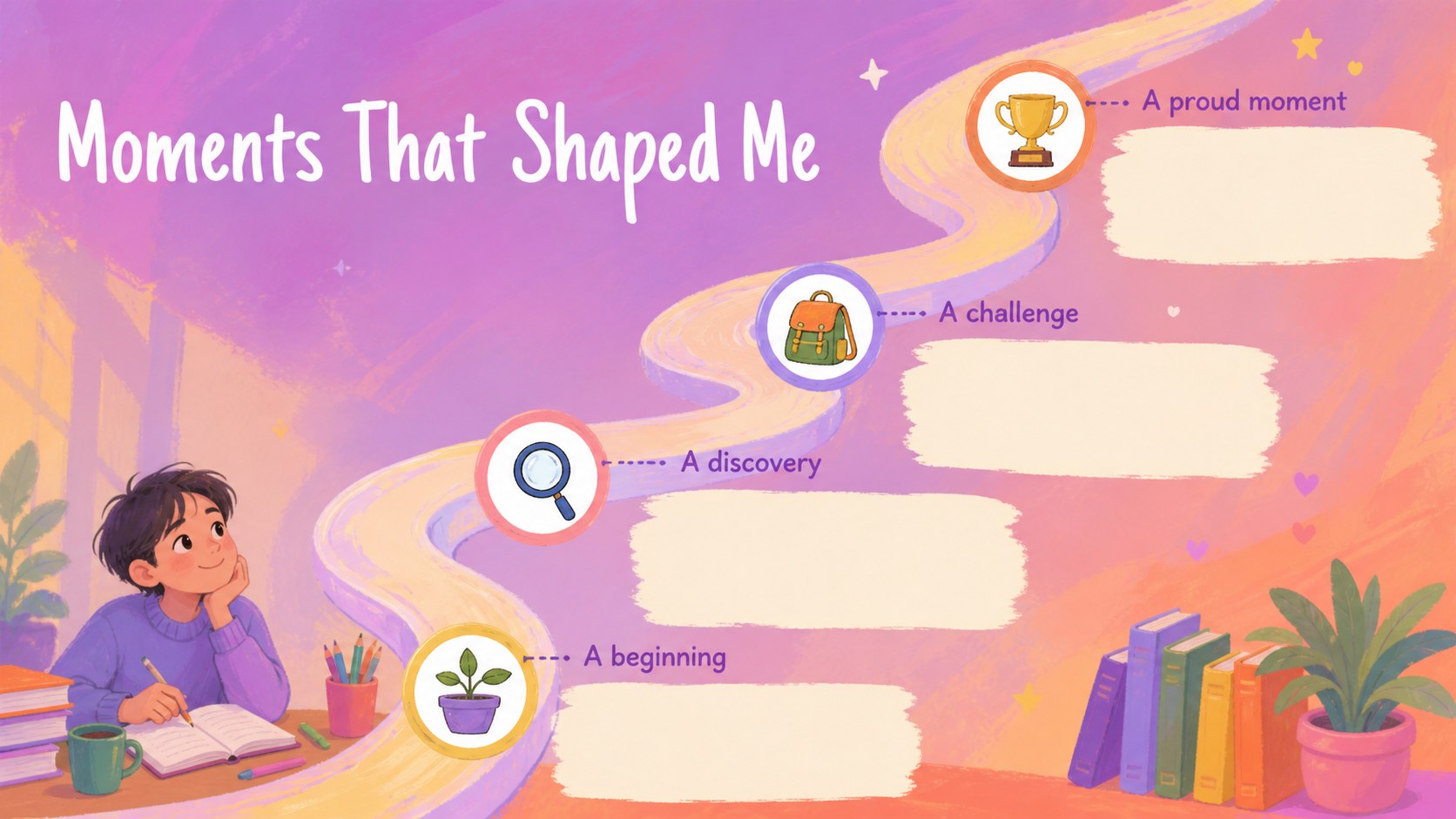
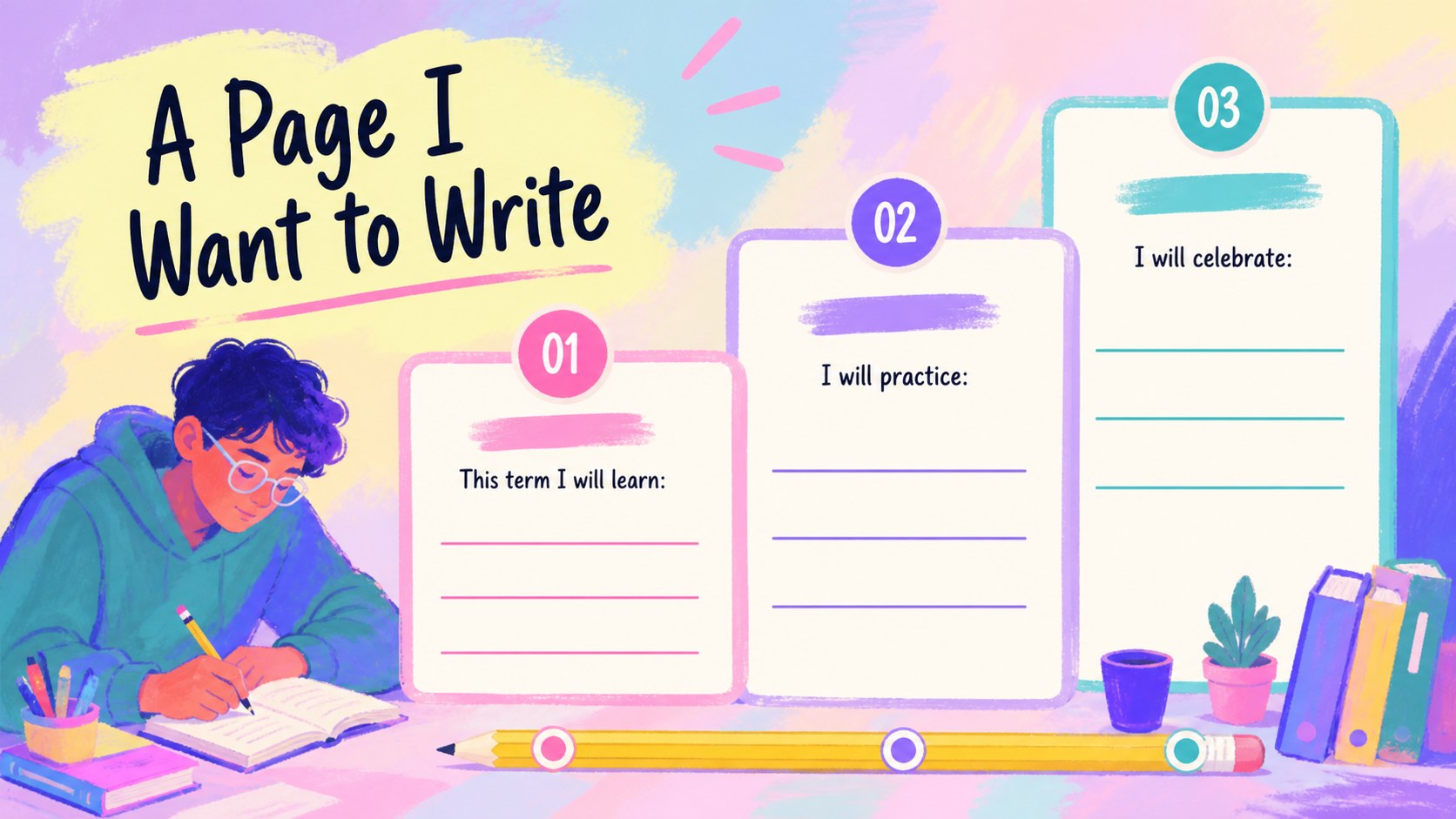
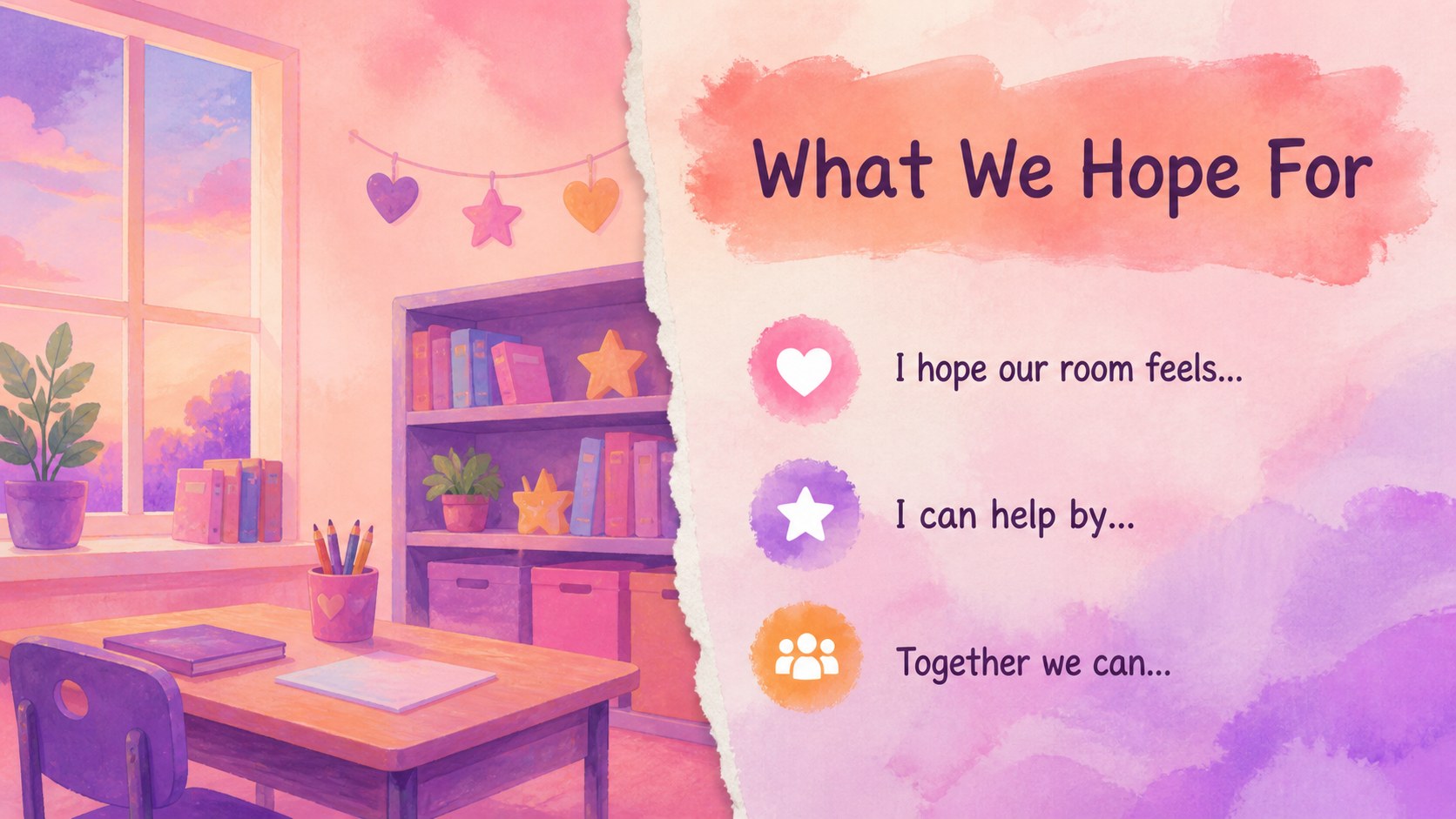
Inside, you’ll find more than 25 editable layouts for presenting names, interests, personal strengths, favorite things, goals, classroom hopes, and short biographies. Use the pages for an about-me activity, a new student welcome, a back-to-school presentation, or a visual identity project. The deck also includes adaptable text areas, image frames, charts, lines, and shapes for building original lessons. Two-column profiles, prompt cards, comparison pages, timeline layouts, and closing reflection slides make it easy to vary the pace of a lesson.
Teachers can customize the design with drag-and-drop editing, animated transitions, icons, photos, audio, and collaborative sharing. Students can add drawings, family-safe images, favorite colors, or personal goals without changing the overall visual system. This creative student introduction deck exports to PowerPoint or Google Slides when needed, making it practical for classrooms, remote learning, workshops, and school orientation sessions.
Perfect for: first-week student introductions; back-to-school classroom activity; student biography project; new learner welcome session; teacher-led identity workshop.
Frequently asked questions
Can I edit this classroom theme? Yes. The layouts are designed for editing, so you can replace text, illustrations, colors, photos, and activity prompts with drag-and-drop controls. You can also duplicate or remove pages to fit your lesson.
Practical details
Yes. The layouts are designed for editing, so you can replace text, illustrations, colors, photos, and activity prompts with drag-and-drop controls. You can also duplicate or remove pages to fit your lesson.
Yes. Students can complete profile pages with their interests, strengths, goals, and favorite things. Teachers can assign individual slides or have each learner create a short presentation from the full deck.
You can export an edited presentation as a PowerPoint file or save it to Google Drive for use in Google Slides. Some -specific animations, fonts, or media may change after export.
The friendly visual style works well for preschool, elementary, middle school, and selected high school activities. Adjust the prompts, vocabulary, imagery, and amount of writing to match your students.
Keep exploring
15Build stronger academic arguments with a college essay thesis builder featuring guided examples, revision prompts, and editable PowerPoint and Google Slides.
 15
15Build an engaging World UFO Day session with this flying saucer history lesson deck, featuring retro green-and-brown slides for PowerPoint and Google Slides.
 14
14Plan a memorable Lunar New Year campaign with the 2036 Dragon Year Celebration Theme, featuring bold red-and-yellow slides for lessons and events.
 15
15Build a thoughtful classroom discussion with this interfaith awareness lesson deck, featuring editable blue-and-white slides for PowerPoint and Google Slides.
 15
15Use this environmental awareness lesson deck to teach climate action through illustrated activities, discussion prompts, and ready-to-edit visuals.
 15
15Build playful lessons and party stories with a kid-friendly zombie celebration theme in purple, green and pastel blue for PowerPoint and Google Slides.
 15
15Build eerie lessons, campaigns, and story pitches with an undead survival scenario theme featuring editable slides for PowerPoint and Google Slides.
 16
16Turn environmental research into a clear story with a Watercolor Ecology Presentation Theme for PowerPoint and Google Slides in calming green and blue.