
 15
15presentation
College Essay Thesis Builder Slides
Build stronger academic arguments with a college essay thesis builder featuring guided examples, revision prompts, and editable PowerPoint and Google Slides.
Google SlidesPowerPoint
presentation · English
Build an anti-bullying classroom deck with blue illustrated slides for middle school lessons, empathy discussions, reporting steps, and inclusive classroom…
Design notes
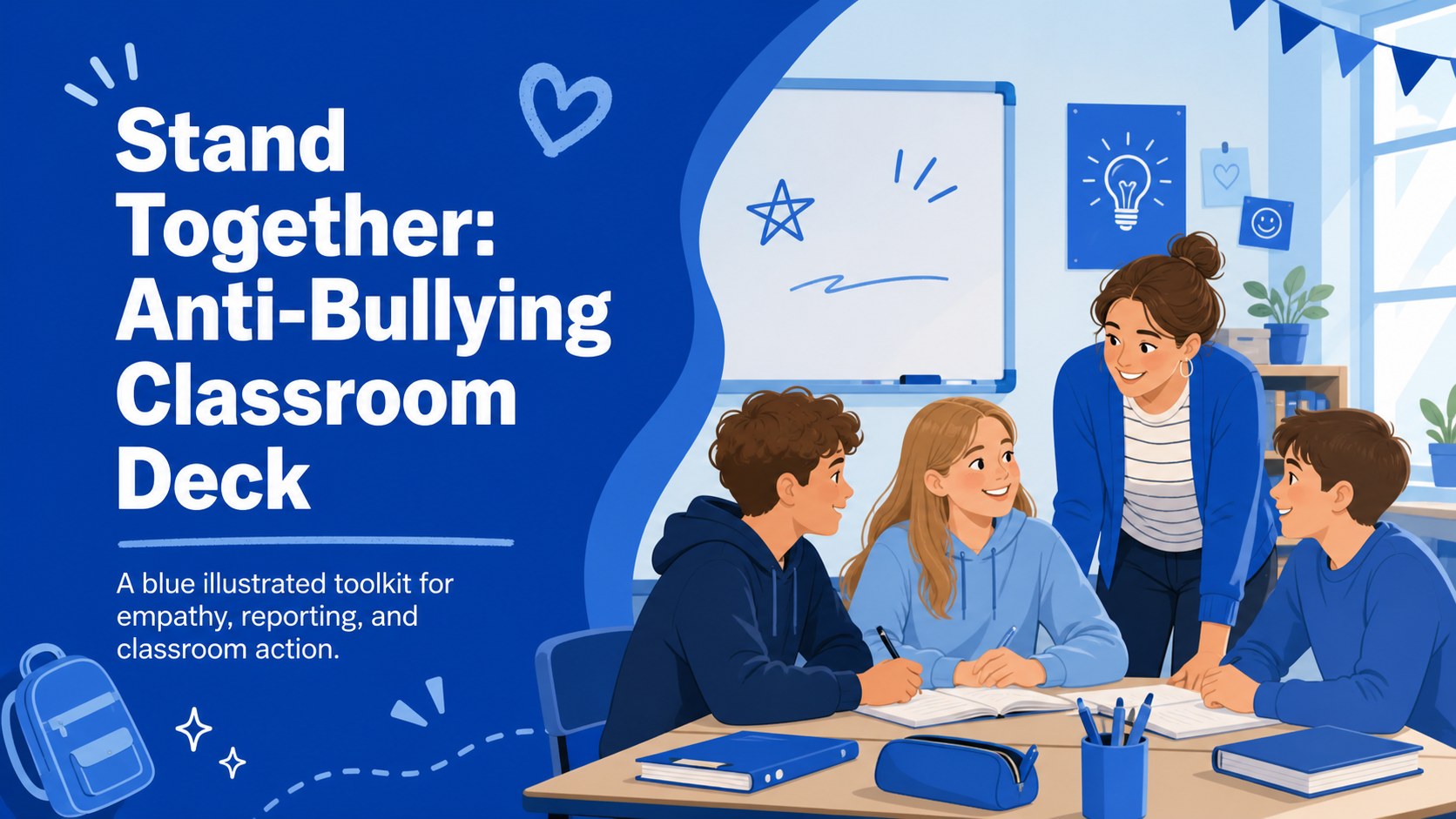
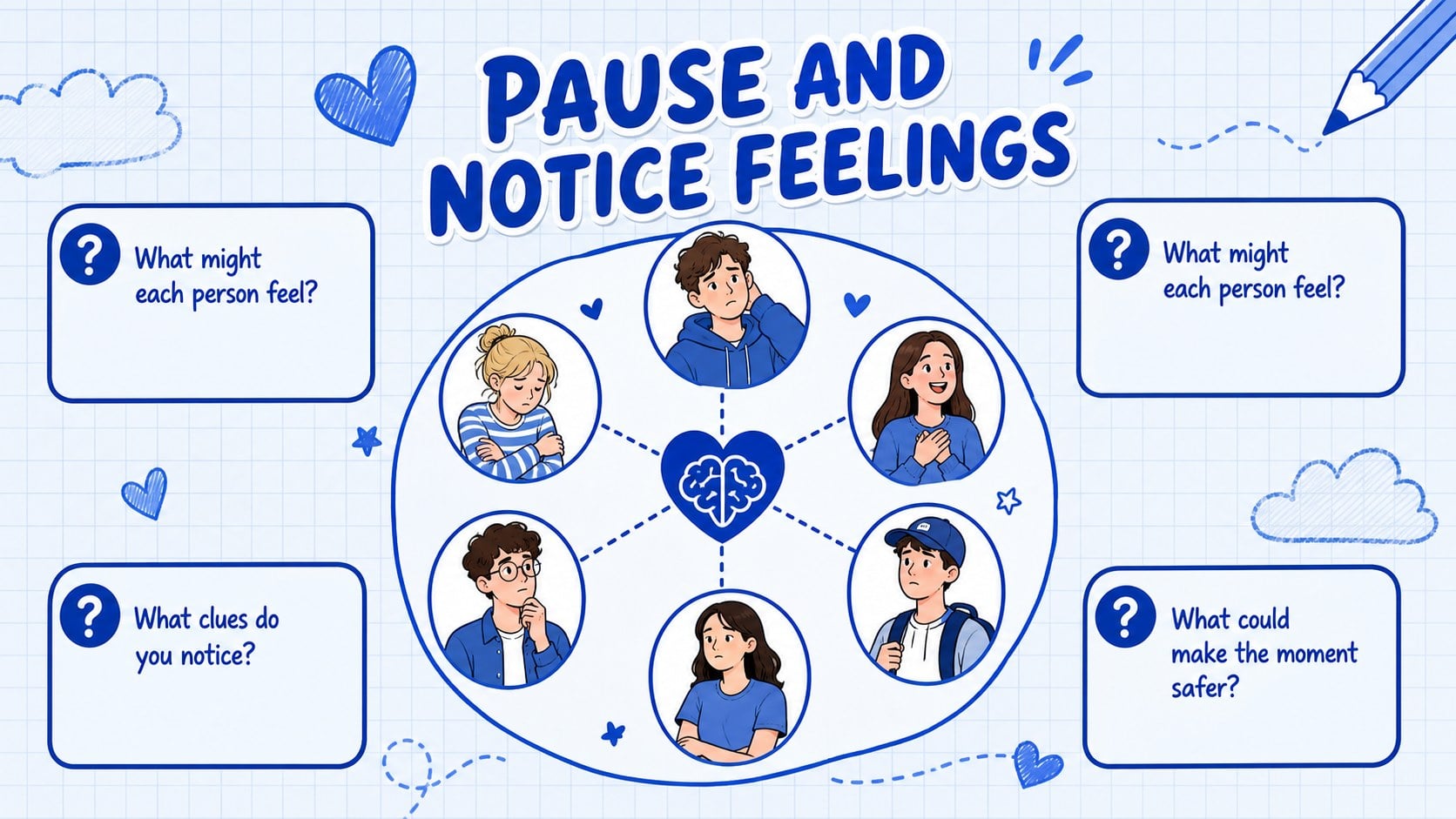
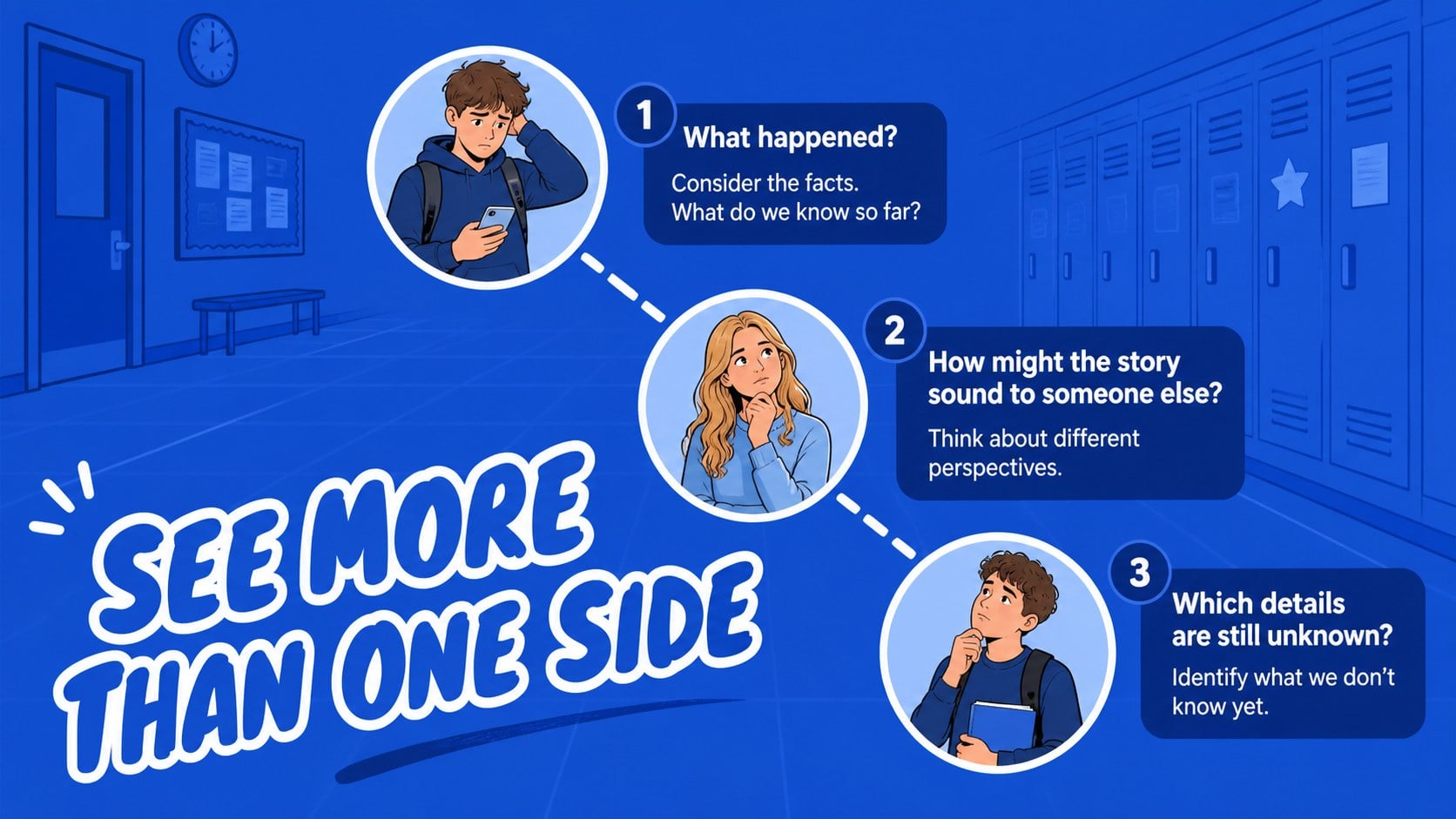
Stand Together: Anti-Bullying Classroom Deck gives middle school educators a thoughtful visual structure for discussing bullying, empathy, inclusion, and responsible action. The blue illustrated design uses friendly original artwork, bold handwritten typography, and approachable layouts to help students engage with a serious topic without making the classroom feel intimidating. Use this anti-bullying classroom deck to open a lesson, guide a small-group discussion, or build a class commitment to respectful behavior.
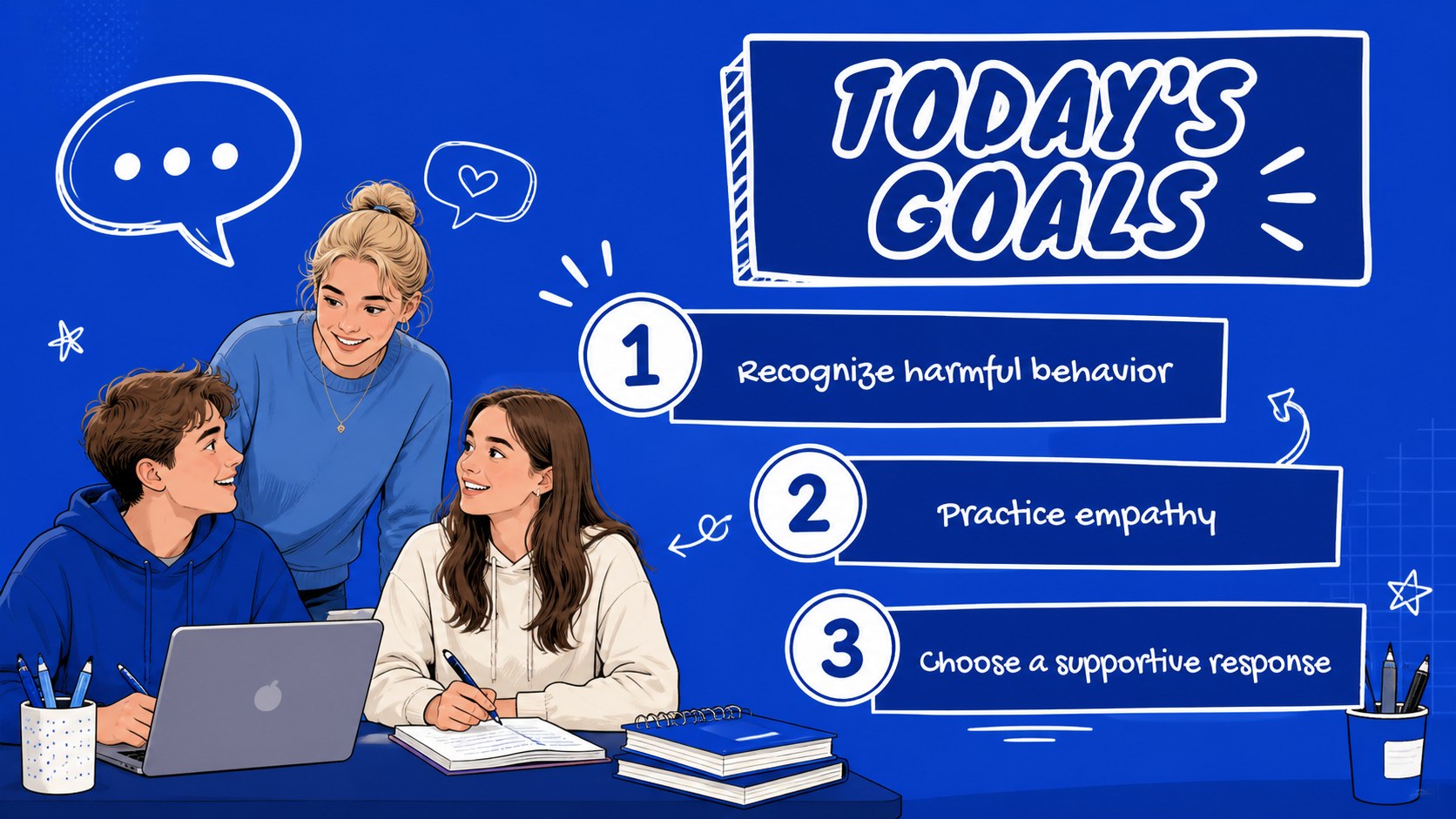
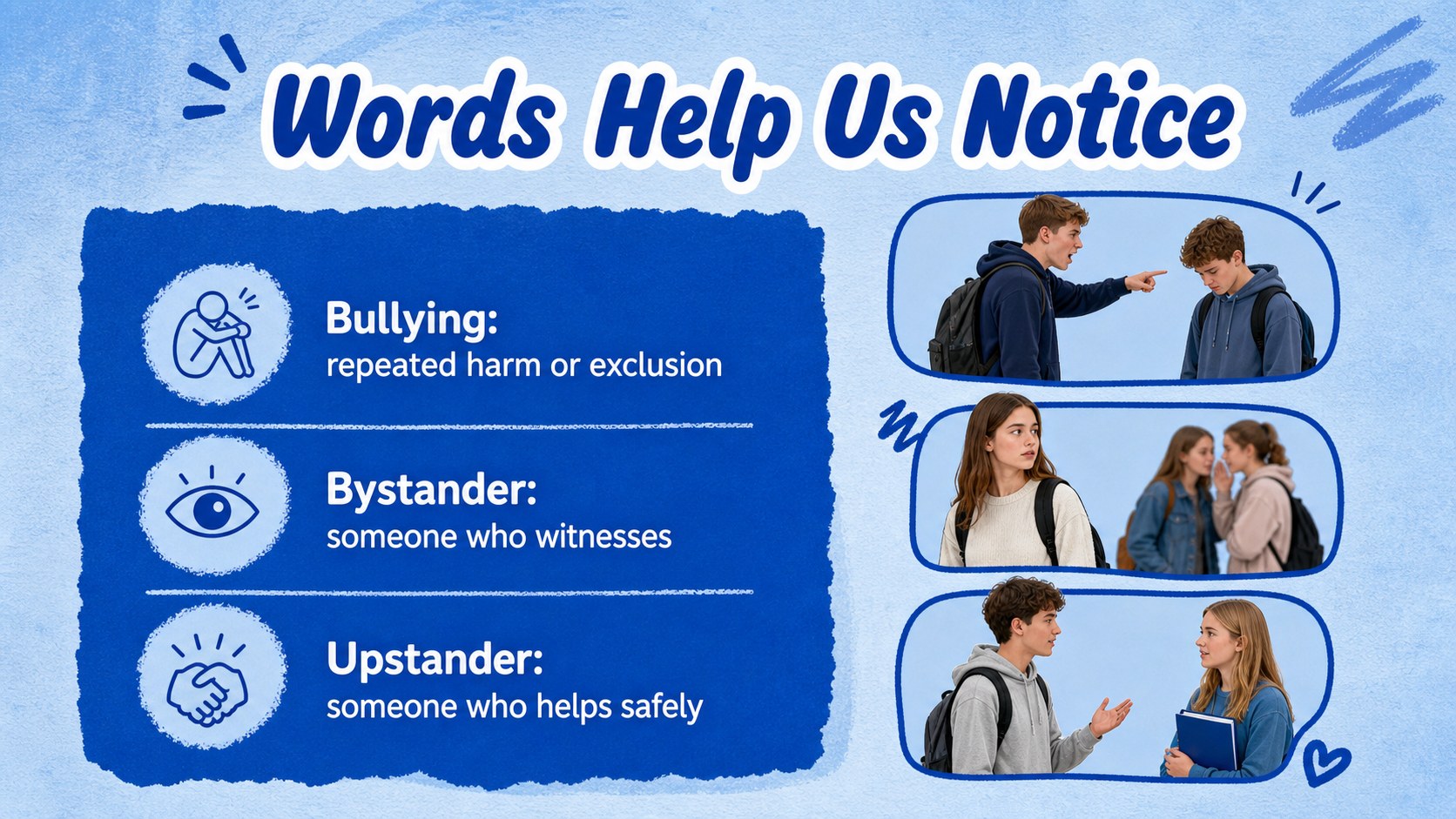
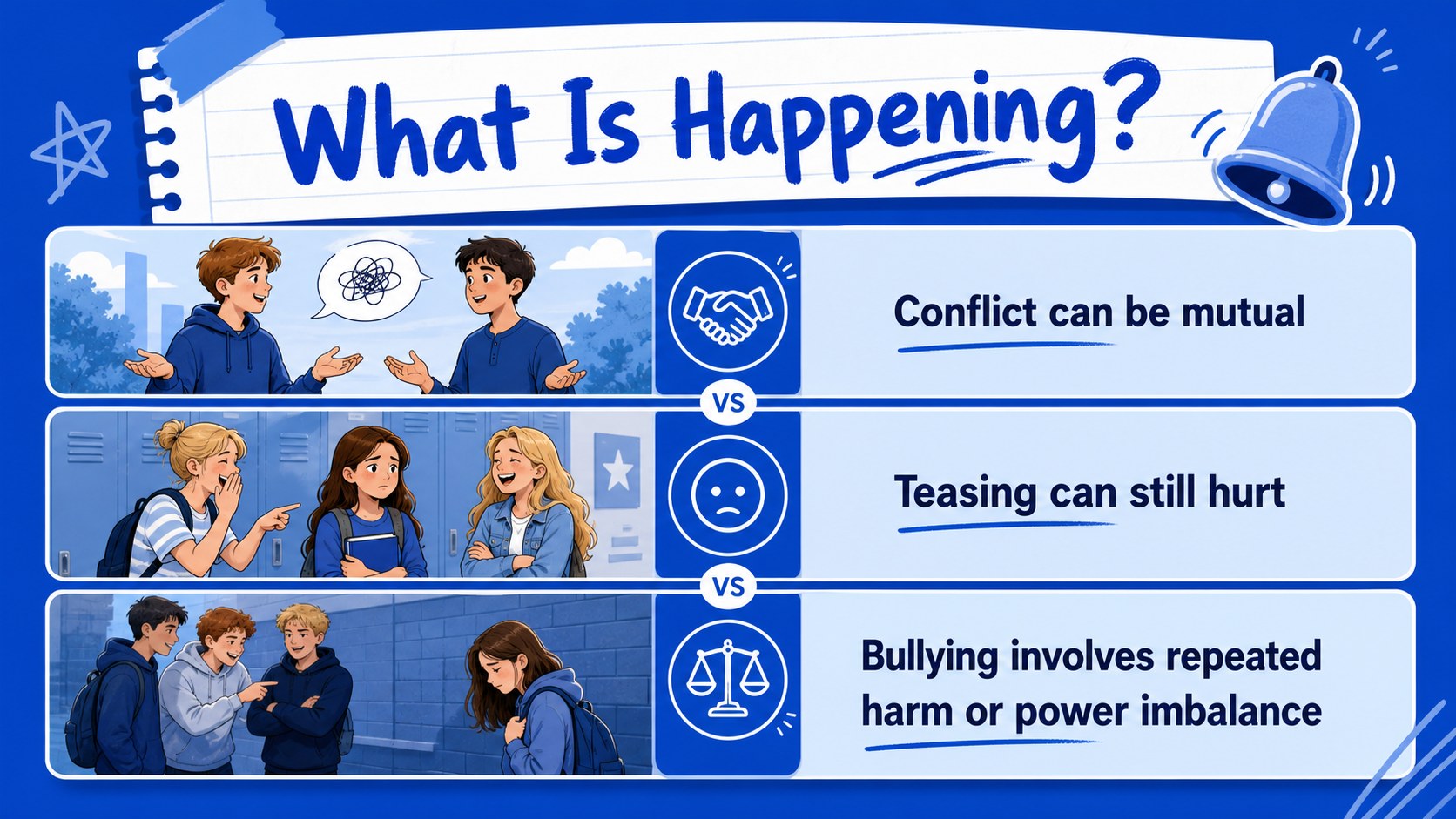
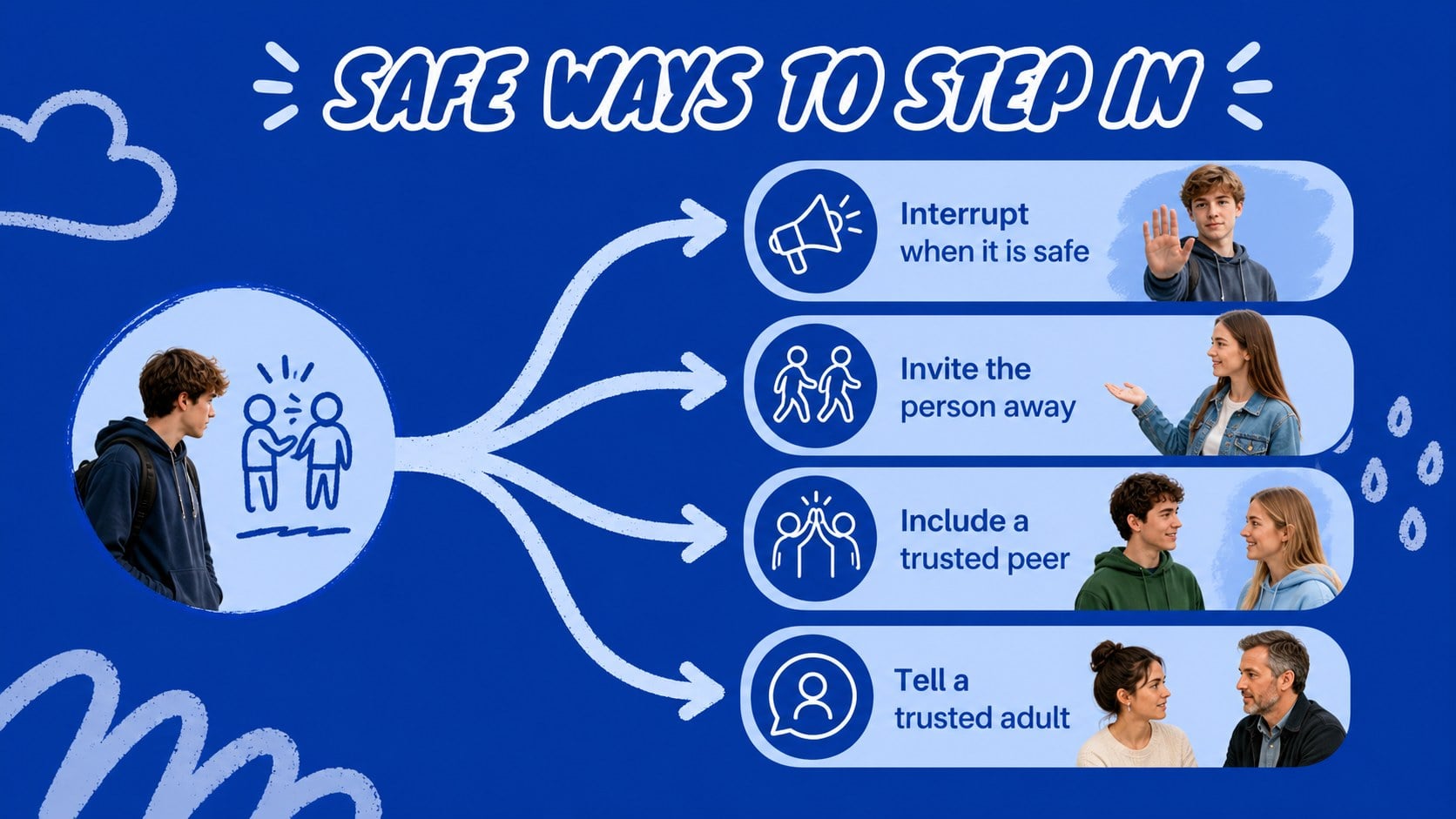
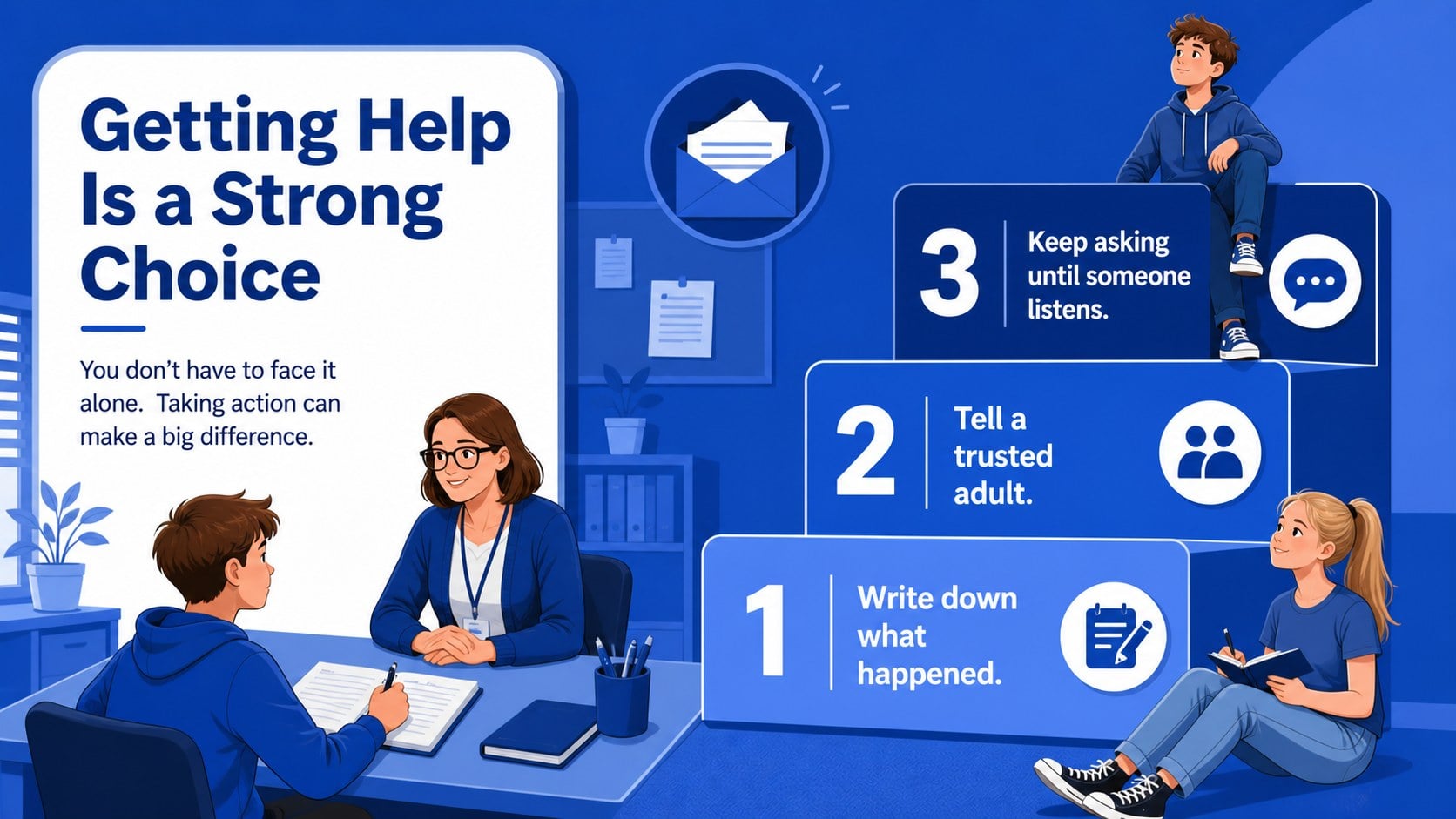
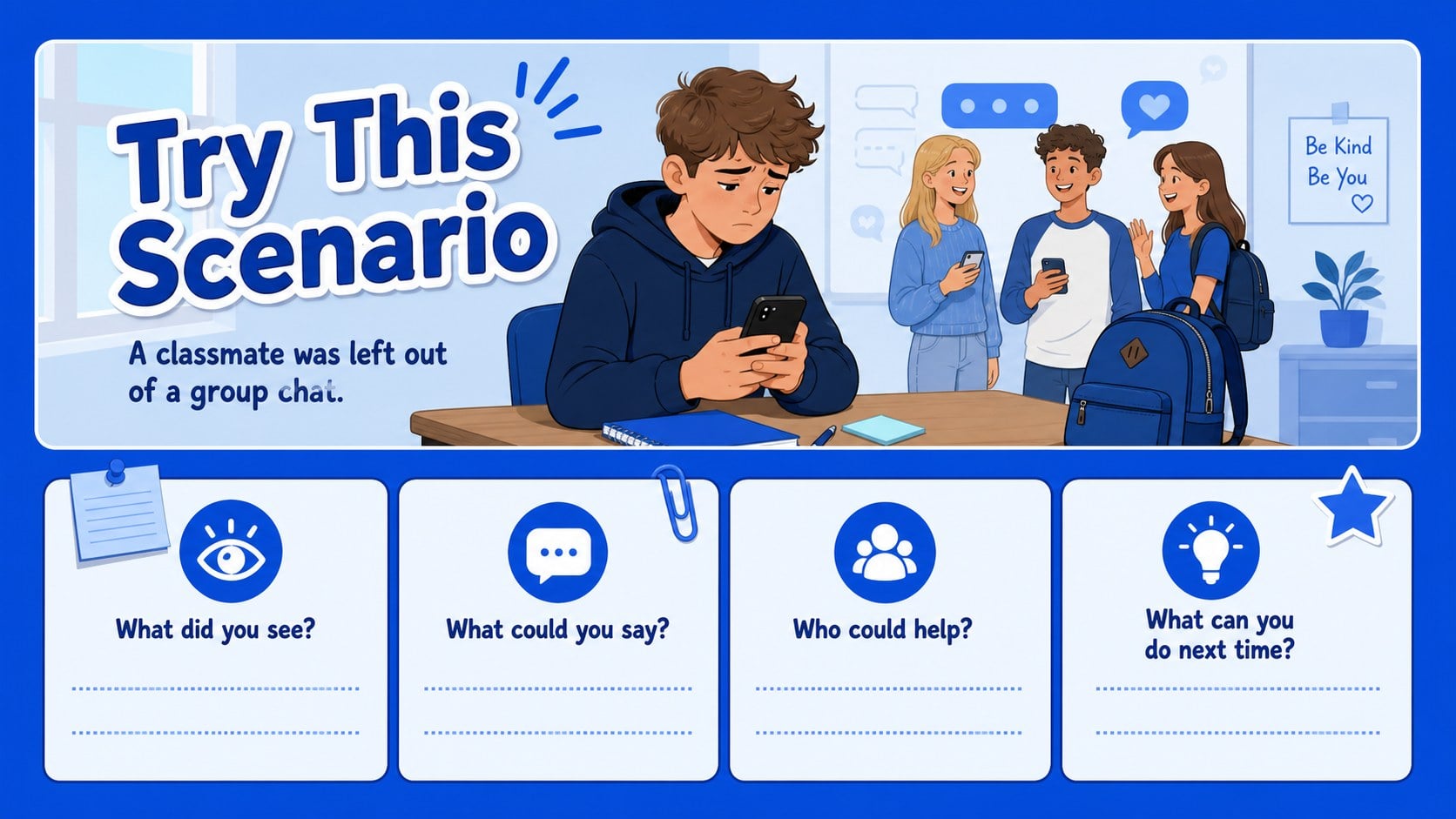
The 15-slide set includes an attention-grabbing cover, learning goals, key vocabulary, examples of harmful behavior, a feelings and perspectives activity, bystander choices, reporting guidance, a kindness scenario, discussion prompts, classroom agreements, an action plan, and a closing reflection. Text, shapes, illustrations, charts, and layouts are fully editable in PowerPoint and Google Slides. Fonts and colors can also be adjusted to match your school or lesson plan.
It is designed for middle school teachers, counselors, youth leaders, and student support teams. Pair it with a middle school anti-bullying lesson, adapt the prompts for classroom kindness activities, or use the reporting and response slides in a bullying prevention presentation. The format works for whole-class teaching, advisory periods, assemblies, and restorative conversations.
Perfect for: middle school advisory lesson; school counselor workshop; classroom community building; student wellness assembly; restorative discussion; teacher training session.
Frequently asked questions
Can I edit the text and illustrations? Yes. Every slide is editable in PowerPoint and Google Slides, including text, colors, shapes, layouts, and illustration elements. Replace the sample prompts with language that fits your school policies and students.
Practical details
Yes. Every slide is editable in PowerPoint and Google Slides, including text, colors, shapes, layouts, and illustration elements. Replace the sample prompts with language that fits your school policies and students.
The presentation is designed for PowerPoint and Google Slides. You can present it digitally, export it to common presentation formats, or print selected slides for classroom activities.
Yes. The layouts can be reused for upper elementary, high school, youth programs, or staff training. Adjust the vocabulary, examples, and discussion questions to suit the audience.
Change the background shades, accent colors, font settings, and decorative shapes while keeping the illustrated structure intact. Add your school name only where appropriate and preserve a clear, student-friendly reading hierarchy.
Keep exploring
15Build stronger academic arguments with a college essay thesis builder featuring guided examples, revision prompts, and editable PowerPoint and Google Slides.
 15
15Build an engaging World UFO Day session with this flying saucer history lesson deck, featuring retro green-and-brown slides for PowerPoint and Google Slides.
 14
14Plan a memorable Lunar New Year campaign with the 2036 Dragon Year Celebration Theme, featuring bold red-and-yellow slides for lessons and events.
 15
15Build a thoughtful classroom discussion with this interfaith awareness lesson deck, featuring editable blue-and-white slides for PowerPoint and Google Slides.
 15
15Use this environmental awareness lesson deck to teach climate action through illustrated activities, discussion prompts, and ready-to-edit visuals.
 15
15Build playful lessons and party stories with a kid-friendly zombie celebration theme in purple, green and pastel blue for PowerPoint and Google Slides.
 15
15Build eerie lessons, campaigns, and story pitches with an undead survival scenario theme featuring editable slides for PowerPoint and Google Slides.
 16
16Turn environmental research into a clear story with a Watercolor Ecology Presentation Theme for PowerPoint and Google Slides in calming green and blue.