
 15
15presentation
College Essay Thesis Builder Slides
Build stronger academic arguments with a college essay thesis builder featuring guided examples, revision prompts, and editable PowerPoint and Google Slides.
Google SlidesPowerPoint
presentation · English
Run a lively quiz with St. Patrick's Day trivia game slides, playful 3D visuals, and editable layouts for PowerPoint and Google Slides.


Design notes
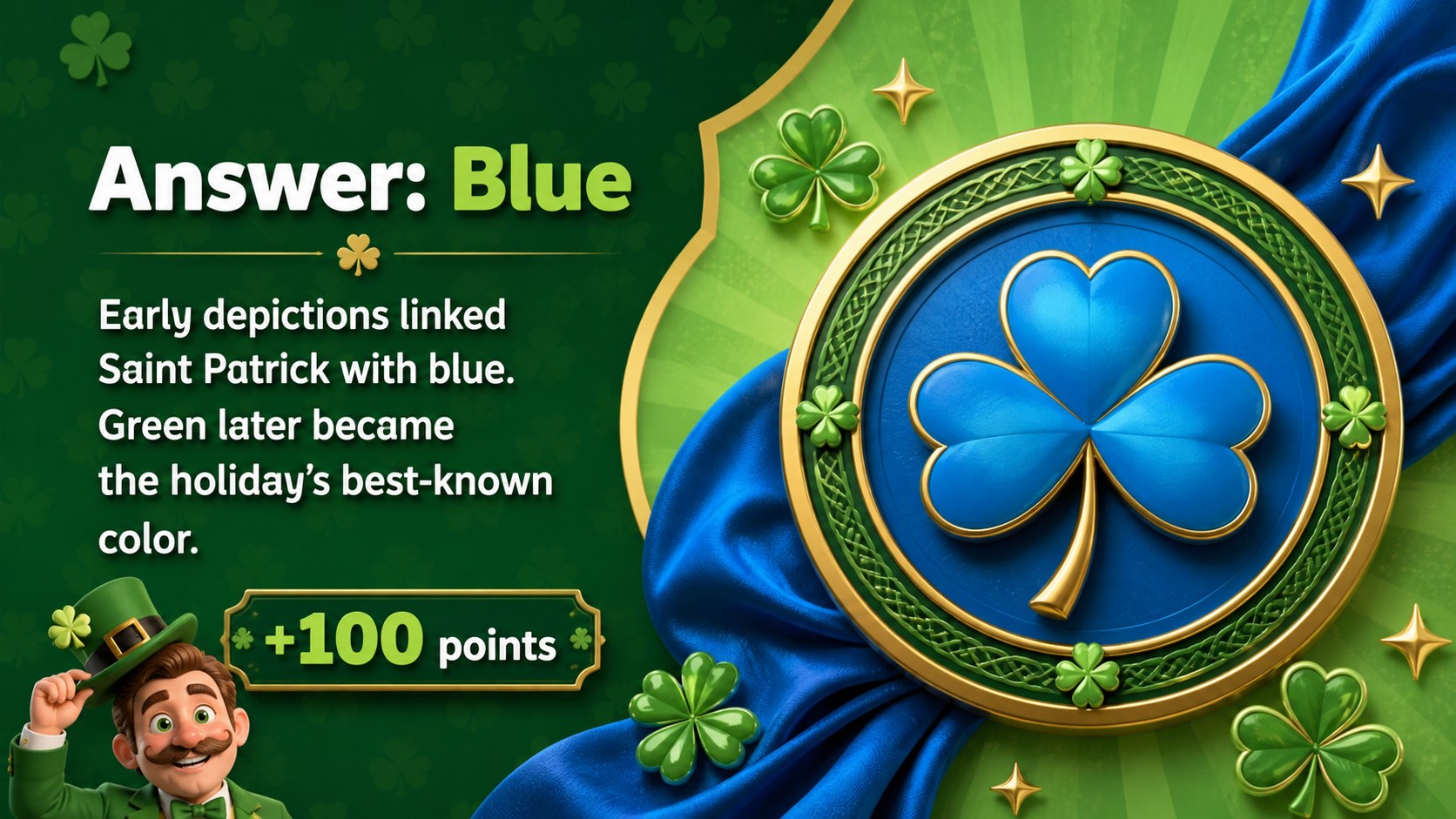
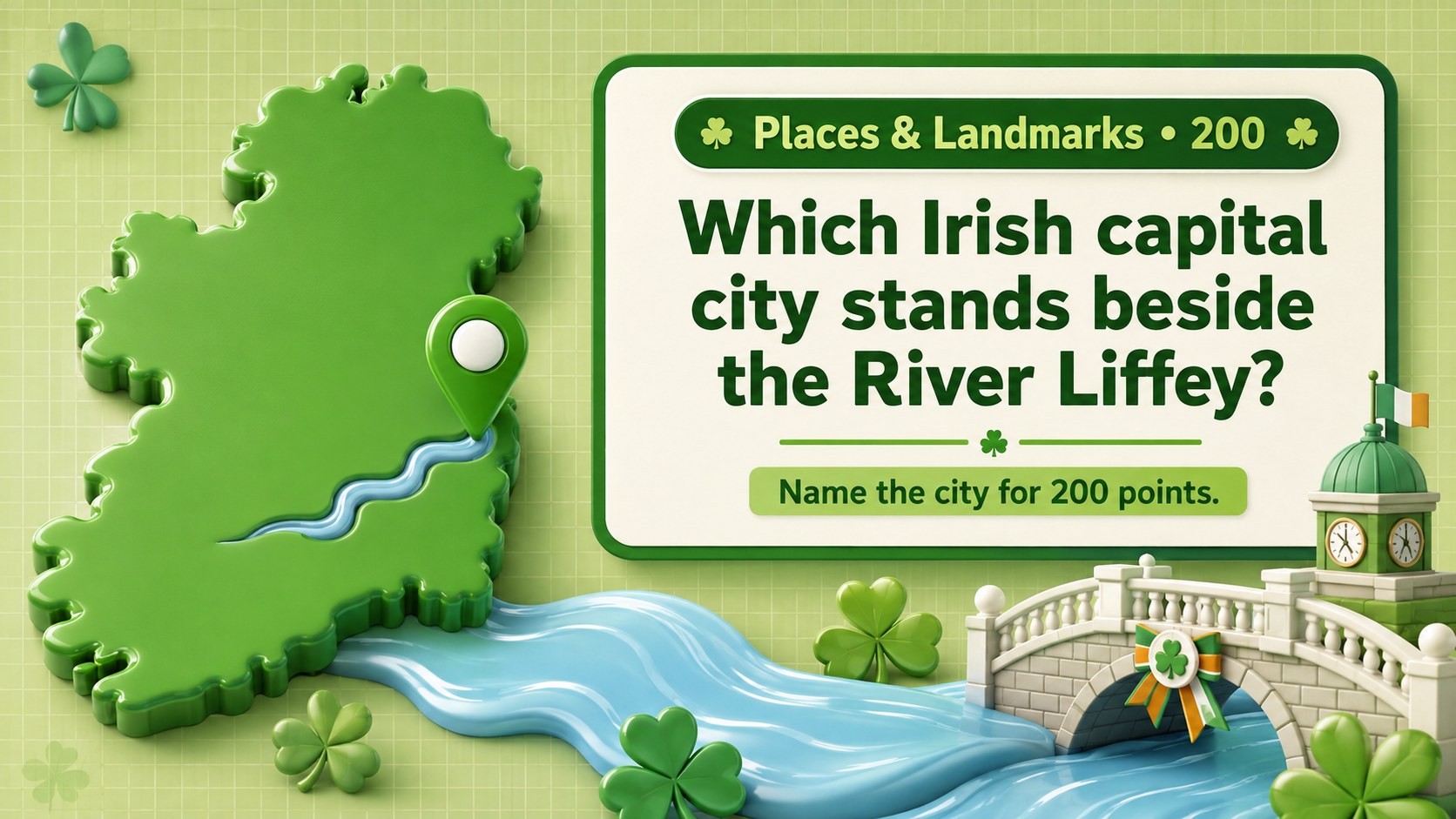
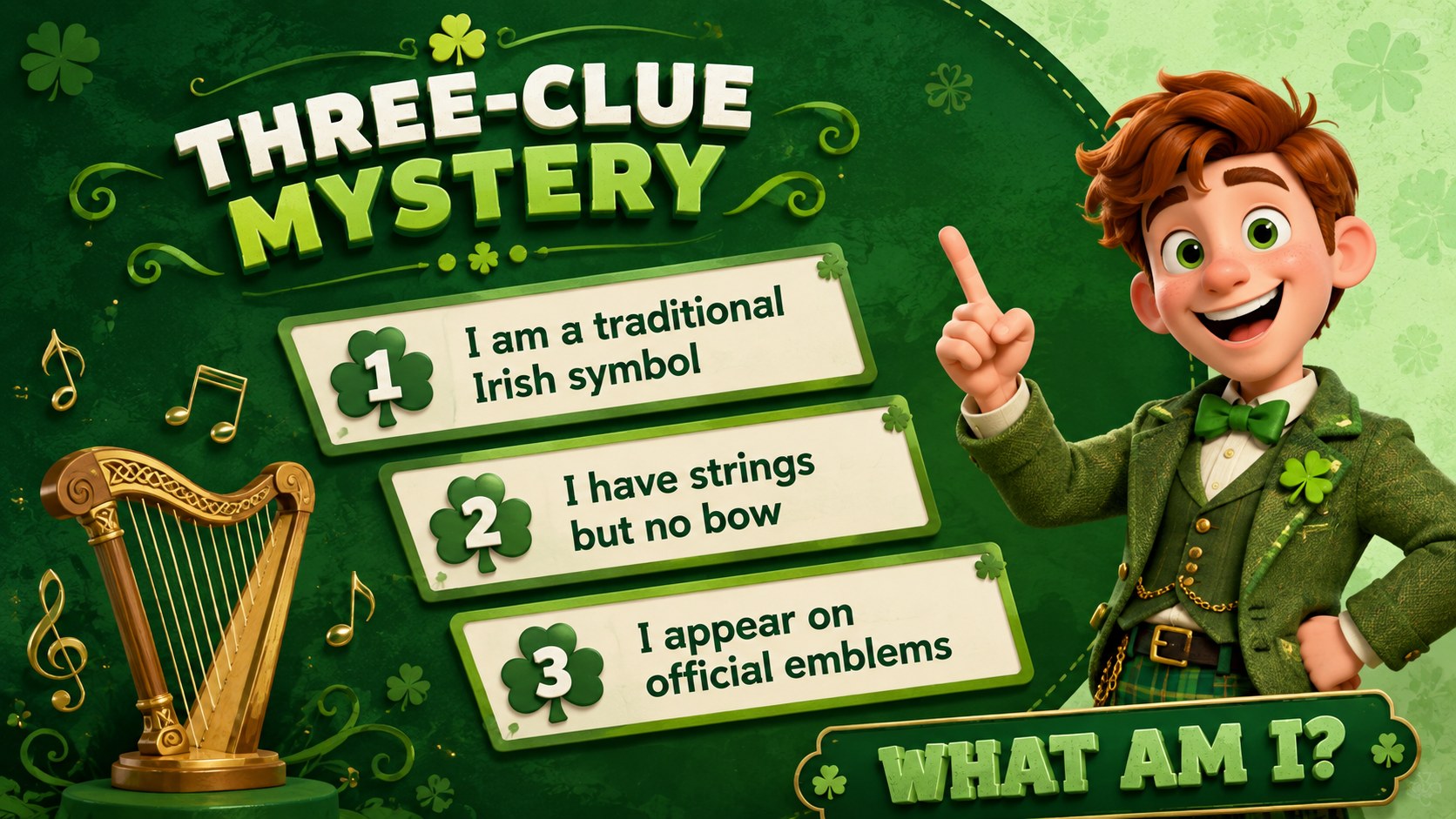
Bring friendly competition to your celebration with St. Patrick's Day trivia game slides designed for quick setup and lively group play. The cheerful green palette, rounded typography, and playful 3D shamrocks, coins, hats, and rainbows create a festive look without distracting from the questions. Use the deck as an Irish holiday quiz presentation in class, at a community event, or during an office social.
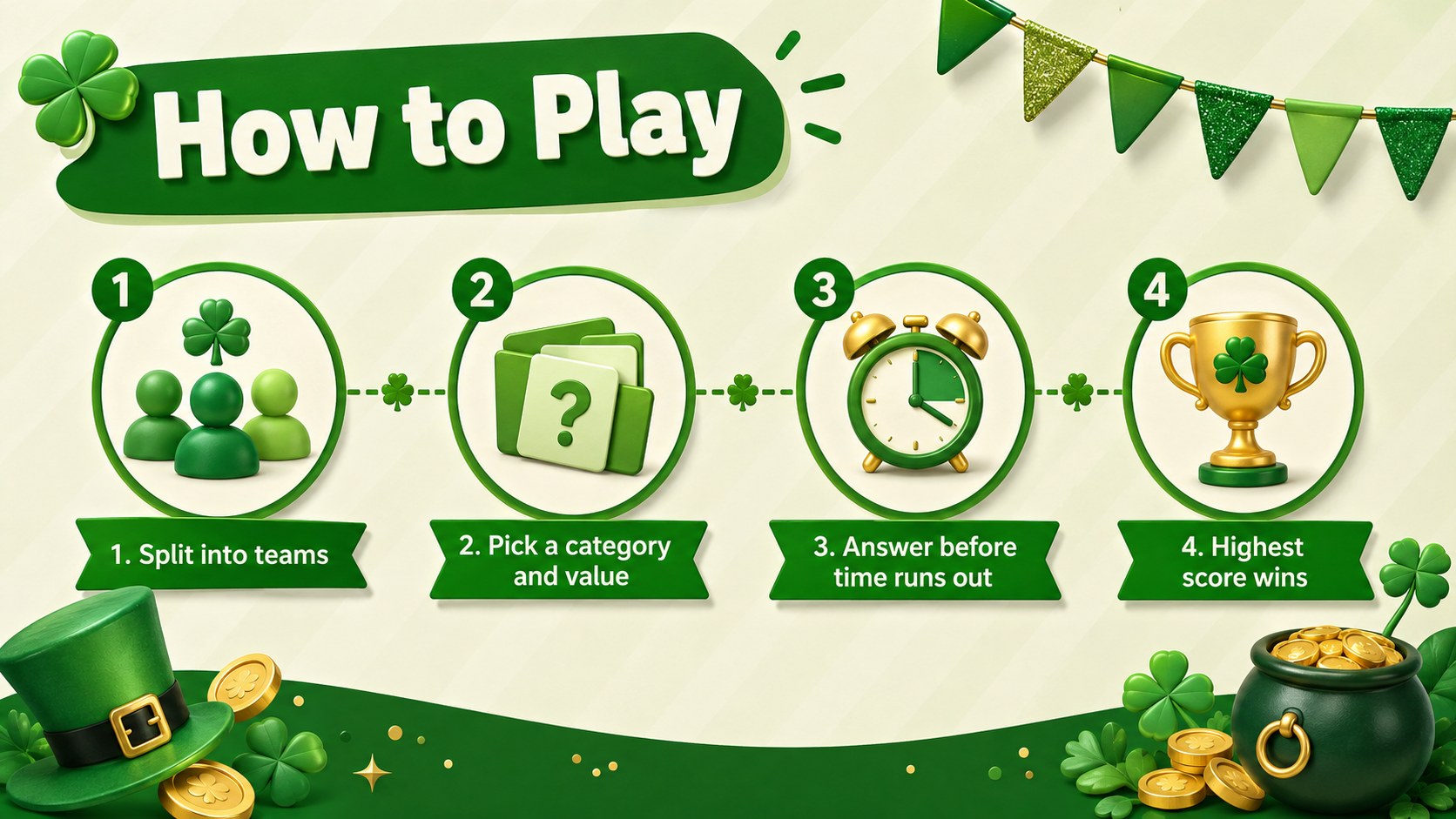
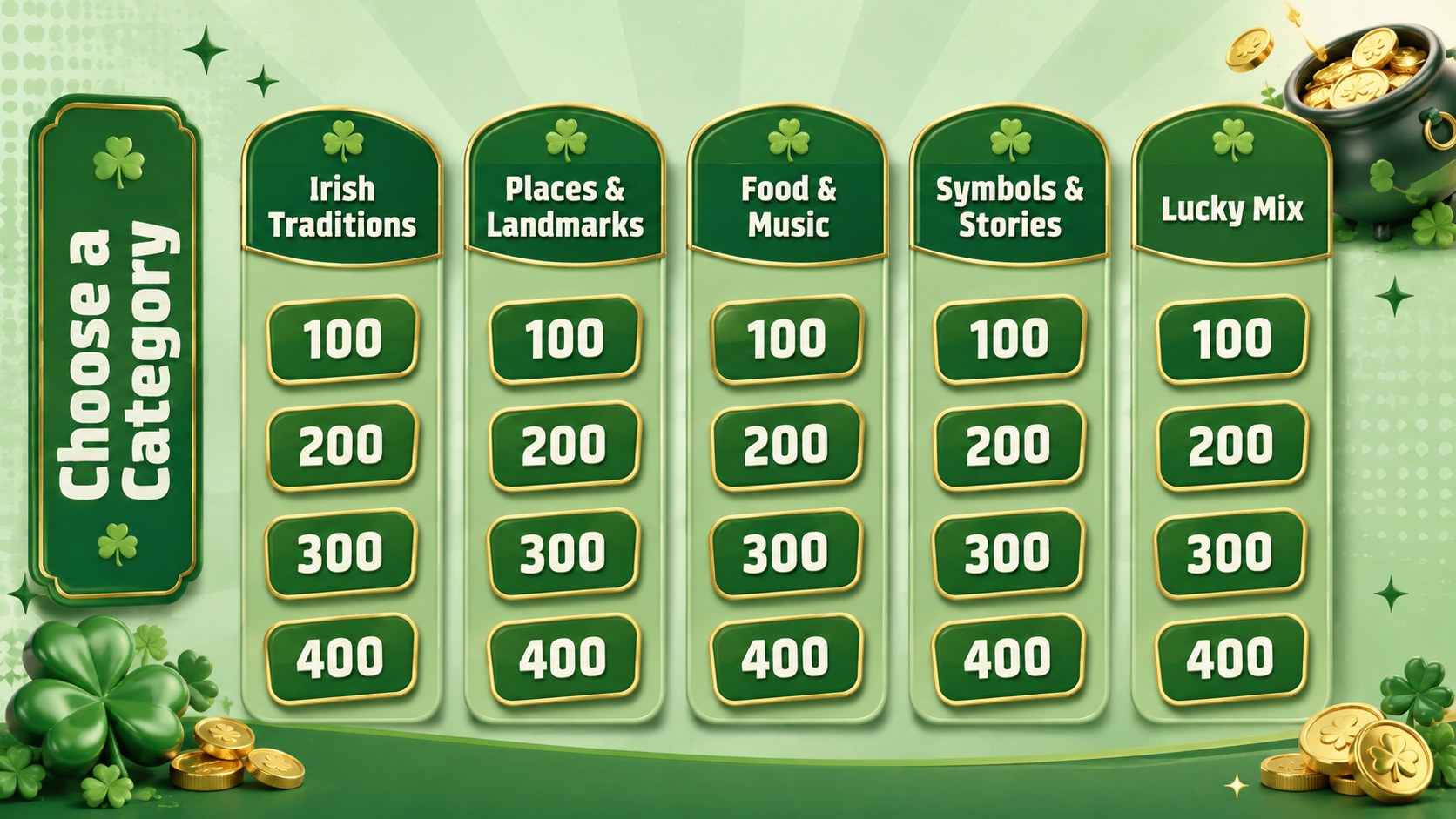
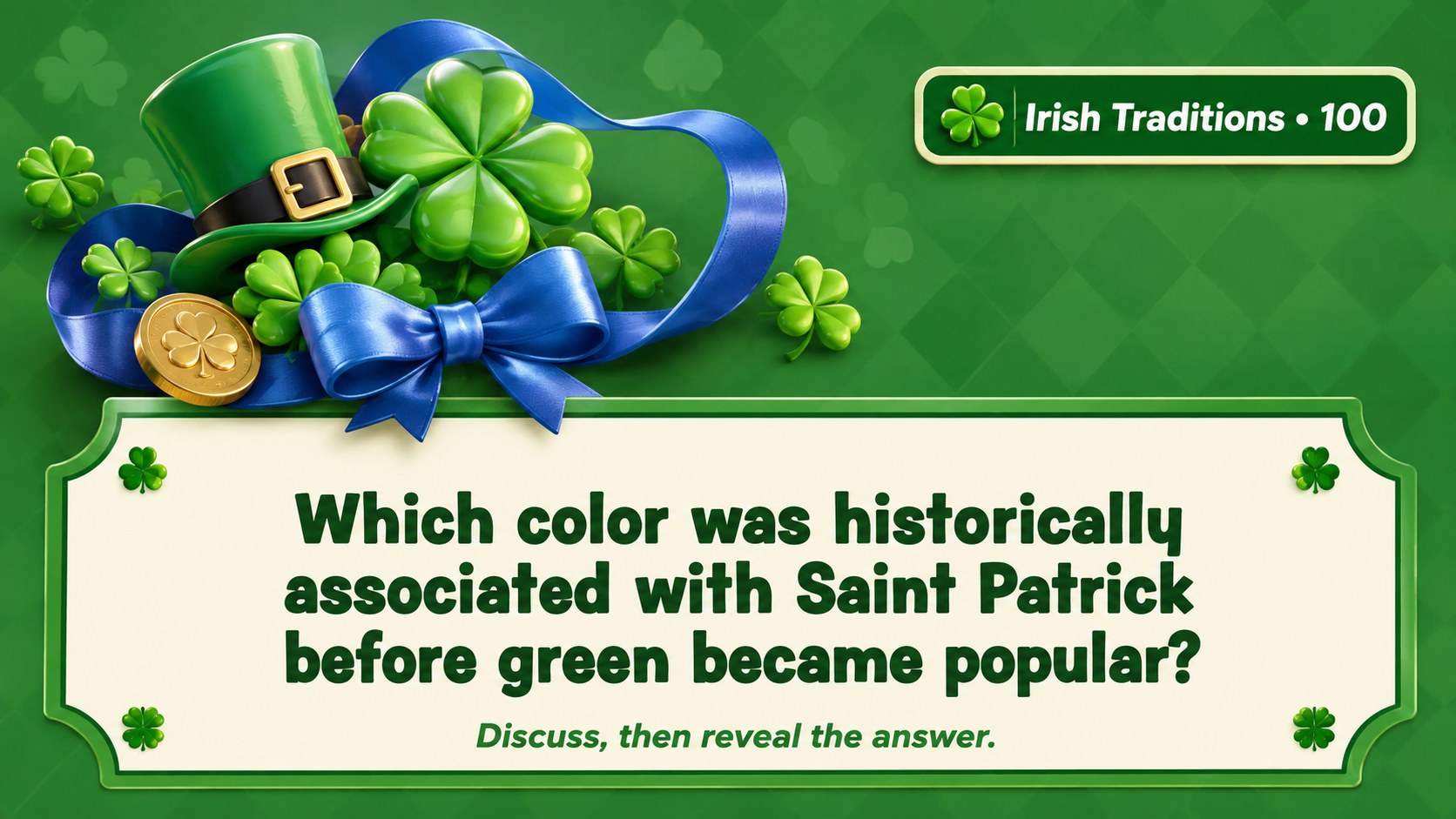
Inside, you will find a welcome screen, simple rules, a category board, question and answer layouts, bonus rounds, score trackers, a tie-breaker, and a winner screen. Every page can be adapted in PowerPoint or Google Slides, so you can replace prompts, adjust point values, reorder rounds, and add your own facts. The editable shamrock quiz slides also provide clear spaces for images, clues, and short explanations after each answer.
Teachers can turn the template into a St. Patrick's Day classroom trivia template for cultural learning, vocabulary review, or an end-of-unit activity. Event hosts can build a pub-style quiz, while families and youth groups can run a relaxed holiday challenge. The 16:9 format works well on classroom displays, meeting-room screens, and video calls, giving players a bright, easy-to-follow game from the opening question through the final score.
Perfect for: classroom holiday review; St. Patrick's Day party quiz; office team social; family trivia night; youth group activity.
Frequently asked questions
Can I replace the trivia questions and categories? Yes. Edit the category names, clues, answers, point values, and round order directly in PowerPoint or Google Slides. You can also duplicate question layouts when you need a longer game.
Practical details
Yes. Edit the category names, clues, answers, point values, and round order directly in PowerPoint or Google Slides. You can also duplicate question layouts when you need a longer game.
The template is designed for Microsoft PowerPoint and Google Slides. For the most consistent appearance, confirm that the recommended font is available or substitute a similar rounded sans-serif font.
Yes. Change the green color scheme, backgrounds, typography, and editable accents to match a classroom, organization, or party theme. Decorative 3D artwork can be moved, resized, replaced, or removed.
Divide players into groups, choose questions from the category board, and record points on the included score tracker. Use the bonus and tie-breaker layouts when teams finish with close totals.
Keep exploring
15Build stronger academic arguments with a college essay thesis builder featuring guided examples, revision prompts, and editable PowerPoint and Google Slides.
 15
15Build an engaging World UFO Day session with this flying saucer history lesson deck, featuring retro green-and-brown slides for PowerPoint and Google Slides.
 14
14Plan a memorable Lunar New Year campaign with the 2036 Dragon Year Celebration Theme, featuring bold red-and-yellow slides for lessons and events.
 15
15Build a thoughtful classroom discussion with this interfaith awareness lesson deck, featuring editable blue-and-white slides for PowerPoint and Google Slides.
 15
15Use this environmental awareness lesson deck to teach climate action through illustrated activities, discussion prompts, and ready-to-edit visuals.
 15
15Build playful lessons and party stories with a kid-friendly zombie celebration theme in purple, green and pastel blue for PowerPoint and Google Slides.
 15
15Build eerie lessons, campaigns, and story pitches with an undead survival scenario theme featuring editable slides for PowerPoint and Google Slides.
 16
16Turn environmental research into a clear story with a Watercolor Ecology Presentation Theme for PowerPoint and Google Slides in calming green and blue.