
 15
15presentation
College Essay Thesis Builder Slides
Build stronger academic arguments with a college essay thesis builder featuring guided examples, revision prompts, and editable PowerPoint and Google Slides.
Google SlidesPowerPoint
presentation · English
Create lively Halloween lessons, party plans, and team activities with this colorful Halloween activity slide deck for PowerPoint and Google Slides.
Design notes
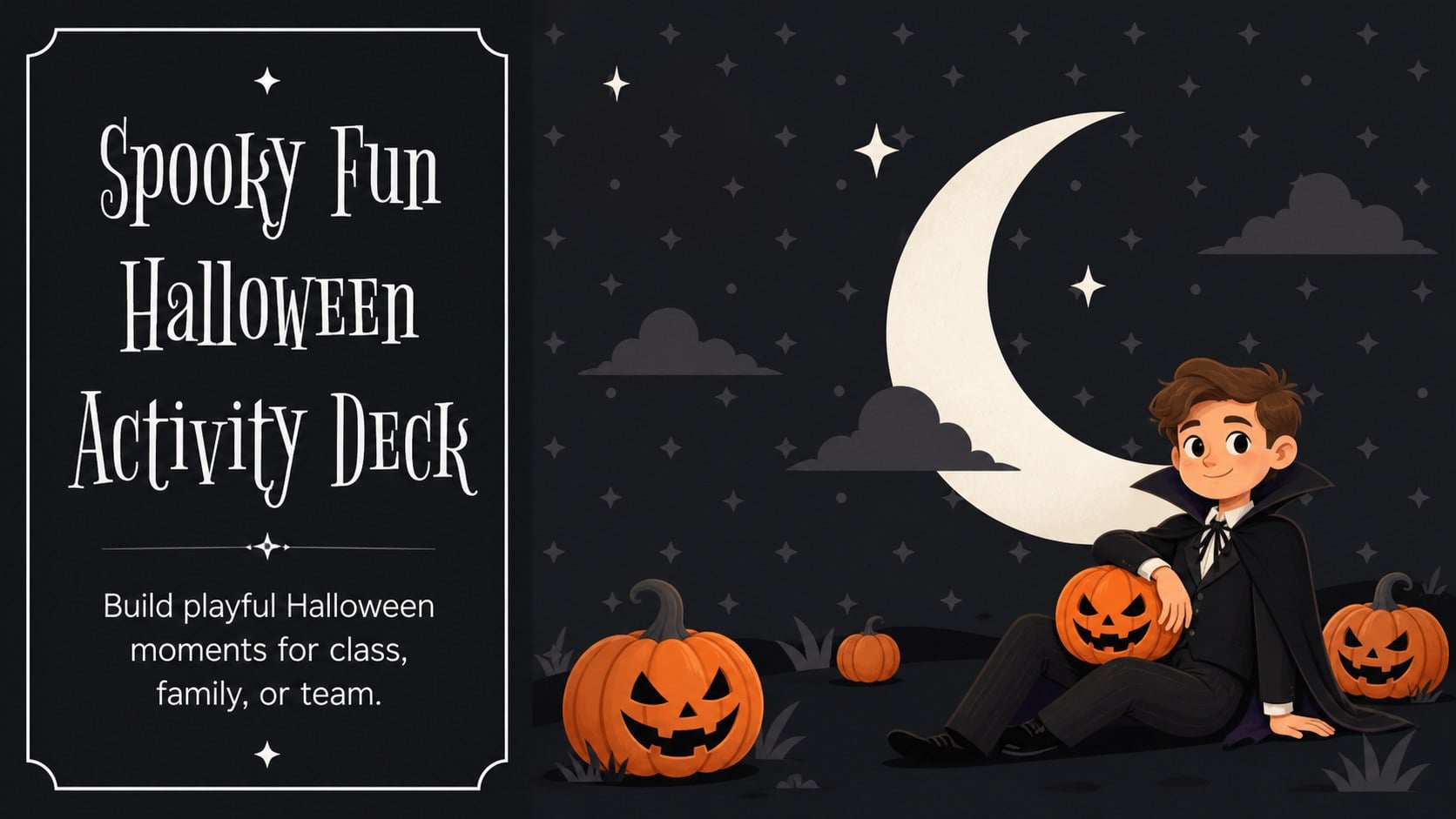
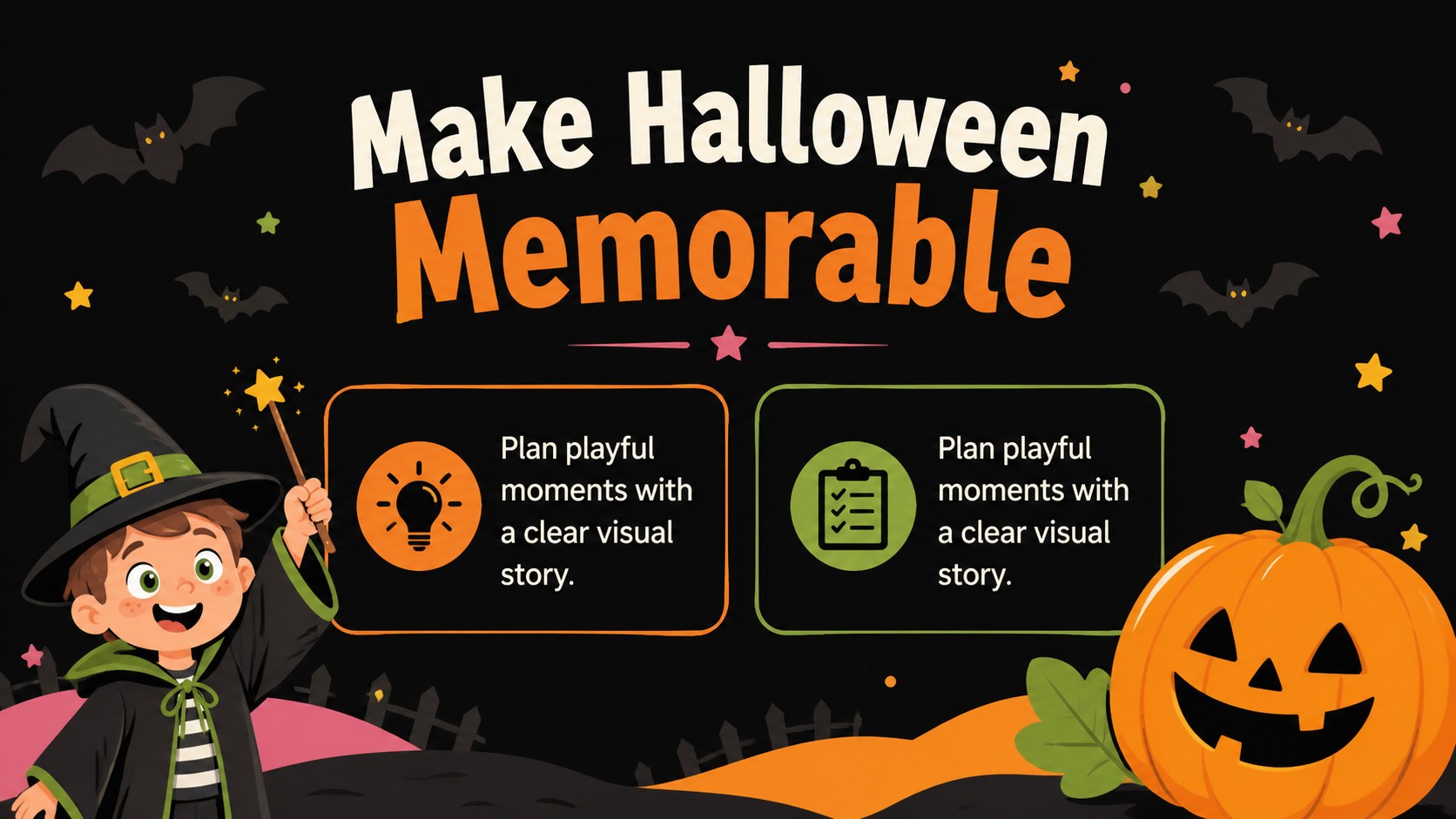
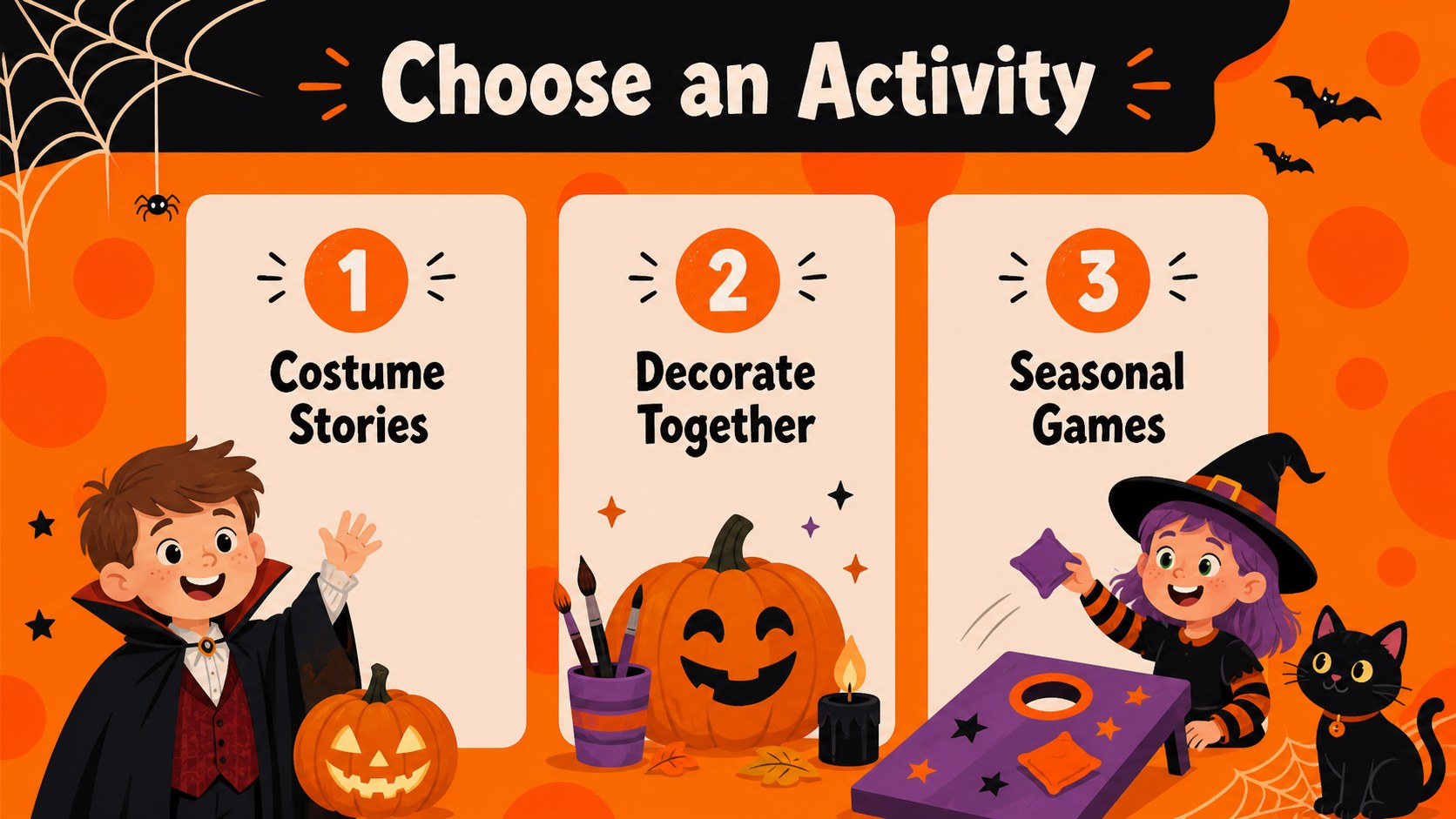
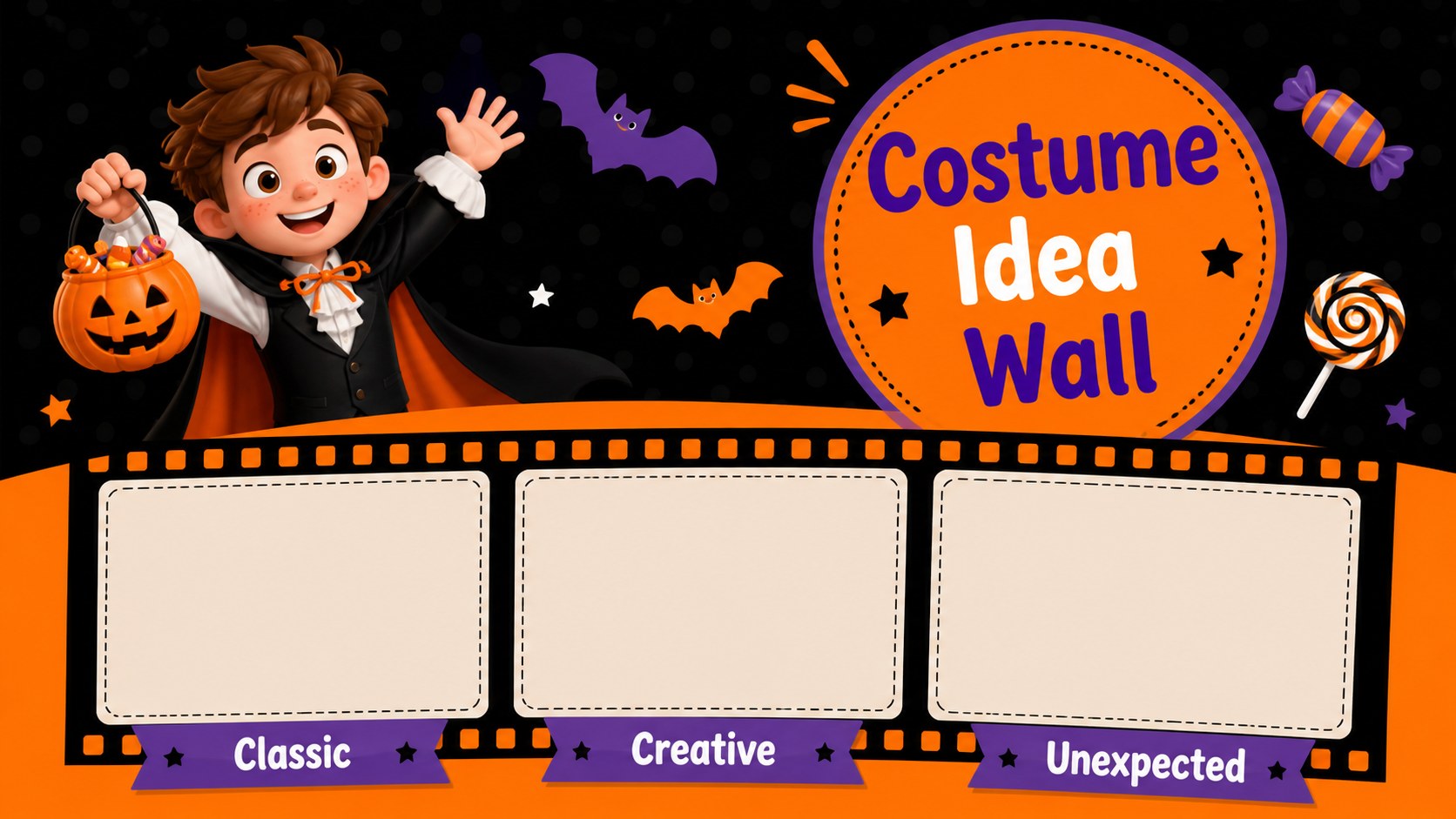
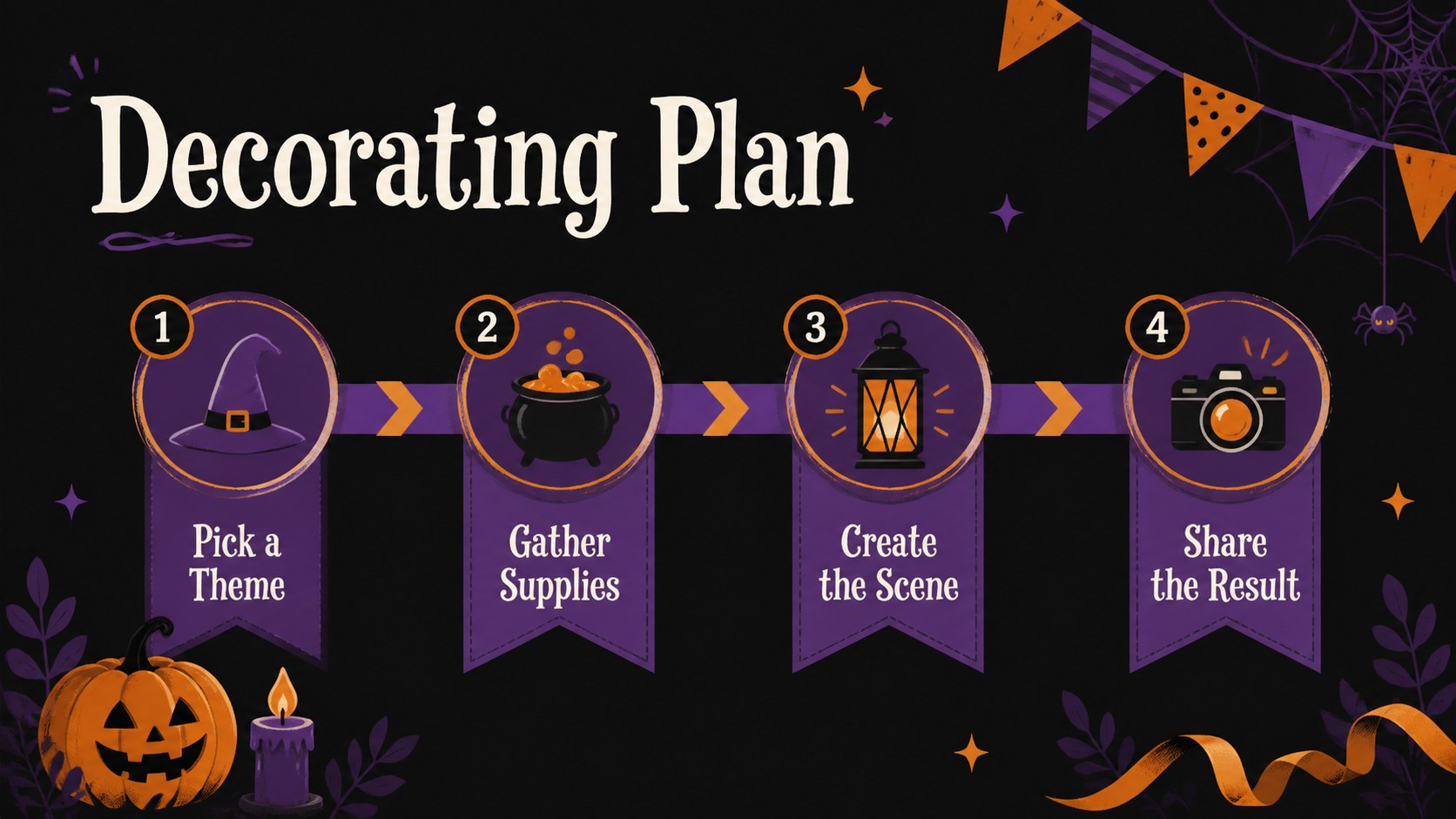
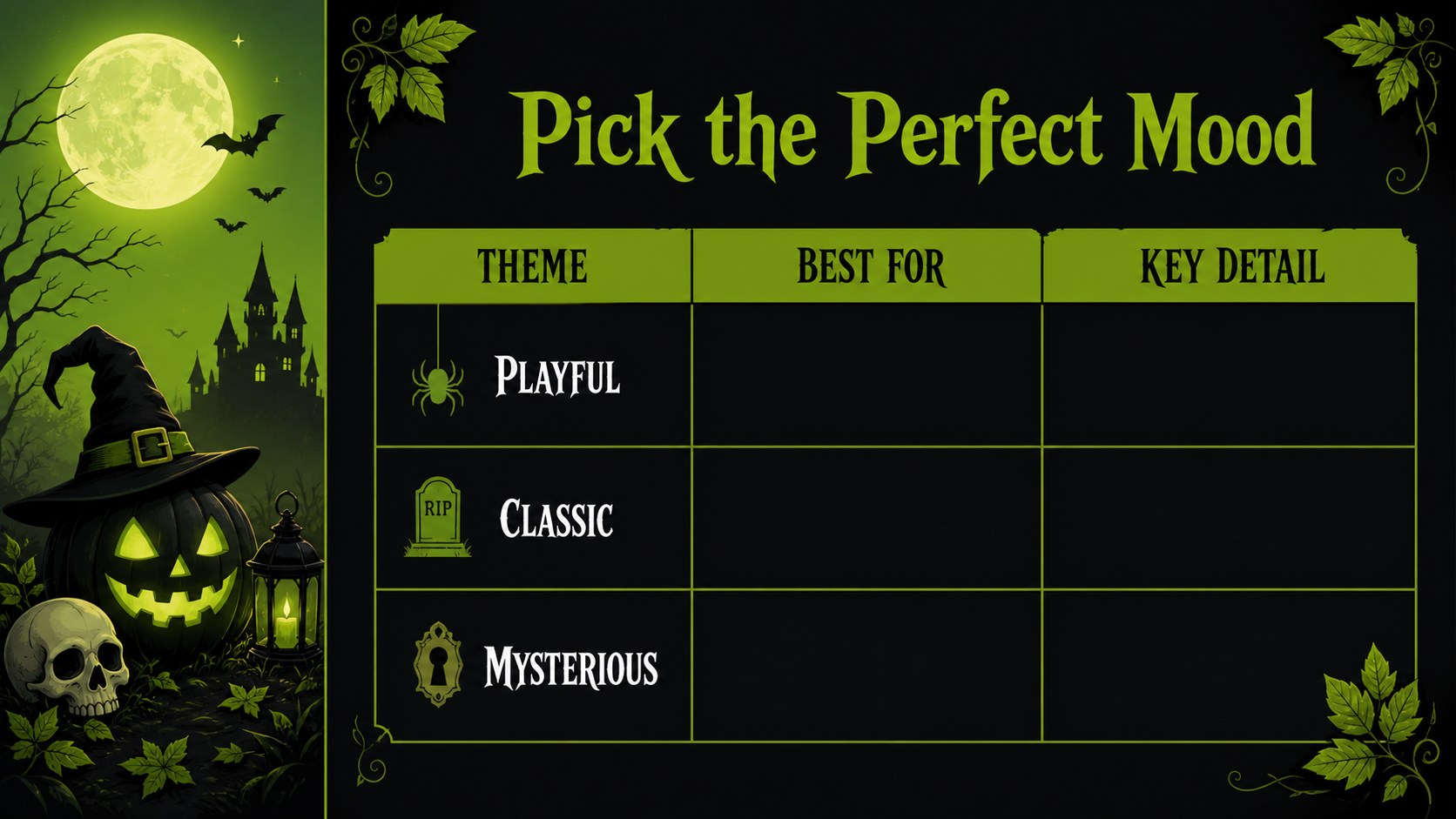
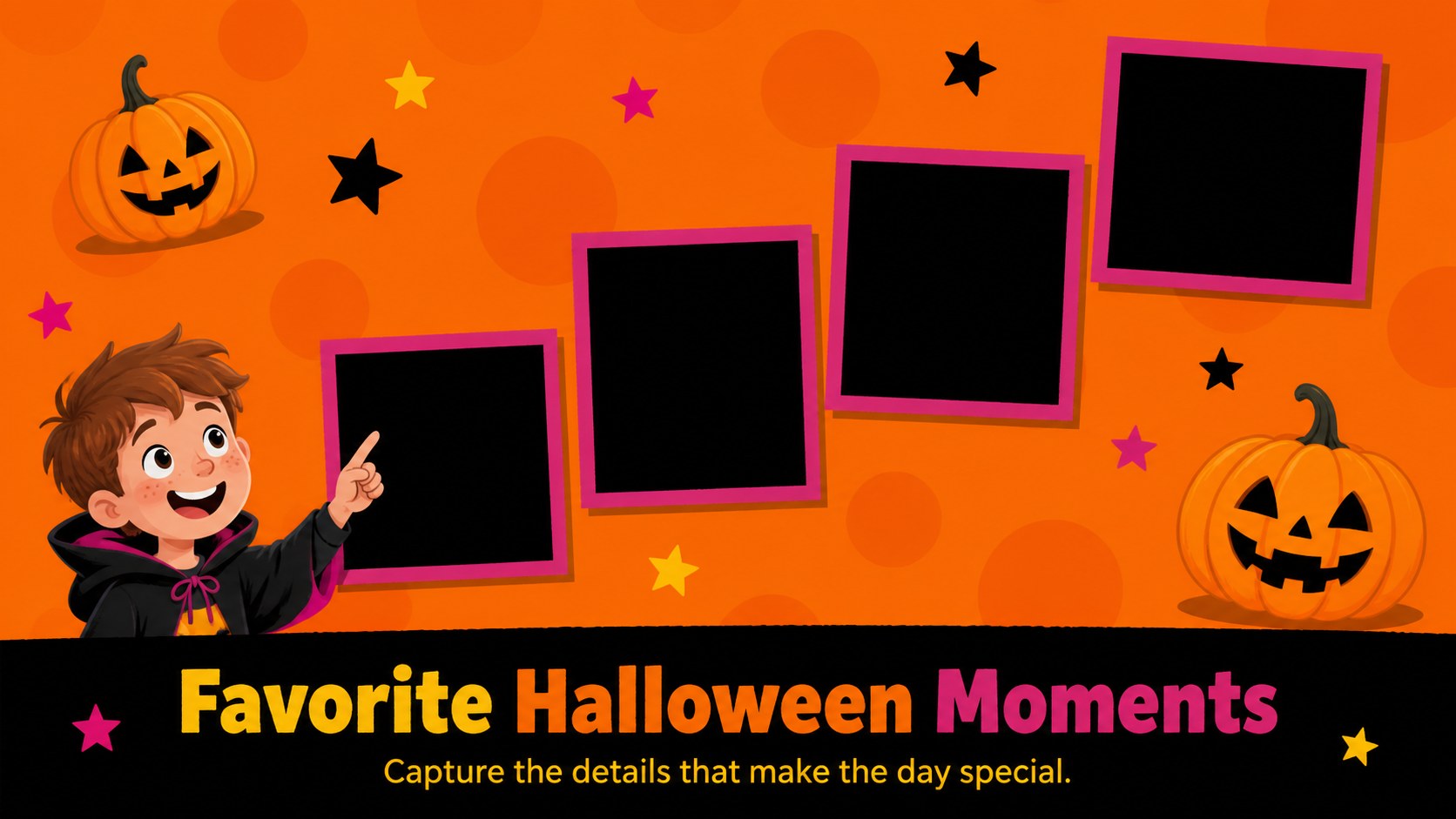
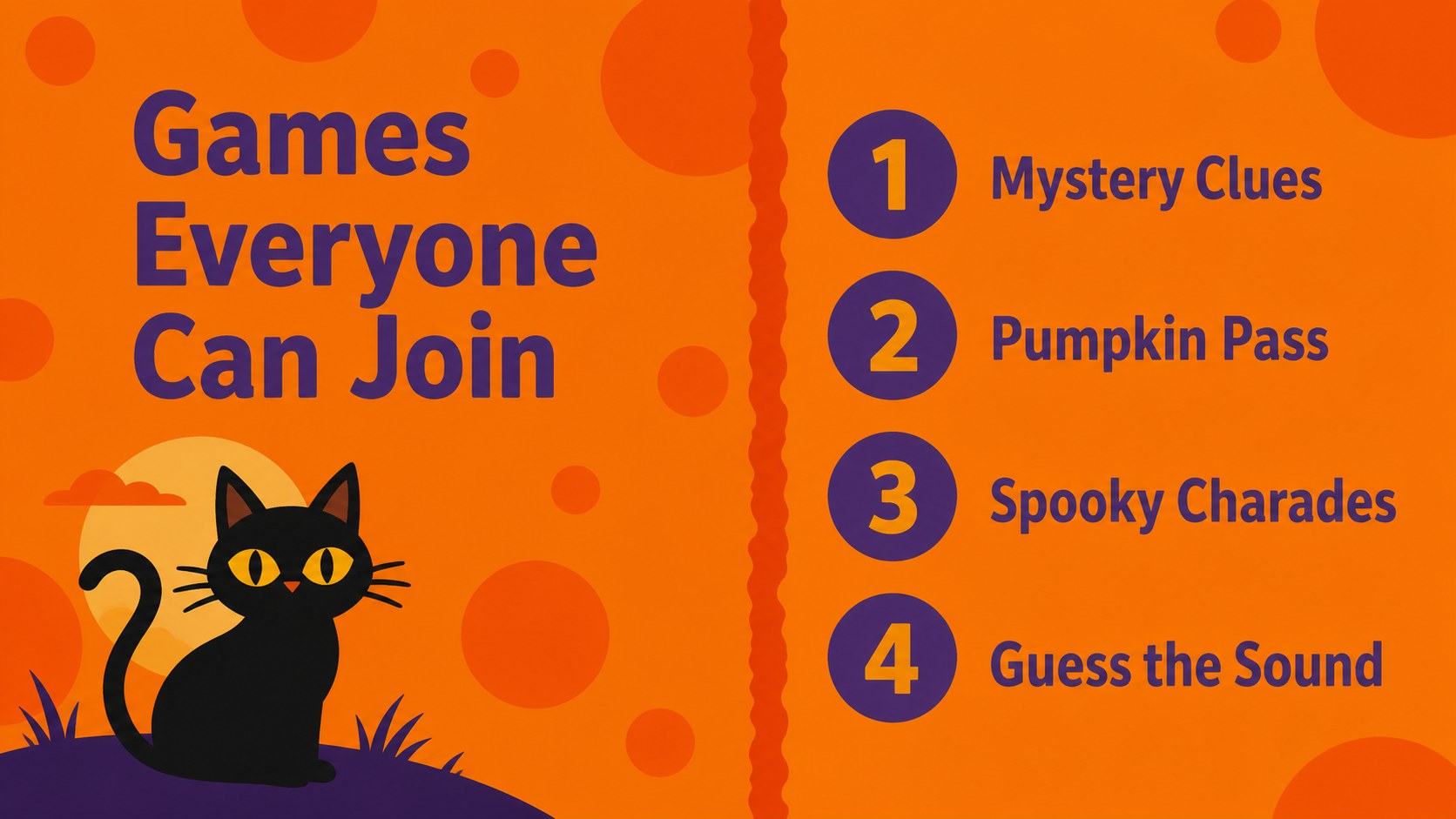
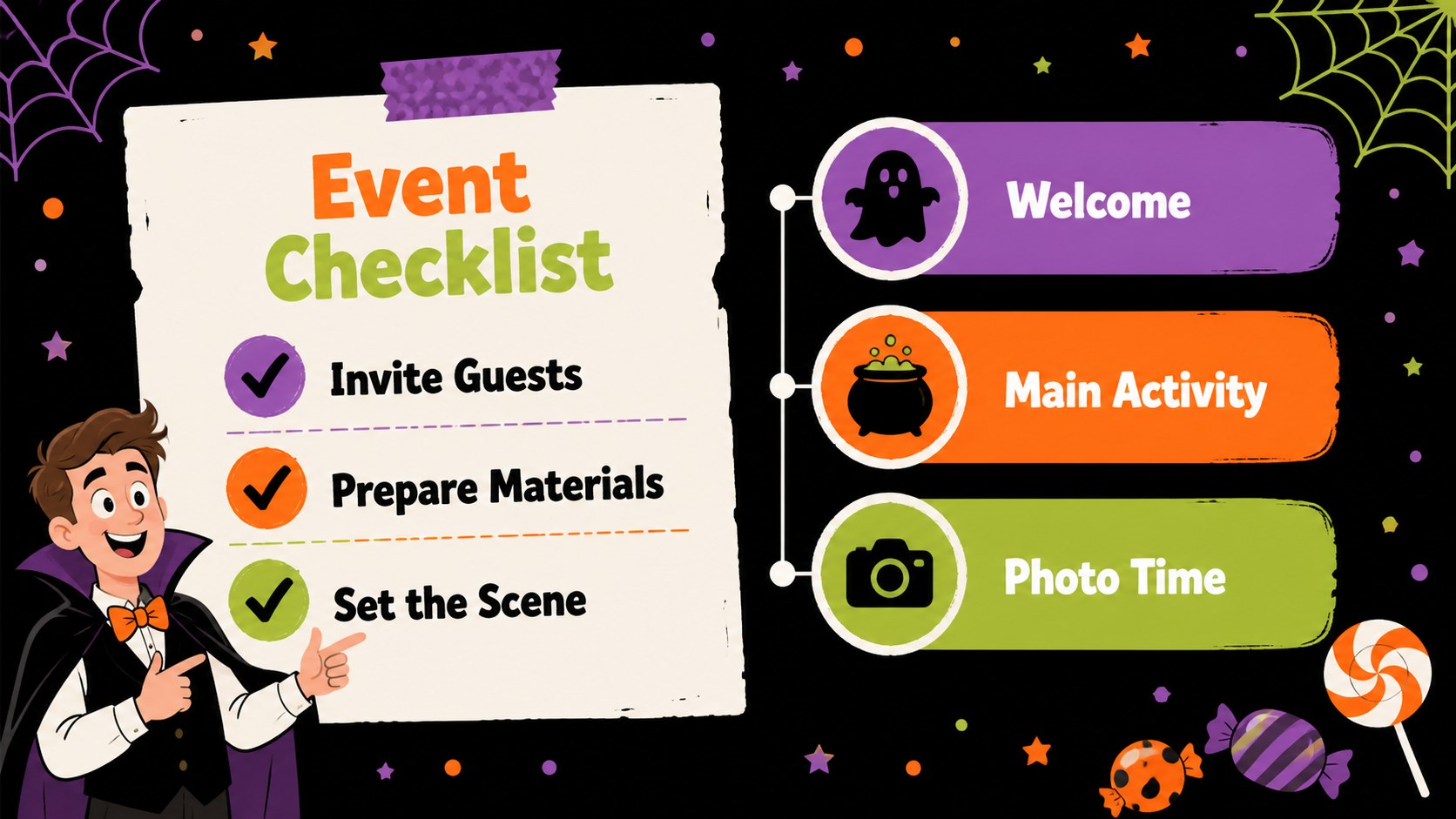
Bring Halloween energy to classroom activities, family photo sharing, party planning, or a lighthearted team meeting with this Halloween activity slide deck. The design pairs a cheerful black-and-colorful palette with bats, pumpkins, spiders, cats, skulls, and other playful seasonal details, creating a spooky mood without becoming too frightening. Use the layouts to introduce an activity, organize a decorating plan, present costume ideas, or build a festive story around your event.
Inside, you will find 25 editable layouts, including title pages, section dividers, image showcases, comparison slides, timelines, charts, tables, and closing pages. A coordinated icon collection and customizable world map make it easier to add visual context, while example content helps you shape a polished Halloween classroom presentation or party briefing. Rearrange, duplicate, remove, and resize elements to suit your project.
The template works in PowerPoint and Google Slides, uses a widescreen 16:9 format, and can be exported to PDF or JPG. It is a practical choice for teachers, parents, event organizers, students, and workplace teams who want an approachable seasonal presentation with clear structure and plenty of personality.
Perfect for: Halloween classroom activity; Costume idea slideshow; Family party photo presentation; Classroom decorating plan; Team Halloween event briefing.
Frequently asked questions
Can I edit this Halloween deck in PowerPoint? Yes. Download the presentation template and edit its text, colors, images, icons, charts, and layouts in PowerPoint. The widescreen slides are designed for standard 16:9 presentations.
Practical details
Yes. Download the presentation template and edit its text, colors, images, icons, charts, and layouts in PowerPoint. The widescreen slides are designed for standard 16:9 presentations.
Yes, you can open and customize the deck in Google Slides. Replace the sample content, rearrange pages, and adjust the editable design elements for your event or lesson.
The text, photos, shapes, icons, and many graphic elements are customizable. You can adjust the color balance or replace seasonal illustrations while preserving the playful Halloween style.
It works for classroom activities, costume showcases, family photo stories, party plans, decorating proposals, and informal team events. The mix of image, list, chart, and timeline layouts supports both creative and practical content.
Keep exploring
15Build stronger academic arguments with a college essay thesis builder featuring guided examples, revision prompts, and editable PowerPoint and Google Slides.
 15
15Build an engaging World UFO Day session with this flying saucer history lesson deck, featuring retro green-and-brown slides for PowerPoint and Google Slides.
 14
14Plan a memorable Lunar New Year campaign with the 2036 Dragon Year Celebration Theme, featuring bold red-and-yellow slides for lessons and events.
 15
15Build a thoughtful classroom discussion with this interfaith awareness lesson deck, featuring editable blue-and-white slides for PowerPoint and Google Slides.
 15
15Use this environmental awareness lesson deck to teach climate action through illustrated activities, discussion prompts, and ready-to-edit visuals.
 15
15Build playful lessons and party stories with a kid-friendly zombie celebration theme in purple, green and pastel blue for PowerPoint and Google Slides.
 15
15Build eerie lessons, campaigns, and story pitches with an undead survival scenario theme featuring editable slides for PowerPoint and Google Slides.
 16
16Turn environmental research into a clear story with a Watercolor Ecology Presentation Theme for PowerPoint and Google Slides in calming green and blue.