
 15
15presentation
College Essay Thesis Builder Slides
Build stronger academic arguments with a college essay thesis builder featuring guided examples, revision prompts, and editable PowerPoint and Google Slides.
Google SlidesPowerPoint
presentation · English
Build a clear smart farming systems deck about agricultural innovation, precision tools, and rising yields for classes, research projects, and farm teams.

Design notes
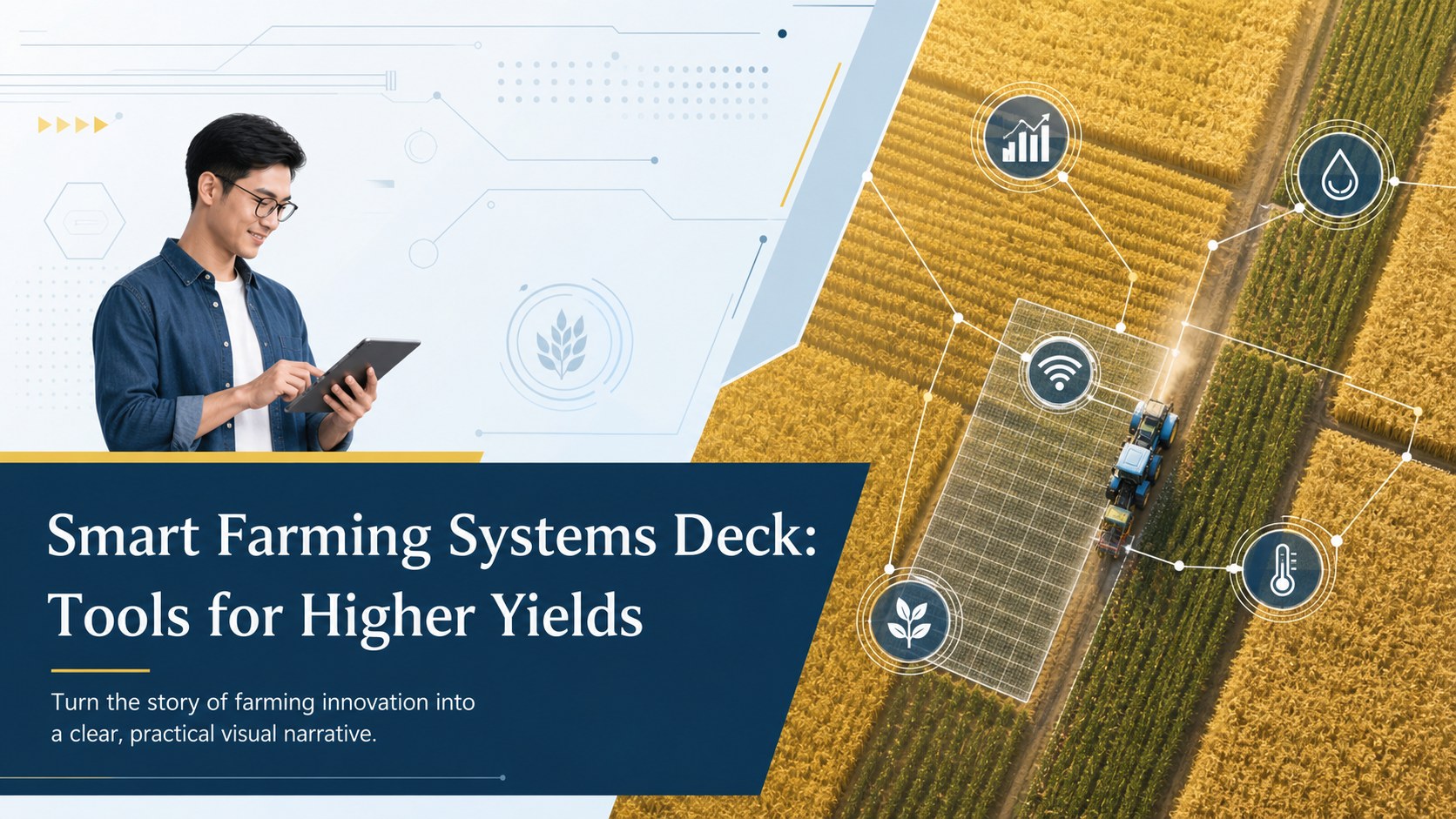
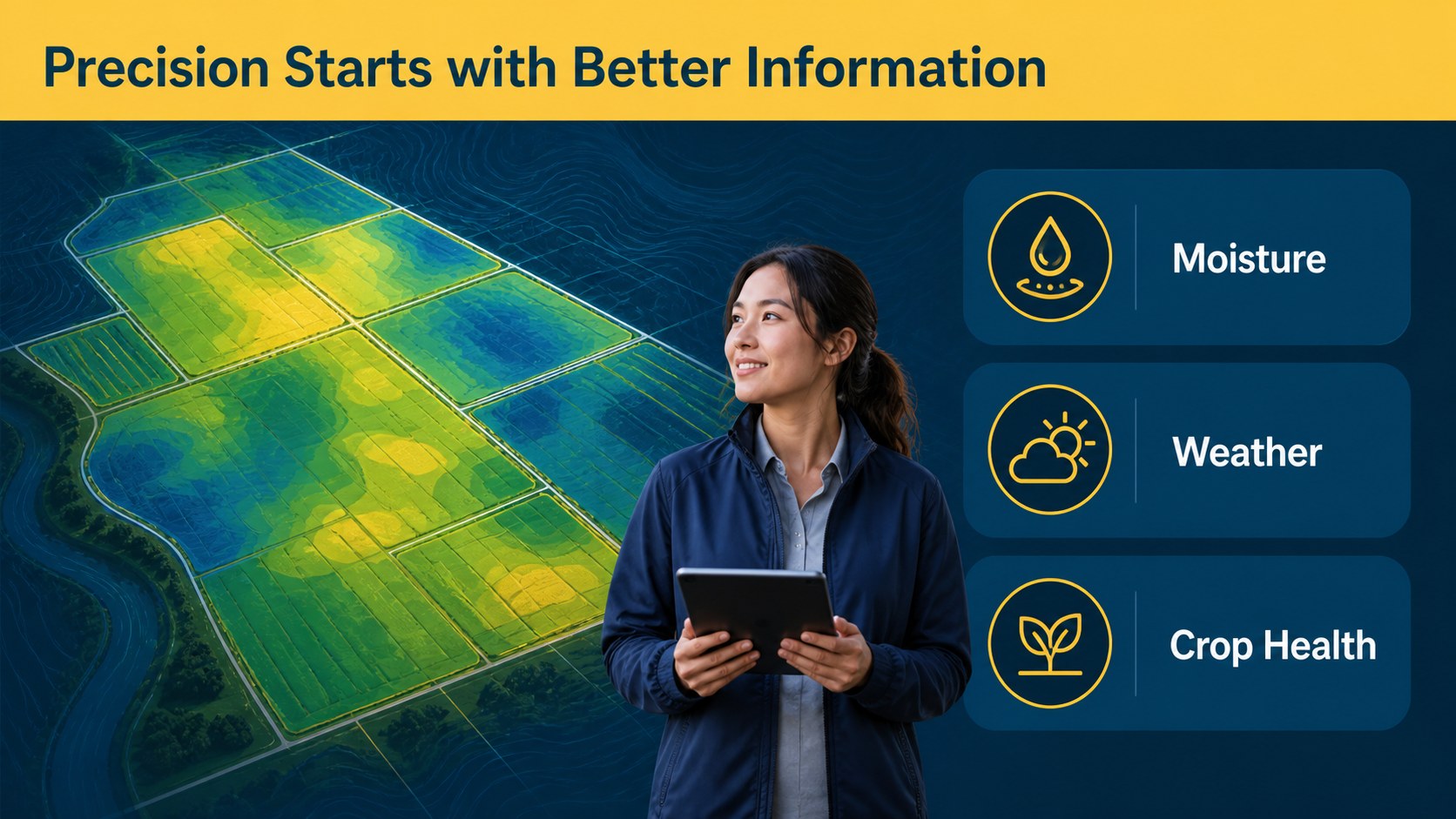
Smart Farming Systems Deck: Tools for Higher Yields is a clean presentation template for explaining how agricultural technology has changed the way food is grown. Its blue and yellow palette, restrained layouts, and editorial structure make complex developments easy to follow without losing a professional, modern feel.
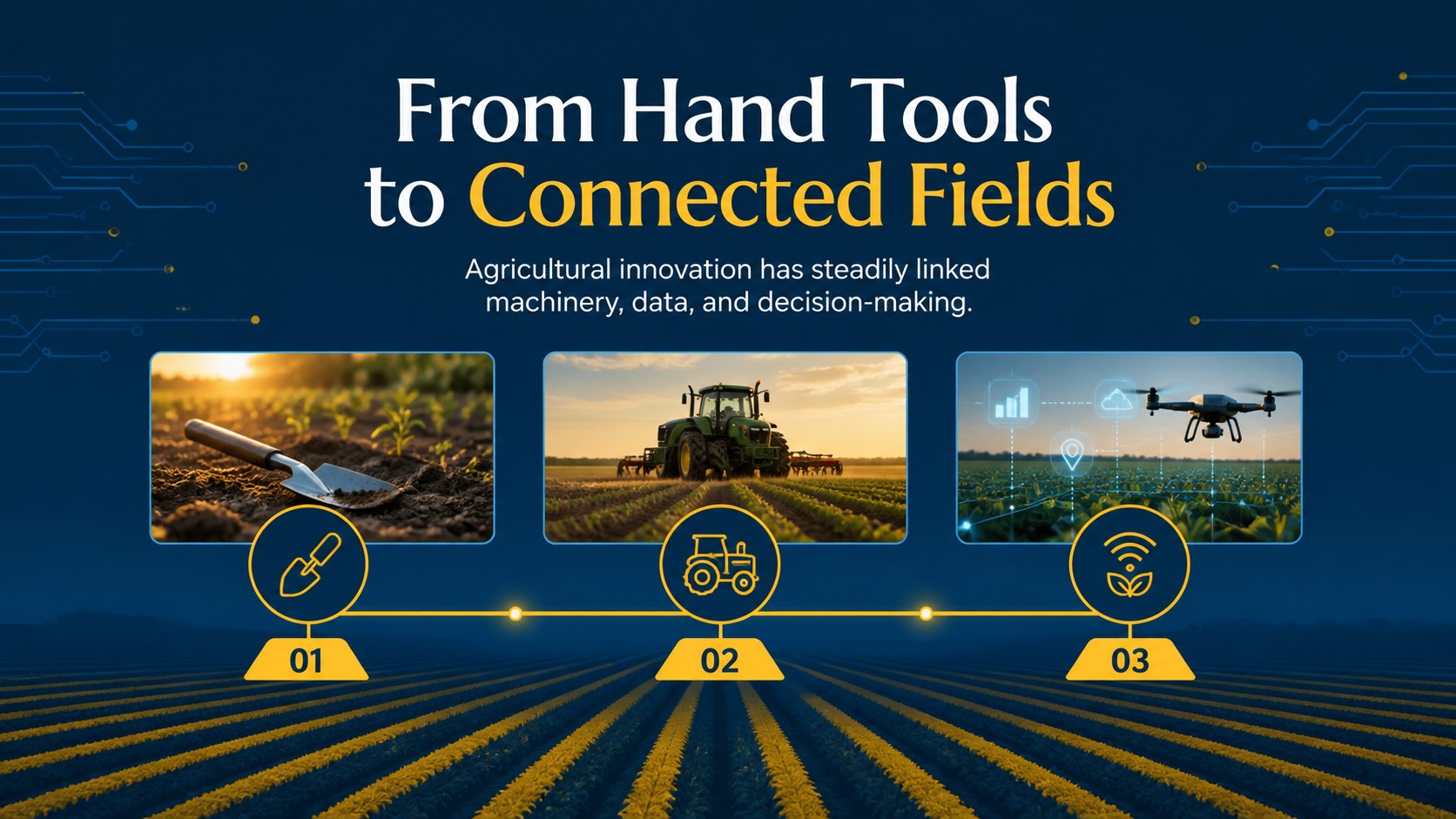
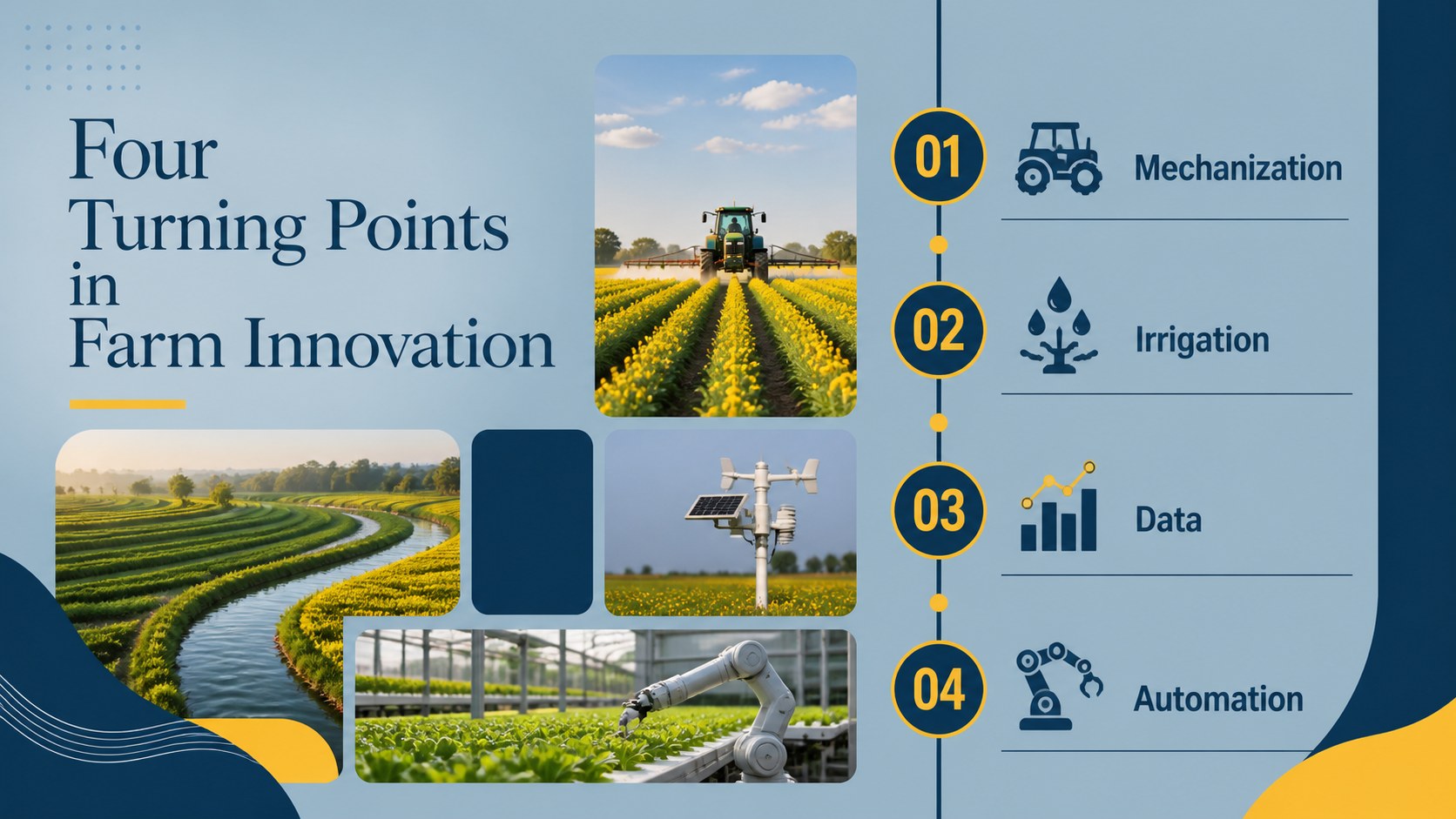
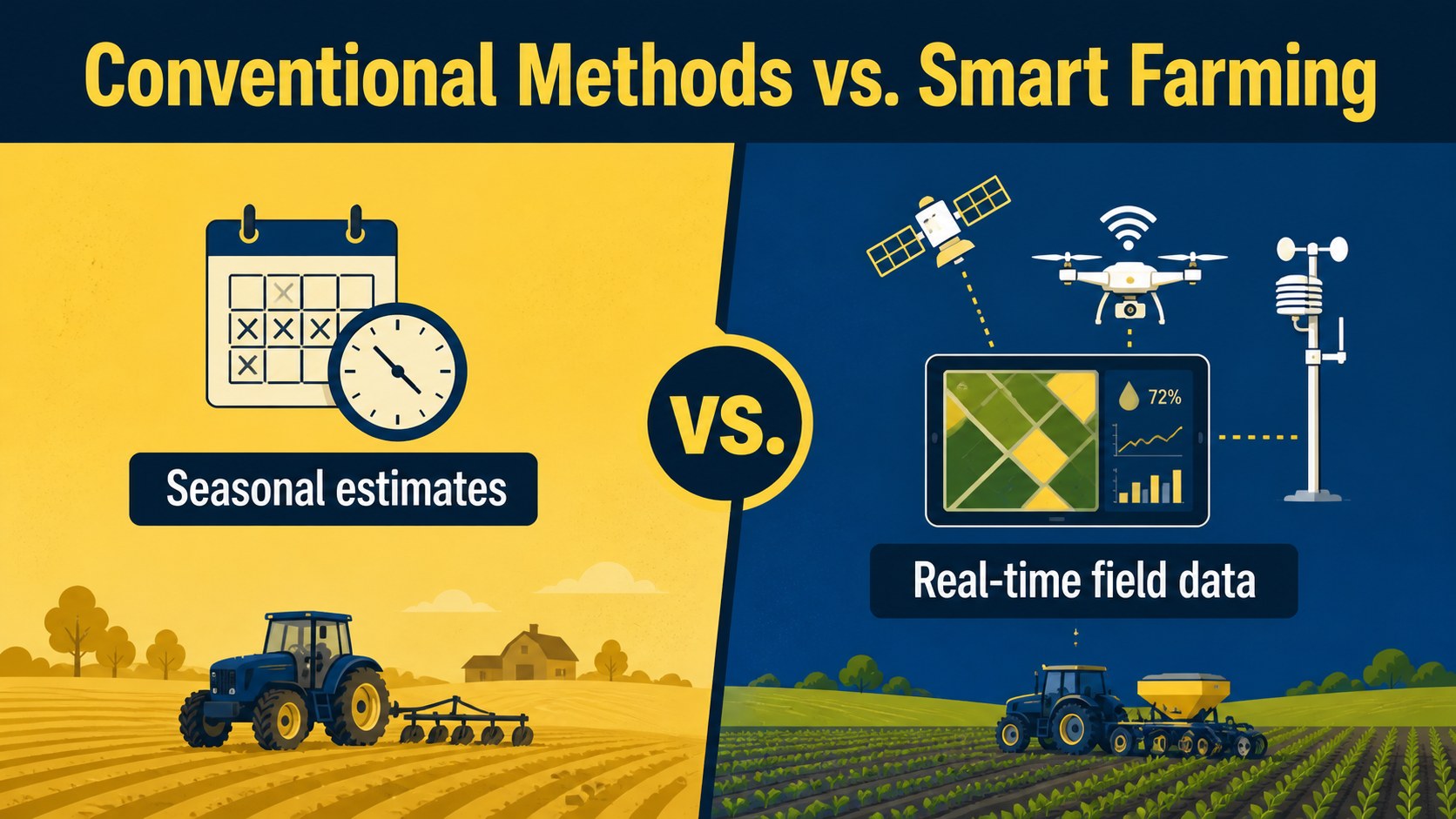
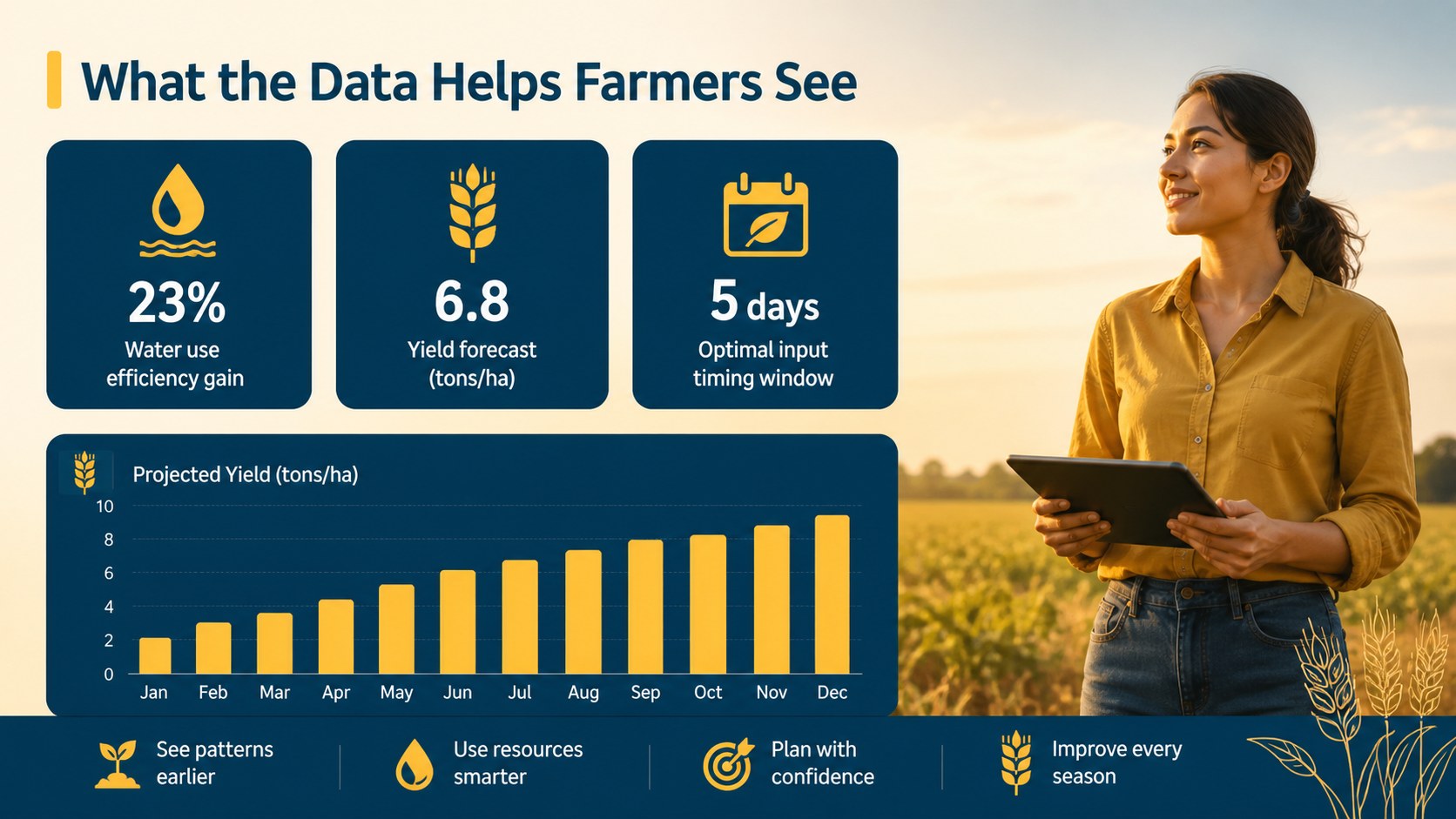
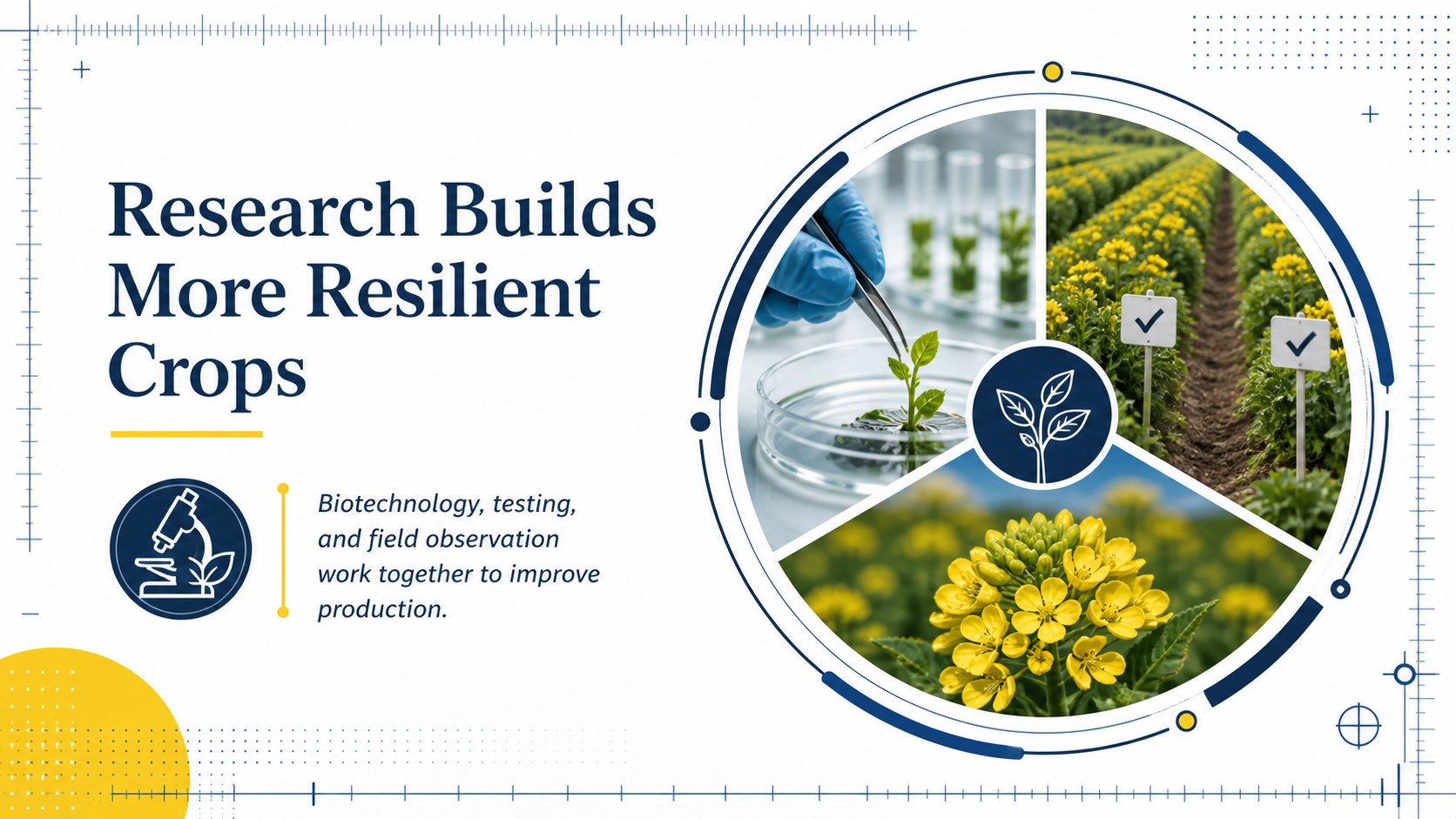
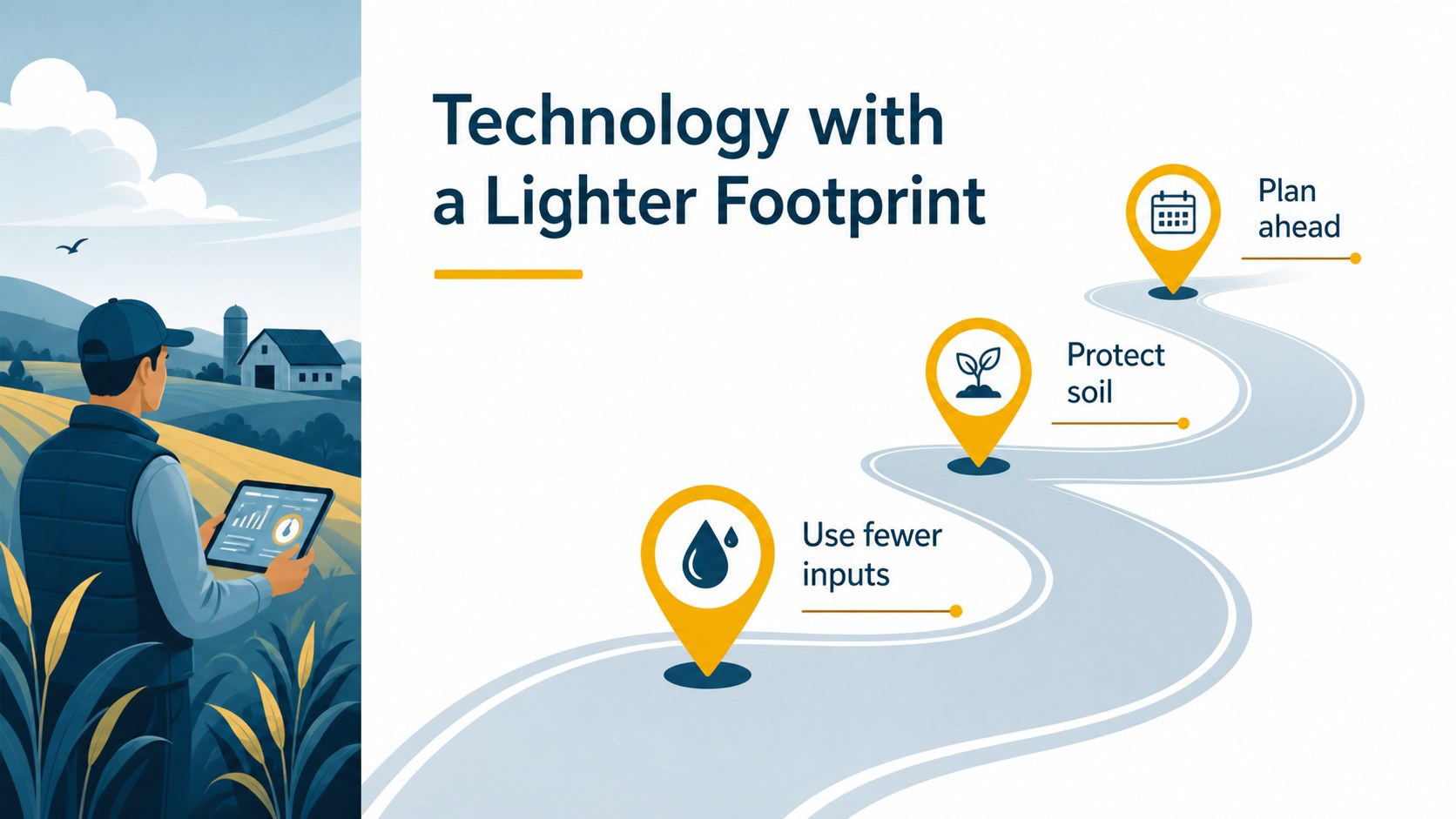
Use the slides to introduce the Agricultural Revolution, compare traditional and connected farming methods, map the growth of mechanization, or explain how sensors, automation, data, and biotechnology support better decisions. The layout system works especially well for a precision agriculture presentation, a classroom discussion, or a farm productivity presentation built around clear evidence and practical examples.
Inside, you will find more than 25 adaptable layouts, including title pages, comparison slides, process diagrams, timelines, data charts, image-led explainers, and conclusion pages. makes it simple to replace text, adjust the blue and yellow colors, add photographs, and rearrange visual elements. Export the finished design for PowerPoint or Google Slides, or present directly from.
This template suits agricultural students, educators, agribusiness teams, sustainability researchers, consultants, and anyone preparing an agricultural technology lesson deck. Its Marcellus, Nunito, and Sriracha font combination adds a distinctive human touch while keeping the information readable.
Perfect for: agricultural technology lesson; precision farming research project; agribusiness team briefing; farm innovation workshop; sustainability education session.
Frequently asked questions
Practical details
Yes. The template is designed for, where you can replace text, images, charts, fonts, and colors with drag-and-drop controls. You can also present from or export the finished work.
Yes. Open the editable template, then use the Share menu to export a PowerPoint file or save a copy to Google Drive for Google Slides. Review animations and font substitutions after exporting.
It is suitable for lessons and student projects about agricultural innovation, farm technology, and productivity. The timeline, comparison, diagram, and data layouts can support both introductory and research-based presentations.
Yes. lets you update the document colors and apply a new palette across selected elements. Keeping blue and yellow as accent colors preserves the original visual character while allowing your organization or course to add its own identity.
Keep exploring
15Build stronger academic arguments with a college essay thesis builder featuring guided examples, revision prompts, and editable PowerPoint and Google Slides.
 15
15Build an engaging World UFO Day session with this flying saucer history lesson deck, featuring retro green-and-brown slides for PowerPoint and Google Slides.
 14
14Plan a memorable Lunar New Year campaign with the 2036 Dragon Year Celebration Theme, featuring bold red-and-yellow slides for lessons and events.
 15
15Build a thoughtful classroom discussion with this interfaith awareness lesson deck, featuring editable blue-and-white slides for PowerPoint and Google Slides.
 15
15Use this environmental awareness lesson deck to teach climate action through illustrated activities, discussion prompts, and ready-to-edit visuals.
 15
15Build playful lessons and party stories with a kid-friendly zombie celebration theme in purple, green and pastel blue for PowerPoint and Google Slides.
 15
15Build eerie lessons, campaigns, and story pitches with an undead survival scenario theme featuring editable slides for PowerPoint and Google Slides.
 16
16Turn environmental research into a clear story with a Watercolor Ecology Presentation Theme for PowerPoint and Google Slides in calming green and blue.