
 15
15presentation
College Essay Thesis Builder Slides
Build stronger academic arguments with a college essay thesis builder featuring guided examples, revision prompts, and editable PowerPoint and Google Slides.
Google SlidesPowerPoint
presentation · English
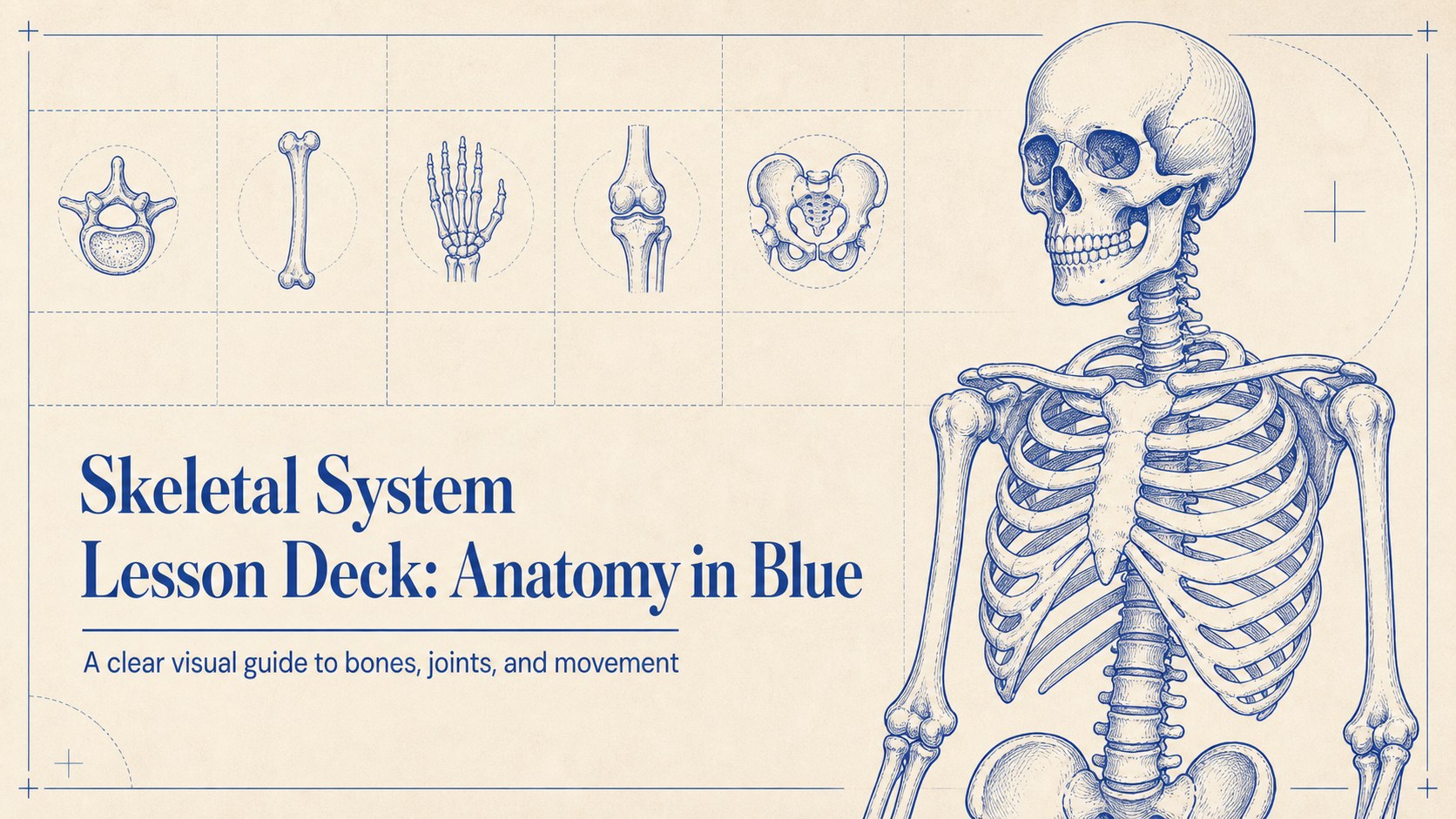
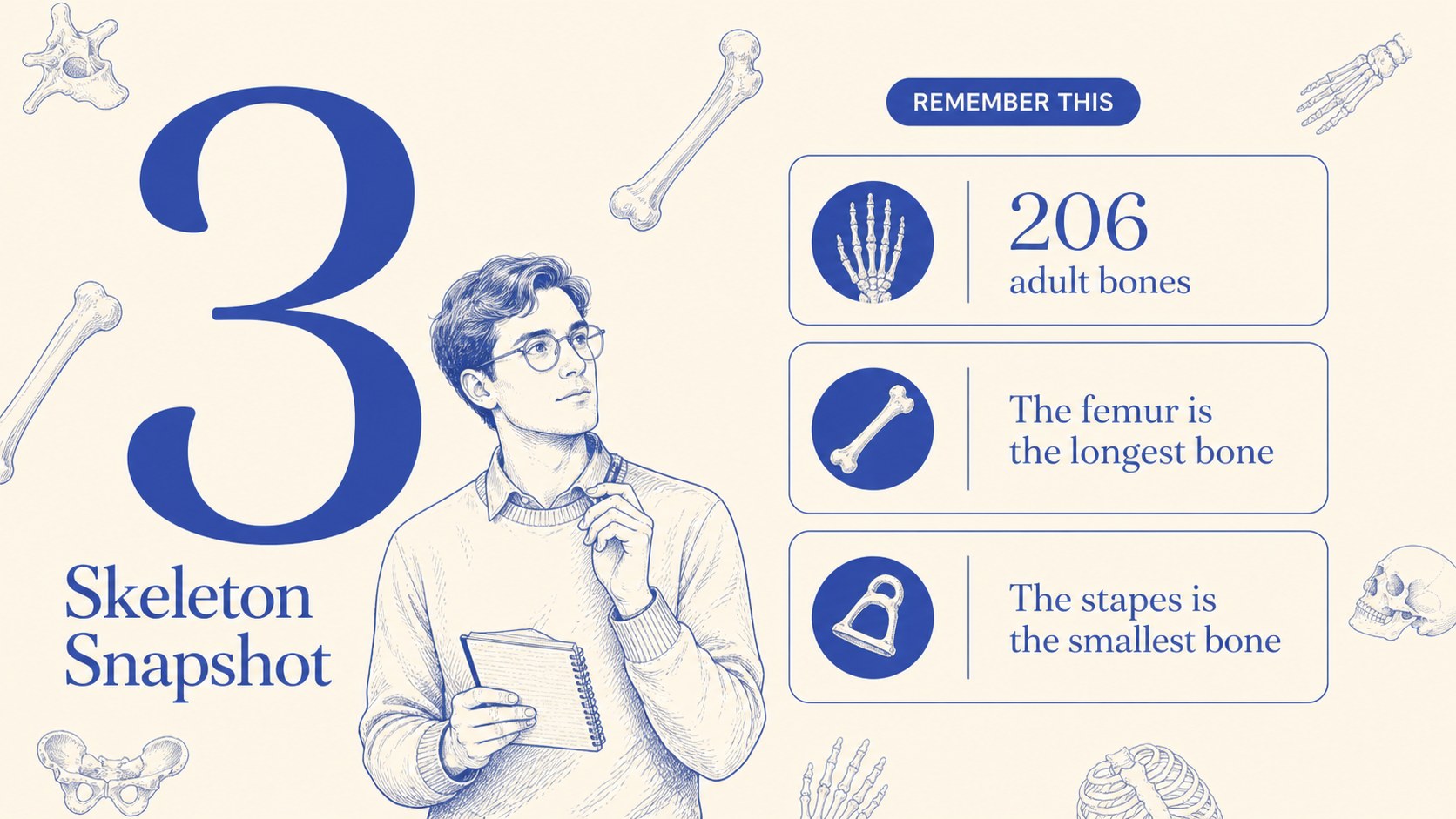
Build a clear, student-friendly skeletal system lesson deck with editable blue and beige anatomy slides for science classes, workshops, and study sessions.
Design notes
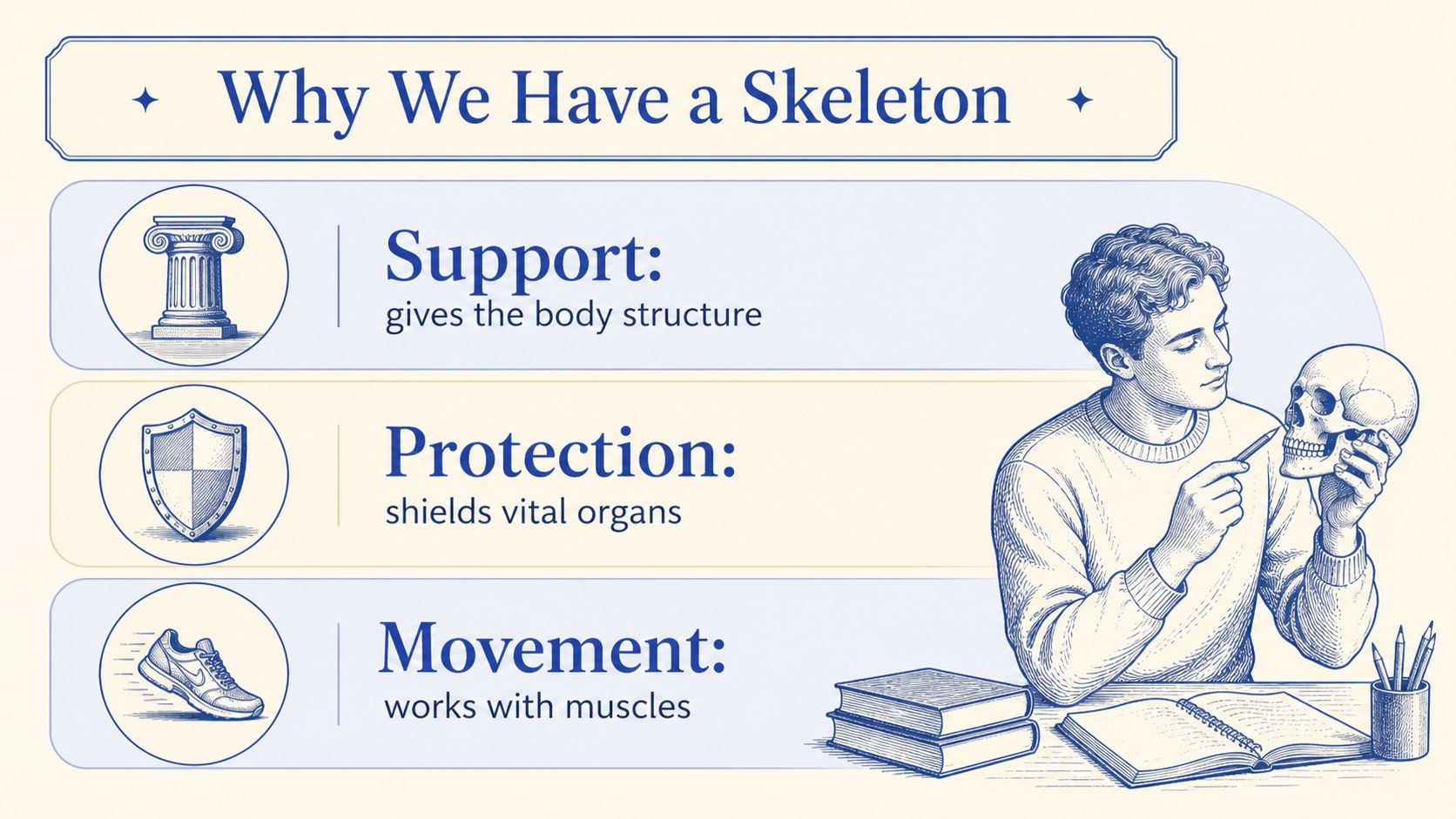
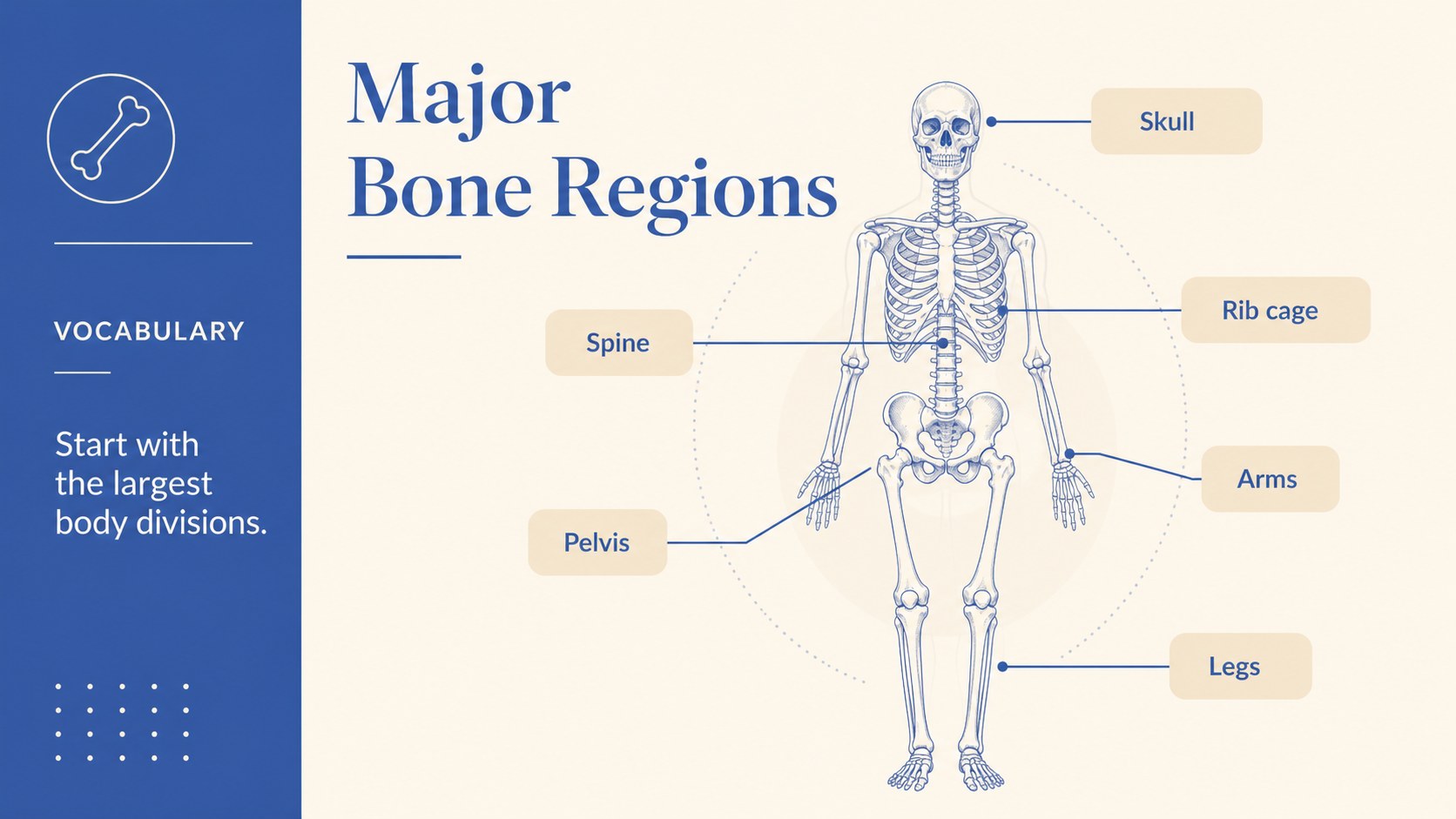
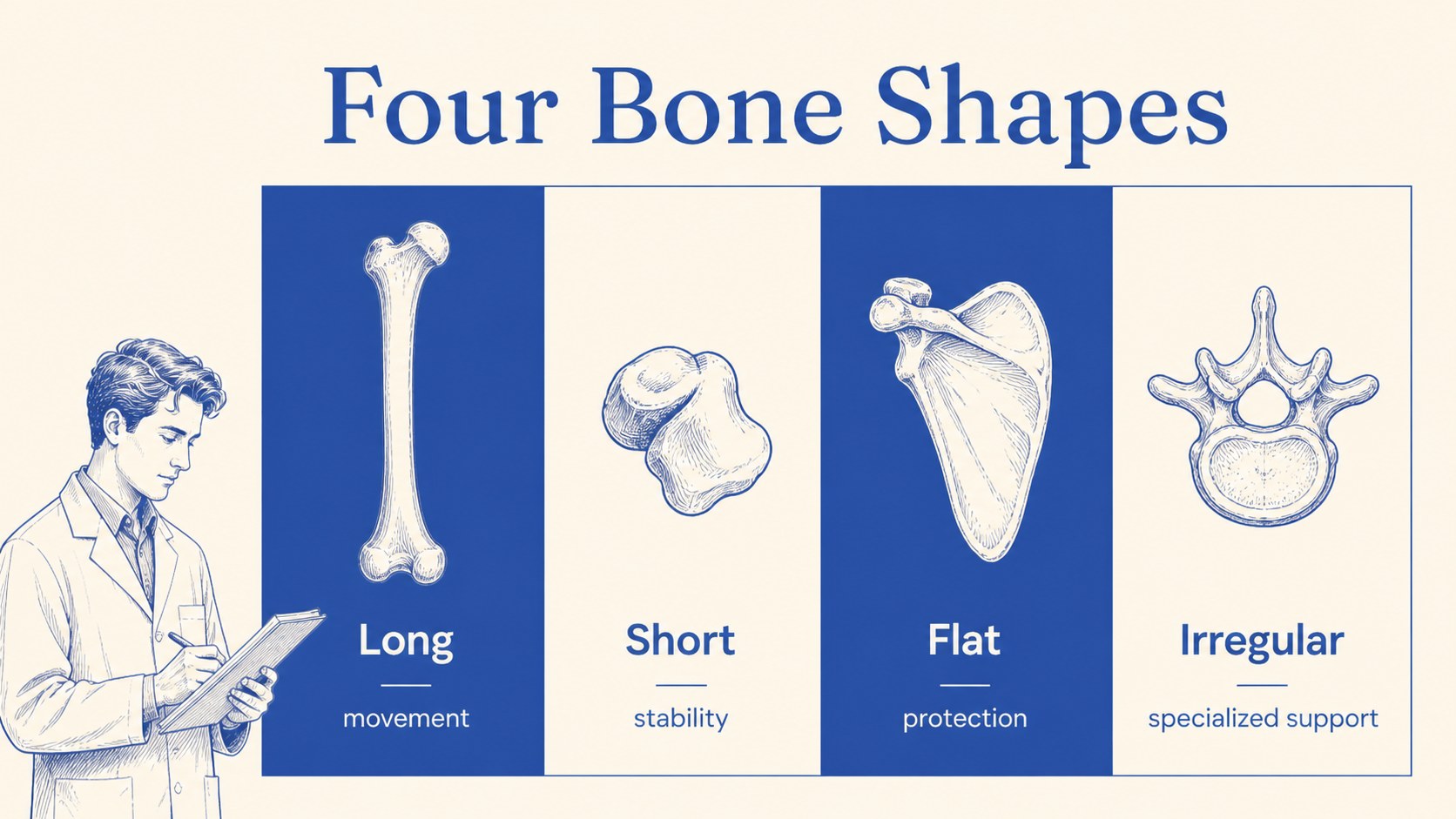
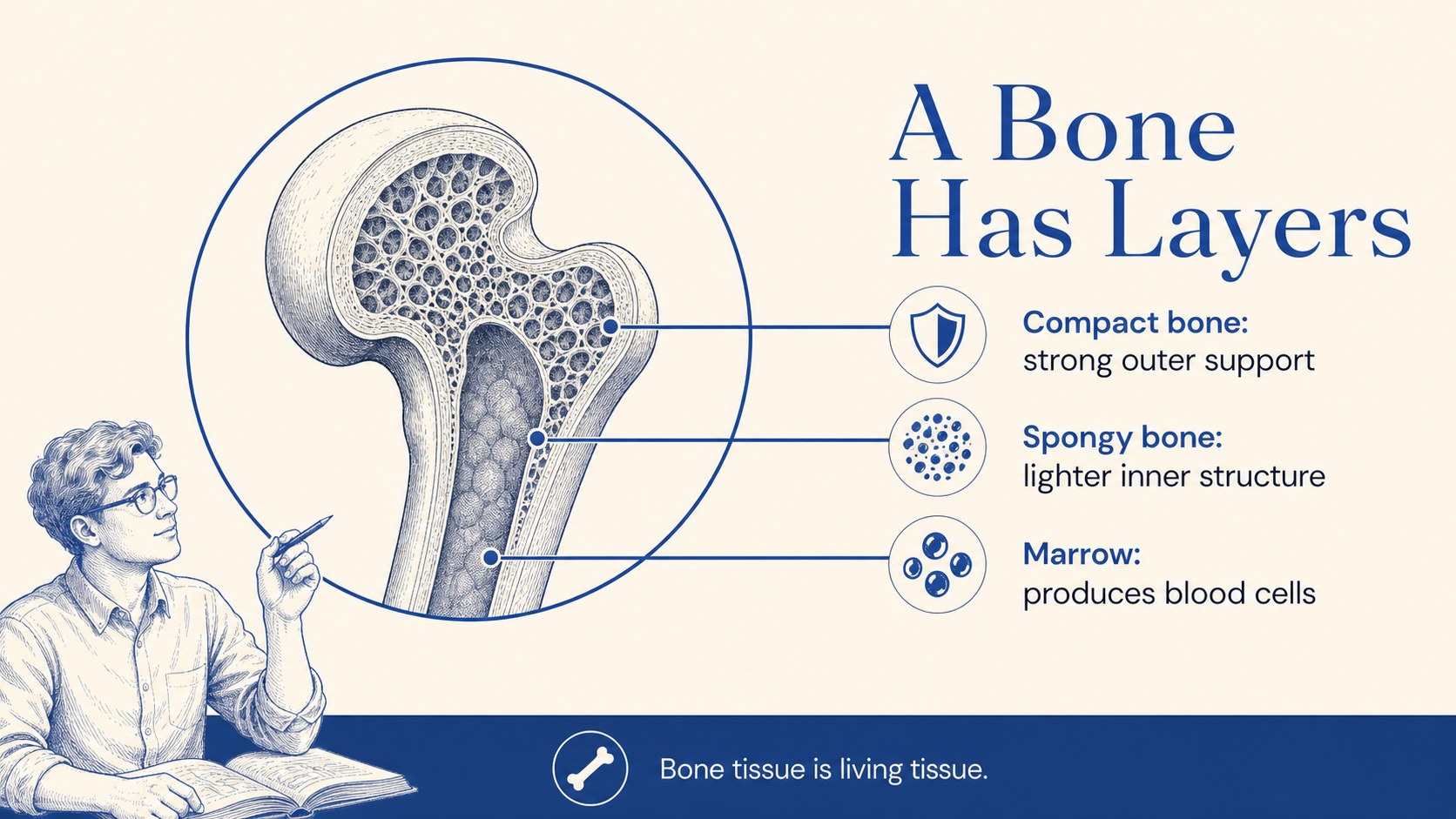
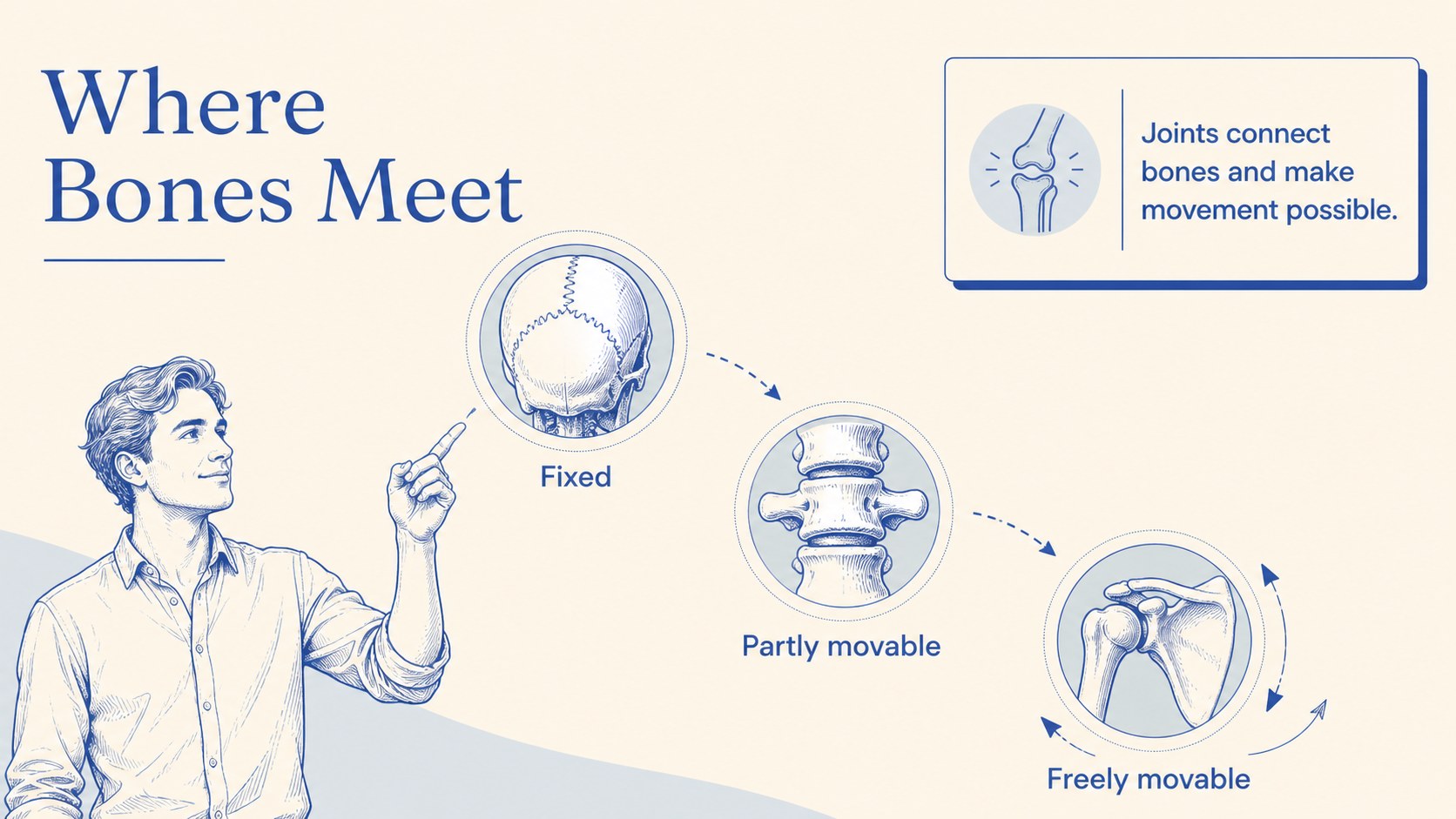
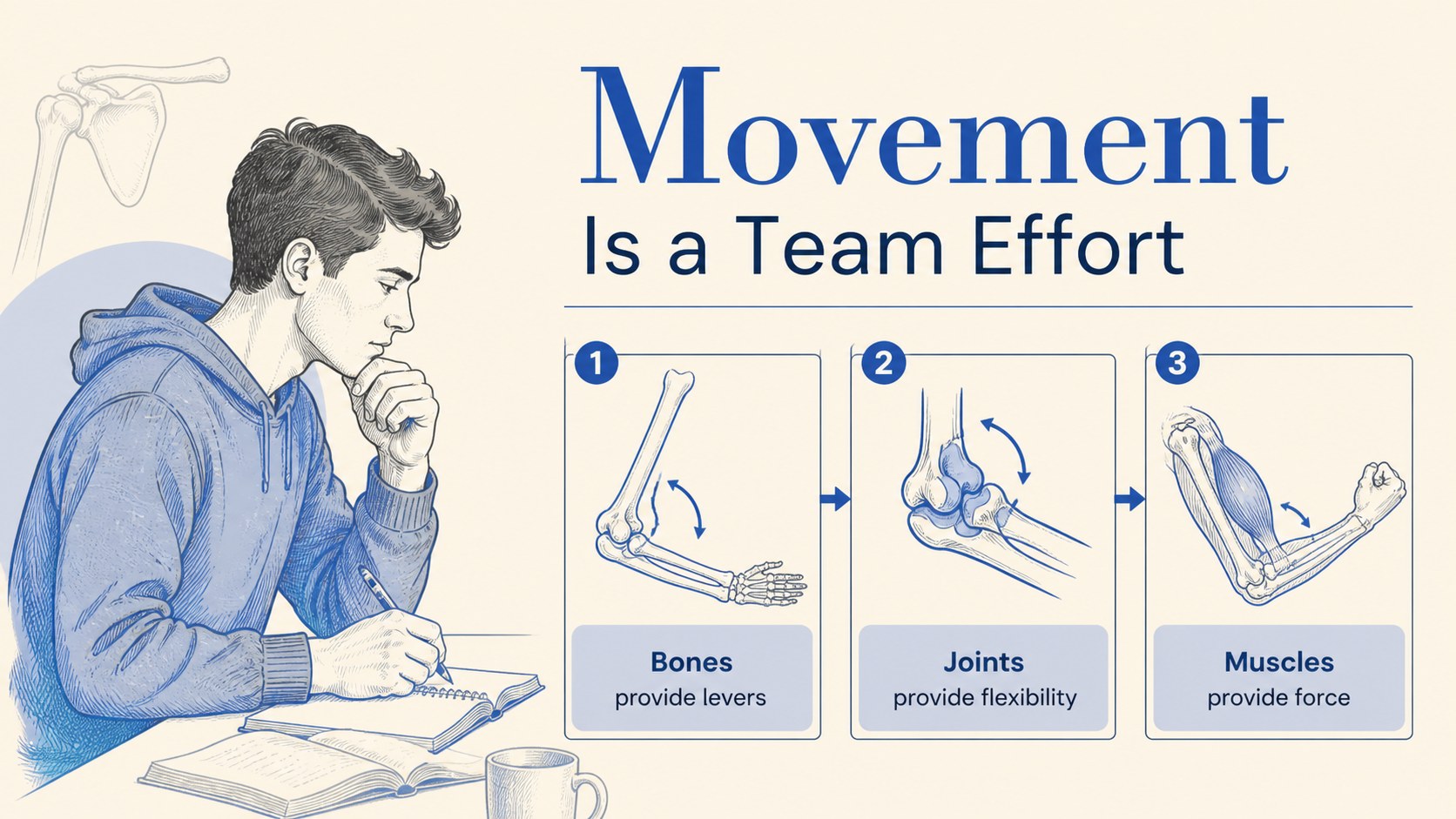
Make anatomy easier to teach with a visual presentation built around the human skeletal system. This skeletal system lesson deck combines soft blue accents, warm beige backgrounds, and approachable illustrations to help learners follow key concepts without visual overload. Use it to introduce bones, joints, skeletal functions, and basic body structure in a way that feels organized and inviting.
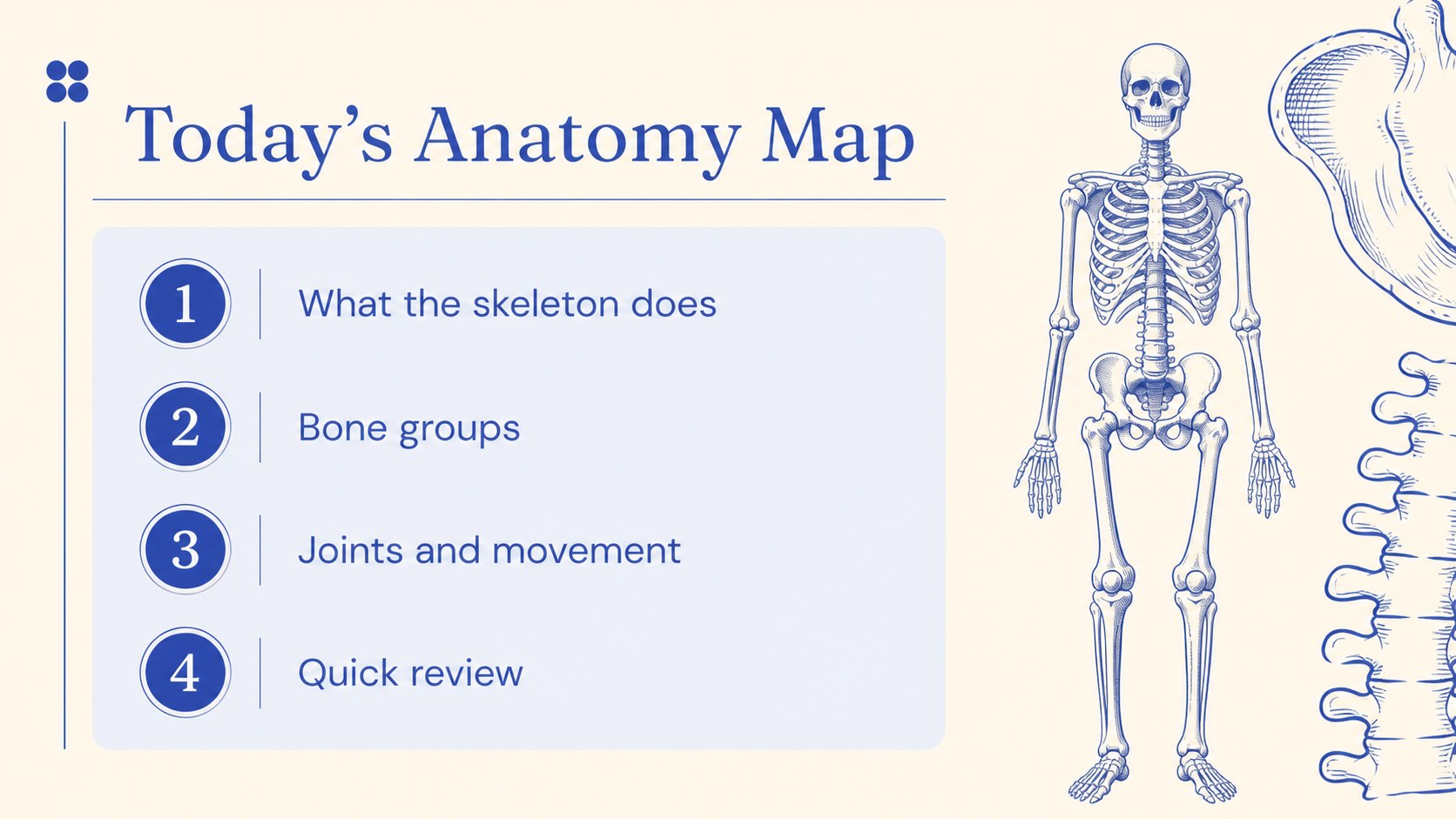
Inside, you will find 15 editable 16:9 slides for lesson openings, labeled anatomy diagrams, comparison layouts, process explanations, fact highlights, and recap activities. The flexible structure works well for a middle-school science class, a health education workshop, or independent study. Add your own diagrams, vocabulary, examples, and assessment prompts while keeping the original visual language intact.
The template is available for Google Slides and PowerPoint, so you can adapt it to your preferred workflow. It includes customizable text, shapes, charts, frames, transitions, and animation options. Use the bone anatomy classroom slides for a single lecture or expand them into a complete unit with case studies, review exercises, and discussion prompts. The design uses DM Sans and Fraunces with a blue and beige palette.
Perfect for: middle-school science lesson; health education workshop; anatomy study guide; bones and joints review; classroom assessment session.
Frequently asked questions
Can I edit this deck in Google Slides? Yes. The template is designed for Google Slides and can be adjusted with your own text, diagrams, colors, and images. You can also duplicate or remove slides as your lesson develops.
Practical details
Yes. The template is designed for Google Slides and can be adjusted with your own text, diagrams, colors, and images. You can also duplicate or remove slides as your lesson develops.
Yes. It is compatible with Google Slides and PowerPoint. Some animation or font behavior may vary slightly between platforms, so review the deck after importing it.
You can replace or supplement the visual elements with your own diagrams, labels, and educational images. The layouts, shapes, typography, and color palette are editable for different age groups or teaching goals.
The deck contains 15 ready-to-edit 16:9 slides. They cover introductions, anatomy explanations, visual comparisons, key facts, activities, and lesson recaps.
Keep exploring
15Build stronger academic arguments with a college essay thesis builder featuring guided examples, revision prompts, and editable PowerPoint and Google Slides.
 15
15Build an engaging World UFO Day session with this flying saucer history lesson deck, featuring retro green-and-brown slides for PowerPoint and Google Slides.
 14
14Plan a memorable Lunar New Year campaign with the 2036 Dragon Year Celebration Theme, featuring bold red-and-yellow slides for lessons and events.
 15
15Build a thoughtful classroom discussion with this interfaith awareness lesson deck, featuring editable blue-and-white slides for PowerPoint and Google Slides.
 15
15Use this environmental awareness lesson deck to teach climate action through illustrated activities, discussion prompts, and ready-to-edit visuals.
 15
15Build playful lessons and party stories with a kid-friendly zombie celebration theme in purple, green and pastel blue for PowerPoint and Google Slides.
 15
15Build eerie lessons, campaigns, and story pitches with an undead survival scenario theme featuring editable slides for PowerPoint and Google Slides.
 16
16Turn environmental research into a clear story with a Watercolor Ecology Presentation Theme for PowerPoint and Google Slides in calming green and blue.