
 15
15presentation
College Essay Thesis Builder Slides
Build stronger academic arguments with a college essay thesis builder featuring guided examples, revision prompts, and editable PowerPoint and Google Slides.
Google SlidesPowerPoint
presentation · English
Build clear bone lessons with a skeletal anatomy teaching deck in bold black-and-white gradients. Edit free in PowerPoint or Google Slides.

Design notes
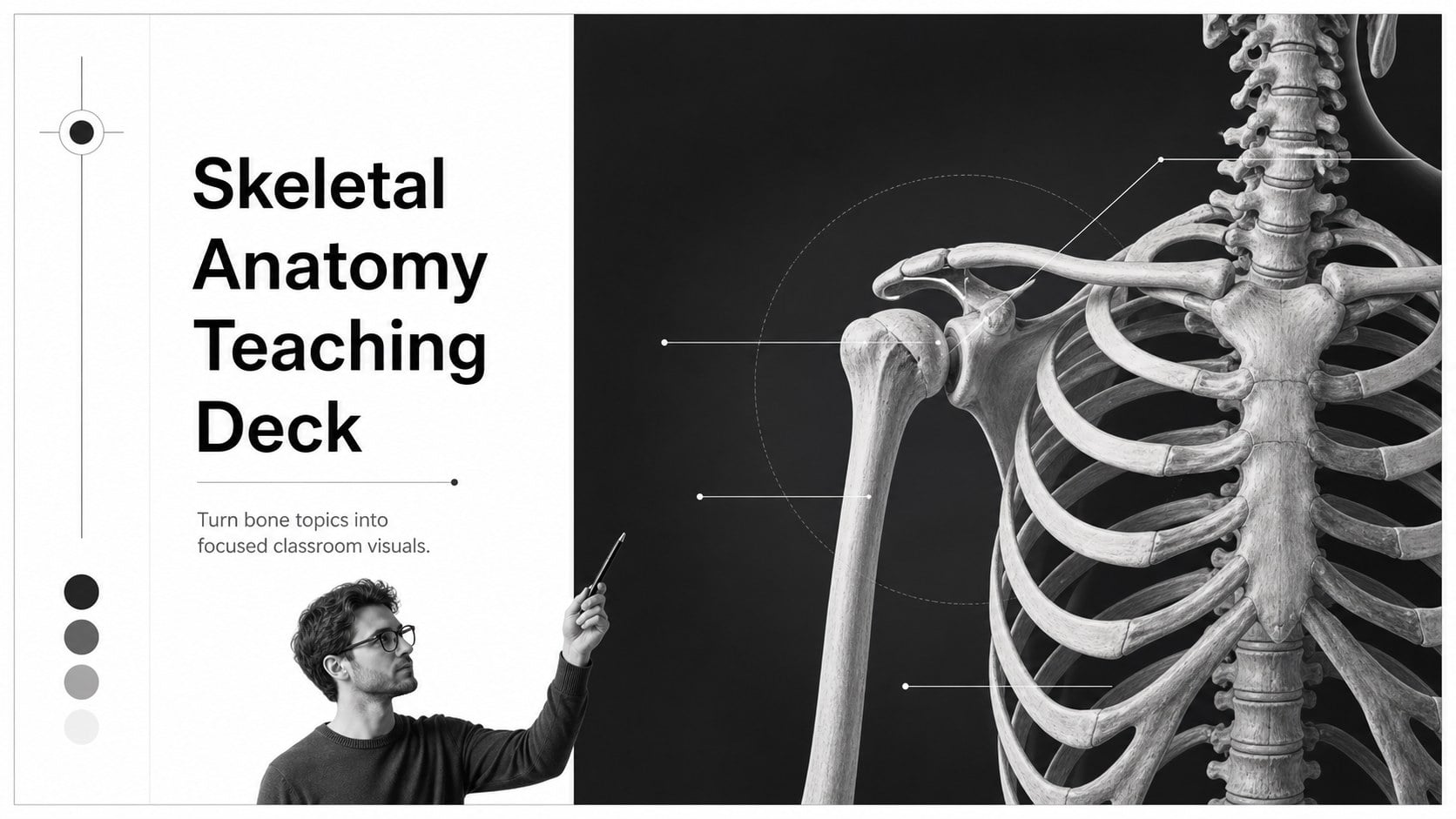
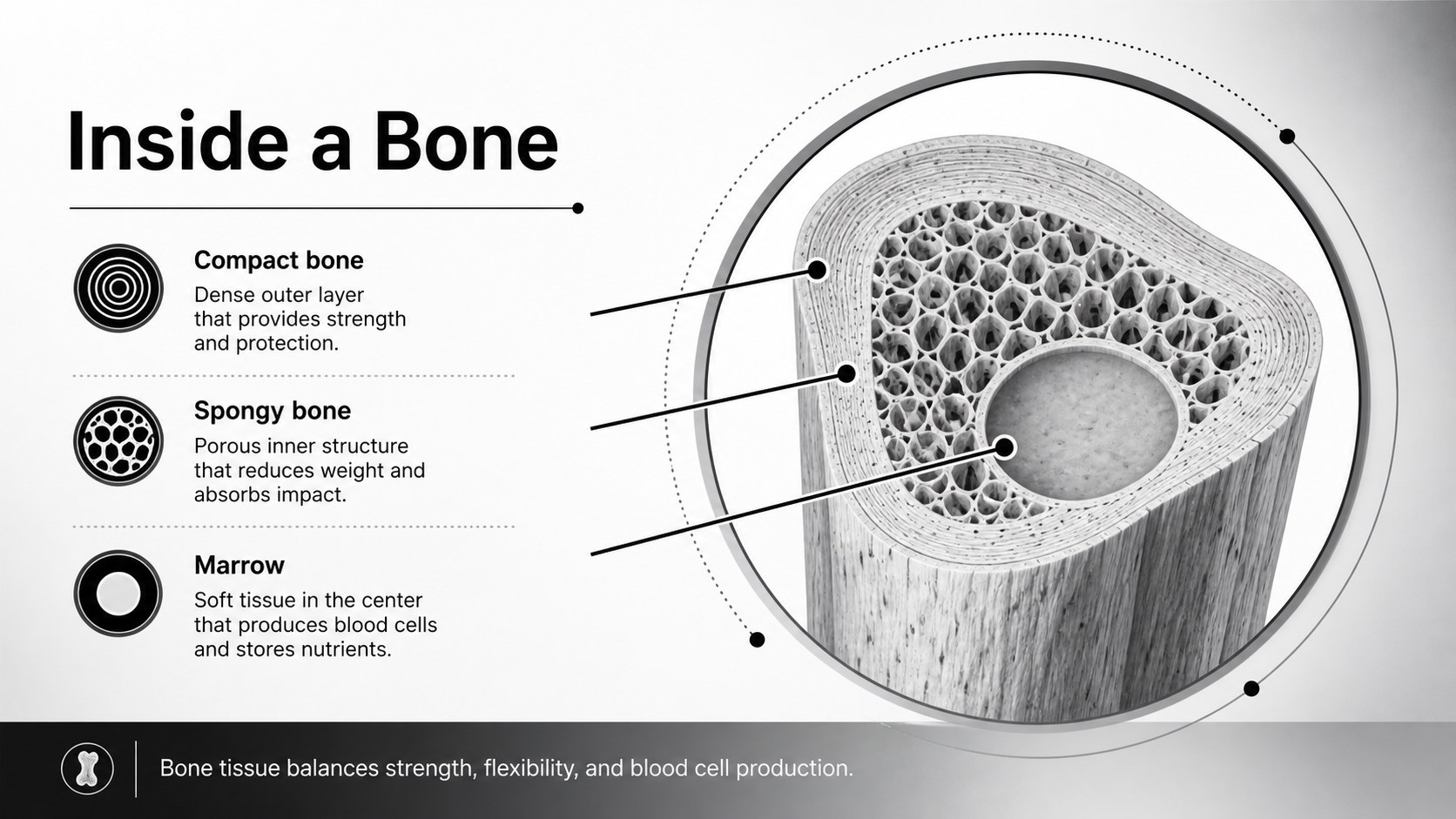
Turn bone topics into focused classroom visuals with a skeletal anatomy teaching deck designed for clear explanations and memorable review. Its monochrome gradient style gives anatomy lessons a sharp, modern edge while keeping diagrams, labels, and key facts easy to scan.
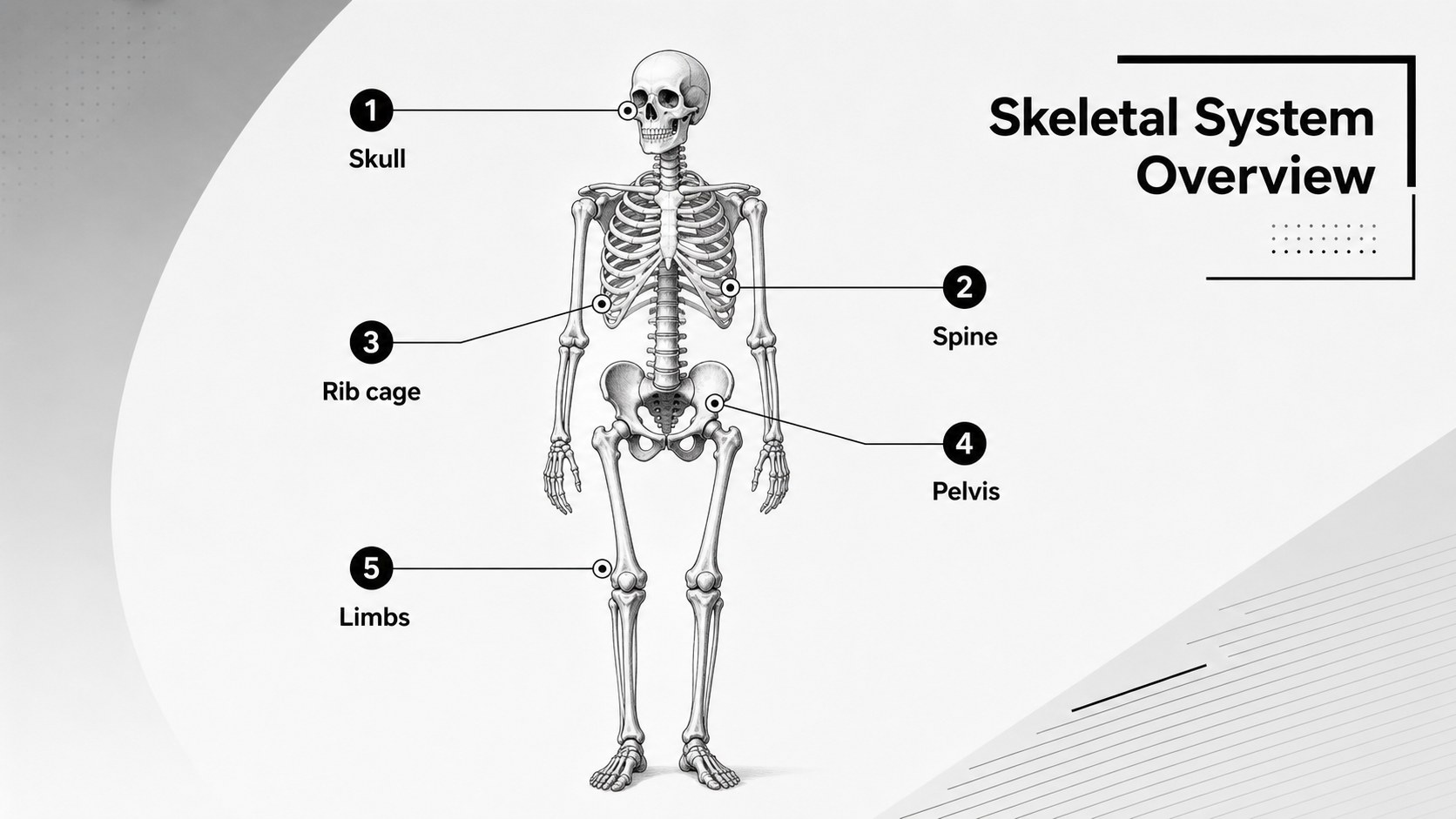
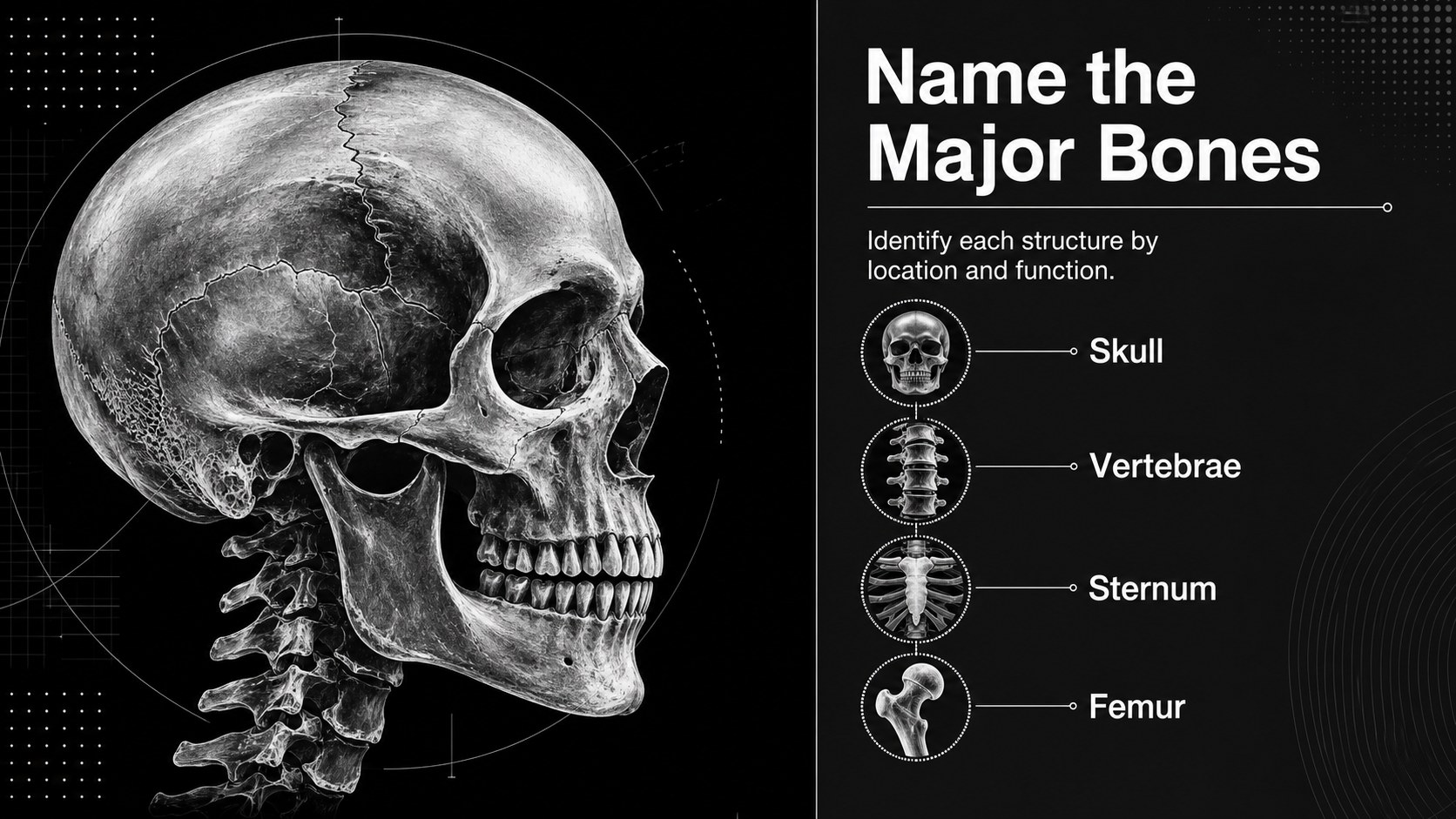
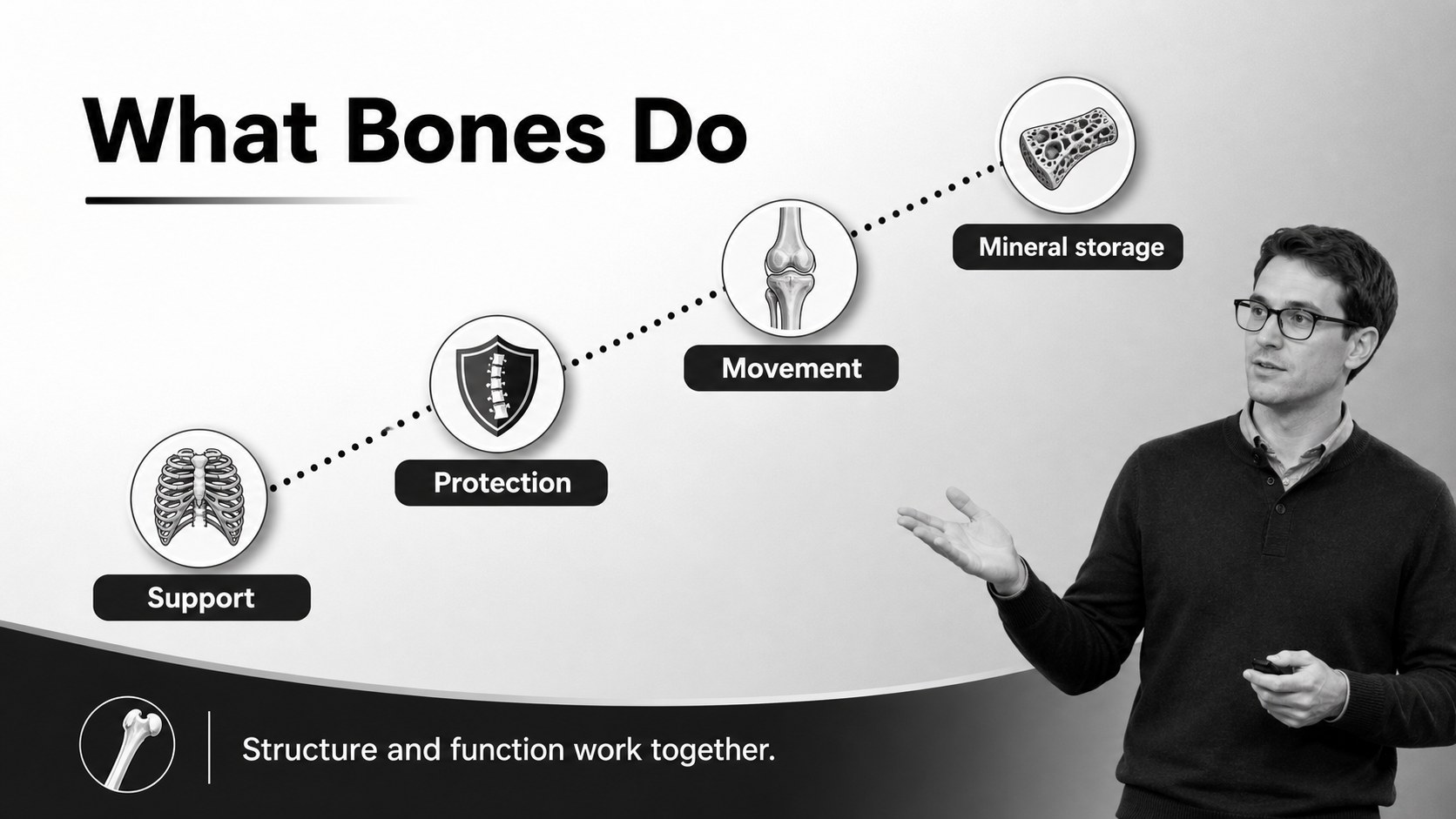
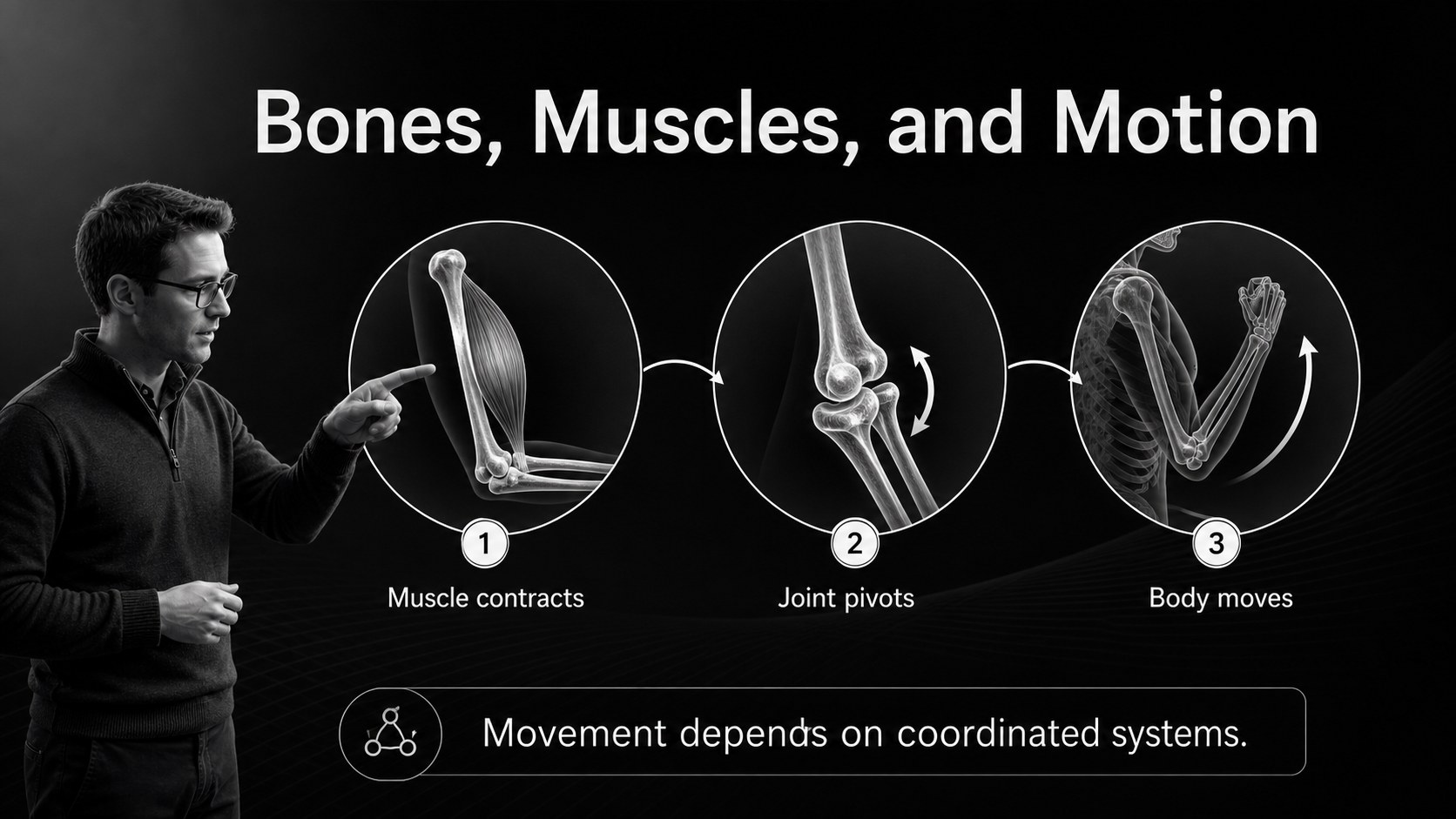
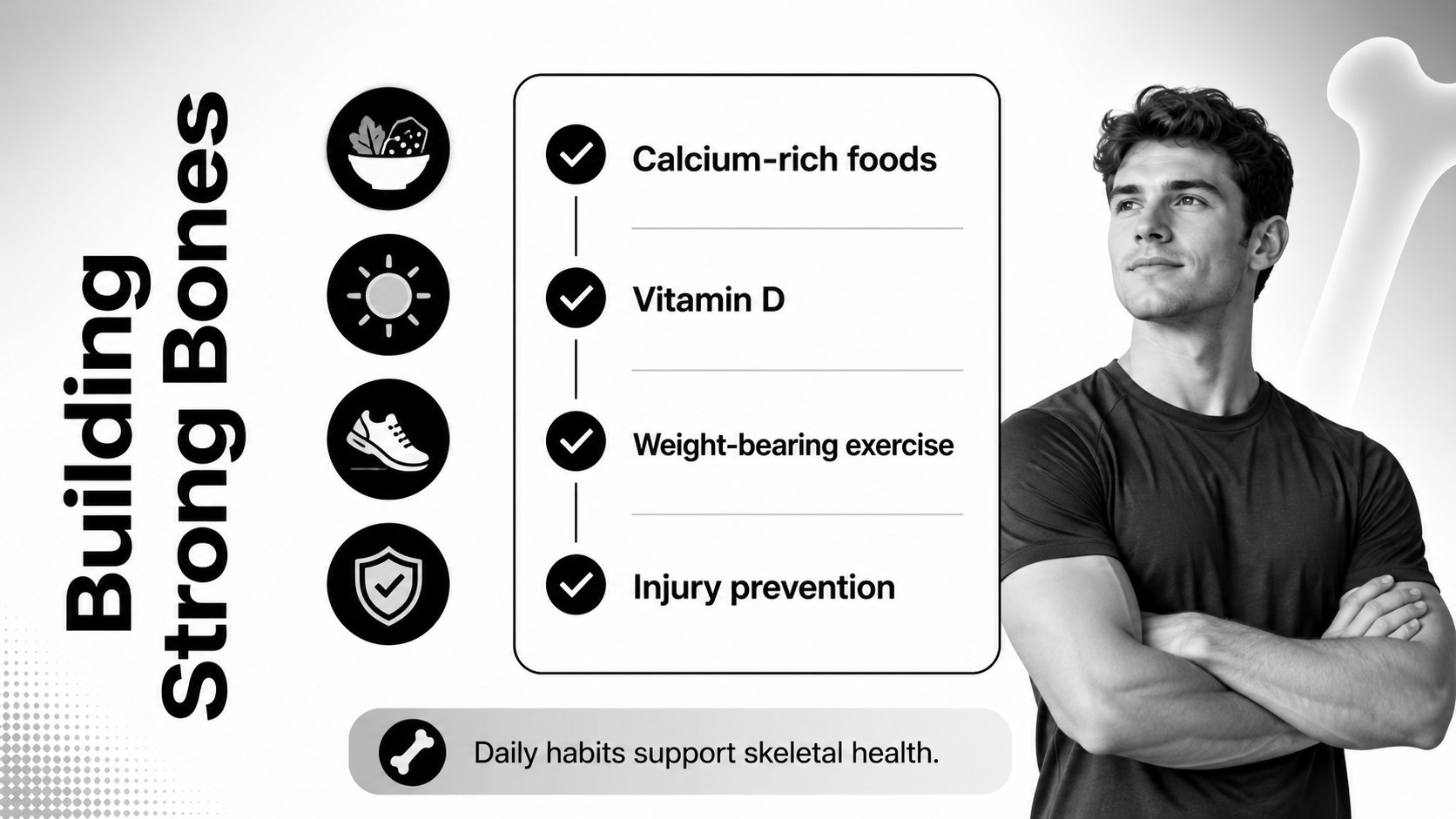
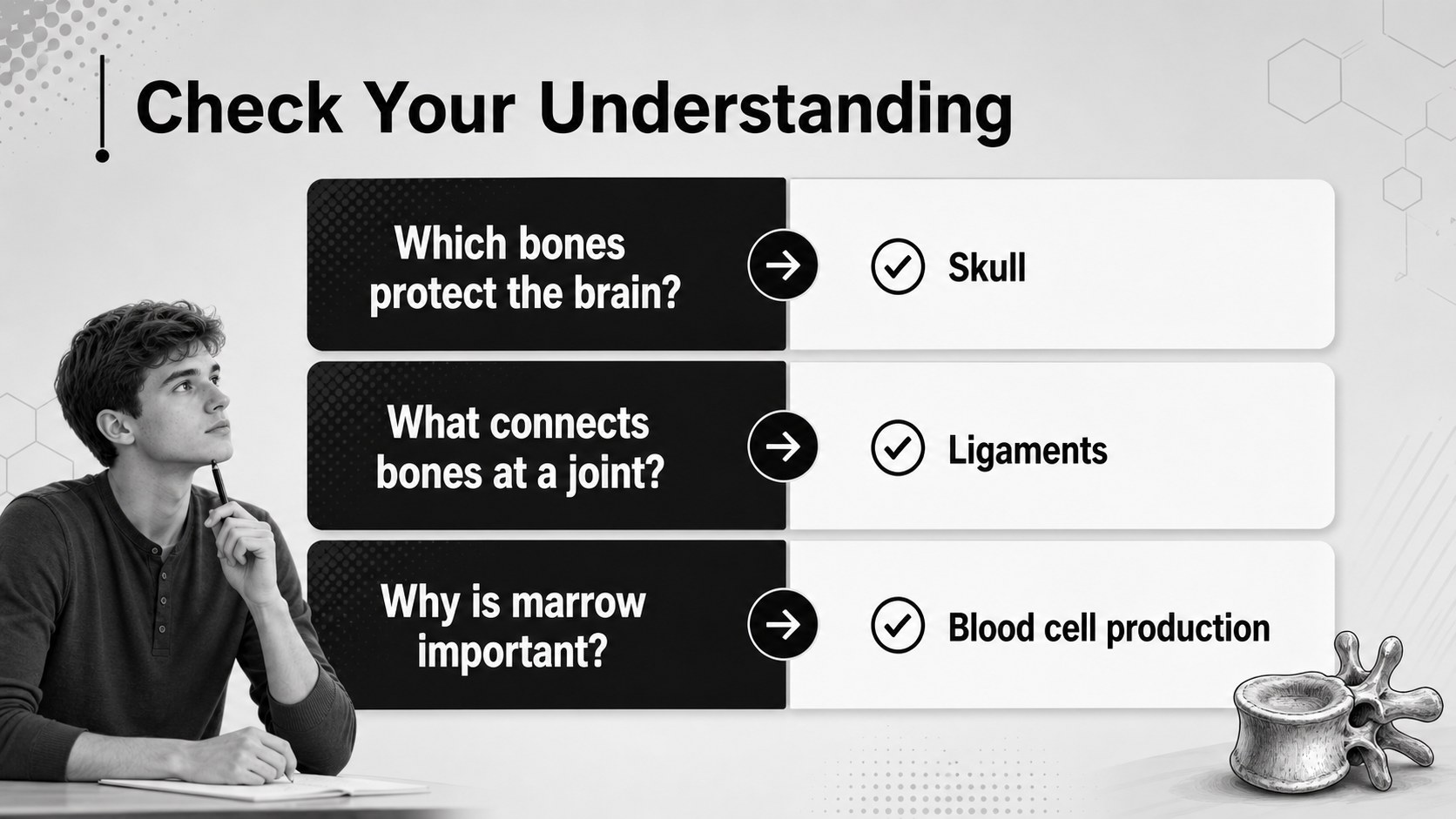
Inside, you’ll find 10 widescreen slides for introducing the skeletal system, labeling major bones, comparing bone functions, presenting movement and joints, and summarizing essential terms. The layouts combine strong black-and-white contrast, soft gradients, line details, clean typography, and flexible image areas. Replace the sample visuals with radiographs, textbook diagrams, classroom illustrations, or your own research images.
This skeletal anatomy teaching deck works well for middle school and high school science classes, introductory biology, nursing foundations, medical training, and anatomy review sessions. Edit every text block, shape, chart, and image in PowerPoint or Google Slides. Use the presentation as a complete lesson, a revision guide, or a visual framework for a short student project. The restrained palette also prints cleanly in grayscale, making it practical for handouts and study materials.
Perfect for: middle school bone lesson; high school biology class; nursing anatomy revision; skeletal system study guide.
Frequently asked questions
Can I edit the skeletal anatomy teaching deck in PowerPoint? Yes. The slide layouts, text, shapes, colors, and image areas can be customized in PowerPoint. You can also adapt the deck in Google Slides.
Practical details
Yes. The slide layouts, text, shapes, colors, and image areas can be customized in PowerPoint. You can also adapt the deck in Google Slides.
Yes. The sequence supports an introduction to the skeletal system, bone labeling, joint functions, movement, and review. Teachers can simplify or expand the content for different age groups.
Yes. Replace the black, white, and gradient accents with your school, course, or organization colors. The layouts are designed to remain readable after palette changes.
Yes. The widescreen layouts can be exported as PDF pages or images for handouts and revision sheets. The high-contrast palette is also suitable for grayscale printing.
Keep exploring
15Build stronger academic arguments with a college essay thesis builder featuring guided examples, revision prompts, and editable PowerPoint and Google Slides.
 15
15Build an engaging World UFO Day session with this flying saucer history lesson deck, featuring retro green-and-brown slides for PowerPoint and Google Slides.
 14
14Plan a memorable Lunar New Year campaign with the 2036 Dragon Year Celebration Theme, featuring bold red-and-yellow slides for lessons and events.
 15
15Build a thoughtful classroom discussion with this interfaith awareness lesson deck, featuring editable blue-and-white slides for PowerPoint and Google Slides.
 15
15Use this environmental awareness lesson deck to teach climate action through illustrated activities, discussion prompts, and ready-to-edit visuals.
 15
15Build playful lessons and party stories with a kid-friendly zombie celebration theme in purple, green and pastel blue for PowerPoint and Google Slides.
 15
15Build eerie lessons, campaigns, and story pitches with an undead survival scenario theme featuring editable slides for PowerPoint and Google Slides.
 16
16Turn environmental research into a clear story with a Watercolor Ecology Presentation Theme for PowerPoint and Google Slides in calming green and blue.