
 15
15presentation
College Essay Thesis Builder Slides
Build stronger academic arguments with a college essay thesis builder featuring guided examples, revision prompts, and editable PowerPoint and Google Slides.
Google SlidesPowerPoint
presentation · English
Plan inclusive social content with a Sign Language Outreach Campaign Deck featuring bold collage layouts for PowerPoint and Google Slides teams.
Design notes
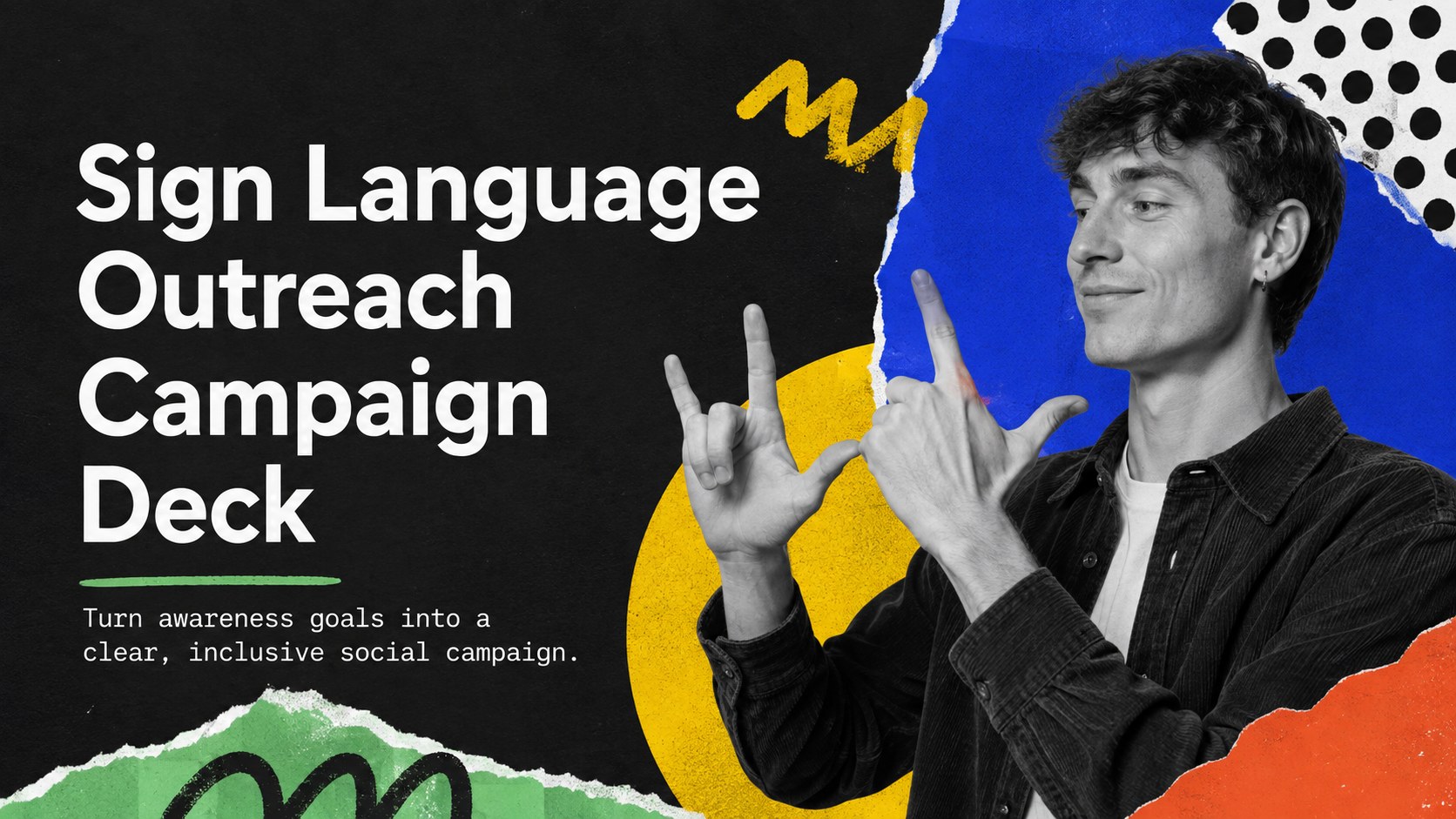
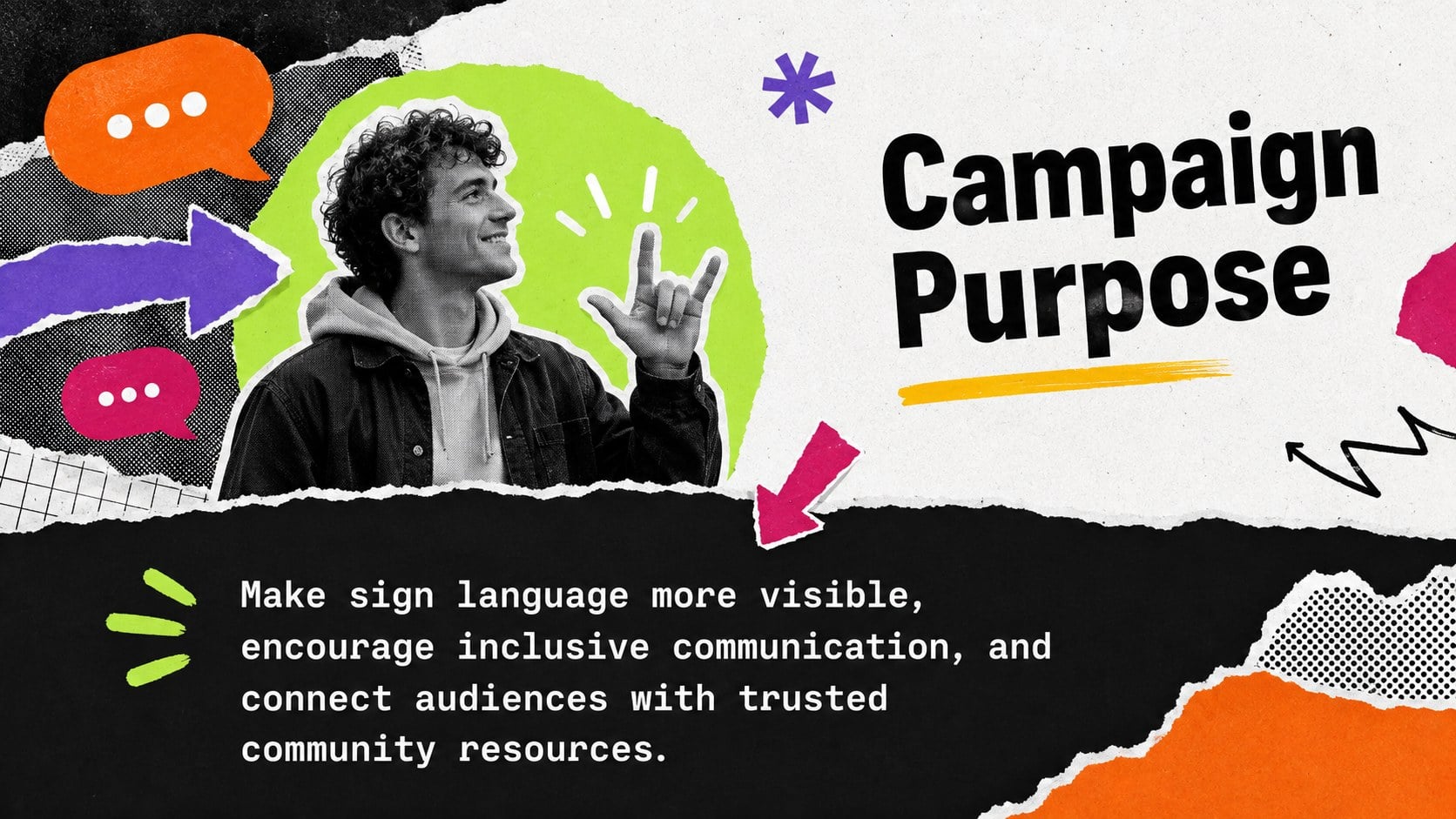
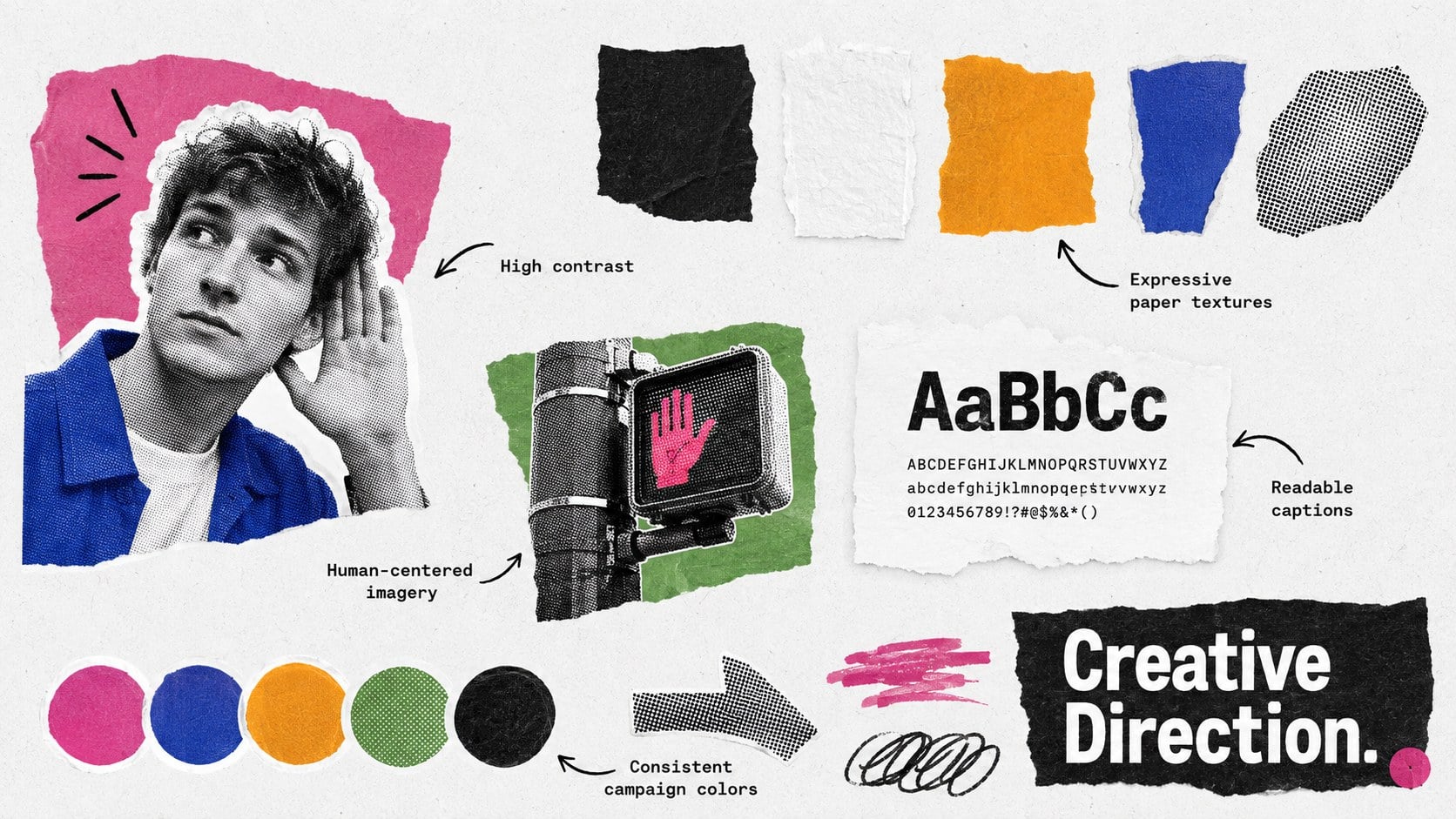
The sign language outreach campaign deck helps communications teams turn accessibility goals into an organized, audience-focused initiative. Its energetic cut-paper aesthetic, black foundation, and multicolor accents create a confident setting for messages about signing, inclusion, and Deaf community engagement.
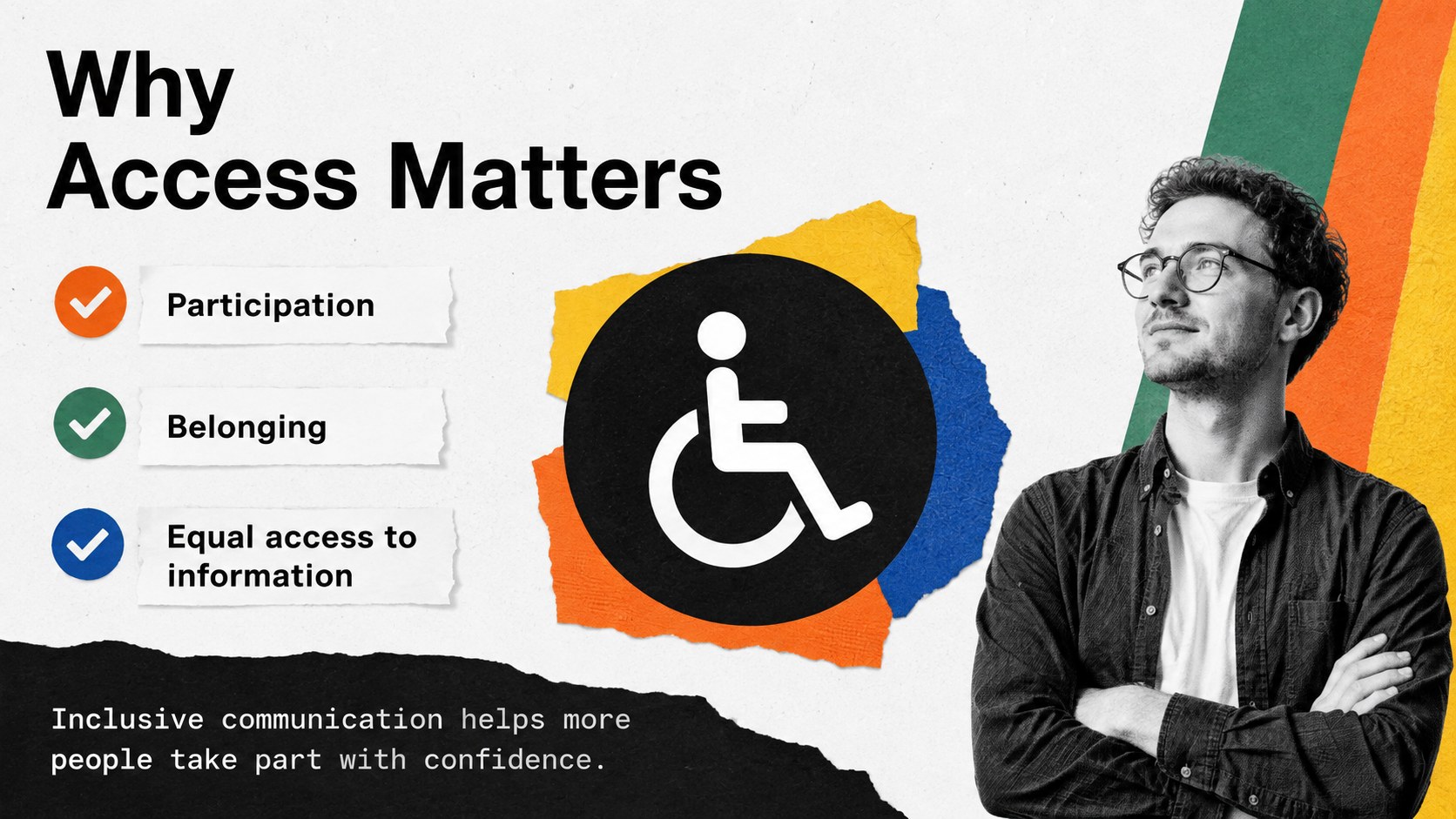
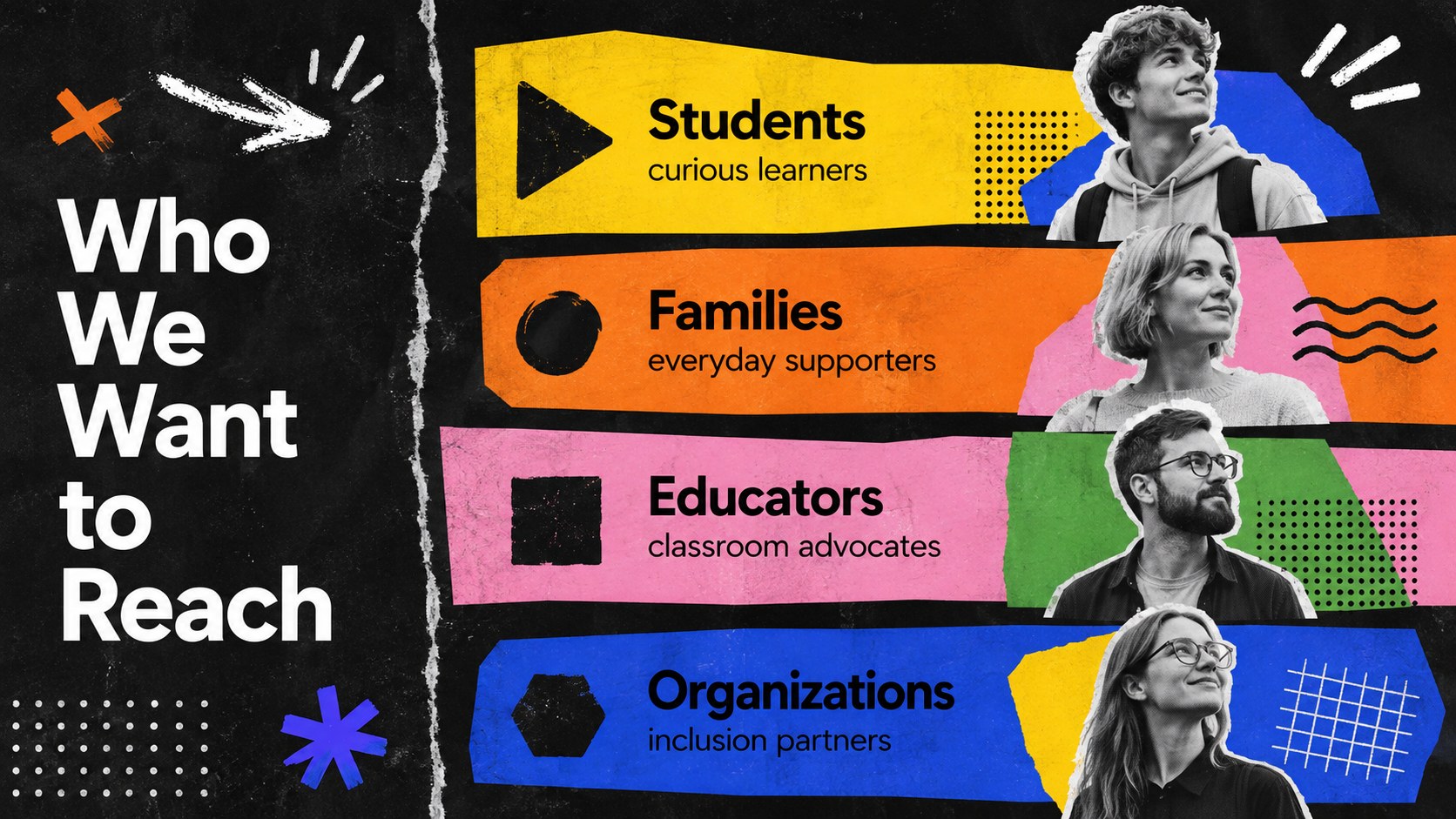
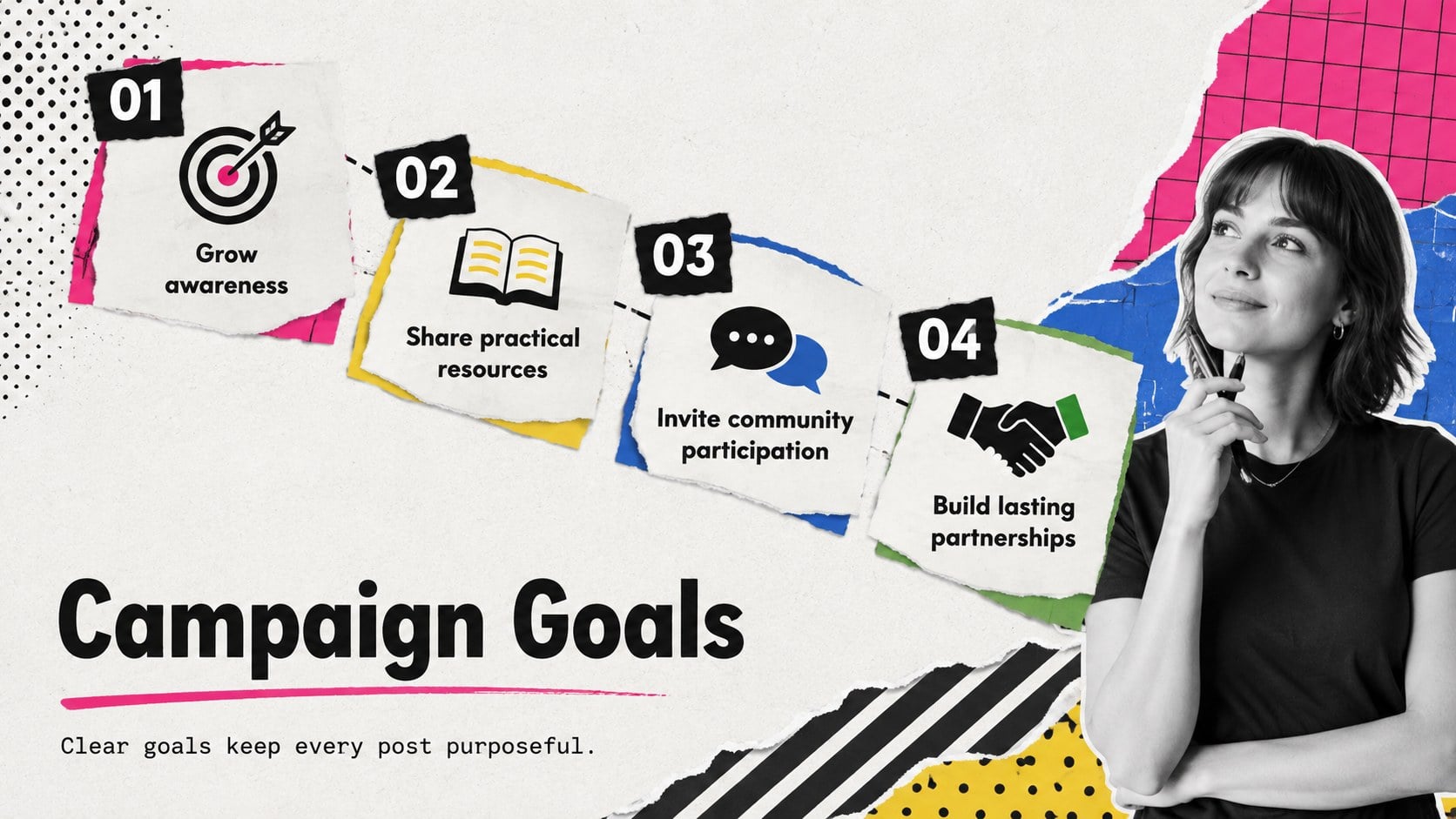
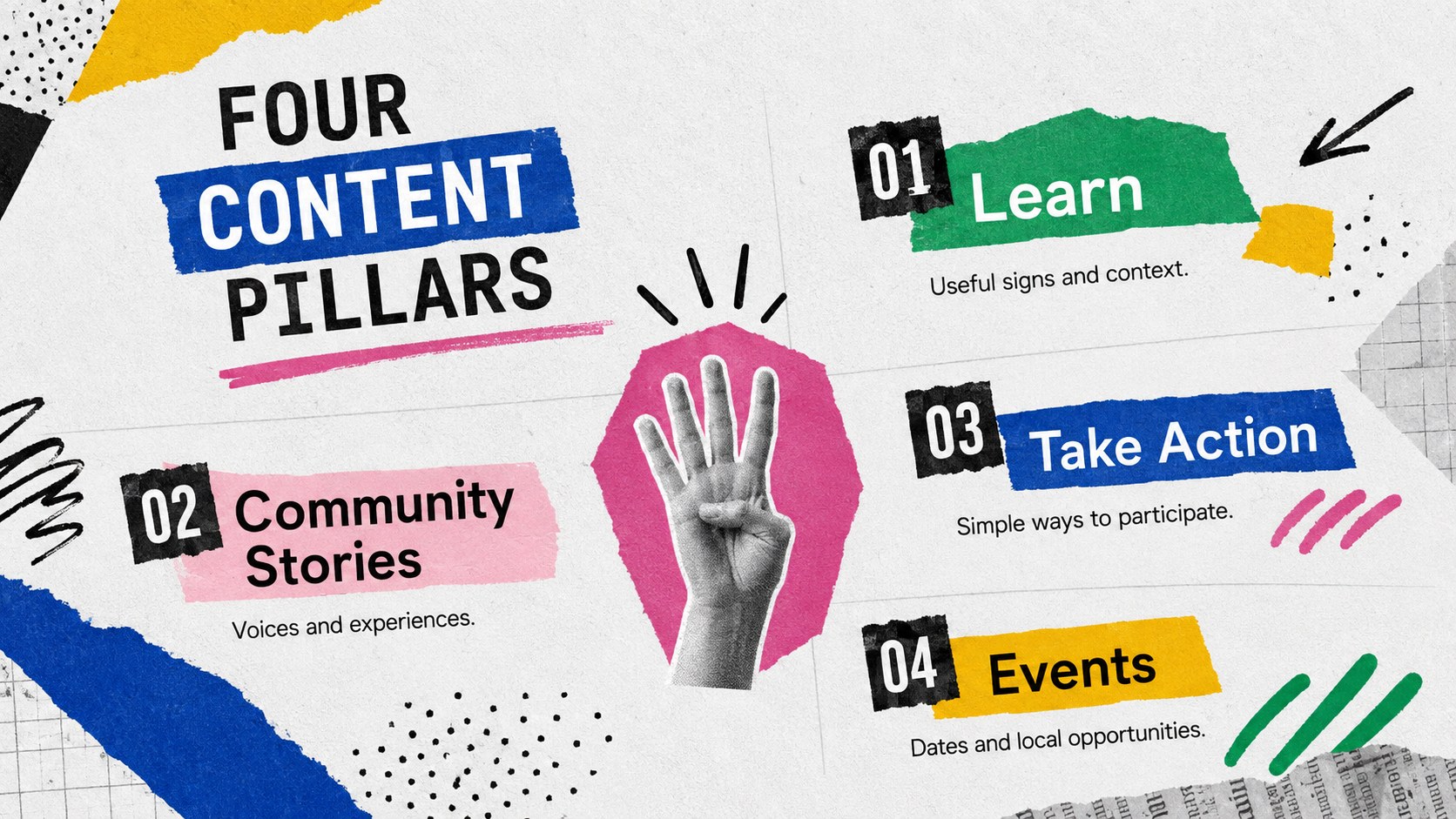
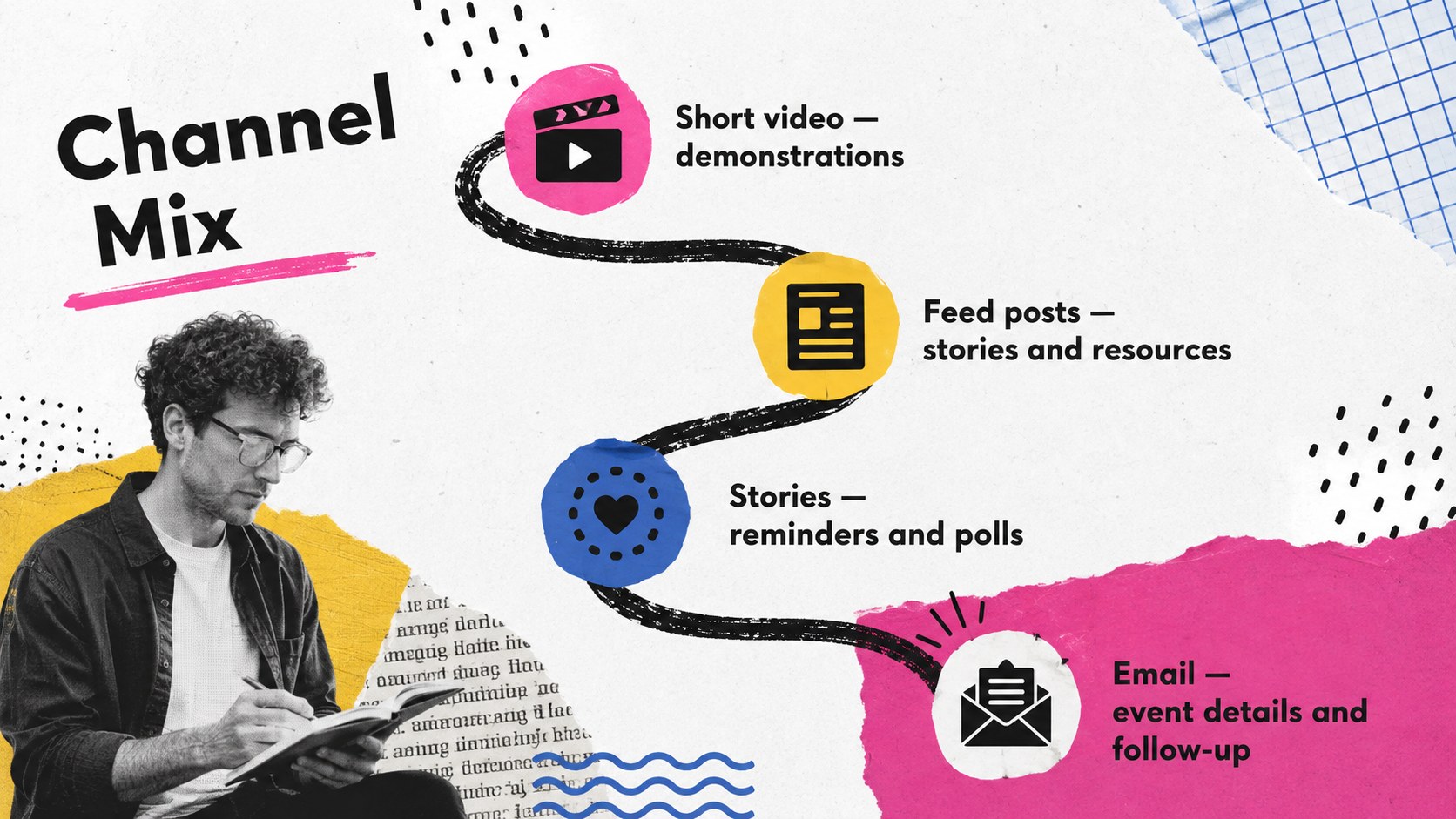
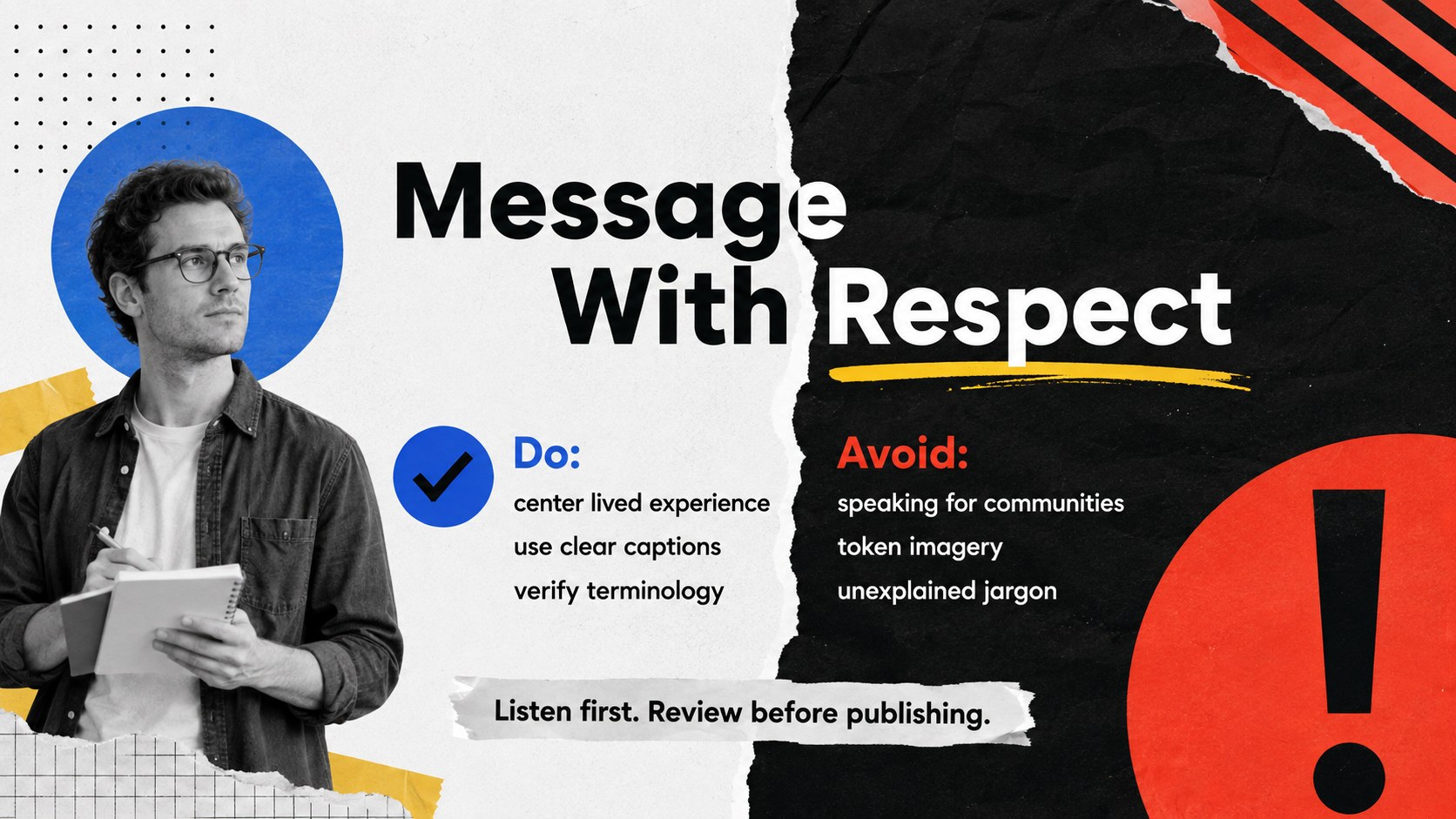
Use the ready-made layouts to define campaign objectives, introduce audience groups, map content pillars, compare social channels, and establish a practical publishing rhythm. Additional slides cover respectful language, creative direction, community partnerships, performance indicators, and a phased campaign timeline. Together, these layouts work as inclusive accessibility campaign slides for planning meetings, stakeholder reviews, or public awareness briefings.
This deck is suited to nonprofits, schools, advocacy groups, accessibility teams, and socially responsible brands. It can also serve as a deaf community outreach presentation for volunteer training, fundraising initiatives, educational events, or coordinated social media launches. Editors can replace the sample copy, adjust the vivid accent colors, add campaign photography, and adapt charts to match real engagement data. Every slide is designed for straightforward editing in PowerPoint and Google Slides, making it easy to build a polished sign language advocacy PowerPoint template without losing the expressive collage character.
Perfect for: Deaf awareness social campaign; Nonprofit outreach planning; Accessibility advocacy briefing; School inclusion initiative; Community partnership proposal.
Frequently asked questions
Can I edit every part of the campaign deck? Yes. You can revise the text, colors, images, charts, and layout elements to reflect your campaign goals and visual identity. Grouped collage elements can also be moved or removed as needed.
Practical details
Yes. You can revise the text, colors, images, charts, and layout elements to reflect your campaign goals and visual identity. Grouped collage elements can also be moved or removed as needed.
Yes. The presentation is designed for editing in both PowerPoint and Google Slides. Minor font or animation differences may occur when moving between platforms, so review the final deck before presenting.
Replace general examples with information reviewed by local Deaf organizations, educators, or advocates. Add relevant contact details, regional sign language references, accessible event information, and community-approved photography.
Yes. Replace the sample figures with your reach, engagement, conversion, or participation data. Keep chart labels concise and include text summaries so the findings remain accessible.
Keep exploring
15Build stronger academic arguments with a college essay thesis builder featuring guided examples, revision prompts, and editable PowerPoint and Google Slides.
 15
15Build an engaging World UFO Day session with this flying saucer history lesson deck, featuring retro green-and-brown slides for PowerPoint and Google Slides.
 14
14Plan a memorable Lunar New Year campaign with the 2036 Dragon Year Celebration Theme, featuring bold red-and-yellow slides for lessons and events.
 15
15Build a thoughtful classroom discussion with this interfaith awareness lesson deck, featuring editable blue-and-white slides for PowerPoint and Google Slides.
 15
15Use this environmental awareness lesson deck to teach climate action through illustrated activities, discussion prompts, and ready-to-edit visuals.
 15
15Build playful lessons and party stories with a kid-friendly zombie celebration theme in purple, green and pastel blue for PowerPoint and Google Slides.
 15
15Build eerie lessons, campaigns, and story pitches with an undead survival scenario theme featuring editable slides for PowerPoint and Google Slides.
 16
16Turn environmental research into a clear story with a Watercolor Ecology Presentation Theme for PowerPoint and Google Slides in calming green and blue.