
 15
15presentation
College Essay Thesis Builder Slides
Build stronger academic arguments with a college essay thesis builder featuring guided examples, revision prompts, and editable PowerPoint and Google Slides.
Google SlidesPowerPoint
presentation · English
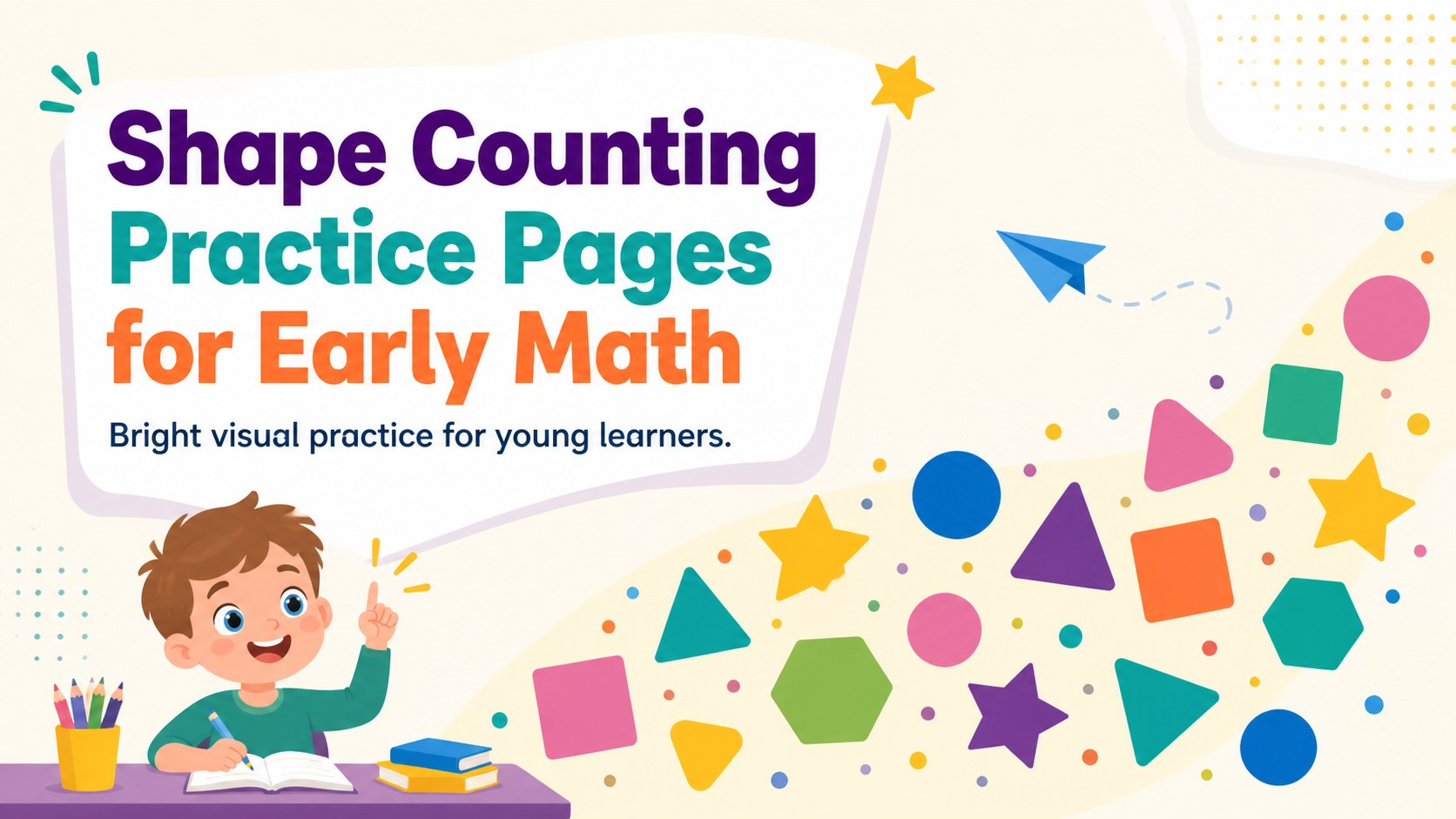
Build visual number skills with Shape Counting Practice Pages, an editable set of colorful activities for PowerPoint and Google Slides.
Design notes
Shape Counting Practice Pages bring hands-on visual learning to early math lessons with cheerful geometric activities that are easy to present, edit, or print. Designed around bold colors and clear shapes, this resource helps children connect number recognition with careful counting while keeping each task approachable and fun.
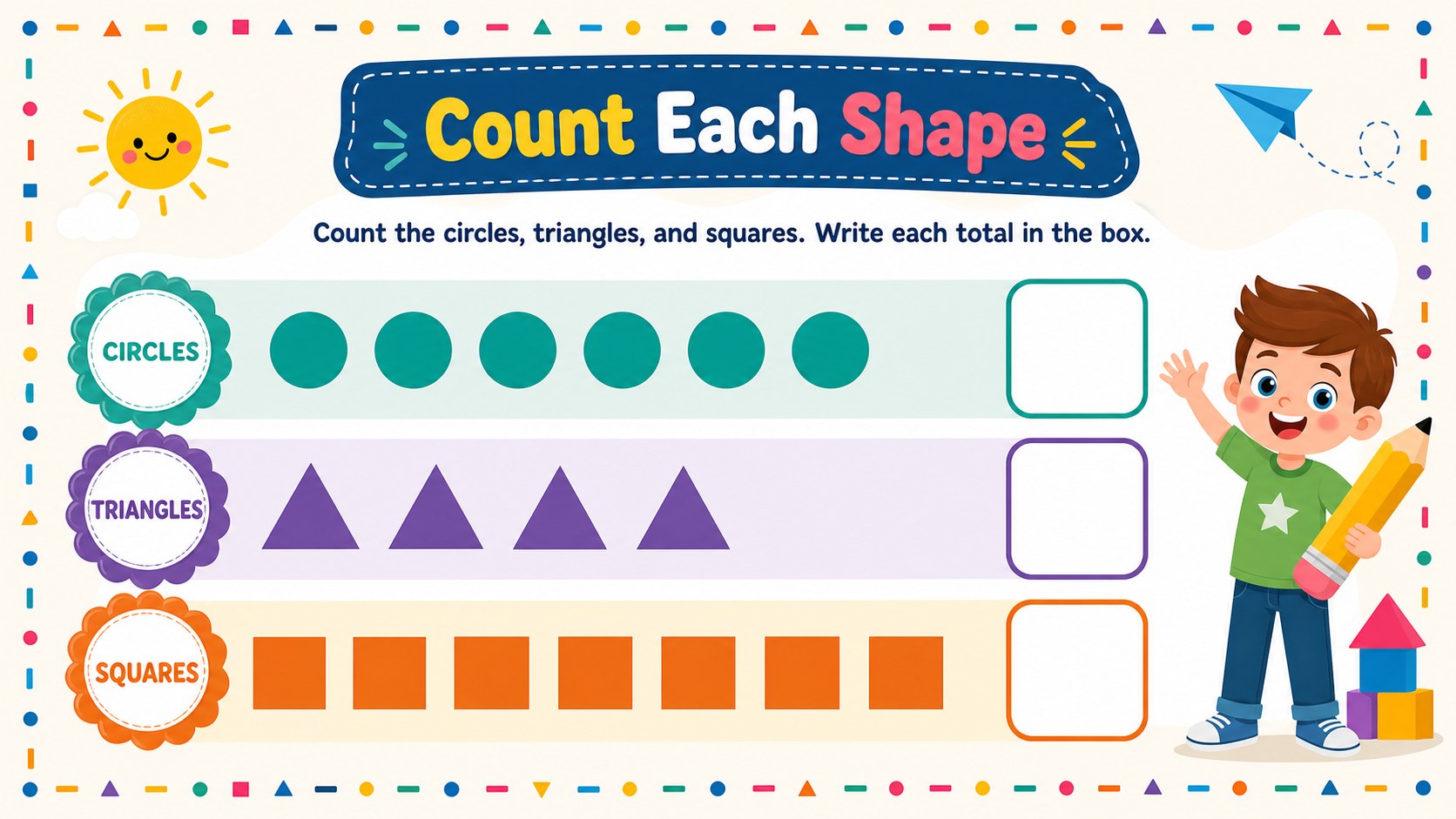
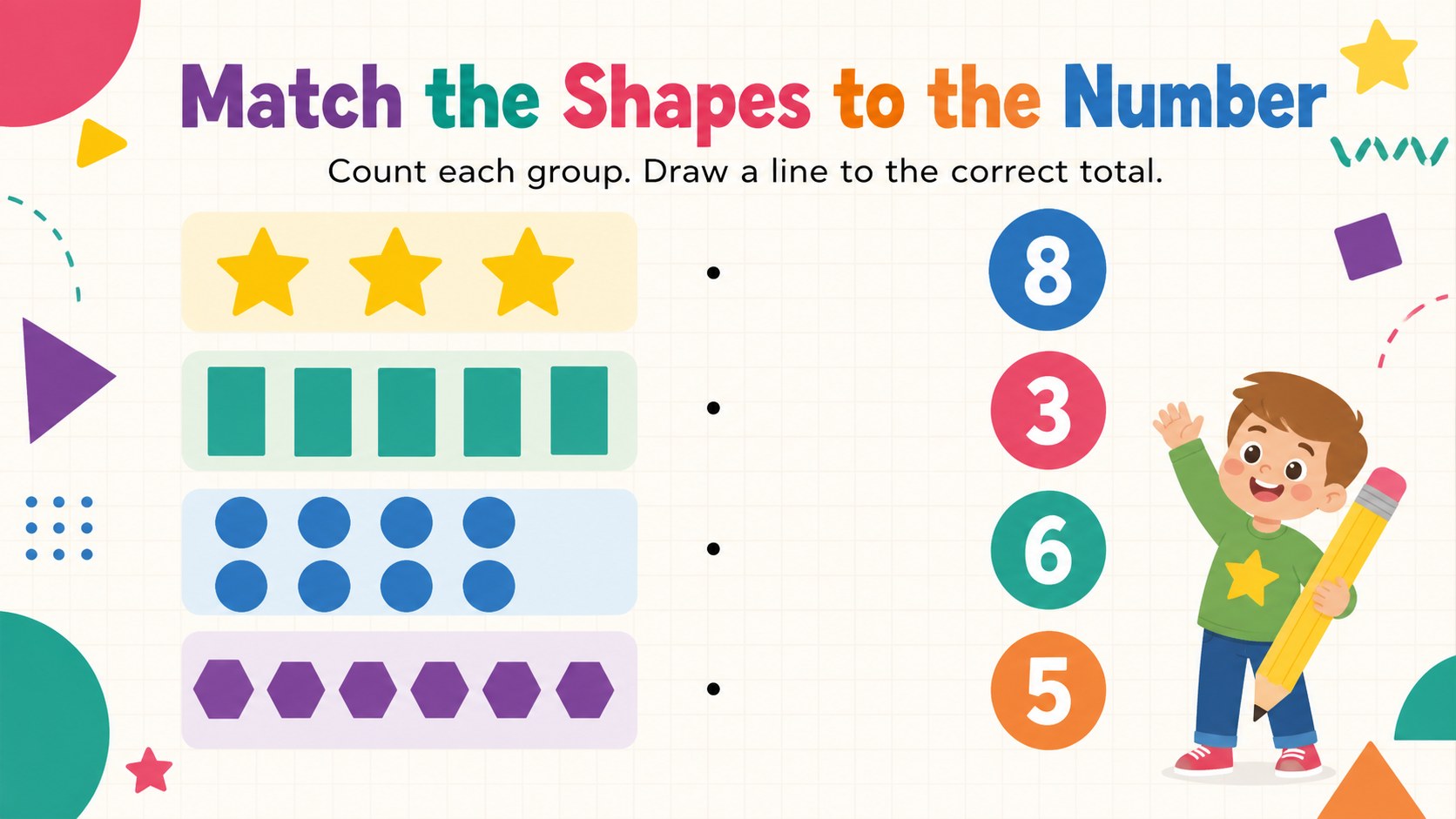
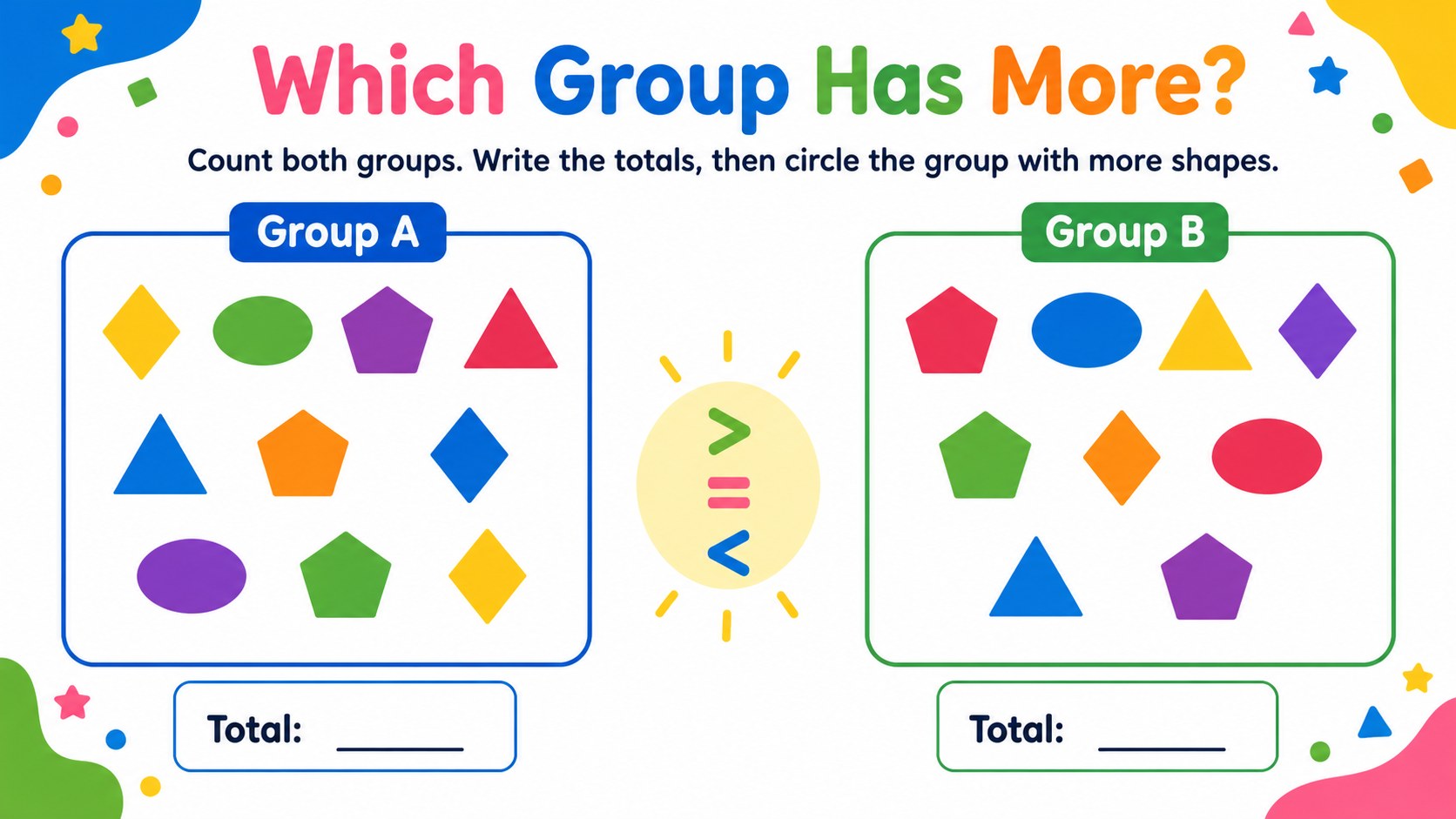
Inside, you will find five ready-to-use A4 activities featuring circles, triangles, squares, rectangles, and other familiar forms. Learners can count grouped objects, record totals, match quantities, and compare sets. The layouts can serve as shape counting worksheets for kindergarten, a whole-class Google Slides shape counting activity, or printable shape number practice for independent work. Teachers can adjust instructions, duplicate exercises, change colors, or replace shapes to match current learning goals.
These Shape Counting Practice Pages are suited to kindergarten and first-grade classrooms, homeschool sessions, tutoring, math centers, and quick review activities. The simple solid-color design supports visual scanning without crowding the page, while the multicolored palette gives each exercise a lively classroom feel. Open the resource in PowerPoint or Google Slides to customize text and objects, then present it on screen or export the pages for printing. It is a practical choice for educators who want flexible early numeracy materials that combine counting, geometry, and number writing in one coherent set.
Perfect for: kindergarten math centers; first-grade counting review; homeschool geometry practice; classroom warm-up activity; independent number work.
Frequently asked questions
Can I edit the shapes and instructions? Yes. The text, colors, geometric objects, and activity directions can be adjusted to suit different counting levels or classroom goals.
Practical details
Yes. The text, colors, geometric objects, and activity directions can be adjusted to suit different counting levels or classroom goals.
The resource works with Microsoft PowerPoint and Google Slides. You can present the activities digitally or export them in a suitable format for printing.
Yes. The activities use A4 worksheet layouts with clear spacing and solid-color graphics that remain easy to follow on printed copies.
The pages are intended primarily for kindergarten and first-grade learners. Teachers can simplify or extend the tasks by changing the number of shapes and the written prompts.
Keep exploring
15Build stronger academic arguments with a college essay thesis builder featuring guided examples, revision prompts, and editable PowerPoint and Google Slides.
 15
15Build an engaging World UFO Day session with this flying saucer history lesson deck, featuring retro green-and-brown slides for PowerPoint and Google Slides.
 14
14Plan a memorable Lunar New Year campaign with the 2036 Dragon Year Celebration Theme, featuring bold red-and-yellow slides for lessons and events.
 15
15Build a thoughtful classroom discussion with this interfaith awareness lesson deck, featuring editable blue-and-white slides for PowerPoint and Google Slides.
 15
15Use this environmental awareness lesson deck to teach climate action through illustrated activities, discussion prompts, and ready-to-edit visuals.
 15
15Build playful lessons and party stories with a kid-friendly zombie celebration theme in purple, green and pastel blue for PowerPoint and Google Slides.
 15
15Build eerie lessons, campaigns, and story pitches with an undead survival scenario theme featuring editable slides for PowerPoint and Google Slides.
 16
16Turn environmental research into a clear story with a Watercolor Ecology Presentation Theme for PowerPoint and Google Slides in calming green and blue.