
 15
15presentation
College Essay Thesis Builder Slides
Build stronger academic arguments with a college essay thesis builder featuring guided examples, revision prompts, and editable PowerPoint and Google Slides.
Google SlidesPowerPoint
presentation · English
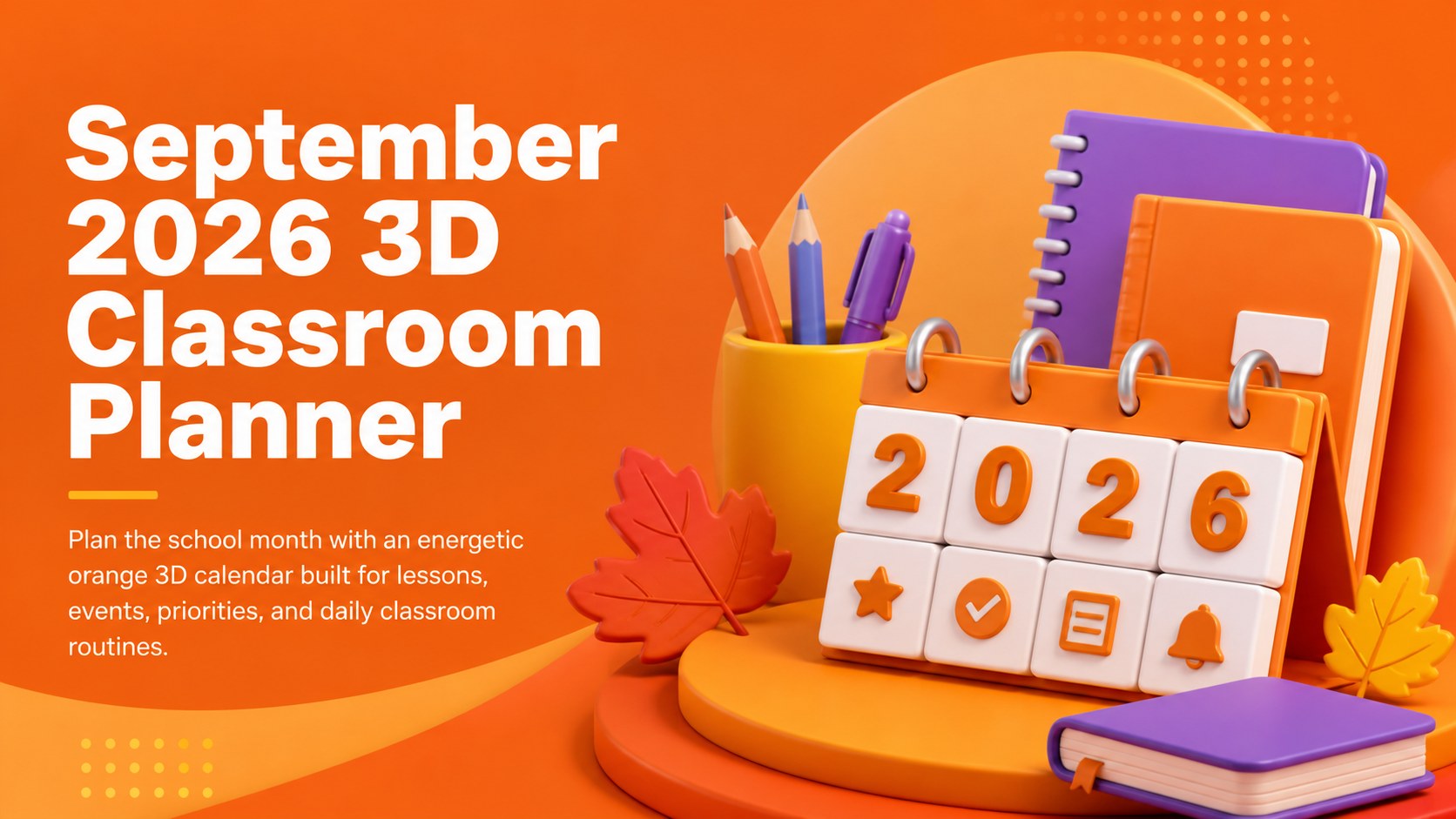
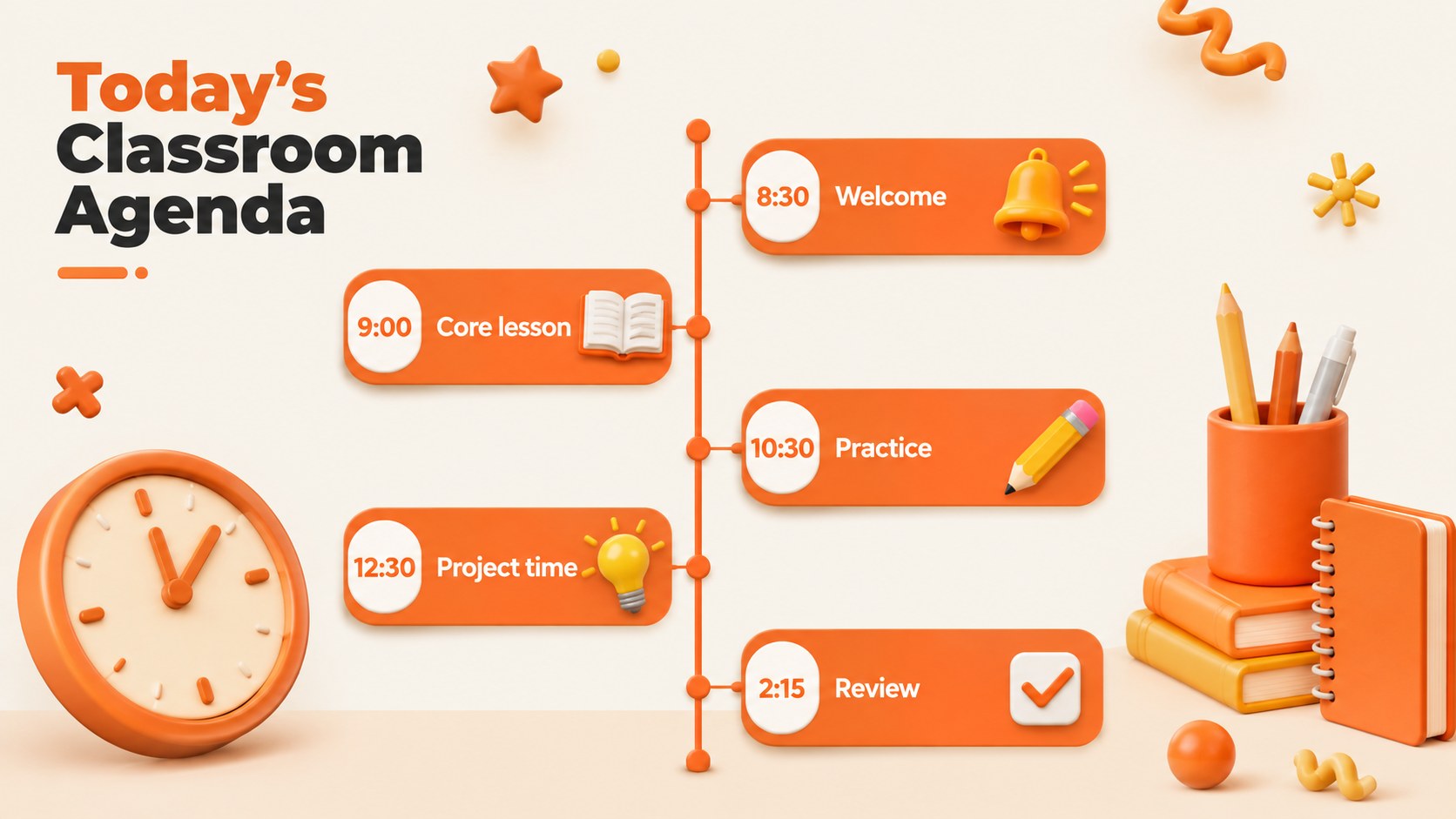
Organize lessons, deadlines, and school events with this September 2026 3D classroom planner, editable in PowerPoint and Google Slides.
Design notes
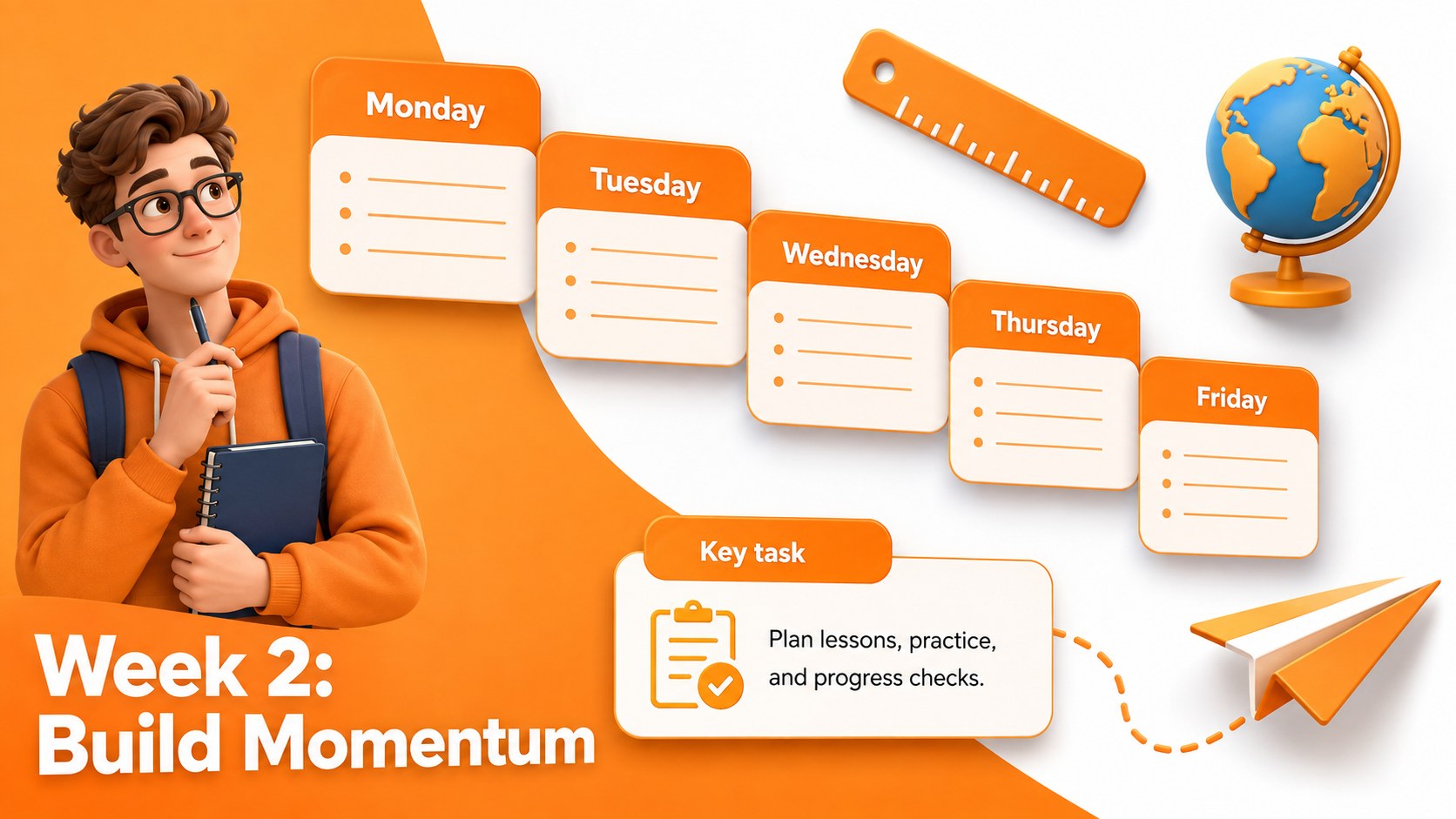
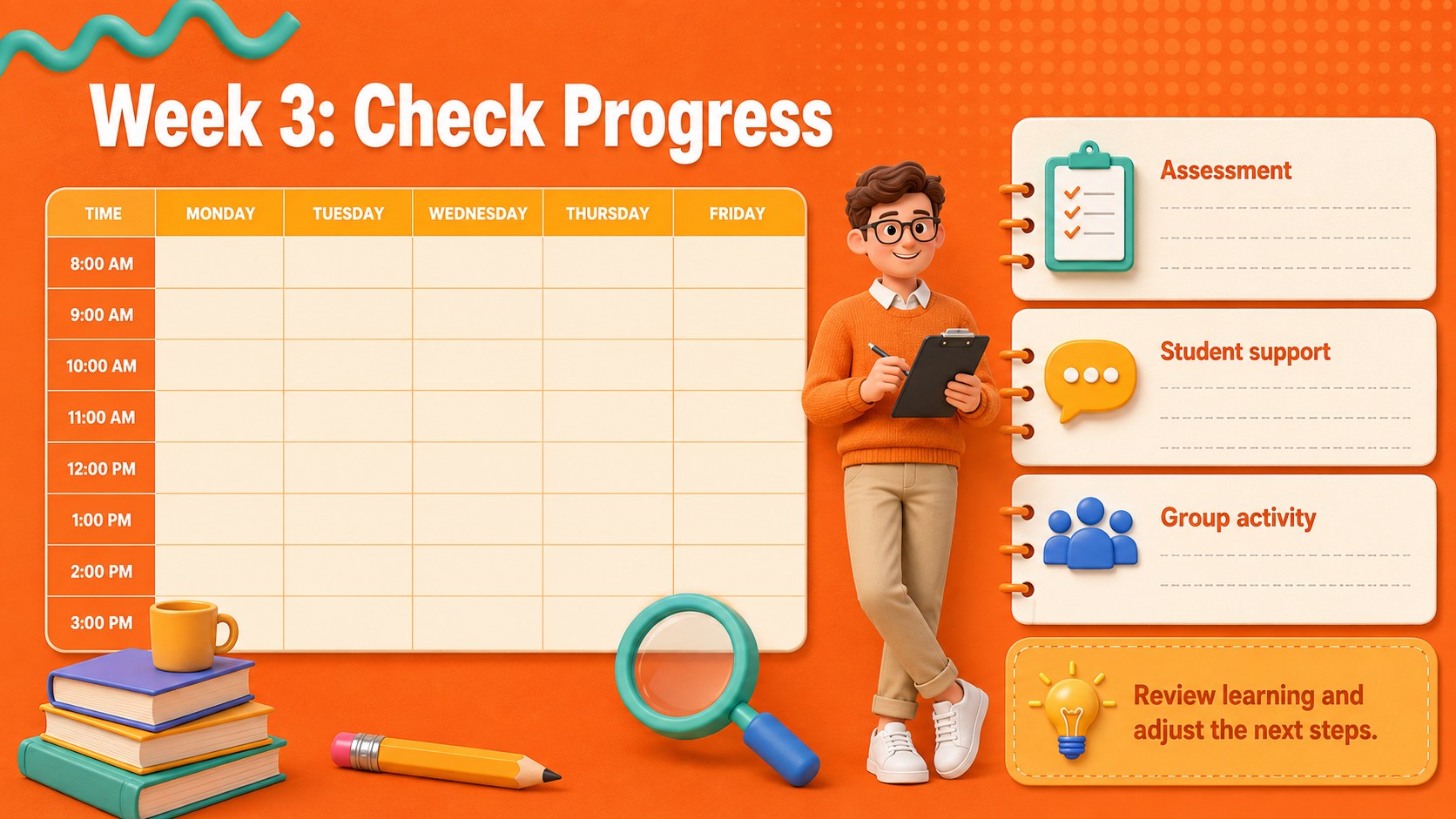
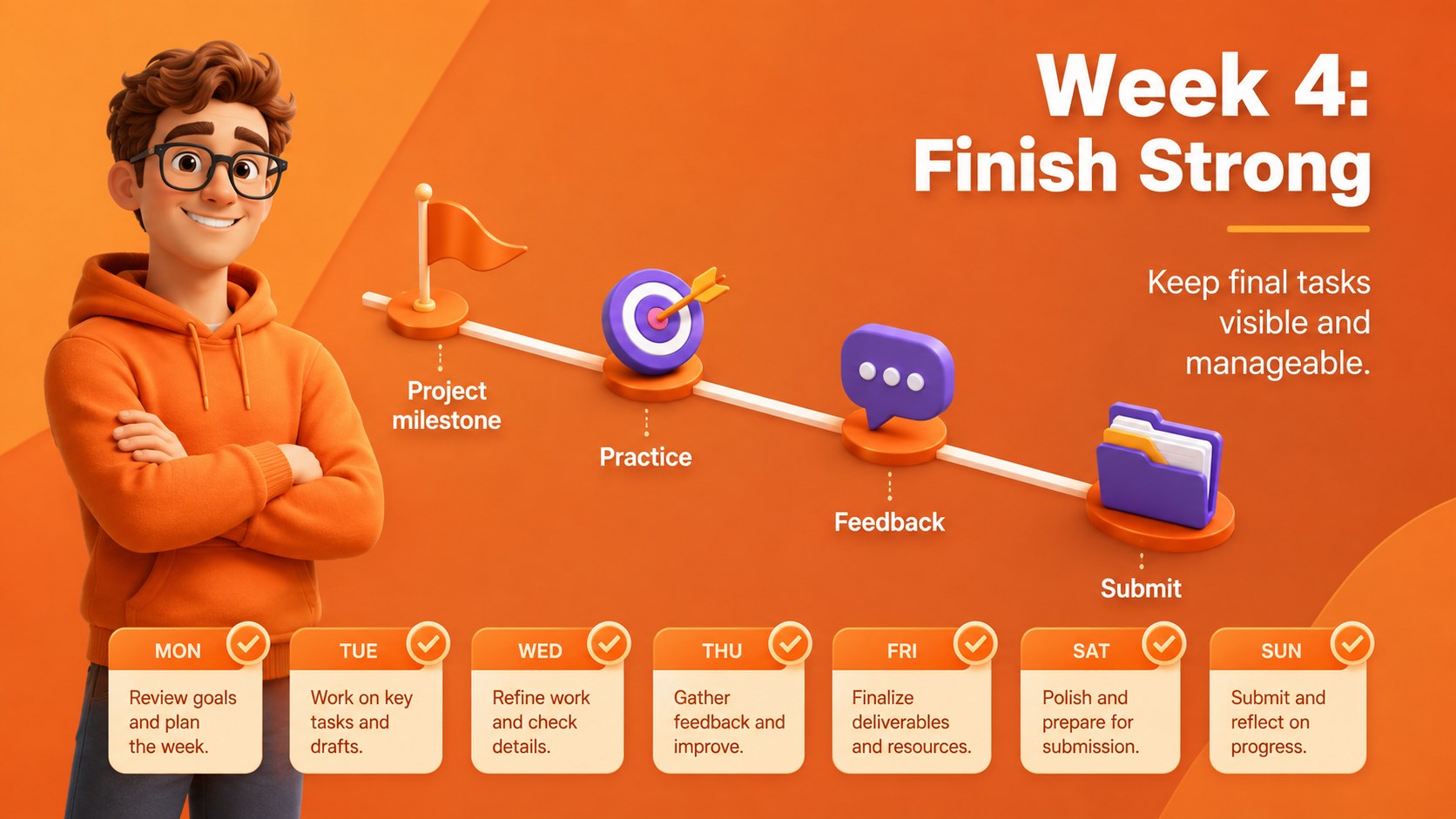
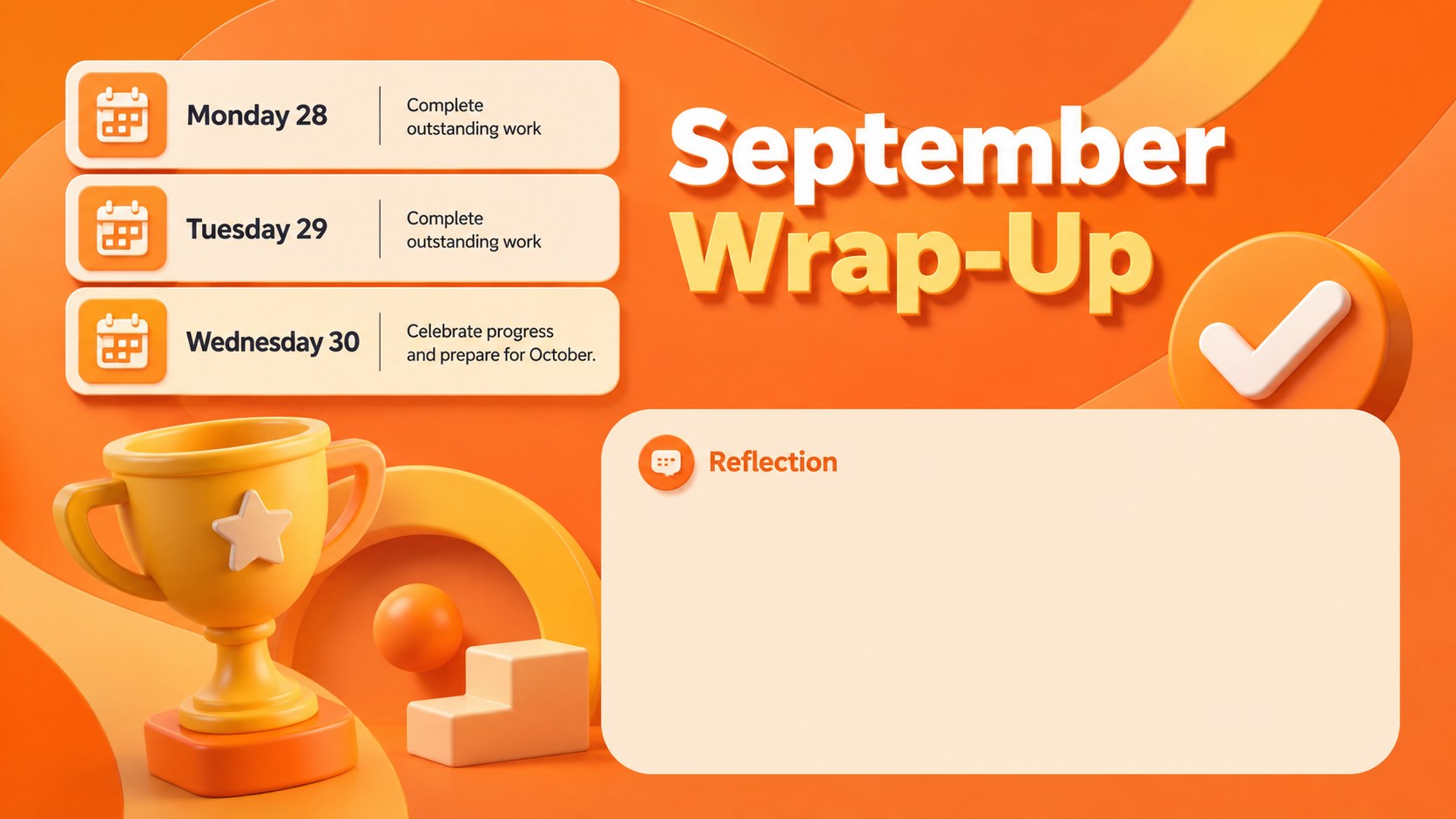
Bring structure to a busy school month with the September 2026 3D classroom planner. Its lively orange palette, dimensional illustrations, and clear planning layouts help teachers present dates and responsibilities without losing students' attention. Use it for morning meetings, projected classroom schedules, faculty planning, or a shared overview of the month.
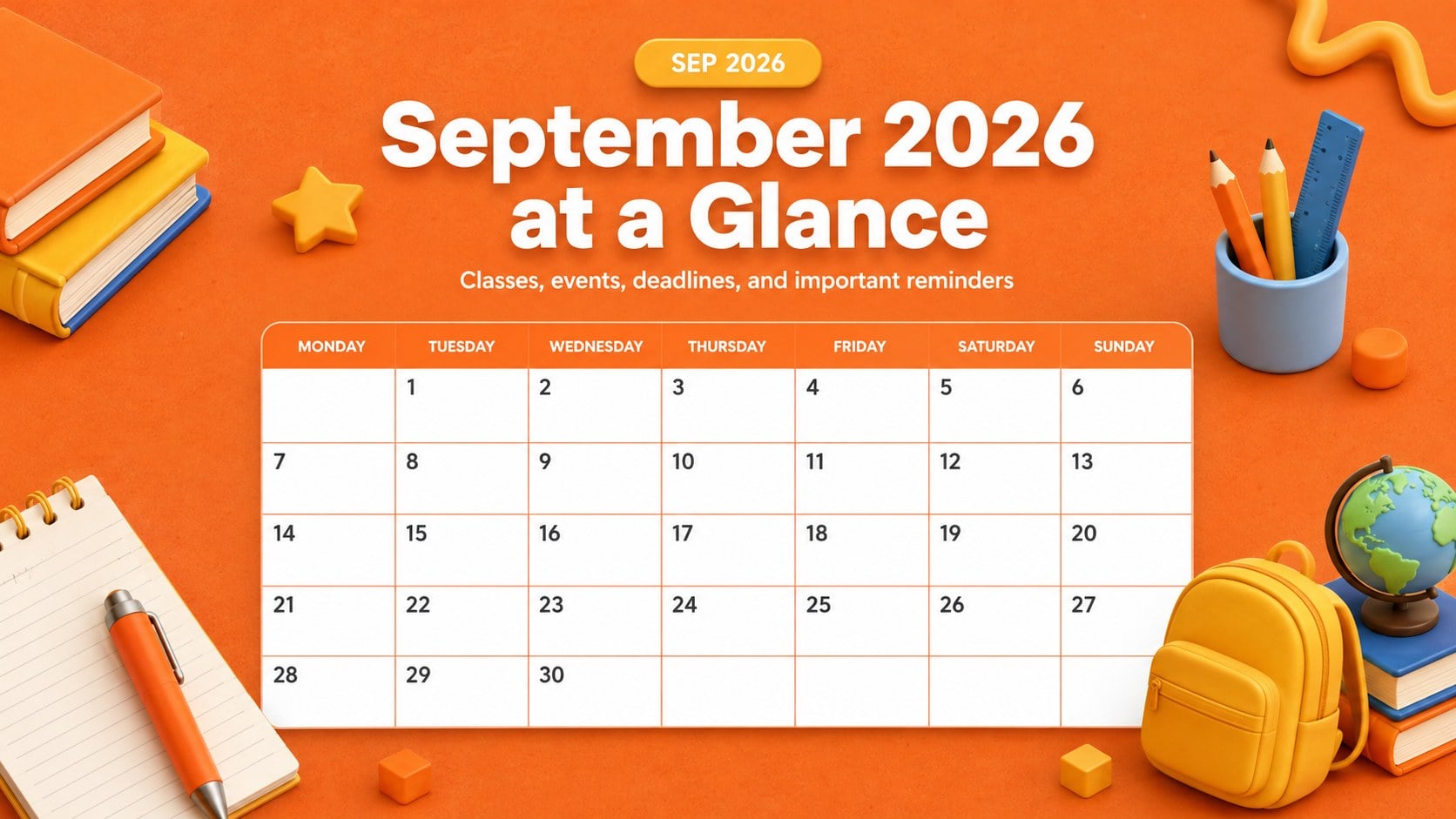
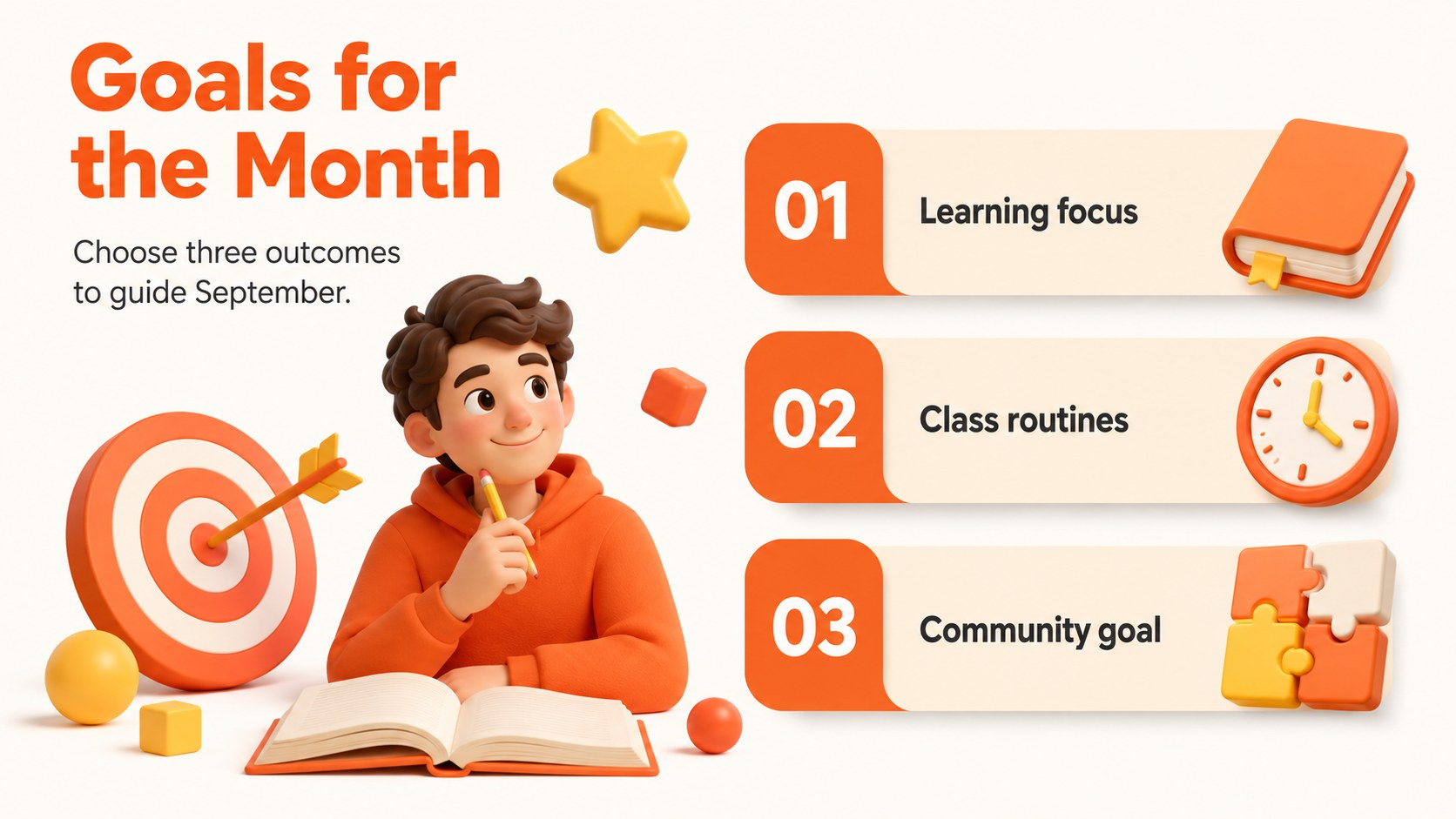
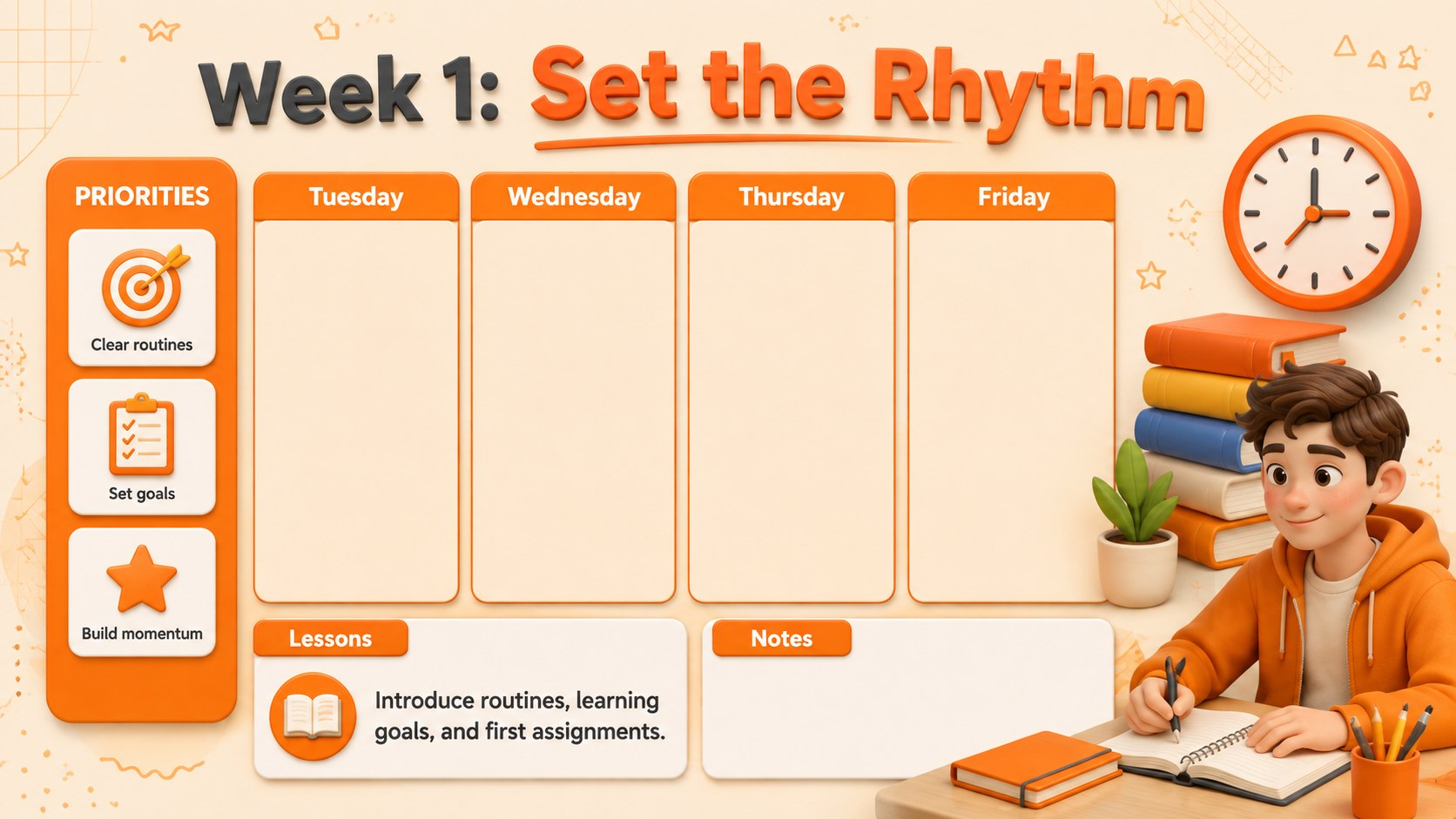
The deck includes a complete September calendar, weekly snapshots, daily planning pages, lesson blocks, assignment trackers, event reminders, priority lists, and a month-end reflection. These orange 3D teacher planner slides balance playful educational visuals with practical space for subjects, times, notes, and deadlines. Every layout can be adapted for elementary, middle, or high school routines.
Teachers, tutors, school coordinators, and homeschooling families can edit the presentation in PowerPoint or Google Slides. Change the text, rearrange planning sections, adjust colors, or duplicate pages for different classes. This school month planning presentation also works as a PowerPoint classroom calendar template for parent updates, staff briefings, and student agenda displays. The 16:9 format is ready for classroom screens, online lessons, and printable planning references.
Perfect for: monthly classroom schedule; teacher lesson planning; student deadline overview; school event coordination; morning meeting agenda; parent update presentation.
Frequently asked questions
Can I edit this planner in PowerPoint and Google Slides? Yes. All text, colors, shapes, and planning sections can be edited in PowerPoint or Google Slides. You can also duplicate layouts to create separate schedules for multiple classes.
Practical details
Yes. All text, colors, shapes, and planning sections can be edited in PowerPoint or Google Slides. You can also duplicate layouts to create separate schedules for multiple classes.
Yes. The September 2026 dates provide a ready-made structure, while lesson names, events, deadlines, and notes are fully customizable. Keep the calendar framework or adapt individual pages for your own timetable.
Yes. Export selected pages as PDF files and print them as monthly, weekly, or daily references. Check your printer settings if you need the 16:9 layouts scaled to standard paper sizes.
The bright 3D style works especially well for elementary and middle school settings, but the layouts are flexible enough for older students. Simplify the illustrations or adjust the palette for a more restrained classroom look.
Keep exploring
15Build stronger academic arguments with a college essay thesis builder featuring guided examples, revision prompts, and editable PowerPoint and Google Slides.
 15
15Build an engaging World UFO Day session with this flying saucer history lesson deck, featuring retro green-and-brown slides for PowerPoint and Google Slides.
 14
14Plan a memorable Lunar New Year campaign with the 2036 Dragon Year Celebration Theme, featuring bold red-and-yellow slides for lessons and events.
 15
15Build a thoughtful classroom discussion with this interfaith awareness lesson deck, featuring editable blue-and-white slides for PowerPoint and Google Slides.
 15
15Use this environmental awareness lesson deck to teach climate action through illustrated activities, discussion prompts, and ready-to-edit visuals.
 15
15Build playful lessons and party stories with a kid-friendly zombie celebration theme in purple, green and pastel blue for PowerPoint and Google Slides.
 15
15Build eerie lessons, campaigns, and story pitches with an undead survival scenario theme featuring editable slides for PowerPoint and Google Slides.
 16
16Turn environmental research into a clear story with a Watercolor Ecology Presentation Theme for PowerPoint and Google Slides in calming green and blue.