
 15
15presentation
College Essay Thesis Builder Slides
Build stronger academic arguments with a college essay thesis builder featuring guided examples, revision prompts, and editable PowerPoint and Google Slides.
Google SlidesPowerPoint
presentation · English
Present grades, skills, and feedback clearly with secondary student progress summary slides for review meetings, academic updates, and family conferences.
Design notes
Make academic performance easier to understand with secondary student progress summary slides designed for clear, constructive conversations. The modern minimalist layout combines blue, green, beige, and black accents with orderly typography, giving teachers a polished way to present results without distracting from the student’s achievements and priorities.
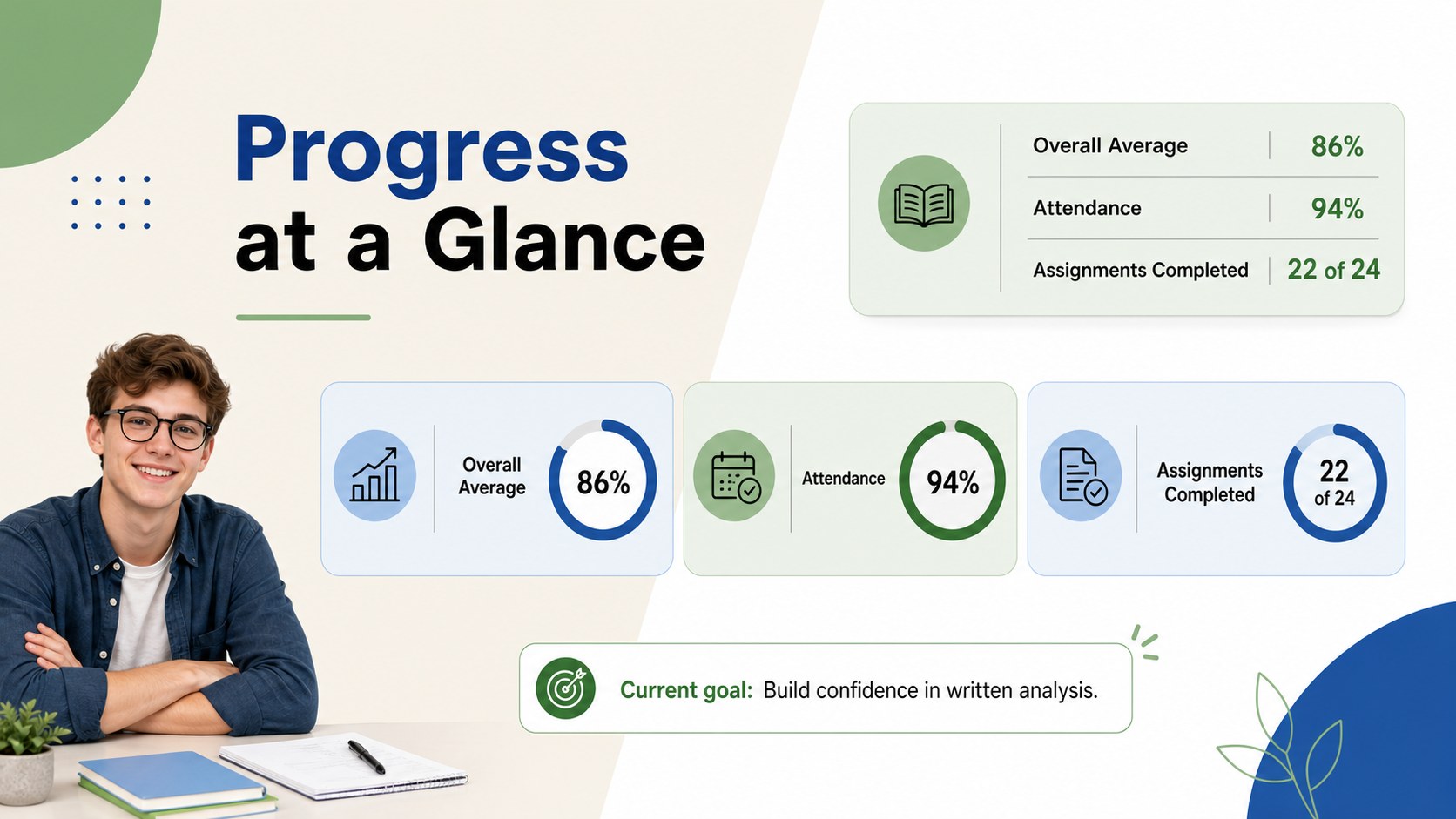
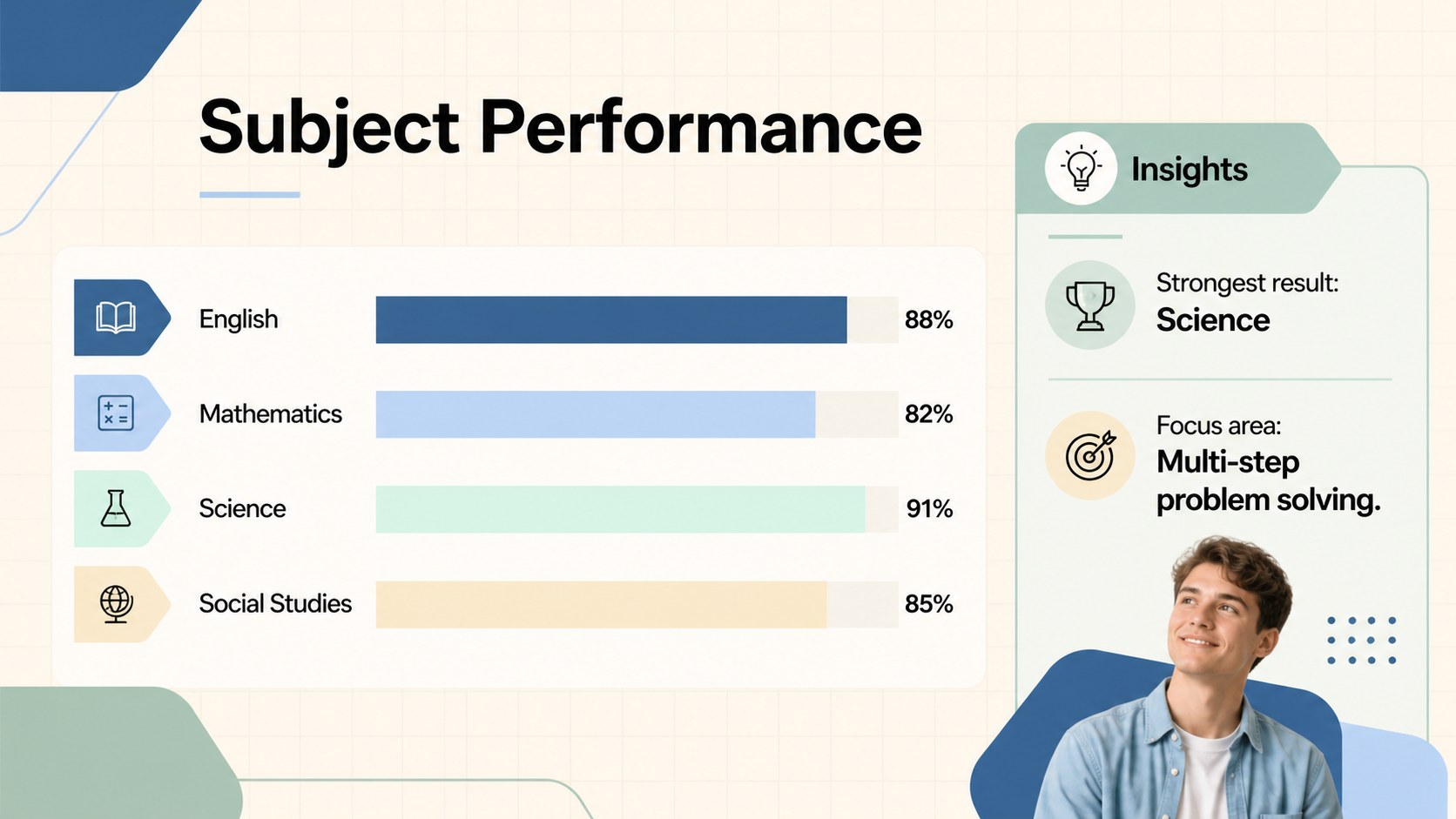
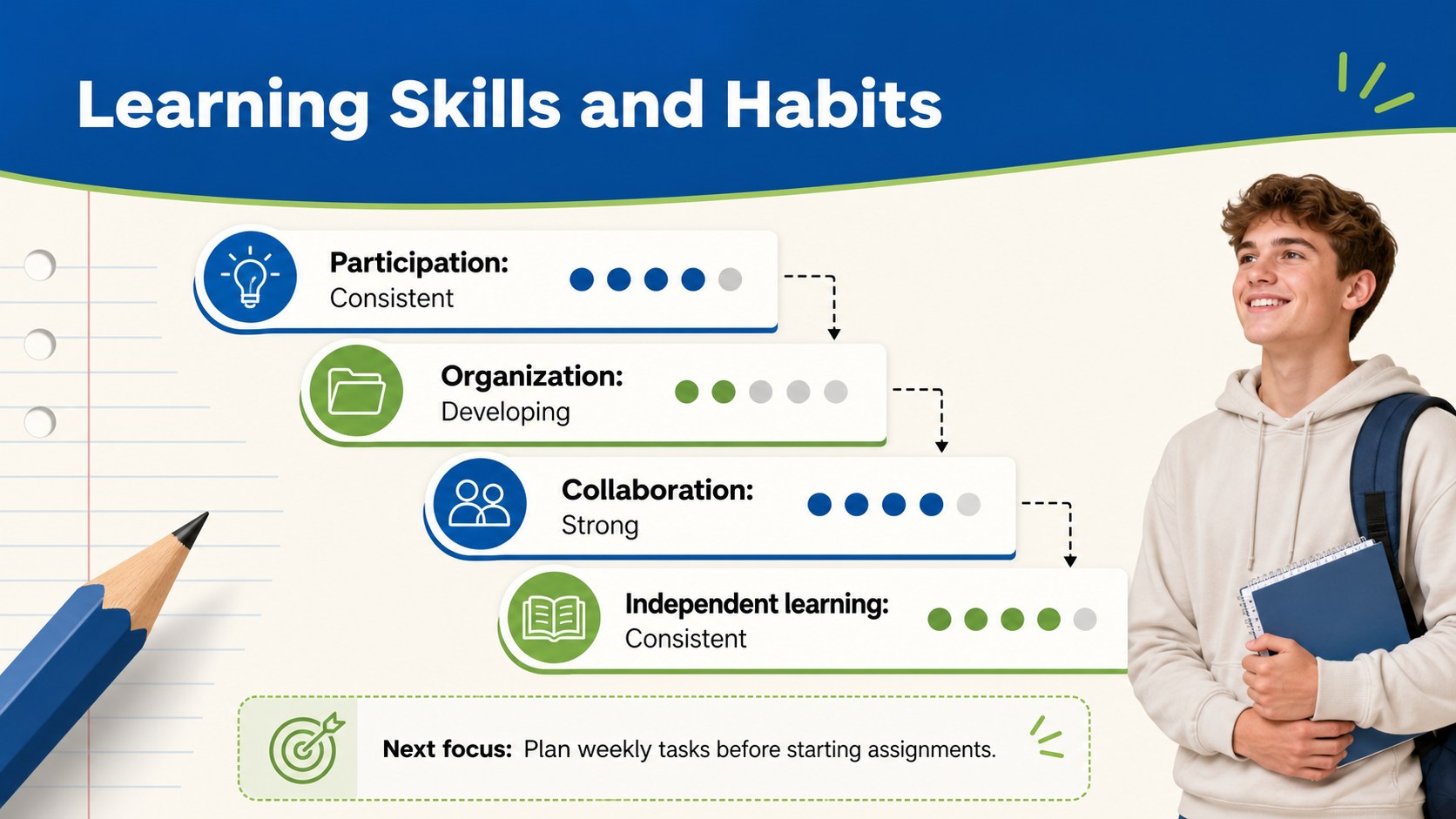
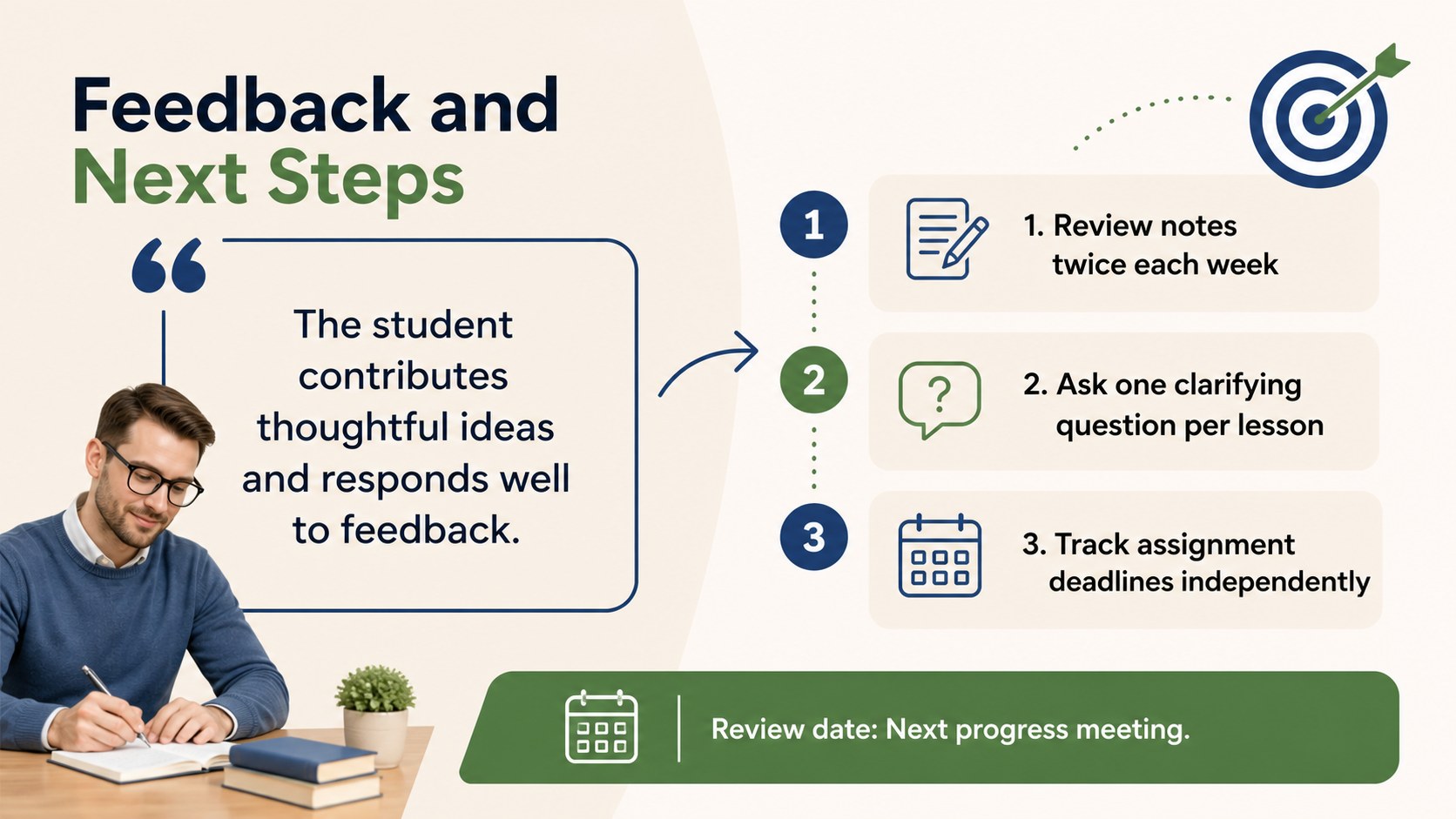
Inside, you will find five coordinated layouts for an overview, subject results, skills development, teacher observations, and next steps. Adapt the fields to show grades, assessment scores, attendance, learning habits, or personal targets. Visual indicators and concise content areas help turn the deck into an editable high school grade summary presentation that families and students can review at a glance.
This template is built for secondary teachers, academic advisers, school administrators, and support teams preparing semester updates or a parent teacher conference report deck. Every slide can be edited in PowerPoint or Google Slides, including colors, type, labels, charts, and feedback text. Use the presentation during family conferences, student goal-setting sessions, academic support meetings, or end-of-term reviews. The restrained design supports both positive recognition and practical improvement planning while keeping the discussion focused, professional, and student-centered.
Perfect for: parent-teacher conference; semester performance review; student goal-setting meeting; academic support planning; end-of-term family update.
Frequently asked questions
Can I edit the grades, subjects, and assessment categories? Yes. All labels, scores, feedback areas, charts, and subject categories can be adjusted to match your school’s assessment system. You can also add or remove sections for attendance, behavior, learning habits, or individual goals.
Practical details
Yes. All labels, scores, feedback areas, charts, and subject categories can be adjusted to match your school’s assessment system. You can also add or remove sections for attendance, behavior, learning habits, or individual goals.
Yes. The slides are designed for editing in both PowerPoint and Google Slides. Font rendering and spacing should be reviewed after importing if your device substitutes a typeface.
Yes. Replace the blue, green, beige, and black palette with your school colors using the theme or formatting controls in your presentation editor. Keep strong contrast between text and backgrounds for readability.
Yes. Duplicate the deck for each student and replace the identifying details, results, comments, and goals. Store and share each copy according to your school’s student privacy requirements.
Keep exploring
15Build stronger academic arguments with a college essay thesis builder featuring guided examples, revision prompts, and editable PowerPoint and Google Slides.
 15
15Build an engaging World UFO Day session with this flying saucer history lesson deck, featuring retro green-and-brown slides for PowerPoint and Google Slides.
 14
14Plan a memorable Lunar New Year campaign with the 2036 Dragon Year Celebration Theme, featuring bold red-and-yellow slides for lessons and events.
 15
15Build a thoughtful classroom discussion with this interfaith awareness lesson deck, featuring editable blue-and-white slides for PowerPoint and Google Slides.
 15
15Use this environmental awareness lesson deck to teach climate action through illustrated activities, discussion prompts, and ready-to-edit visuals.
 15
15Build playful lessons and party stories with a kid-friendly zombie celebration theme in purple, green and pastel blue for PowerPoint and Google Slides.
 15
15Build eerie lessons, campaigns, and story pitches with an undead survival scenario theme featuring editable slides for PowerPoint and Google Slides.
 16
16Turn environmental research into a clear story with a Watercolor Ecology Presentation Theme for PowerPoint and Google Slides in calming green and blue.