
 15
15presentation
College Essay Thesis Builder Slides
Build stronger academic arguments with a college essay thesis builder featuring guided examples, revision prompts, and editable PowerPoint and Google Slides.
Google SlidesPowerPoint
presentation · English
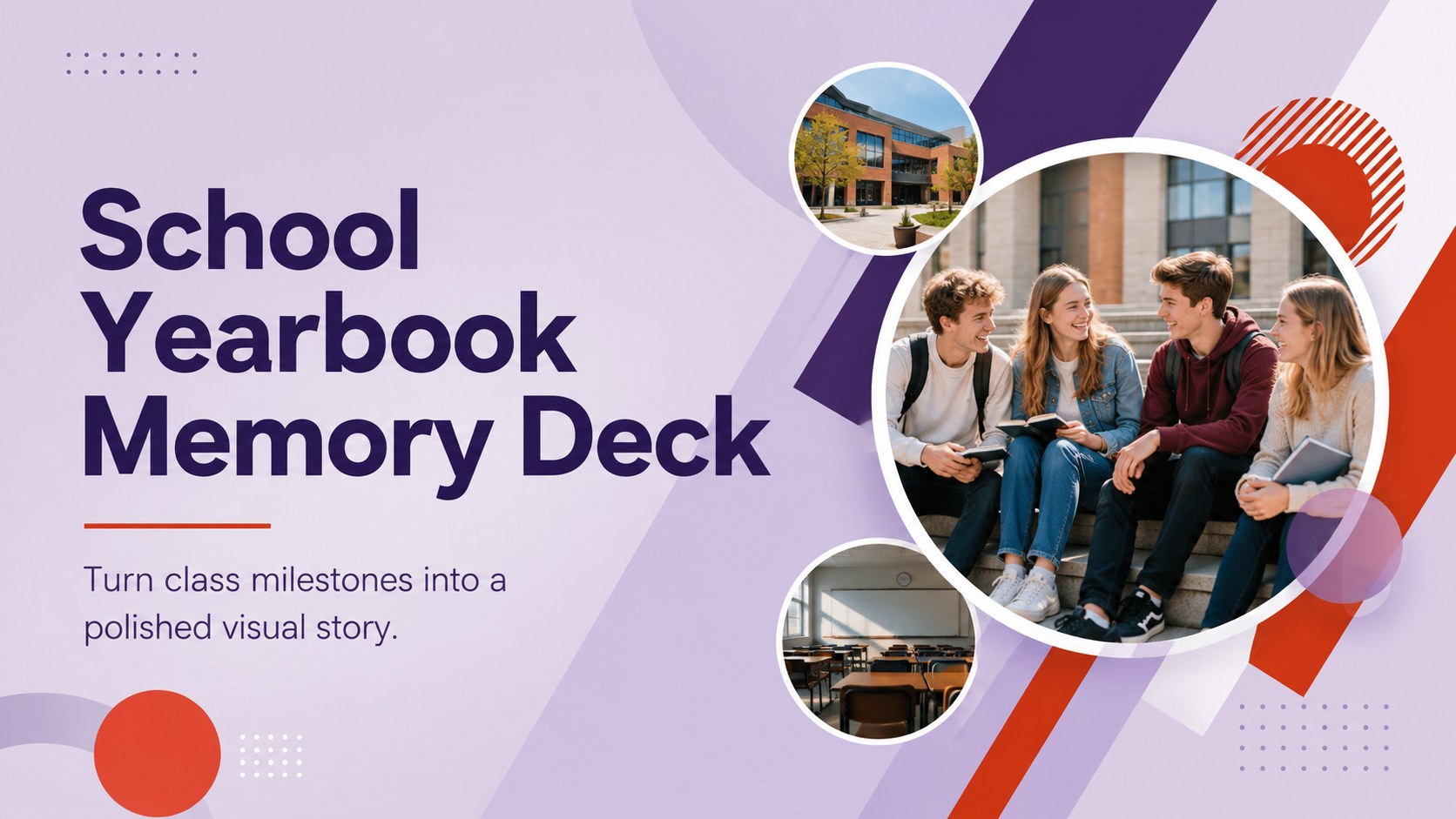
Build a school yearbook memory deck that turns class photos, milestones, and student stories into bold purple-red slides for PowerPoint and Google Slides.






Design notes
Bring an entire academic year together with a school yearbook memory deck designed for photos, personal stories, and standout moments. Its clean typography, lively geometric accents, and bold purple-and-red palette give every memory a contemporary frame without distracting from the people and events being celebrated.
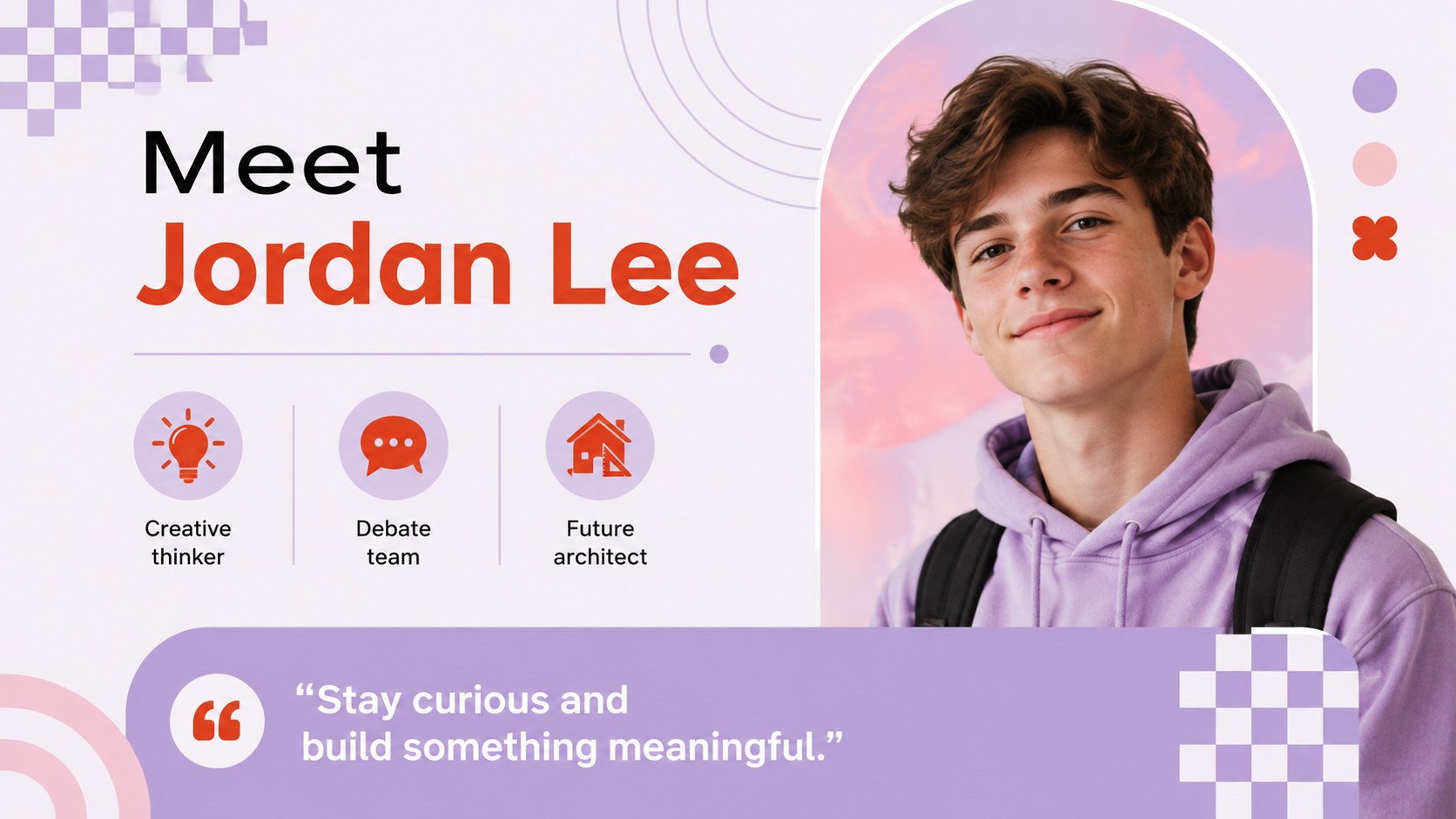
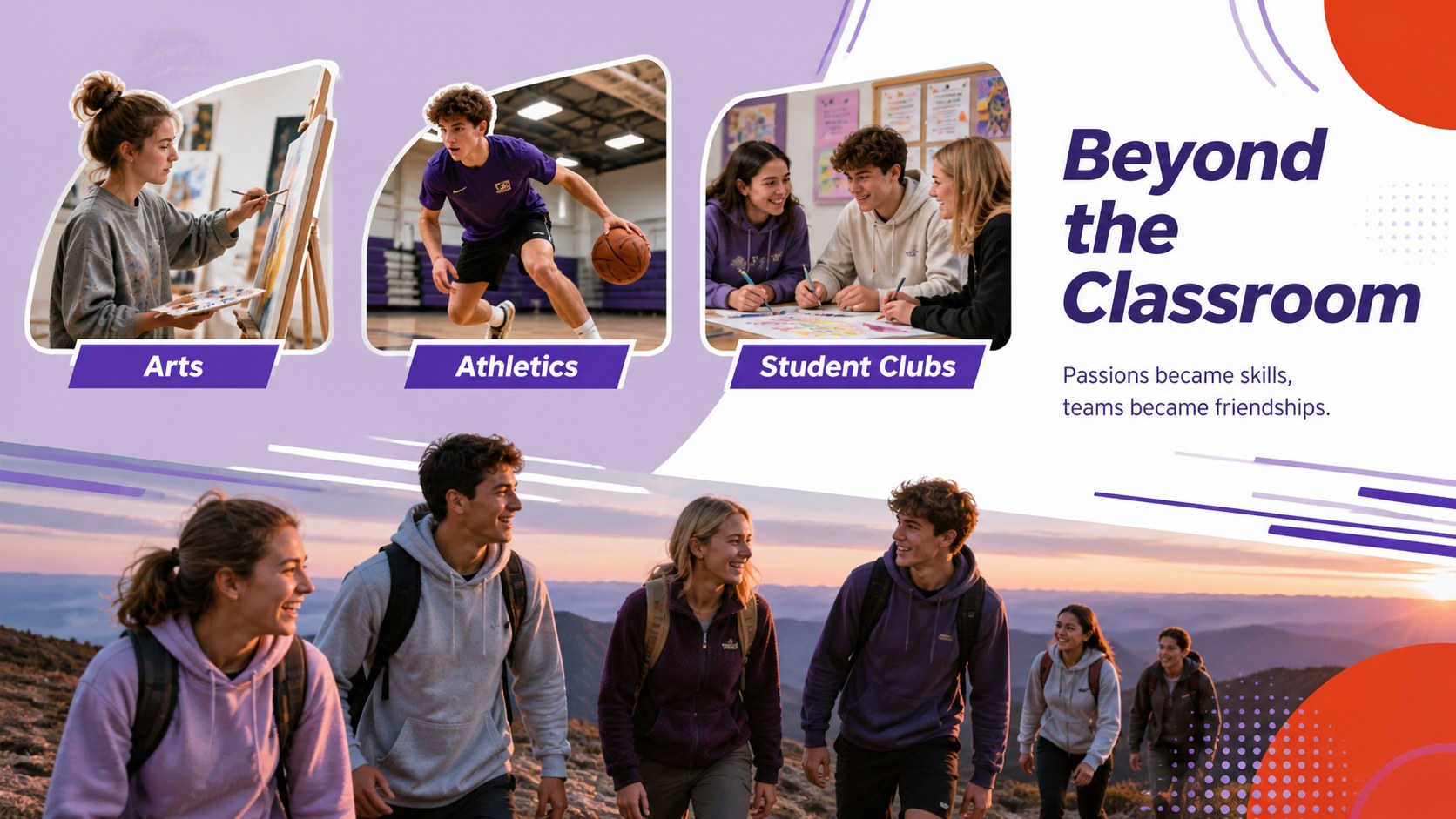
The deck includes layouts for a welcome message, class introductions, student profiles, event photography, academic achievements, clubs, sports, memorable quotes, a monthly timeline, and an end-of-year farewell. Flexible image frames and concise text areas make it easy to create an end of school year slideshow or a detailed student memory book presentation. Subtle motion and well-structured page transitions can add energy when the yearbook is presented live.
Teachers can use these slides for classroom recaps, while student committees can assemble a collaborative class keepsake. School administrators, activity coordinators, and college organizations can also adapt the layouts for recognition events, graduation celebrations, or a class highlights presentation template. Replace the sample copy, add portraits and candid photographs, adjust section order, and apply school-specific details without changing the visual rhythm. The template is editable in PowerPoint and Google Slides, making it practical for individual projects and group contributions.
Perfect for: end-of-year classroom recap; student yearbook committee project; graduation memory presentation; school awards celebration; college organization year review.
Frequently asked questions
Can I edit this yearbook deck in PowerPoint and Google Slides? Yes. The layouts, text, colors, and image placeholders can be edited in both PowerPoint and Google Slides. Some transitions may appear slightly different between the two platforms.
Practical details
Yes. The layouts, text, colors, and image placeholders can be edited in both PowerPoint and Google Slides. Some transitions may appear slightly different between the two platforms.
Replace each sample image with a portrait, group photo, or event photograph using the platform's image replacement tools. Crop and reposition photos inside the provided frames to keep the layouts consistent.
Yes. Update the theme colors or recolor individual shapes to match a school, class, club, or graduation theme. Keep strong contrast between backgrounds and text so names and captions remain easy to read.
The structure works for elementary classes, middle schools, high schools, colleges, and student organizations. Adjust the section names, vocabulary, and photo choices to suit the age group and occasion.
Keep exploring
15Build stronger academic arguments with a college essay thesis builder featuring guided examples, revision prompts, and editable PowerPoint and Google Slides.
 15
15Build an engaging World UFO Day session with this flying saucer history lesson deck, featuring retro green-and-brown slides for PowerPoint and Google Slides.
 14
14Plan a memorable Lunar New Year campaign with the 2036 Dragon Year Celebration Theme, featuring bold red-and-yellow slides for lessons and events.
 15
15Build a thoughtful classroom discussion with this interfaith awareness lesson deck, featuring editable blue-and-white slides for PowerPoint and Google Slides.
 15
15Use this environmental awareness lesson deck to teach climate action through illustrated activities, discussion prompts, and ready-to-edit visuals.
 15
15Build playful lessons and party stories with a kid-friendly zombie celebration theme in purple, green and pastel blue for PowerPoint and Google Slides.
 15
15Build eerie lessons, campaigns, and story pitches with an undead survival scenario theme featuring editable slides for PowerPoint and Google Slides.
 16
16Turn environmental research into a clear story with a Watercolor Ecology Presentation Theme for PowerPoint and Google Slides in calming green and blue.