
 15
15presentation
College Essay Thesis Builder Slides
Build stronger academic arguments with a college essay thesis builder featuring guided examples, revision prompts, and editable PowerPoint and Google Slides.
Google SlidesPowerPoint
presentation · English
Build a school debate presentation with crisp blue-white visuals, flexible lesson slides, and editable layouts for clubs, classes, and group discussions.





Design notes
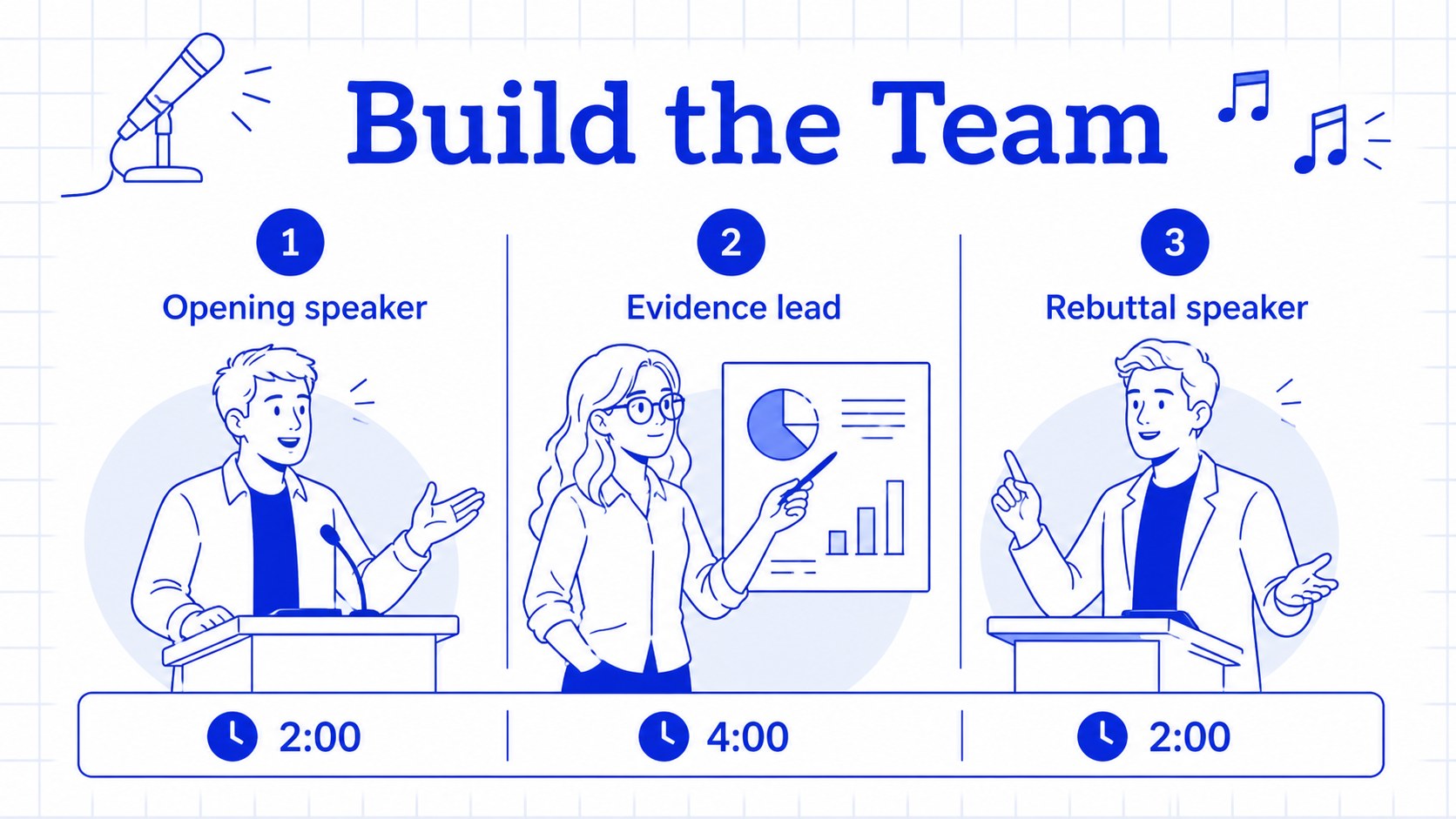
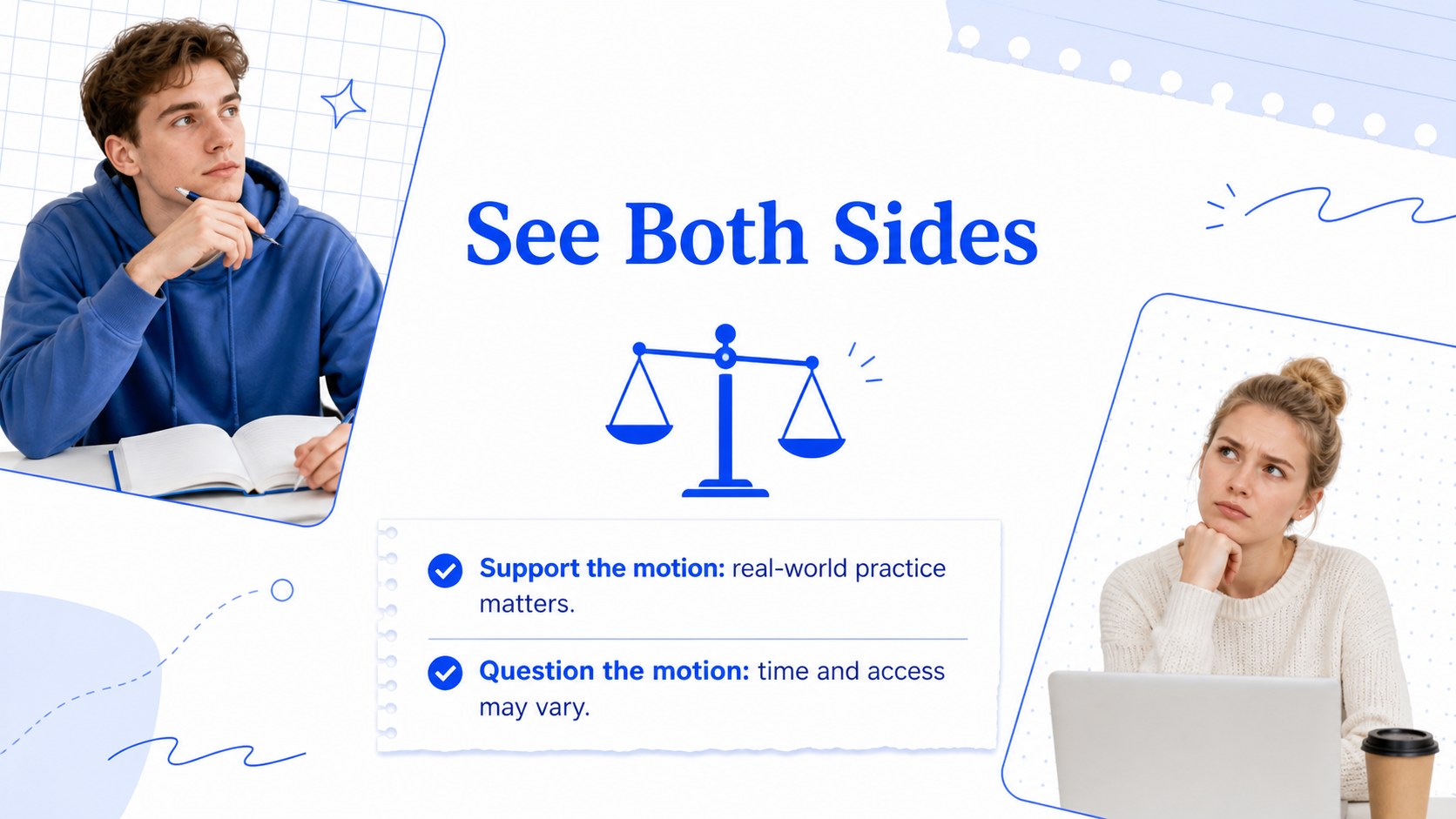
Make classroom discussion easier to follow with a school debate presentation built around clear structure, visual prompts, and energetic whiteboard-inspired illustrations. The blue-and-white design gives teachers and student leaders a polished way to introduce a motion, compare viewpoints, organize research, and guide a respectful exchange of ideas.
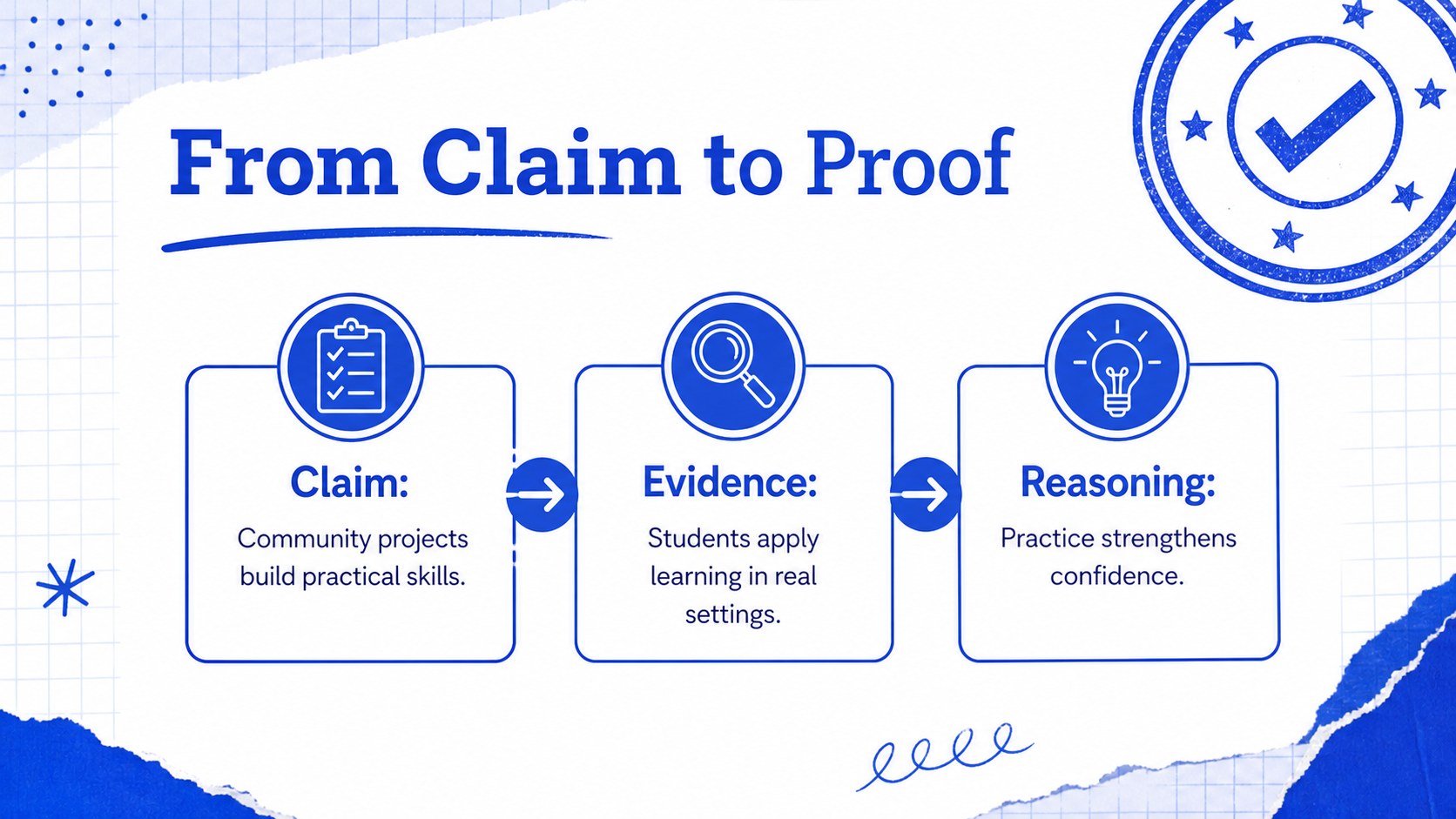
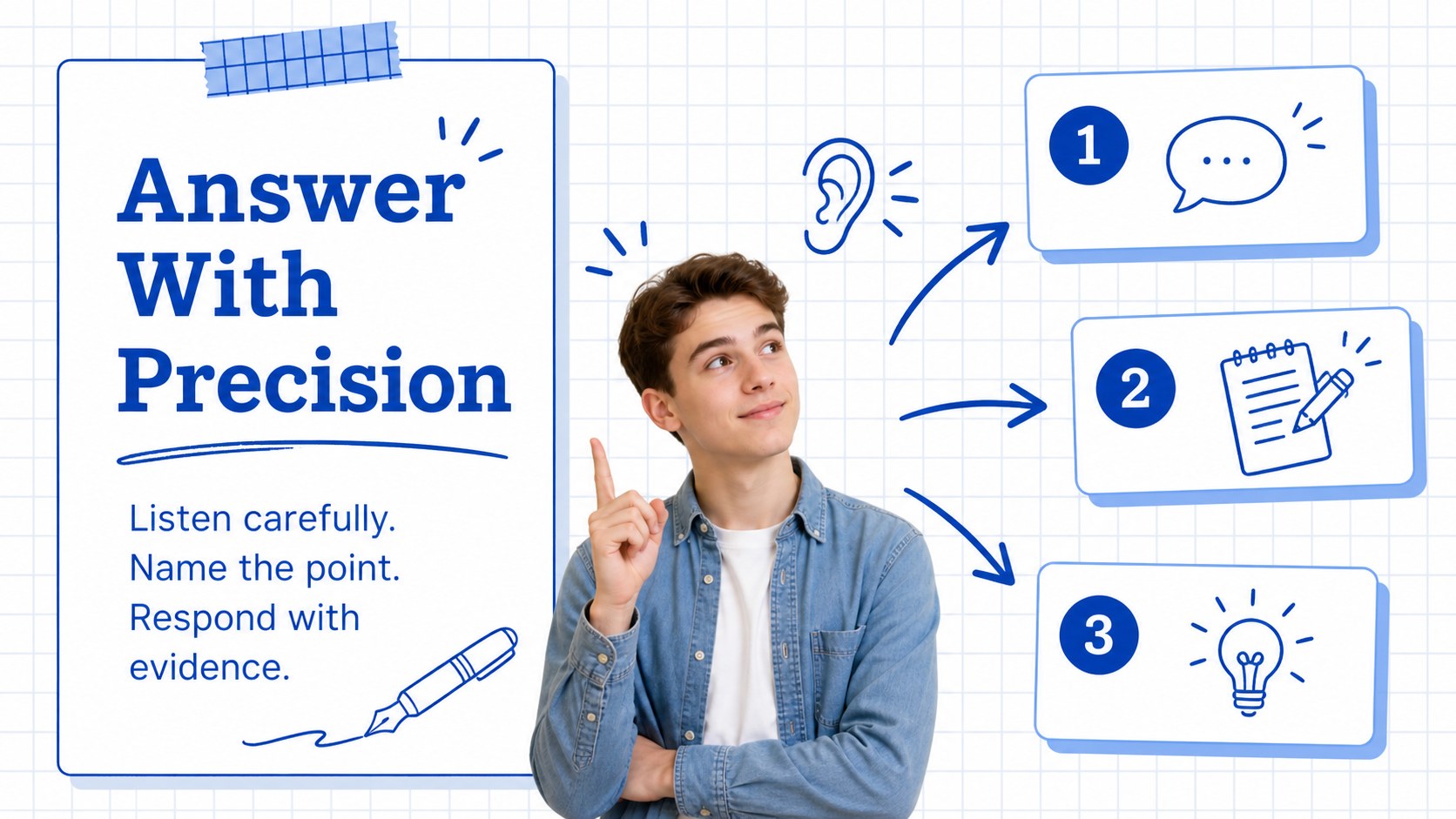
Inside, you will find more than 25 editable slides for opening statements, debate rules, topic research, argument maps, evidence reviews, rebuttals, team planning, audience questions, and final reflections. Use the classroom debate agenda template to set expectations, then adapt the argument analysis slides for examples, quotations, charts, or key vocabulary. A dedicated student discussion presentation layout also helps groups summarize conclusions without crowding the page.
This deck suits elementary, middle, and high school teachers, debate clubs, language classes, civics lessons, student councils, and educational workshops. Edit the text, colors, diagrams, shapes, transitions, and speaker notes in PowerPoint or Google Slides. The template uses Coustard and Inter with a bright white base and confident blue accents, making it easy to adapt for formal competitions, casual practice rounds, or cross-curricular presentations.
Perfect for: classroom debate lesson; school debate club meeting; civics argument workshop; student council discussion; public speaking practice.
Frequently asked questions
Can I edit this deck in PowerPoint? Yes. The slides are designed for PowerPoint editing, including text, shapes, illustrations, charts, colors, and transitions. You can also export the finished presentation in common formats.
Practical details
Yes. The slides are designed for PowerPoint editing, including text, shapes, illustrations, charts, colors, and transitions. You can also export the finished presentation in common formats.
Yes, it can be used in Google Slides for browser-based editing and sharing. Check the font availability after importing and replace fonts if your workspace does not include Coustard or Inter.
You can rewrite the prompts, simplify the vocabulary, or add more advanced research content for different grade levels. The flexible layouts work for both introductory classroom activities and formal debate preparation.
You can change headlines, body copy, icons, diagrams, colors, images, and slide order. Add your own debate motions, team names, evidence sources, and assessment criteria to match the lesson.
Keep exploring
15Build stronger academic arguments with a college essay thesis builder featuring guided examples, revision prompts, and editable PowerPoint and Google Slides.
 15
15Build an engaging World UFO Day session with this flying saucer history lesson deck, featuring retro green-and-brown slides for PowerPoint and Google Slides.
 14
14Plan a memorable Lunar New Year campaign with the 2036 Dragon Year Celebration Theme, featuring bold red-and-yellow slides for lessons and events.
 15
15Build a thoughtful classroom discussion with this interfaith awareness lesson deck, featuring editable blue-and-white slides for PowerPoint and Google Slides.
 15
15Use this environmental awareness lesson deck to teach climate action through illustrated activities, discussion prompts, and ready-to-edit visuals.
 15
15Build playful lessons and party stories with a kid-friendly zombie celebration theme in purple, green and pastel blue for PowerPoint and Google Slides.
 15
15Build eerie lessons, campaigns, and story pitches with an undead survival scenario theme featuring editable slides for PowerPoint and Google Slides.
 16
16Turn environmental research into a clear story with a Watercolor Ecology Presentation Theme for PowerPoint and Google Slides in calming green and blue.