
 15
15presentation
College Essay Thesis Builder Slides
Build stronger academic arguments with a college essay thesis builder featuring guided examples, revision prompts, and editable PowerPoint and Google Slides.
Google SlidesPowerPoint
presentation · English
Build an engaging safari presentation theme with green, beige, and illustrated nature slides for lessons, travel briefings, project pitches, and more.

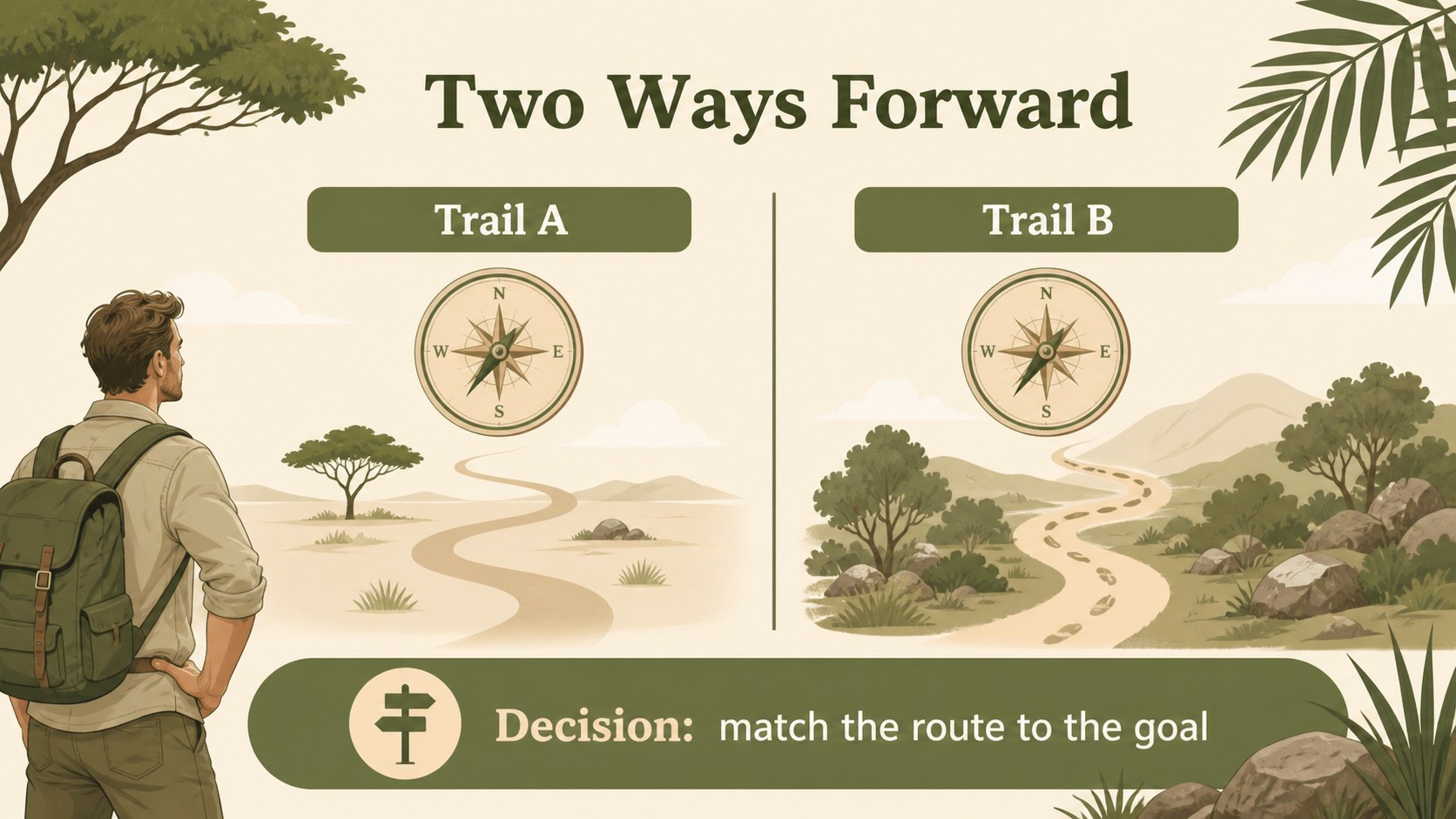
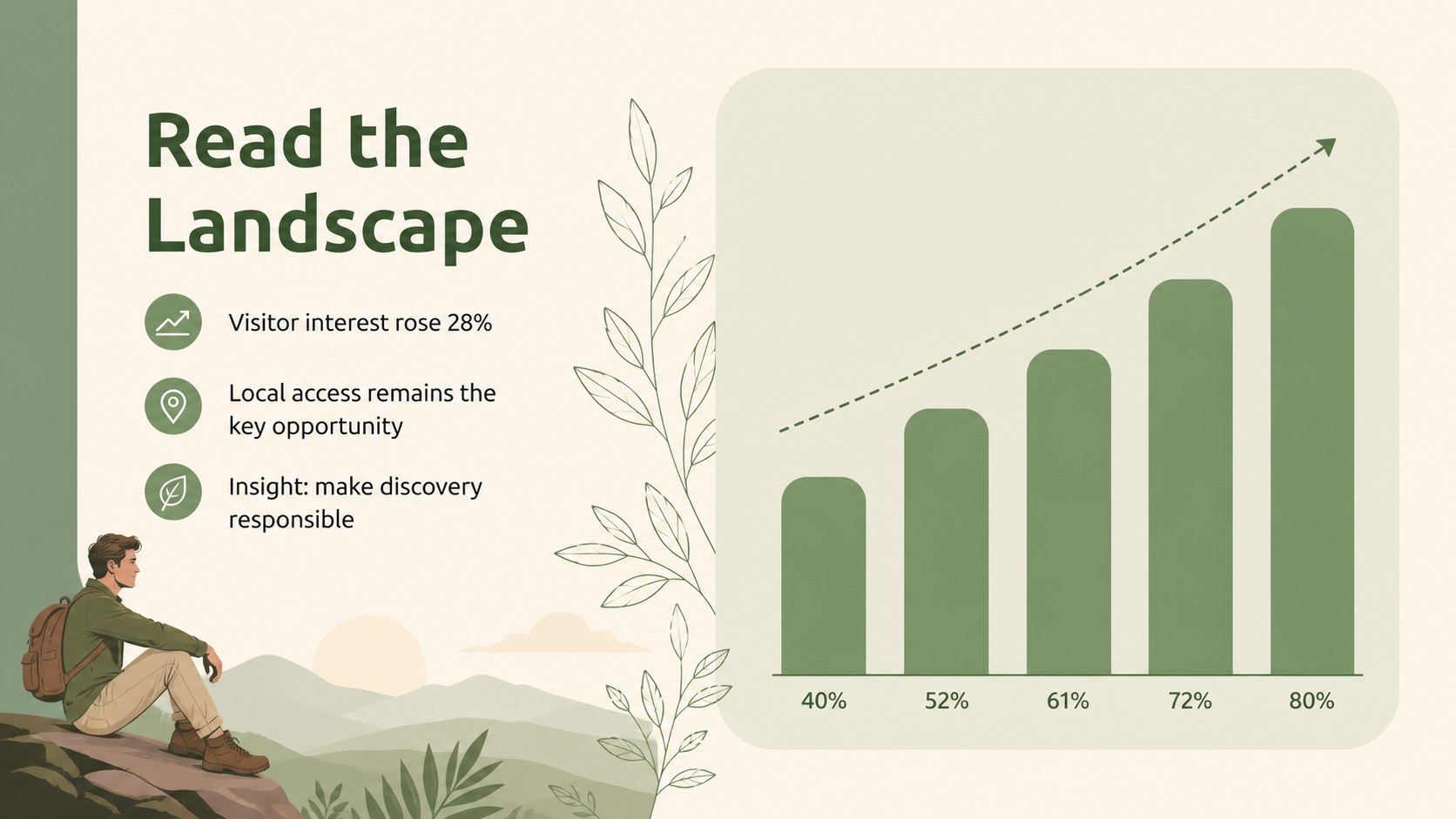
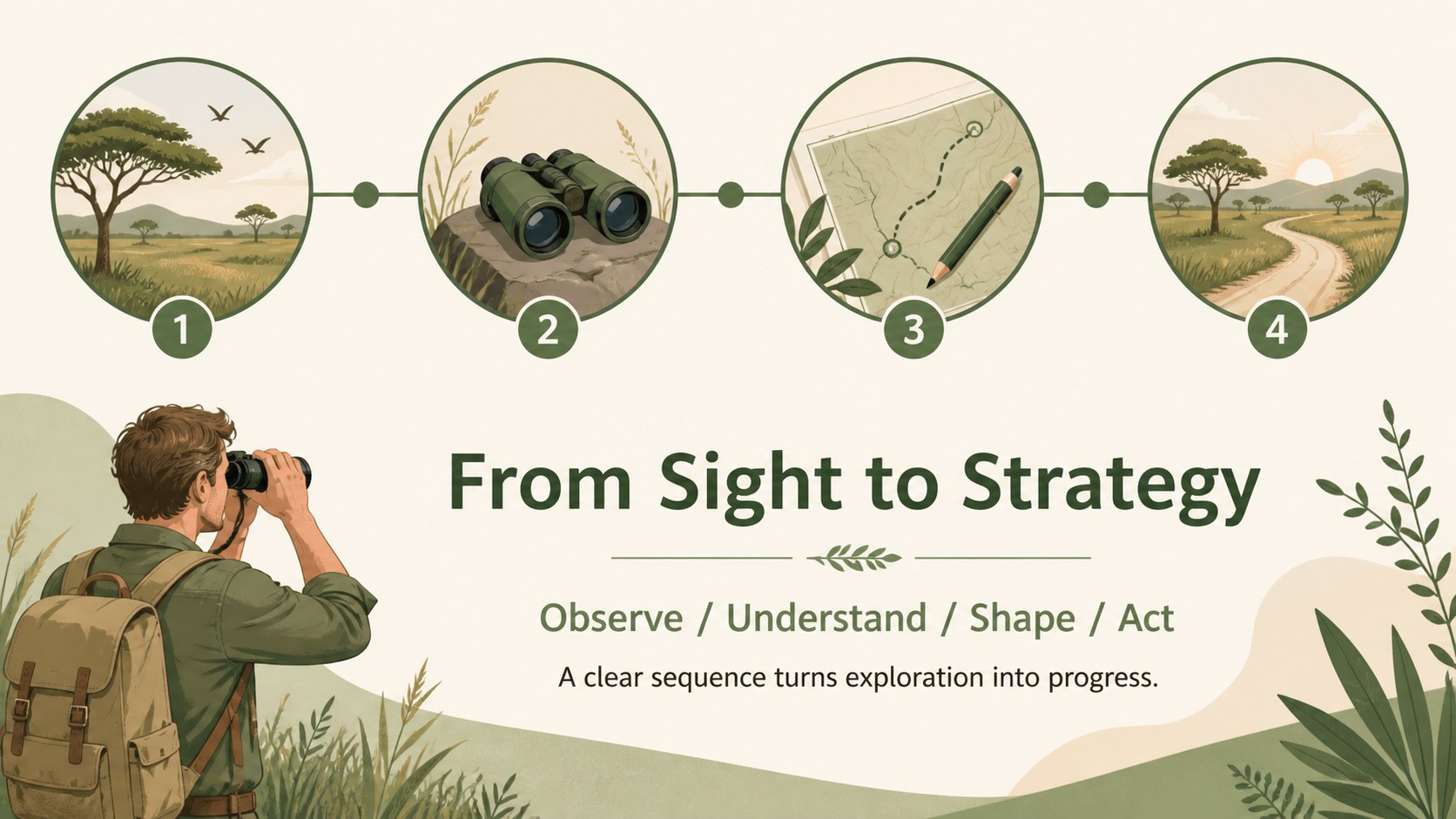
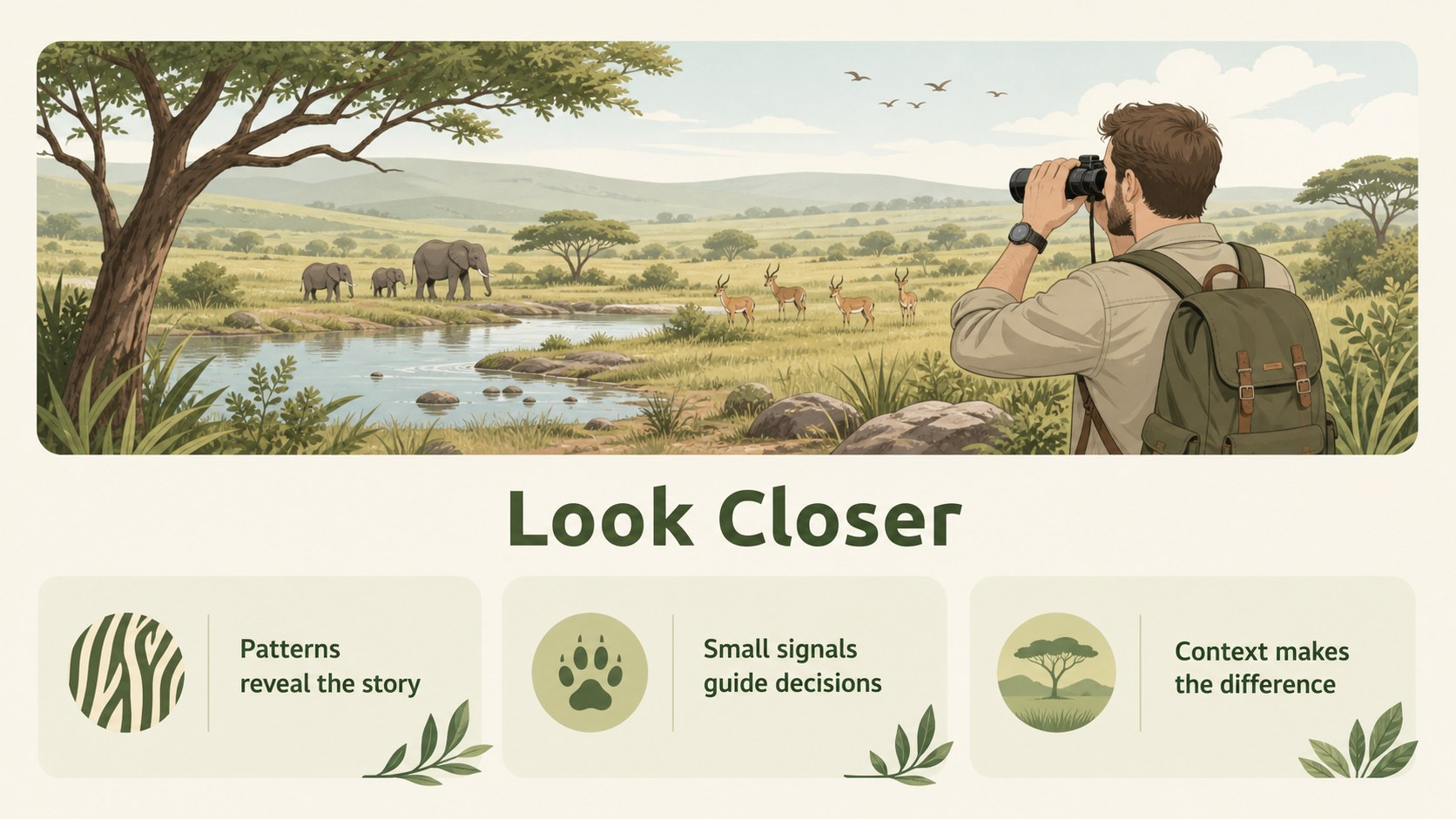
Design notes
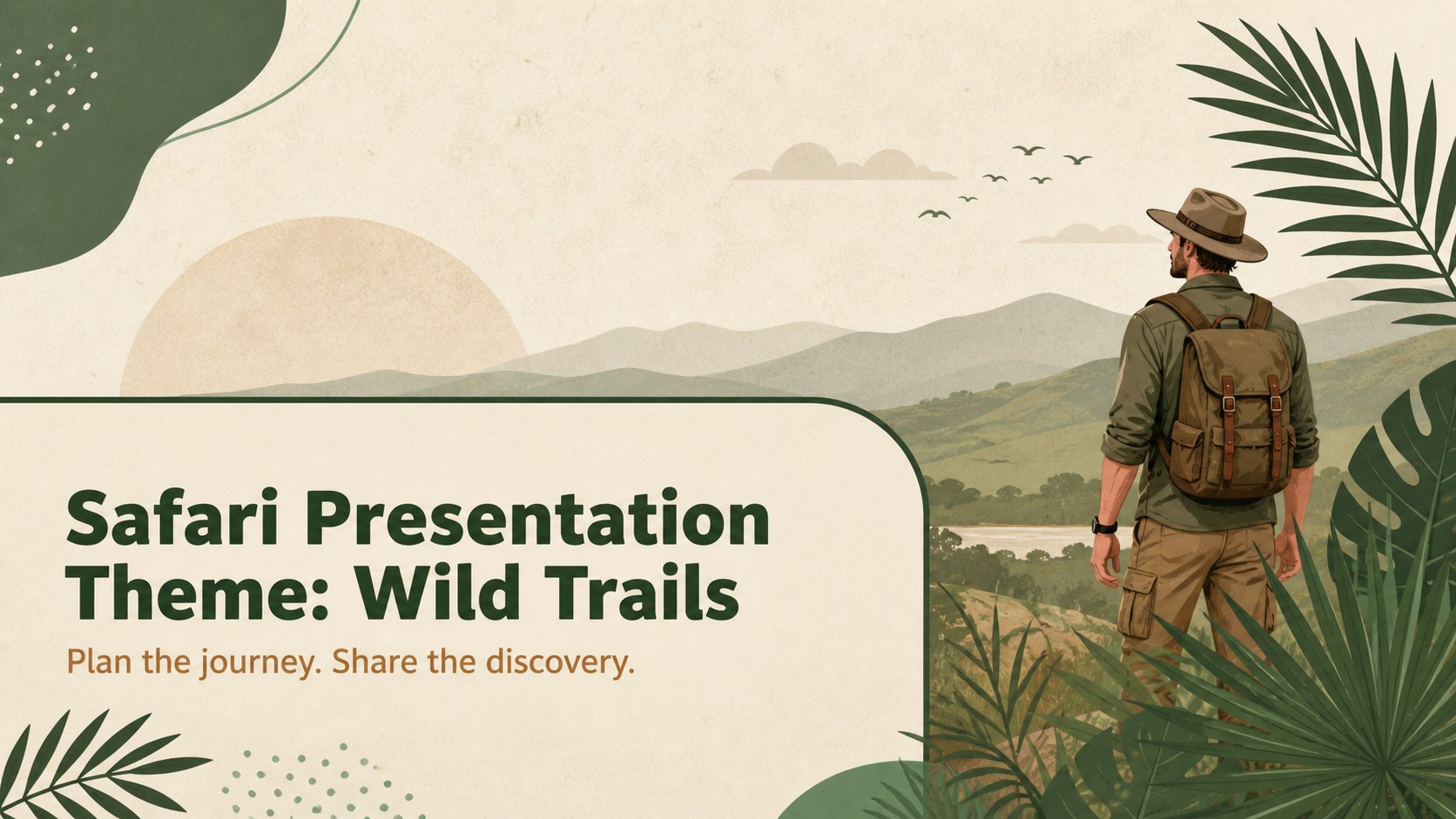
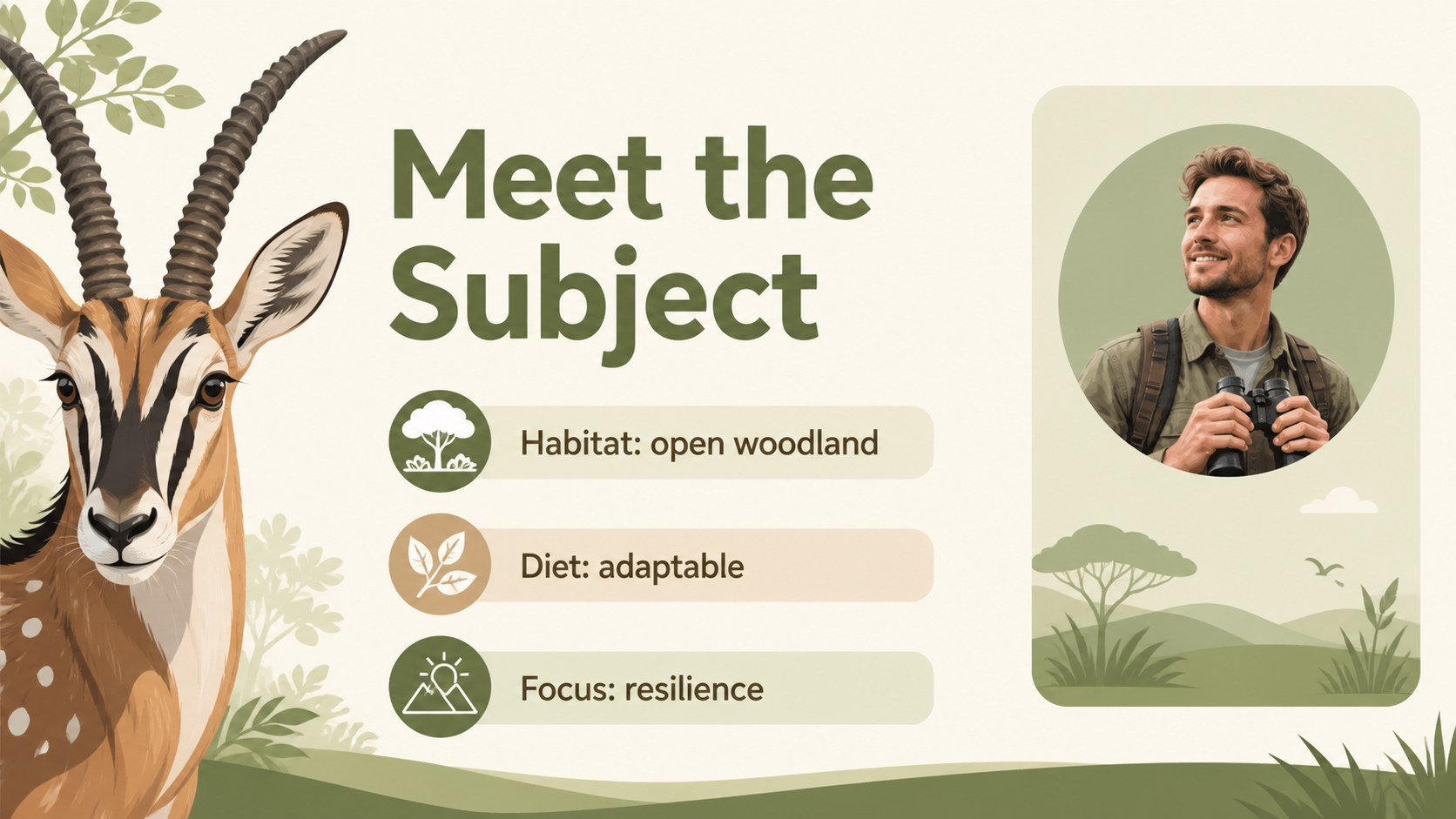
Safari Presentation Theme: Wild Trails brings an illustrated nature aesthetic to lessons, travel briefings, team updates, and creative project pitches. Green foliage, beige space, and playful expedition-inspired details create a welcoming backdrop without competing with the message. The layout is simple enough for practical business use and expressive enough for educational storytelling.
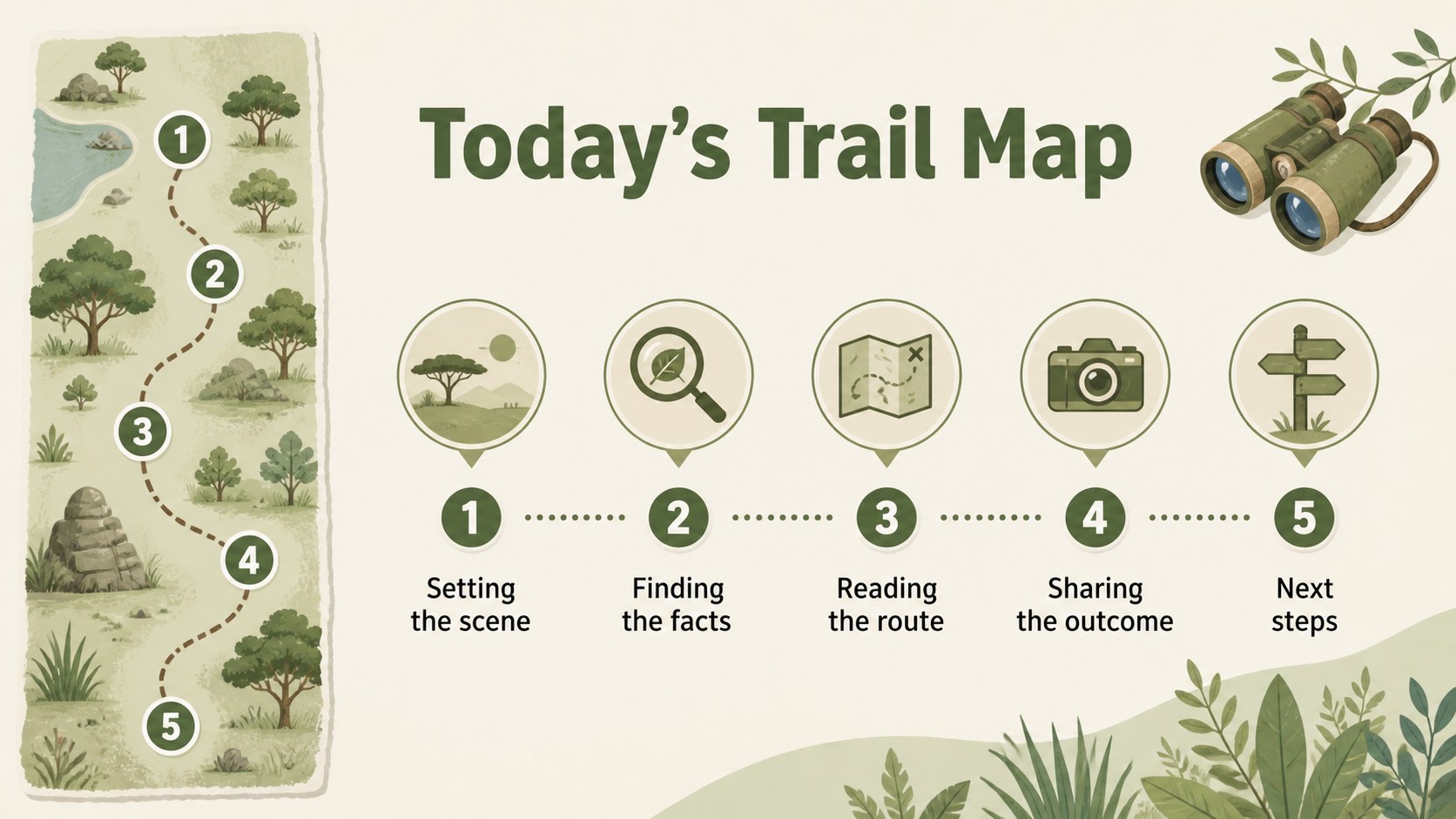
Inside the deck are 19 editable 16:9 slides, including a cover, section dividers, image-led layouts, text columns, comparison spaces, data visuals, a timeline, and a closing slide. Use the safari presentation theme to introduce a destination, explain a process, present research findings, or frame a project as a journey from idea to outcome. Charts, frames, lines, and shapes help organize content, while animation and transition options support a more active delivery.
The template is designed for teachers, travel planners, nonprofit teams, creative studios, students, and business professionals. Edit it in PowerPoint or Google Slides, replace the illustrations and photos, adjust the beige and green accents, and apply your own Fira Sans, Poppins, or Ubuntu typography. It works especially well for an illustrated nature presentation, an eco-tourism briefing, a geography lesson, or a team roadmap with an adventurous point of view.
Perfect for: eco-tourism briefing; wildlife education lesson; adventure travel itinerary; environmental project pitch; team roadmap presentation.
Frequently asked questions
Can I edit this template in PowerPoint? Yes. The slides are designed for PowerPoint editing, including text, colors, shapes, images, charts, and layout elements. Replace the sample content with your own presentation material.
Practical details
Yes. The slides are designed for PowerPoint editing, including text, colors, shapes, images, charts, and layout elements. Replace the sample content with your own presentation material.
Yes, it can be used in Google Slides after importing the PowerPoint file. Review fonts, animations, and image placement after import and make any small adjustments needed.
Yes. The illustrated layouts suit geography, wildlife, environmental science, and travel-related lessons. Add maps, vocabulary, fact panels, discussion questions, or student activities to adapt the deck.
Yes. Update the theme colors or individual shapes to match your organization, class, or project branding. The original earth-tone palette can remain in place for a calm illustrated nature presentation.
Keep exploring
15Build stronger academic arguments with a college essay thesis builder featuring guided examples, revision prompts, and editable PowerPoint and Google Slides.
 15
15Build an engaging World UFO Day session with this flying saucer history lesson deck, featuring retro green-and-brown slides for PowerPoint and Google Slides.
 14
14Plan a memorable Lunar New Year campaign with the 2036 Dragon Year Celebration Theme, featuring bold red-and-yellow slides for lessons and events.
 15
15Build a thoughtful classroom discussion with this interfaith awareness lesson deck, featuring editable blue-and-white slides for PowerPoint and Google Slides.
 15
15Use this environmental awareness lesson deck to teach climate action through illustrated activities, discussion prompts, and ready-to-edit visuals.
 15
15Build playful lessons and party stories with a kid-friendly zombie celebration theme in purple, green and pastel blue for PowerPoint and Google Slides.
 15
15Build eerie lessons, campaigns, and story pitches with an undead survival scenario theme featuring editable slides for PowerPoint and Google Slides.
 16
16Turn environmental research into a clear story with a Watercolor Ecology Presentation Theme for PowerPoint and Google Slides in calming green and blue.