
 15
15presentation
College Essay Thesis Builder Slides
Build stronger academic arguments with a college essay thesis builder featuring guided examples, revision prompts, and editable PowerPoint and Google Slides.
Google SlidesPowerPoint
presentation · English
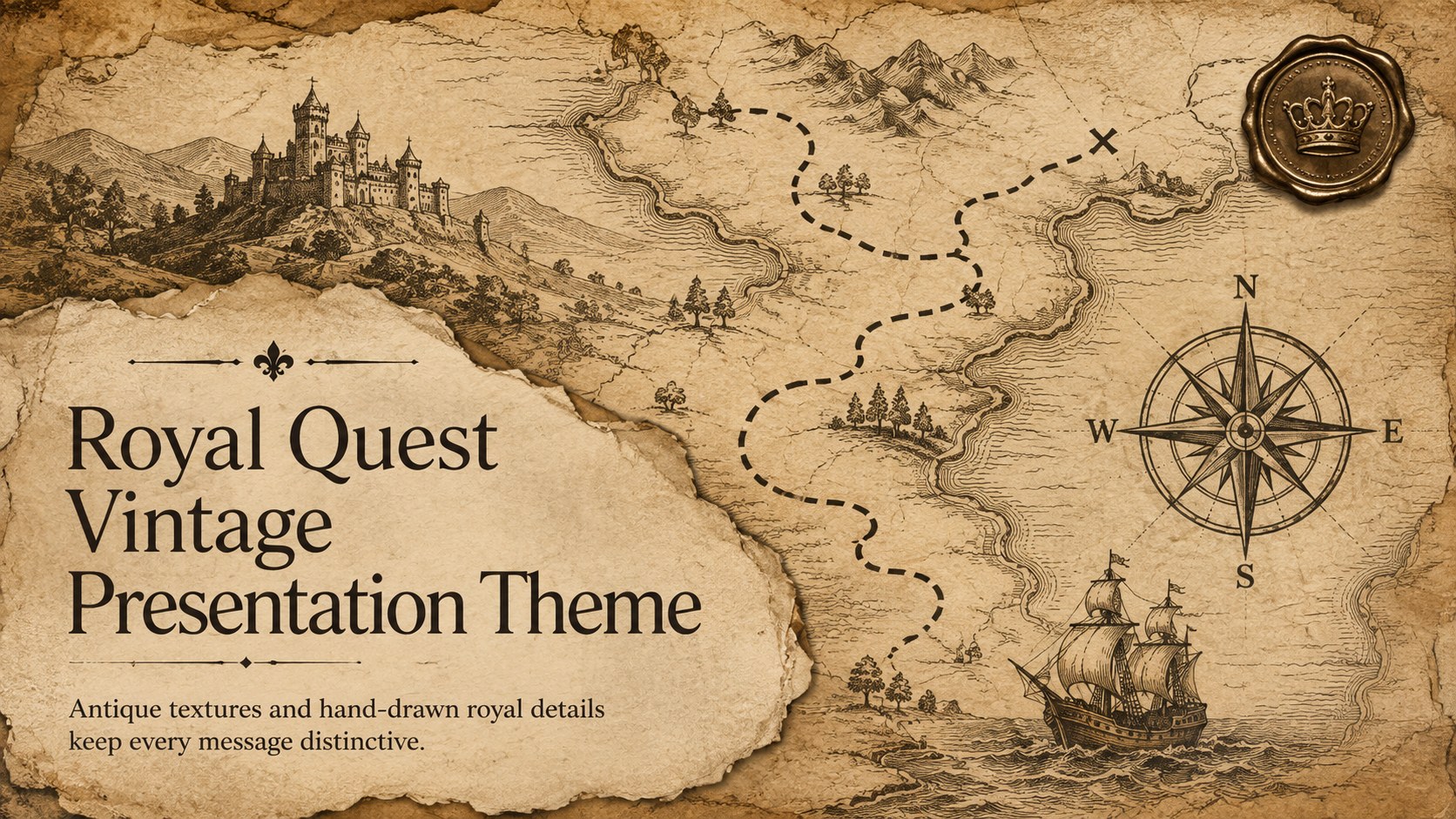
Shape lessons, pitches, and fantasy stories with the Royal Quest Vintage Presentation Theme, styled in brown, beige, and black for PowerPoint and Google…
Design notes
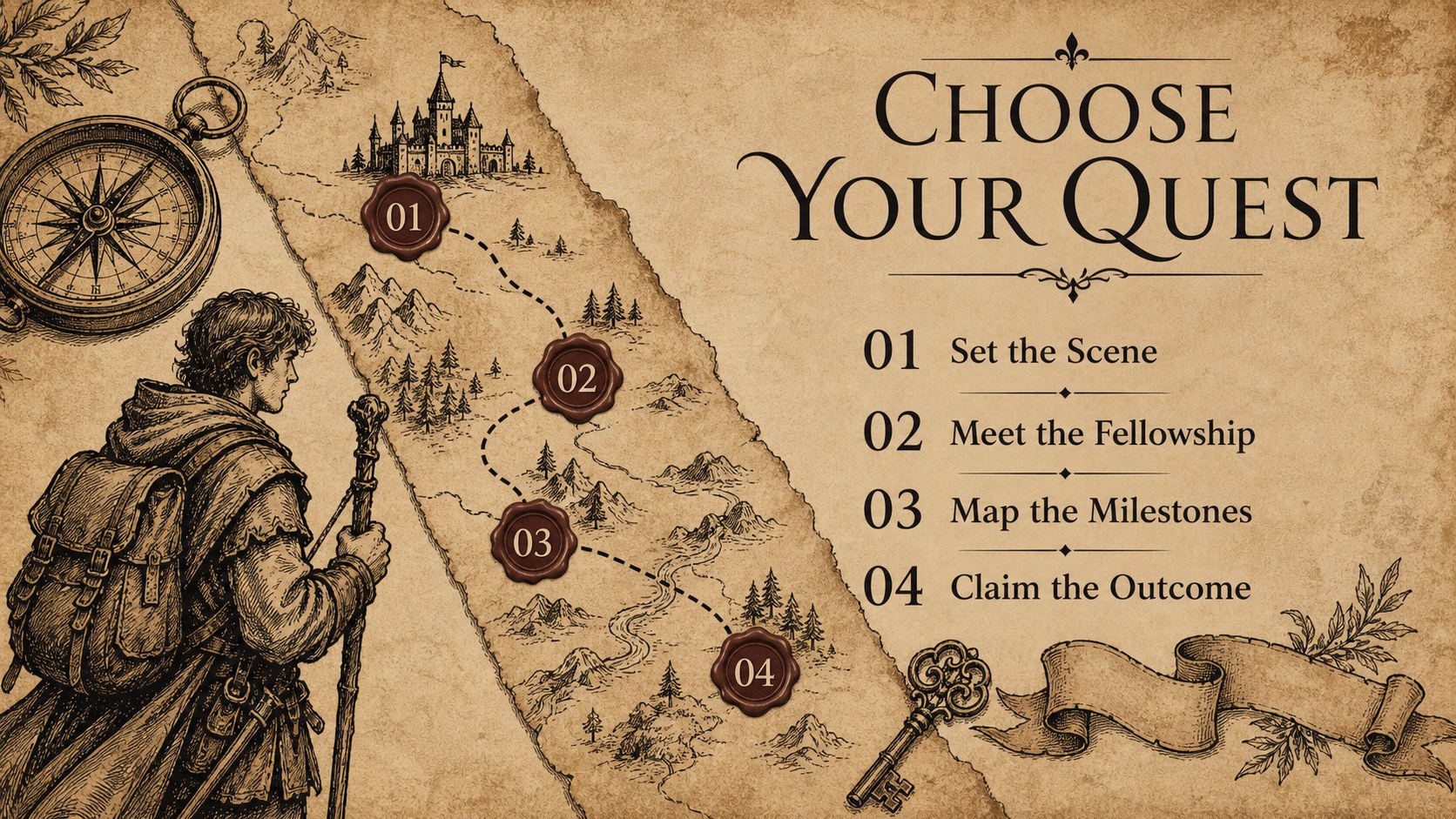
Bring a sense of discovery to your next presentation with the Royal Quest Vintage Presentation Theme. Its brown, beige, and black palette combines aged-paper textures, ink-style ornament, heraldic details, and playful crown motifs. The result feels inspired by medieval adventures without losing the clarity needed for modern classrooms, creative teams, and campaign meetings.
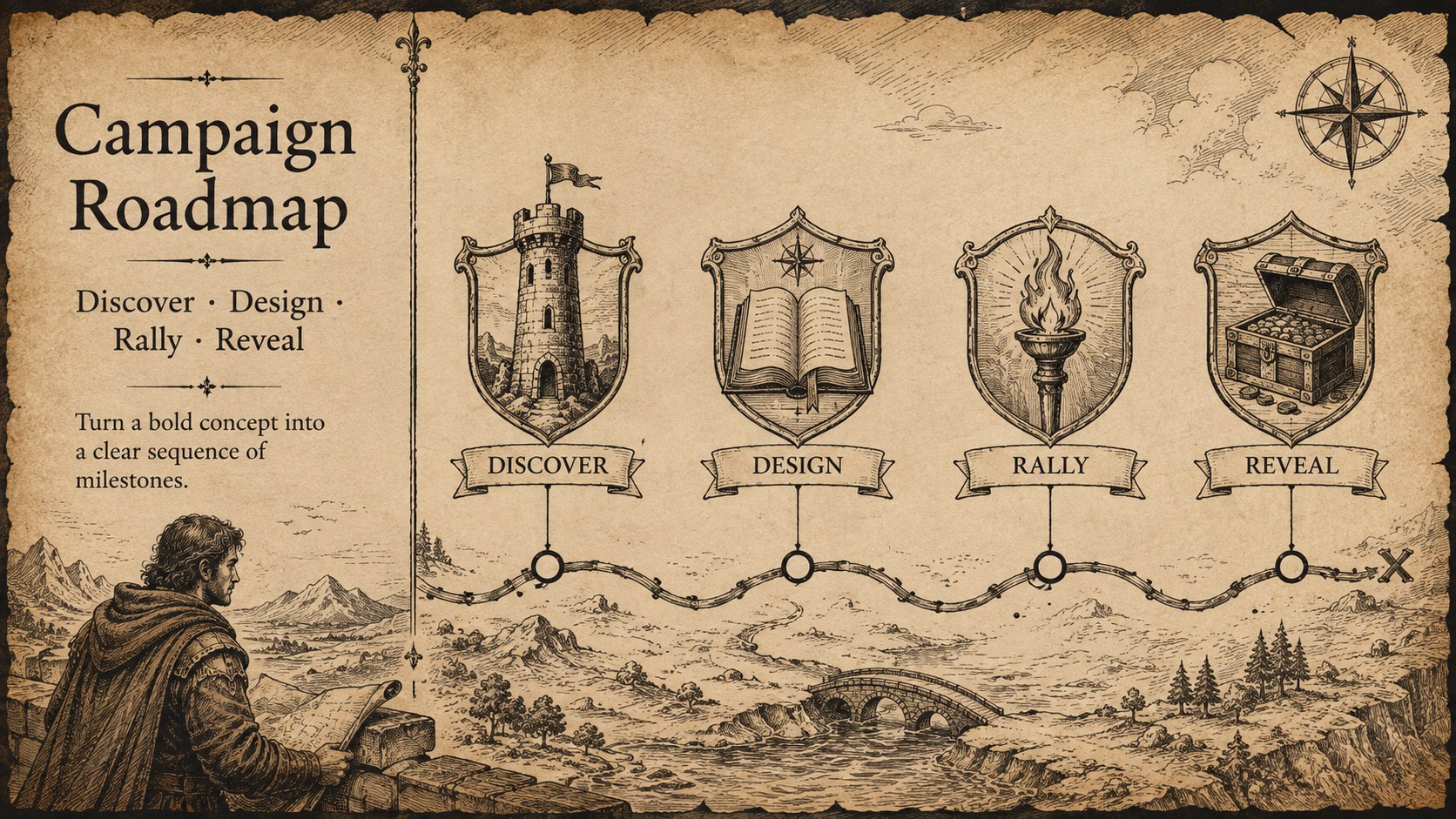
The deck includes flexible layouts for opening statements, agendas, character or team introductions, project milestones, timelines, comparisons, results, and closing calls to action. Use it as a medieval crown PowerPoint template for a history lesson, a vintage royal Google Slides theme for literary analysis, or a brown fantasy presentation design for an imaginative brand concept. Charts, icons, typography, and colors can be adjusted to match your subject while preserving the antique visual character.
Teachers can turn lesson material into a structured quest, while students can present book reports, folklore research, or fantasy world-building projects. Marketers and project leads can adapt the same layouts for themed campaign pitches, launch roadmaps, event concepts, and progress updates. Every slide is designed for quick editing in PowerPoint and Google Slides, with concise text areas and reusable visual elements that help important ideas remain easy to scan.
Perfect for: medieval history lesson; fantasy book report; themed campaign pitch; folklore research presentation; creative project roadmap; fandom event concept.
Frequently asked questions
Can I edit this presentation in PowerPoint and Google Slides? Yes. The layouts, text, colors, and visual elements can be edited in both PowerPoint and Google Slides. Minor font substitutions may occur if a typeface is not installed on your device.
Practical details
Yes. The layouts, text, colors, and visual elements can be edited in both PowerPoint and Google Slides. Minor font substitutions may occur if a typeface is not installed on your device.
Replace the sample wording first, then adjust the crown icons, heraldic symbols, and ink illustrations to suit your topic. Keep the brown, beige, and black palette consistent if you want to preserve the antique atmosphere.
Yes. Teachers and students can use it for history lessons, literature discussions, book reports, folklore research, and fantasy storytelling. The layouts also support timelines, team roles, and project summaries.
Yes. The deck can frame campaign concepts, event proposals, creative pitches, and project roadmaps. Reduce the decorative elements on data-heavy slides to maintain a polished professional balance.
Keep exploring
15Build stronger academic arguments with a college essay thesis builder featuring guided examples, revision prompts, and editable PowerPoint and Google Slides.
 15
15Build an engaging World UFO Day session with this flying saucer history lesson deck, featuring retro green-and-brown slides for PowerPoint and Google Slides.
 14
14Plan a memorable Lunar New Year campaign with the 2036 Dragon Year Celebration Theme, featuring bold red-and-yellow slides for lessons and events.
 15
15Build a thoughtful classroom discussion with this interfaith awareness lesson deck, featuring editable blue-and-white slides for PowerPoint and Google Slides.
 15
15Use this environmental awareness lesson deck to teach climate action through illustrated activities, discussion prompts, and ready-to-edit visuals.
 15
15Build playful lessons and party stories with a kid-friendly zombie celebration theme in purple, green and pastel blue for PowerPoint and Google Slides.
 15
15Build eerie lessons, campaigns, and story pitches with an undead survival scenario theme featuring editable slides for PowerPoint and Google Slides.
 16
16Turn environmental research into a clear story with a Watercolor Ecology Presentation Theme for PowerPoint and Google Slides in calming green and blue.