
 15
15presentation
College Essay Thesis Builder Slides
Build stronger academic arguments with a college essay thesis builder featuring guided examples, revision prompts, and editable PowerPoint and Google Slides.
Google SlidesPowerPoint
presentation · English
Teach new drivers with road sign theory lesson slides featuring crisp yellow-and-white visuals, practical sign groups, quizzes, and editable layouts.

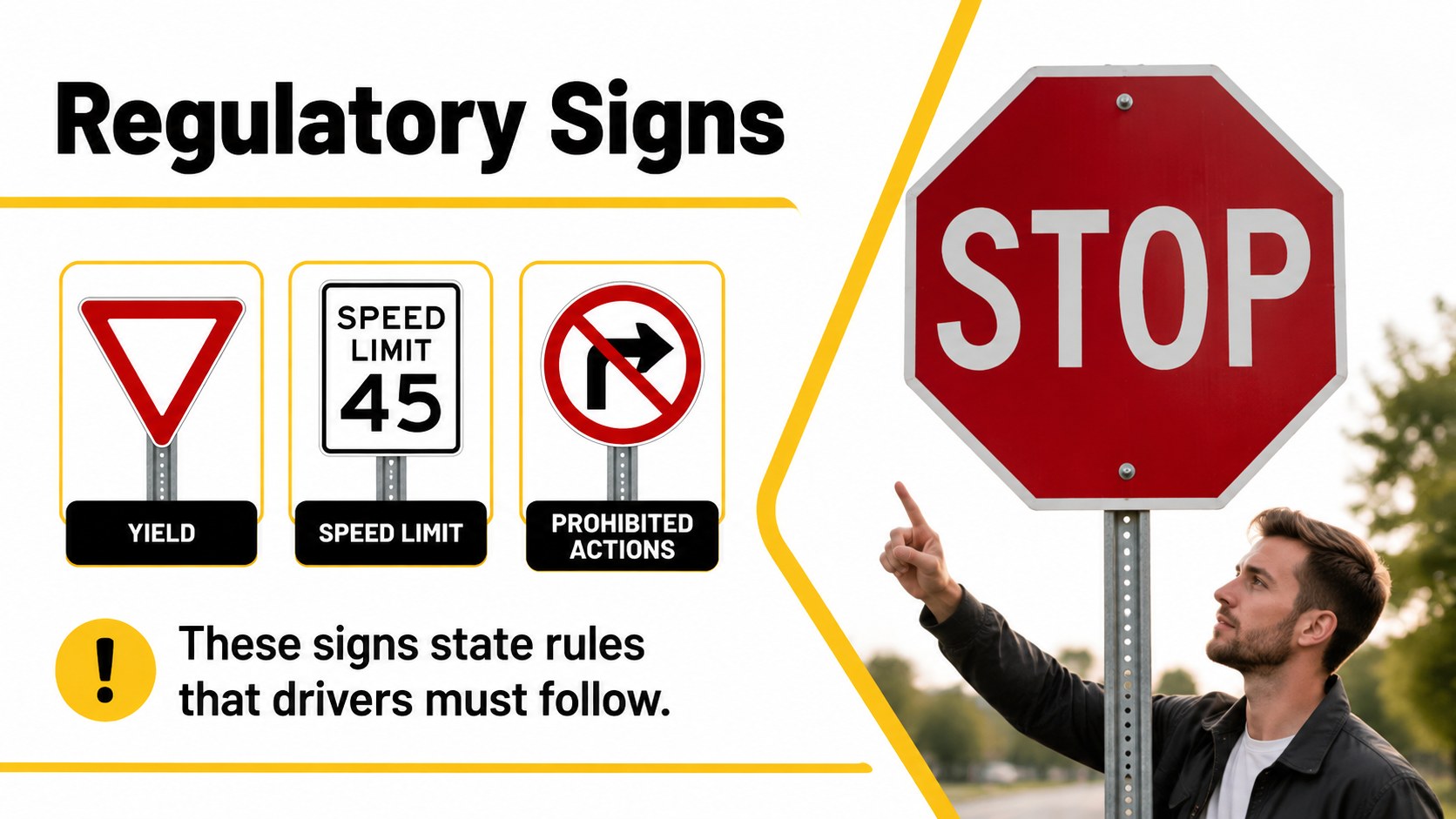
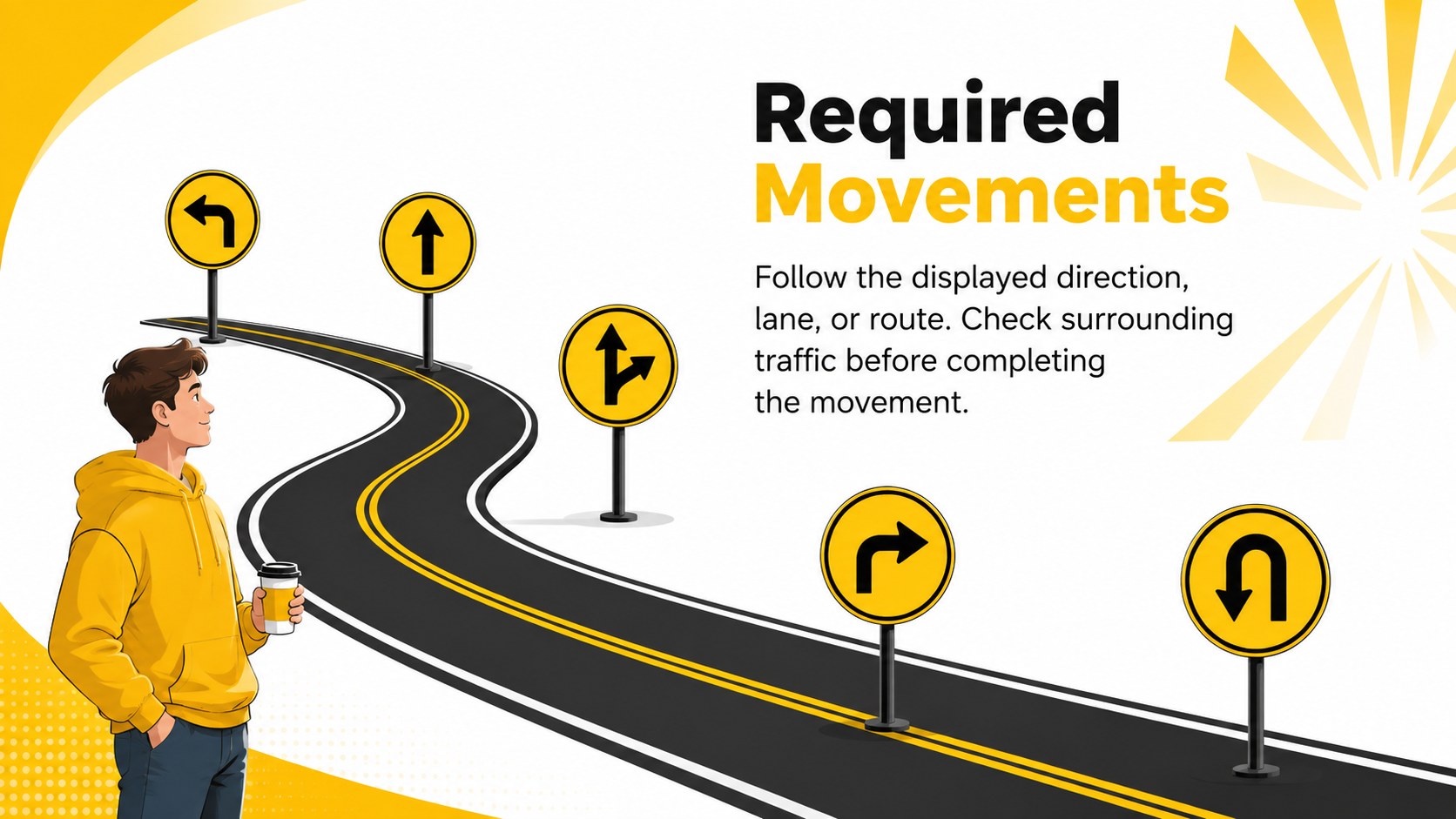

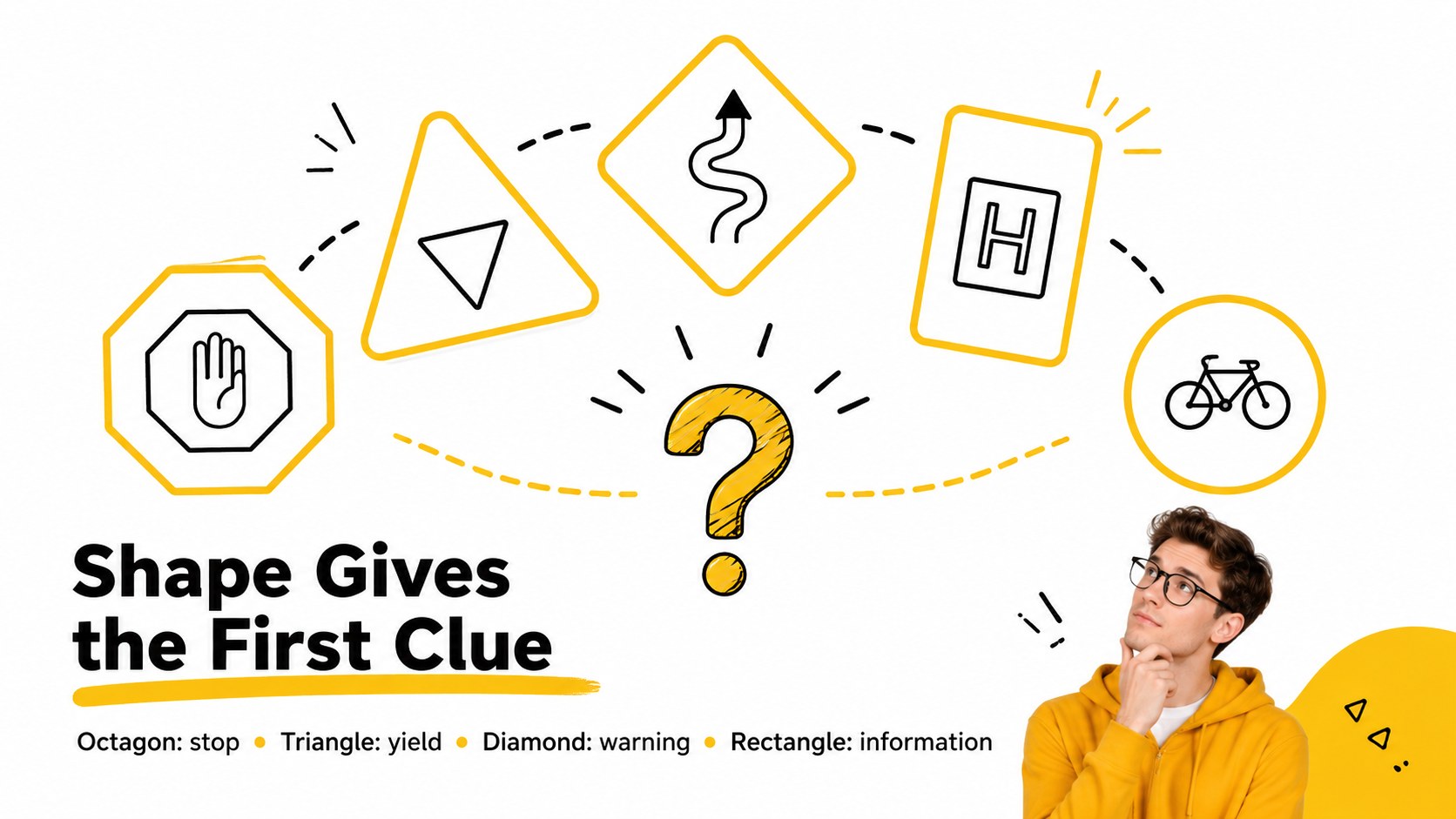
Design notes
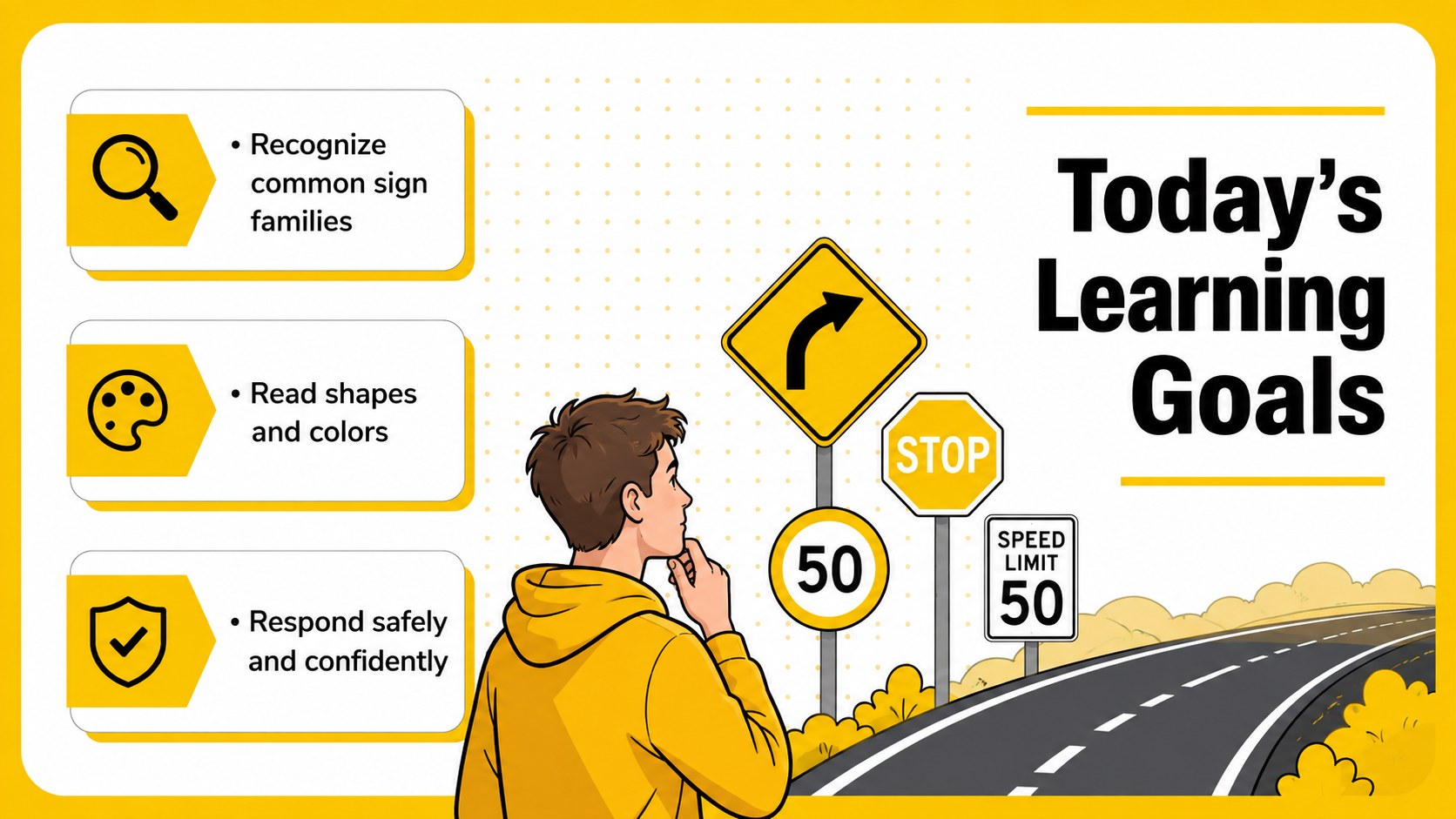
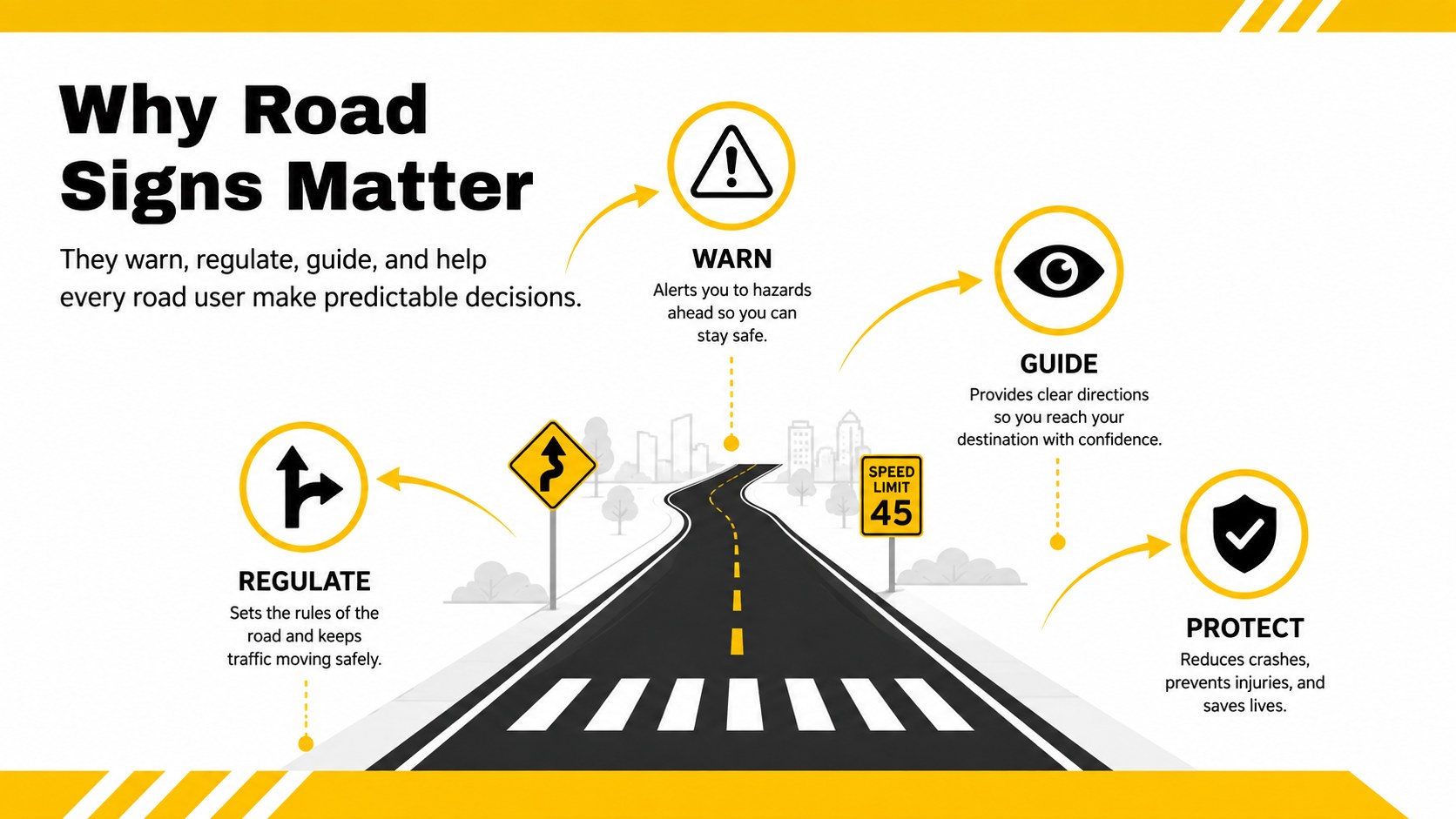
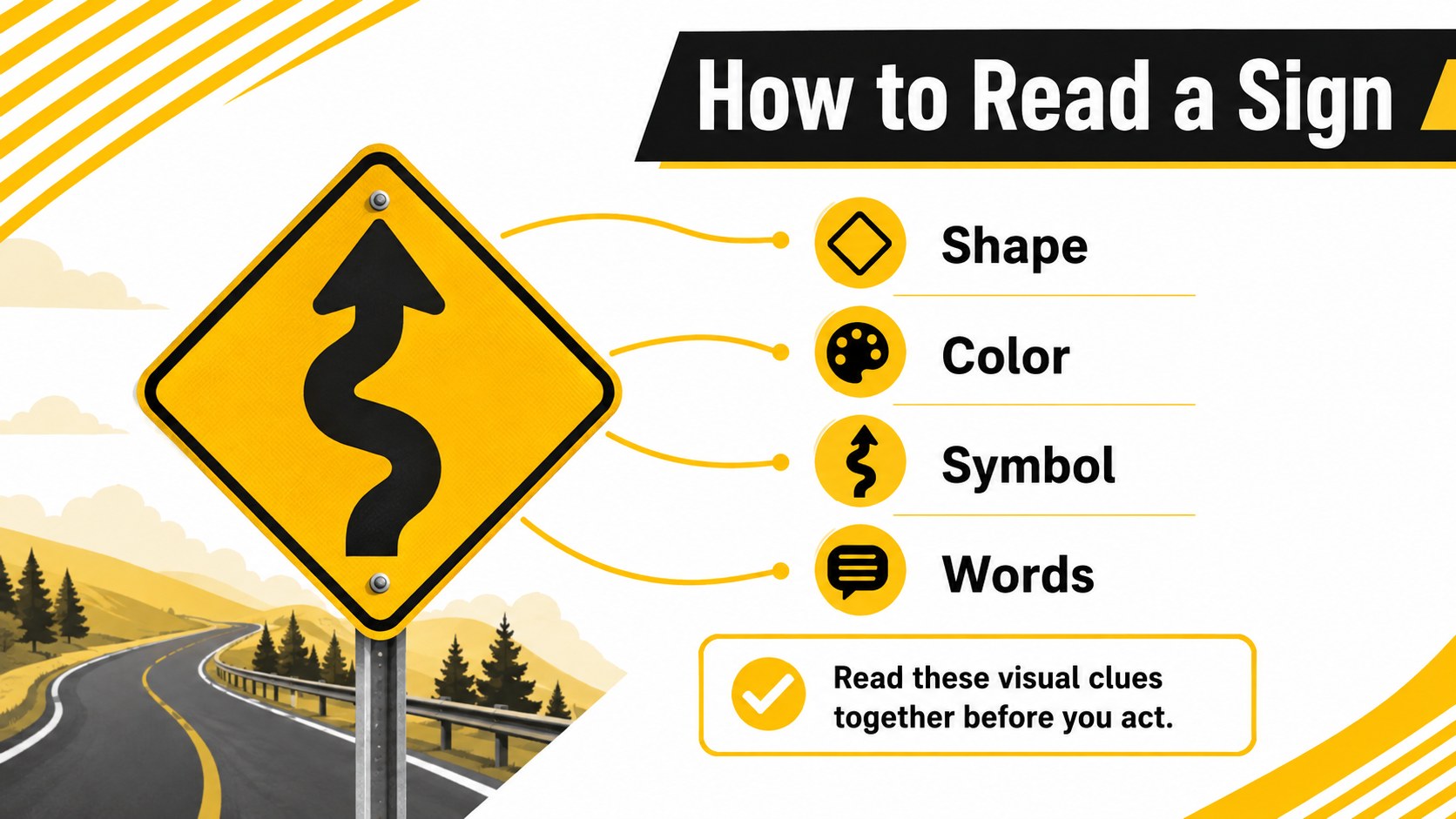
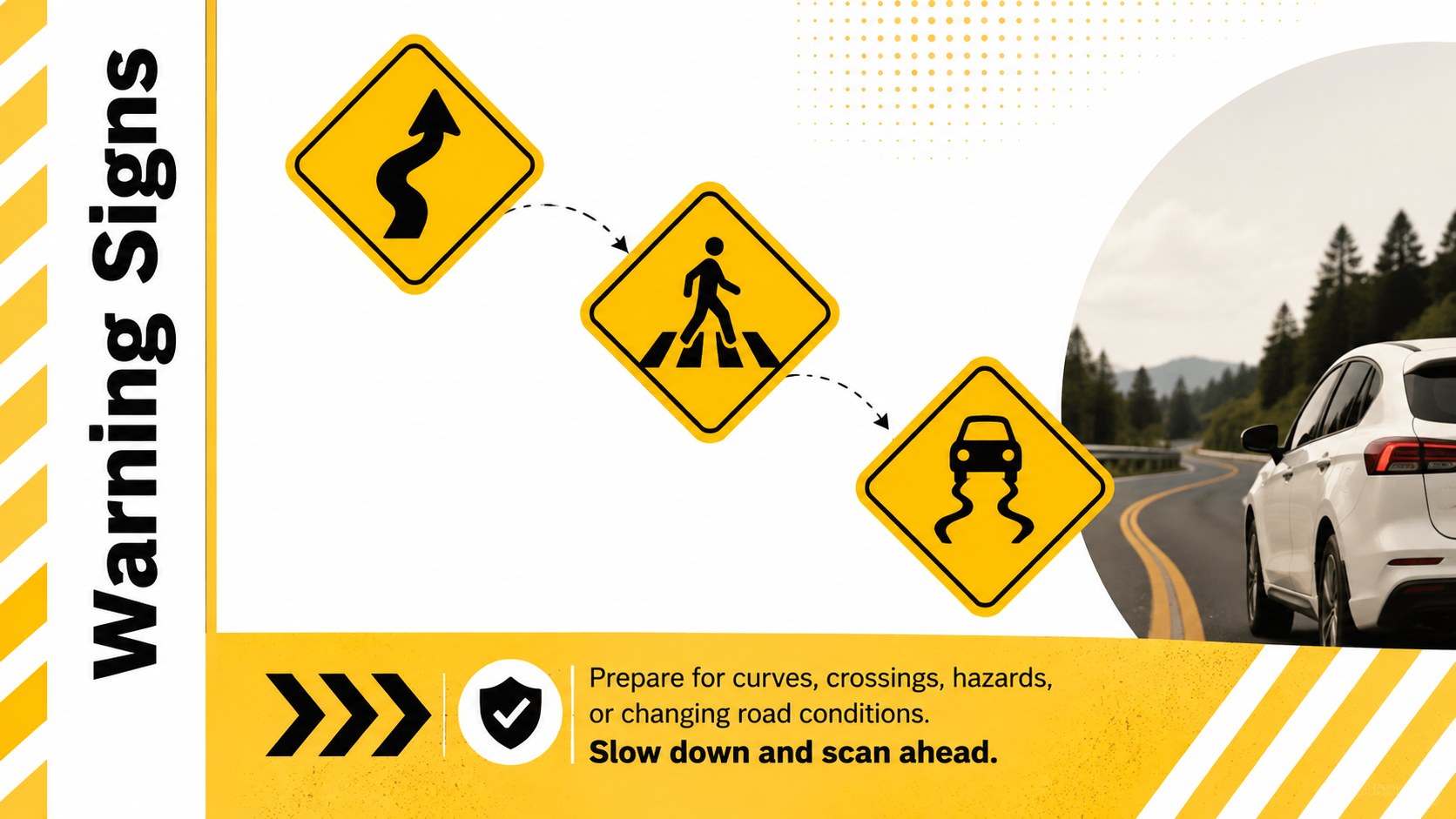
These road sign theory lesson slides give instructors a clear, visual way to introduce the symbols, shapes, and colors learners encounter on everyday roads. The bold yellow-and-white design keeps attention on essential information while friendly illustrations make technical material feel accessible to first-time drivers.
Inside, educators will find layouts for lesson objectives, sign categories, warning symbols, regulatory instructions, color meanings, right-of-way scenarios, construction zones, and knowledge checks. Use the deck as a road sign recognition training deck, adapt its questions for permit test traffic sign practice, or present the scenario pages during a group discussion. Charts, text blocks, icons, and image spaces can all be adjusted to match local teaching requirements.
Designed for driving schools, secondary education programs, community safety workshops, government training teams, and independent instructors, the presentation works in both PowerPoint and Google Slides. The included beginner driver sign quiz slides can support classroom review, remote instruction, or a short assessment at the end of a session. Add regional sign examples, revise terminology, or reorganize sections without losing the simple illustrated style. With 16:9 layouts and a focused visual hierarchy, the template helps learners understand road signs before applying that knowledge behind the wheel.
Perfect for: new driver classroom lesson; permit test review session; driving school workshop; community road safety training; traffic sign knowledge quiz.
Frequently asked questions
Can I edit the road sign examples and lesson text? Yes. You can replace the sample symbols, rewrite explanations, change quiz questions, and reorganize the sections to reflect local road regulations.
Practical details
Yes. You can replace the sample symbols, rewrite explanations, change quiz questions, and reorganize the sections to reflect local road regulations.
The deck is designed for Microsoft PowerPoint and Google Slides. Its widescreen 16:9 format is suitable for classroom displays, projectors, and online lessons.
Yes. Colors, fonts, illustrations, shapes, and image areas are editable, although retaining strong contrast will help signs and instructions remain easy to recognize.
Yes. Instructors can use the sign-category pages, road scenarios, and review quiz to reinforce recognition skills before a written permit exam.
Keep exploring
15Build stronger academic arguments with a college essay thesis builder featuring guided examples, revision prompts, and editable PowerPoint and Google Slides.
 15
15Build an engaging World UFO Day session with this flying saucer history lesson deck, featuring retro green-and-brown slides for PowerPoint and Google Slides.
 14
14Plan a memorable Lunar New Year campaign with the 2036 Dragon Year Celebration Theme, featuring bold red-and-yellow slides for lessons and events.
 15
15Build a thoughtful classroom discussion with this interfaith awareness lesson deck, featuring editable blue-and-white slides for PowerPoint and Google Slides.
 15
15Use this environmental awareness lesson deck to teach climate action through illustrated activities, discussion prompts, and ready-to-edit visuals.
 15
15Build playful lessons and party stories with a kid-friendly zombie celebration theme in purple, green and pastel blue for PowerPoint and Google Slides.
 15
15Build eerie lessons, campaigns, and story pitches with an undead survival scenario theme featuring editable slides for PowerPoint and Google Slides.
 16
16Turn environmental research into a clear story with a Watercolor Ecology Presentation Theme for PowerPoint and Google Slides in calming green and blue.