
 15
15presentation
College Essay Thesis Builder Slides
Build stronger academic arguments with a college essay thesis builder featuring guided examples, revision prompts, and editable PowerPoint and Google Slides.
Google SlidesPowerPoint
presentation · English
Build clearer music classes with Rhythm and Theory Classroom Slides, a colorful geometric teaching deck for PowerPoint and Google Slides.

Design notes
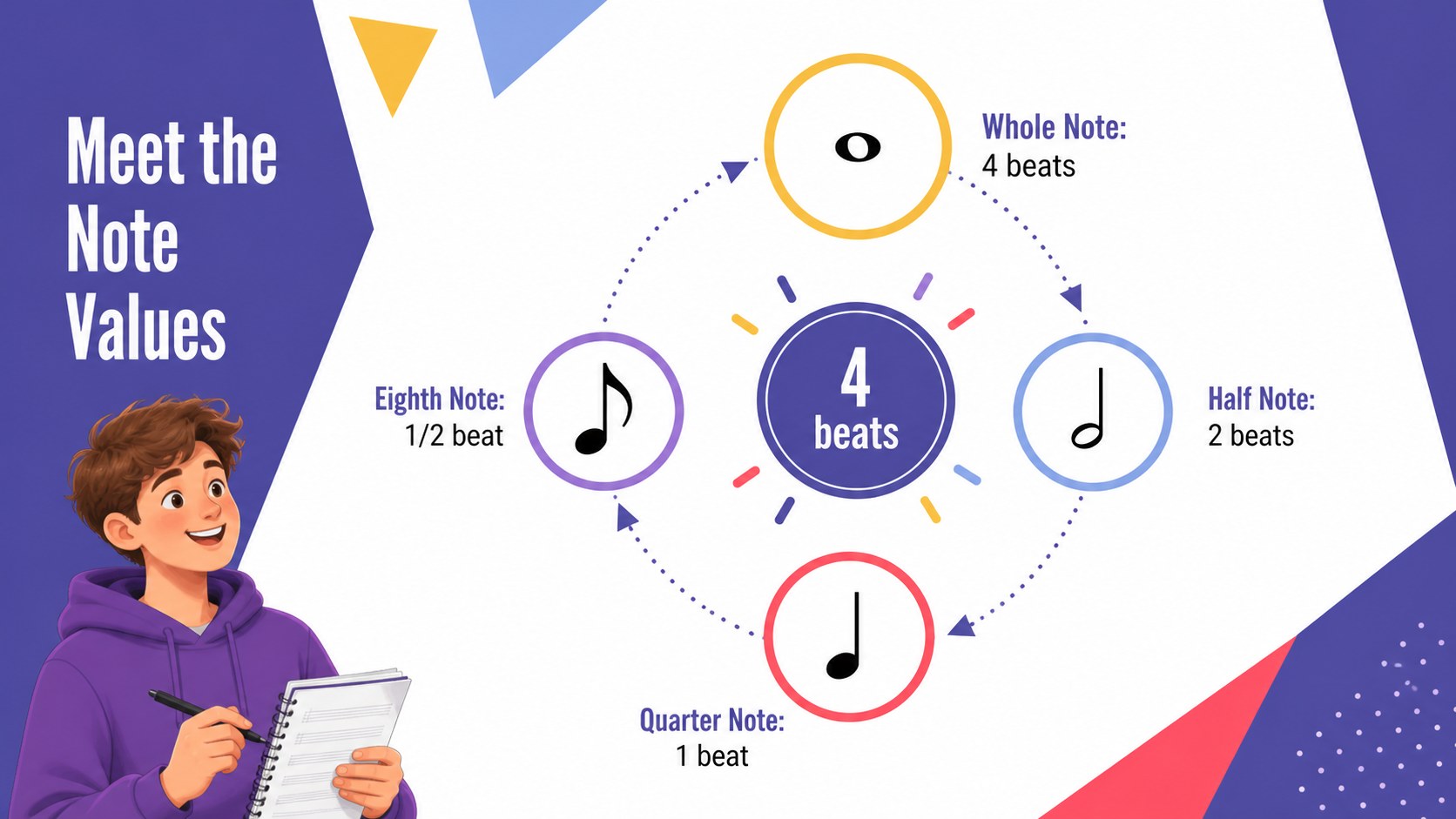
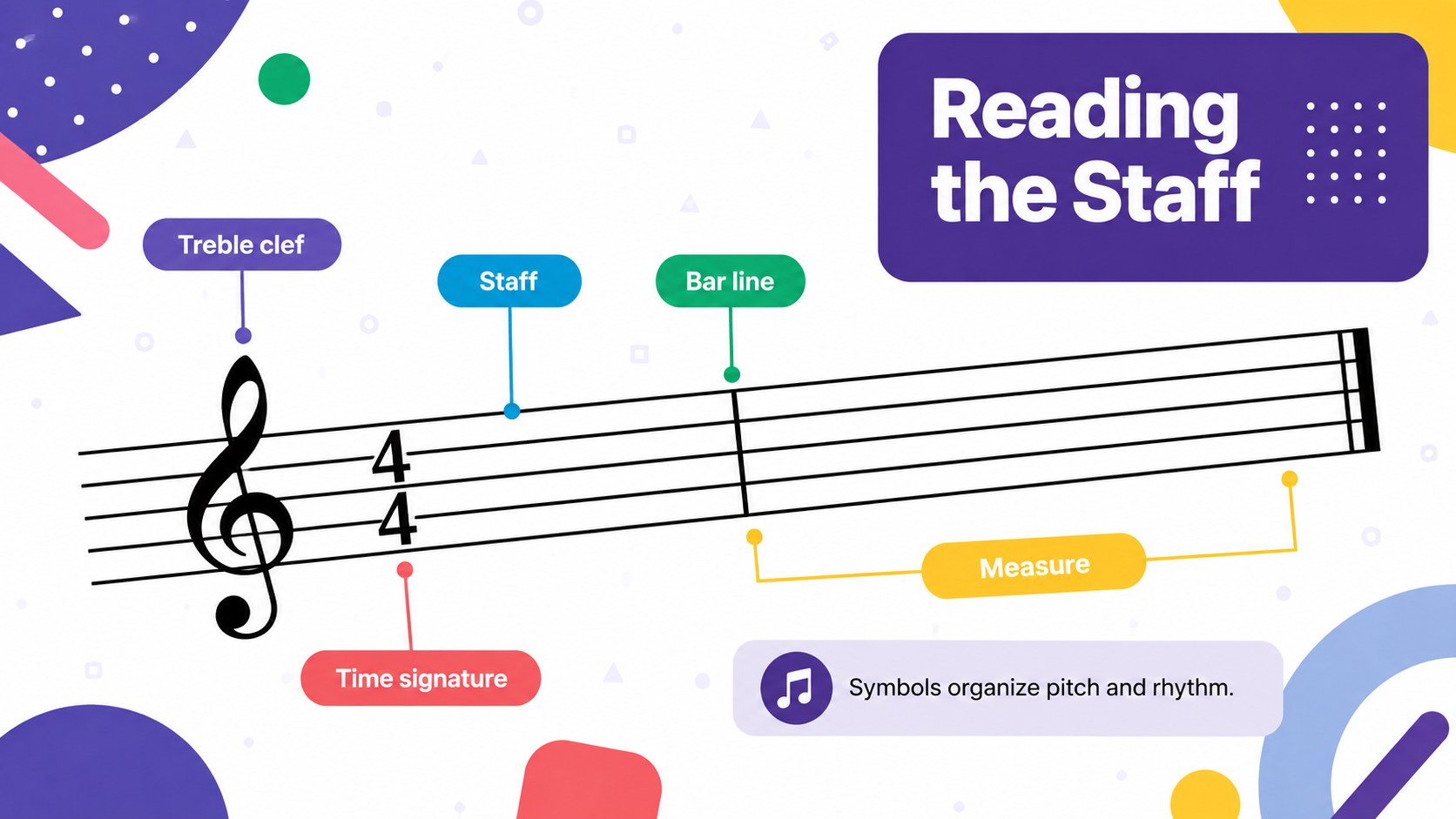
Rhythm and Theory Classroom Slides help educators turn musical concepts into focused, visually engaging lessons. The lively design combines purple and white foundations with bright geometric accents, giving every topic energy without distracting from the material. Use the deck as a music theory classroom presentation for introducing notation, demonstrating patterns, or reviewing key vocabulary.
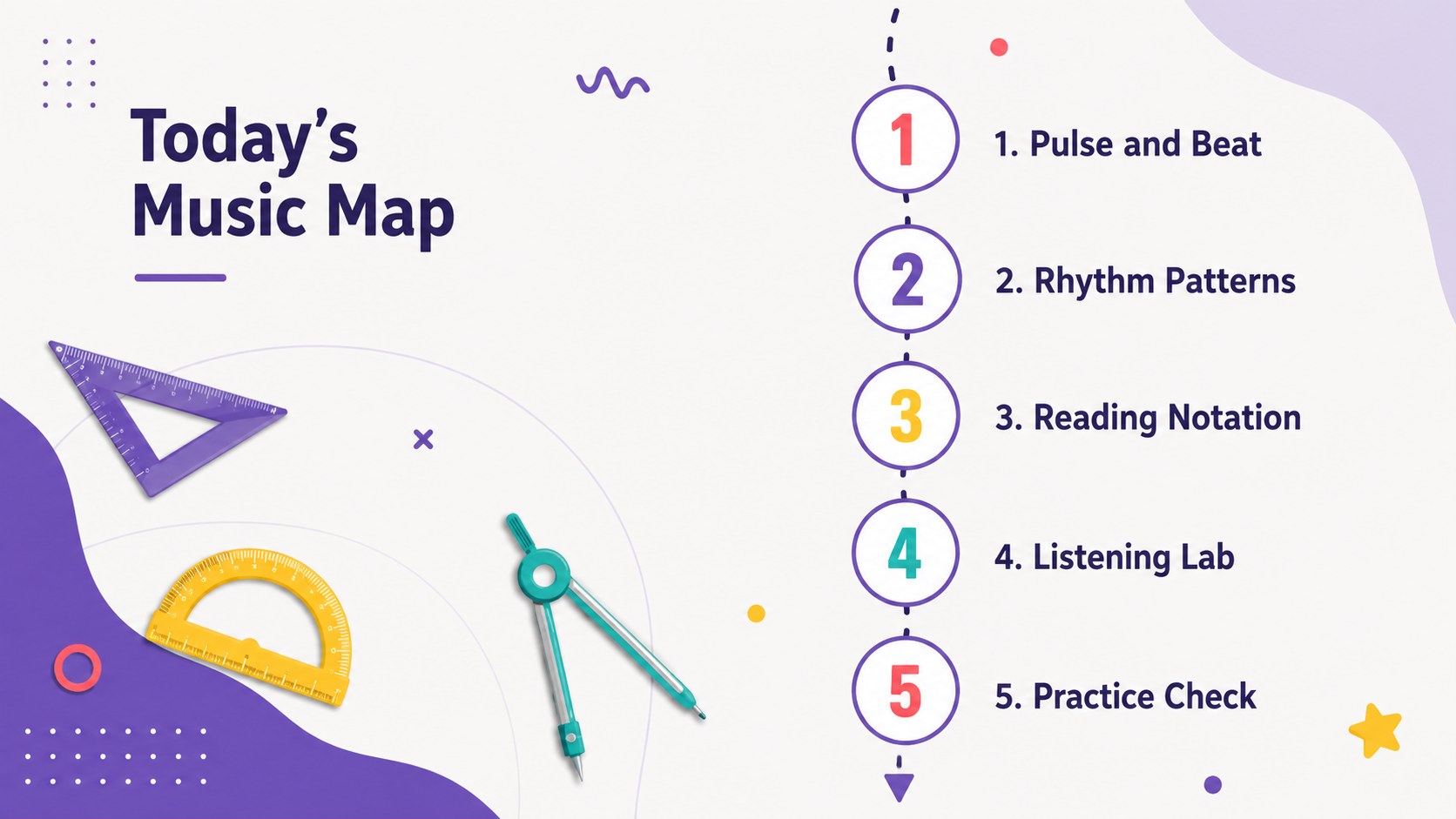
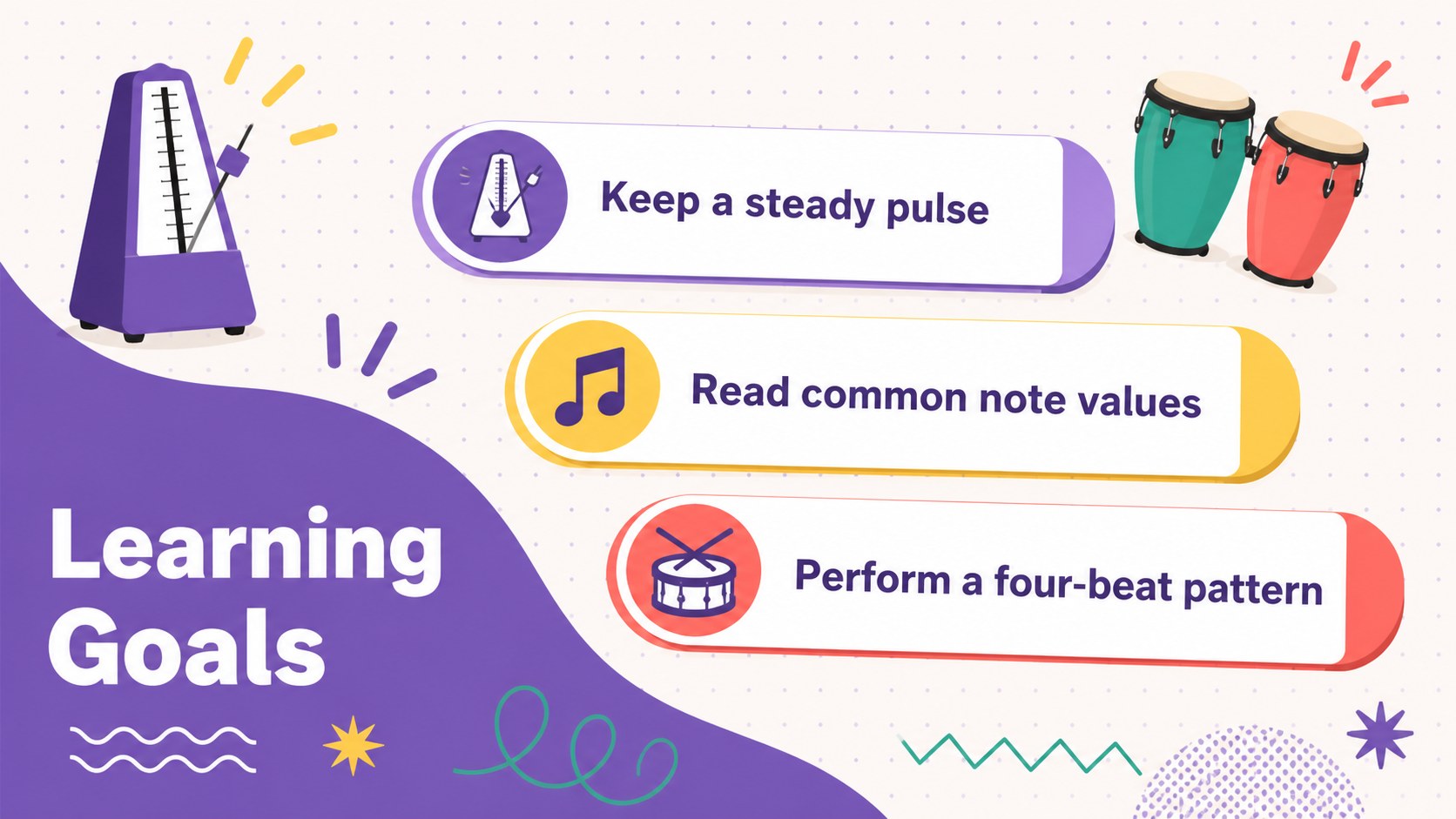
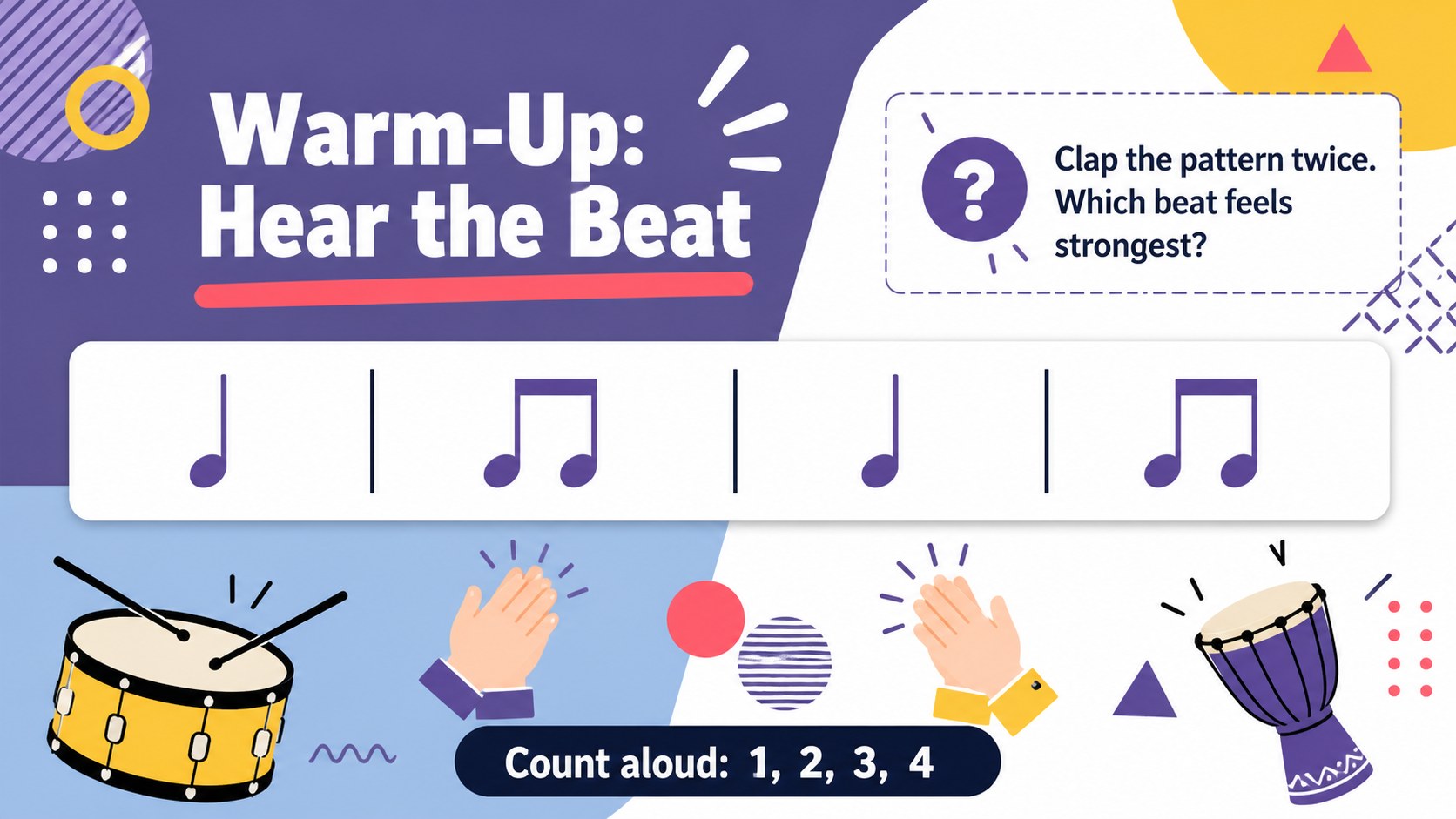
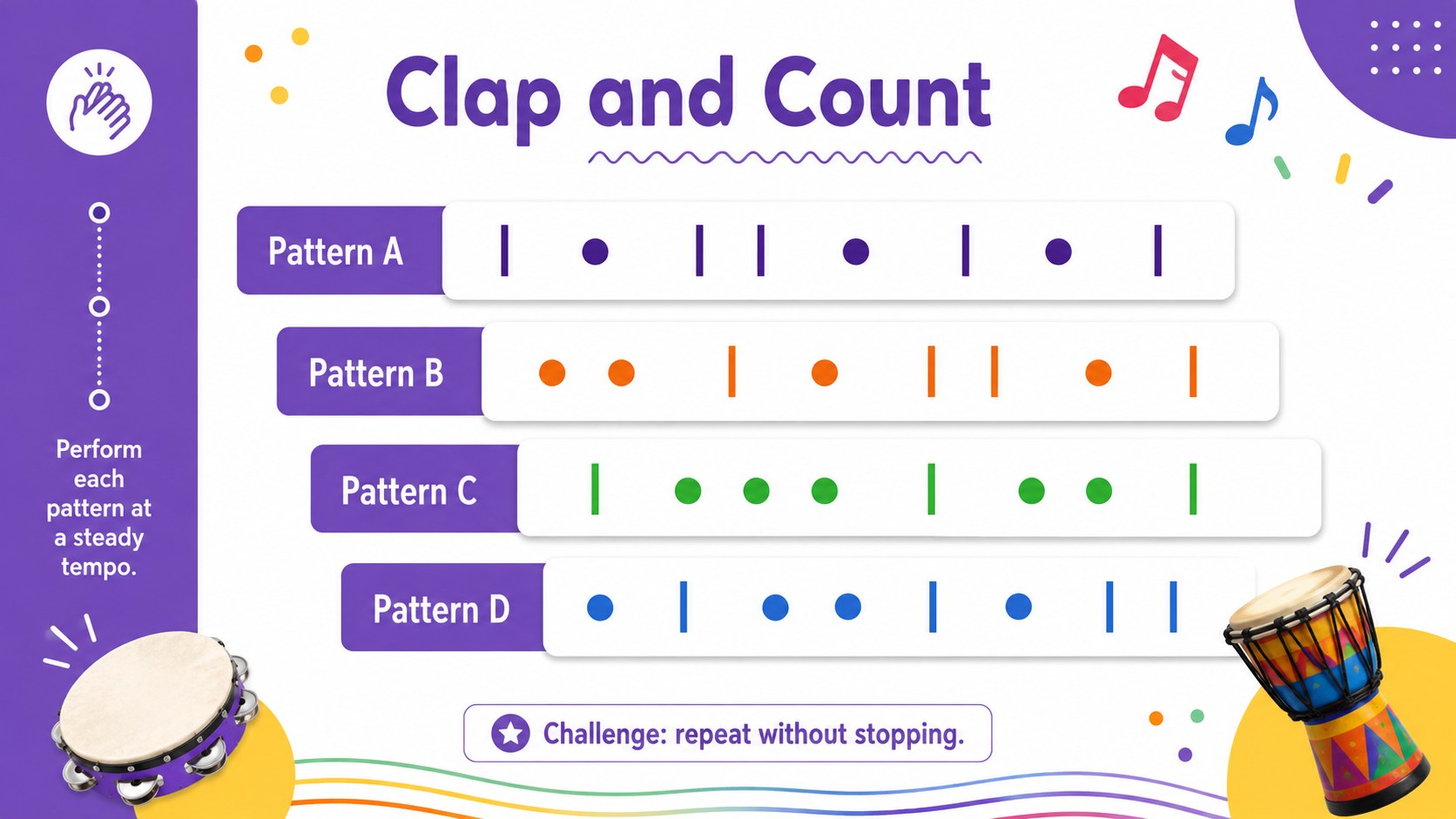
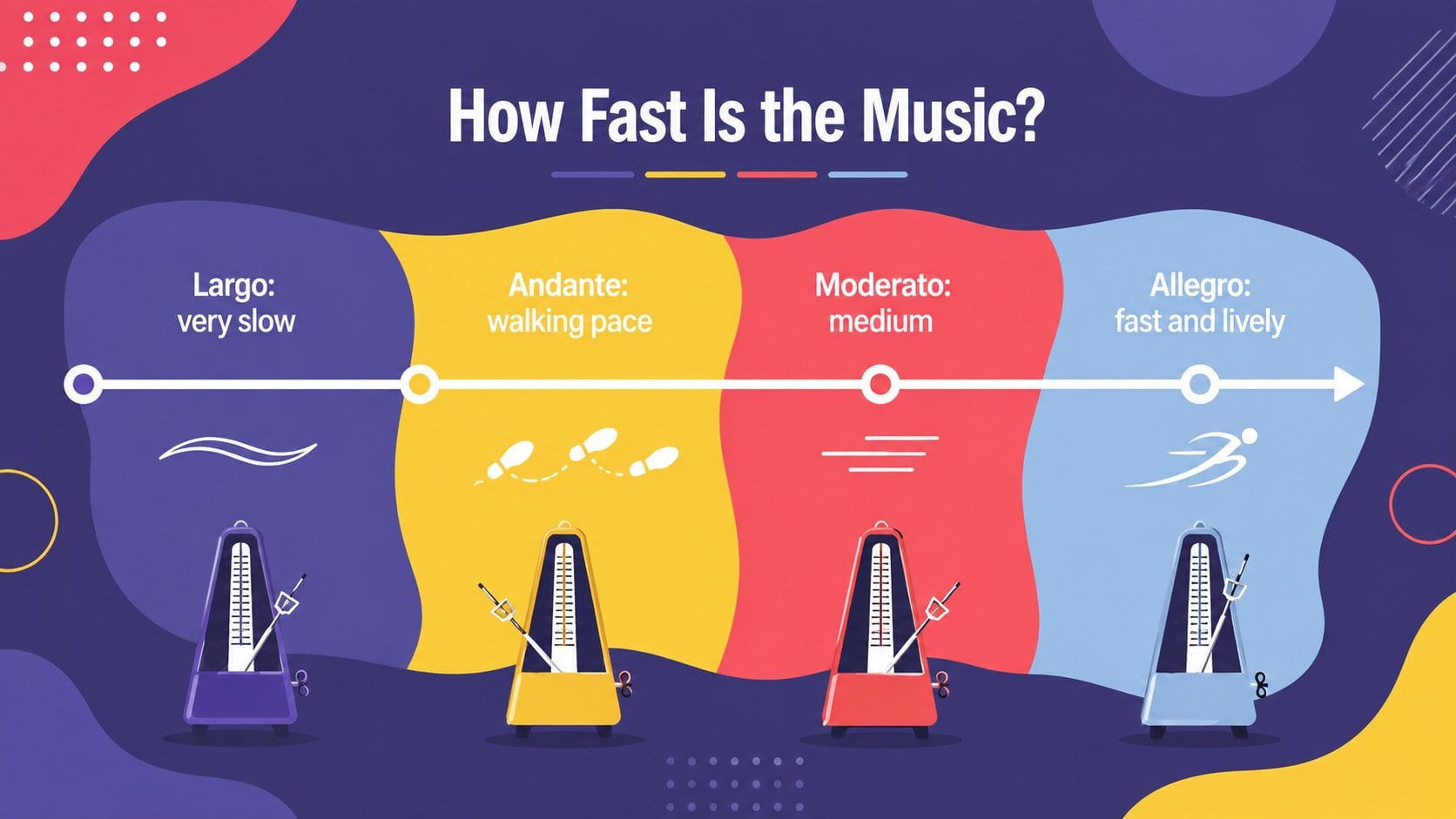
The presentation includes 15 adaptable layouts for lesson goals, warm-up questions, rhythm practice, note values, musical symbols, listening activities, group exercises, knowledge checks, and a closing recap. Diagrams, timelines, comparison layouts, and structured text areas make it easy to create a colorful music education slide deck that supports both explanation and participation. All slides use a widescreen 16:9 format and can be edited in PowerPoint or Google Slides.
Designed for elementary and secondary music teachers, tutors, workshop leaders, and homeschool educators, this geometric music classroom deck can support a single session or a complete unit. Change the wording, rearrange activities, adjust colors, or add audio links to match your curriculum. The clear visual hierarchy also works well for instrument introductions, ensemble preparation, remote instruction, and student-led review sessions.
Perfect for: classroom rhythm lesson; music notation introduction; theory review session; ensemble warm-up activity; student listening workshop.
Frequently asked questions
Can I edit these slides for different grade levels? Yes. Replace the sample wording, simplify or expand the theory content, and reorder activities to suit elementary, middle, or high school learners.
Practical details
Yes. Replace the sample wording, simplify or expand the theory content, and reorder activities to suit elementary, middle, or high school learners.
The deck is designed for PowerPoint and Google Slides. Text, colors, shapes, and lesson content can be edited in either platform.
Yes. You can recolor the shapes, change the purple and white base palette, and move or remove decorative elements while preserving the lesson layouts.
Yes. The layouts include prompts for listening tasks, rhythm practice, group discussion, and quick knowledge checks. Teachers can also add links to audio examples or classroom resources.
Keep exploring
15Build stronger academic arguments with a college essay thesis builder featuring guided examples, revision prompts, and editable PowerPoint and Google Slides.
 15
15Build an engaging World UFO Day session with this flying saucer history lesson deck, featuring retro green-and-brown slides for PowerPoint and Google Slides.
 14
14Plan a memorable Lunar New Year campaign with the 2036 Dragon Year Celebration Theme, featuring bold red-and-yellow slides for lessons and events.
 15
15Build a thoughtful classroom discussion with this interfaith awareness lesson deck, featuring editable blue-and-white slides for PowerPoint and Google Slides.
 15
15Use this environmental awareness lesson deck to teach climate action through illustrated activities, discussion prompts, and ready-to-edit visuals.
 15
15Build playful lessons and party stories with a kid-friendly zombie celebration theme in purple, green and pastel blue for PowerPoint and Google Slides.
 15
15Build eerie lessons, campaigns, and story pitches with an undead survival scenario theme featuring editable slides for PowerPoint and Google Slides.
 16
16Turn environmental research into a clear story with a Watercolor Ecology Presentation Theme for PowerPoint and Google Slides in calming green and blue.