
 15
15presentation
College Essay Thesis Builder Slides
Build stronger academic arguments with a college essay thesis builder featuring guided examples, revision prompts, and editable PowerPoint and Google Slides.
Google SlidesPowerPoint
presentation · English
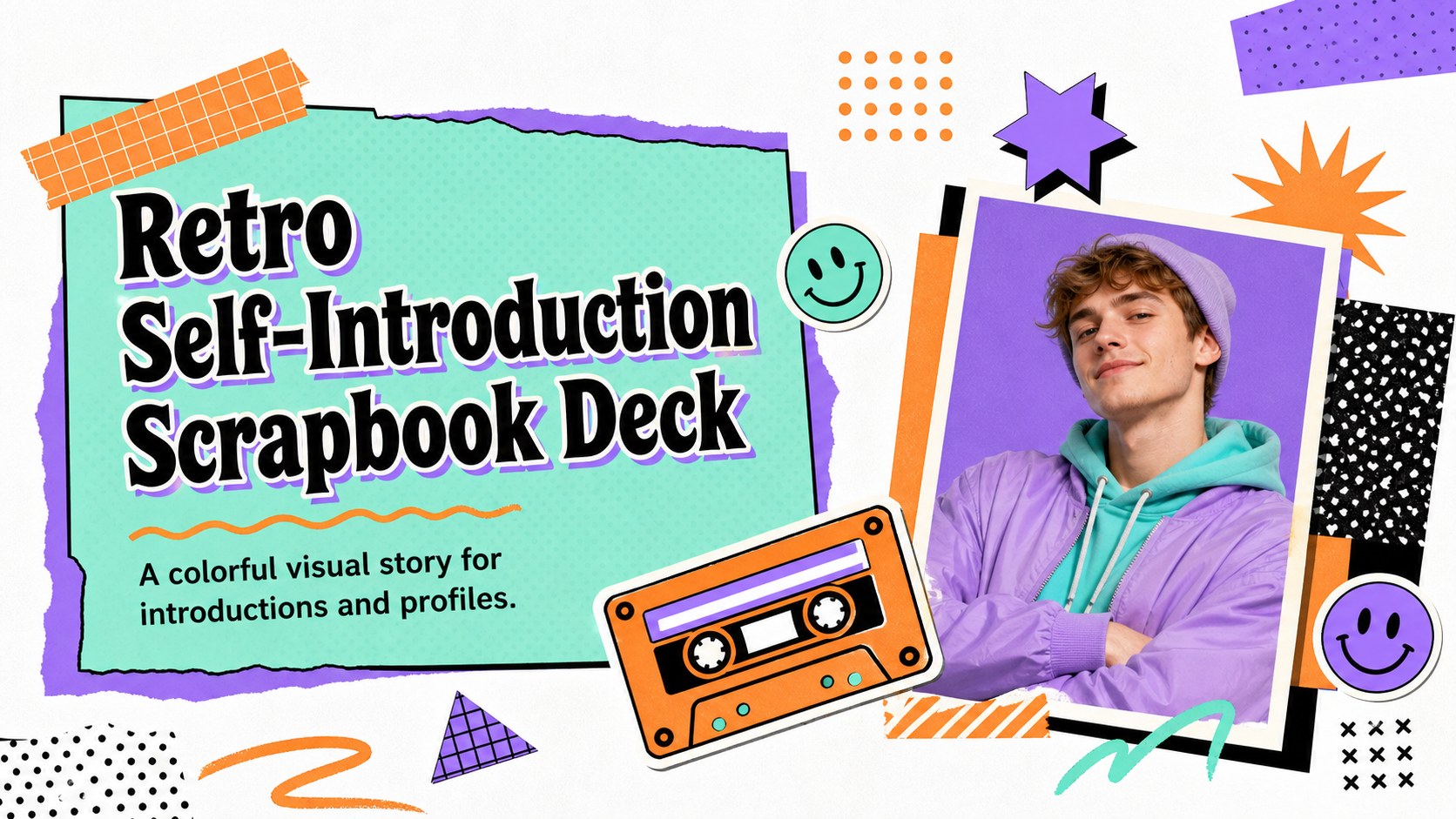
Create a memorable retro self-introduction with colorful scrapbook slides, playful stickers, and editable layouts for school, work, or social profiles.



Design notes
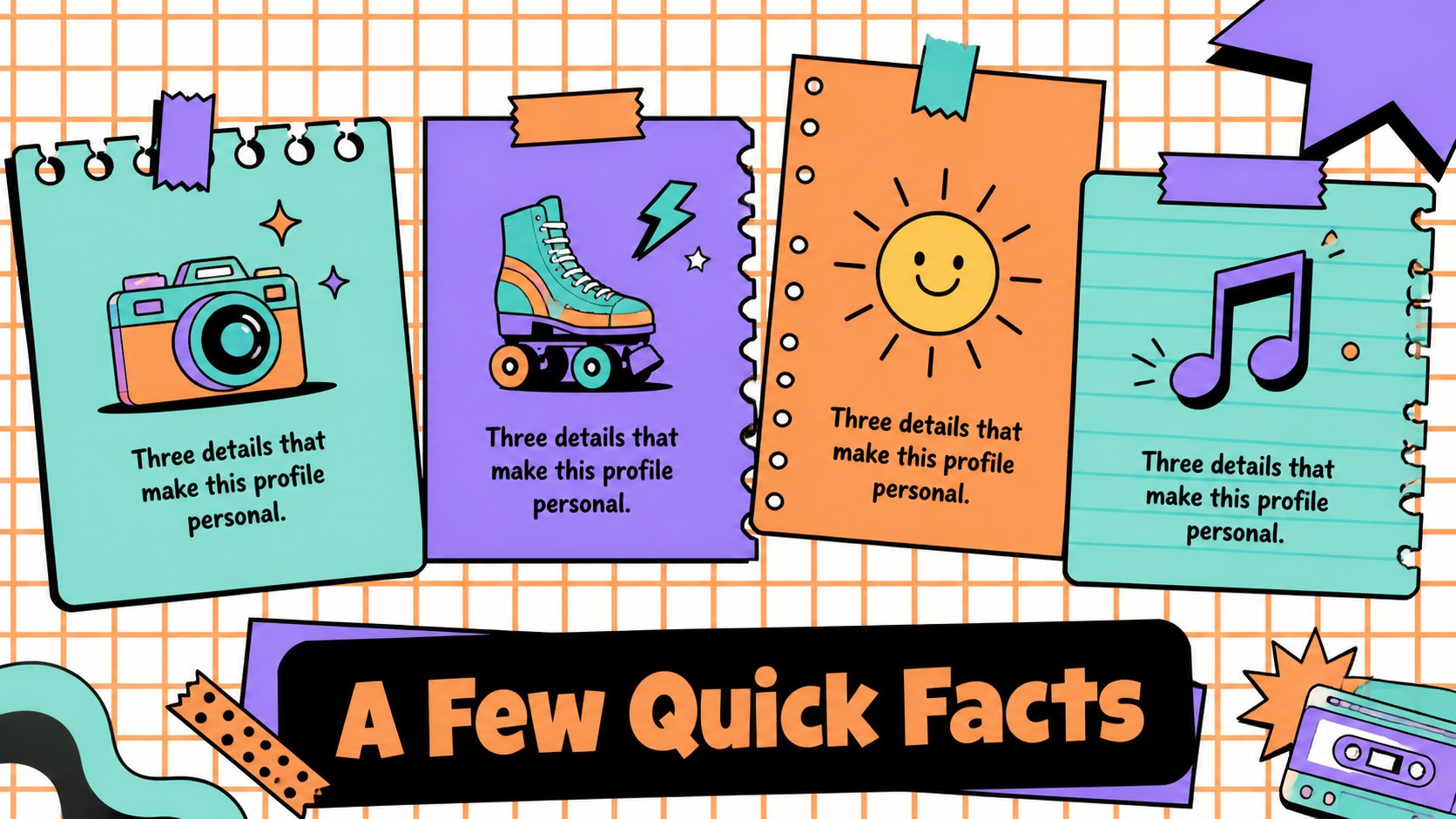
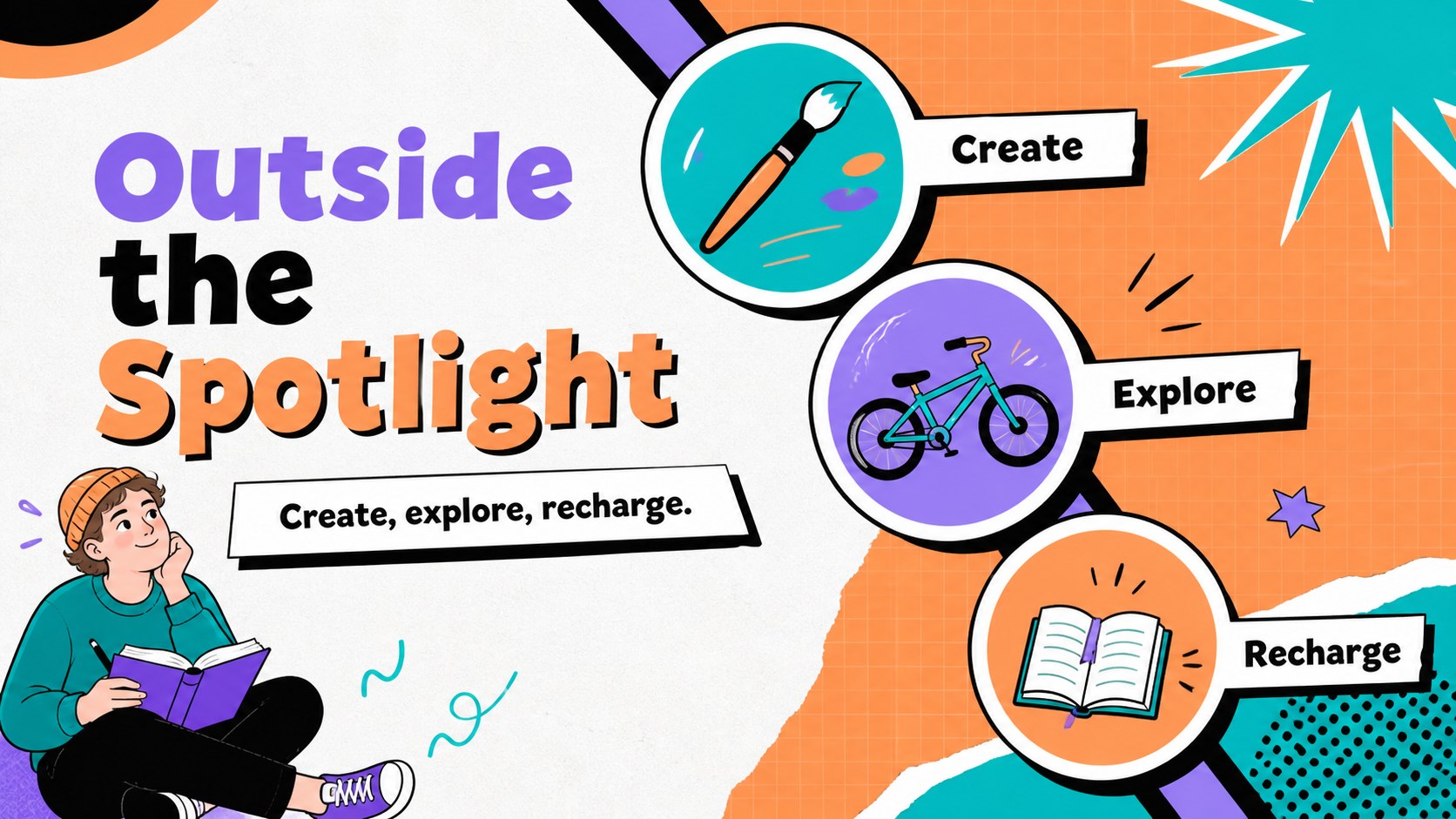
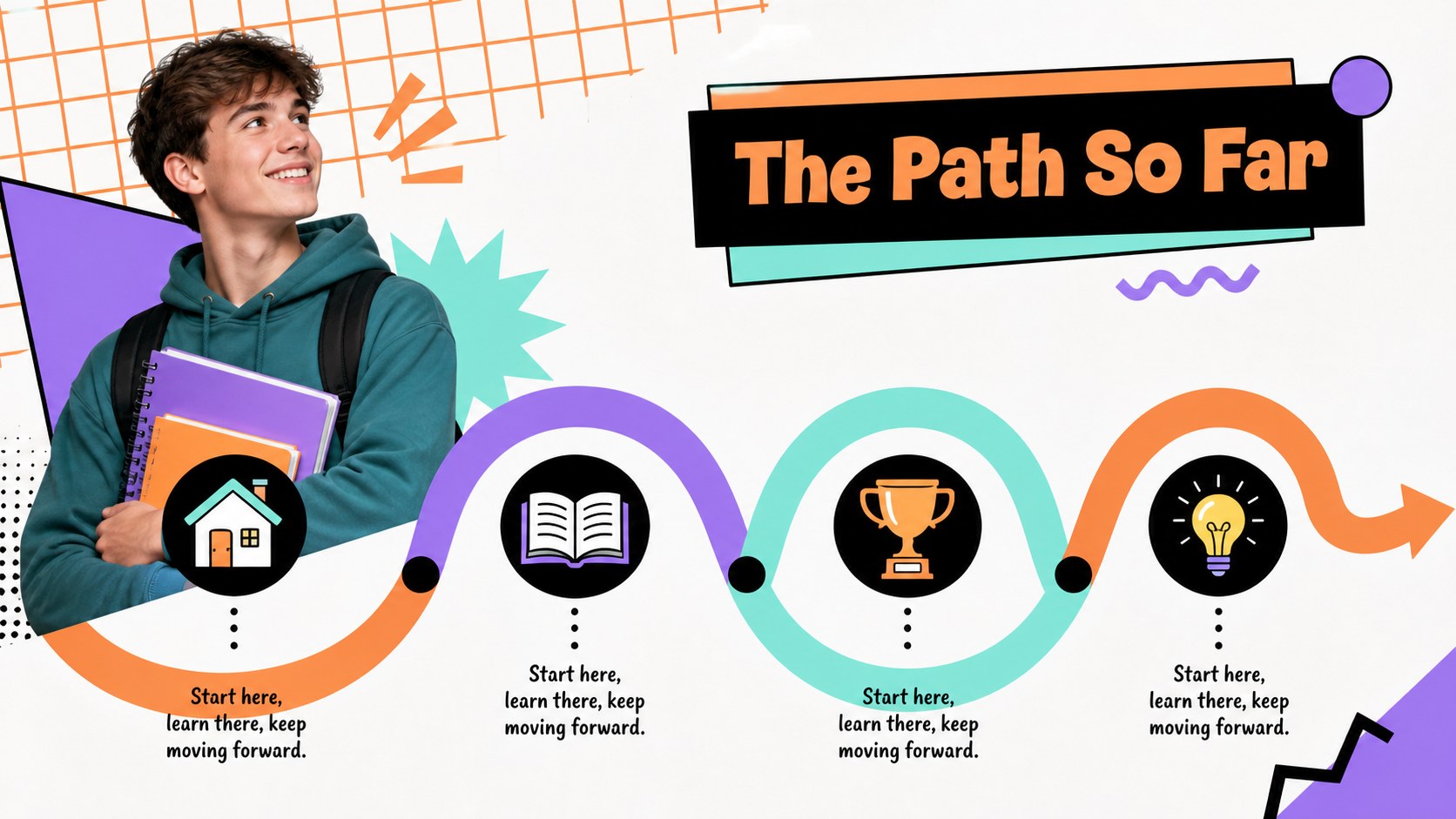
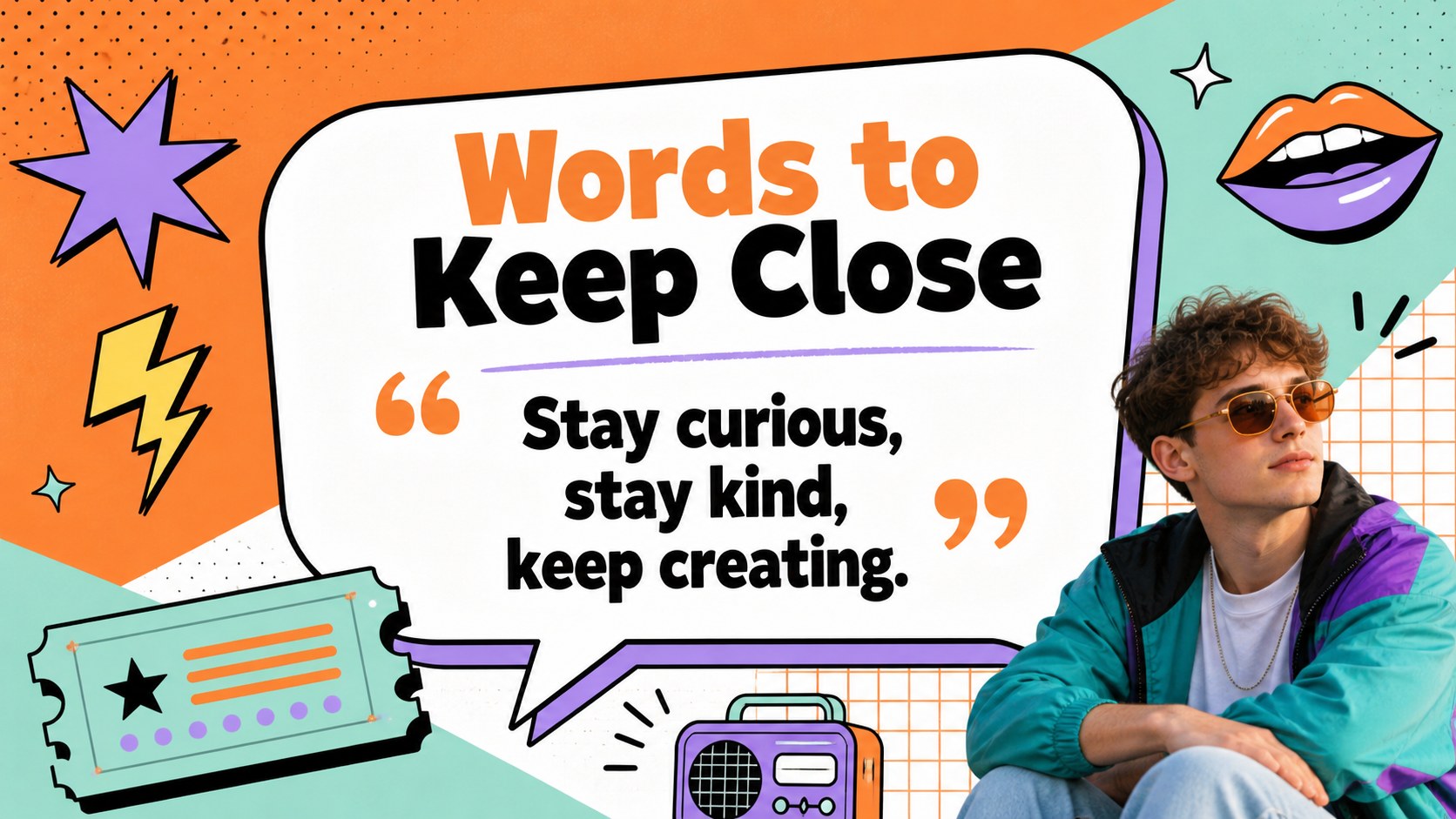
Make introductions more memorable with this retro self introduction slides template, built around playful scrapbook energy and a bright palette of orange, purple, teal, and white. The expressive sticker graphics, hand-drawn details, and casual typography give personal stories, classroom activities, and team profiles a warm, energetic voice.
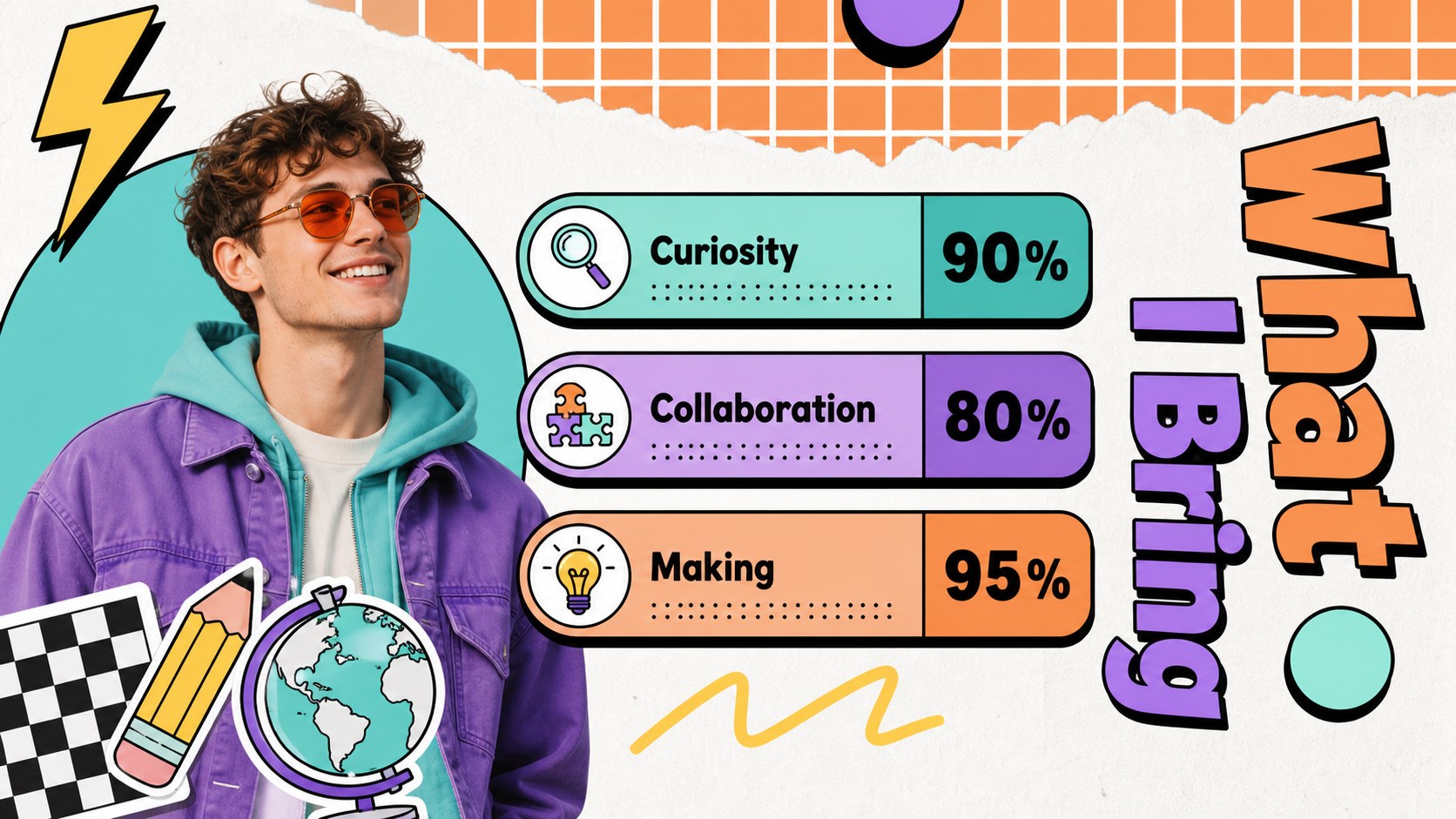
Inside, you’ll find more than 25 editable layouts for presenting an introduction, personal timeline, favorite things, skills, goals, hobbies, or group identity. Mix photo frames, short text blocks, charts, quote pages, and profile sections to create a polished 90s inspired presentation without starting from a blank canvas. The visual system works especially well for back-to-school activities, onboarding sessions, creative portfolios, and social media marketing concepts.
Customize the deck in Google Slides or PowerPoint by changing text, images, colors, and sticker-style elements. It is designed for educators, students, marketers, creators, and teams that want a personal profile deck with more personality than a conventional corporate layout. Animation and transition options can add movement, while speaker notes help organize talking points and presentation practice.
Perfect for: back-to-school student introduction; new team member profile; creative portfolio presentation; social media creator profile; classroom icebreaker activity.
Frequently asked questions
Can I edit this deck? Yes. The template is designed for as well as Google Slides and PowerPoint. You can replace text, images, colors, fonts, and decorative elements in the editor you prefer.
Practical details
Yes. The template is designed for as well as Google Slides and PowerPoint. You can replace text, images, colors, fonts, and decorative elements in the editor you prefer.
Use the layouts for an introduction, biography, interests, skills, goals, timeline, favorite things, or team profile. The flexible slide structure also supports classroom introductions and creative portfolio stories.
Yes. Orange, purple, teal, and white establish the original visual direction, but each color can be adjusted to match your school, project, or personal brand. Images and sticker-style graphics can also be swapped.
It works best for informal or personality-led settings such as onboarding, creative profiles, workshops, and social content planning. For formal business reporting, use the cleaner layouts and limit the decorative elements.
Keep exploring
15Build stronger academic arguments with a college essay thesis builder featuring guided examples, revision prompts, and editable PowerPoint and Google Slides.
 15
15Build an engaging World UFO Day session with this flying saucer history lesson deck, featuring retro green-and-brown slides for PowerPoint and Google Slides.
 14
14Plan a memorable Lunar New Year campaign with the 2036 Dragon Year Celebration Theme, featuring bold red-and-yellow slides for lessons and events.
 15
15Build a thoughtful classroom discussion with this interfaith awareness lesson deck, featuring editable blue-and-white slides for PowerPoint and Google Slides.
 15
15Use this environmental awareness lesson deck to teach climate action through illustrated activities, discussion prompts, and ready-to-edit visuals.
 15
15Build playful lessons and party stories with a kid-friendly zombie celebration theme in purple, green and pastel blue for PowerPoint and Google Slides.
 15
15Build eerie lessons, campaigns, and story pitches with an undead survival scenario theme featuring editable slides for PowerPoint and Google Slides.
 16
16Turn environmental research into a clear story with a Watercolor Ecology Presentation Theme for PowerPoint and Google Slides in calming green and blue.