
 15
15presentation
College Essay Thesis Builder Slides
Build stronger academic arguments with a college essay thesis builder featuring guided examples, revision prompts, and editable PowerPoint and Google Slides.
Google SlidesPowerPoint
presentation · English
Organize classroom thinking with a Retro Scrapbook Idea Mapping Deck, featuring editable blue-and-yellow layouts for PowerPoint and Google Slides.
Design notes
Turn loose thoughts into meaningful connections with the Retro Scrapbook Idea Mapping Deck. Designed around a lively blue-and-yellow palette, its layered paper textures, taped notes, hand-drawn accents, and vintage classroom details make brainstorming feel active without sacrificing clarity. Every layout can be edited in PowerPoint or Google Slides.
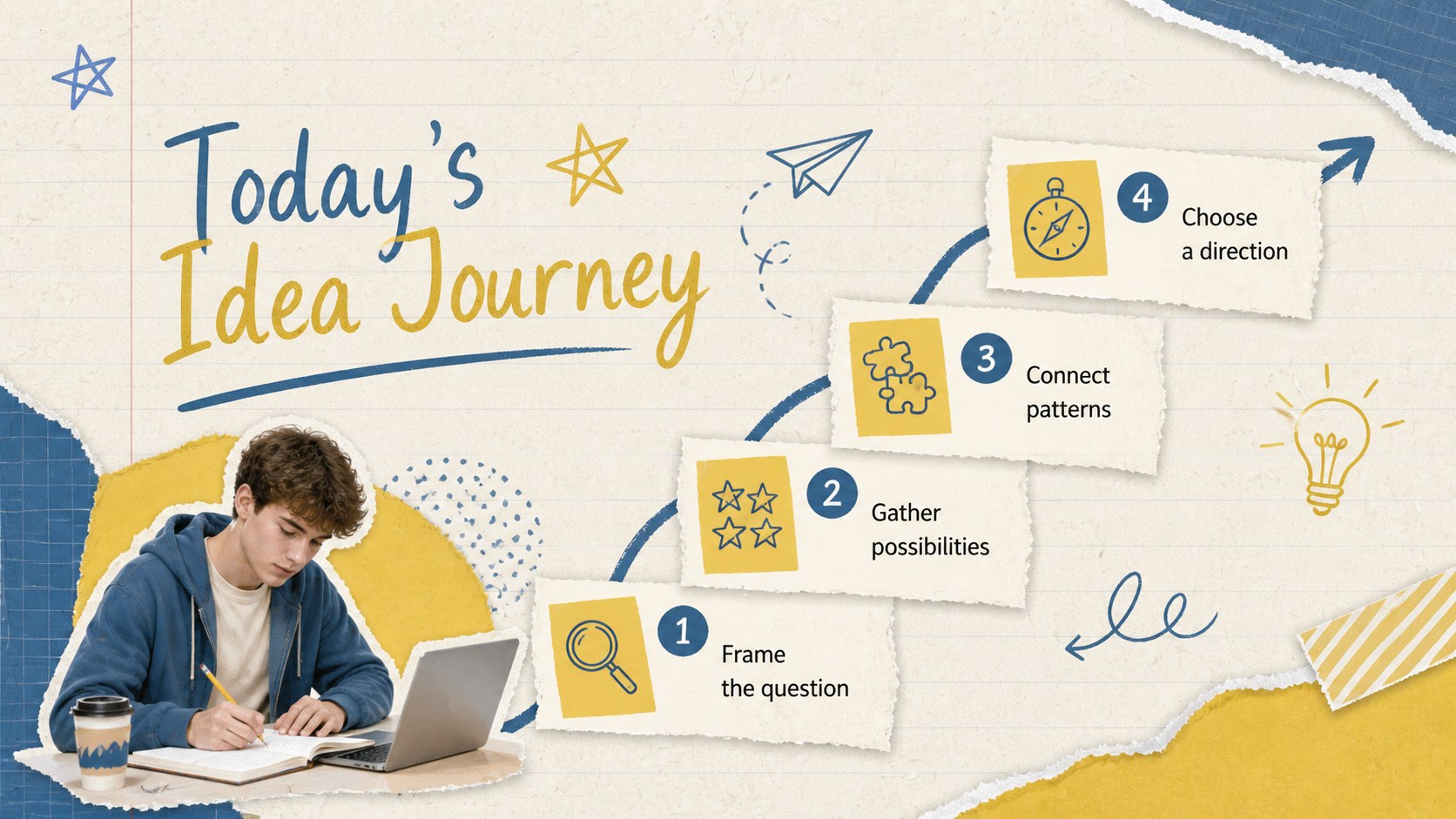
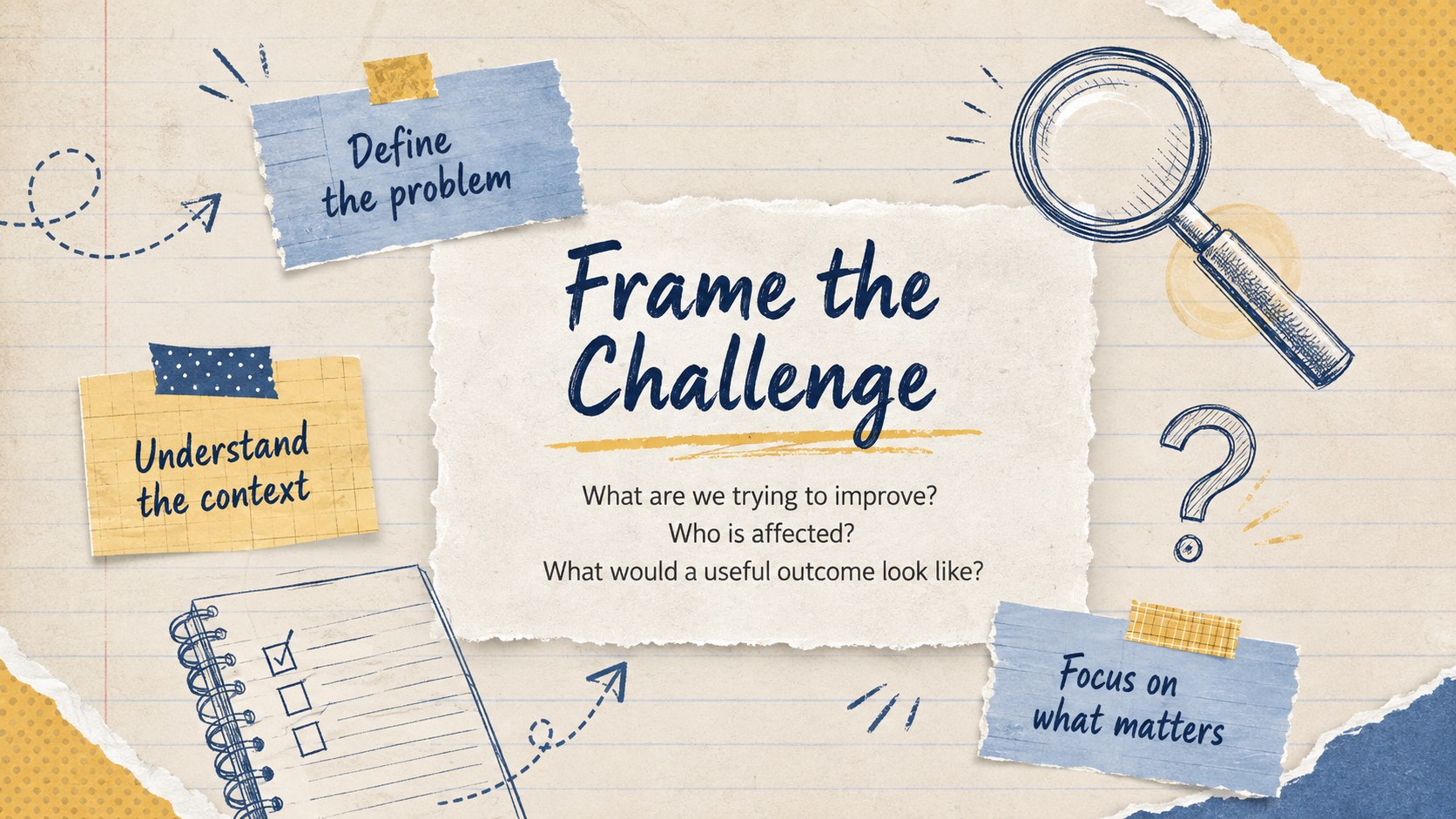
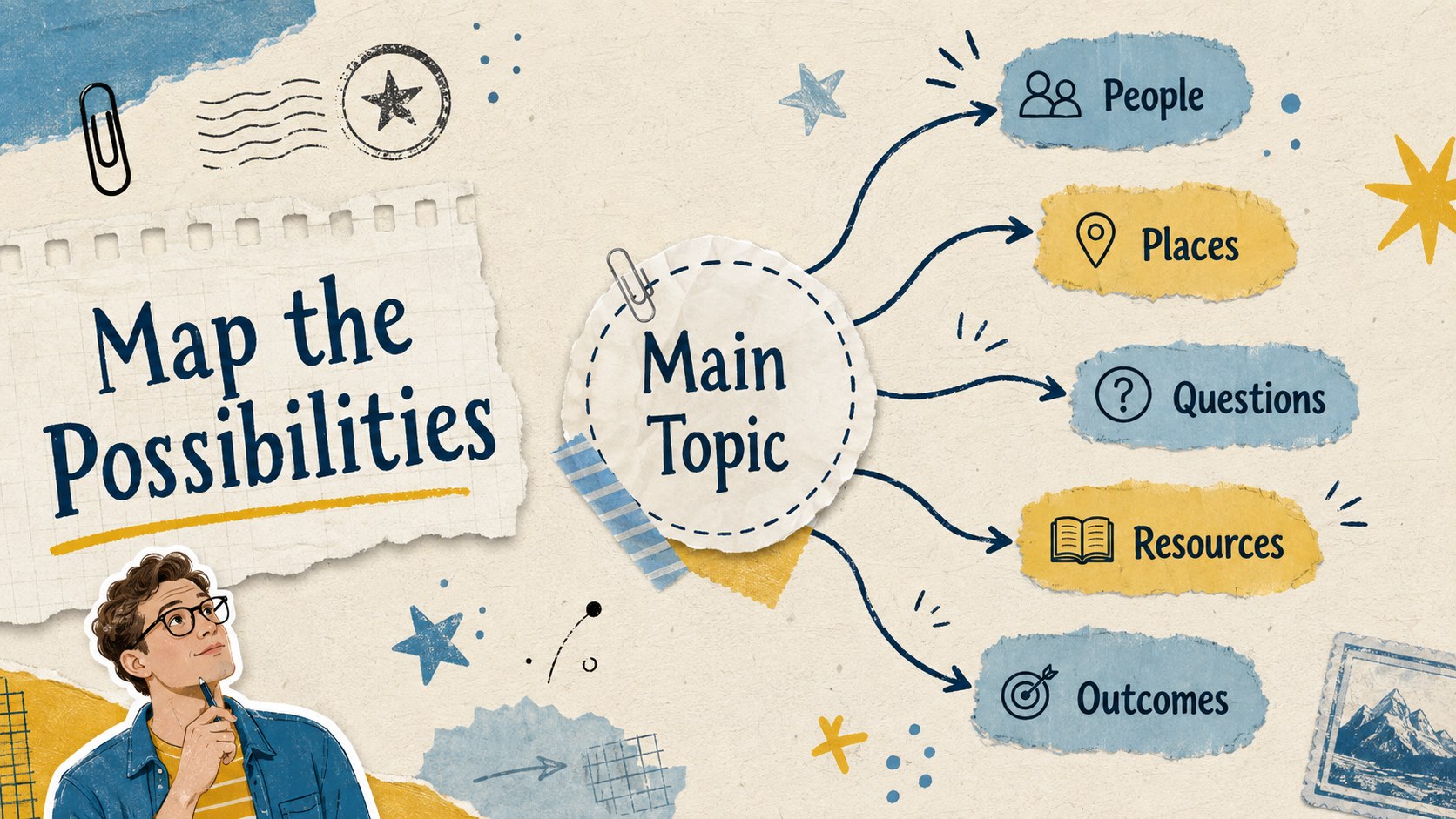
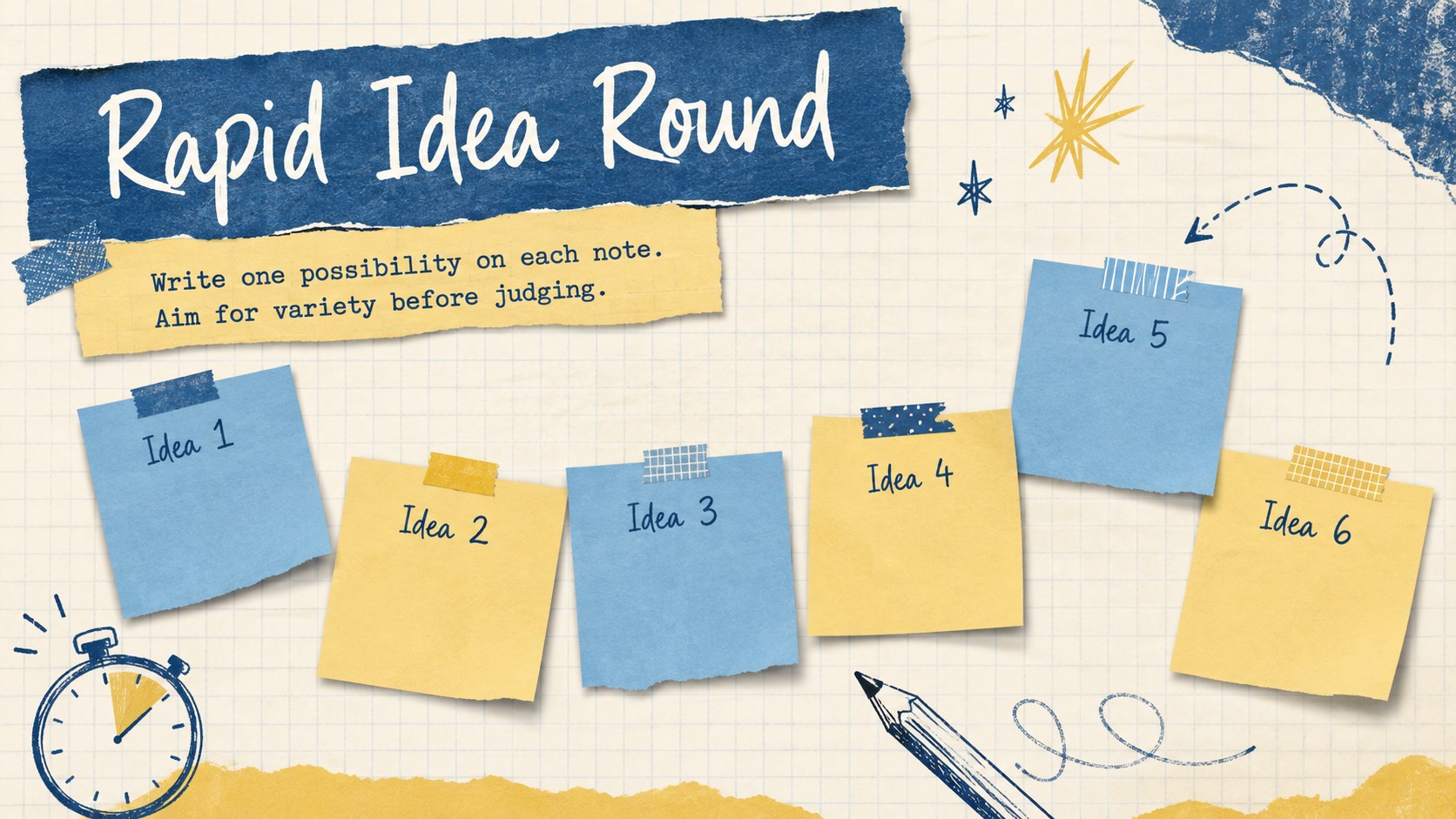
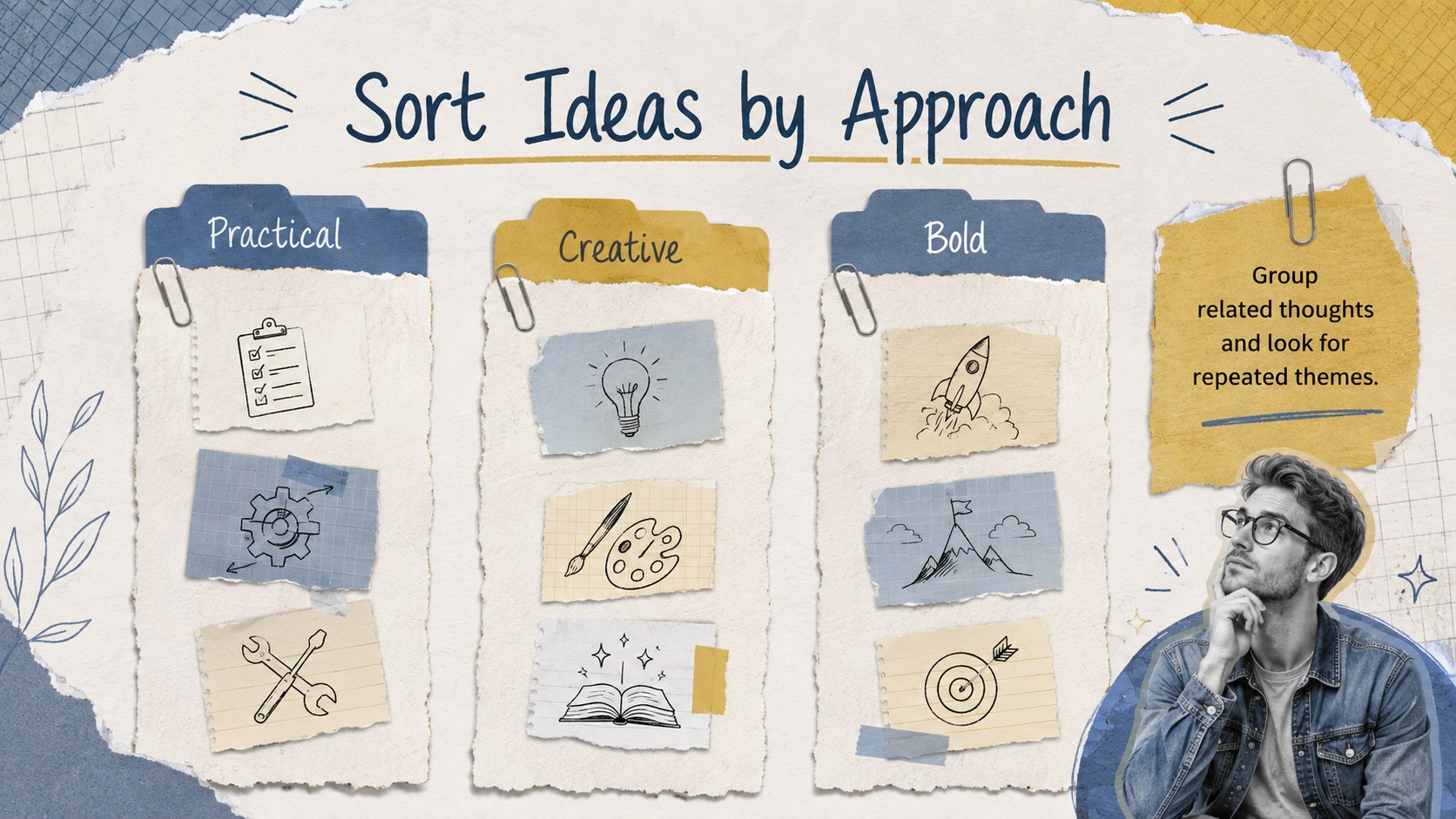
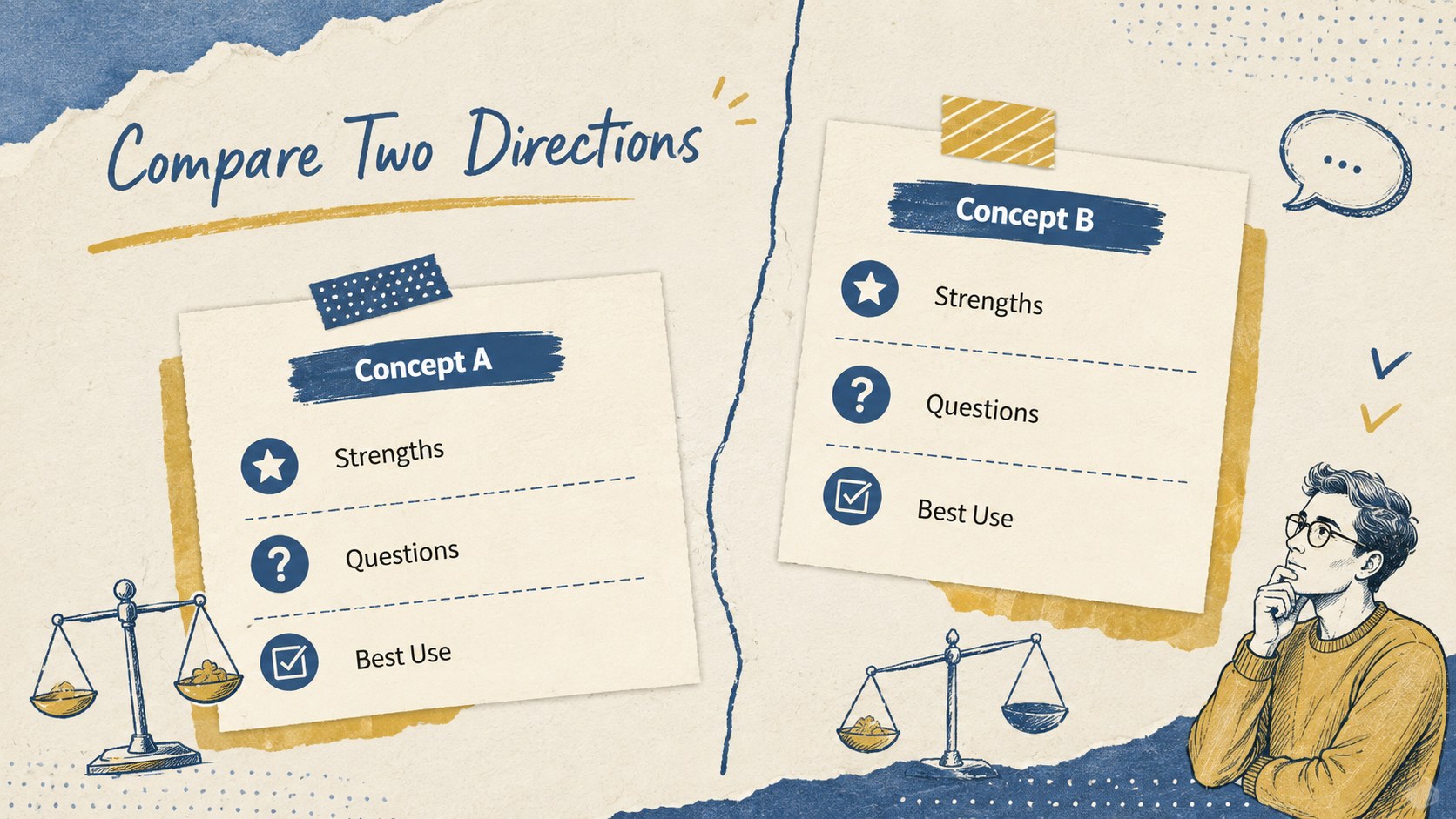
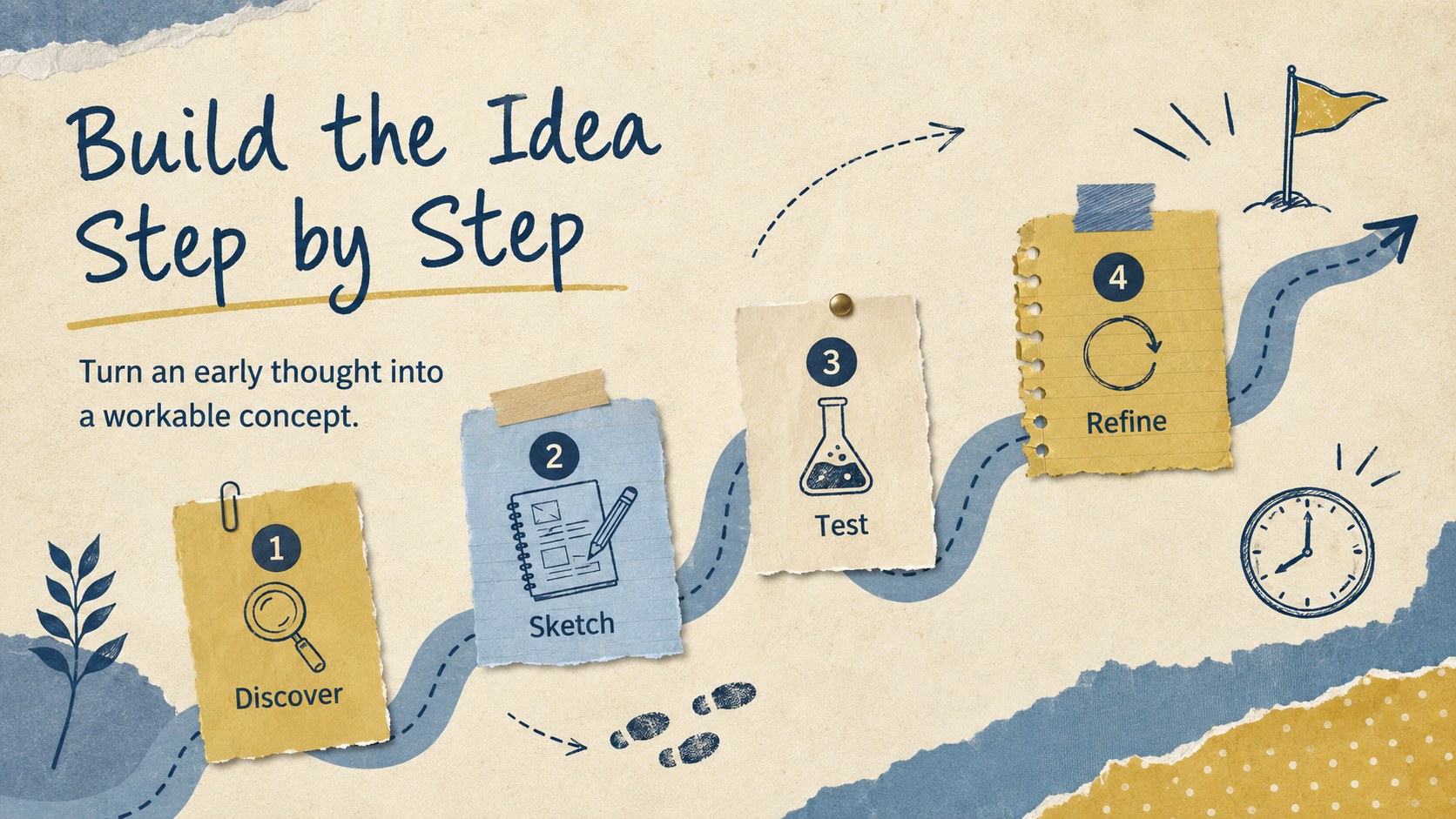
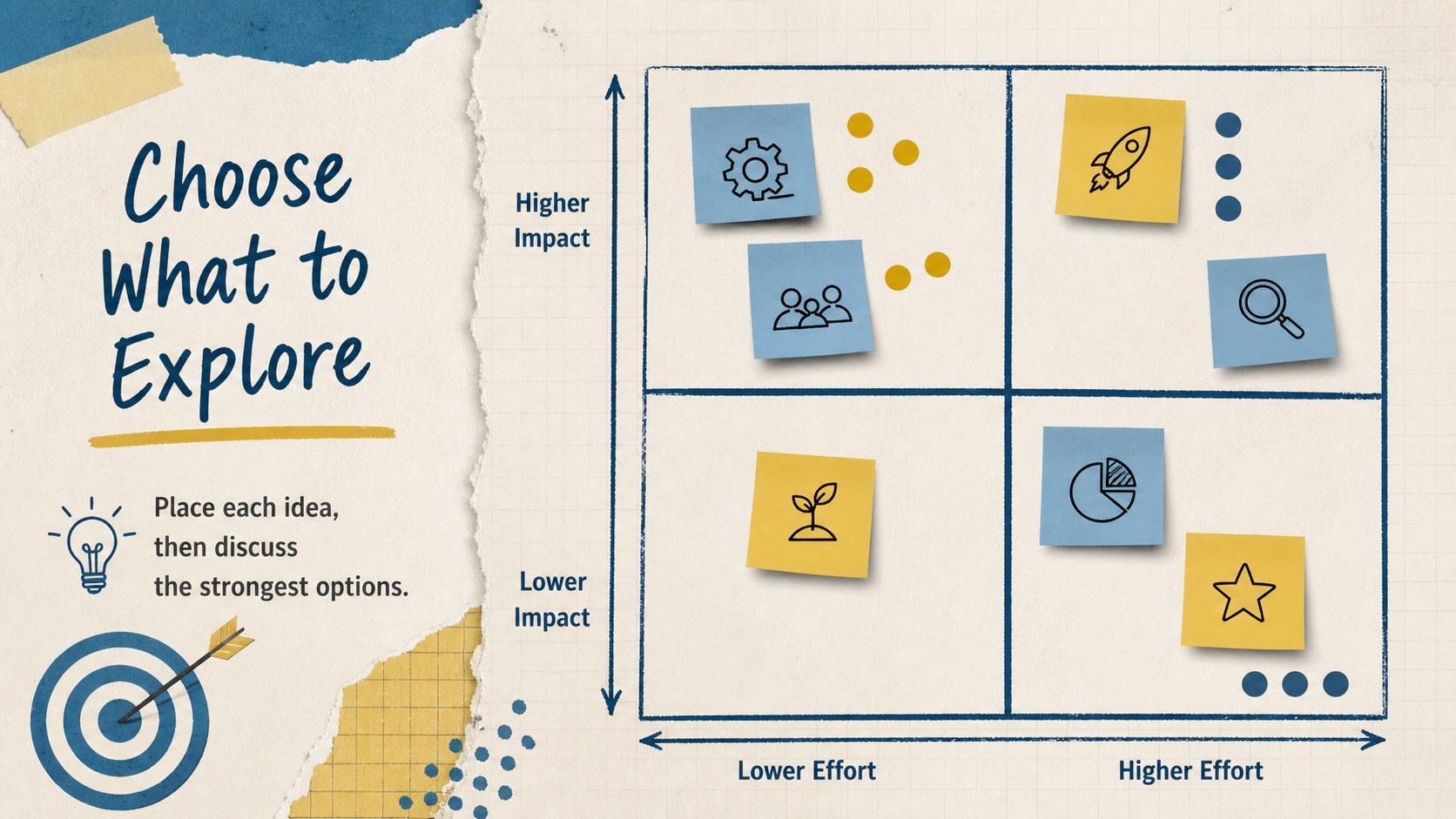
The deck includes an opening slide, session roadmap, question prompts, rapid idea collection pages, scrapbook mind map slides, category boards, comparison layouts, a step-by-step timeline, priority matrix, concept development pages, and a final reflection. Balanced combinations of short text, diagrams, notes, and image spaces help presenters move smoothly from early exploration to a polished idea. The varied layouts also make this an effective editable classroom ideation deck for individual or group work.
Students can use this vintage brainstorming presentation for students to plan essays, organize research, develop creative projects, prepare class discussions, or explain how an idea evolved. Teachers can adapt the prompts for workshops, collaborative learning, project-based lessons, and review activities. Replace the sample wording, adjust the diagrams, add photographs, or reorganize the sticky-note elements while keeping the nostalgic scrapbook character consistent. The 16:9 format is ready for classroom screens, online lessons, and shared planning sessions.
Perfect for: classroom brainstorming workshop; student essay planning; group project ideation; research topic mapping; creative concept development; lesson reflection activity.
Frequently asked questions
Can I edit every part of this idea mapping deck? Yes. You can replace the sample text, move the paper elements, change colors, resize diagrams, and add your own images or icons.
Practical details
Yes. You can replace the sample text, move the paper elements, change colors, resize diagrams, and add your own images or icons.
The deck is designed for Microsoft PowerPoint and Google Slides. Import it into your preferred platform and check font availability before presenting.
Replace the prompts with subject-specific questions and assign different categories to groups. The mapping, ranking, timeline, and reflection layouts can be reused across multiple activities.
Yes. The clear blue-and-yellow contrast and structured content areas translate well to printed worksheets, although background colors may use additional ink.
Keep exploring
15Build stronger academic arguments with a college essay thesis builder featuring guided examples, revision prompts, and editable PowerPoint and Google Slides.
 15
15Build an engaging World UFO Day session with this flying saucer history lesson deck, featuring retro green-and-brown slides for PowerPoint and Google Slides.
 14
14Plan a memorable Lunar New Year campaign with the 2036 Dragon Year Celebration Theme, featuring bold red-and-yellow slides for lessons and events.
 15
15Build a thoughtful classroom discussion with this interfaith awareness lesson deck, featuring editable blue-and-white slides for PowerPoint and Google Slides.
 15
15Use this environmental awareness lesson deck to teach climate action through illustrated activities, discussion prompts, and ready-to-edit visuals.
 15
15Build playful lessons and party stories with a kid-friendly zombie celebration theme in purple, green and pastel blue for PowerPoint and Google Slides.
 15
15Build eerie lessons, campaigns, and story pitches with an undead survival scenario theme featuring editable slides for PowerPoint and Google Slides.
 16
16Turn environmental research into a clear story with a Watercolor Ecology Presentation Theme for PowerPoint and Google Slides in calming green and blue.