
 15
15presentation
College Essay Thesis Builder Slides
Build stronger academic arguments with a college essay thesis builder featuring guided examples, revision prompts, and editable PowerPoint and Google Slides.
Google SlidesPowerPoint
presentation · English
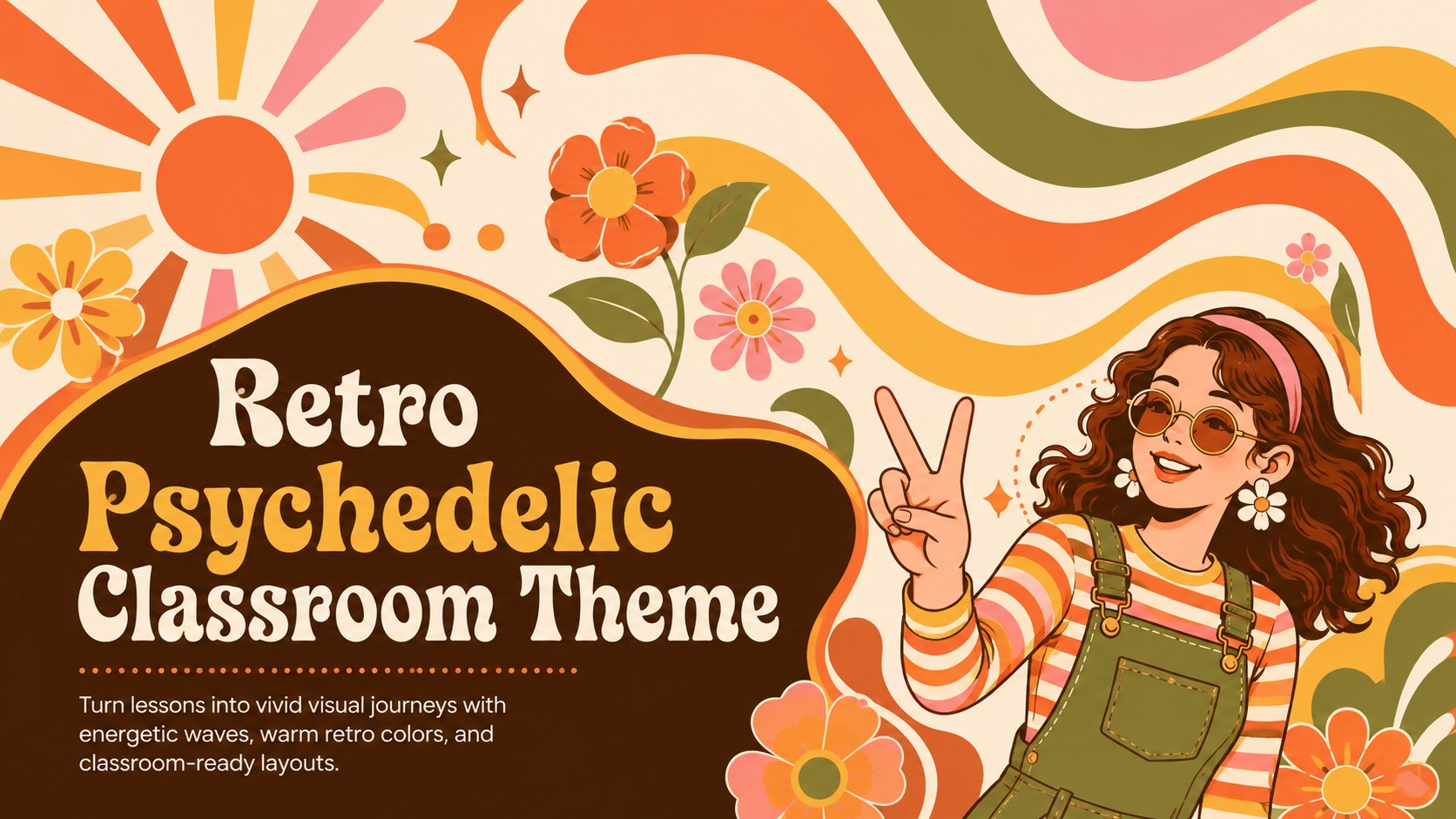
Use this retro psychedelic classroom theme to energize lessons with orange and yellow waves, flexible layouts, and simple PowerPoint or Google Slides editing.
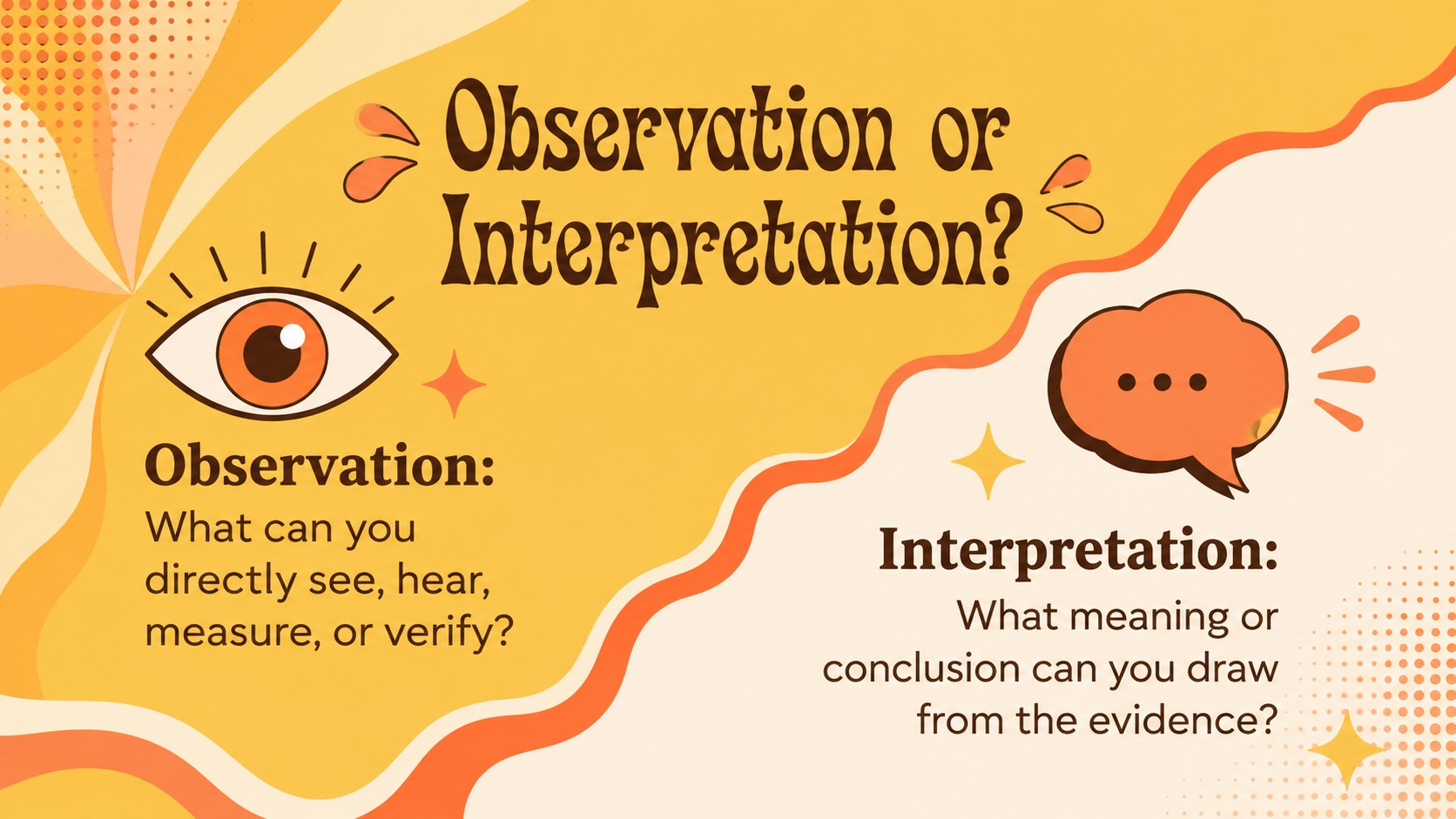
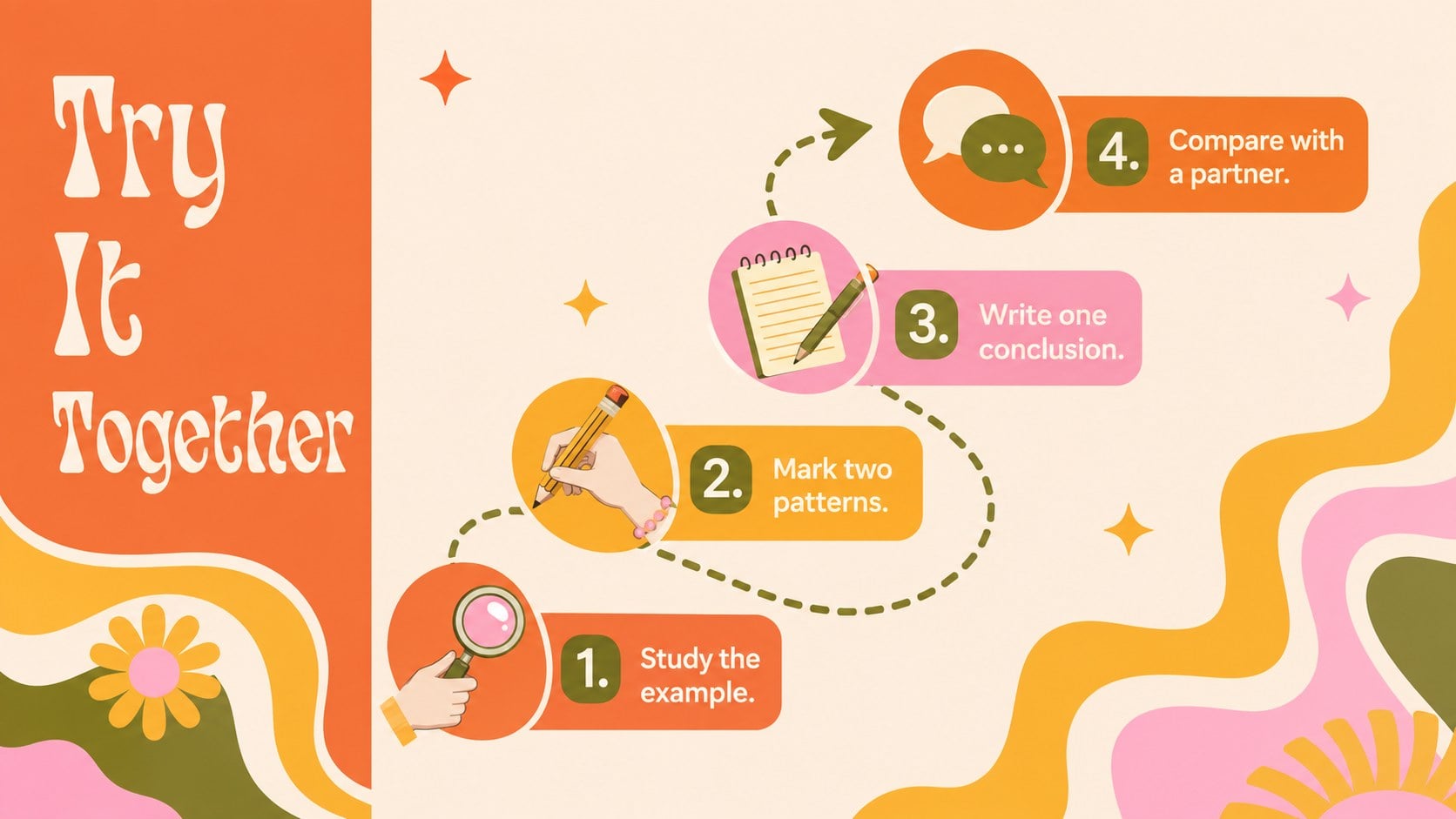
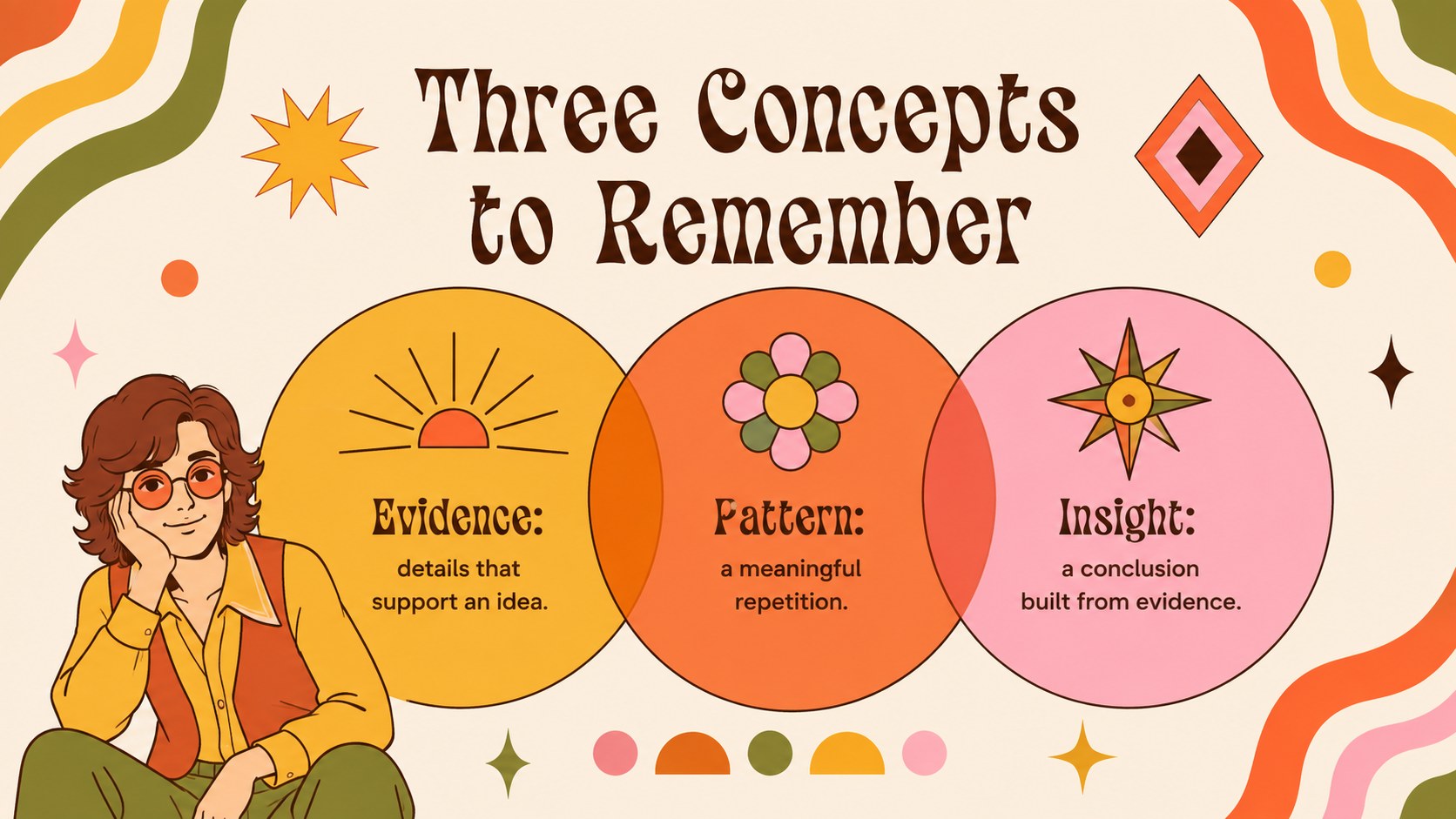
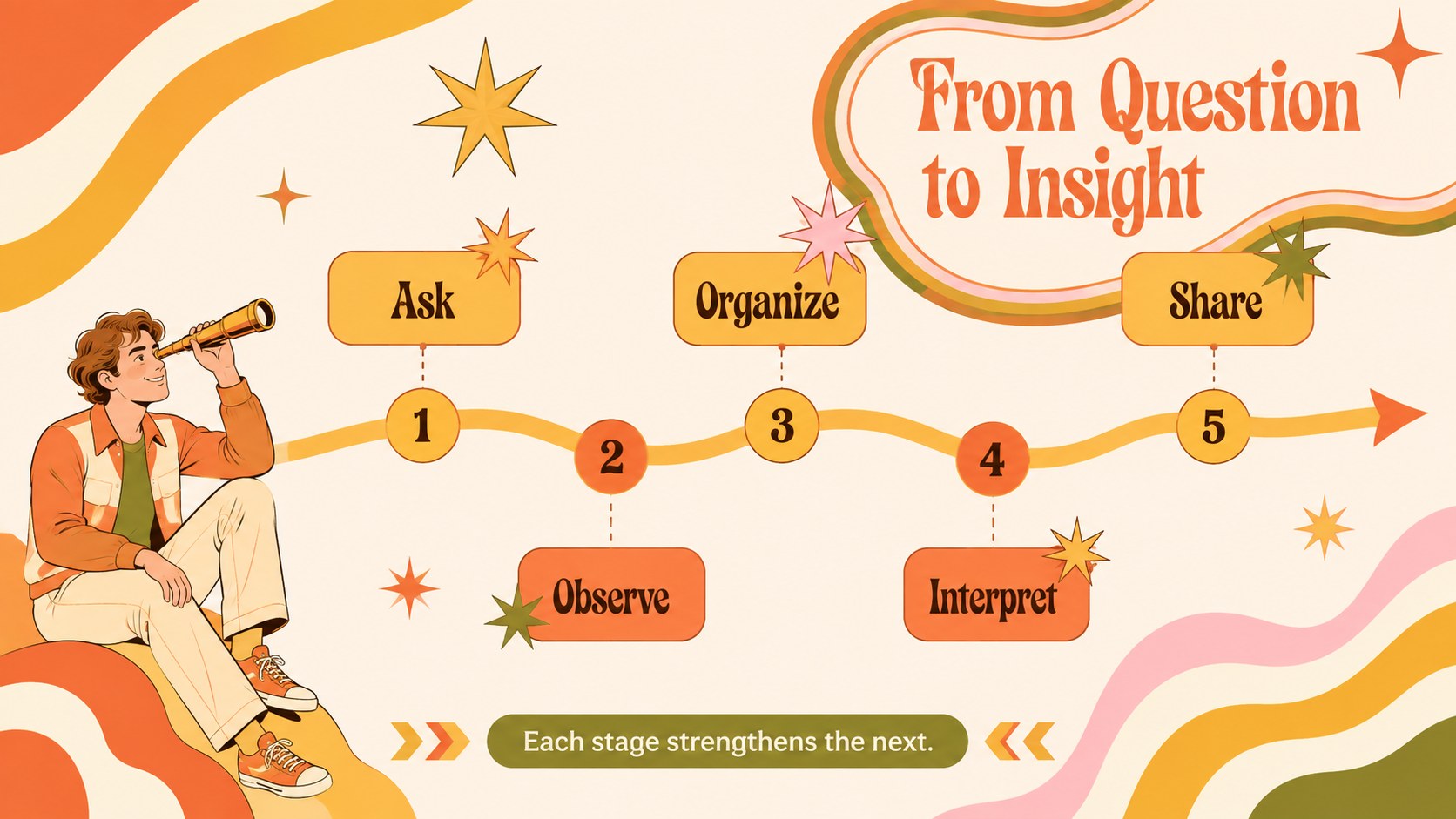
Design notes
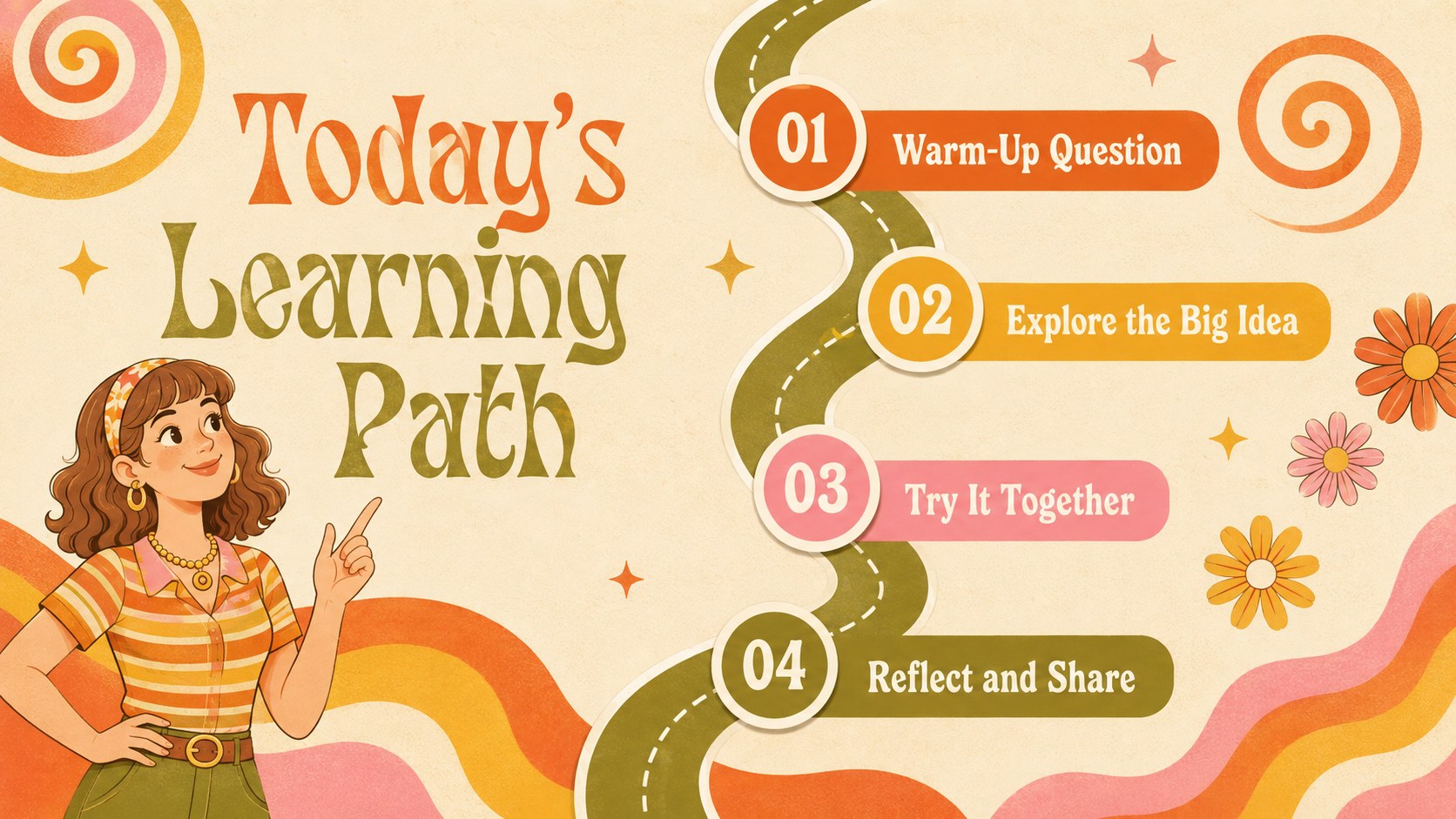
Bring movement and personality to your next lesson with this retro psychedelic classroom theme. Flowing shapes, playful typography, and a warm orange-and-yellow palette create an upbeat setting for presenting ideas without sacrificing clarity. The distinctive visual system works especially well for creative subjects, cultural topics, student projects, and lively classroom discussions.
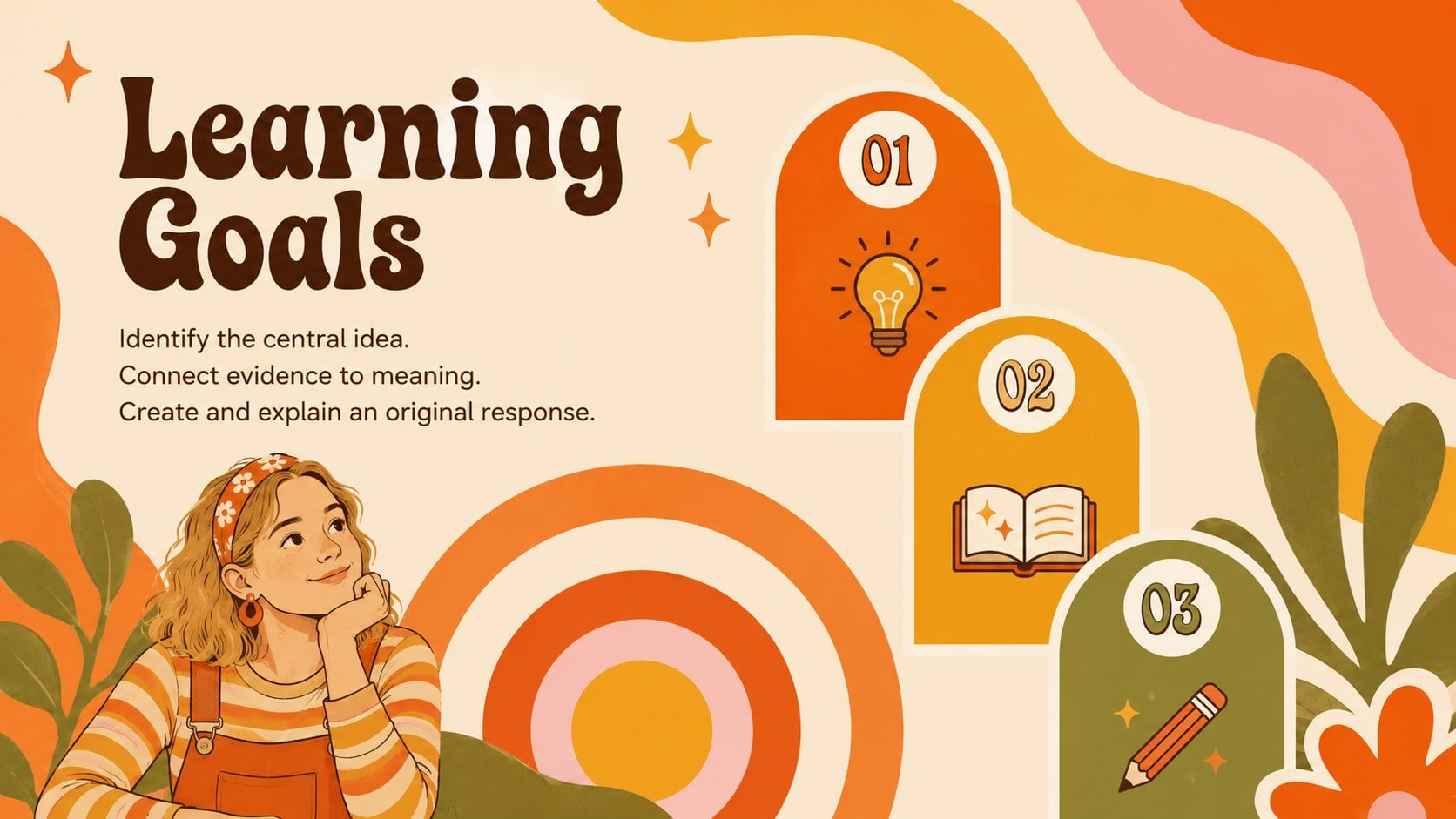
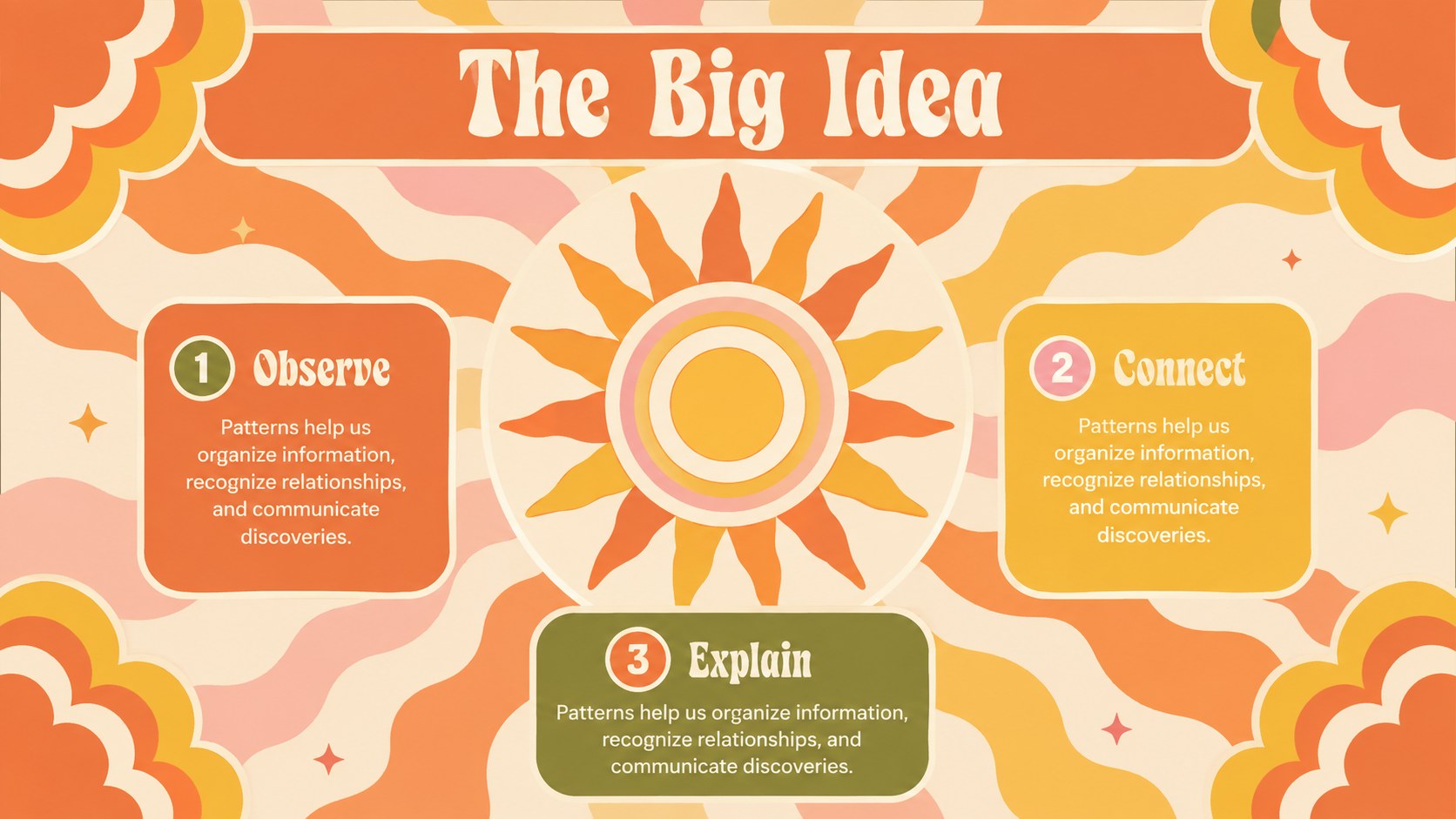
The deck includes more than 25 editable layouts for opening questions, learning goals, key concepts, comparisons, timelines, statistics, group activities, and lesson summaries. Use it as an abstract wave education deck or customize the groovy teaching slides for PowerPoint with your own text, images, diagrams, and data. Each composition balances bold decorative elements with practical space for educational content. Transitions, charts, shapes, and image placeholders can be adjusted to suit short talks or complete teaching units.
Designed for teachers, tutors, workshop facilitators, student presenters, and education-focused teams, the template supports PowerPoint and Google Slides. Change the colors while preserving the orange-and-yellow character, replace the sample material, and rearrange sections to fit your learning objectives. Whether you are introducing an art movement, leading a brainstorming session, or presenting a creative research project, this colorful visual learning presentation helps keep information organized, memorable, and inviting.
Perfect for: creative classroom lesson; art history presentation; student research showcase; teacher workshop; group brainstorming activity; school culture project.
Frequently asked questions
Can I edit every element in this template? Yes. You can update the text, colors, fonts, shapes, images, and charts to match your lesson or school identity. Decorative elements may also be moved, resized, or removed.
Practical details
Yes. You can update the text, colors, fonts, shapes, images, and charts to match your lesson or school identity. Decorative elements may also be moved, resized, or removed.
The template is designed for Microsoft PowerPoint and Google Slides. Some fonts or transition effects may render slightly differently between the two platforms.
Replace the sample lesson content and choose the layouts that best fit your material, such as timelines for history or charts for science. Keep the recurring wave motifs and warm palette to maintain a consistent visual identity.
Yes. Remove selected decorative shapes, simplify the backgrounds, and use the brightest colors only as accents. The underlying layouts remain practical for structured lectures, workshops, and academic reports.
Keep exploring
15Build stronger academic arguments with a college essay thesis builder featuring guided examples, revision prompts, and editable PowerPoint and Google Slides.
 15
15Build an engaging World UFO Day session with this flying saucer history lesson deck, featuring retro green-and-brown slides for PowerPoint and Google Slides.
 14
14Plan a memorable Lunar New Year campaign with the 2036 Dragon Year Celebration Theme, featuring bold red-and-yellow slides for lessons and events.
 15
15Build a thoughtful classroom discussion with this interfaith awareness lesson deck, featuring editable blue-and-white slides for PowerPoint and Google Slides.
 15
15Use this environmental awareness lesson deck to teach climate action through illustrated activities, discussion prompts, and ready-to-edit visuals.
 15
15Build playful lessons and party stories with a kid-friendly zombie celebration theme in purple, green and pastel blue for PowerPoint and Google Slides.
 15
15Build eerie lessons, campaigns, and story pitches with an undead survival scenario theme featuring editable slides for PowerPoint and Google Slides.
 16
16Turn environmental research into a clear story with a Watercolor Ecology Presentation Theme for PowerPoint and Google Slides in calming green and blue.