
 15
15presentation
College Essay Thesis Builder Slides
Build stronger academic arguments with a college essay thesis builder featuring guided examples, revision prompts, and editable PowerPoint and Google Slides.
Google SlidesPowerPoint
presentation · English
Build joyful vocabulary practice with the Retro Pixel Filipino Language Adventure, an editable kindergarten deck for PowerPoint and Google Slides.
Design notes
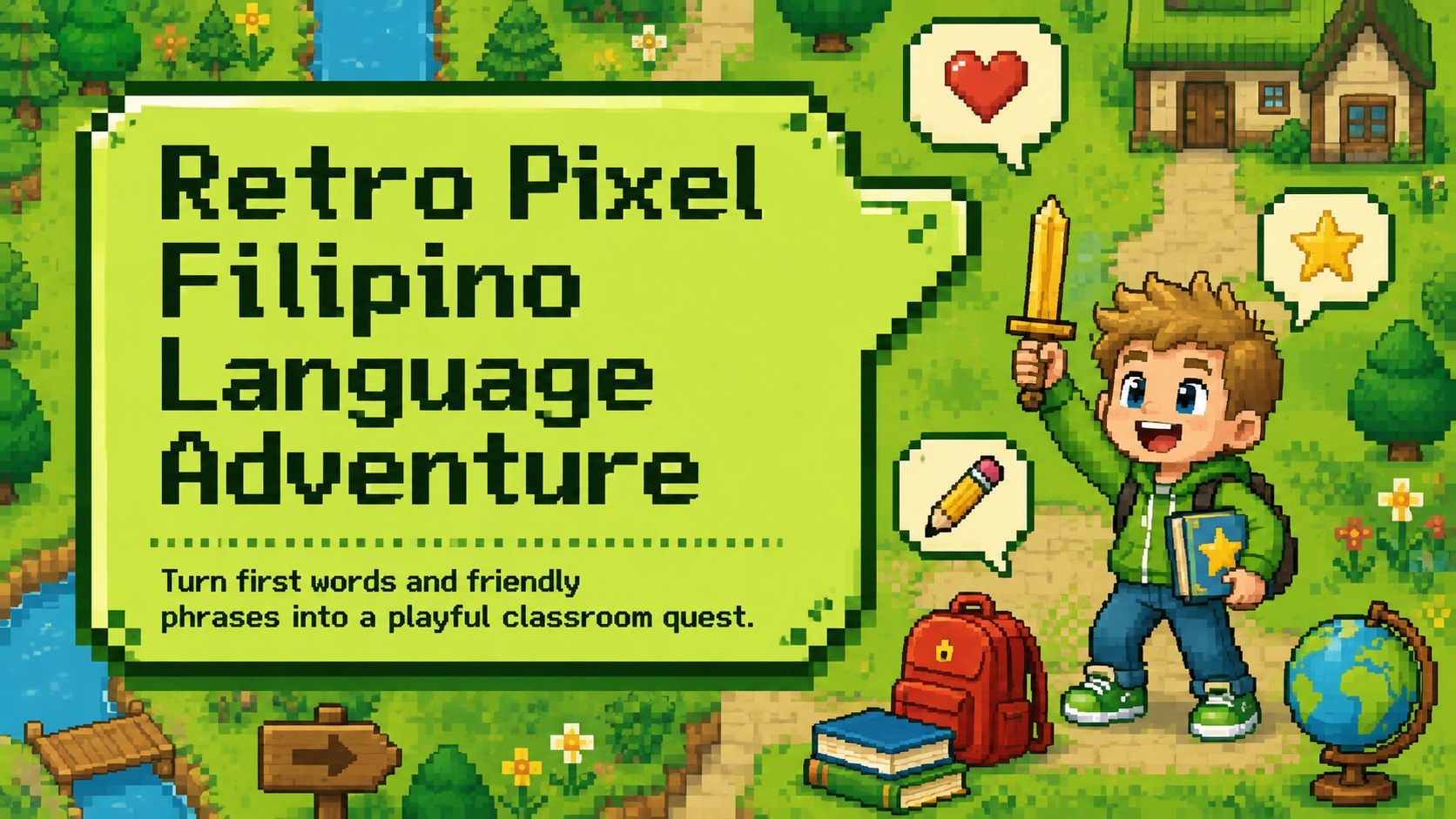
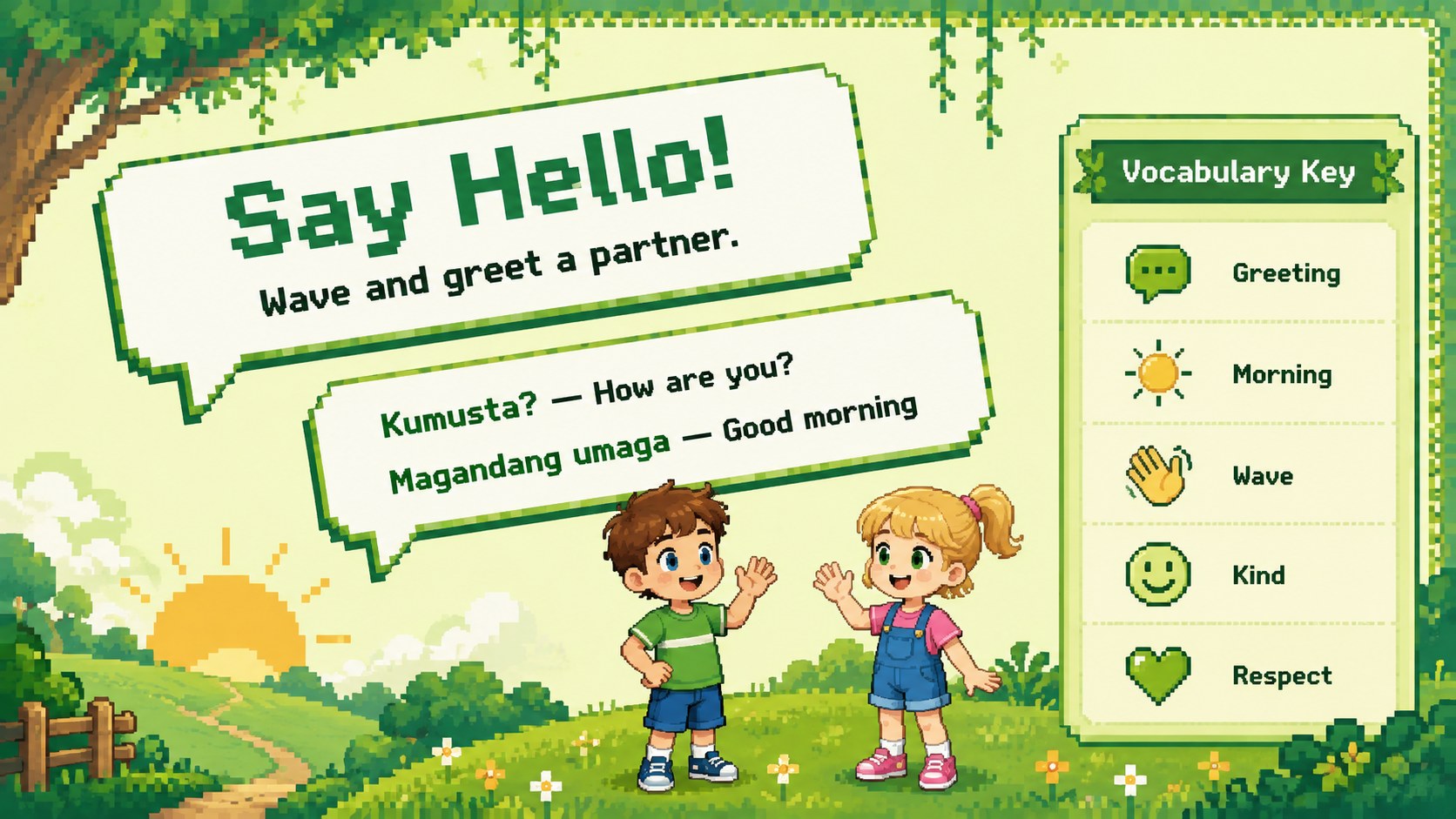
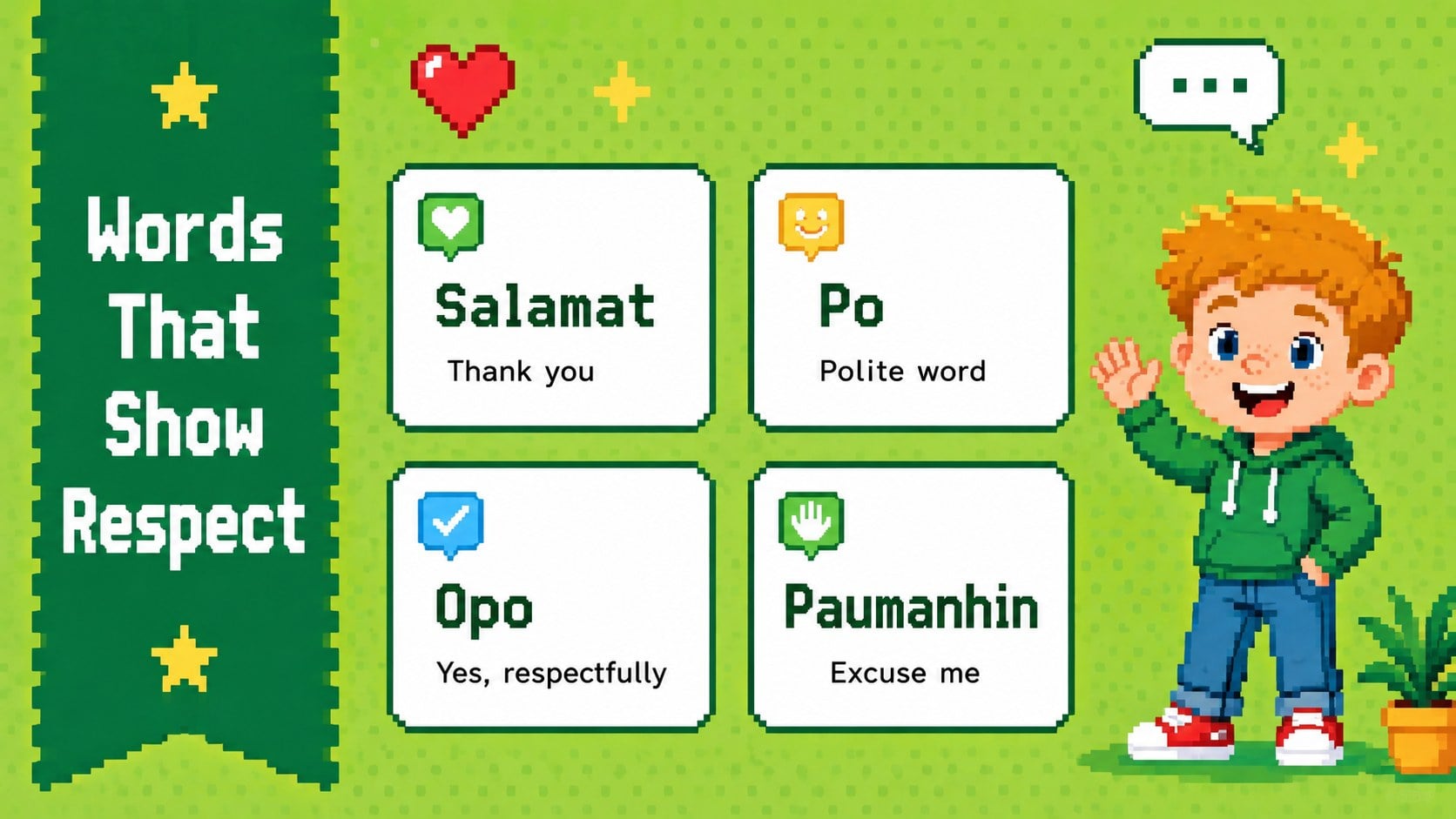
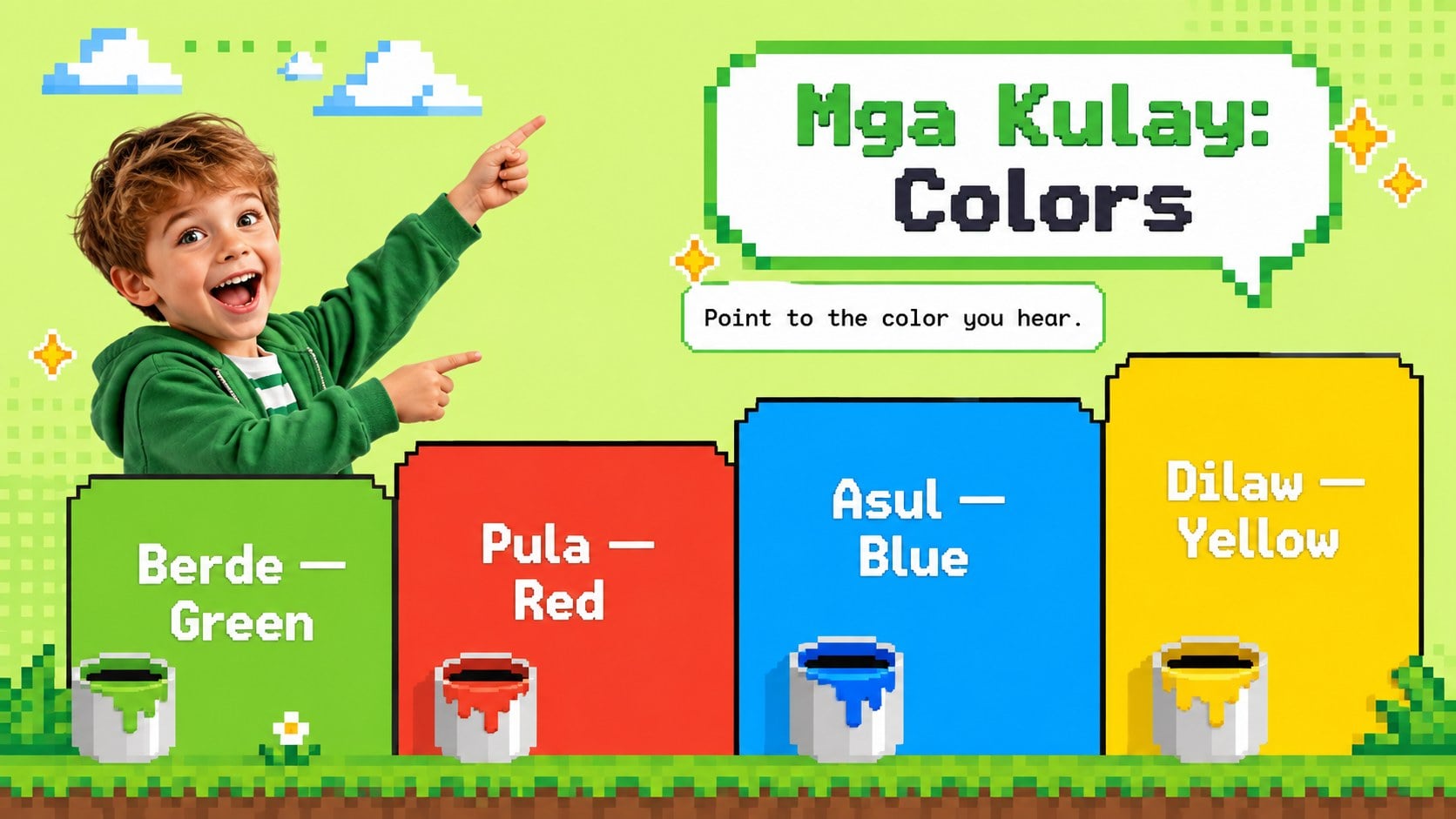
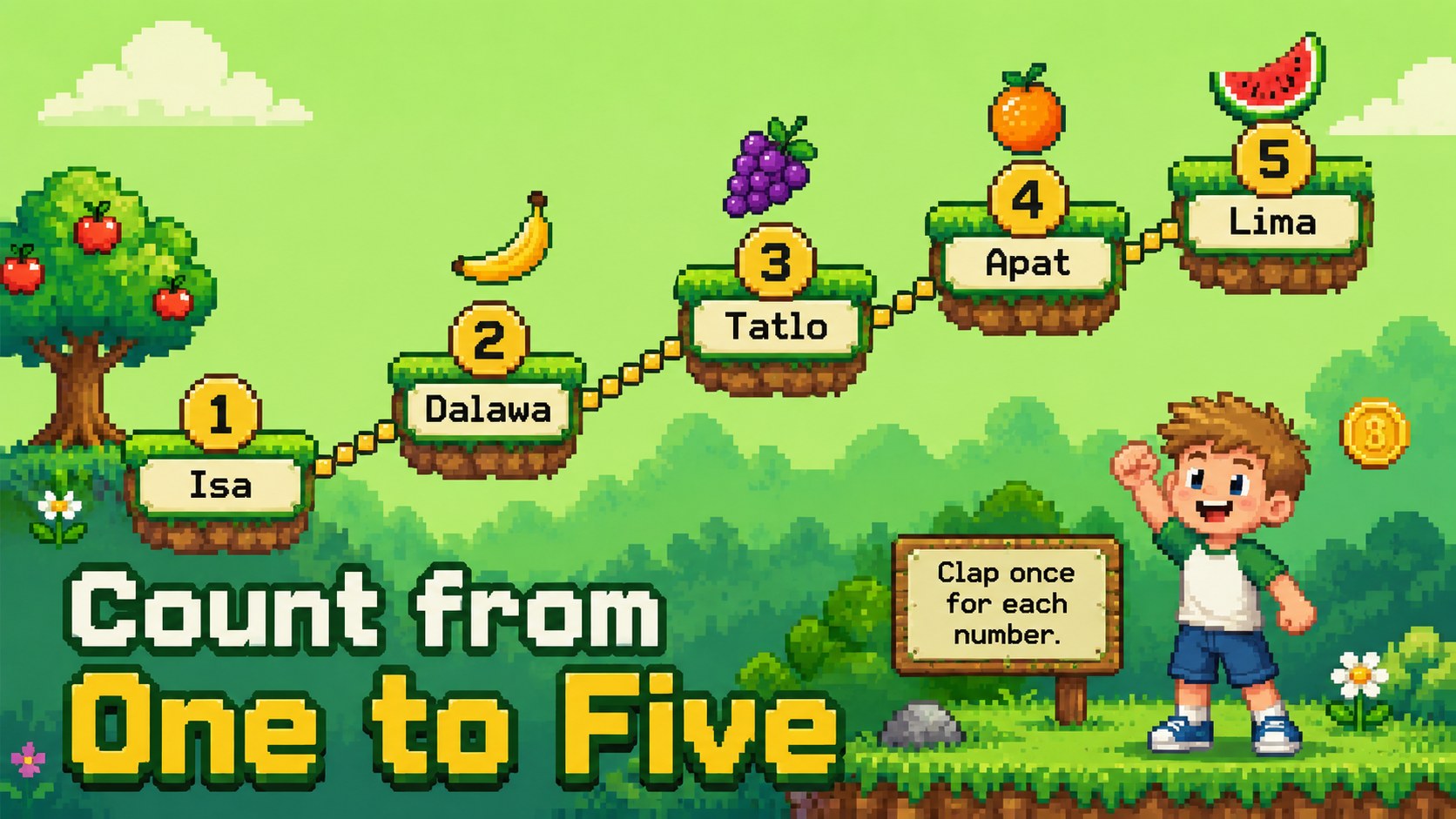
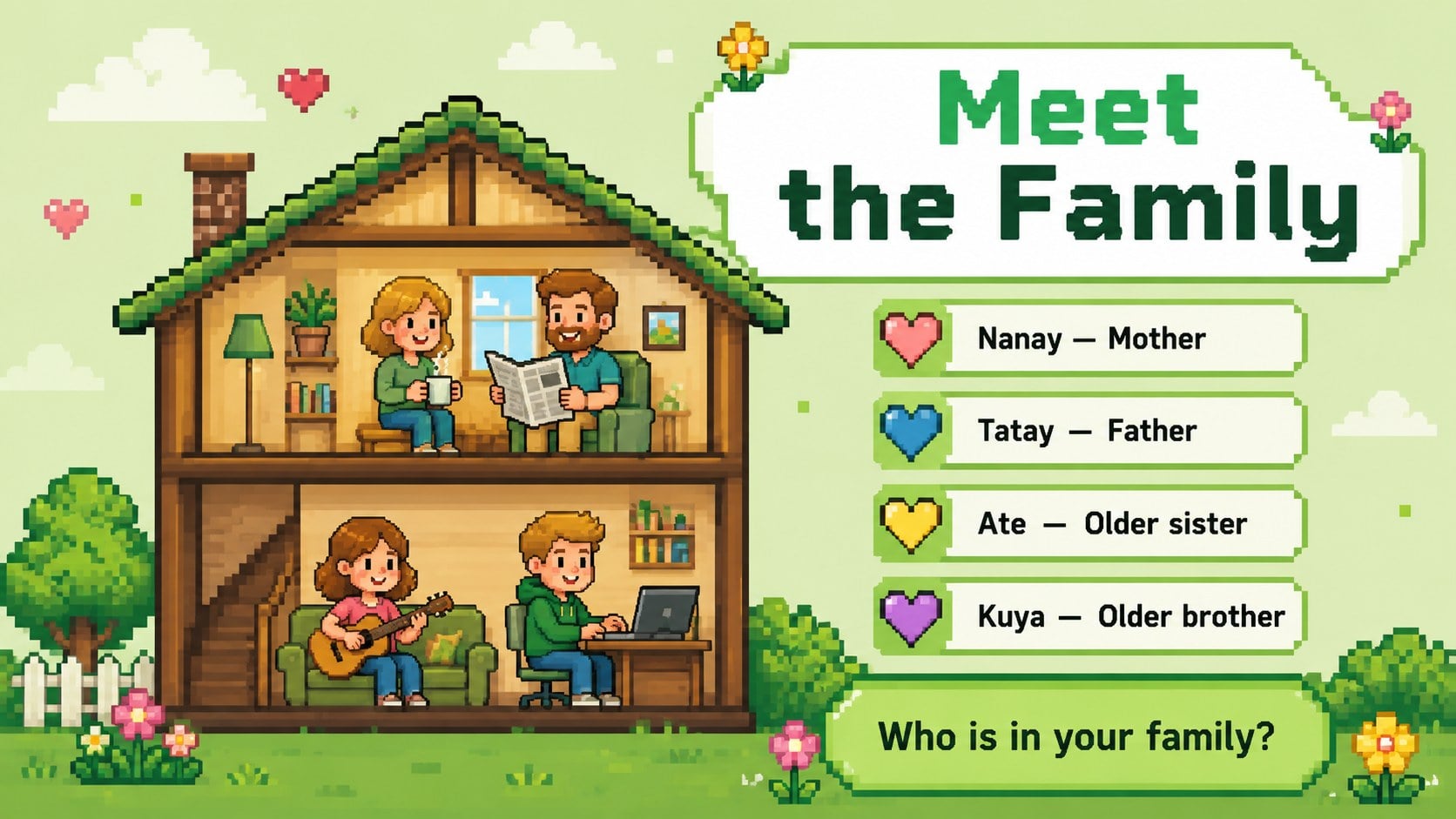
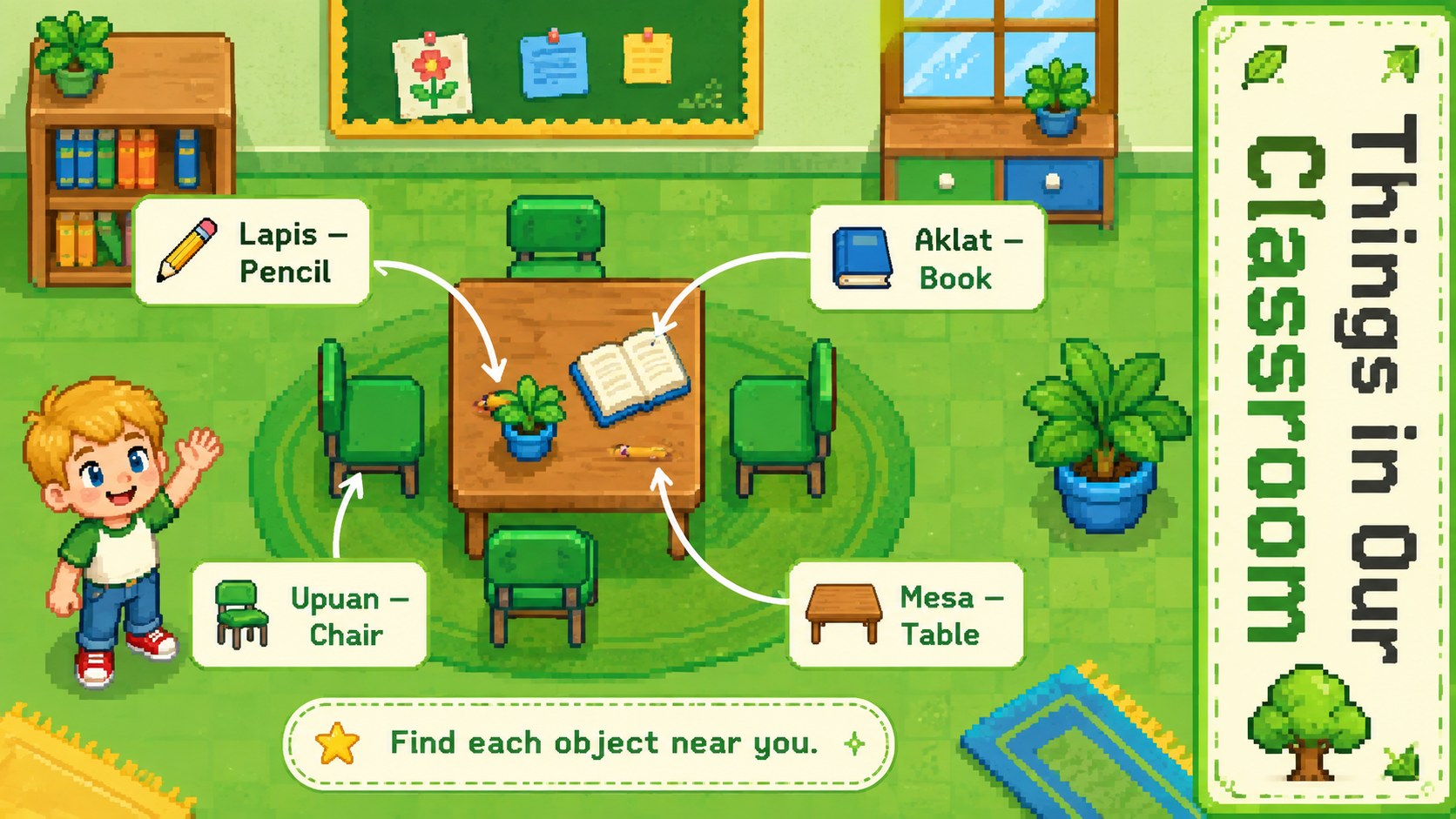
Turn early language practice into a cheerful digital quest with the Retro Pixel Filipino Language Adventure. Designed for kindergarten teachers, this editable presentation introduces useful Filipino words through bold green accents, colorful pixel illustrations, and simple activities that keep young learners involved. It works as a Tagalog greetings lesson for kindergarten or as an engaging introduction to Philippine language and culture.
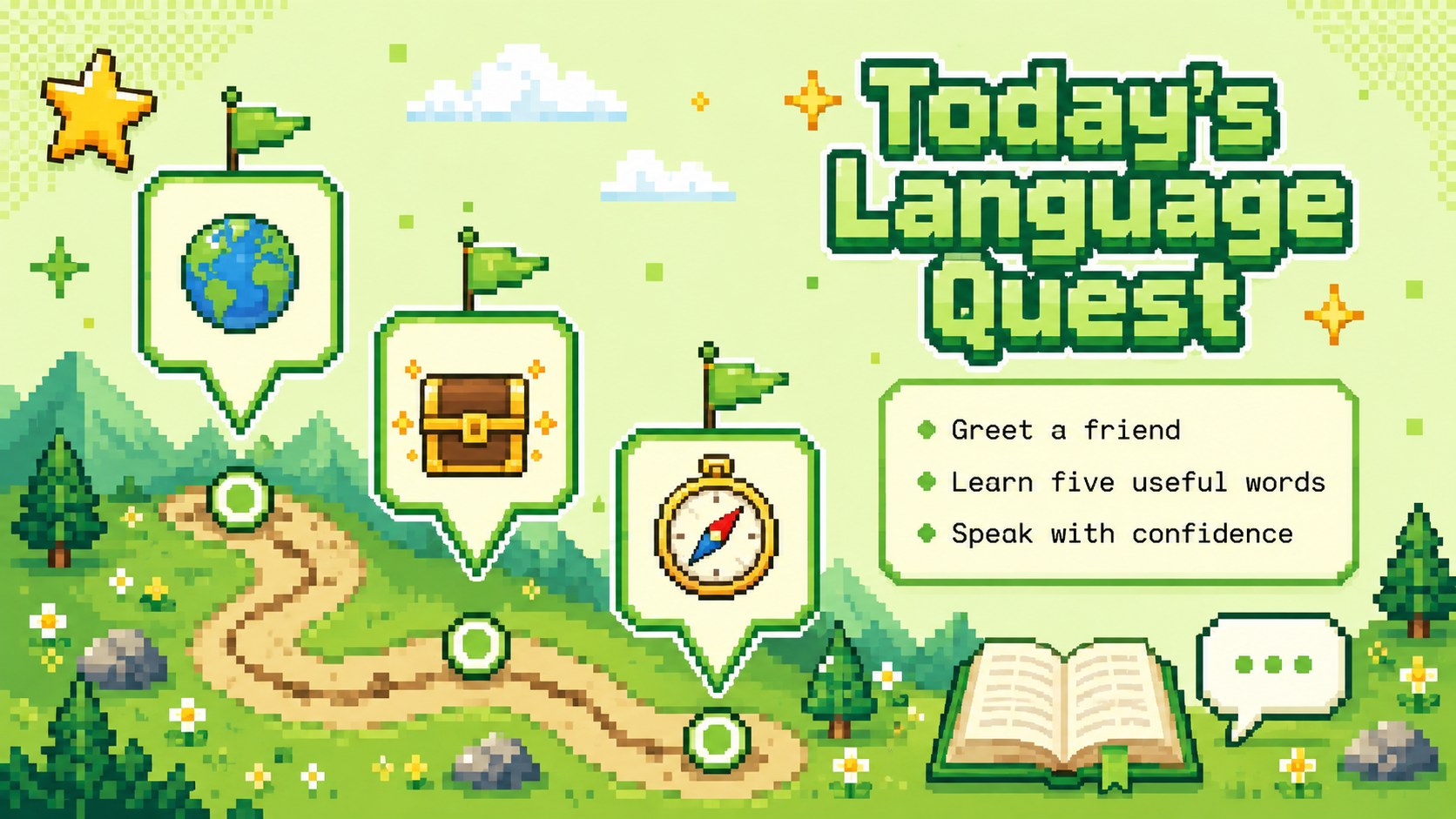
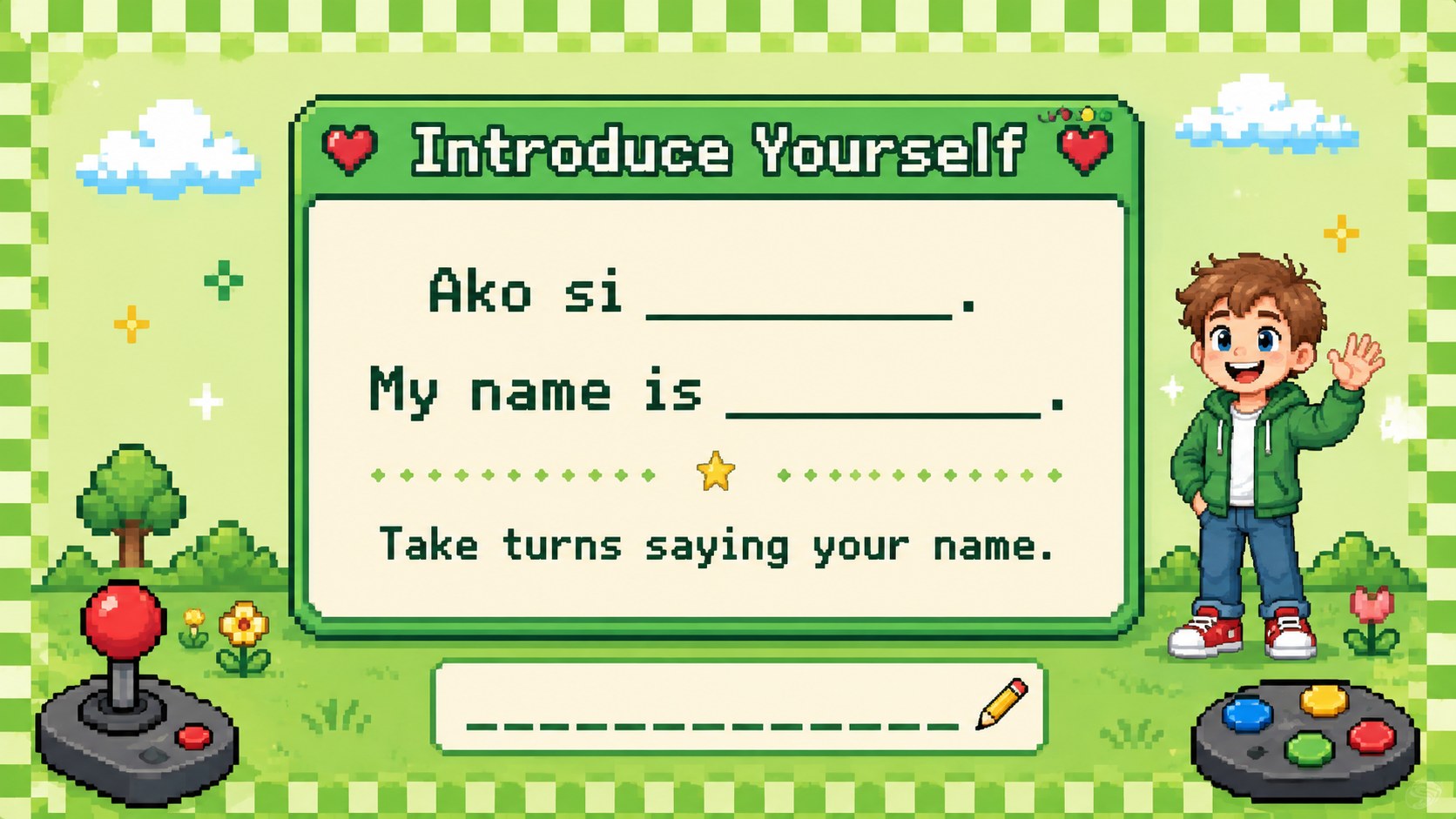
The deck includes welcoming prompts, picture vocabulary, counting practice, family words, classroom objects, speaking exercises, matching games, and a quick progress check. Short instructions and large visual cues make these Filipino vocabulary slides for young learners easy to follow during whole-class teaching, small-group rotations, or individual review. Teachers can replace examples, add recorded pronunciation, adjust activity difficulty, and reuse layouts for new vocabulary units.
Use the slides in PowerPoint or Google Slides for an interactive language class, a cultural celebration, or a home-learning assignment. The 8-bit language classroom theme brings playful energy without sacrificing readability, while the flexible 16:9 layouts support projectors and shared screens. This template is especially useful for early-years educators, Filipino heritage programs, multilingual classrooms, and families helping children build confidence with everyday words and polite expressions.
Perfect for: kindergarten Filipino vocabulary lesson; Tagalog greetings practice; Philippine culture classroom activity; multilingual early-learning session; Filipino heritage program; home language practice.
Frequently asked questions
Can I edit the vocabulary and activities? Yes. Every text box, activity prompt, color, and visual element can be adjusted to match your lesson plan. You can also duplicate layouts to introduce additional Filipino words.
Practical details
Yes. Every text box, activity prompt, color, and visual element can be adjusted to match your lesson plan. You can also duplicate layouts to introduce additional Filipino words.
The template is designed for PowerPoint and Google Slides. Fonts or animations may vary slightly between platforms, so review the deck once after importing it.
Yes. Beginners can work with picture matching and repetition, while more confident learners can complete short speaking or sentence-building tasks. Instructions can be shortened or expanded as needed.
Audio is not built into the layouts, but teachers can insert their own recordings in PowerPoint or Google Slides. This makes it possible to model pronunciation using the accent and vocabulary taught in class.
Keep exploring
15Build stronger academic arguments with a college essay thesis builder featuring guided examples, revision prompts, and editable PowerPoint and Google Slides.
 15
15Build an engaging World UFO Day session with this flying saucer history lesson deck, featuring retro green-and-brown slides for PowerPoint and Google Slides.
 14
14Plan a memorable Lunar New Year campaign with the 2036 Dragon Year Celebration Theme, featuring bold red-and-yellow slides for lessons and events.
 15
15Build a thoughtful classroom discussion with this interfaith awareness lesson deck, featuring editable blue-and-white slides for PowerPoint and Google Slides.
 15
15Use this environmental awareness lesson deck to teach climate action through illustrated activities, discussion prompts, and ready-to-edit visuals.
 15
15Build playful lessons and party stories with a kid-friendly zombie celebration theme in purple, green and pastel blue for PowerPoint and Google Slides.
 15
15Build eerie lessons, campaigns, and story pitches with an undead survival scenario theme featuring editable slides for PowerPoint and Google Slides.
 16
16Turn environmental research into a clear story with a Watercolor Ecology Presentation Theme for PowerPoint and Google Slides in calming green and blue.