
 15
15presentation
College Essay Thesis Builder Slides
Build stronger academic arguments with a college essay thesis builder featuring guided examples, revision prompts, and editable PowerPoint and Google Slides.
Google SlidesPowerPoint
presentation · English
Build polished school or community updates with the Retro Newspaper Newsletter Deck, a brown-and-black editorial theme for PowerPoint and Google Slides.
Design notes
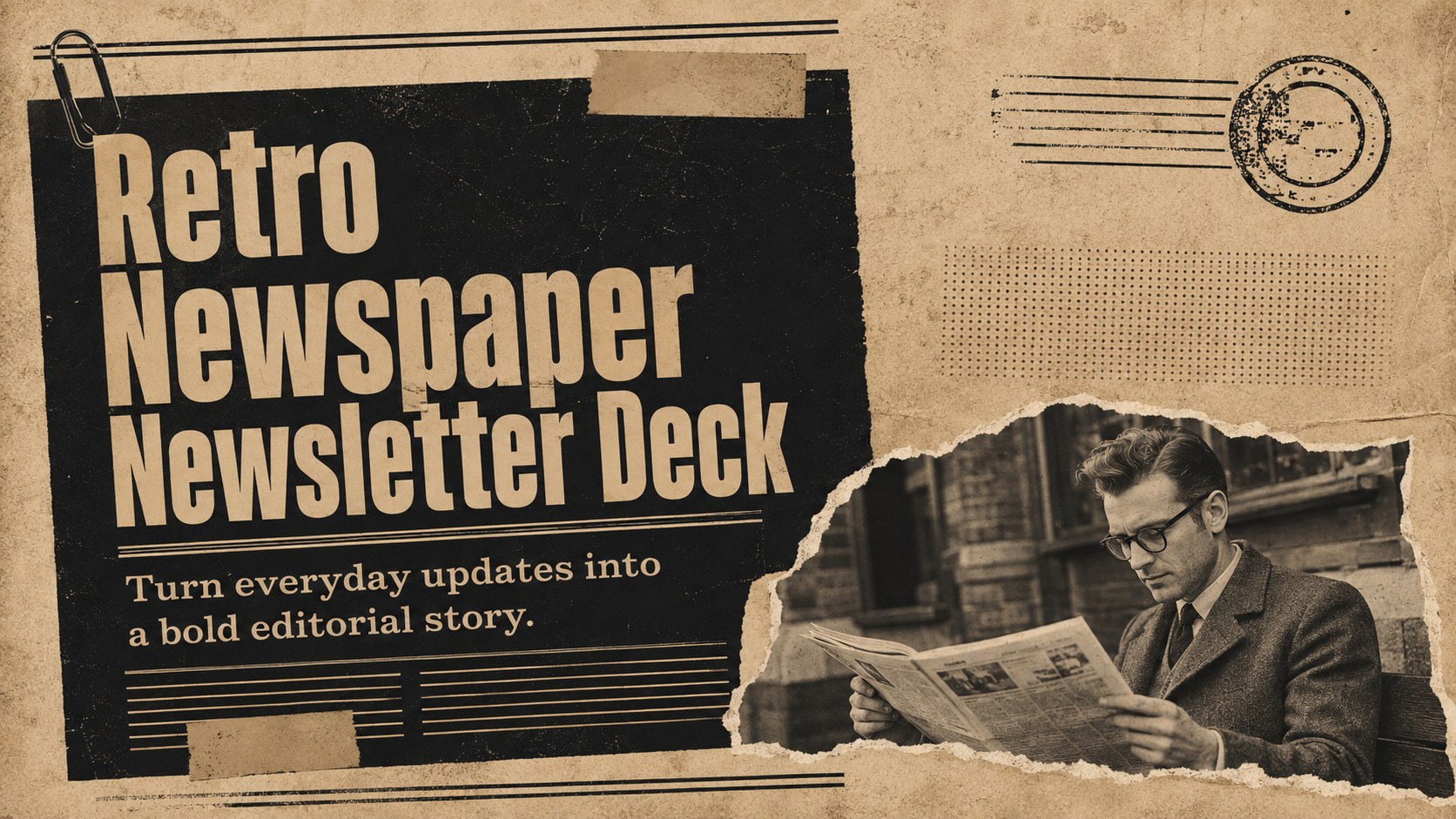
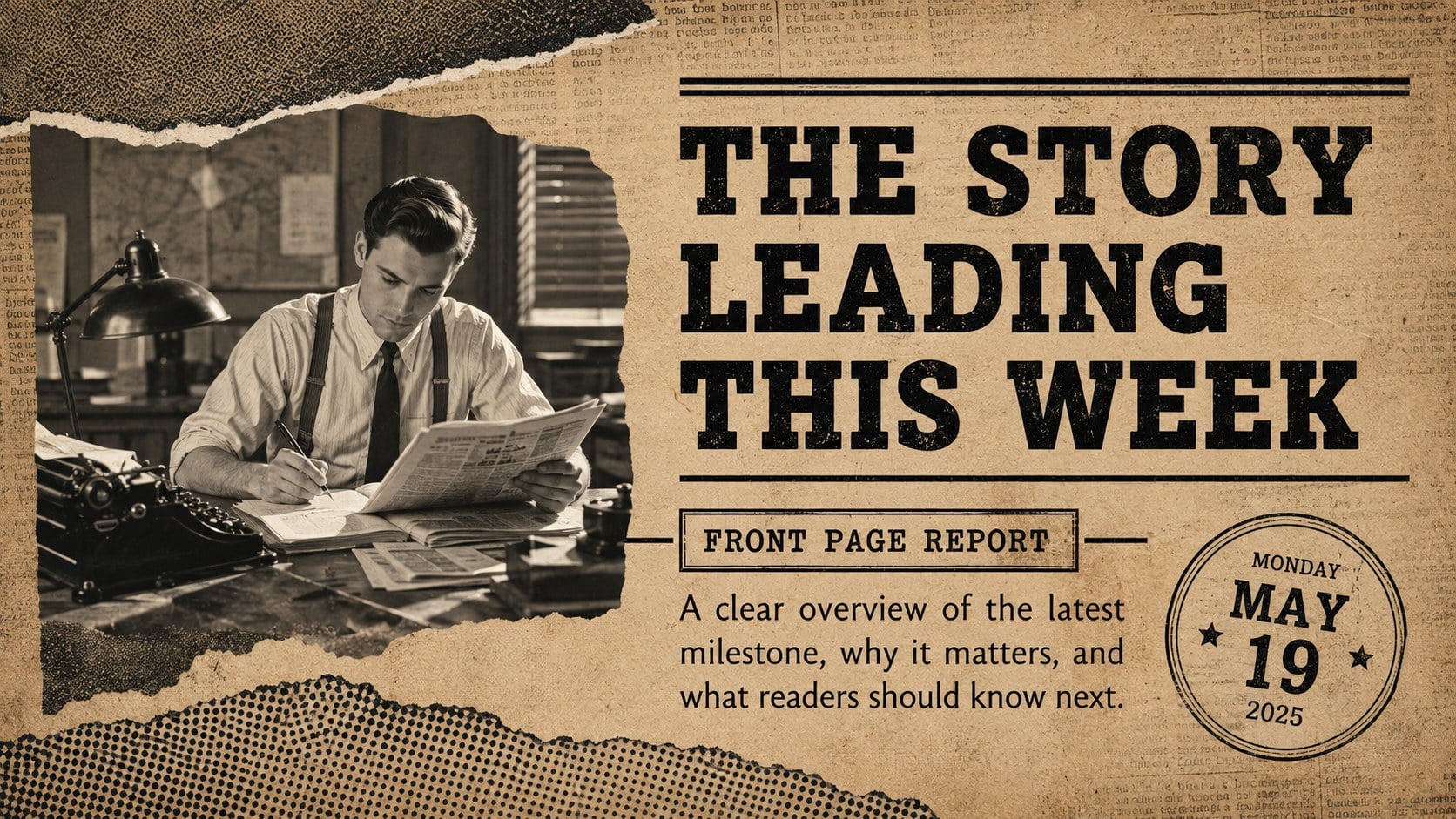
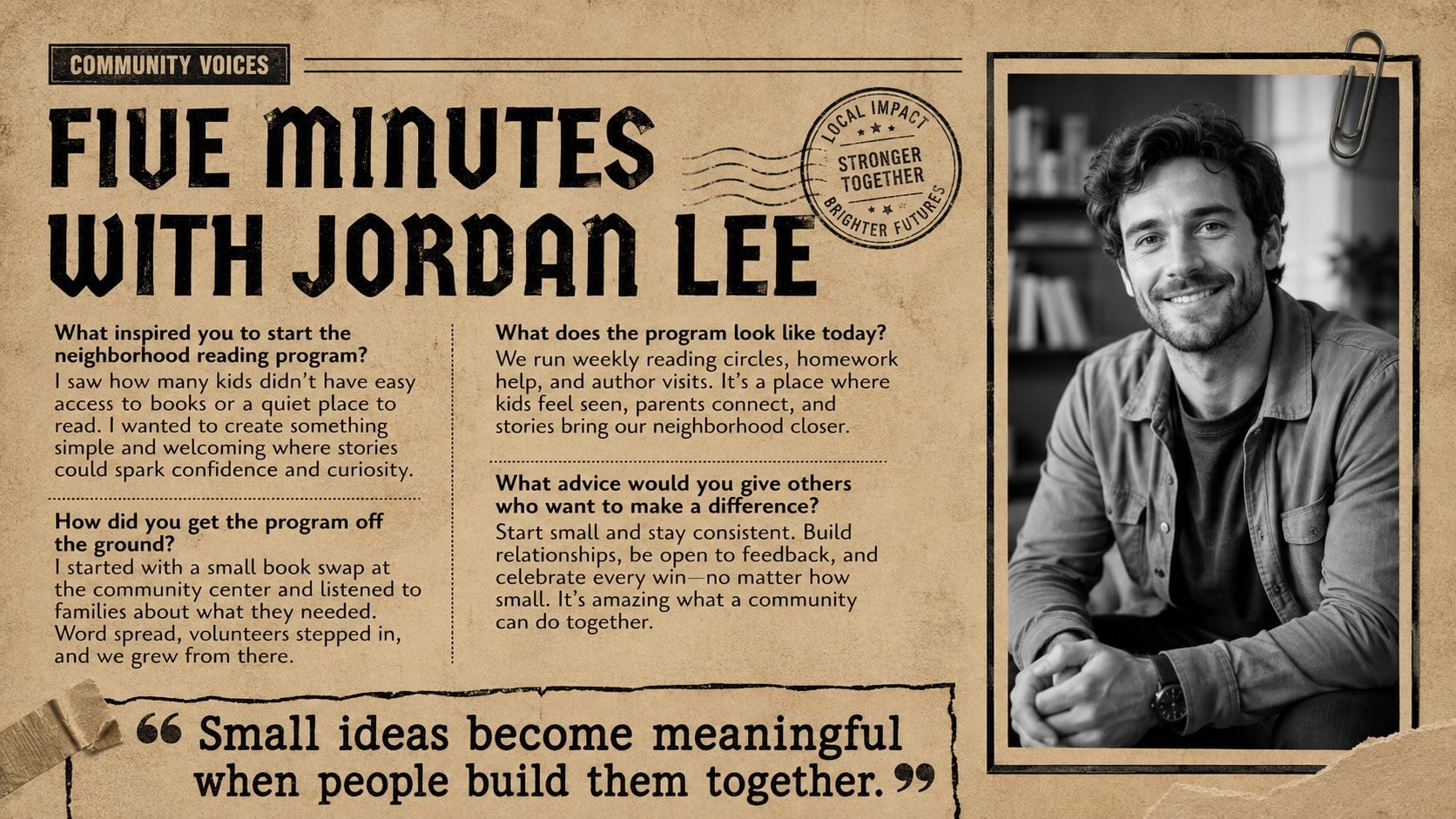
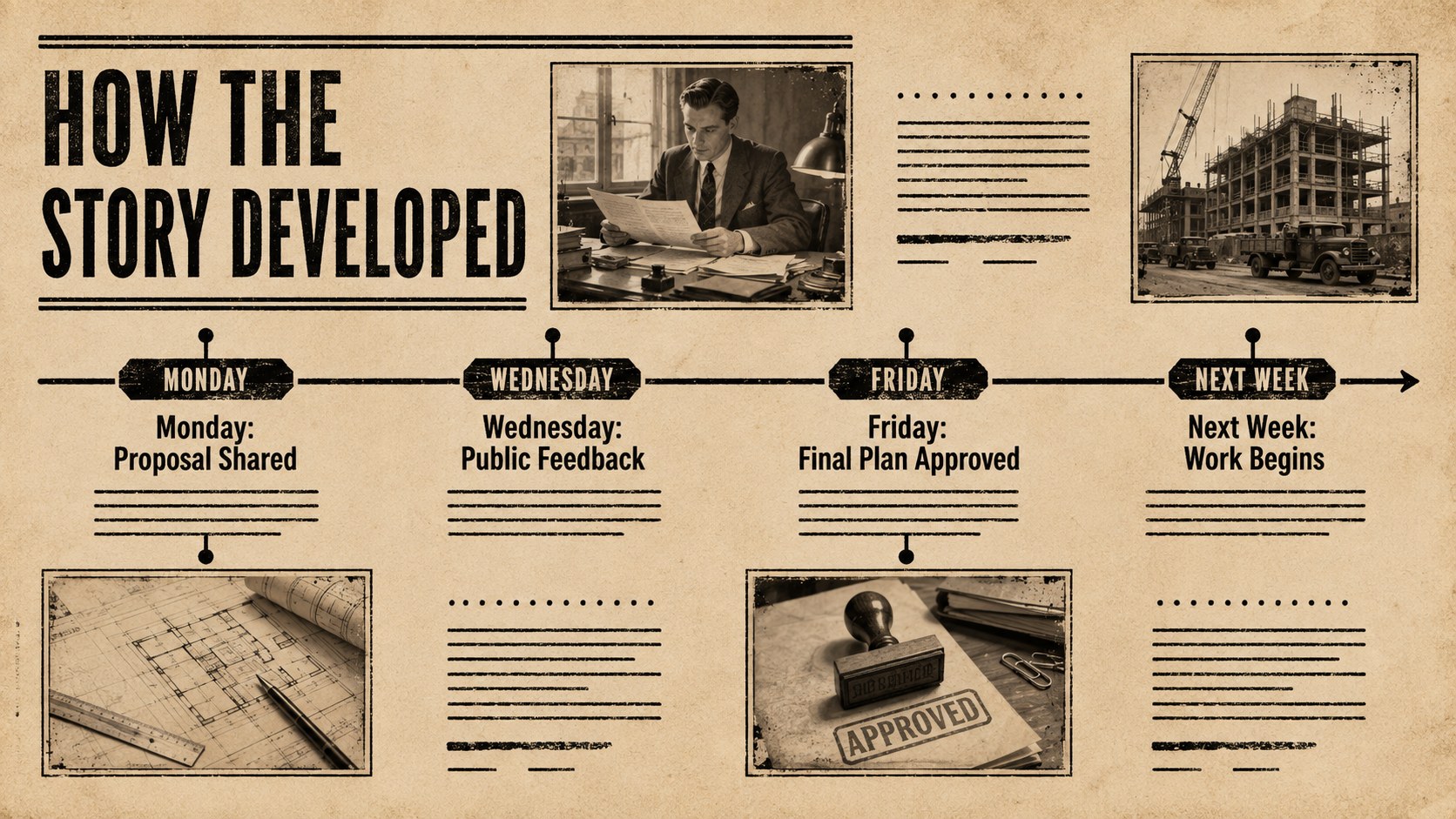
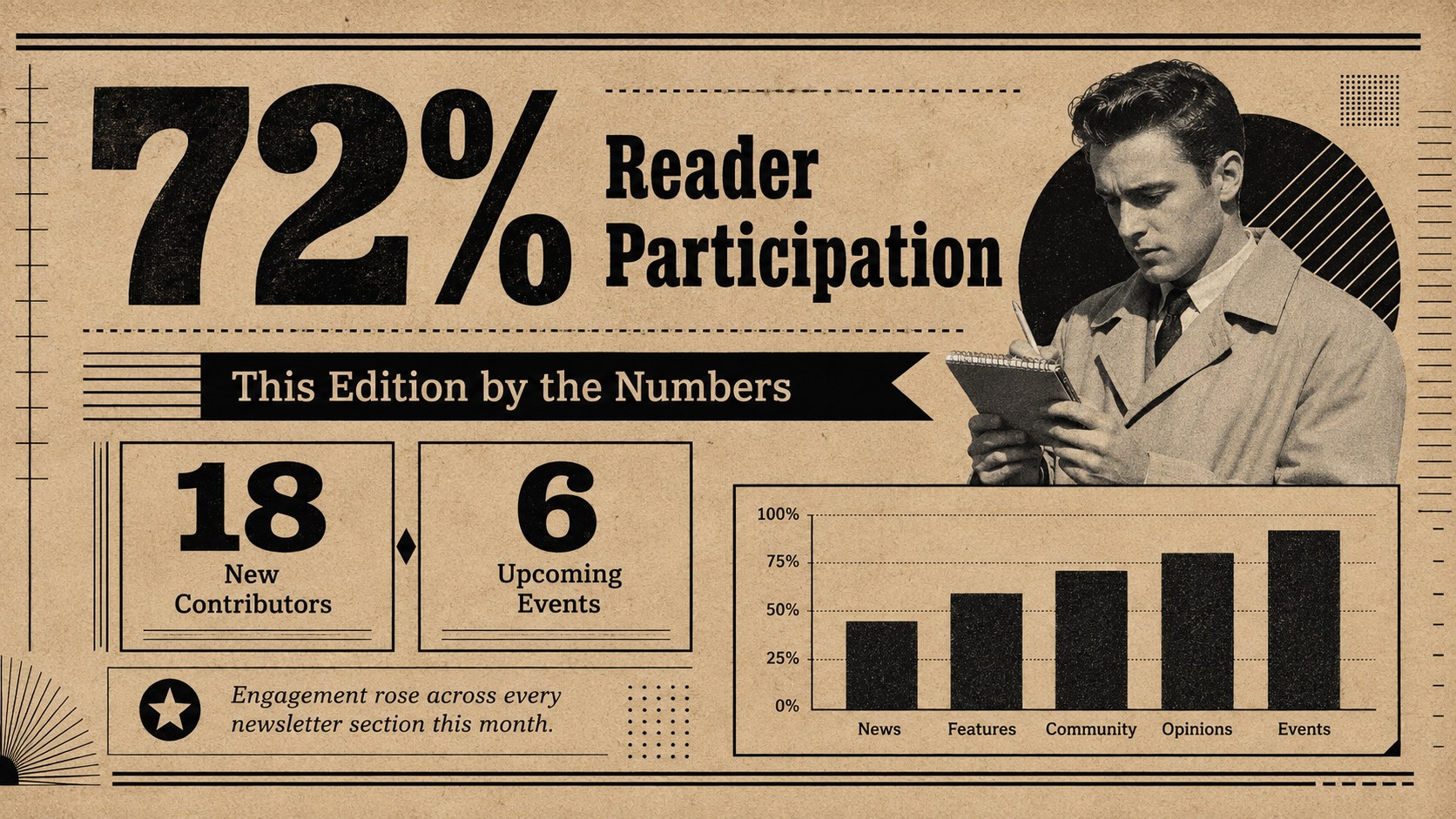
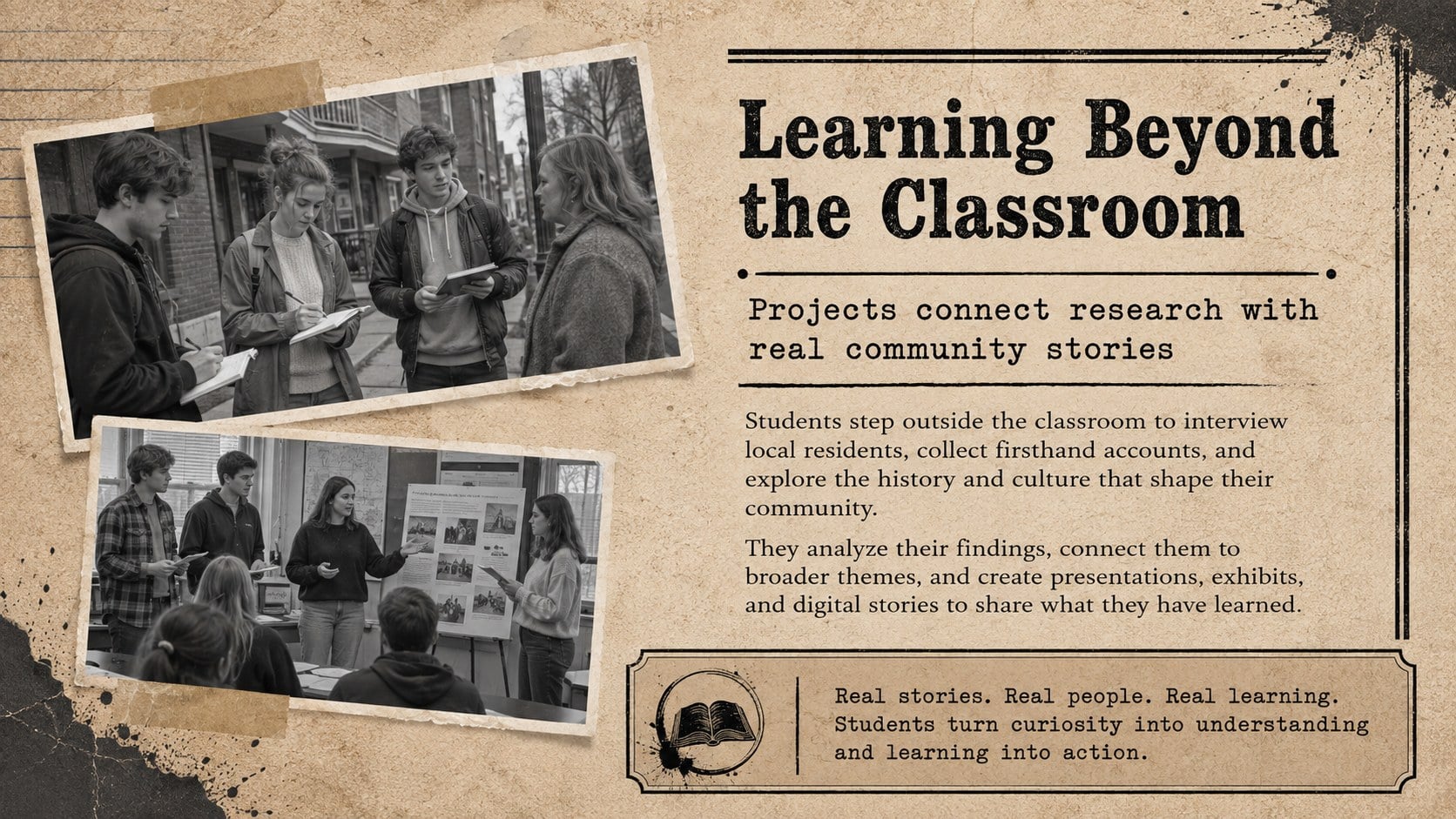
Give announcements the impact of a front-page story with the Retro Newspaper Newsletter Deck. Designed in a brown-and-black collage aesthetic, this editable newspaper newsletter template combines aged paper textures, strong headlines, photo frames, and print-inspired details. Every layout can be adapted in PowerPoint or Google Slides without specialized design software.
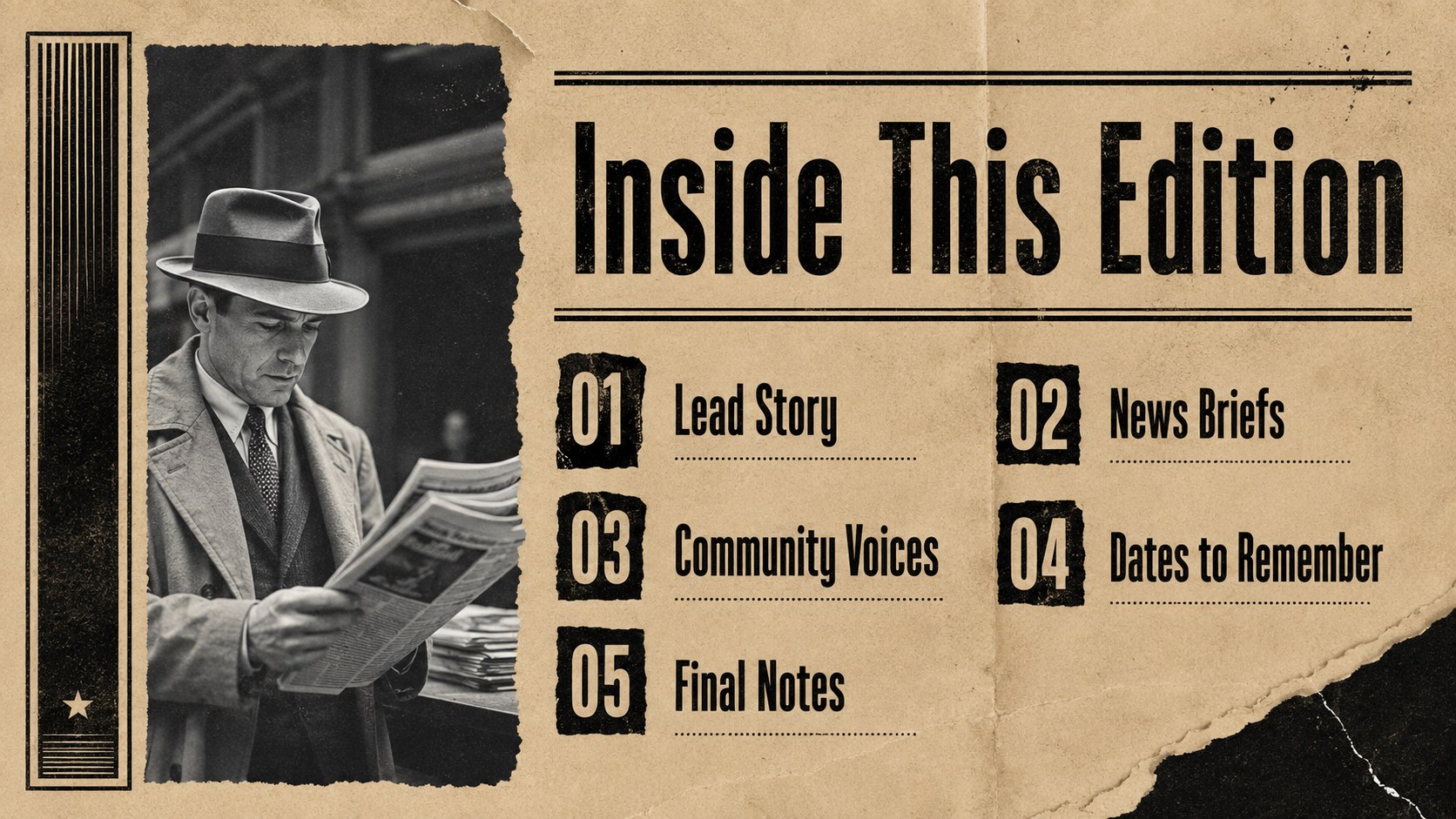
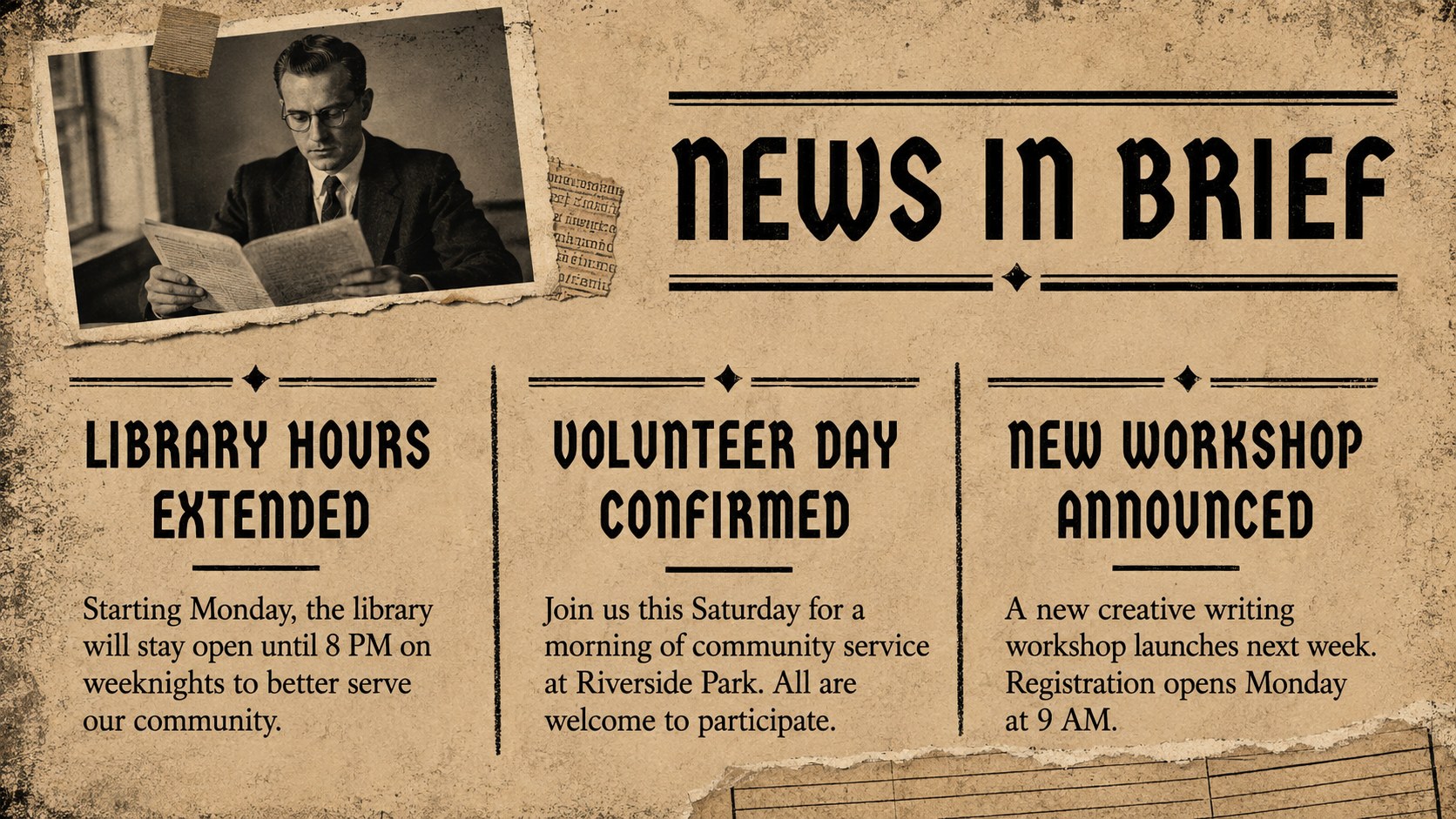
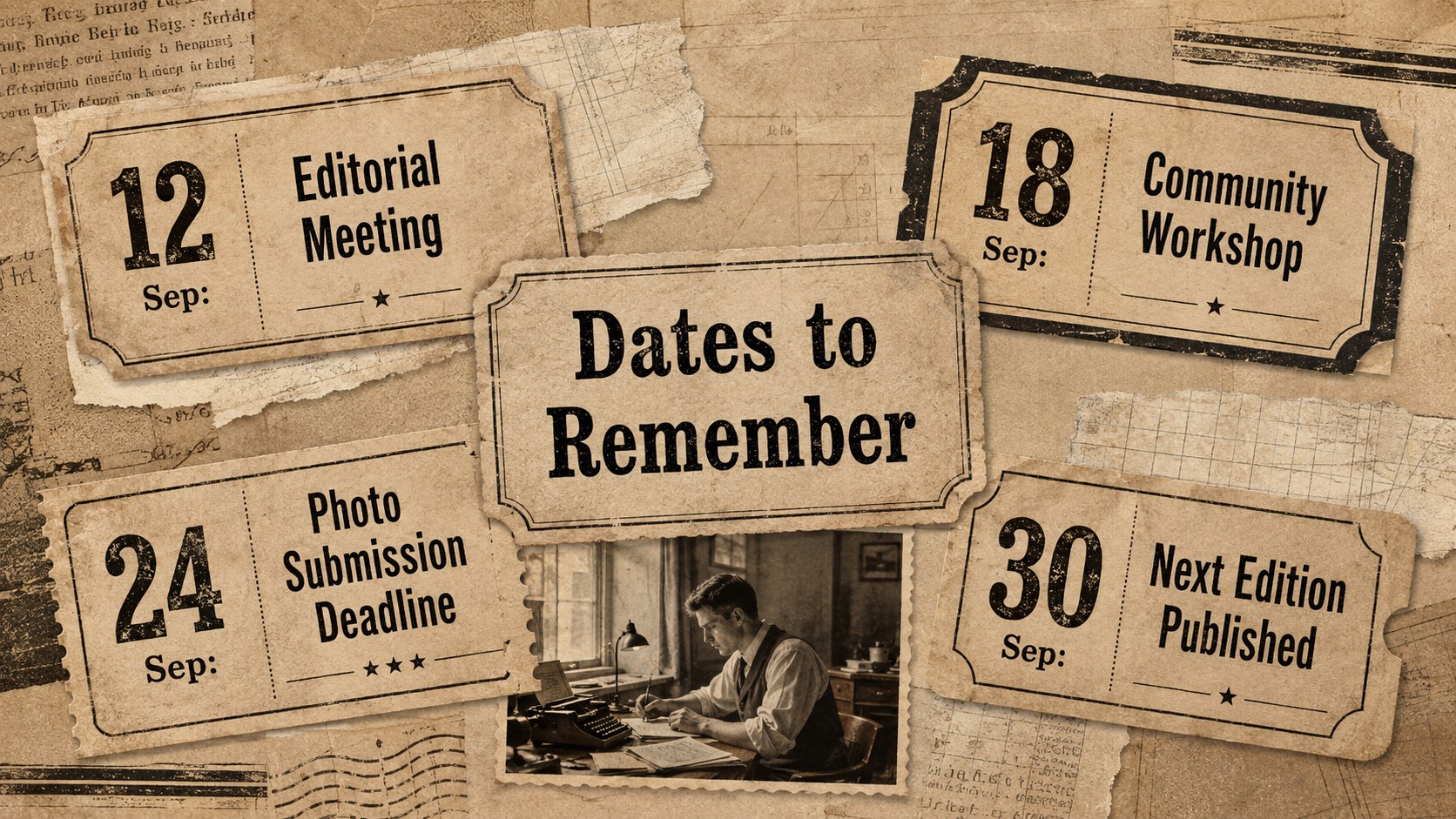
Inside, you will find 15 widescreen layouts for cover stories, contents, news briefs, feature articles, interviews, timelines, statistics, event calendars, quotations, photo reports, and closing information. The varied page structures make this retro editorial presentation template useful for both concise updates and longer narratives. Replace the sample copy, insert your own images, adjust the type hierarchy, and customize the colors while preserving its distinctive newsroom atmosphere.
Students can use the deck for history assignments, campus reports, or creative storytelling. Teachers can prepare a classroom newspaper presentation, while clubs, nonprofits, and community groups can publish recurring bulletins or event recaps. Marketing teams may also reshape the layouts for internal news, campaign summaries, and editorial-style project reports. With its practical mix of text-led pages and visual storytelling formats, the deck helps information feel organized, memorable, and ready for publication.
Perfect for: school newsletter; student journalism project; community bulletin; historical news report; club event recap; internal company update.
Frequently asked questions
Can I edit every part of the newsletter deck? Yes. Headlines, article text, images, colors, and page elements can be changed to suit your publication. You can also duplicate or reorder layouts to create a shorter or longer newsletter.
Practical details
Yes. Headlines, article text, images, colors, and page elements can be changed to suit your publication. You can also duplicate or reorder layouts to create a shorter or longer newsletter.
The template is designed for Microsoft PowerPoint and Google Slides. Its 16:9 format works for screen presentations, virtual meetings, and exported PDF newsletters.
Yes. Swap the placeholders for school, community, event, or project photography while keeping the editorial framing. Cropping images consistently will help preserve the newspaper-inspired visual rhythm.
Adjust the brown and black palette, paper textures, display type, borders, and collage accents to match your topic. Keep strong contrast between headlines and body copy so longer articles remain easy to read.
Keep exploring
15Build stronger academic arguments with a college essay thesis builder featuring guided examples, revision prompts, and editable PowerPoint and Google Slides.
 15
15Build an engaging World UFO Day session with this flying saucer history lesson deck, featuring retro green-and-brown slides for PowerPoint and Google Slides.
 14
14Plan a memorable Lunar New Year campaign with the 2036 Dragon Year Celebration Theme, featuring bold red-and-yellow slides for lessons and events.
 15
15Build a thoughtful classroom discussion with this interfaith awareness lesson deck, featuring editable blue-and-white slides for PowerPoint and Google Slides.
 15
15Use this environmental awareness lesson deck to teach climate action through illustrated activities, discussion prompts, and ready-to-edit visuals.
 15
15Build playful lessons and party stories with a kid-friendly zombie celebration theme in purple, green and pastel blue for PowerPoint and Google Slides.
 15
15Build eerie lessons, campaigns, and story pitches with an undead survival scenario theme featuring editable slides for PowerPoint and Google Slides.
 16
16Turn environmental research into a clear story with a Watercolor Ecology Presentation Theme for PowerPoint and Google Slides in calming green and blue.