
 15
15presentation
College Essay Thesis Builder Slides
Build stronger academic arguments with a college essay thesis builder featuring guided examples, revision prompts, and editable PowerPoint and Google Slides.
Google SlidesPowerPoint
presentation · English
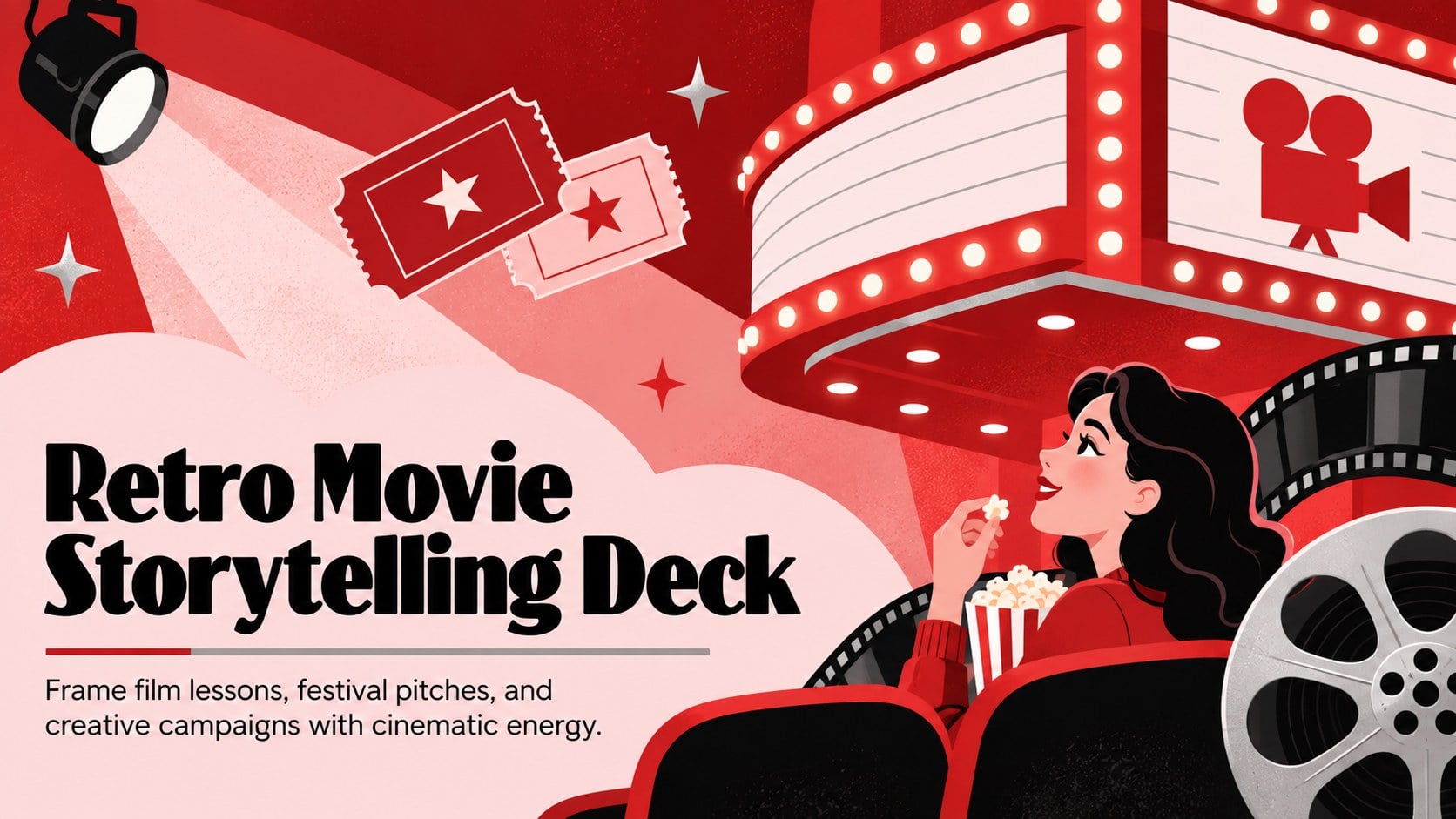
Build film lessons, festival pitches, and creative campaigns with a Retro Movie Storytelling Deck for PowerPoint and Google Slides in red, pink, and silver.

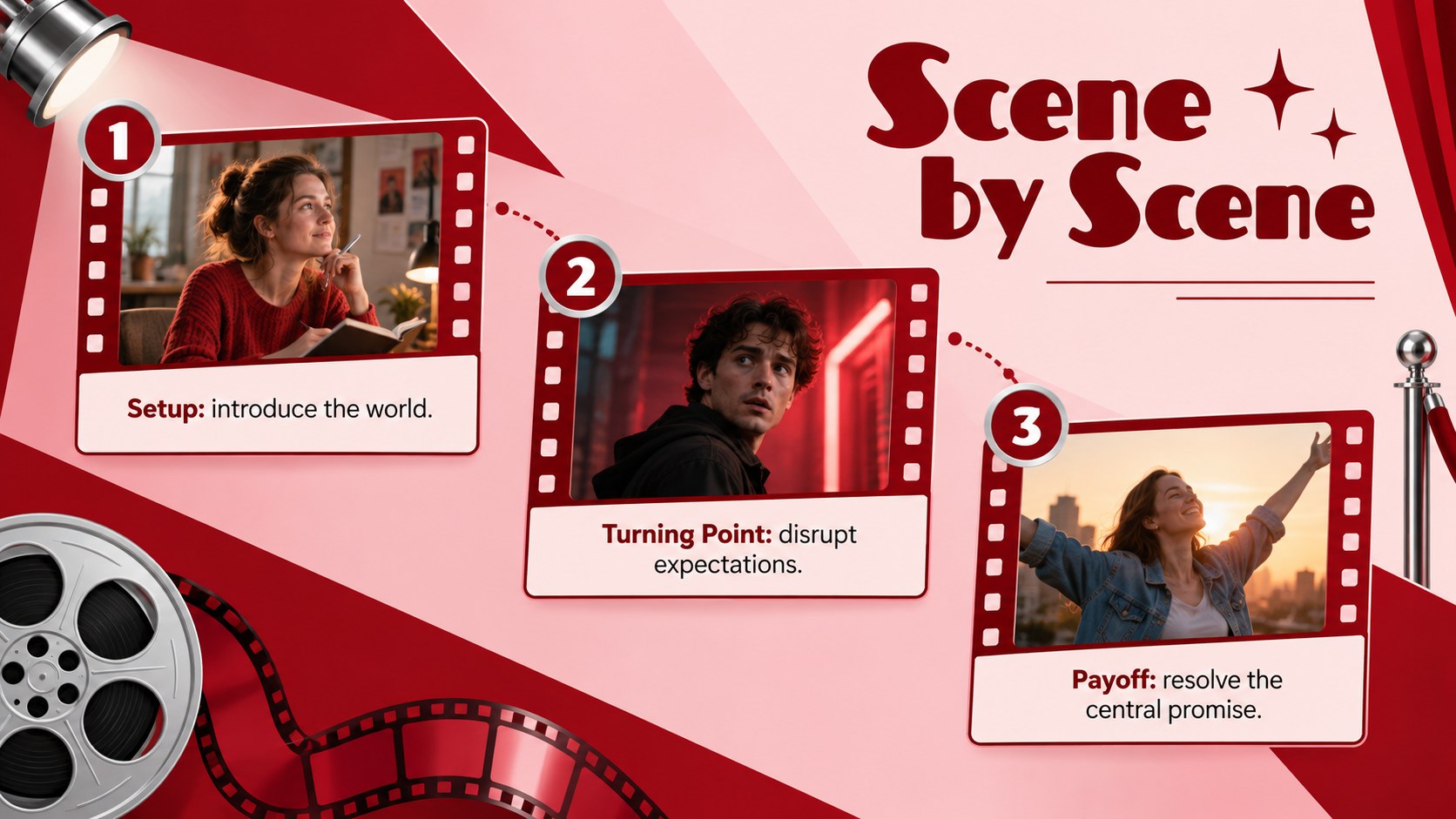
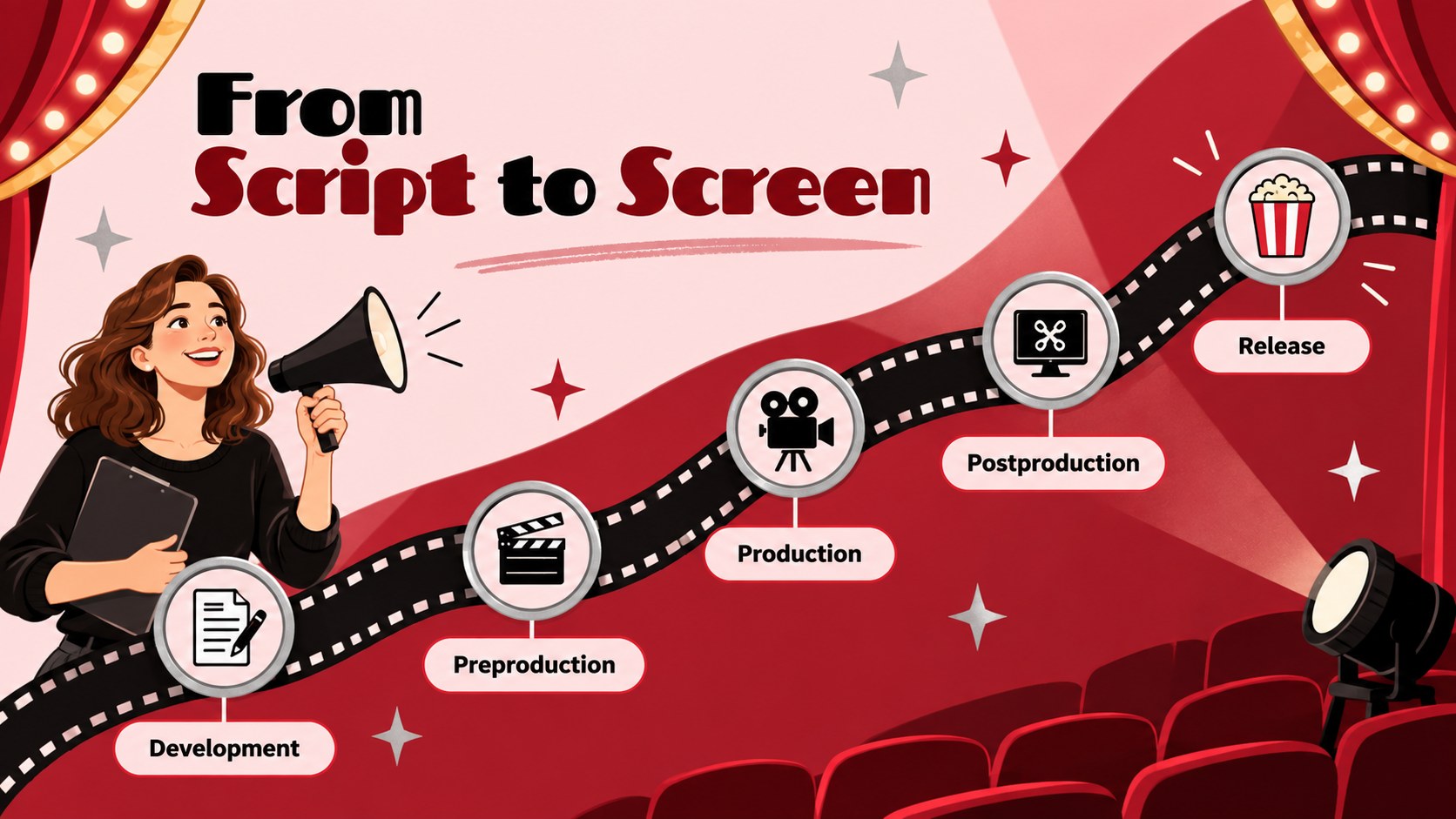
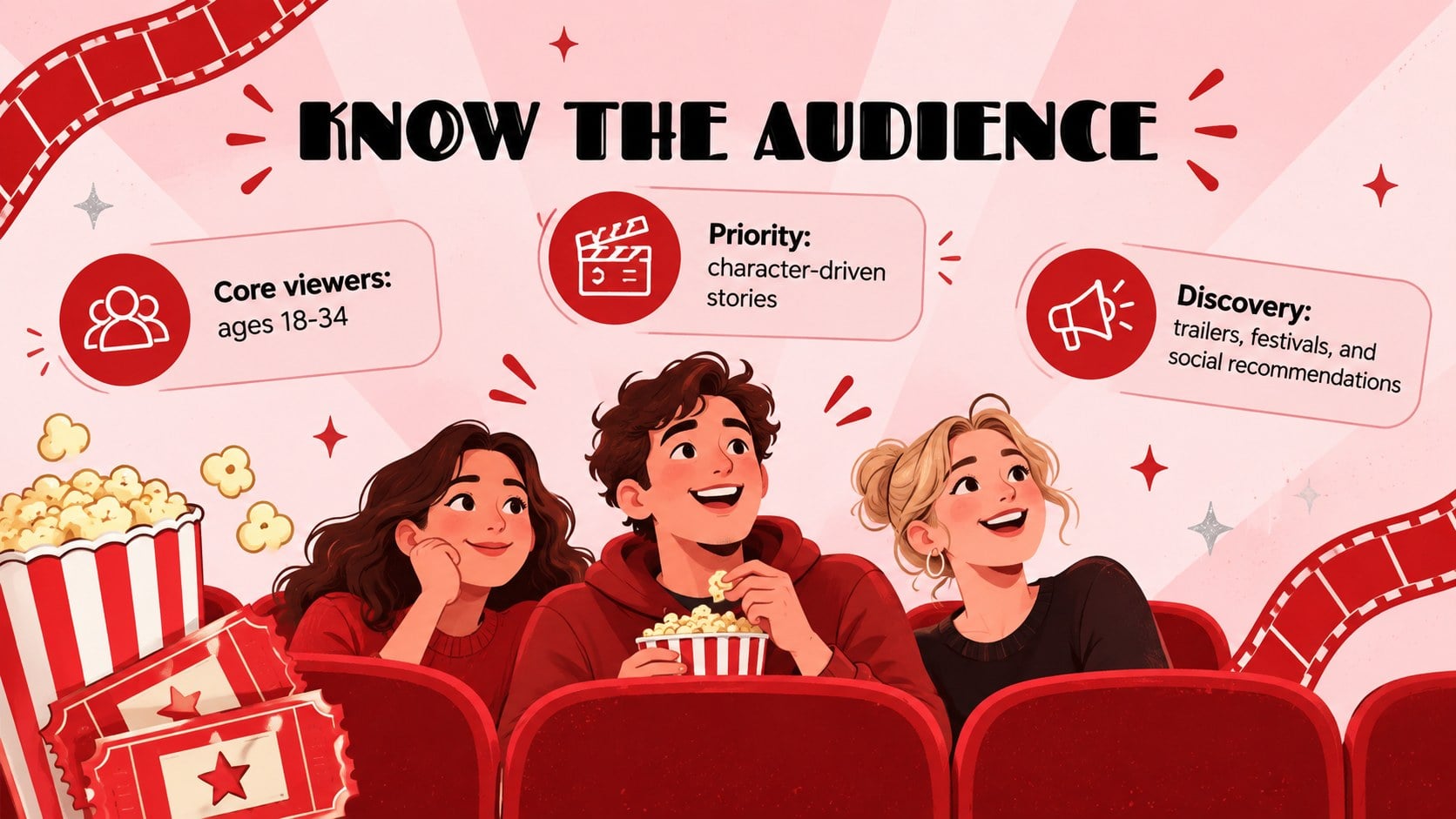

Design notes
Turn film-inspired ideas into a clear visual narrative with the Retro Movie Storytelling Deck. Its vivid red, pink, and silver palette combines minimal layouts with playful cinema illustrations, giving presentations energy without distracting from the message. Use it as a cinematic presentation template for PowerPoint or edit it online with Google Slides.
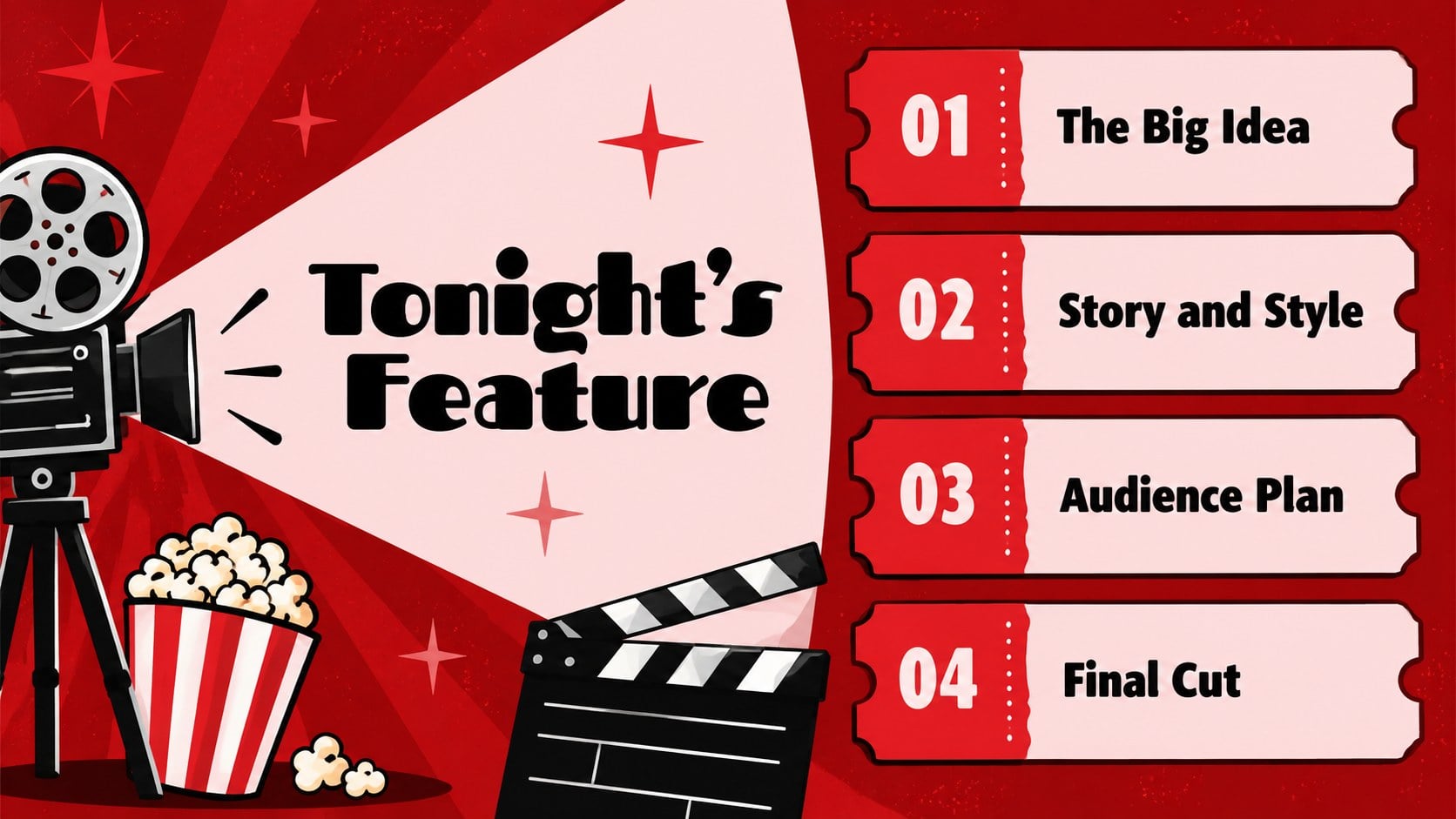
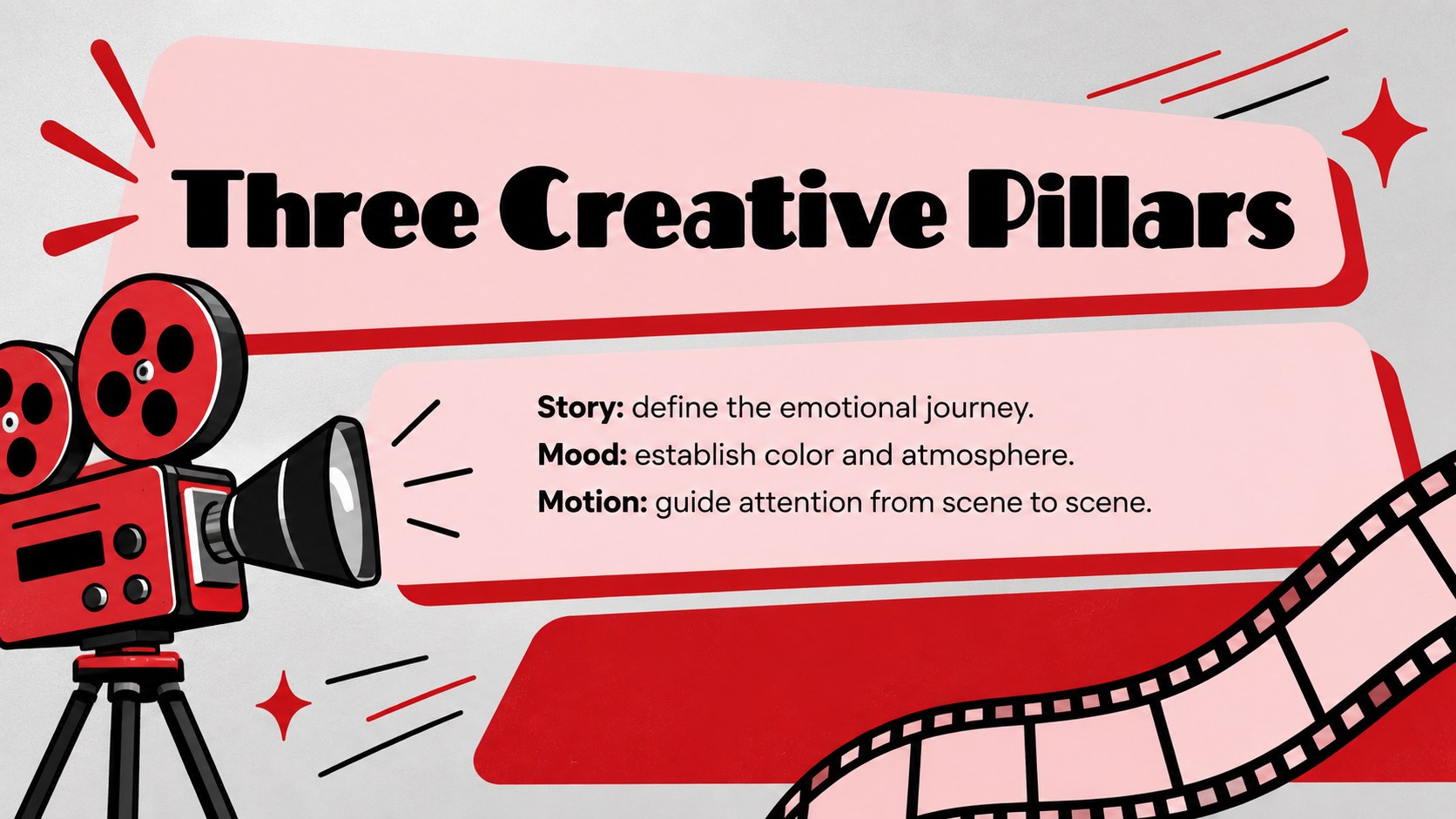
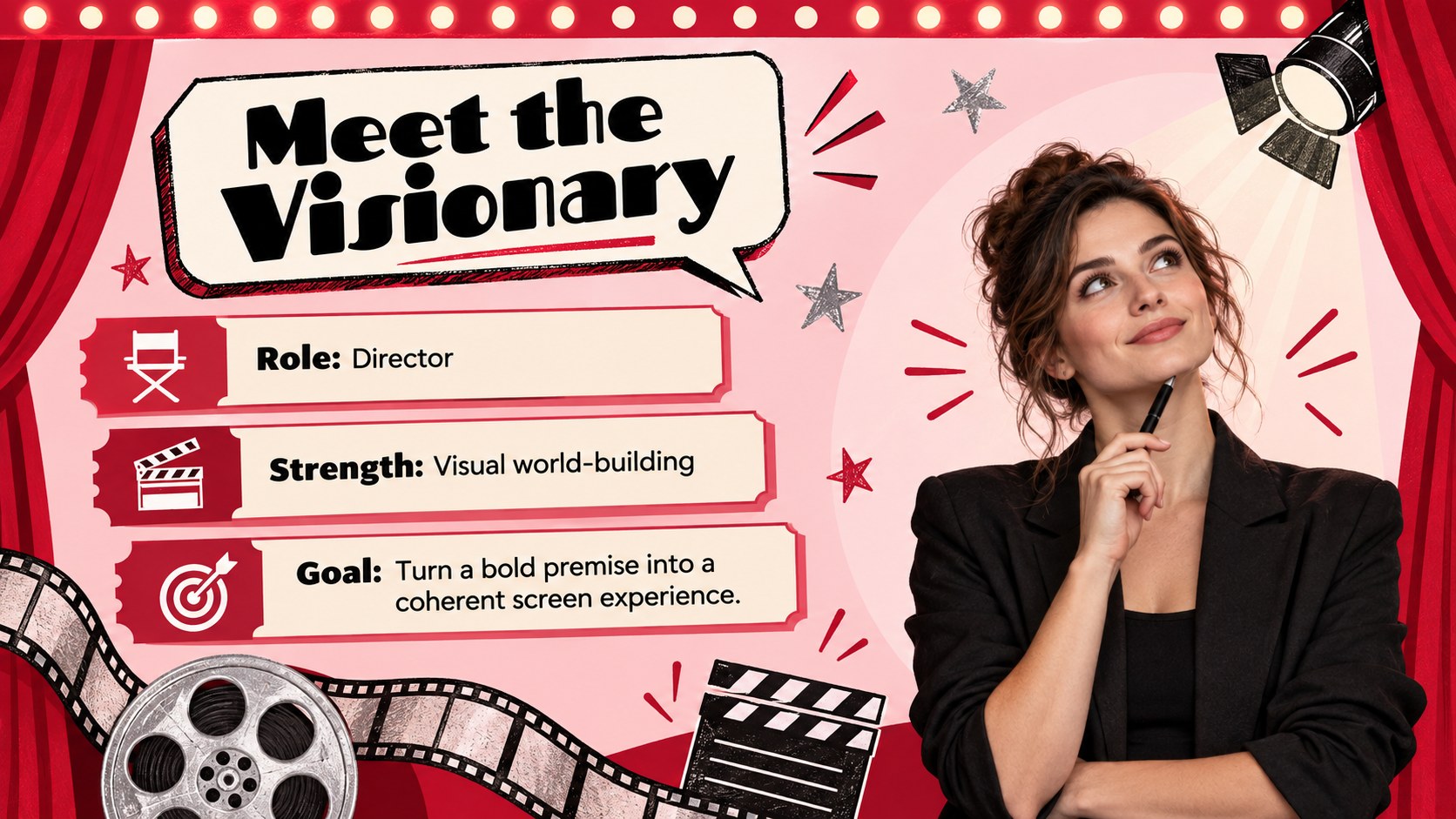
The layout collection covers opening titles, agendas, film concepts, character profiles, scene breakdowns, timelines, comparisons, audience insights, campaign ideas, performance charts, quotes, and closing credits. Frames, geometric accents, camera motifs, film strips, spotlights, and theater-inspired details can be recolored or rearranged to suit your project. Editable text areas make it easy to replace the sample copy, add images, and adapt each page into a polished movie marketing pitch deck.
This design is suited to film students, teachers, festival organizers, creative agencies, entertainment marketers, reviewers, and production teams. Build retro film lesson slides, introduce a screening program, present a documentary concept, explain visual storytelling, or share a promotional strategy. The strong contrast supports confident presenting in classrooms, meetings, workshops, and virtual sessions, while the flexible structure works for both concise pitches and detailed educational talks.
Perfect for: film festival program; movie marketing pitch; cinema studies lesson; documentary concept presentation; screening event introduction; visual storytelling workshop.
Frequently asked questions
Can I edit this cinema deck in PowerPoint and Google Slides? Yes. The layouts, text, colors, and graphic elements are designed for editing in PowerPoint and Google Slides. Some font spacing or transitions may need minor adjustment when moving between platforms.
Practical details
Yes. The layouts, text, colors, and graphic elements are designed for editing in PowerPoint and Google Slides. Some font spacing or transitions may need minor adjustment when moving between platforms.
Use the theme color controls in PowerPoint or Google Slides to update the main colors consistently. You can also recolor individual shapes and illustrations when a specific scene needs a different emphasis.
Yes. Replace the sample image areas with media you own or have permission to use, then crop each image inside its frame. Maintain strong contrast around captions so titles and credits remain readable.
Yes. The varied layouts support film analysis, production lessons, festival schedules, campaign concepts, and audience reports. Remove any sections you do not need and reorder the remaining slides around your narrative.
Keep exploring
15Build stronger academic arguments with a college essay thesis builder featuring guided examples, revision prompts, and editable PowerPoint and Google Slides.
 15
15Build an engaging World UFO Day session with this flying saucer history lesson deck, featuring retro green-and-brown slides for PowerPoint and Google Slides.
 14
14Plan a memorable Lunar New Year campaign with the 2036 Dragon Year Celebration Theme, featuring bold red-and-yellow slides for lessons and events.
 15
15Build a thoughtful classroom discussion with this interfaith awareness lesson deck, featuring editable blue-and-white slides for PowerPoint and Google Slides.
 15
15Use this environmental awareness lesson deck to teach climate action through illustrated activities, discussion prompts, and ready-to-edit visuals.
 15
15Build playful lessons and party stories with a kid-friendly zombie celebration theme in purple, green and pastel blue for PowerPoint and Google Slides.
 15
15Build eerie lessons, campaigns, and story pitches with an undead survival scenario theme featuring editable slides for PowerPoint and Google Slides.
 16
16Turn environmental research into a clear story with a Watercolor Ecology Presentation Theme for PowerPoint and Google Slides in calming green and blue.