
 15
15presentation
College Essay Thesis Builder Slides
Build stronger academic arguments with a college essay thesis builder featuring guided examples, revision prompts, and editable PowerPoint and Google Slides.
Google SlidesPowerPoint
presentation · English
Build energetic lessons, pitches, and gaming stories with this retro gaming presentation theme, featuring blue pixels for PowerPoint and Google Slides.

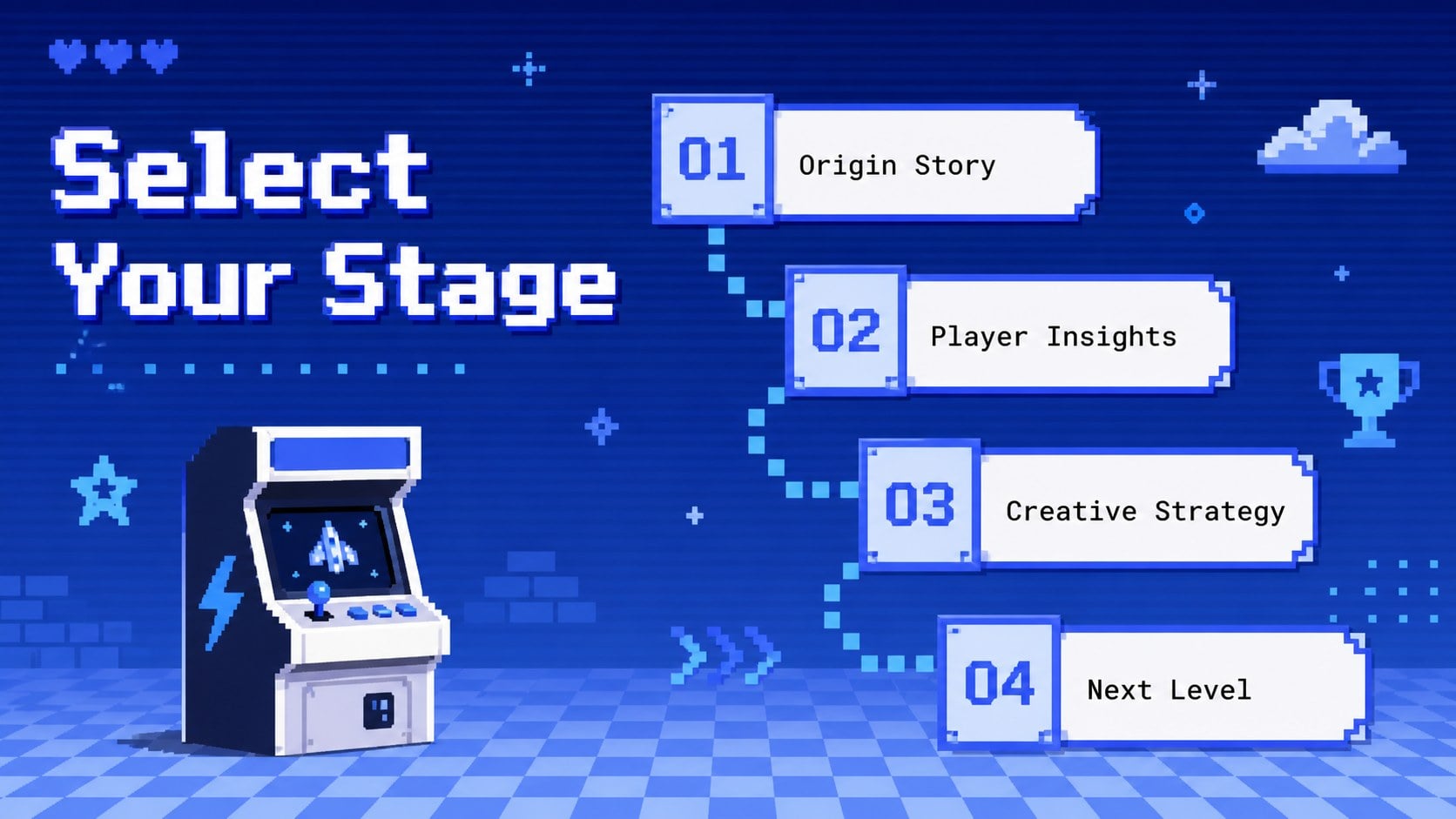
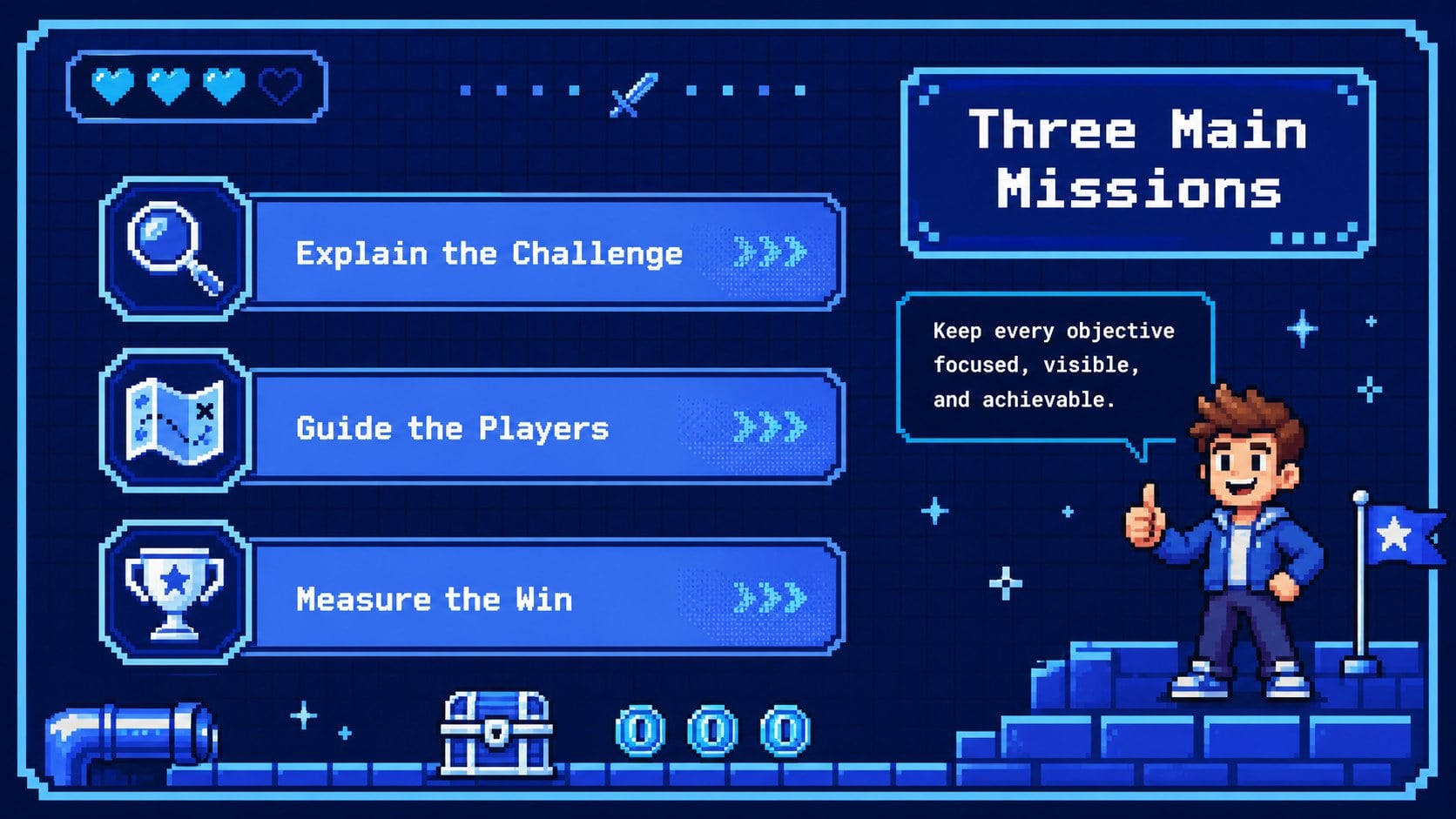
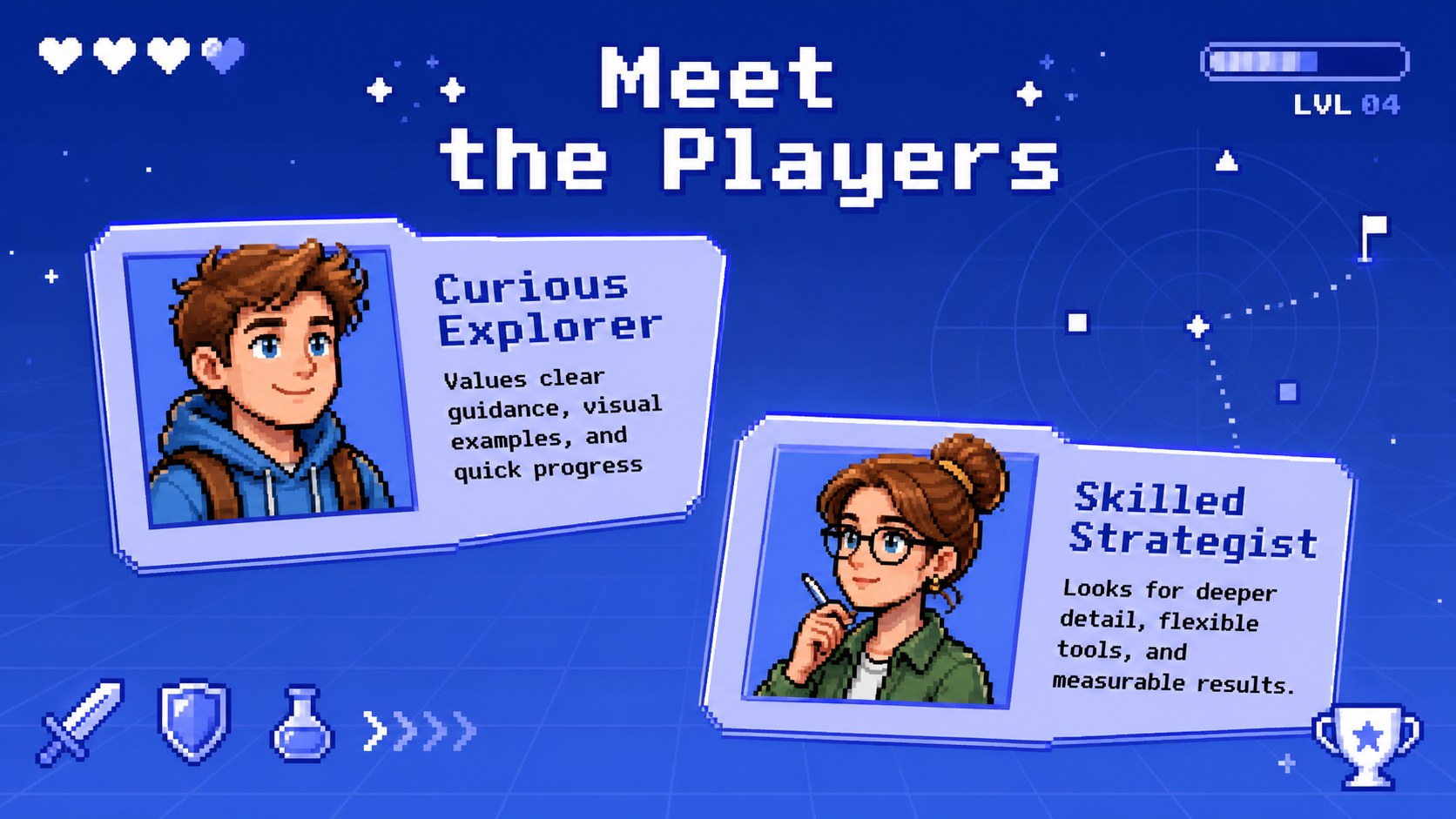


Design notes
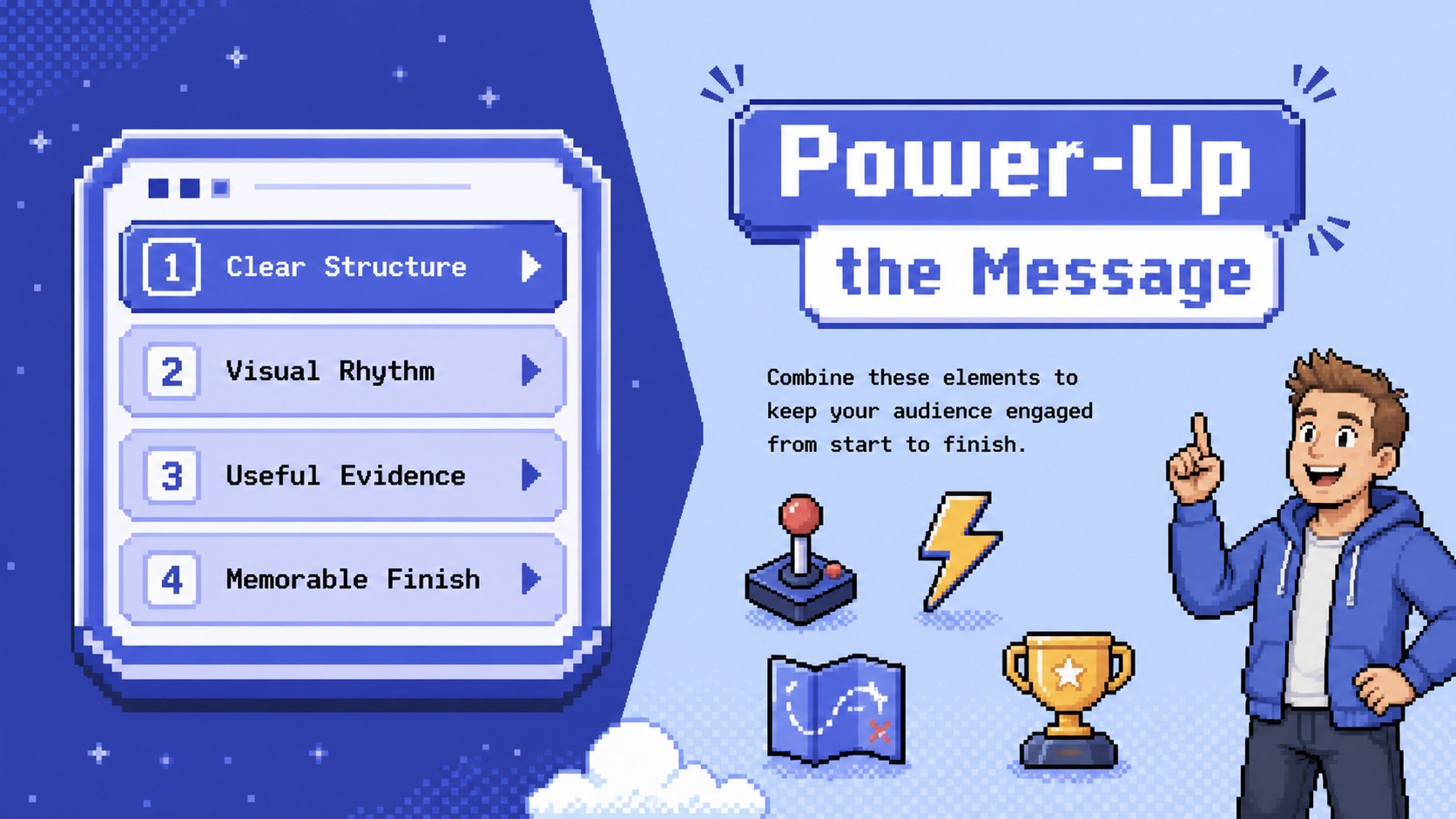
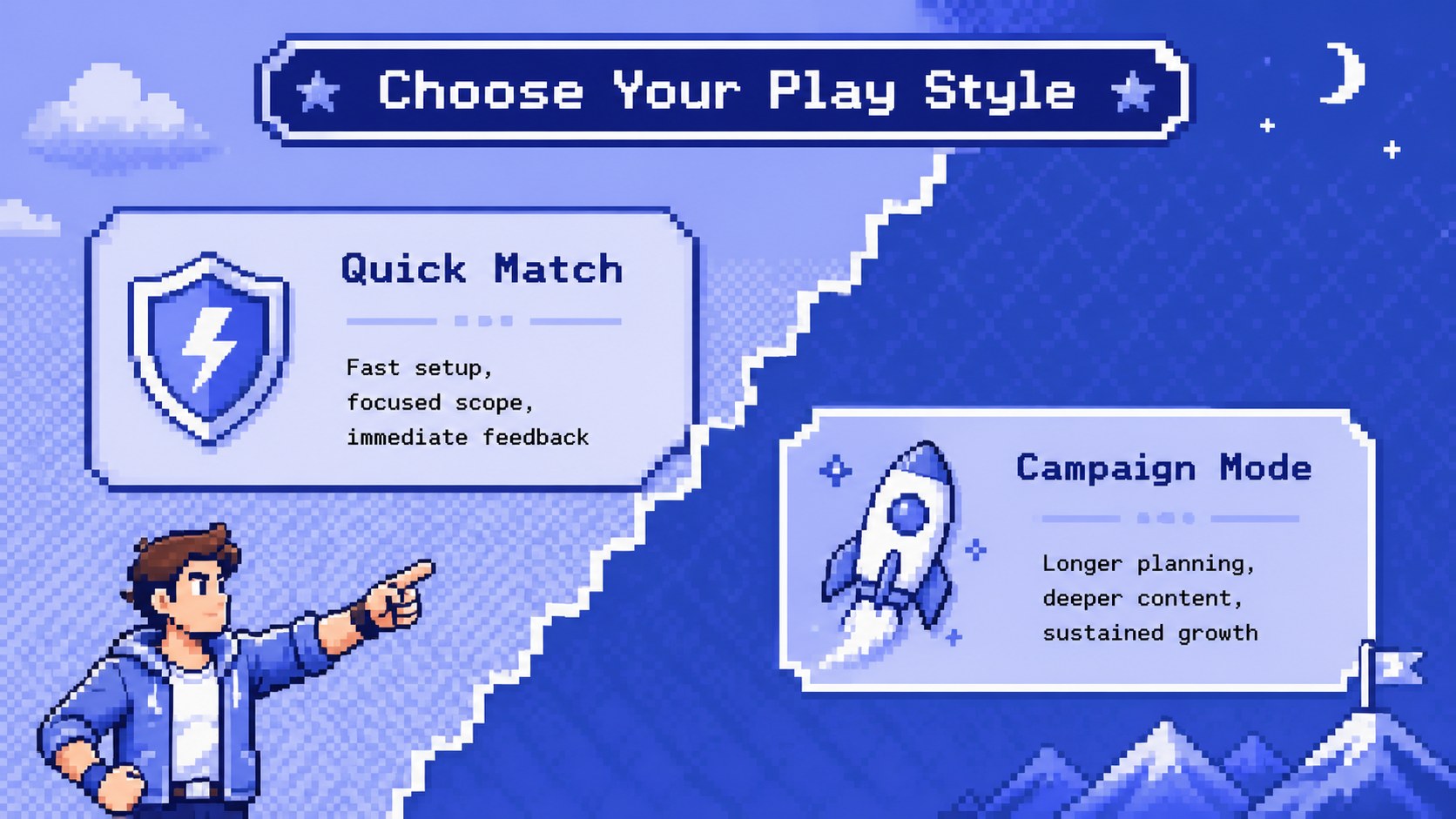
Bring arcade energy to your ideas with this retro gaming presentation theme, a flexible blue pixel deck inspired by handheld consoles and turn-of-the-millennium game interfaces. Crisp grids, playful controls, digital icons, and vivid blue accents give every page a nostalgic look while keeping information easy to scan. Use it as a nostalgic video game presentation for a school project, creative proposal, club event, streaming concept, or product story.
Inside are 15 coordinated 16:9 layouts covering introductions, agendas, feature comparisons, timelines, statistics, team profiles, screenshots, and closing messages. The varied designs make this a practical blue pixel arcade slide deck rather than a collection of repeated backgrounds. Charts, text blocks, colors, and graphic elements can be adjusted to fit serious information or lighthearted storytelling.
Teachers can turn the layouts into pixel art classroom slides for technology, media, history, or game design lessons. Students can organize reports and project showcases, while creators and professionals can adapt the same visual system for campaign ideas, community updates, launch plans, and retro console pitch deck presentations. The files are designed for PowerPoint and Google Slides, allowing you to replace text, rearrange objects, add images, and tailor the palette without specialized design software.
Perfect for: game design class project; retro product concept pitch; esports club presentation; gaming channel media kit; technology lesson; arcade event proposal.
Frequently asked questions
Can I edit every element in this gaming deck? Yes. Text, colors, shapes, charts, and image placeholders can be customized in PowerPoint or Google Slides. Decorative pixel elements may also be moved, duplicated, or removed to suit your content.
Practical details
Yes. Text, colors, shapes, charts, and image placeholders can be customized in PowerPoint or Google Slides. Decorative pixel elements may also be moved, duplicated, or removed to suit your content.
The template is prepared for Microsoft PowerPoint and Google Slides. Import the appropriate file, check the included fonts, and replace the sample content with your own.
Change the theme colors or select individual shapes to introduce your brand colors. Keeping one dark background color and two bright accent colors will preserve the retro arcade contrast.
Yes. The playful graphics work well for classroom projects, gaming communities, creative proposals, and technology pitches. For formal audiences, use the simpler layouts and reduce the number of decorative icons.
Keep exploring
15Build stronger academic arguments with a college essay thesis builder featuring guided examples, revision prompts, and editable PowerPoint and Google Slides.
 15
15Build an engaging World UFO Day session with this flying saucer history lesson deck, featuring retro green-and-brown slides for PowerPoint and Google Slides.
 14
14Plan a memorable Lunar New Year campaign with the 2036 Dragon Year Celebration Theme, featuring bold red-and-yellow slides for lessons and events.
 15
15Build a thoughtful classroom discussion with this interfaith awareness lesson deck, featuring editable blue-and-white slides for PowerPoint and Google Slides.
 15
15Use this environmental awareness lesson deck to teach climate action through illustrated activities, discussion prompts, and ready-to-edit visuals.
 15
15Build playful lessons and party stories with a kid-friendly zombie celebration theme in purple, green and pastel blue for PowerPoint and Google Slides.
 15
15Build eerie lessons, campaigns, and story pitches with an undead survival scenario theme featuring editable slides for PowerPoint and Google Slides.
 16
16Turn environmental research into a clear story with a Watercolor Ecology Presentation Theme for PowerPoint and Google Slides in calming green and blue.