
 15
15presentation
College Essay Thesis Builder Slides
Build stronger academic arguments with a college essay thesis builder featuring guided examples, revision prompts, and editable PowerPoint and Google Slides.
Google SlidesPowerPoint
presentation · English
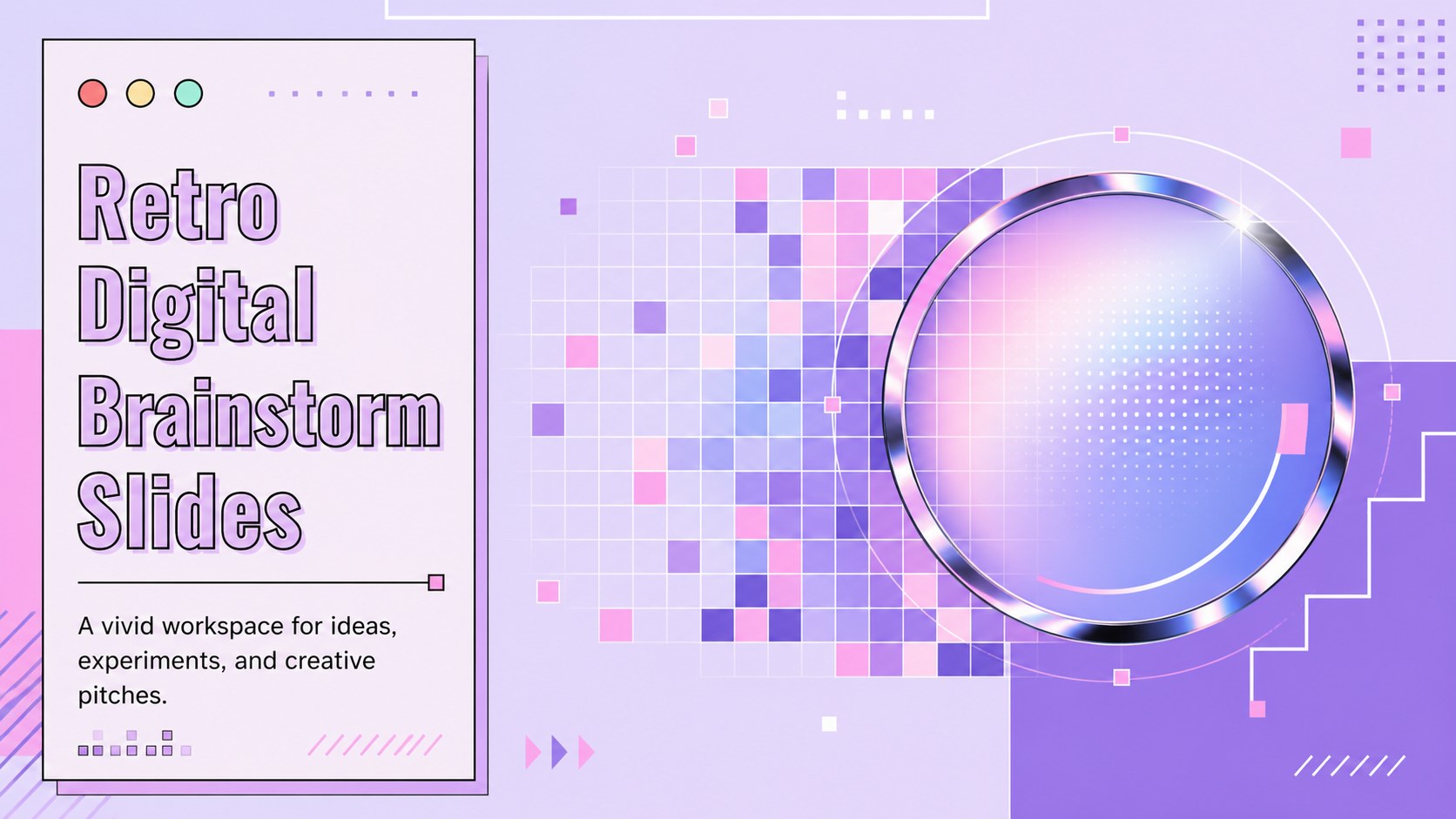
Create a vivid retro digital brainstorm slides deck for workshops, classes, and idea pitches with editable layouts, bold violet tones flexibility.
Design notes
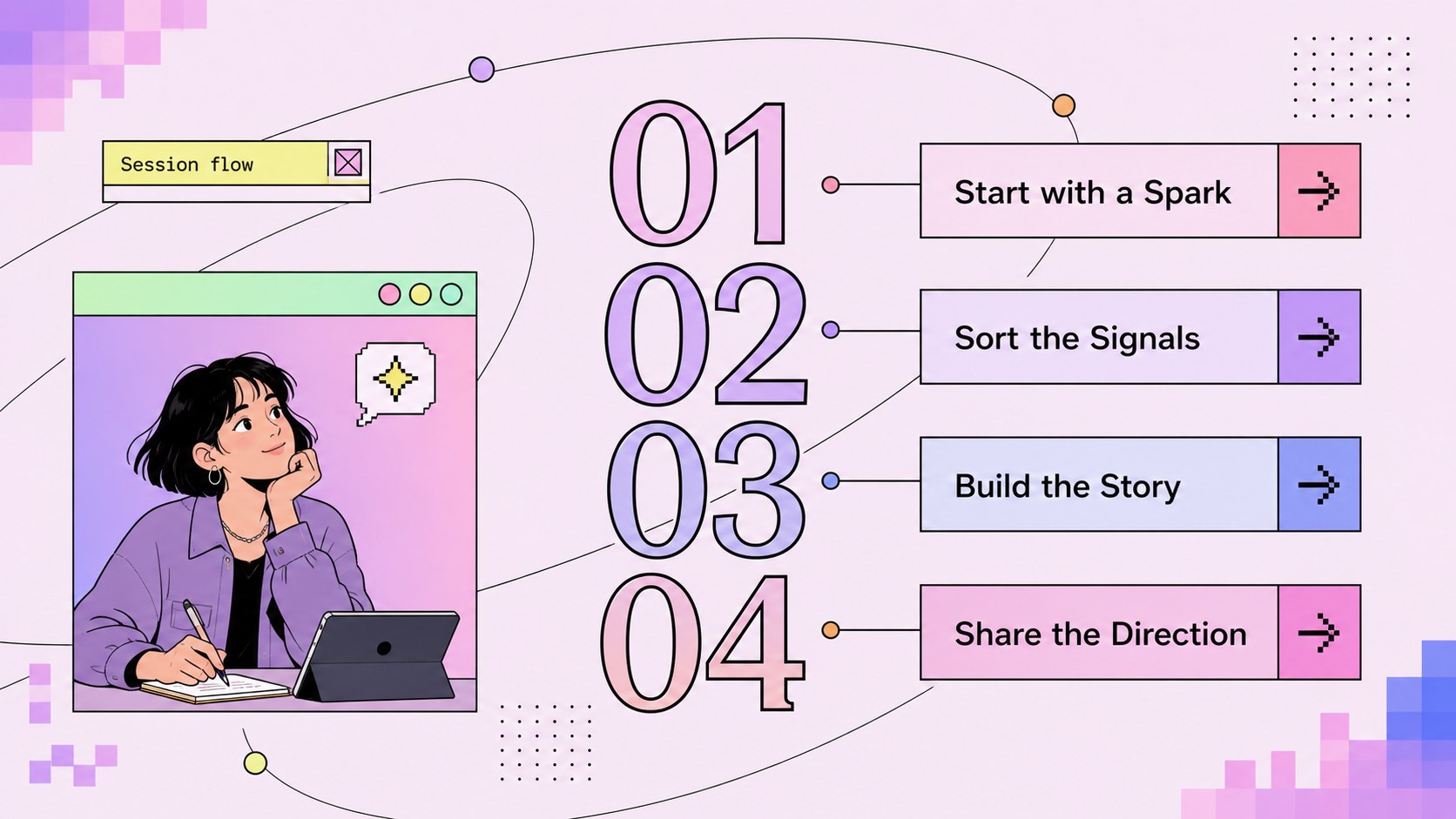
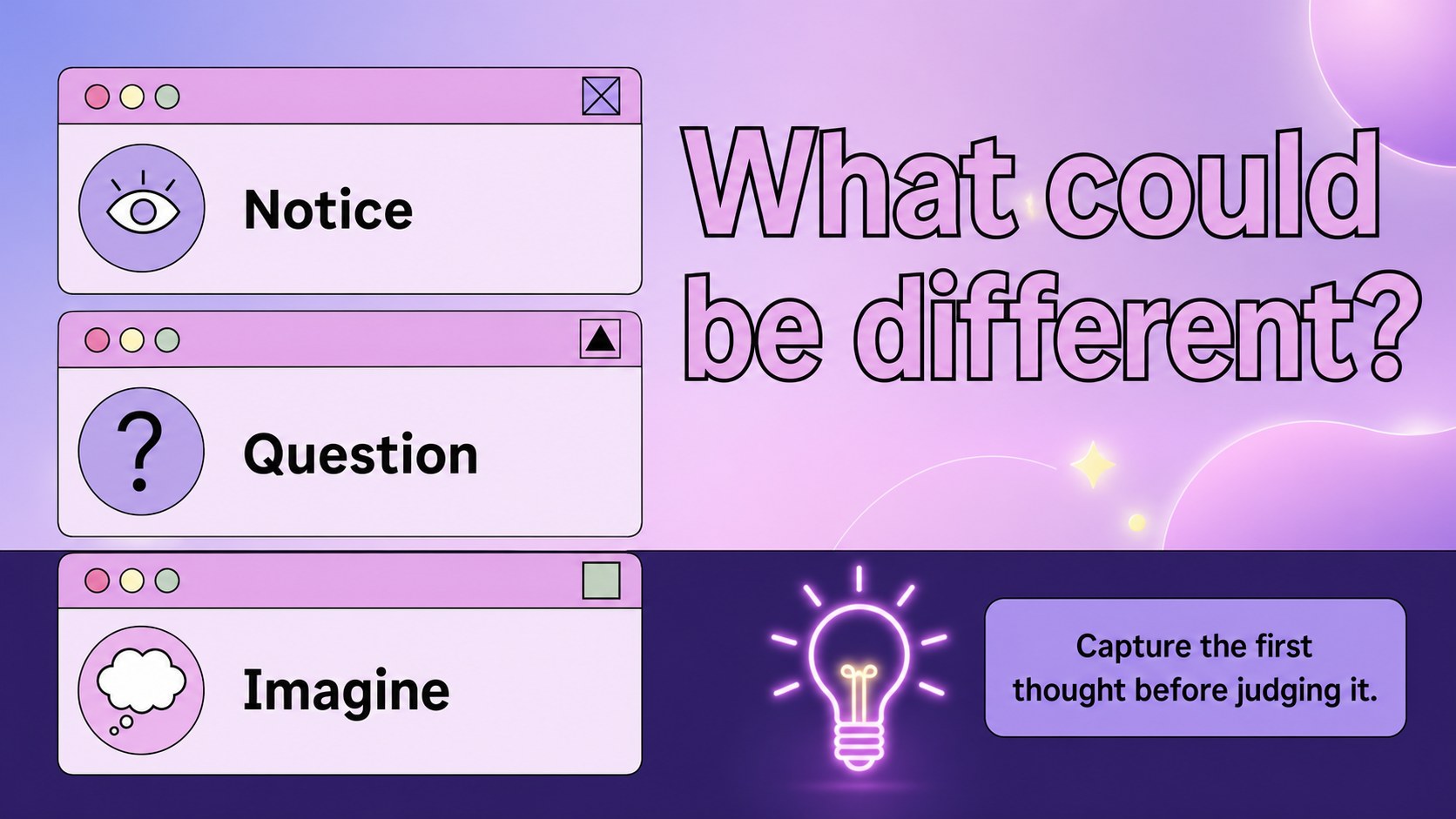
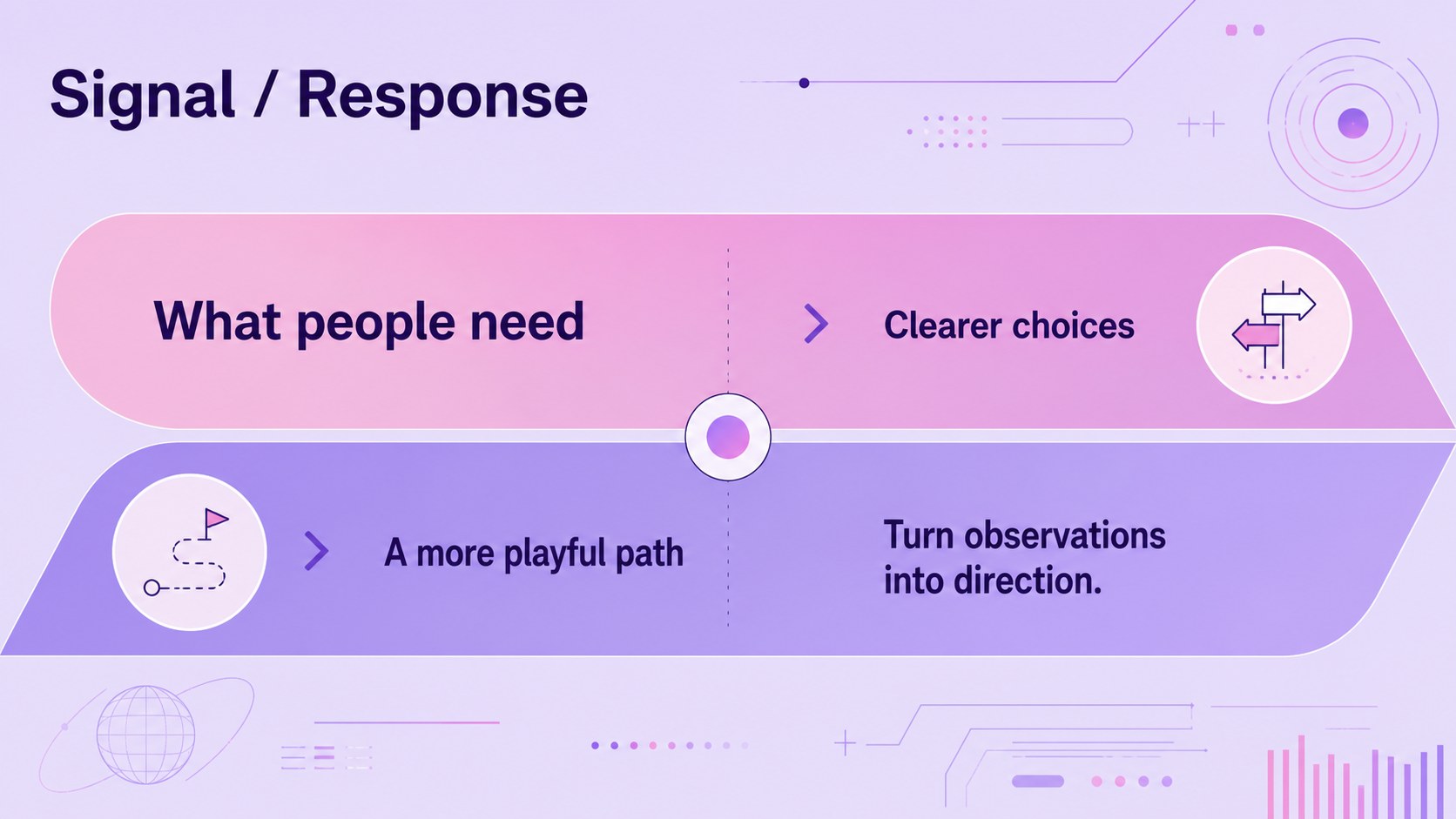
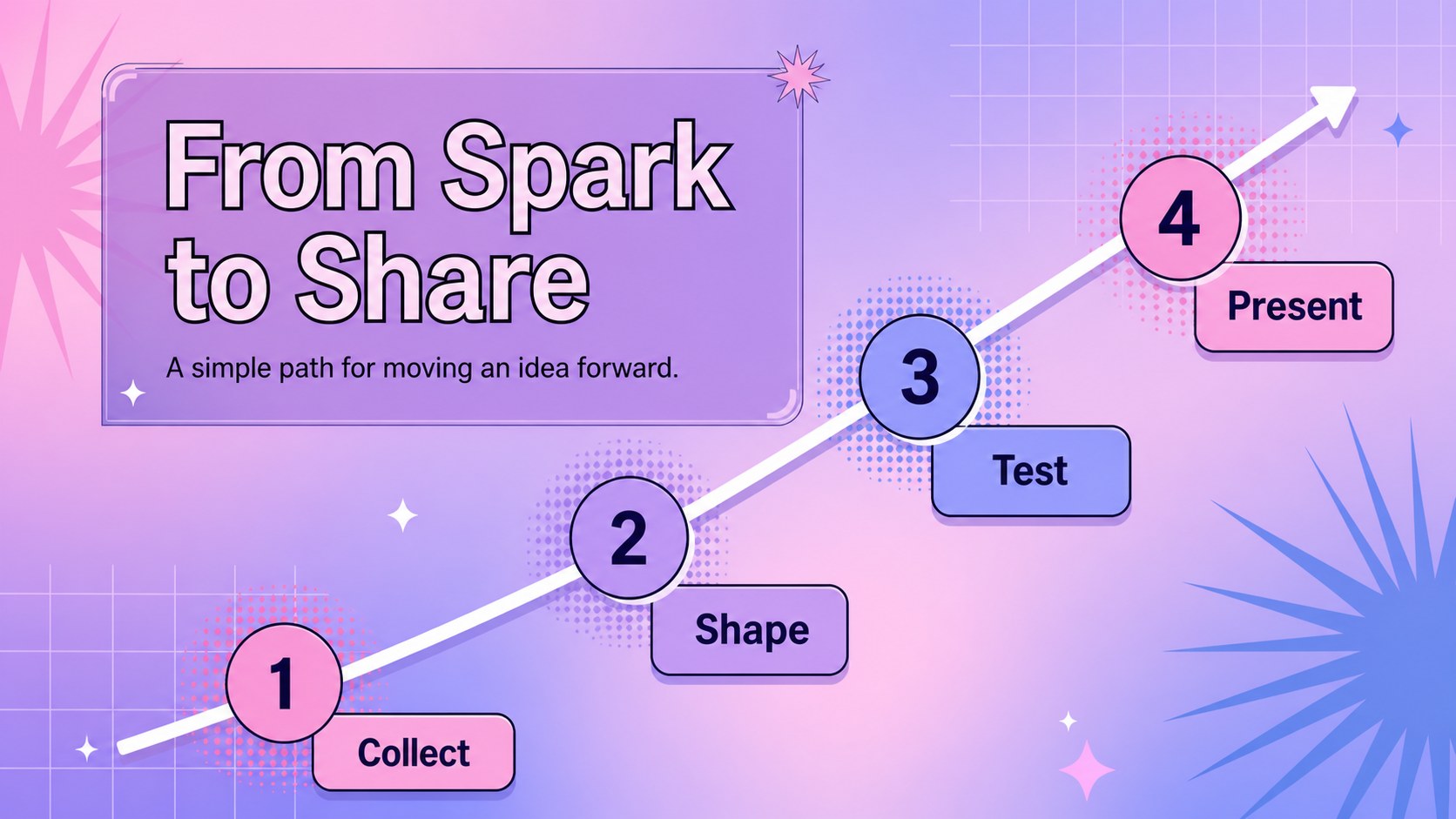
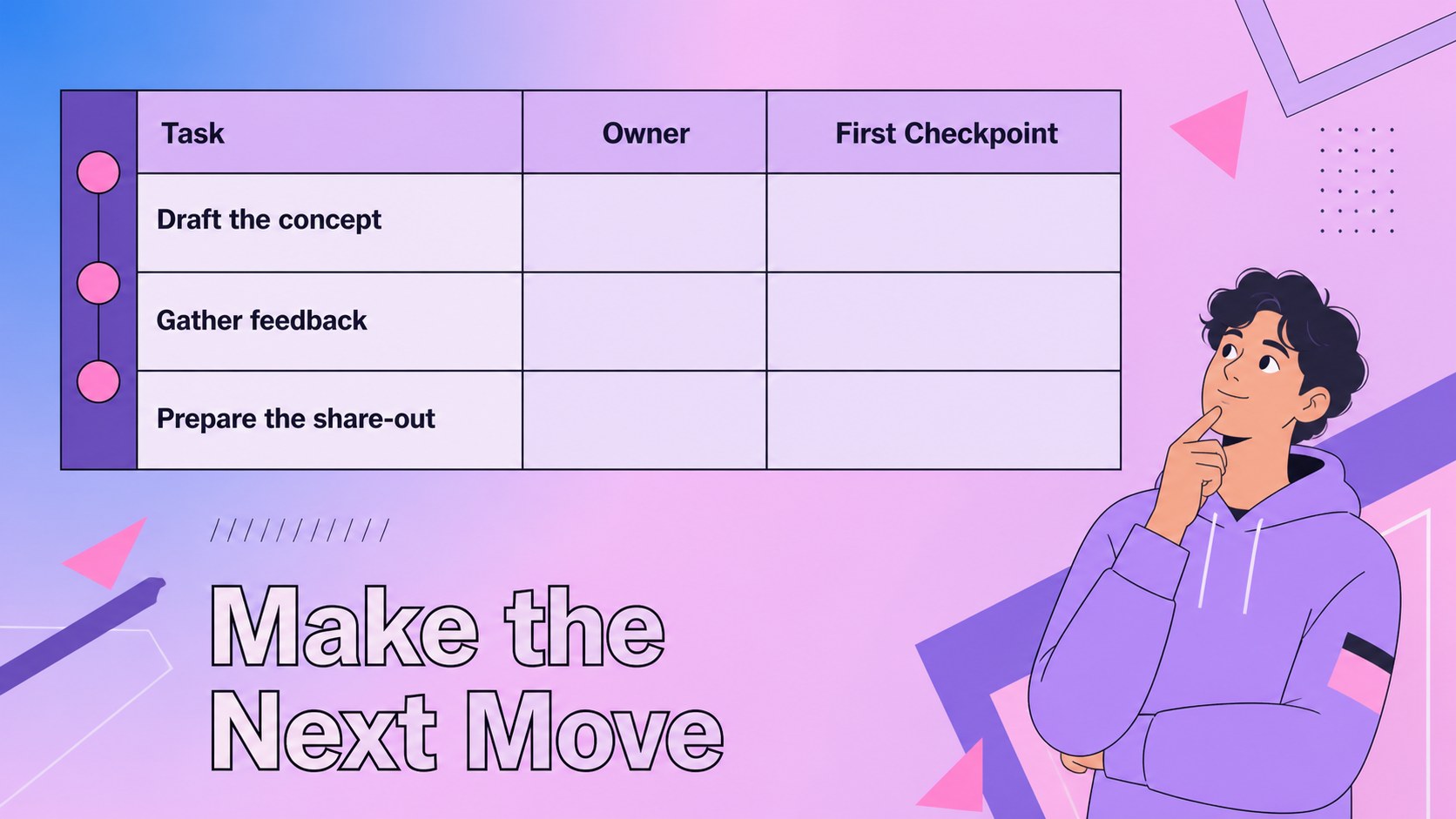
Retro Digital Brainstorm Slides gives students, facilitators, and creative teams a lively way to collect, shape, and present ideas. The blend of violet, pink, and purple creates an energetic retro-digital mood while keeping each layout practical for discussion, planning, and visual storytelling. Use this retro digital brainstorm slides deck for a classroom activity, design sprint, project pitch, or group ideation session.
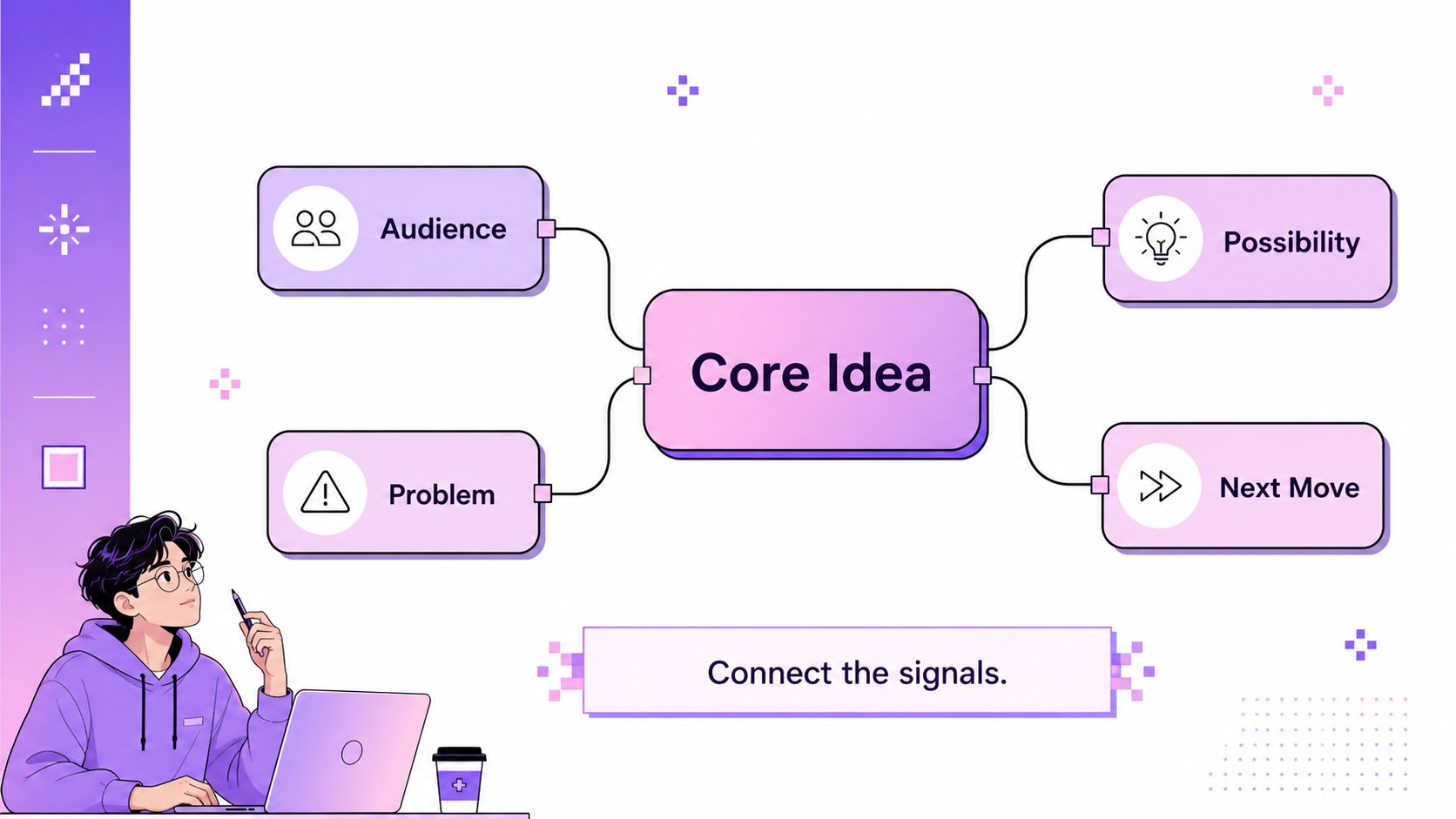
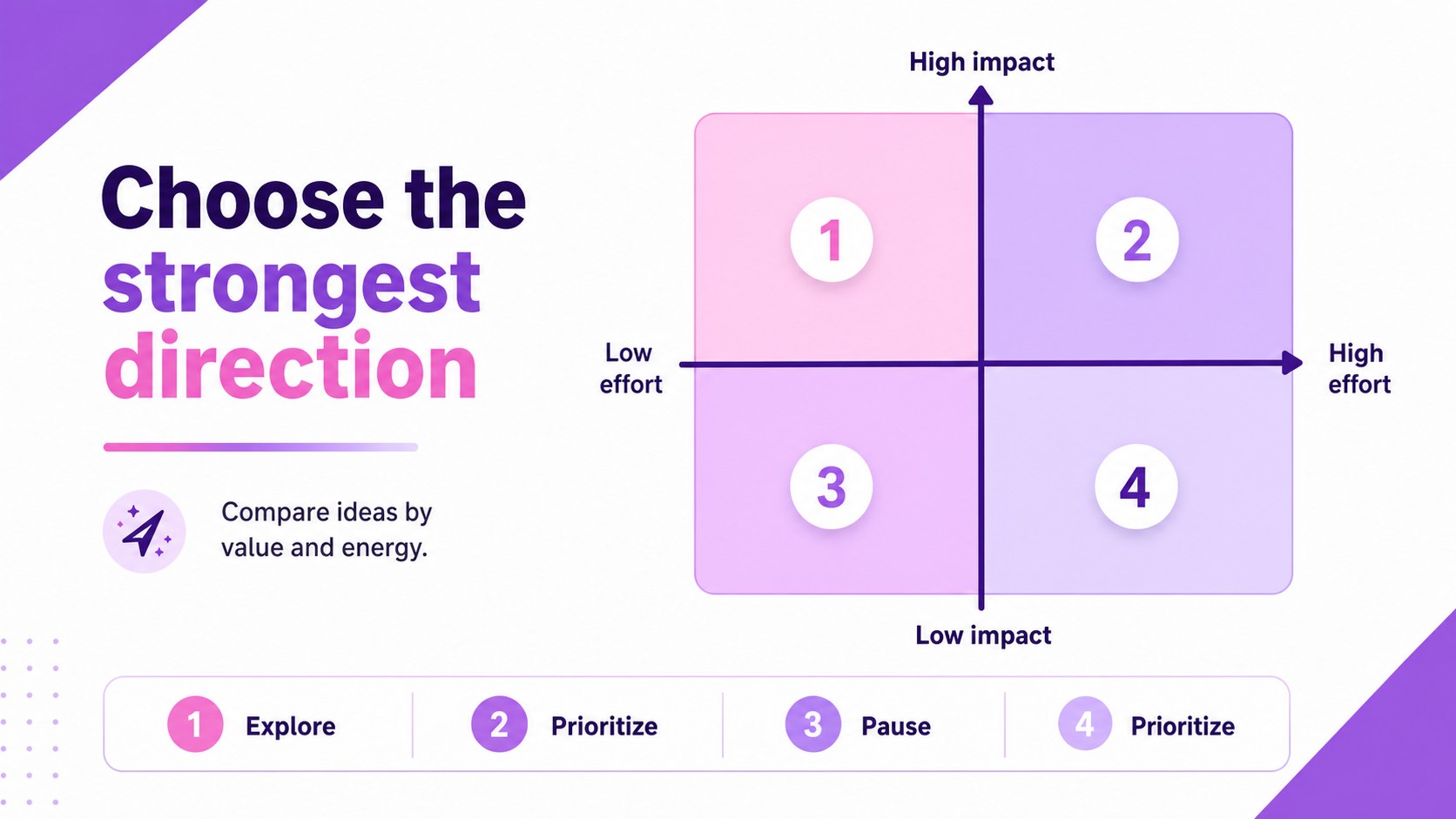
The presentation includes 23 editable 16:9 slides with flexible spaces for prompts, mind maps, timelines, comparisons, image-led concepts, and summary points. You can adjust the color balance, replace graphics, add photos, and reorganize sections. Charts, frames, lines, shapes, animations, transitions, emojis, searchable media, speaker notes, and collaboration tools help turn a rough concept into a polished creative workshop presentation. The layouts also work well as an idea mapping presentation for research findings or a creative project pitch deck.
This template is made for learners, educators, facilitators, marketers, and teams that want more personality than a standard corporate deck. It uses Atkinson Hyperlegible and a focused palette of pink, purple, and violet. Edit it, then export an adaptable version for PowerPoint or Google Slides when your audience needs a familiar presentation format.
Perfect for: classroom ideation session; startup concept workshop; creative project pitch; design sprint recap; student research presentation.
Frequently asked questions
Can I edit these slides? Yes. The layouts, text, colors, graphics, and media areas can be adjusted using its drag-and-drop editor. You can also collaborate with classmates or coworkers in the same design.
Practical details
Yes. The layouts, text, colors, graphics, and media areas can be adjusted using its drag-and-drop editor. You can also collaborate with classmates or coworkers in the same design.
Yes. Open the design, choose Share, select See all, and use the PowerPoint or Google Drive option. Exported files may need minor formatting checks because some animations and fonts do not transfer exactly.
It works for students, teachers, workshop facilitators, marketers, and creative teams. The mix of prompts, diagrams, image spaces, and summary layouts supports both group ideation and individual project presentations.
Yes. lets you replace the pink, purple, and violet colors with custom brand or school colors while retaining the layout structure. For the intended retro-digital look, keep at least one bright accent alongside a darker violet tone.
Keep exploring
15Build stronger academic arguments with a college essay thesis builder featuring guided examples, revision prompts, and editable PowerPoint and Google Slides.
 15
15Build an engaging World UFO Day session with this flying saucer history lesson deck, featuring retro green-and-brown slides for PowerPoint and Google Slides.
 14
14Plan a memorable Lunar New Year campaign with the 2036 Dragon Year Celebration Theme, featuring bold red-and-yellow slides for lessons and events.
 15
15Build a thoughtful classroom discussion with this interfaith awareness lesson deck, featuring editable blue-and-white slides for PowerPoint and Google Slides.
 15
15Use this environmental awareness lesson deck to teach climate action through illustrated activities, discussion prompts, and ready-to-edit visuals.
 15
15Build playful lessons and party stories with a kid-friendly zombie celebration theme in purple, green and pastel blue for PowerPoint and Google Slides.
 15
15Build eerie lessons, campaigns, and story pitches with an undead survival scenario theme featuring editable slides for PowerPoint and Google Slides.
 16
16Turn environmental research into a clear story with a Watercolor Ecology Presentation Theme for PowerPoint and Google Slides in calming green and blue.