
 15
15presentation
College Essay Thesis Builder Slides
Build stronger academic arguments with a college essay thesis builder featuring guided examples, revision prompts, and editable PowerPoint and Google Slides.
Google SlidesPowerPoint
presentation · English
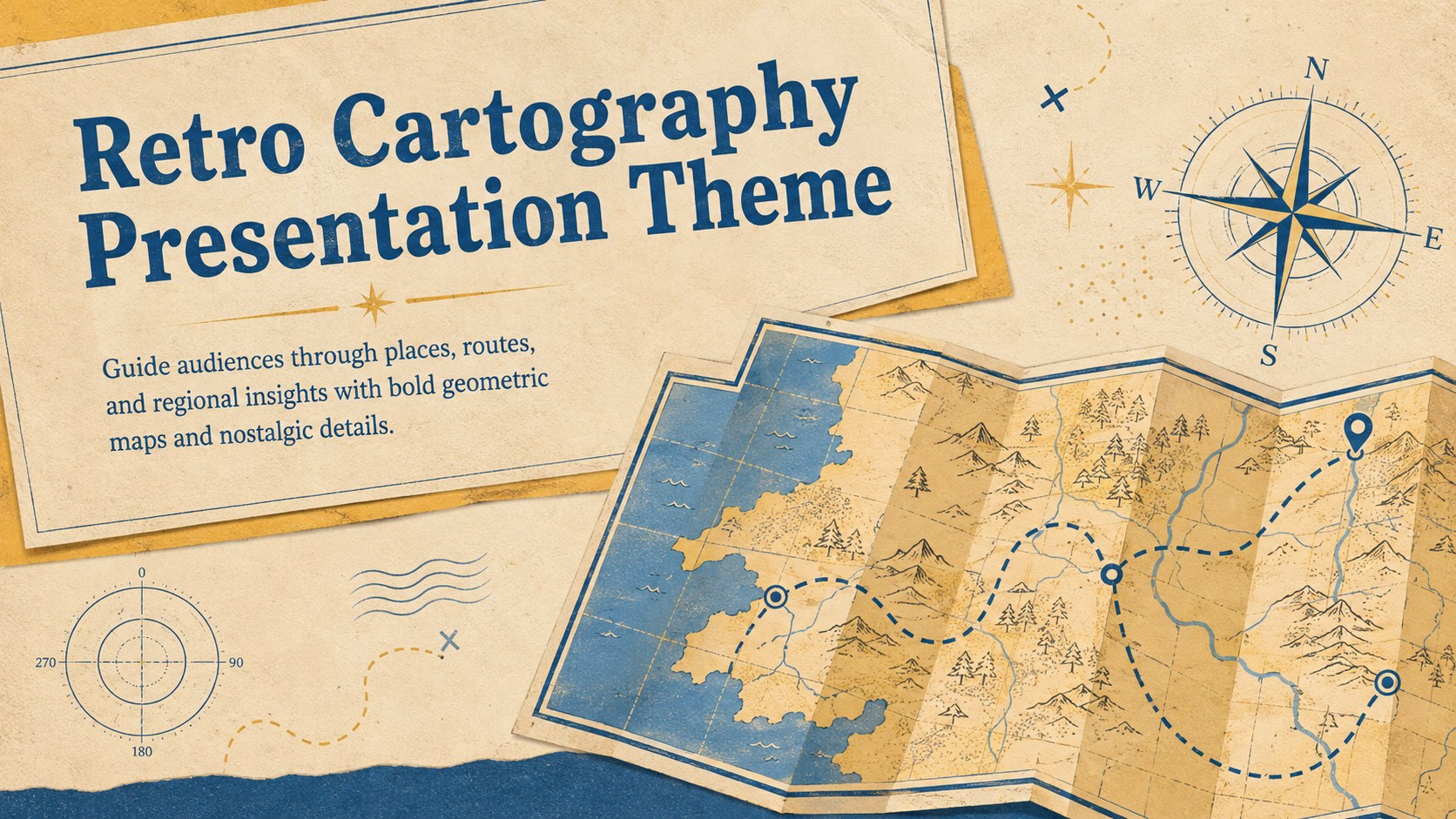
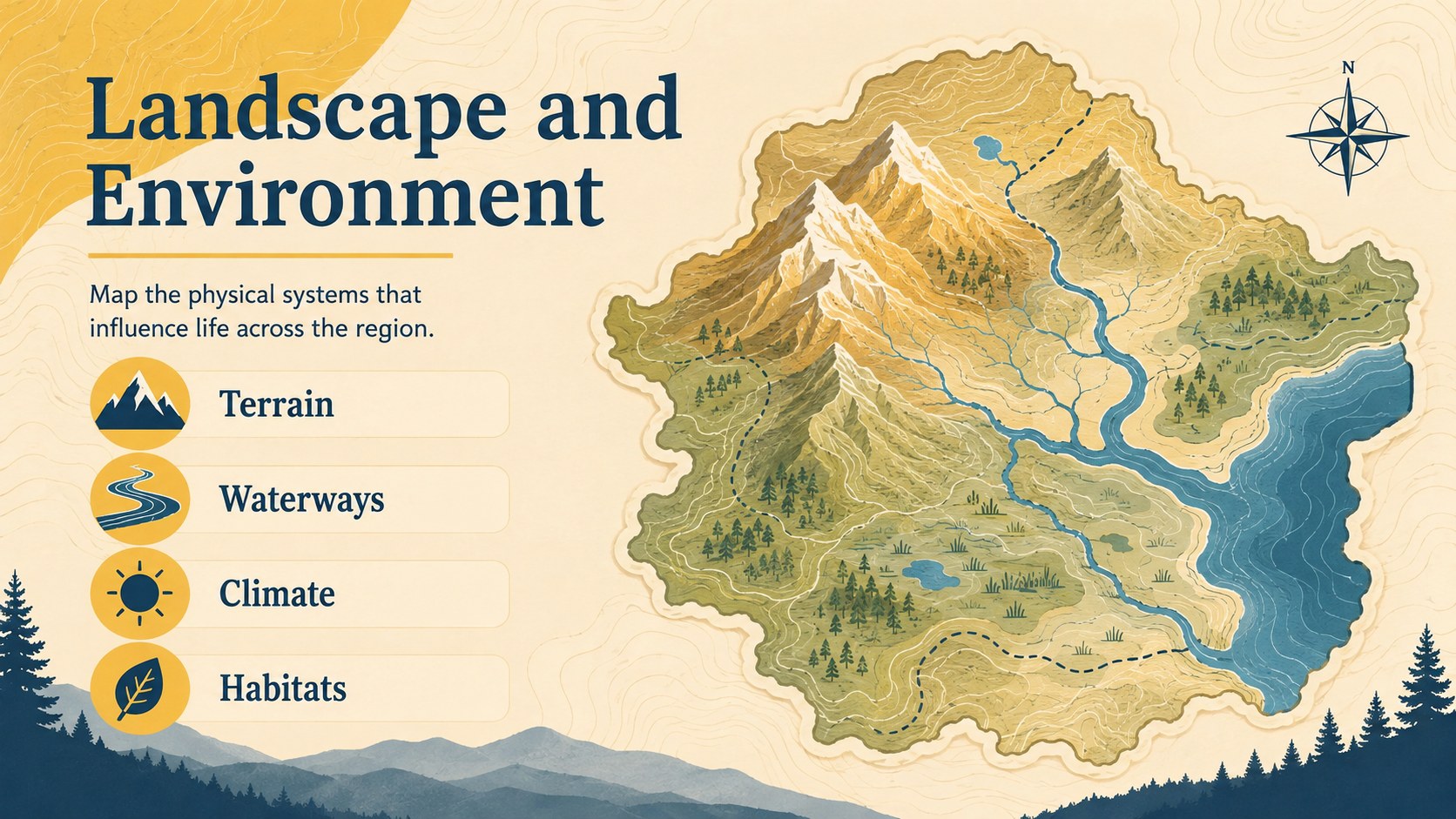
Turn place-based stories into memorable visuals with this retro cartography presentation theme for geography lessons, travel plans, and regional reports.
Design notes
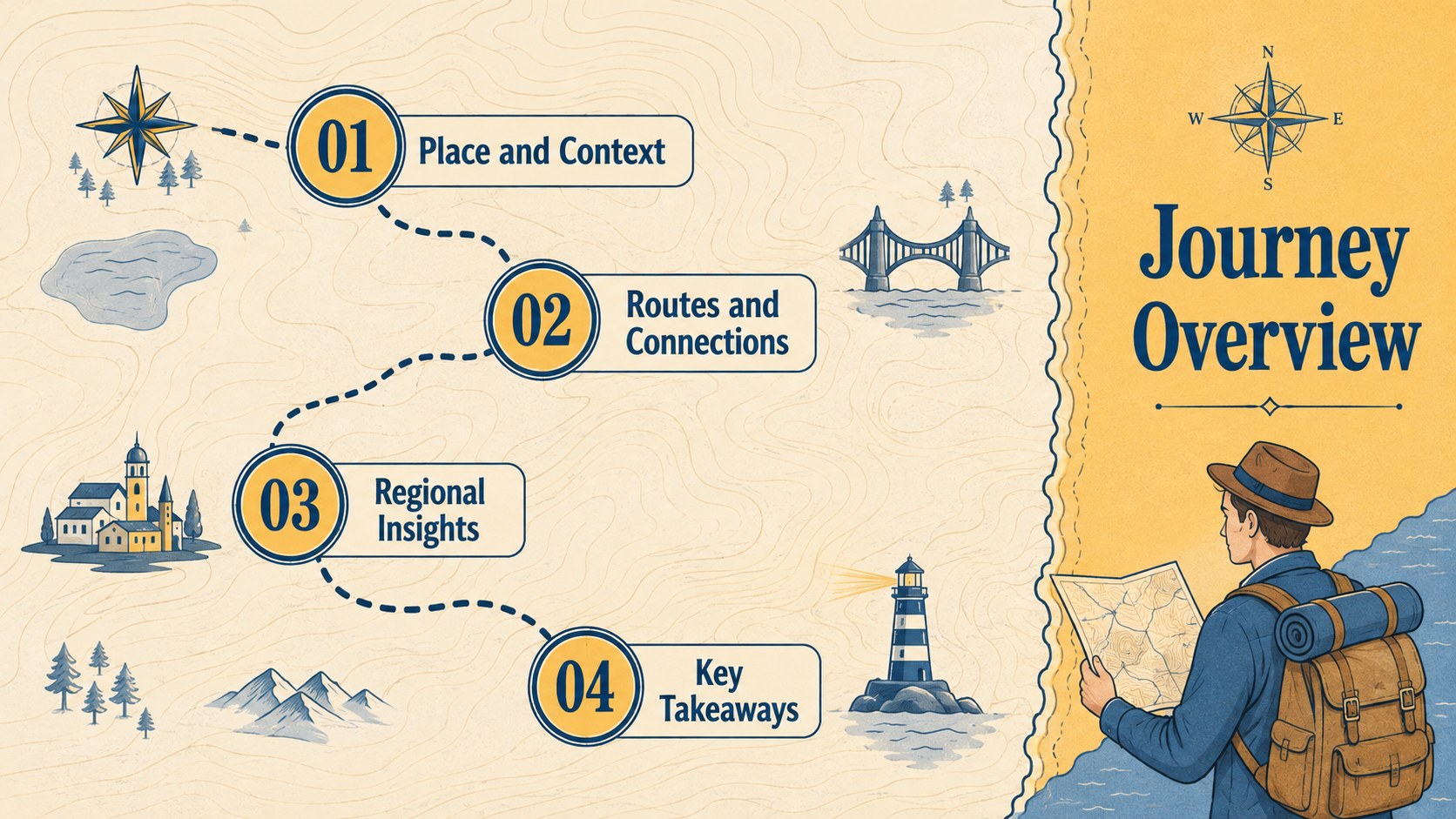
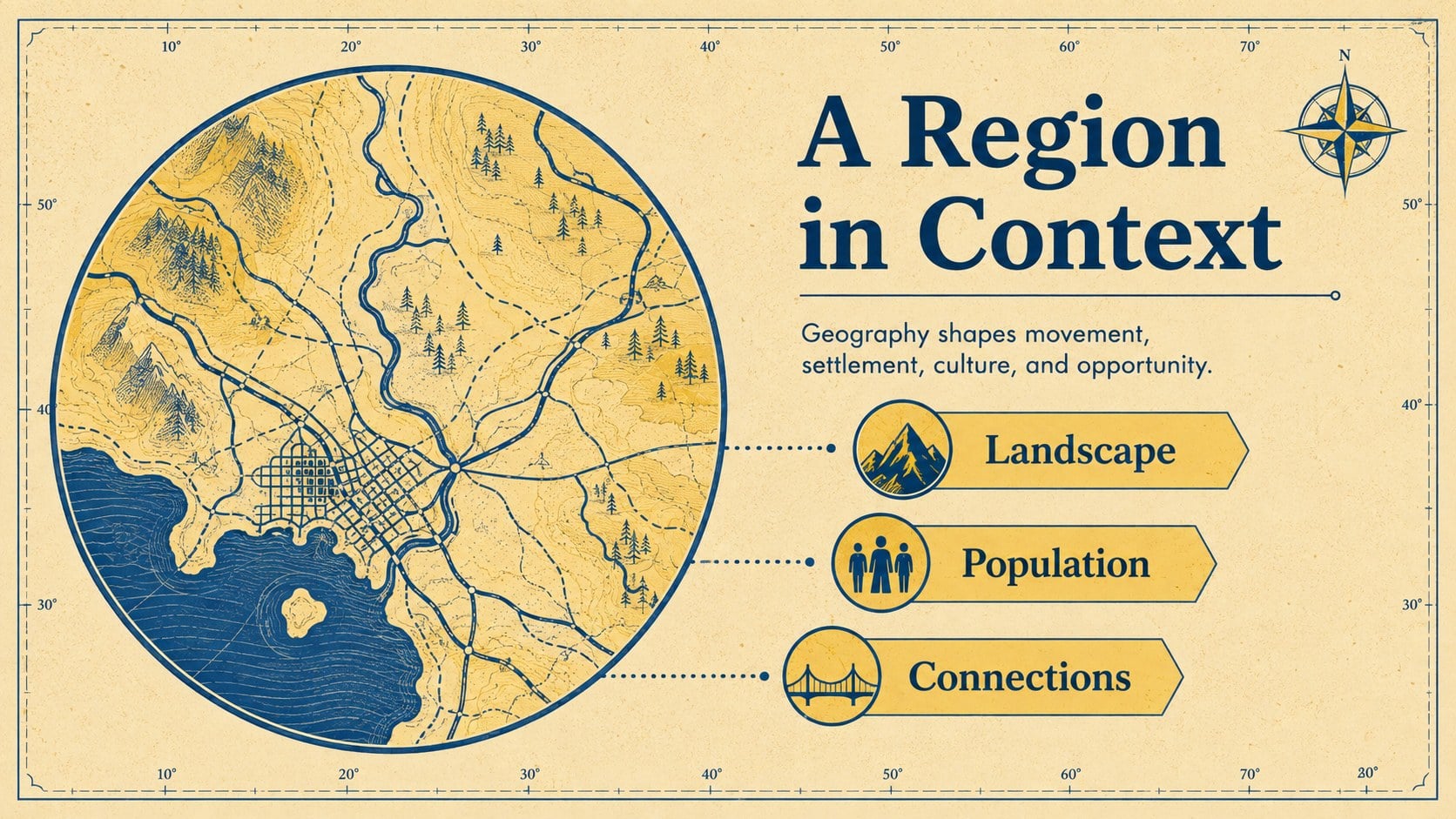
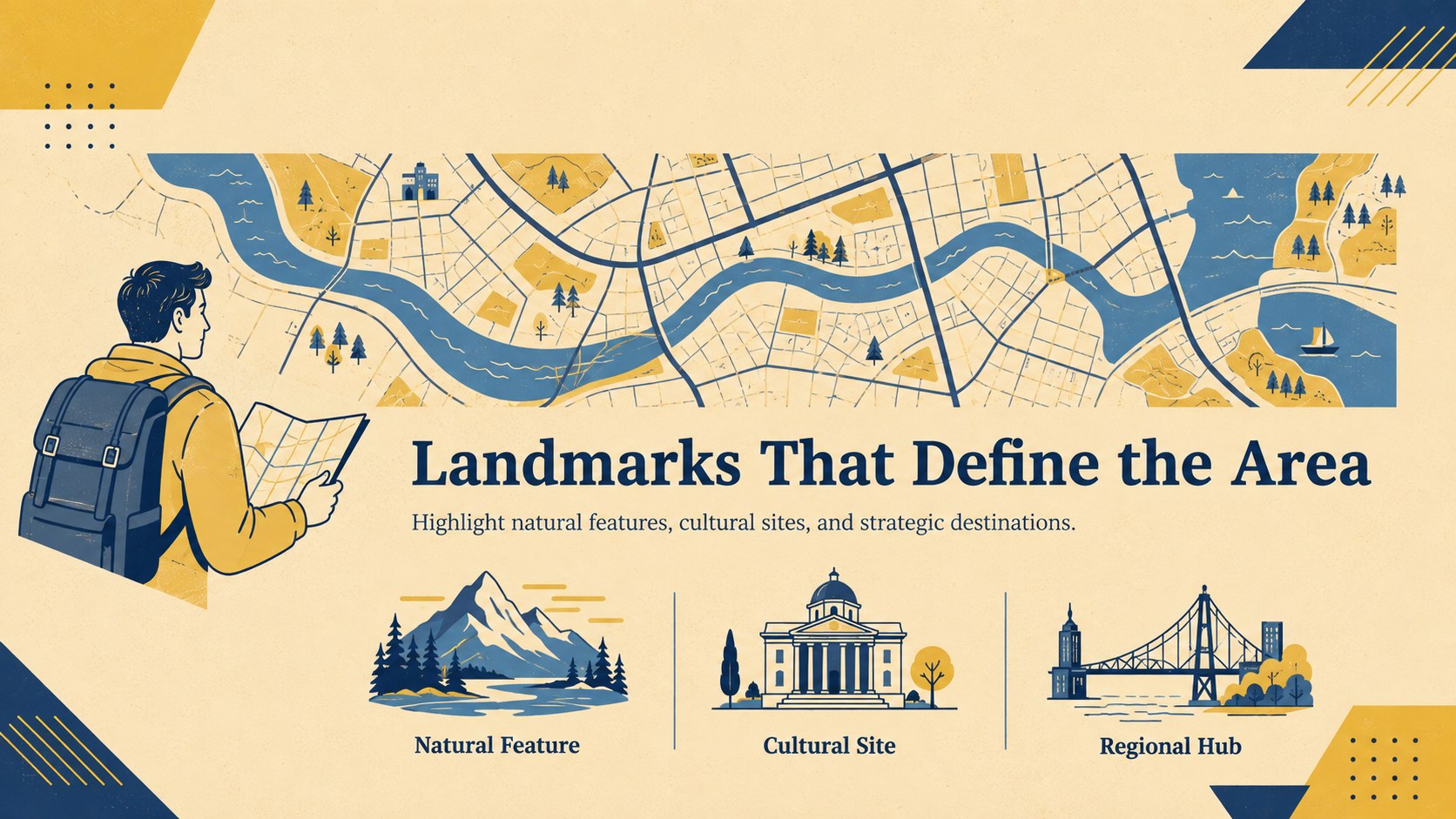
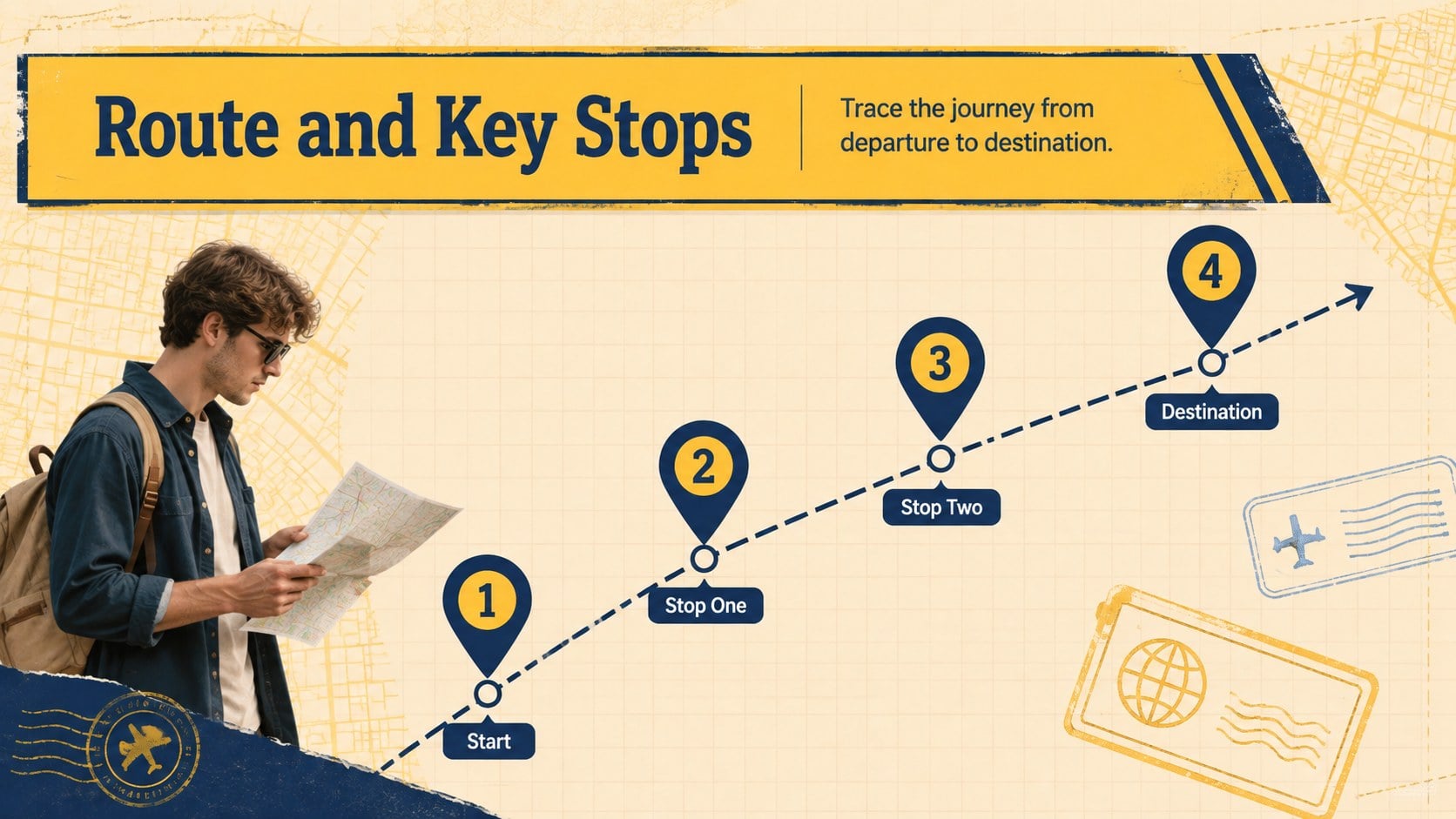
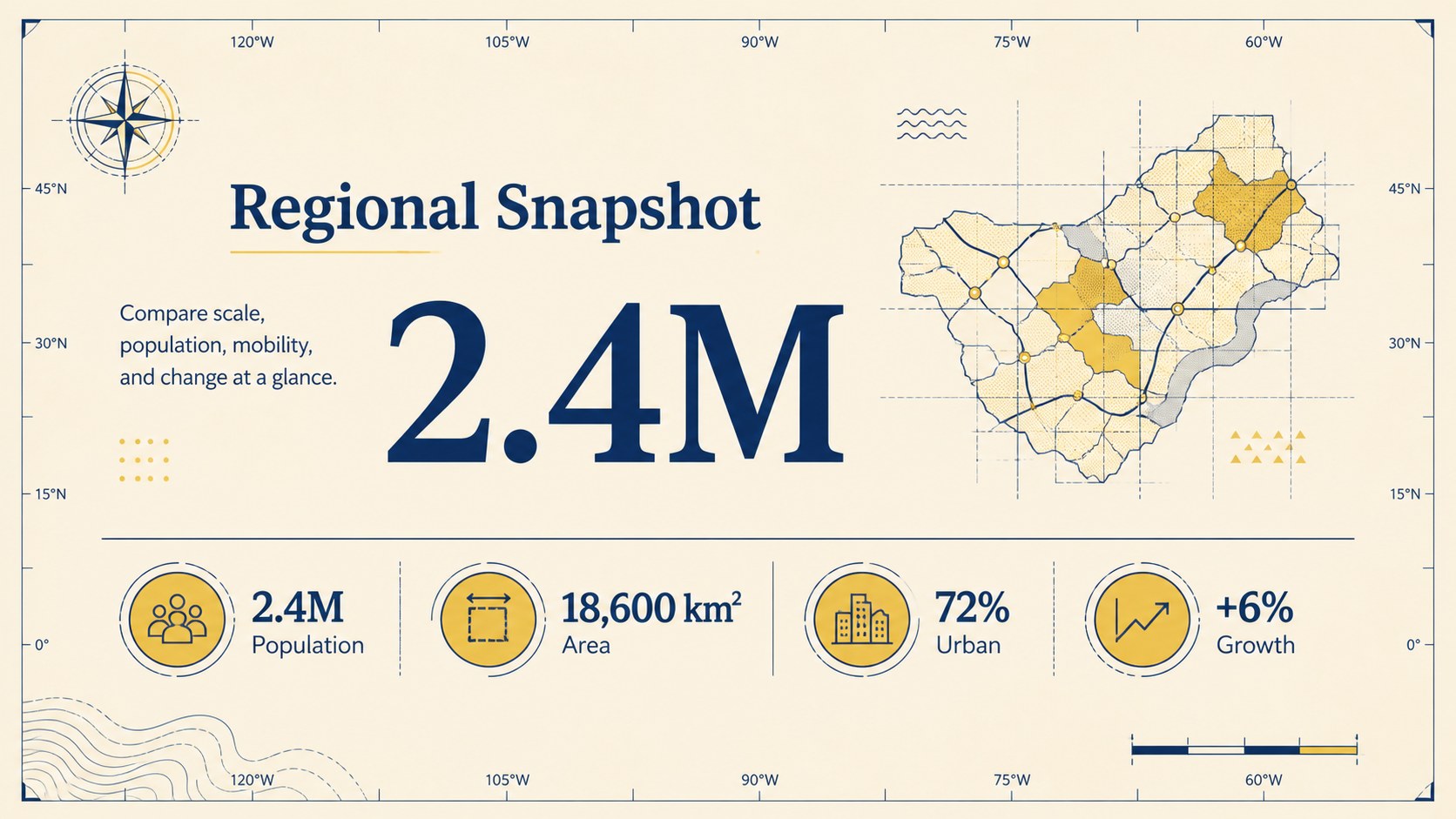
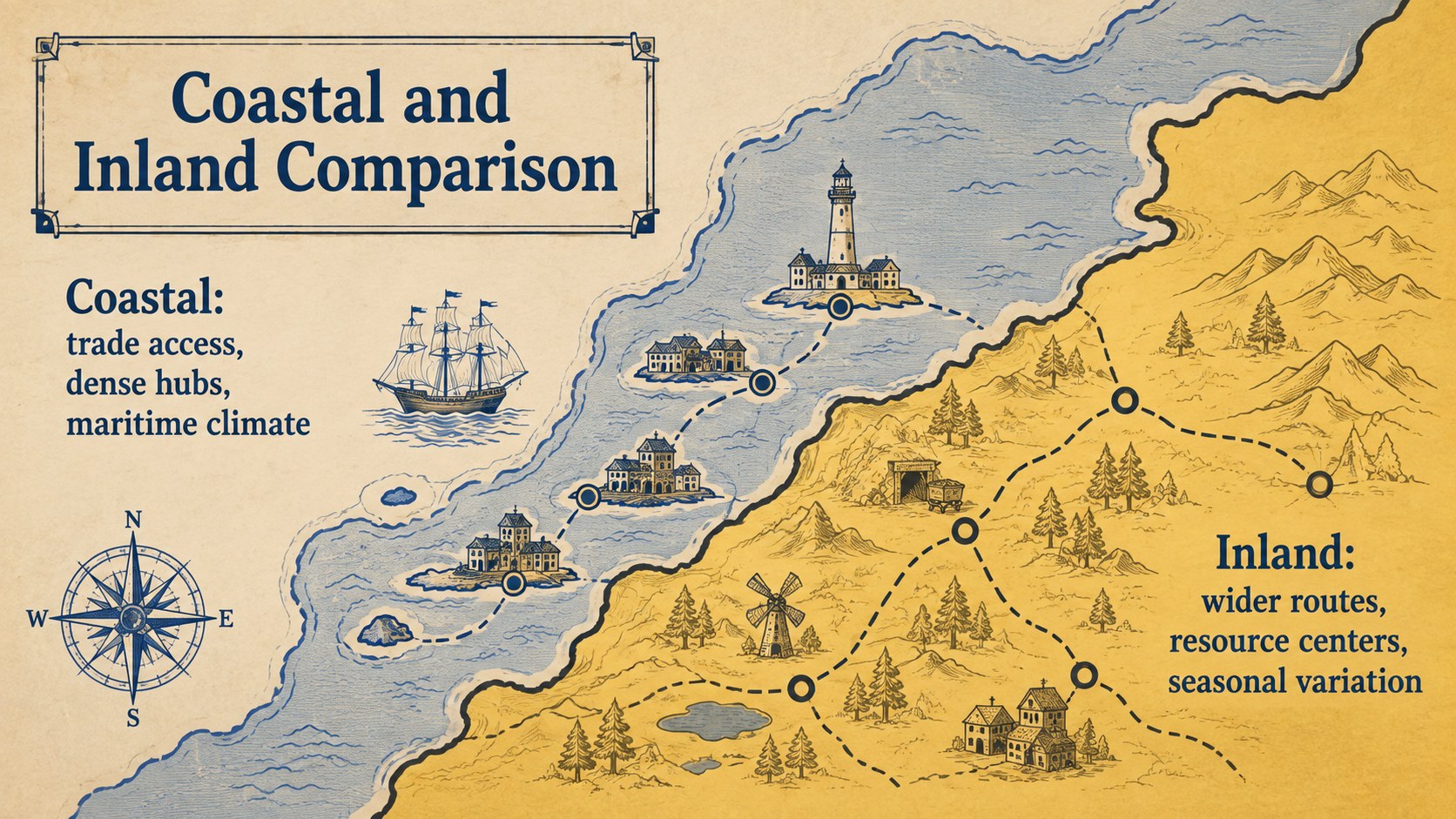
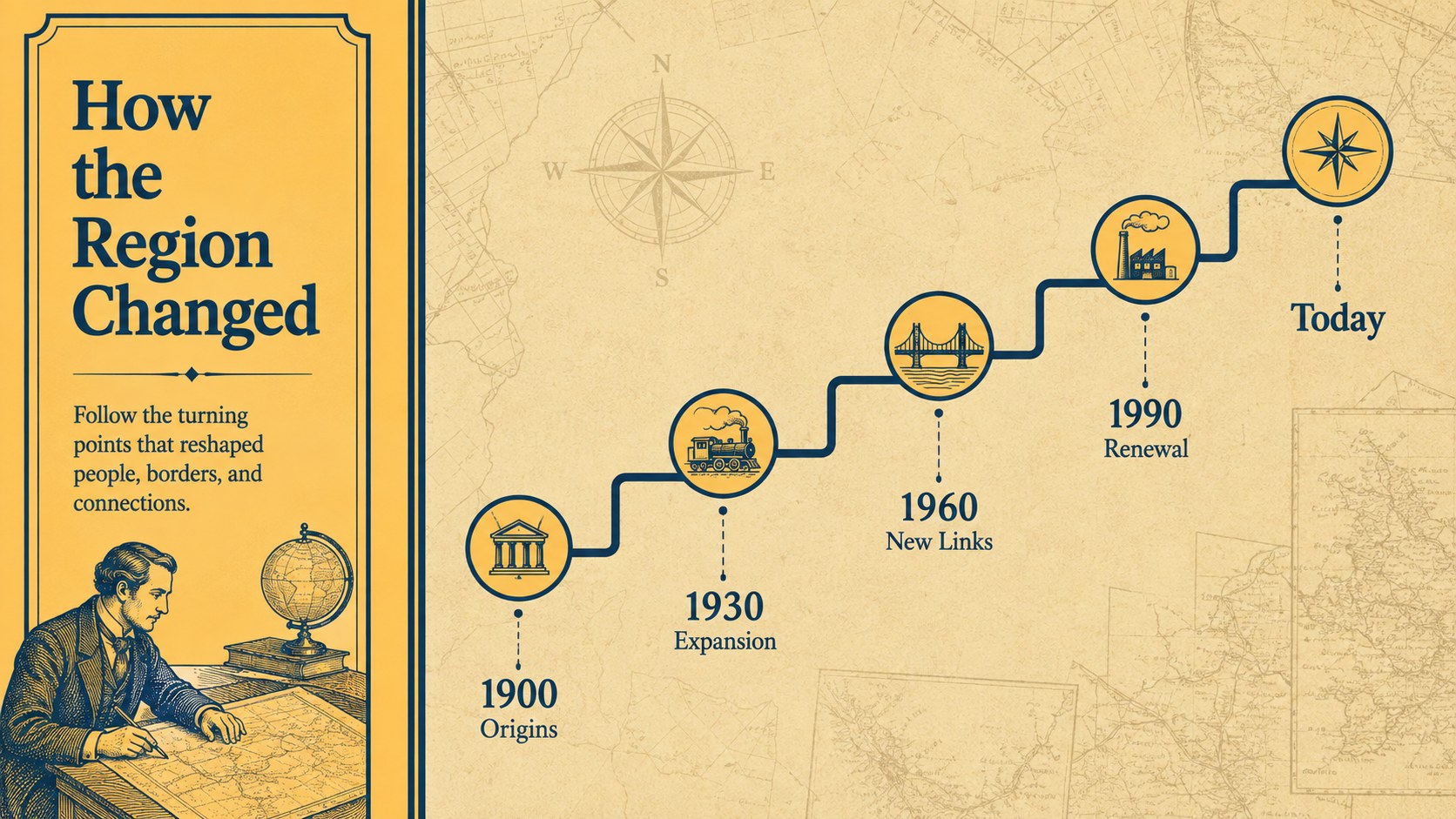
The Retro Cartography Presentation Theme turns geographic information into a clear visual journey. Its colorful combination of yellow, beige, and blue pairs nostalgic map styling with crisp geometric structure, giving historical and location-based topics a distinctive look without sacrificing readability. Use the editable layouts to build a vintage map lesson presentation, explain regional trends, or organize a visual travel itinerary.
Inside, you will find more than 25 customizable slide designs for introductions, agendas, maps, timelines, comparisons, statistics, routes, case studies, and closing summaries. Flexible content areas support charts, labels, photographs, icons, and map illustrations. Consistent typography and reusable shapes make it easy to adapt the deck while preserving its modern-retro character. Animation and transition options can also help reveal routes, landmarks, or data points in a controlled sequence.
This retro cartography presentation theme is designed for teachers, students, tourism teams, nonprofit organizations, logistics planners, researchers, and marketers. It works especially well as a historical geography slides template, a regional data presentation deck, or a visual framework for destination campaigns. Every element can be edited in PowerPoint or Google Slides, allowing you to change colors, replace maps, revise labels, and tailor each layout to a country, city, region, or journey.
Perfect for: historical geography lesson; regional market analysis; travel route presentation; tourism destination campaign; logistics network overview; environmental location report.
Frequently asked questions
Can I edit the maps and labels? Yes. Map graphics, labels, colors, text blocks, and supporting shapes can be customized to match your location or topic. You can also replace the included visuals with your own maps or geographic data.
Practical details
Yes. Map graphics, labels, colors, text blocks, and supporting shapes can be customized to match your location or topic. You can also replace the included visuals with your own maps or geographic data.
The template is designed for Microsoft PowerPoint and Google Slides. Some font rendering, transitions, or spacing may vary slightly between the two platforms.
Yes. Apply your own theme colors or recolor individual objects while keeping the geometric cartography style. For clear map reading, maintain strong contrast between labels, routes, and background areas.
Yes. The layouts also support tourism proposals, logistics reports, historical timelines, environmental studies, and regional marketing plans. Replace the sample copy and map details with information relevant to your project.
Keep exploring
15Build stronger academic arguments with a college essay thesis builder featuring guided examples, revision prompts, and editable PowerPoint and Google Slides.
 15
15Build an engaging World UFO Day session with this flying saucer history lesson deck, featuring retro green-and-brown slides for PowerPoint and Google Slides.
 14
14Plan a memorable Lunar New Year campaign with the 2036 Dragon Year Celebration Theme, featuring bold red-and-yellow slides for lessons and events.
 15
15Build a thoughtful classroom discussion with this interfaith awareness lesson deck, featuring editable blue-and-white slides for PowerPoint and Google Slides.
 15
15Use this environmental awareness lesson deck to teach climate action through illustrated activities, discussion prompts, and ready-to-edit visuals.
 15
15Build playful lessons and party stories with a kid-friendly zombie celebration theme in purple, green and pastel blue for PowerPoint and Google Slides.
 15
15Build eerie lessons, campaigns, and story pitches with an undead survival scenario theme featuring editable slides for PowerPoint and Google Slides.
 16
16Turn environmental research into a clear story with a Watercolor Ecology Presentation Theme for PowerPoint and Google Slides in calming green and blue.