
 15
15presentation
College Essay Thesis Builder Slides
Build stronger academic arguments with a college essay thesis builder featuring guided examples, revision prompts, and editable PowerPoint and Google Slides.
Google SlidesPowerPoint
presentation · English
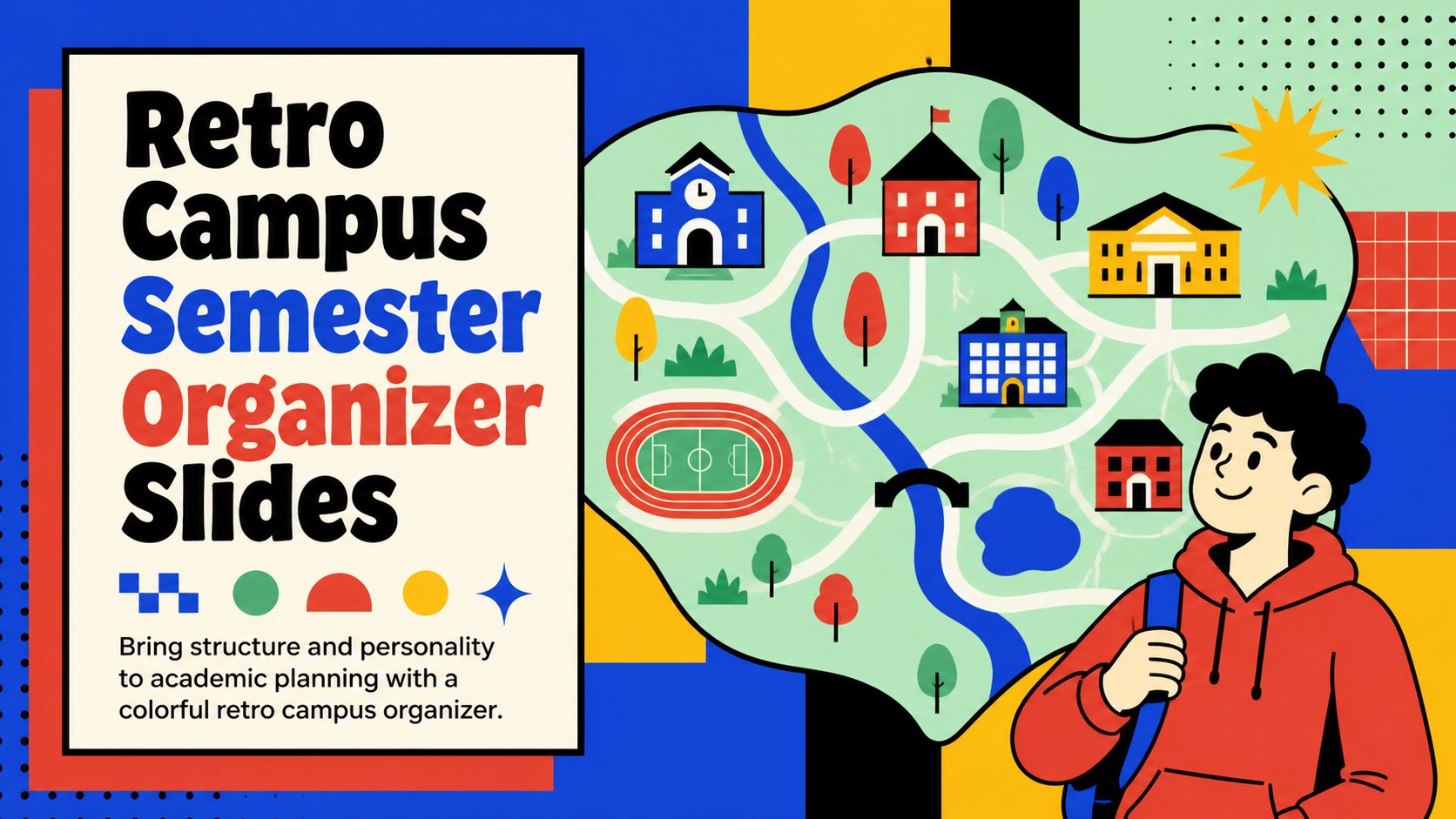
Build a lively retro campus semester organizer with blue, red, and geometric pop-art slides for class schedules, study goals, meetings, and events.


Design notes
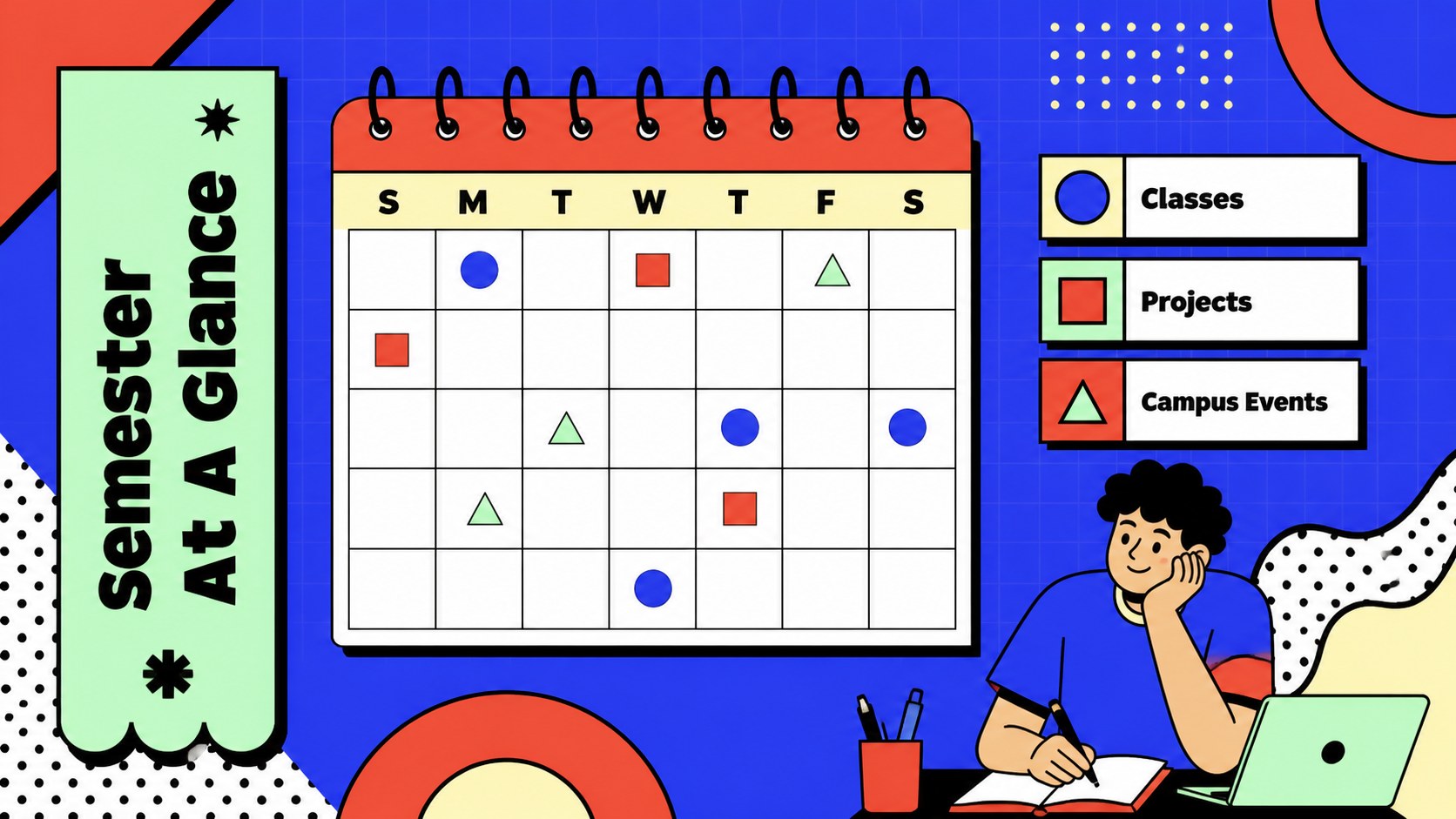
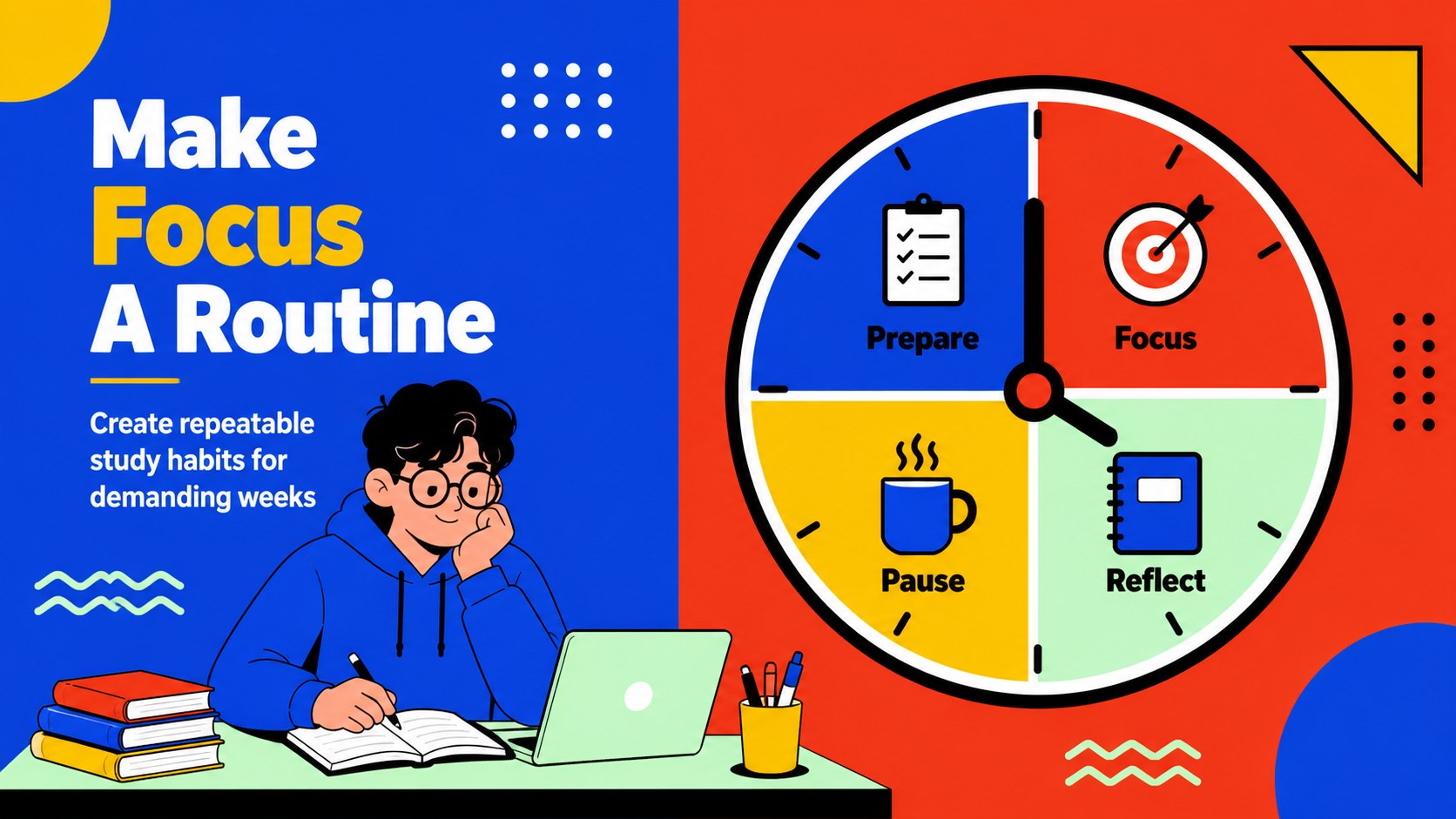
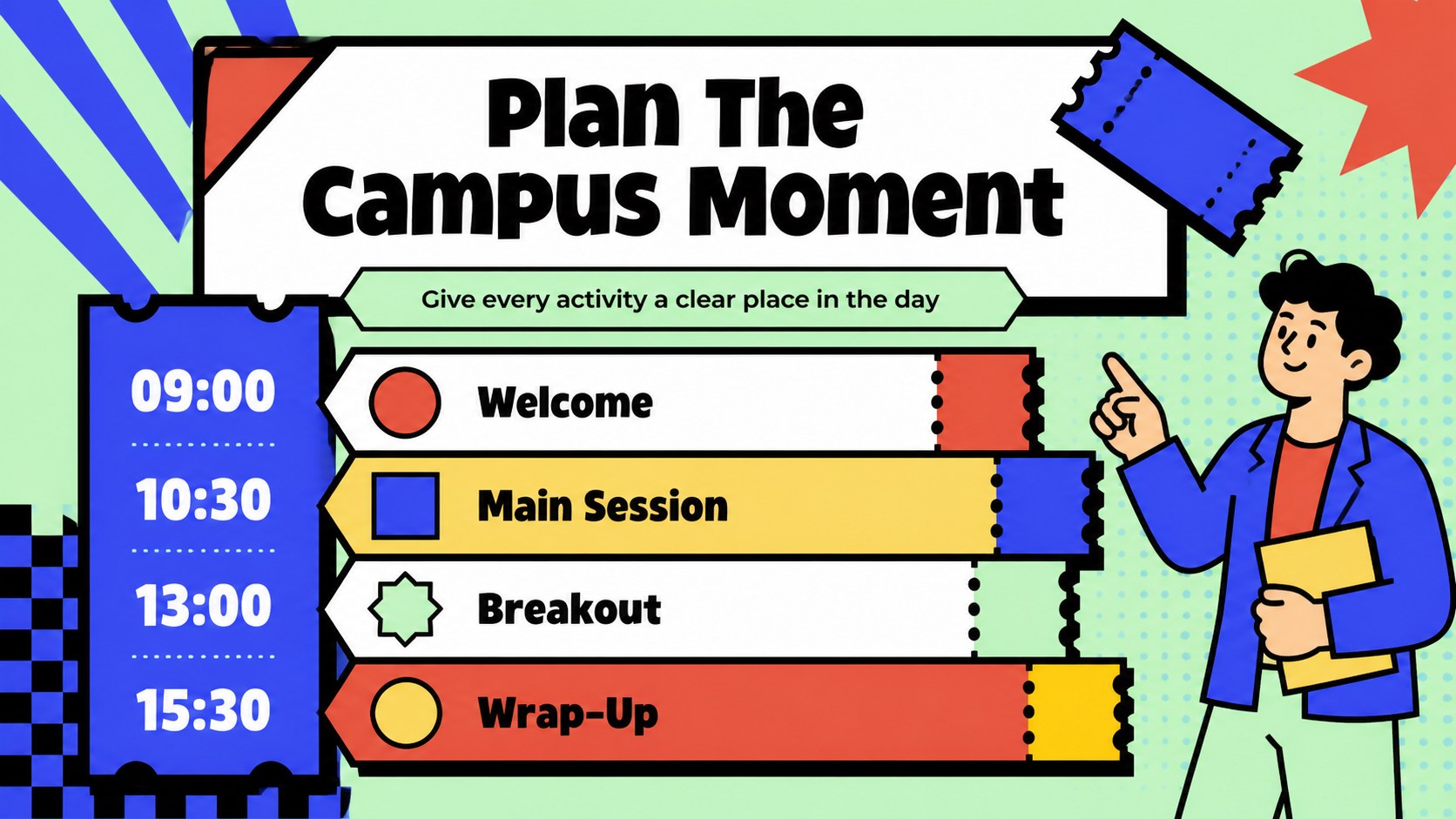
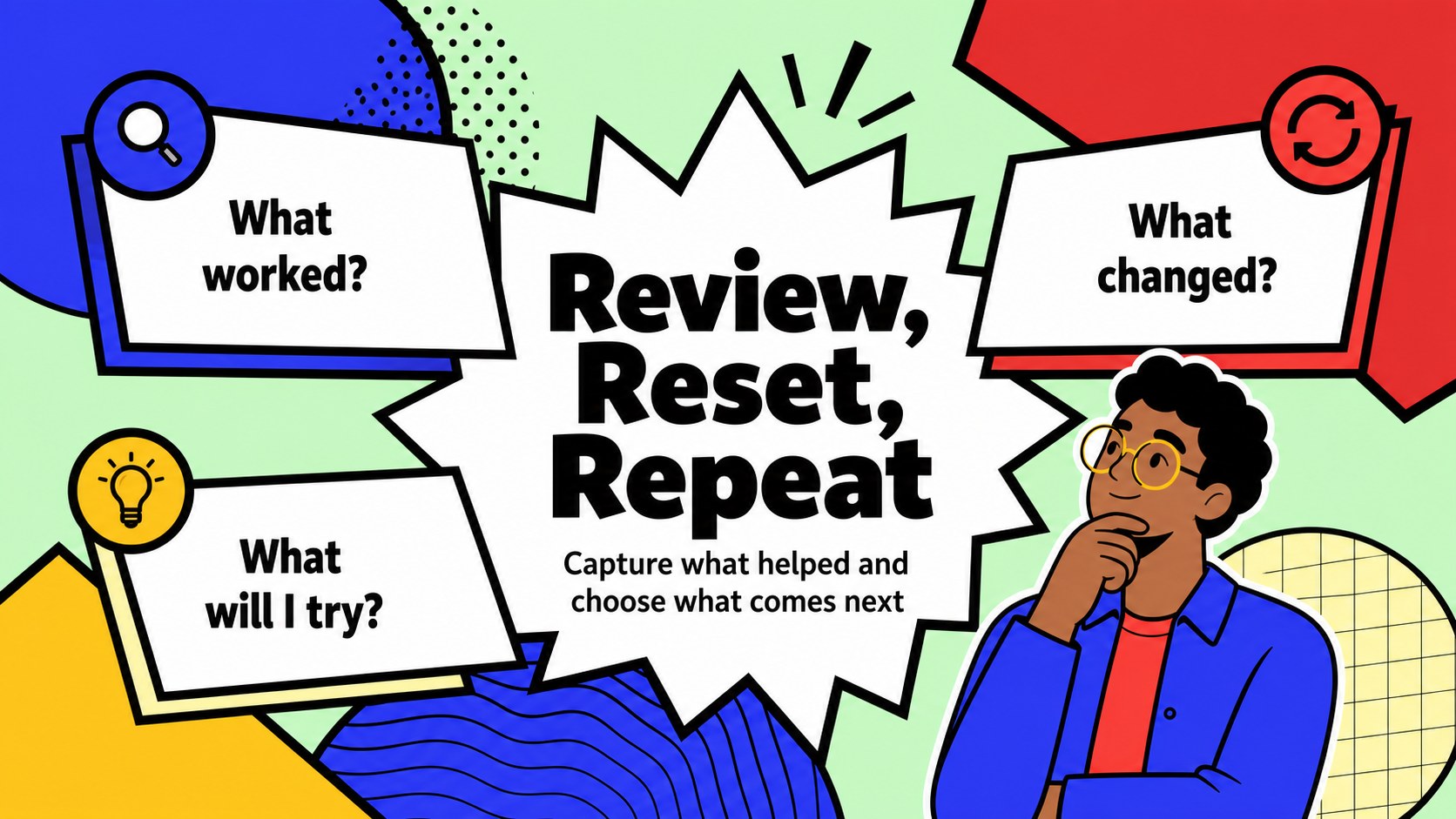
Retro Campus Semester Organizer is a colorful presentation kit for turning busy academic plans into clear, engaging visuals. Its blue and red palette, geometric shapes, checkerboard details, and playful pop-art energy create a lively 90s-inspired setting for students, educators, and campus teams. Use the deck to map a semester, prepare a study schedule, organize club activities, or guide a focused meeting.
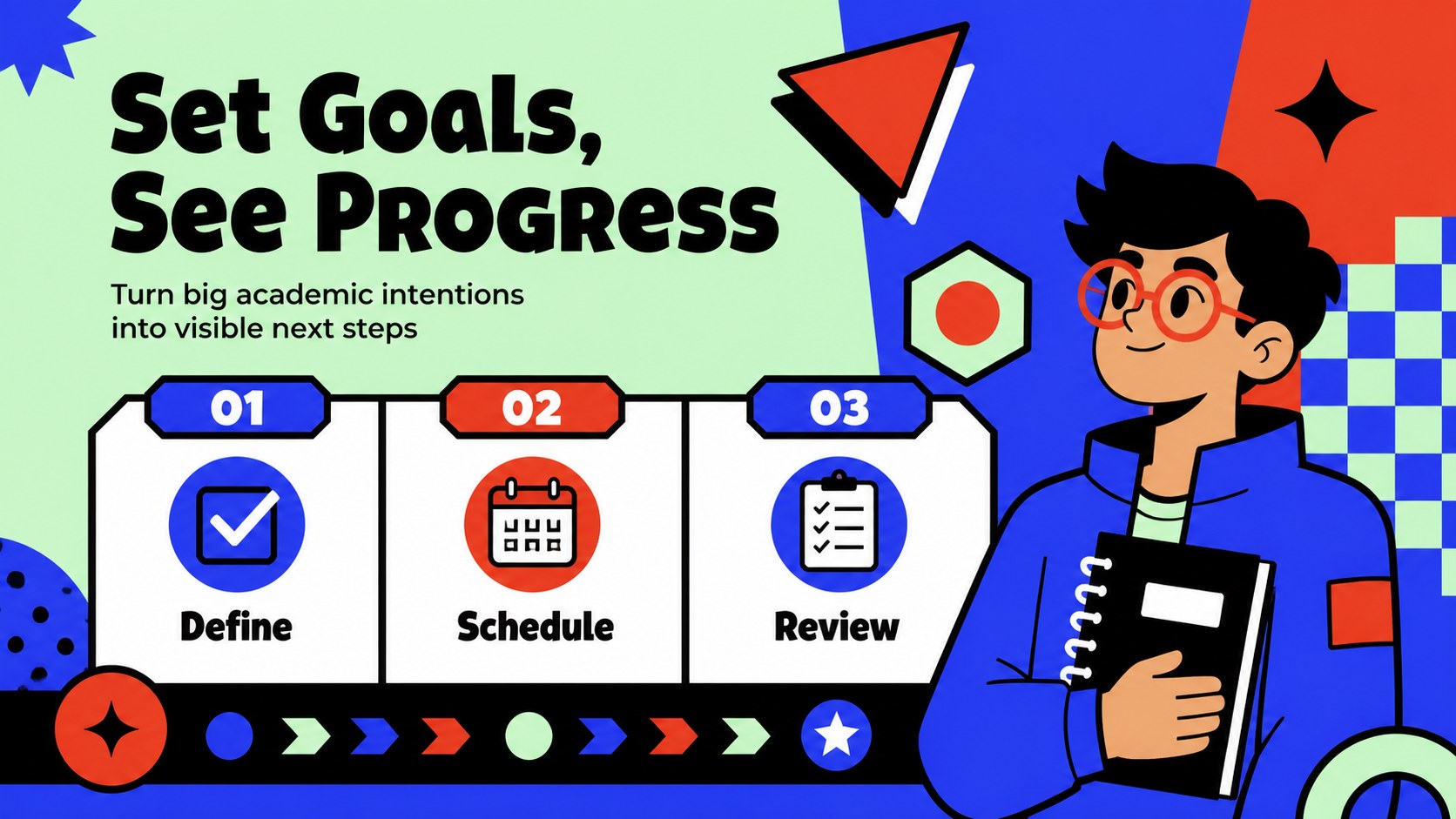
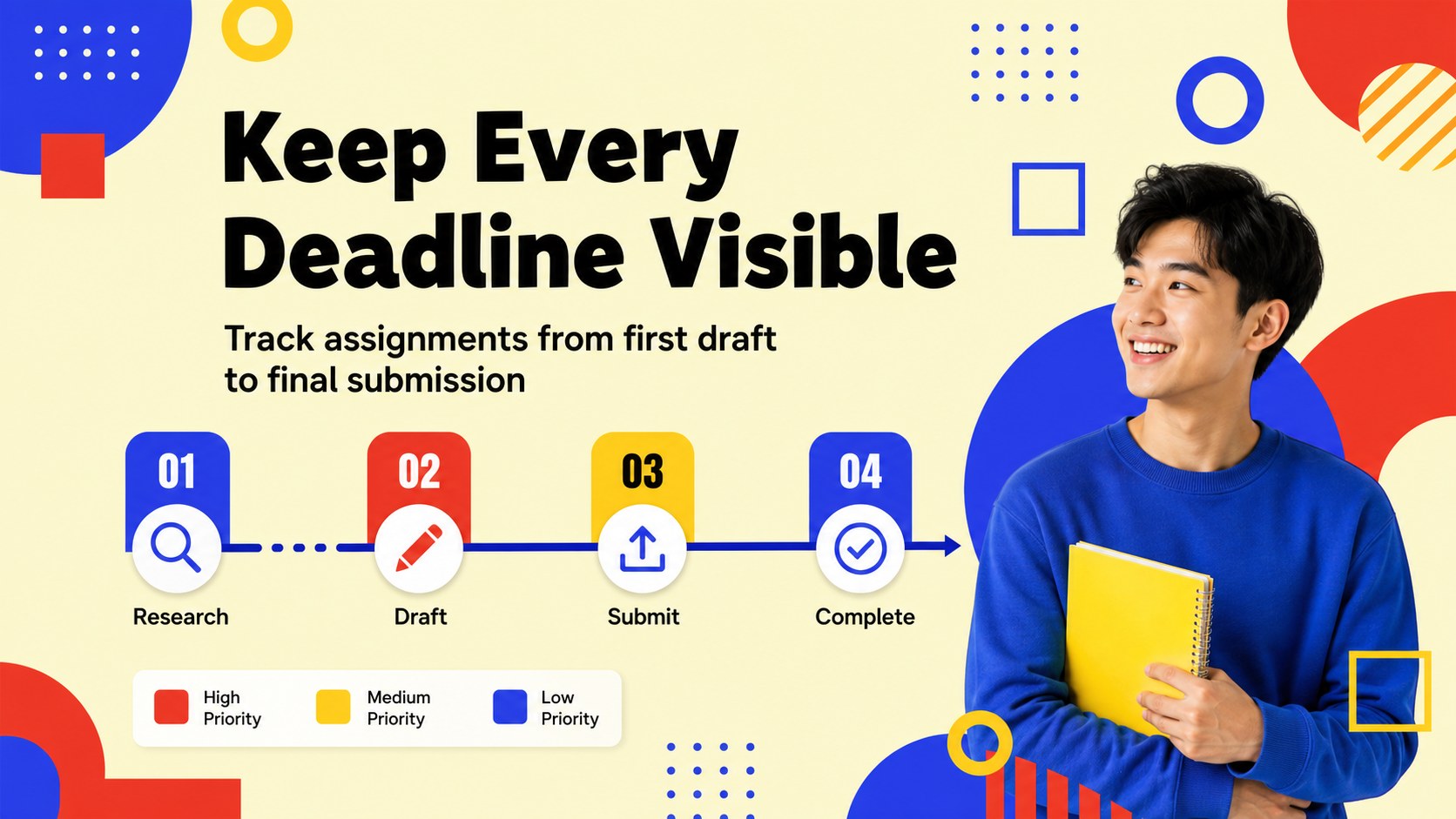
Inside, you will find more than 25 editable layouts for weekly planning, class timetables, assignment tracking, priority lists, project milestones, event agendas, reflection pages, and closing summaries. Charts, frames, lines, shapes, icons, and image placeholders help you adapt each page without rebuilding the design. The slides can also support a student time management presentation, a college orientation agenda, or an academic goal setting deck.
Edit the template in Google Slides or PowerPoint, then export or share it in the format your audience needs. It works well for back-to-school planning, faculty workshops, peer study groups, student organizations, and educational meetings. Animation and transition options add energy when presenting live, while notes areas help speakers prepare talking points. Swap fonts, images, colors, and copy while preserving the distinctive retro campus visual system.
Perfect for: semester planning session; college orientation agenda; student study schedule; campus club event plan; faculty workshop; academic goal review.
Frequently asked questions
Can I edit the semester organizer in Google Slides? Yes. The layouts are designed for editing in Google Slides and PowerPoint. Replace the sample text, adjust the schedule fields, and add your own images or icons.
Practical details
Yes. The layouts are designed for editing in Google Slides and PowerPoint. Replace the sample text, adjust the schedule fields, and add your own images or icons.
Yes. Students can use it for study plans, assignment tracking, project milestones, and academic reflections. Educators and campus organizations can also adapt the layouts for classes, workshops, and events.
Yes. You can modify the theme colors, fonts, shapes, and image placeholders while keeping the geometric layout system intact. This makes it easy to match a school, club, or department identity.
The deck includes schedules, checklists, goal pages, timelines, agenda layouts, progress visuals, notes pages, and summary slides. These formats support both detailed semester organization and concise live presentations.
Keep exploring
15Build stronger academic arguments with a college essay thesis builder featuring guided examples, revision prompts, and editable PowerPoint and Google Slides.
 15
15Build an engaging World UFO Day session with this flying saucer history lesson deck, featuring retro green-and-brown slides for PowerPoint and Google Slides.
 14
14Plan a memorable Lunar New Year campaign with the 2036 Dragon Year Celebration Theme, featuring bold red-and-yellow slides for lessons and events.
 15
15Build a thoughtful classroom discussion with this interfaith awareness lesson deck, featuring editable blue-and-white slides for PowerPoint and Google Slides.
 15
15Use this environmental awareness lesson deck to teach climate action through illustrated activities, discussion prompts, and ready-to-edit visuals.
 15
15Build playful lessons and party stories with a kid-friendly zombie celebration theme in purple, green and pastel blue for PowerPoint and Google Slides.
 15
15Build eerie lessons, campaigns, and story pitches with an undead survival scenario theme featuring editable slides for PowerPoint and Google Slides.
 16
16Turn environmental research into a clear story with a Watercolor Ecology Presentation Theme for PowerPoint and Google Slides in calming green and blue.