
 15
15presentation
College Essay Thesis Builder Slides
Build stronger academic arguments with a college essay thesis builder featuring guided examples, revision prompts, and editable PowerPoint and Google Slides.
Google SlidesPowerPoint
presentation · English
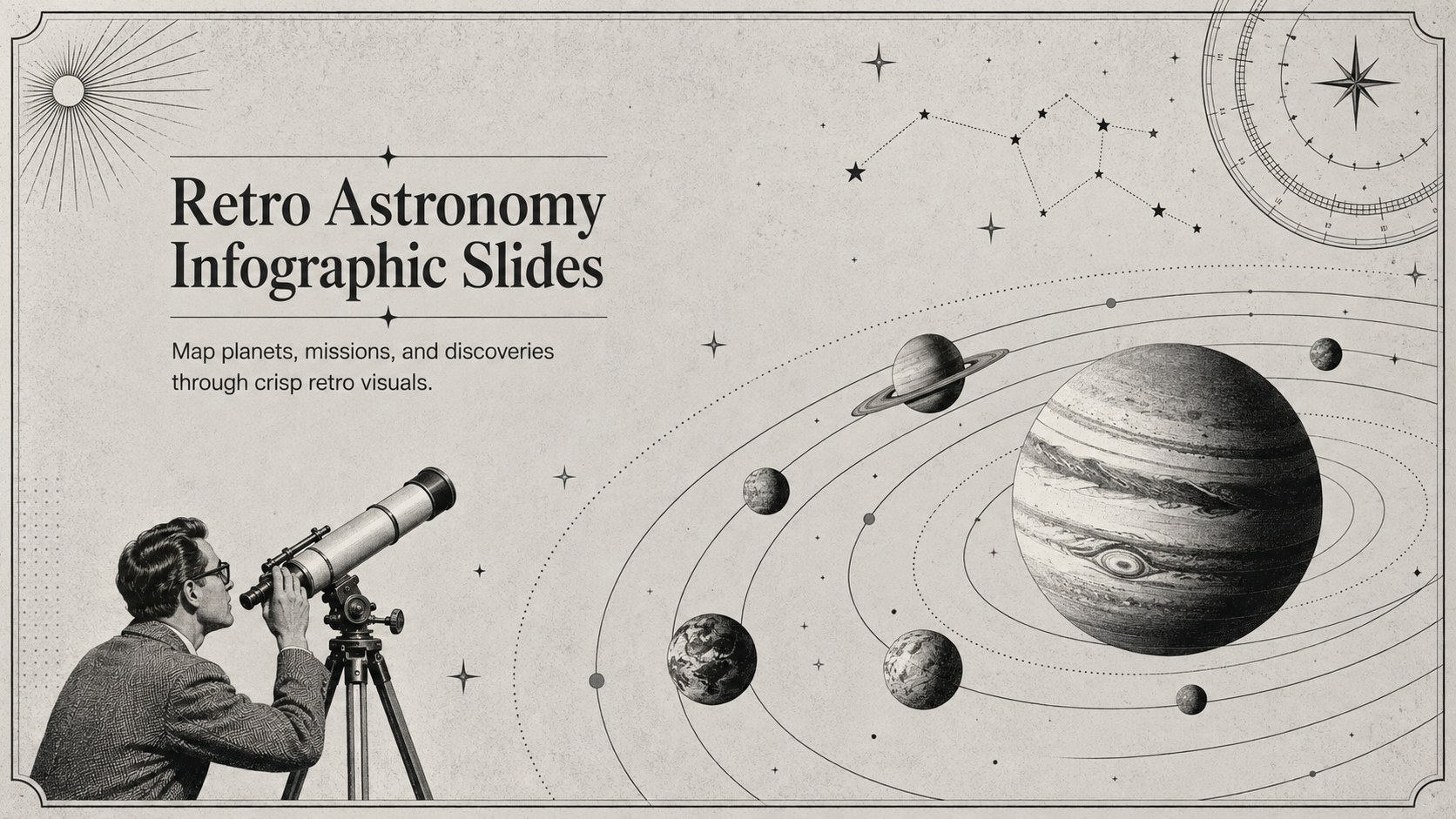
Present astronomy facts with Retro Astronomy Infographic Slides, a black-and-grey visual deck designed for science lessons, research summaries, and talks.
Design notes
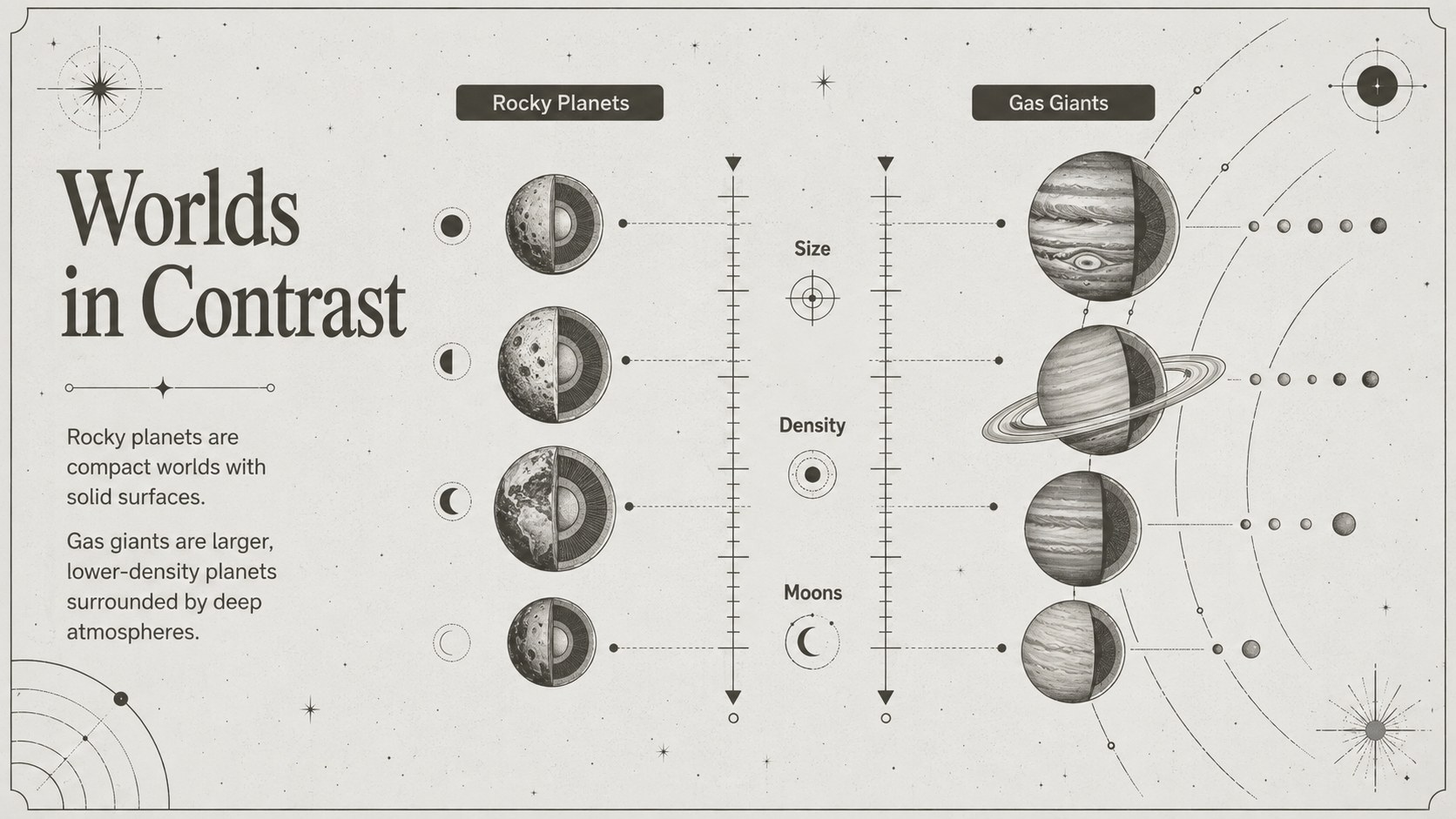
Retro Astronomy Infographic Slides helps you transform scientific facts into a focused visual narrative. The minimalist black-and-grey design combines vintage space aesthetics with clean typography, making detailed information easier to scan without losing a sense of discovery. Use the deck to explain planetary systems, compare celestial objects, summarize research, or introduce the history of spaceflight.
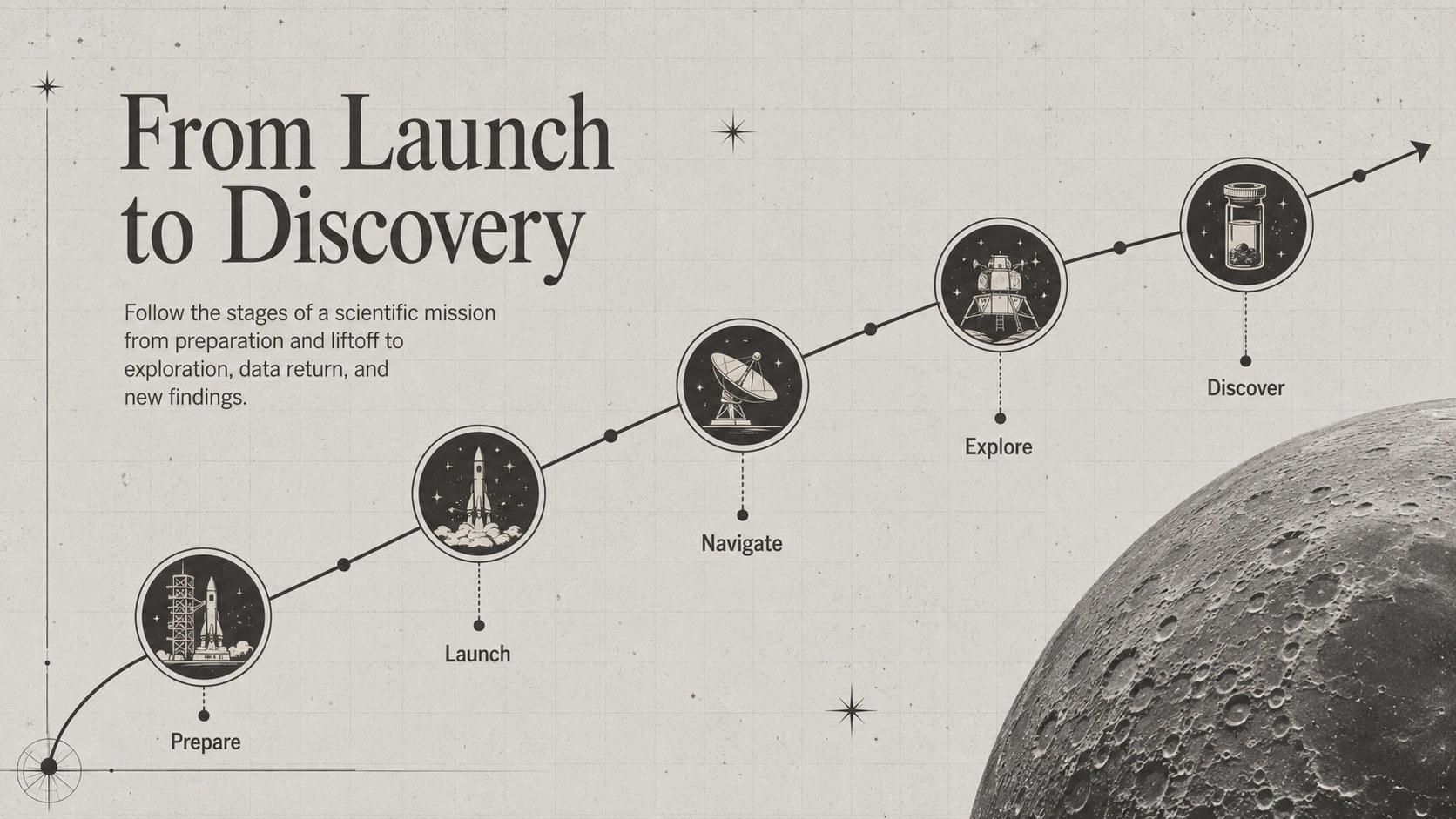
Inside, you will find adaptable layouts for labeled diagrams, fact panels, comparison charts, mission milestones, and illustrated statistics. The space mission timeline slides are useful for arranging launches and discoveries chronologically, while the galaxy data visualization template provides a structured way to communicate scale, distance, composition, and other astronomy data. Every layout can be edited in PowerPoint or Google Slides, including its text, colors, shapes, icons, and image placements.
This presentation is designed for science teachers, secondary and university students, museum educators, astronomy clubs, researchers, and public speakers. It works equally well as a visual astronomy lesson template, classroom project, research briefing, or science event display. The restrained palette supports technical content, while retro-inspired stars, orbital paths, telescopes, and planetary graphics give each slide a distinctive identity. Replace the sample facts with your own material, reorder sections to match your narrative, and add animations selectively when presenting complex sequences.
Perfect for: astronomy classroom lesson; planet research presentation; space mission timeline; science fair project; museum education display.
Frequently asked questions
Can I edit these astronomy infographic slides? Yes. You can replace the sample text, adjust the palette, resize graphics, and reorganize every layout to suit your subject and audience.
Practical details
Yes. You can replace the sample text, adjust the palette, resize graphics, and reorganize every layout to suit your subject and audience.
The deck is designed for PowerPoint and Google Slides. Some fonts or effects may render slightly differently between platforms, so review the final slides before presenting.
Yes. The layouts can cover telescopes, galaxies, astronauts, space missions, orbital science, or major discoveries by changing the text, icons, and data.
Replace the sample values with verified data, then update labels and visual markers to match. Keep the restrained black-and-grey palette or introduce one accent color to distinguish important categories.
Keep exploring
15Build stronger academic arguments with a college essay thesis builder featuring guided examples, revision prompts, and editable PowerPoint and Google Slides.
 15
15Build an engaging World UFO Day session with this flying saucer history lesson deck, featuring retro green-and-brown slides for PowerPoint and Google Slides.
 14
14Plan a memorable Lunar New Year campaign with the 2036 Dragon Year Celebration Theme, featuring bold red-and-yellow slides for lessons and events.
 15
15Build a thoughtful classroom discussion with this interfaith awareness lesson deck, featuring editable blue-and-white slides for PowerPoint and Google Slides.
 15
15Use this environmental awareness lesson deck to teach climate action through illustrated activities, discussion prompts, and ready-to-edit visuals.
 15
15Build playful lessons and party stories with a kid-friendly zombie celebration theme in purple, green and pastel blue for PowerPoint and Google Slides.
 15
15Build eerie lessons, campaigns, and story pitches with an undead survival scenario theme featuring editable slides for PowerPoint and Google Slides.
 16
16Turn environmental research into a clear story with a Watercolor Ecology Presentation Theme for PowerPoint and Google Slides in calming green and blue.