
 15
15presentation
College Essay Thesis Builder Slides
Build stronger academic arguments with a college essay thesis builder featuring guided examples, revision prompts, and editable PowerPoint and Google Slides.
Google SlidesPowerPoint
presentation · English
Present findings clearly with a research symposium presentation theme featuring clean green layouts for methods, data, discussion, and Q&A sessions.

Design notes
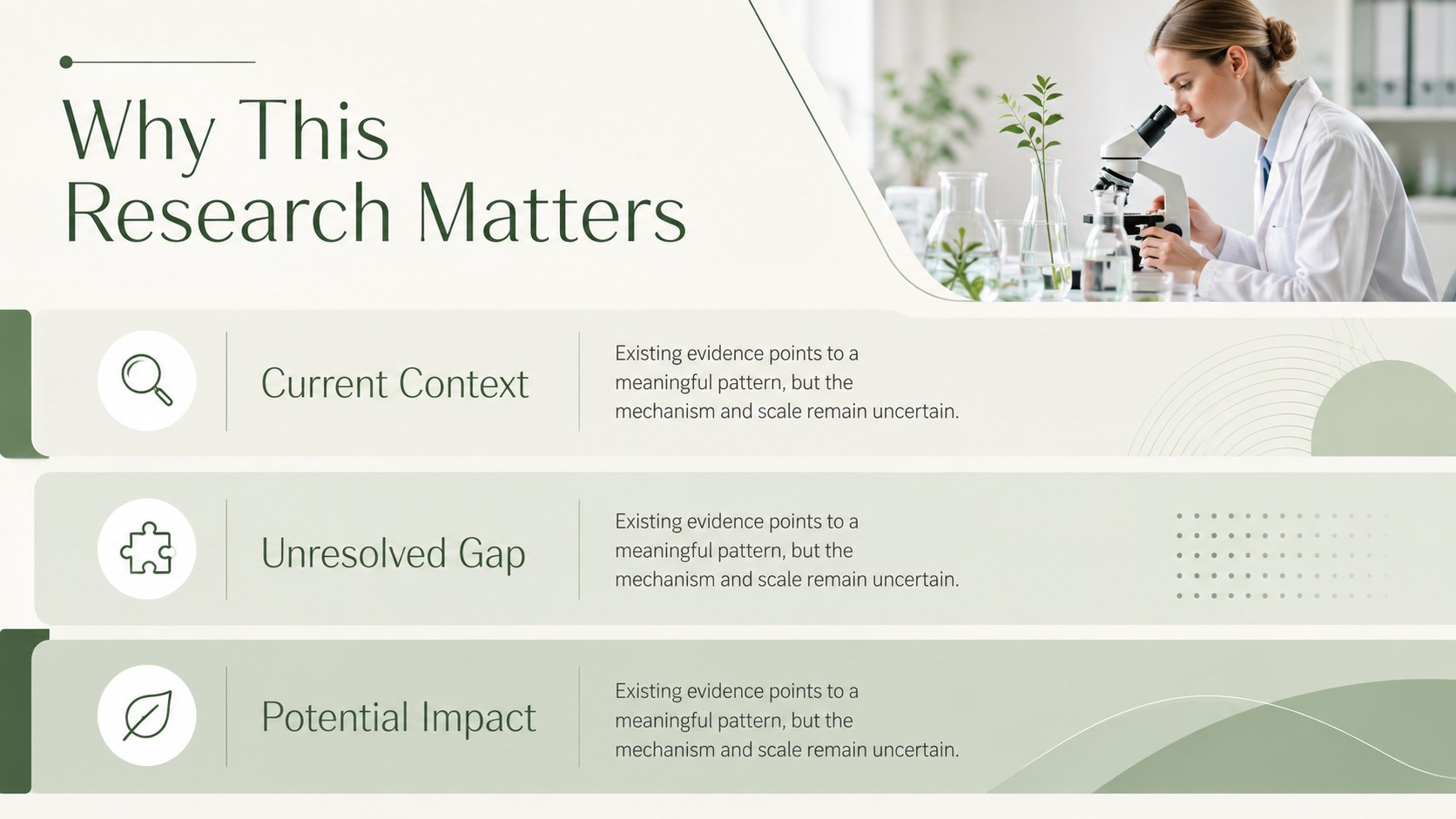
Build a polished academic talk with this research symposium presentation theme, designed to make detailed findings easy to follow. The restrained green palette, generous spacing, and simple typography create a professional setting for explaining research questions, evidence, and conclusions without distracting from the substance.
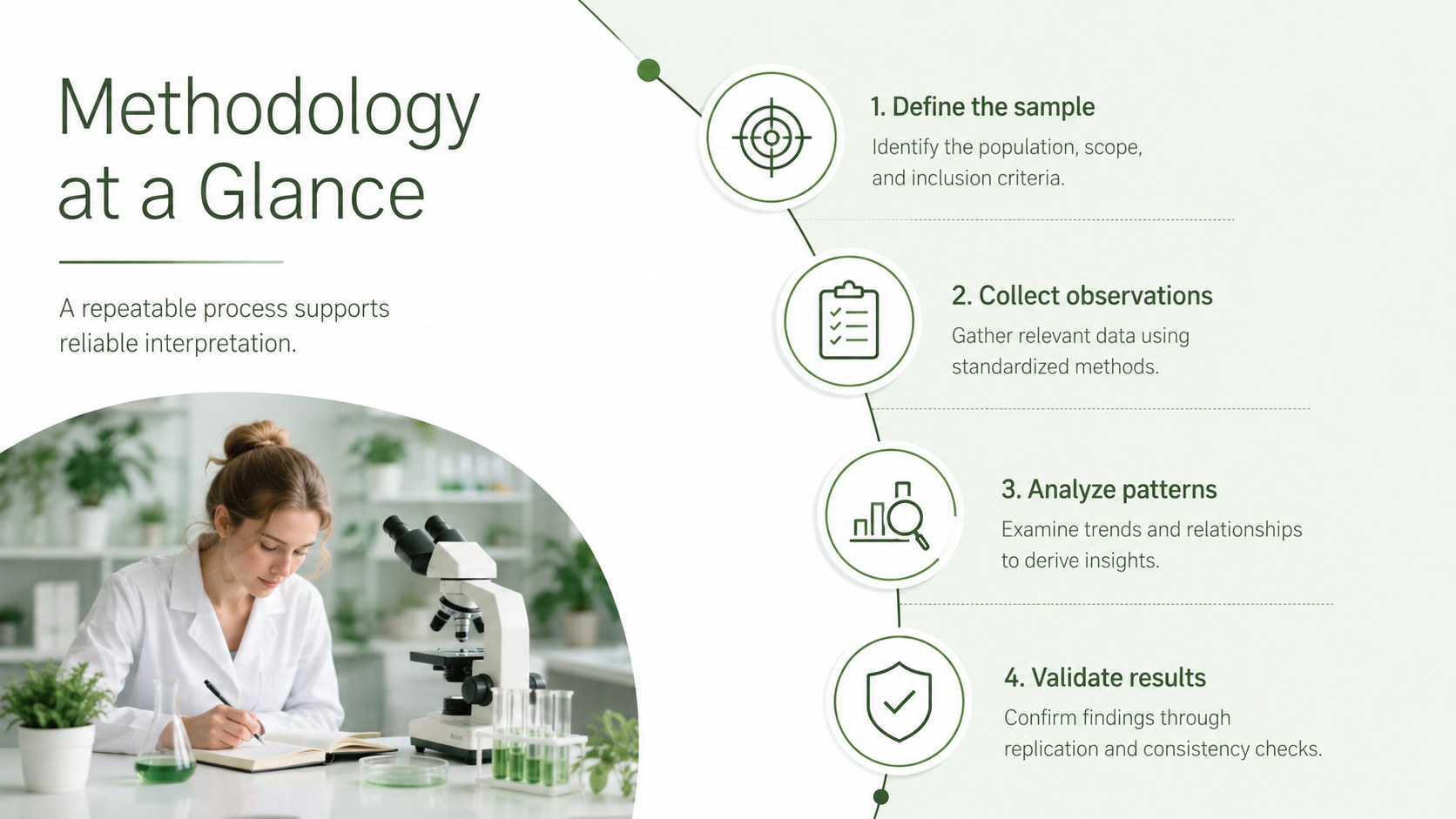
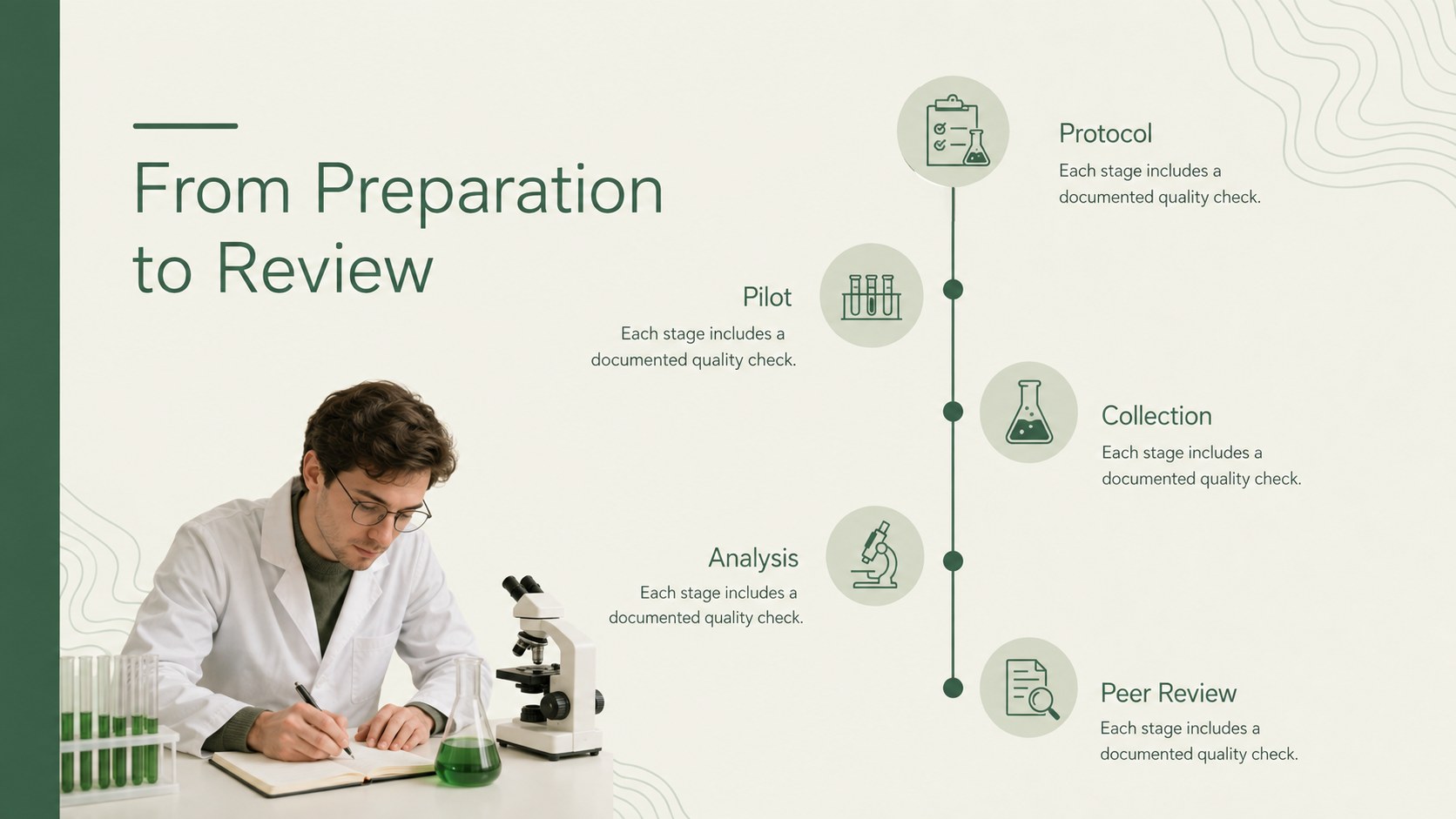
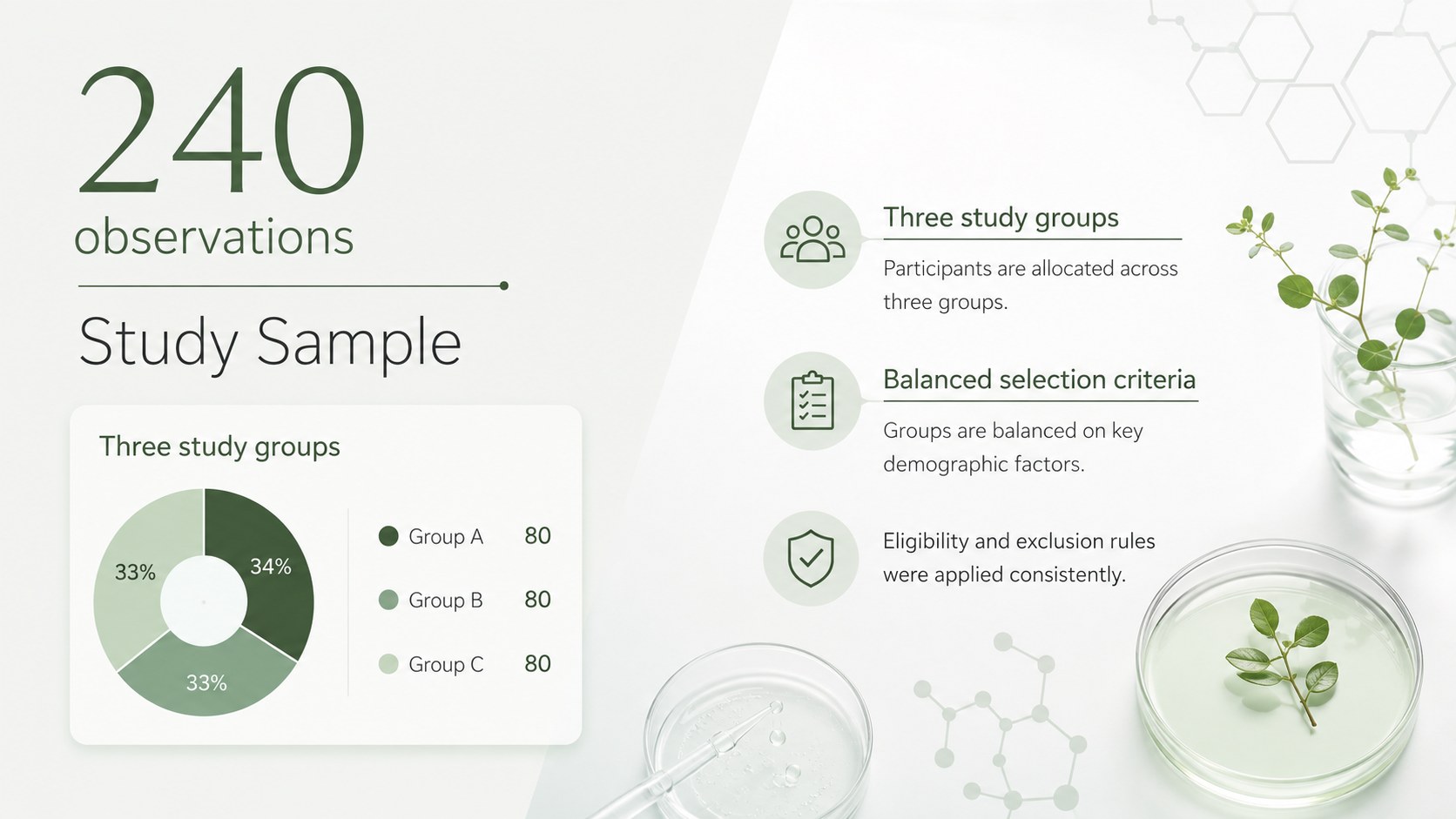
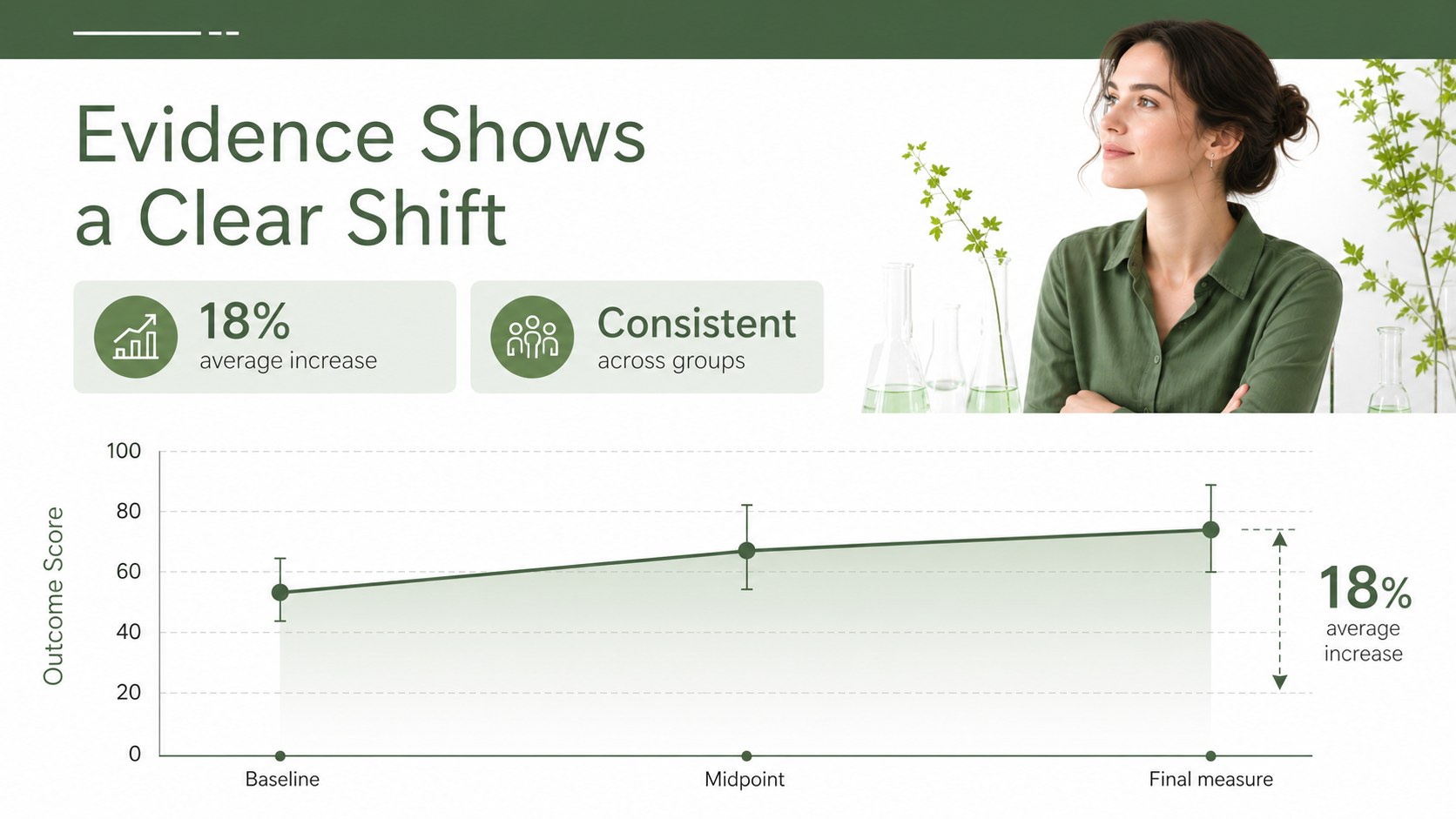
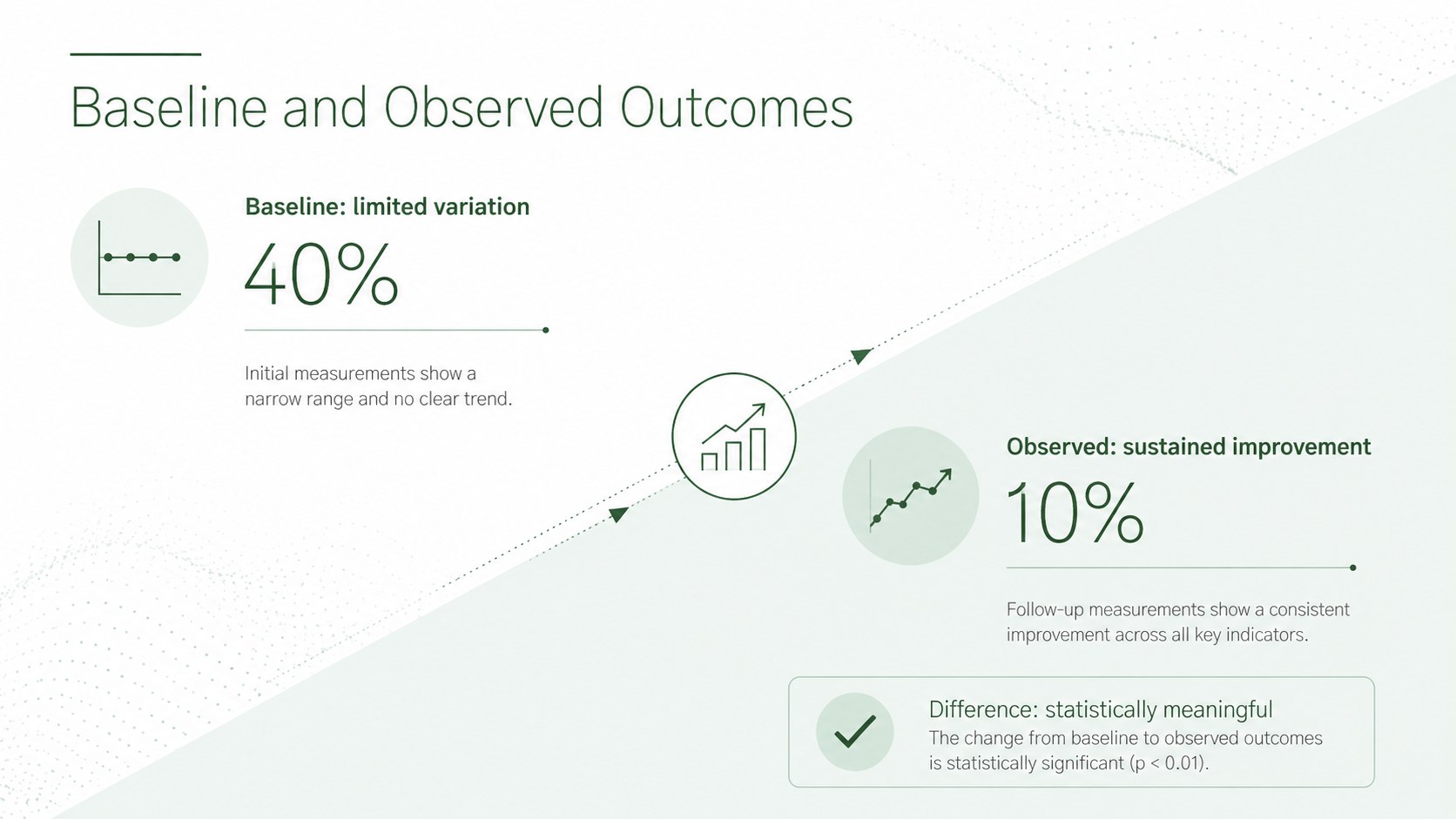
Inside, you will find layouts for an agenda, research objectives, background information, methodology, process stages, sample details, data visualizations, comparisons, limitations, key takeaways, and audience questions. Use the green research presentation template to combine concise explanations with charts, diagrams, quotations, and supporting images. Every 16:9 layout can be adapted in PowerPoint or Google Slides, giving you control over wording, colors, fonts, and visual hierarchy.
This academic symposium PowerPoint theme is suited to university faculty, graduate students, laboratory teams, science educators, and professional researchers. It works for conference talks, thesis updates, departmental seminars, webinar sessions, and collaborative project reviews. The included research methodology presentation layouts help speakers organize technical information into a logical sequence, while dedicated discussion and Q&A slides make it easier to guide conversation after the results are presented.
Perfect for: academic symposium talk; graduate research defense; laboratory results briefing; departmental science seminar; research webinar presentation; project methodology review.
Frequently asked questions
Can I edit this theme in PowerPoint and Google Slides? Yes. The slides are designed for editing in both PowerPoint and Google Slides, including text, colors, images, charts, and layout elements. Some fonts or effects may vary slightly between the two platforms.
Practical details
Yes. The slides are designed for editing in both PowerPoint and Google Slides, including text, colors, images, charts, and layout elements. Some fonts or effects may vary slightly between the two platforms.
Replace the sample headings and data with terminology, diagrams, and evidence from your discipline. The neutral scientific structure works across biology, chemistry, physics, medicine, environmental studies, and interdisciplinary research.
Yes. Apply your institution's colors through the theme settings or update individual shapes and chart series. Keep strong contrast between text and backgrounds to preserve readability in conference rooms.
Yes. The deck includes formats for charts, comparisons, sample summaries, workflows, and key findings. You can simplify or expand each layout according to the amount of evidence in your presentation.
Keep exploring
15Build stronger academic arguments with a college essay thesis builder featuring guided examples, revision prompts, and editable PowerPoint and Google Slides.
 15
15Build an engaging World UFO Day session with this flying saucer history lesson deck, featuring retro green-and-brown slides for PowerPoint and Google Slides.
 14
14Plan a memorable Lunar New Year campaign with the 2036 Dragon Year Celebration Theme, featuring bold red-and-yellow slides for lessons and events.
 15
15Build a thoughtful classroom discussion with this interfaith awareness lesson deck, featuring editable blue-and-white slides for PowerPoint and Google Slides.
 15
15Use this environmental awareness lesson deck to teach climate action through illustrated activities, discussion prompts, and ready-to-edit visuals.
 15
15Build playful lessons and party stories with a kid-friendly zombie celebration theme in purple, green and pastel blue for PowerPoint and Google Slides.
 15
15Build eerie lessons, campaigns, and story pitches with an undead survival scenario theme featuring editable slides for PowerPoint and Google Slides.
 16
16Turn environmental research into a clear story with a Watercolor Ecology Presentation Theme for PowerPoint and Google Slides in calming green and blue.