
 15
15presentation
College Essay Thesis Builder Slides
Build stronger academic arguments with a college essay thesis builder featuring guided examples, revision prompts, and editable PowerPoint and Google Slides.
Google SlidesPowerPoint
presentation · English
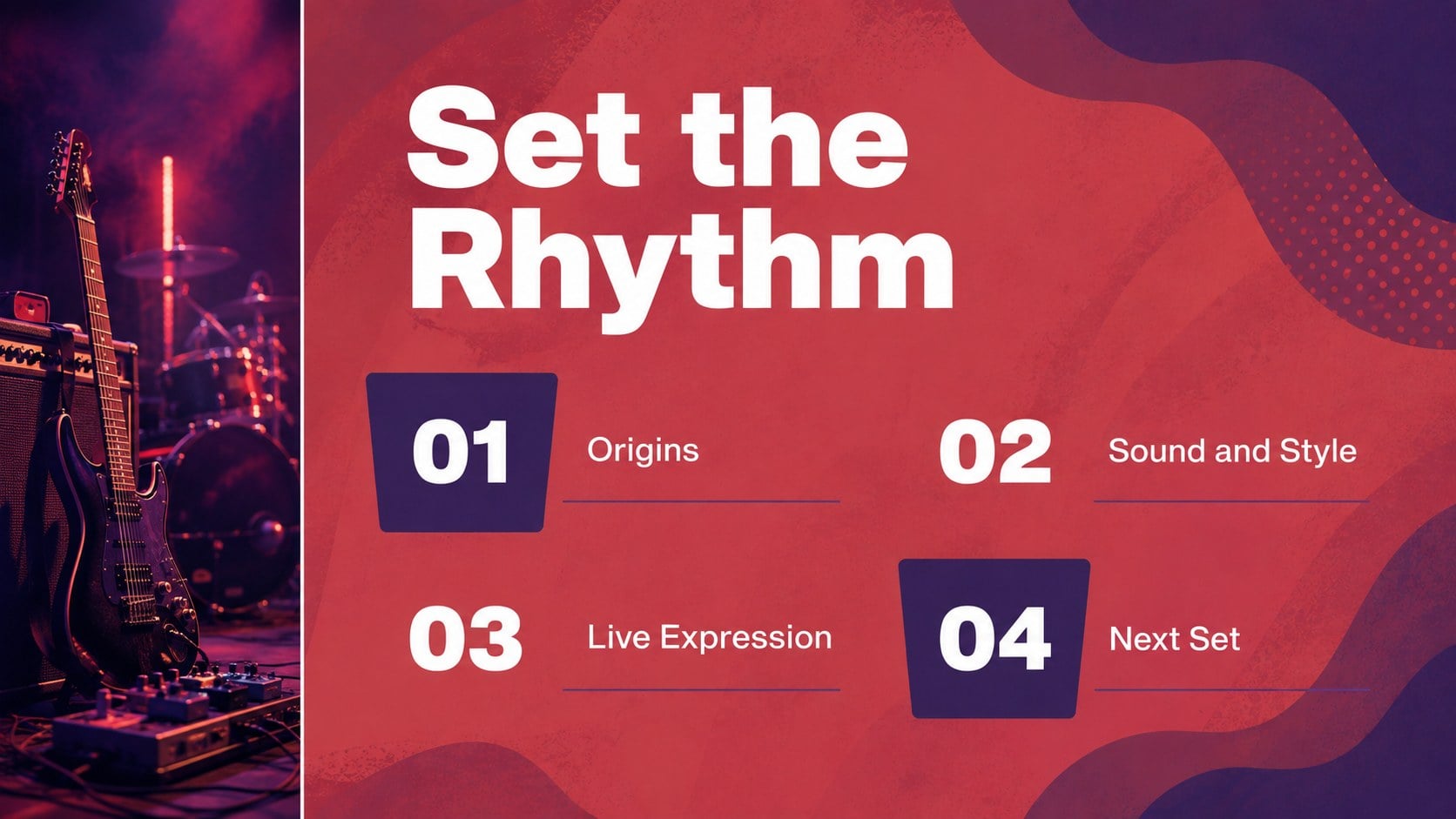
Build a vivid red purple music presentation with photo-led layouts for lessons, concerts, artist profiles, and band proposals in PowerPoint or Google Slides.








Design notes
Bring rhythm, imagery, and clear storytelling together in this red purple music presentation deck. Designed for students, teachers, performers, music clubs, and creative teams, it gives every topic a strong visual pulse without making the content difficult to follow. Use it to introduce an artist, explain a genre, document a live event, present a rehearsal plan, or pitch a new band concept.
Inside are 15 fully editable 16:9 slides with photo-focused compositions, bold color blocking, expressive typography, image frames, section dividers, quote layouts, comparison pages, and practical content structures. The red and purple palette creates a lively pop-art atmosphere while keeping headlines and key details easy to scan. Add your own photos, lyrics excerpts, dates, charts, credits, or speaker notes in PowerPoint or Google Slides. The layouts also work well for a concert history presentation, a music club recruitment deck, or an artist profile slideshow.
Customize fonts, colors, imagery, shapes, and transitions to match your project. This music education slide deck is suitable for classroom instruction, performance reviews, portfolio presentations, event planning, and audience-facing proposals.
Perfect for: music history lesson; concert recap; artist profile; band proposal; music club recruitment; rehearsal planning.
Frequently asked questions
Can I edit this deck in PowerPoint? Yes. The presentation is structured for PowerPoint editing, so you can replace text, images, colors, shapes, and layout elements. Add your own charts, credits, dates, and speaker notes before presenting.
Practical details
Yes. The presentation is structured for PowerPoint editing, so you can replace text, images, colors, shapes, and layout elements. Add your own charts, credits, dates, and speaker notes before presenting.
Yes, you can open and customize the deck in Google Slides. Check the imported layouts for minor font or spacing changes, then adjust the theme elements to fit your project.
It works for music lessons, concert recaps, artist introductions, band proposals, club recruitment, and event planning. The photo-led structure also suits genre explainers and performance portfolios.
Yes. Replace the accent colors with your preferred theme colors while keeping the original contrast between headlines, images, and background areas. You can also swap photography and adjust typography for a more personal identity.
Keep exploring
15Build stronger academic arguments with a college essay thesis builder featuring guided examples, revision prompts, and editable PowerPoint and Google Slides.
 15
15Build an engaging World UFO Day session with this flying saucer history lesson deck, featuring retro green-and-brown slides for PowerPoint and Google Slides.
 14
14Plan a memorable Lunar New Year campaign with the 2036 Dragon Year Celebration Theme, featuring bold red-and-yellow slides for lessons and events.
 15
15Build a thoughtful classroom discussion with this interfaith awareness lesson deck, featuring editable blue-and-white slides for PowerPoint and Google Slides.
 15
15Use this environmental awareness lesson deck to teach climate action through illustrated activities, discussion prompts, and ready-to-edit visuals.
 15
15Build playful lessons and party stories with a kid-friendly zombie celebration theme in purple, green and pastel blue for PowerPoint and Google Slides.
 15
15Build eerie lessons, campaigns, and story pitches with an undead survival scenario theme featuring editable slides for PowerPoint and Google Slides.
 16
16Turn environmental research into a clear story with a Watercolor Ecology Presentation Theme for PowerPoint and Google Slides in calming green and blue.