
 15
15presentation
College Essay Thesis Builder Slides
Build stronger academic arguments with a college essay thesis builder featuring guided examples, revision prompts, and editable PowerPoint and Google Slides.
Google SlidesPowerPoint
presentation · English
Build engaging red kitchen activity slides for cooking lessons, recipe practice, and food-themed learning in PowerPoint or Google Slides with easy editing.

Design notes
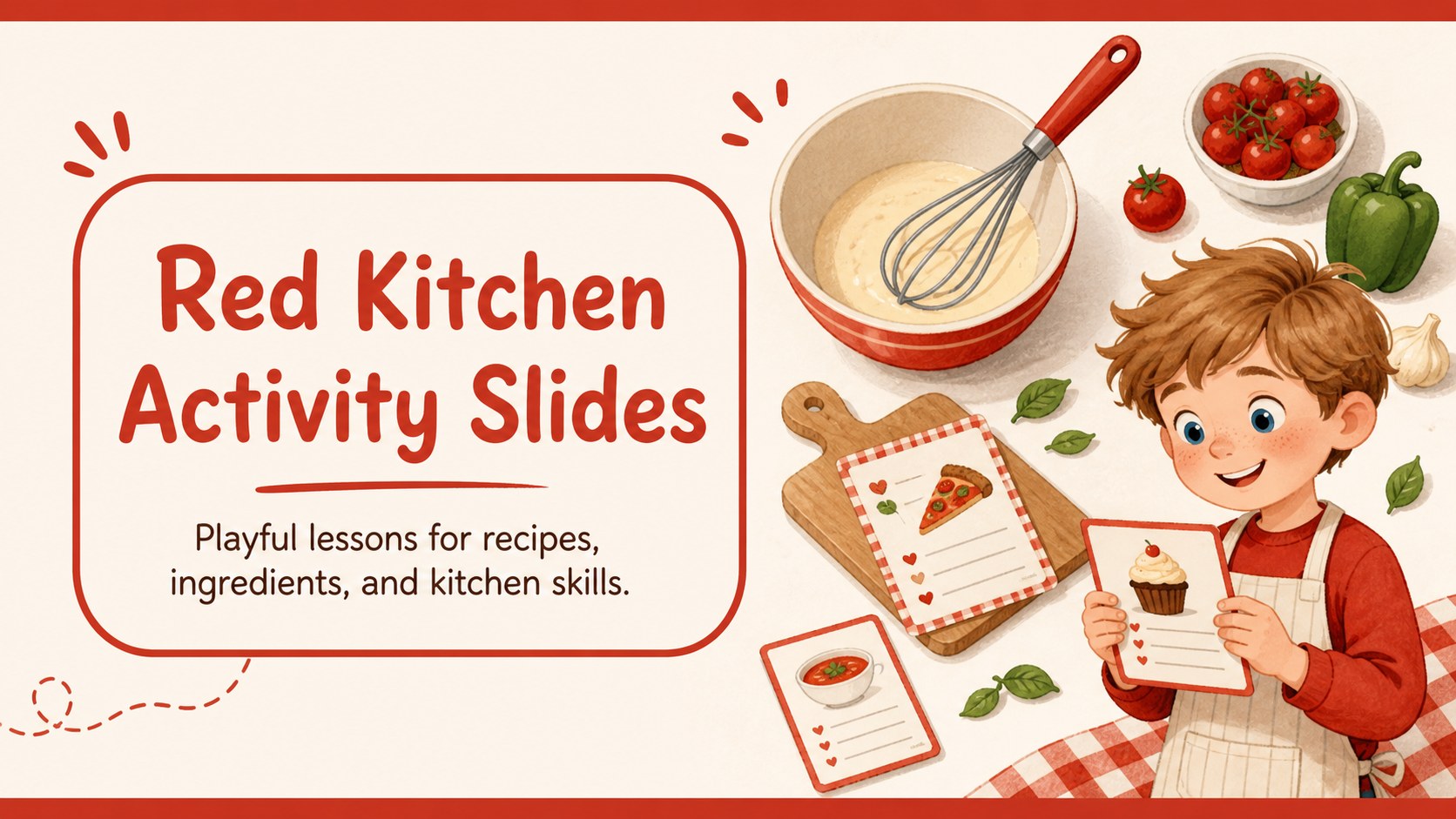
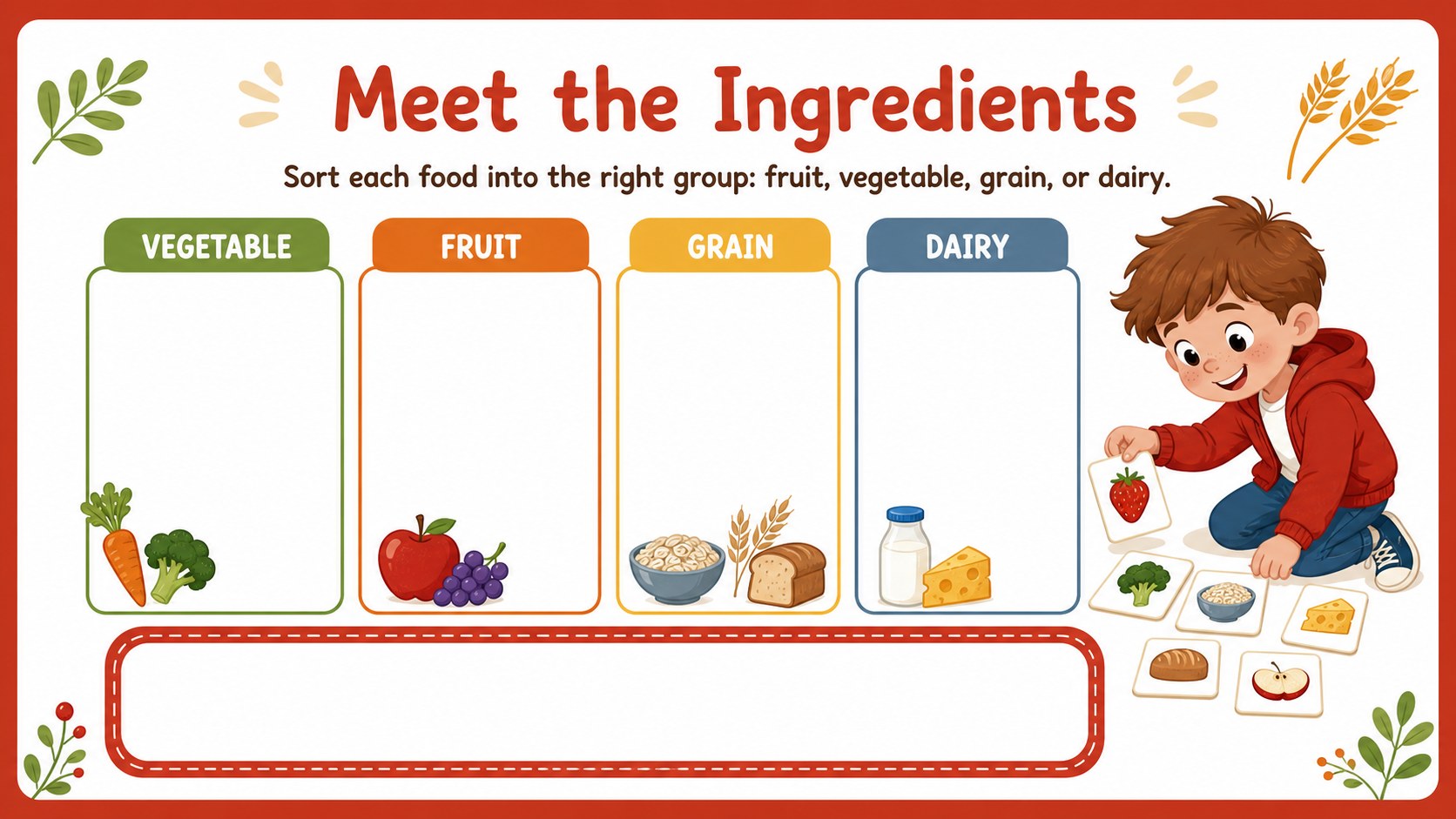
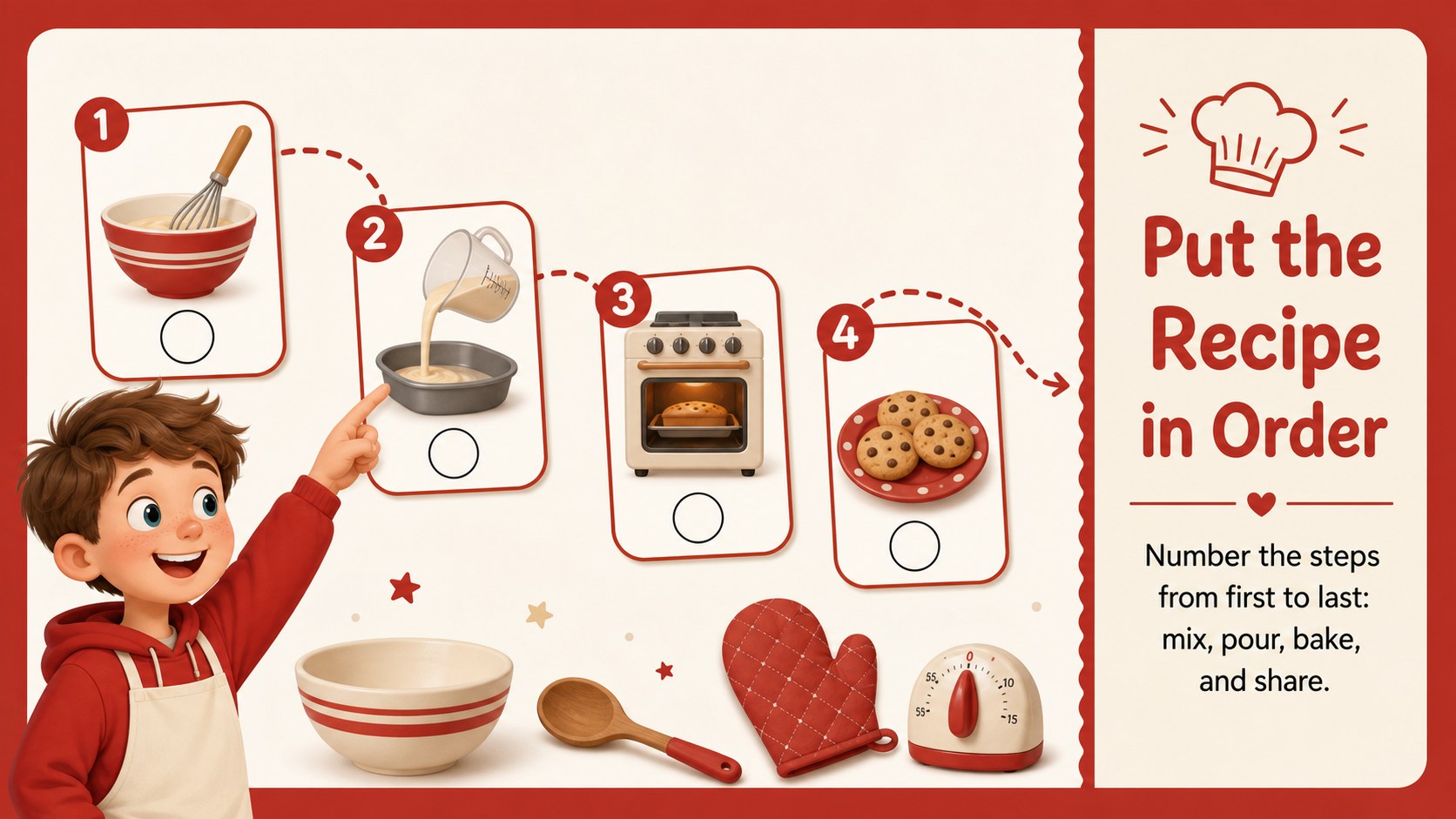
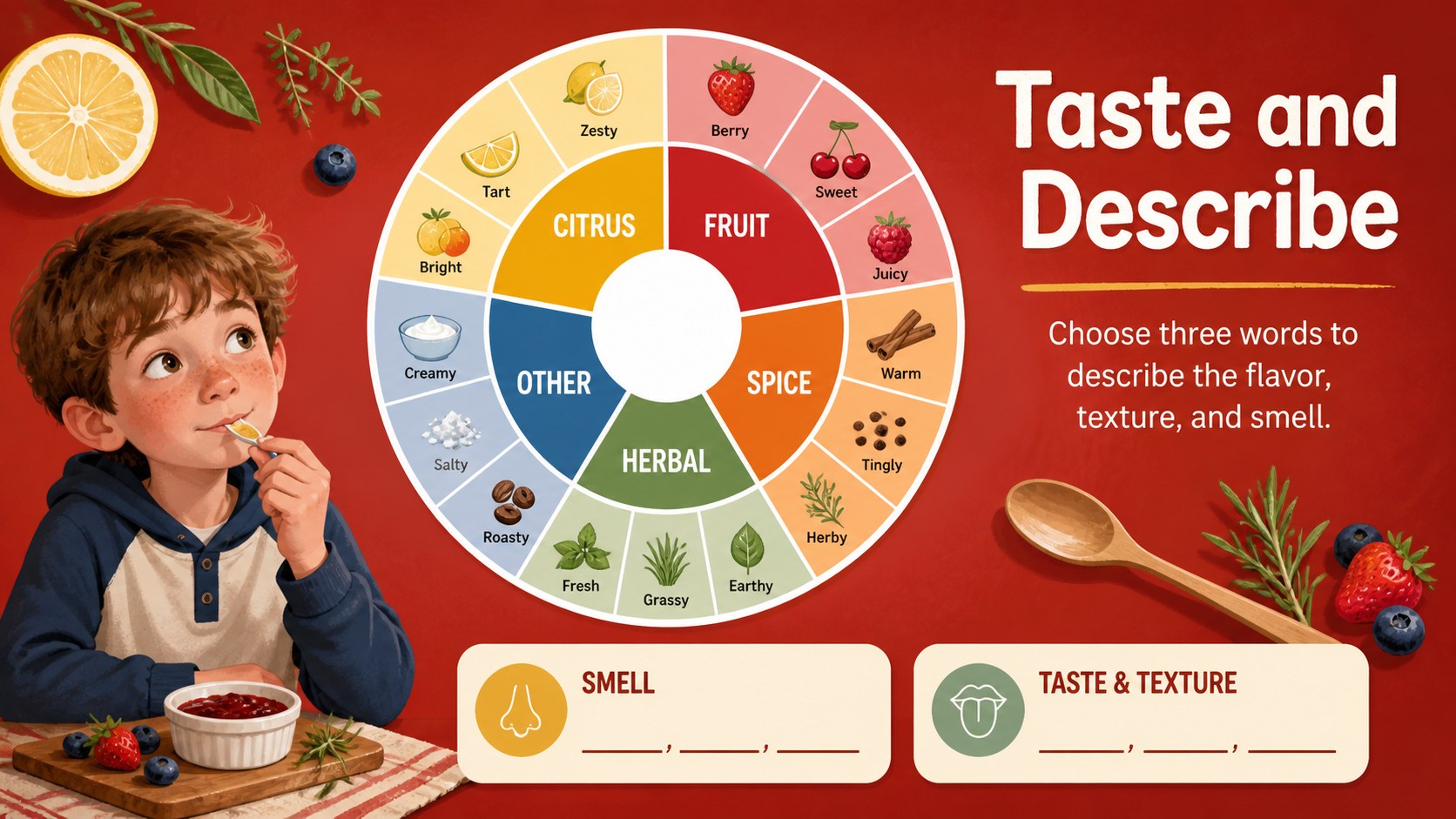
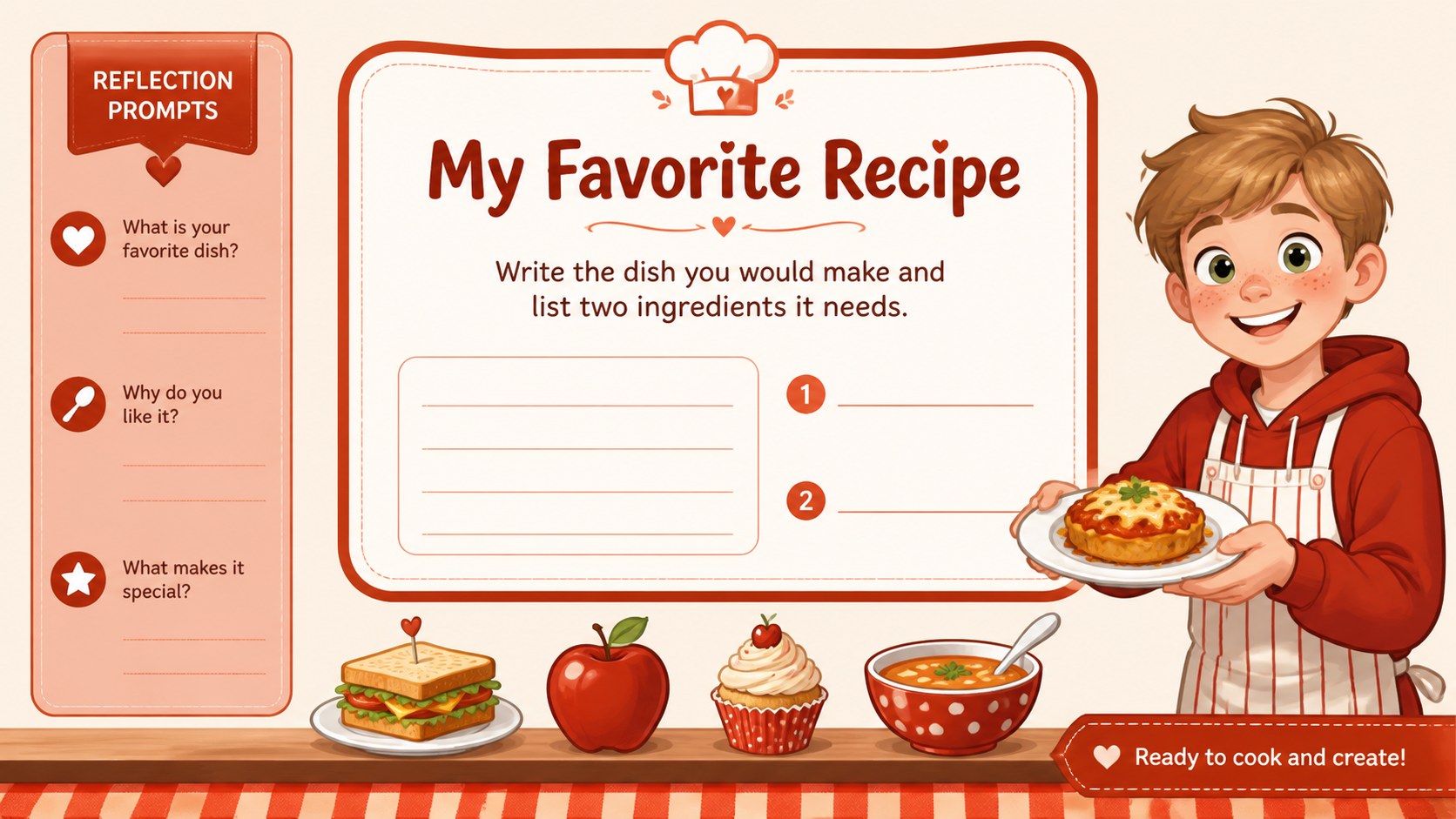
Red Kitchen Activity Slides brings a playful, food-focused format to cooking lessons, recipe practice, and classroom exercises. The bright red palette, clean Poppins typography, and cheerful illustrated details give every page an inviting feel without making the information difficult to follow. Use the deck to introduce ingredients, sequence preparation steps, review kitchen vocabulary, or encourage students to describe their favorite dishes.
Inside, you will find six editable 16:9 slides with worksheet-inspired layouts, question areas, ingredient callouts, picture prompts, and space for short written answers. The structure works well as a cooking class presentation, a printable-style food activity, or a guided recipe lesson for children. Replace the sample copy with your own instructions, add classroom branding, or adapt the activities for home learning and family workshops.
This template is designed for teachers, cooking instructors, homeschool families, food educators, and anyone preparing a kid-friendly culinary session. Edit the layouts in PowerPoint or Google Slides, adjust the red accents, and insert your own recipe photos, icons, or step-by-step content. It is especially useful for elementary cooking lessons, beginner kitchen safety discussions, and interactive food worksheets.
Perfect for: elementary cooking lesson; recipe sequencing activity; kitchen safety workshop; homeschool food education; children's cooking demonstration.
Frequently asked questions
Can I edit these slides in PowerPoint? Yes. The presentation can be opened and customized in PowerPoint. You can change the text, resize illustrations, replace images, and adjust the red accent elements.
Practical details
Yes. The presentation can be opened and customized in PowerPoint. You can change the text, resize illustrations, replace images, and adjust the red accent elements.
Yes, it is suitable for Google Slides as well as PowerPoint. Upload the presentation to Google Drive, open it with Google Slides, and edit the activity pages in your browser.
You can rewrite the prompts, simplify the instructions, or add more detailed cooking vocabulary for older learners. The worksheet-style layouts provide flexible spaces for questions, answers, ingredients, and preparation steps.
You can edit every sample heading and body-text area, replace the food illustrations, and add recipe photos or classroom instructions. The layouts also support changes to fonts, colors, shapes, and slide order.
Keep exploring
15Build stronger academic arguments with a college essay thesis builder featuring guided examples, revision prompts, and editable PowerPoint and Google Slides.
 15
15Build an engaging World UFO Day session with this flying saucer history lesson deck, featuring retro green-and-brown slides for PowerPoint and Google Slides.
 14
14Plan a memorable Lunar New Year campaign with the 2036 Dragon Year Celebration Theme, featuring bold red-and-yellow slides for lessons and events.
 15
15Build a thoughtful classroom discussion with this interfaith awareness lesson deck, featuring editable blue-and-white slides for PowerPoint and Google Slides.
 15
15Use this environmental awareness lesson deck to teach climate action through illustrated activities, discussion prompts, and ready-to-edit visuals.
 15
15Build playful lessons and party stories with a kid-friendly zombie celebration theme in purple, green and pastel blue for PowerPoint and Google Slides.
 15
15Build eerie lessons, campaigns, and story pitches with an undead survival scenario theme featuring editable slides for PowerPoint and Google Slides.
 16
16Turn environmental research into a clear story with a Watercolor Ecology Presentation Theme for PowerPoint and Google Slides in calming green and blue.