
 15
15presentation
College Essay Thesis Builder Slides
Build stronger academic arguments with a college essay thesis builder featuring guided examples, revision prompts, and editable PowerPoint and Google Slides.
Google SlidesPowerPoint
presentation · English
Plan literacy activities with a Reading Month classroom celebration deck for book talks, reading challenges, and school events in PowerPoint or Google Slides.


Design notes
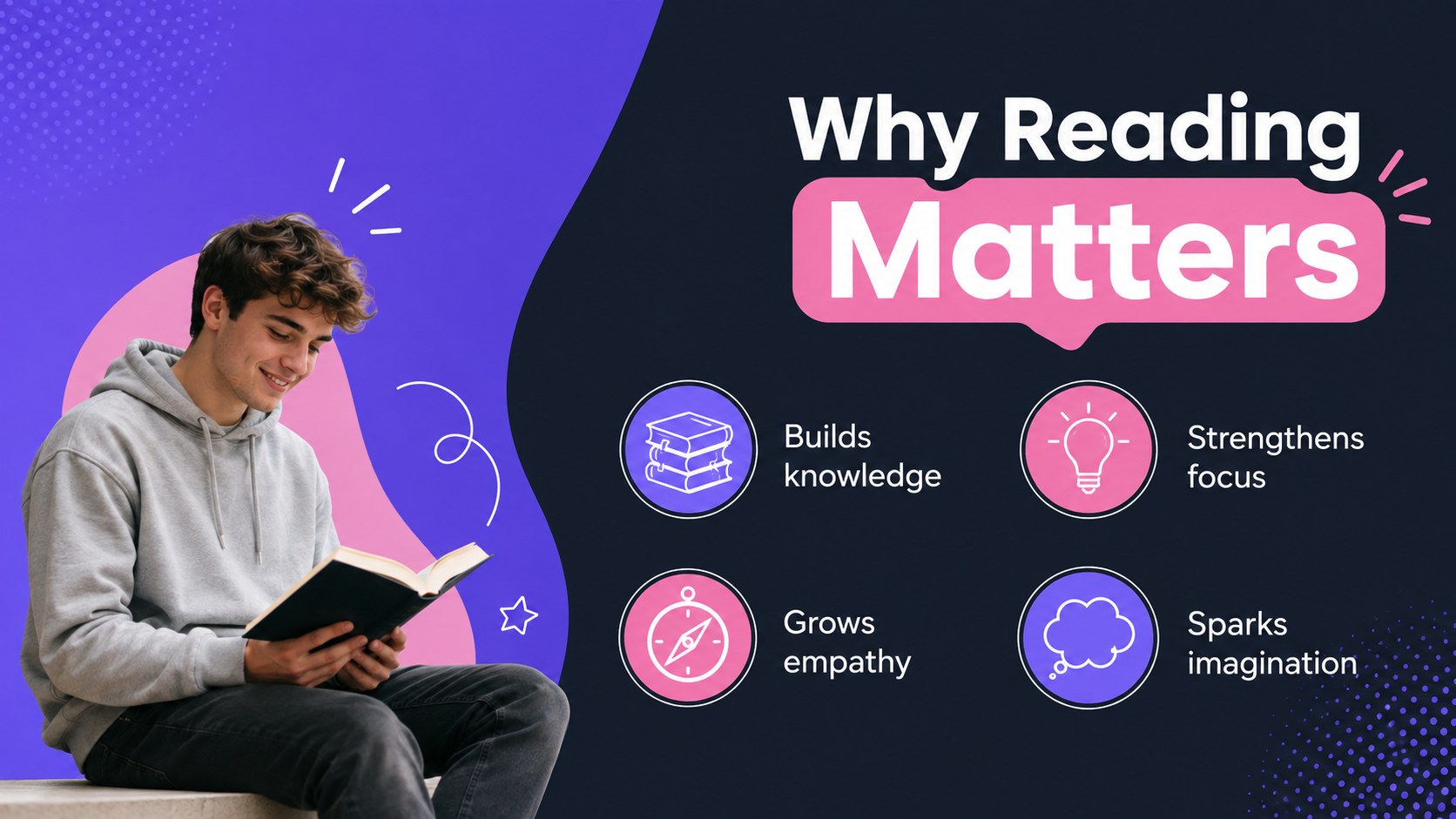
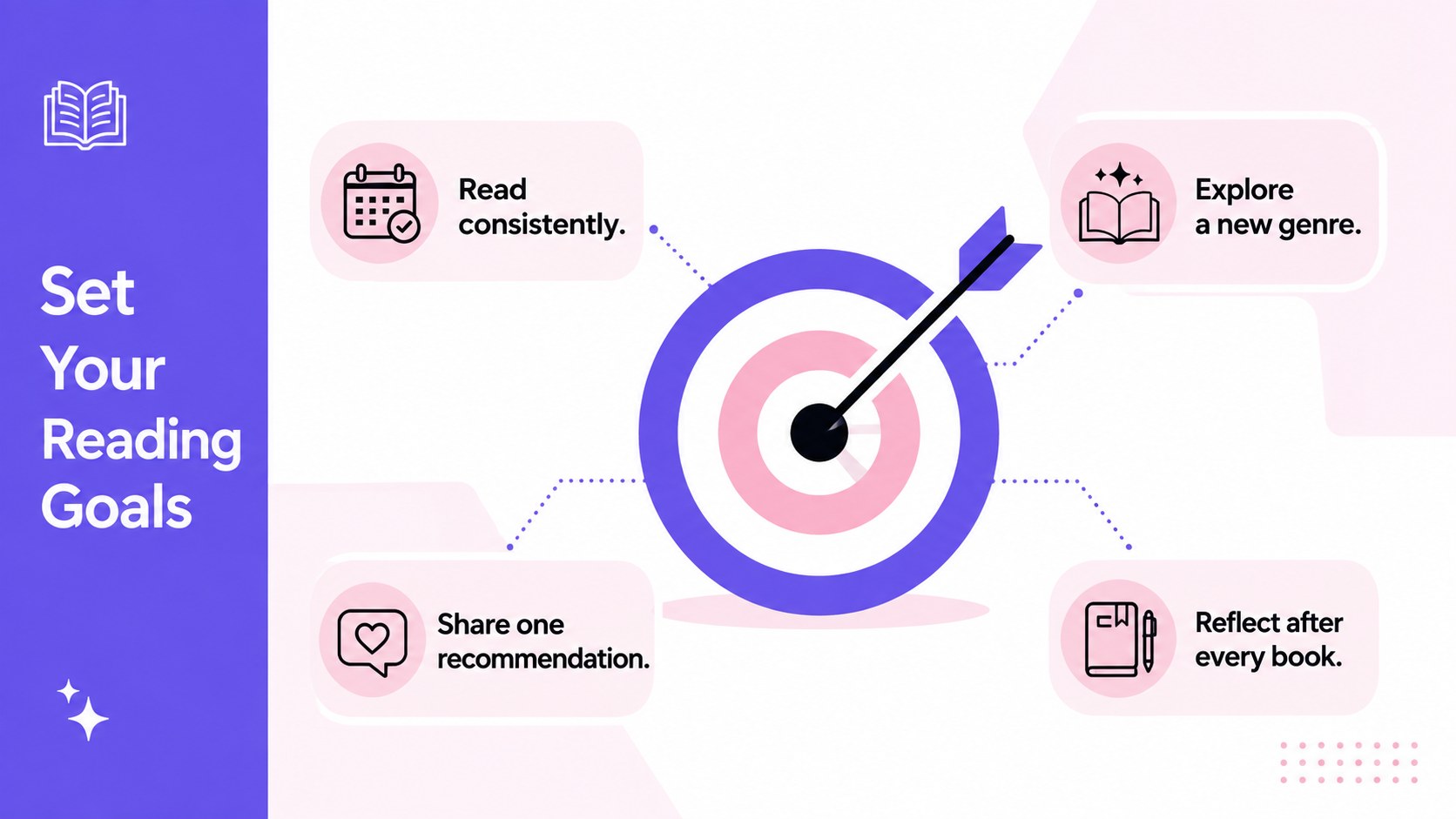
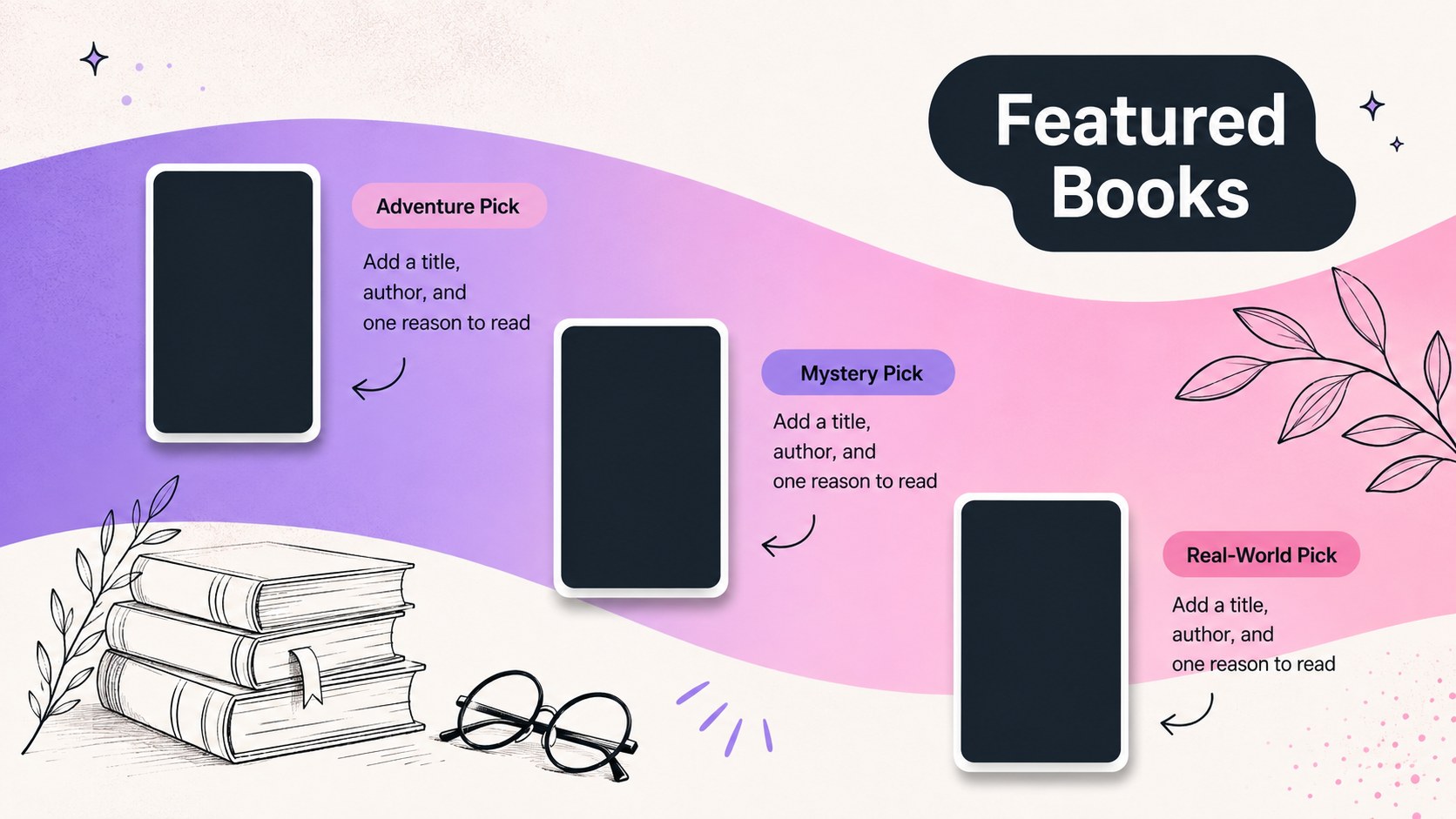
Make books the center of attention with a Reading Month classroom celebration deck designed for teachers, librarians, and literacy coordinators. Its minimalist gradient style combines black, white, pink, and purple for a polished look that feels energetic without distracting from lesson content. Use it to introduce monthly goals, explain why regular reading matters, and invite students to participate.
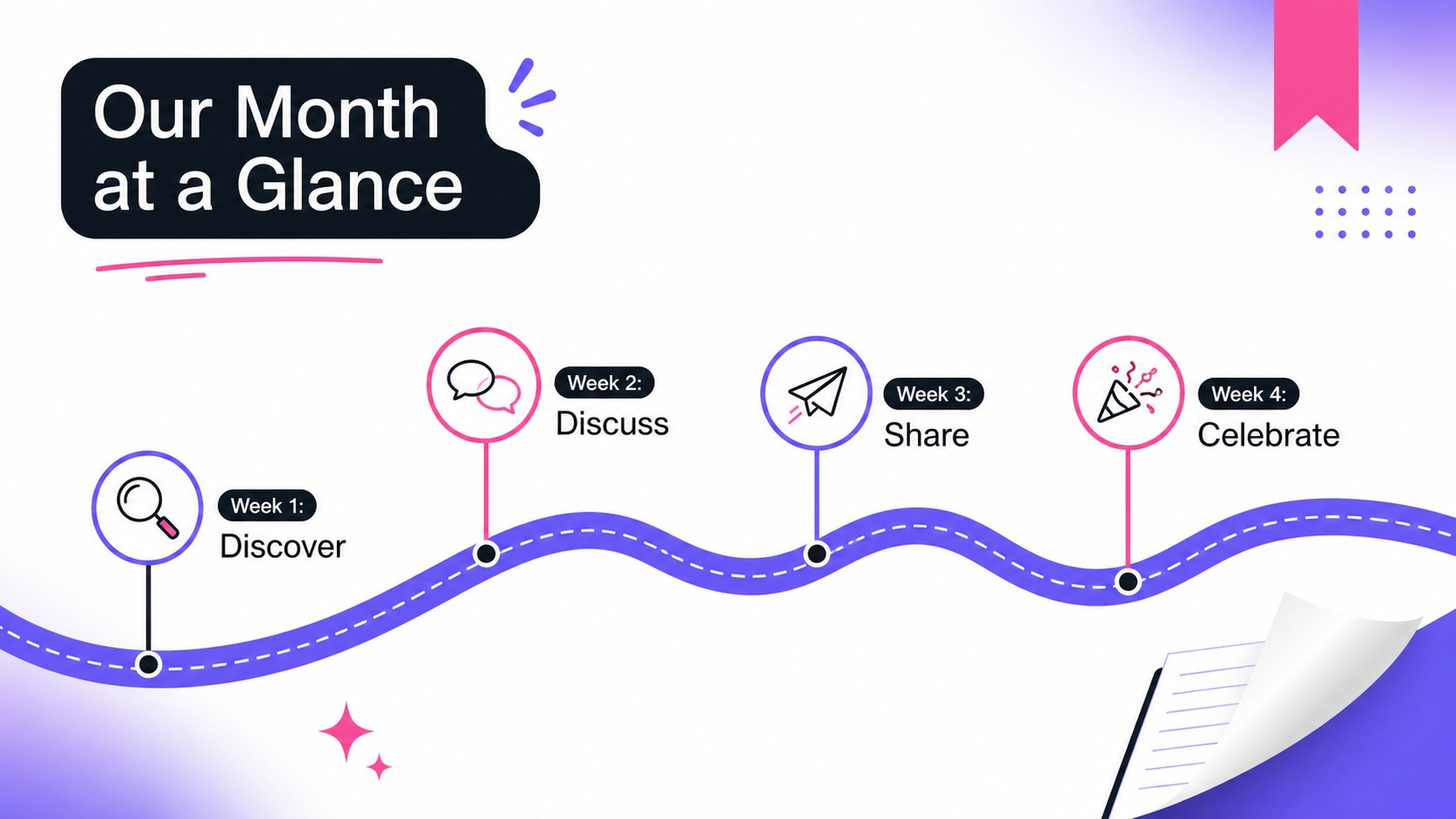
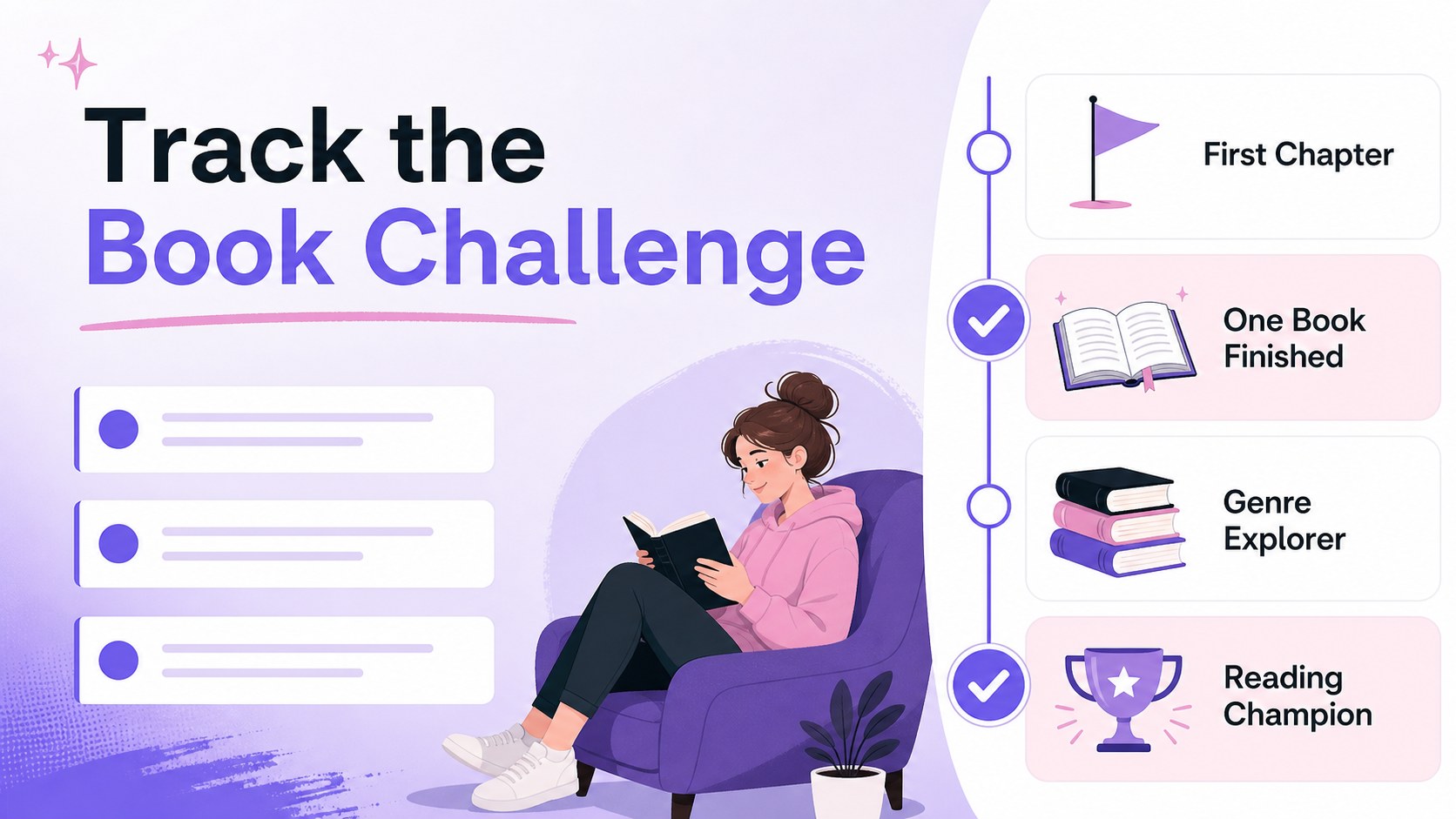
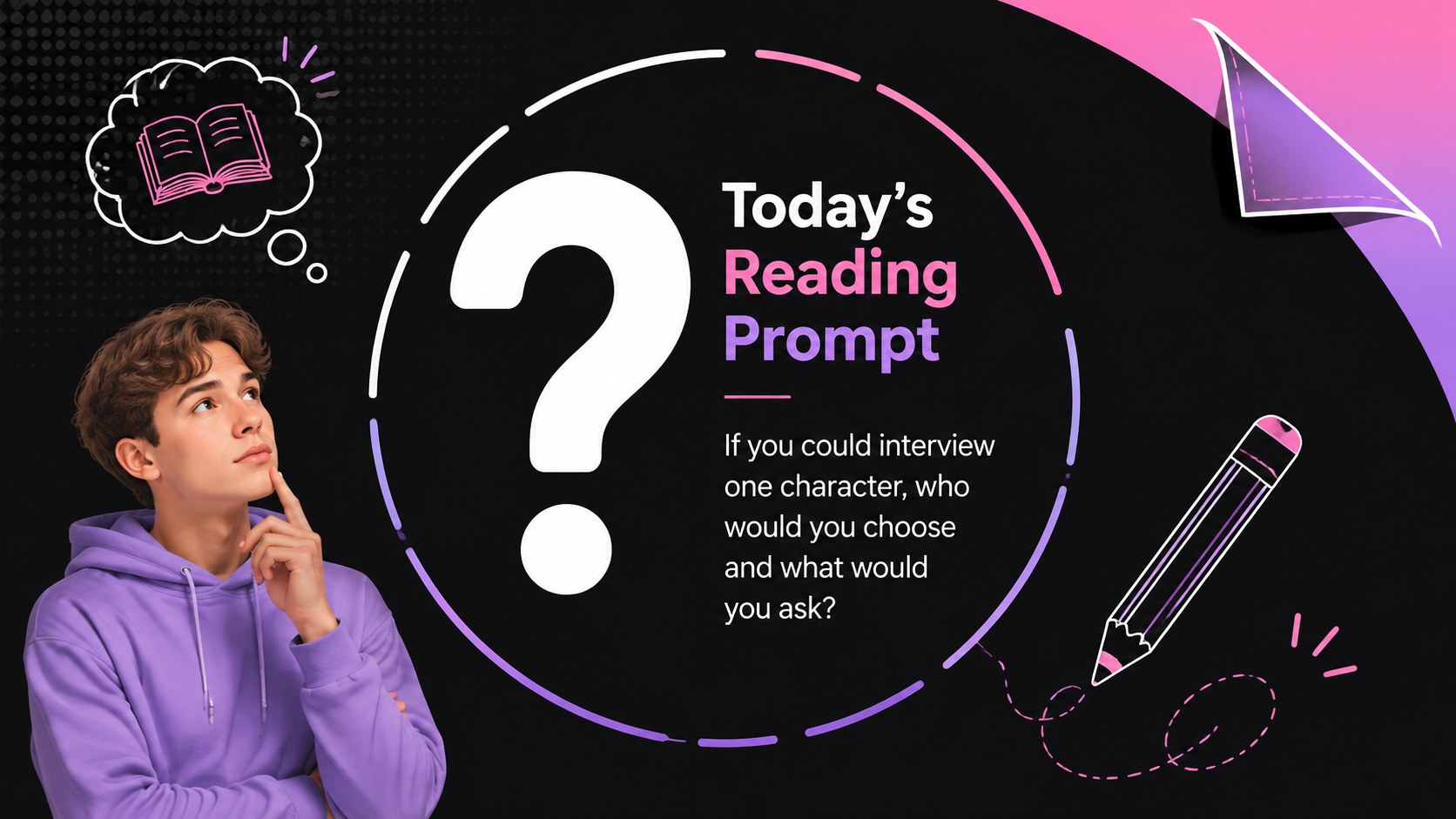
The deck includes layouts for a celebration overview, featured titles, book talks, daily prompts, reading goals, student recommendations, event schedules, and progress updates. A dedicated challenge layout also works as a book challenge tracker presentation, helping classes follow milestones and recognize participation. Every slide can be adapted with your own titles, reading lists, dates, photos, and school information.
This literacy celebration presentation for teachers works well for classroom launches, library programs, assemblies, and schoolwide reading campaigns. It can also become a family literacy night presentation by adding take-home reading ideas, community activities, and event details. Edit the slides in PowerPoint or Google Slides, then present them on screen, share them digitally, or export them for distribution. The 16:9 format is ready for modern classroom displays and virtual sessions.
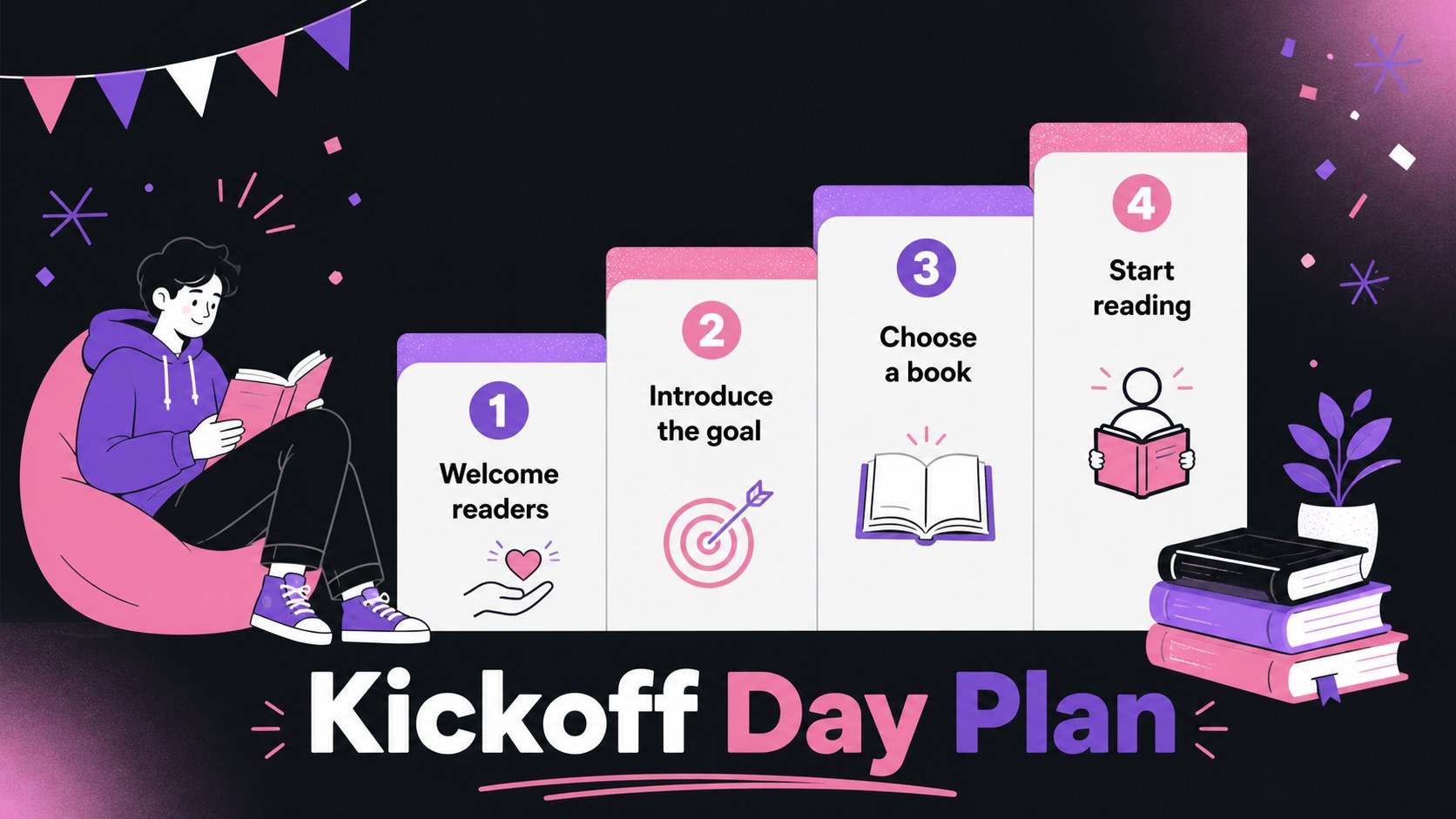
Perfect for: classroom reading month kickoff; schoolwide literacy campaign; library book challenge; student book talk session; family literacy night.
Frequently asked questions
Can I edit this deck in PowerPoint and Google Slides? Yes. You can replace the text, colors, images, reading lists, and activity details in either PowerPoint or Google Slides. The widescreen layouts are designed to remain clear on classroom displays.
Practical details
Yes. You can replace the text, colors, images, reading lists, and activity details in either PowerPoint or Google Slides. The widescreen layouts are designed to remain clear on classroom displays.
Yes. Simplify the prompts and use picture books for younger learners, or add genre analysis, reading goals, and discussion questions for older students. The layouts can support elementary, middle, or high school programs.
Add your own milestone levels, target number of books, completion dates, and recognition ideas. You can also replace the sample categories with genres, page goals, reading minutes, or student-selected objectives.
Yes. Customize the schedule and activity slides for library programs, assemblies, book fairs, or family literacy nights. Add event times, locations, guest readers, and participation details as needed.
Keep exploring
15Build stronger academic arguments with a college essay thesis builder featuring guided examples, revision prompts, and editable PowerPoint and Google Slides.
 15
15Build an engaging World UFO Day session with this flying saucer history lesson deck, featuring retro green-and-brown slides for PowerPoint and Google Slides.
 14
14Plan a memorable Lunar New Year campaign with the 2036 Dragon Year Celebration Theme, featuring bold red-and-yellow slides for lessons and events.
 15
15Build a thoughtful classroom discussion with this interfaith awareness lesson deck, featuring editable blue-and-white slides for PowerPoint and Google Slides.
 15
15Use this environmental awareness lesson deck to teach climate action through illustrated activities, discussion prompts, and ready-to-edit visuals.
 15
15Build playful lessons and party stories with a kid-friendly zombie celebration theme in purple, green and pastel blue for PowerPoint and Google Slides.
 15
15Build eerie lessons, campaigns, and story pitches with an undead survival scenario theme featuring editable slides for PowerPoint and Google Slides.
 16
16Turn environmental research into a clear story with a Watercolor Ecology Presentation Theme for PowerPoint and Google Slides in calming green and blue.