
 15
15presentation
College Essay Thesis Builder Slides
Build stronger academic arguments with a college essay thesis builder featuring guided examples, revision prompts, and editable PowerPoint and Google Slides.
Google SlidesPowerPoint
presentation · English
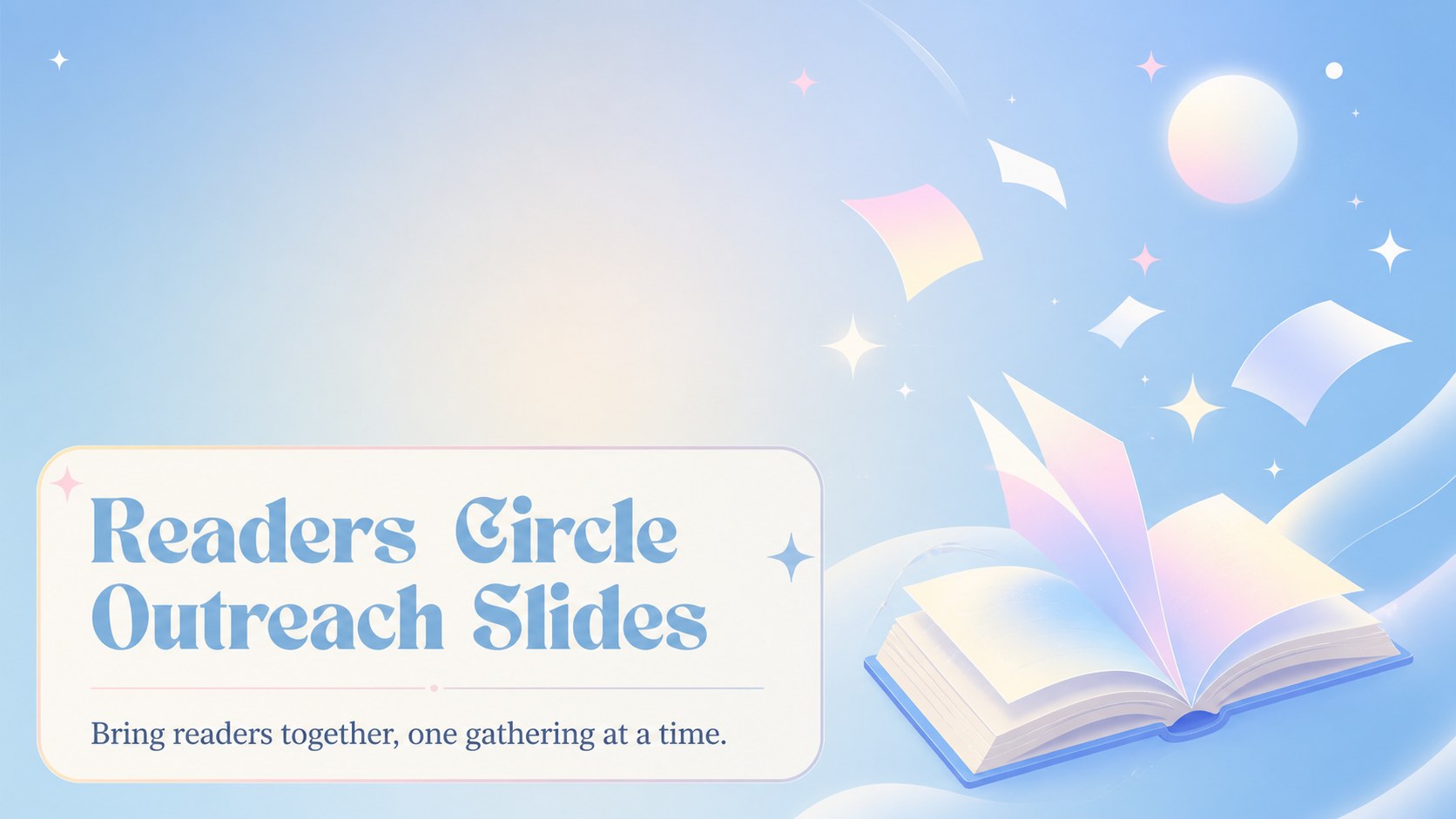
Grow a welcoming reading community with readers circle outreach slides for event promotion, member updates, book features, and social sharing.


Design notes
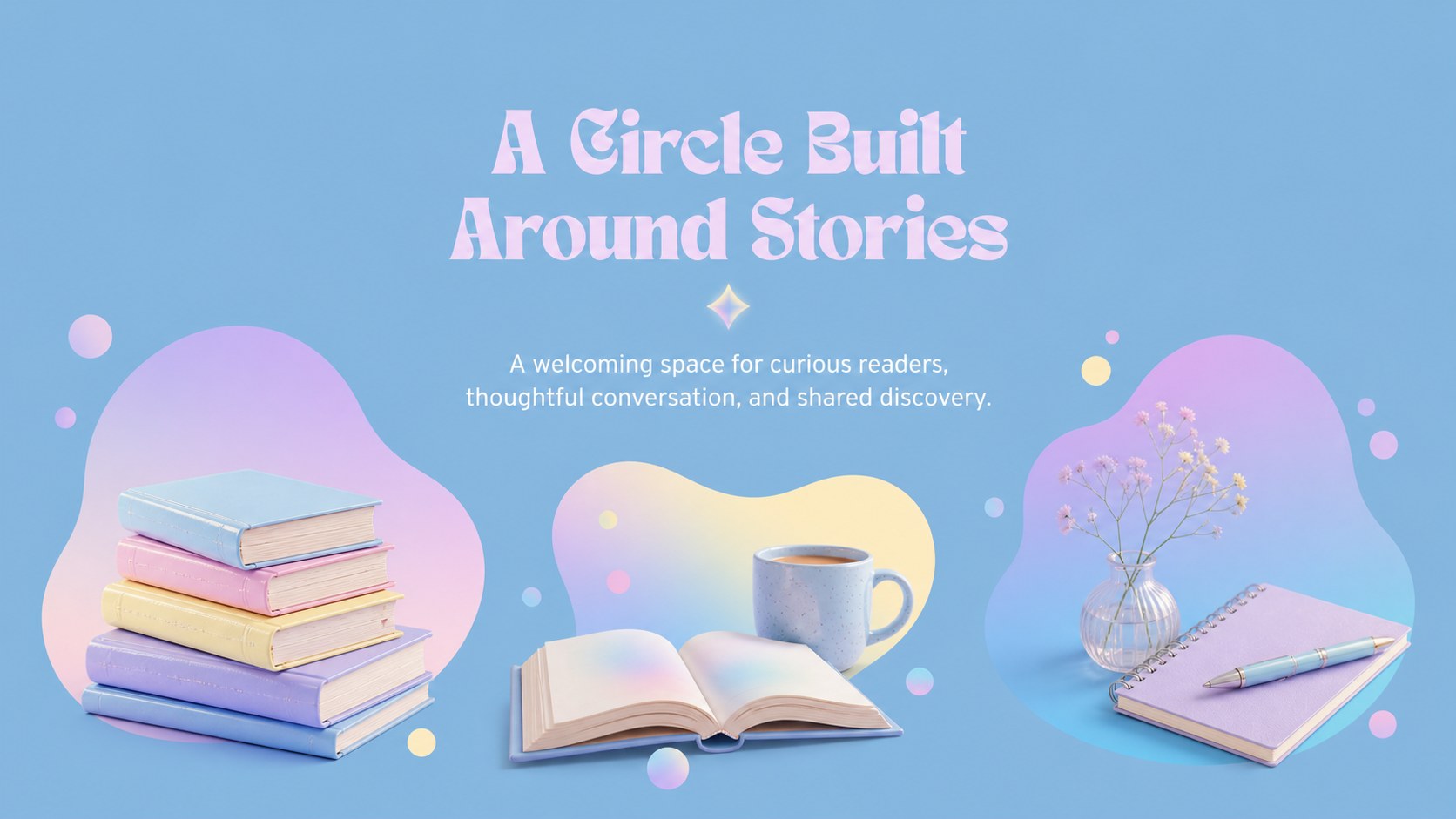
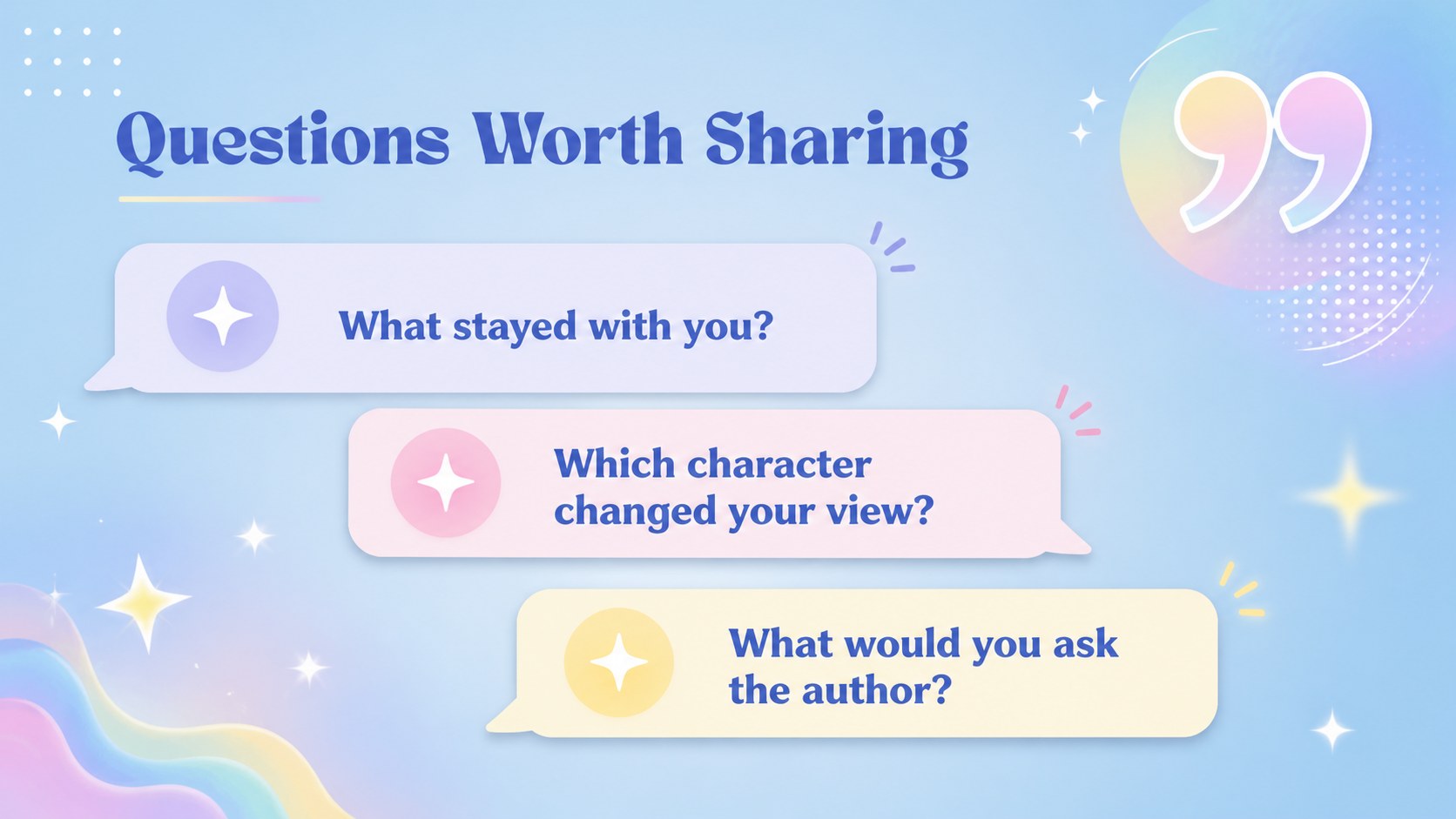
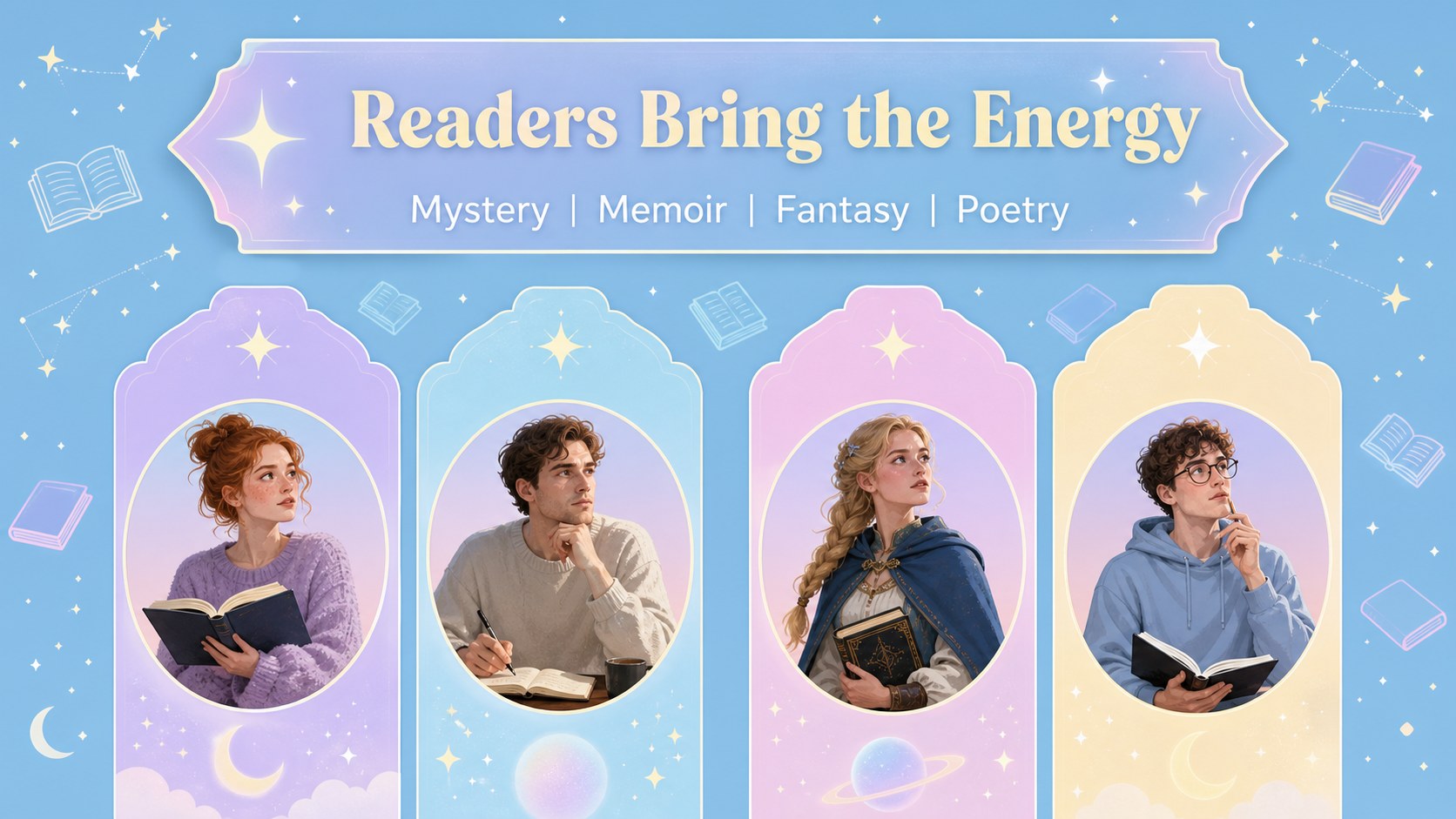
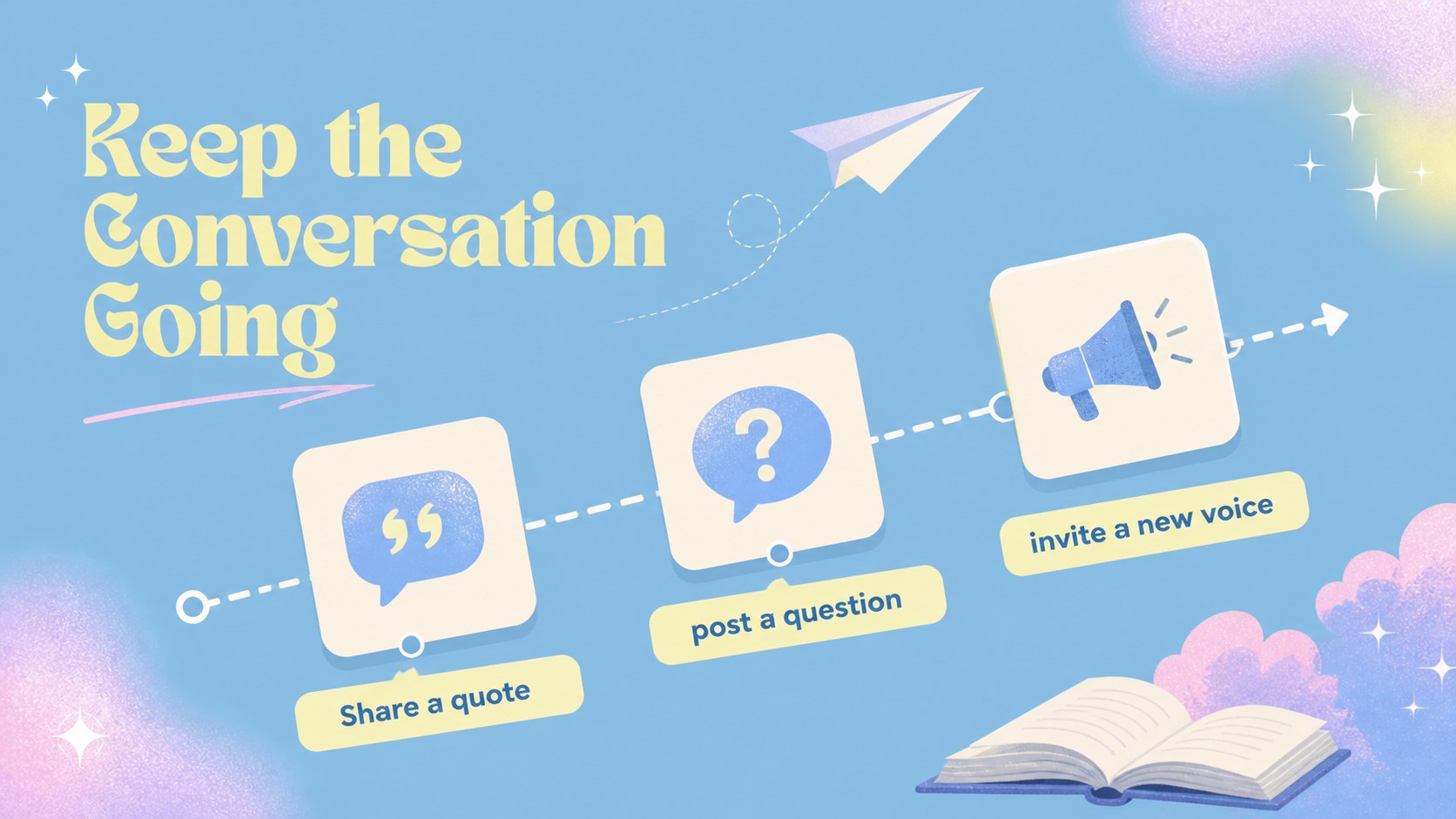
Readers circle outreach slides give book clubs a polished way to attract new members and make every gathering easier to promote. The dreamy blue and pastel gradient style feels friendly, creative, and approachable for libraries, schools, neighborhood groups, and independent reading communities.
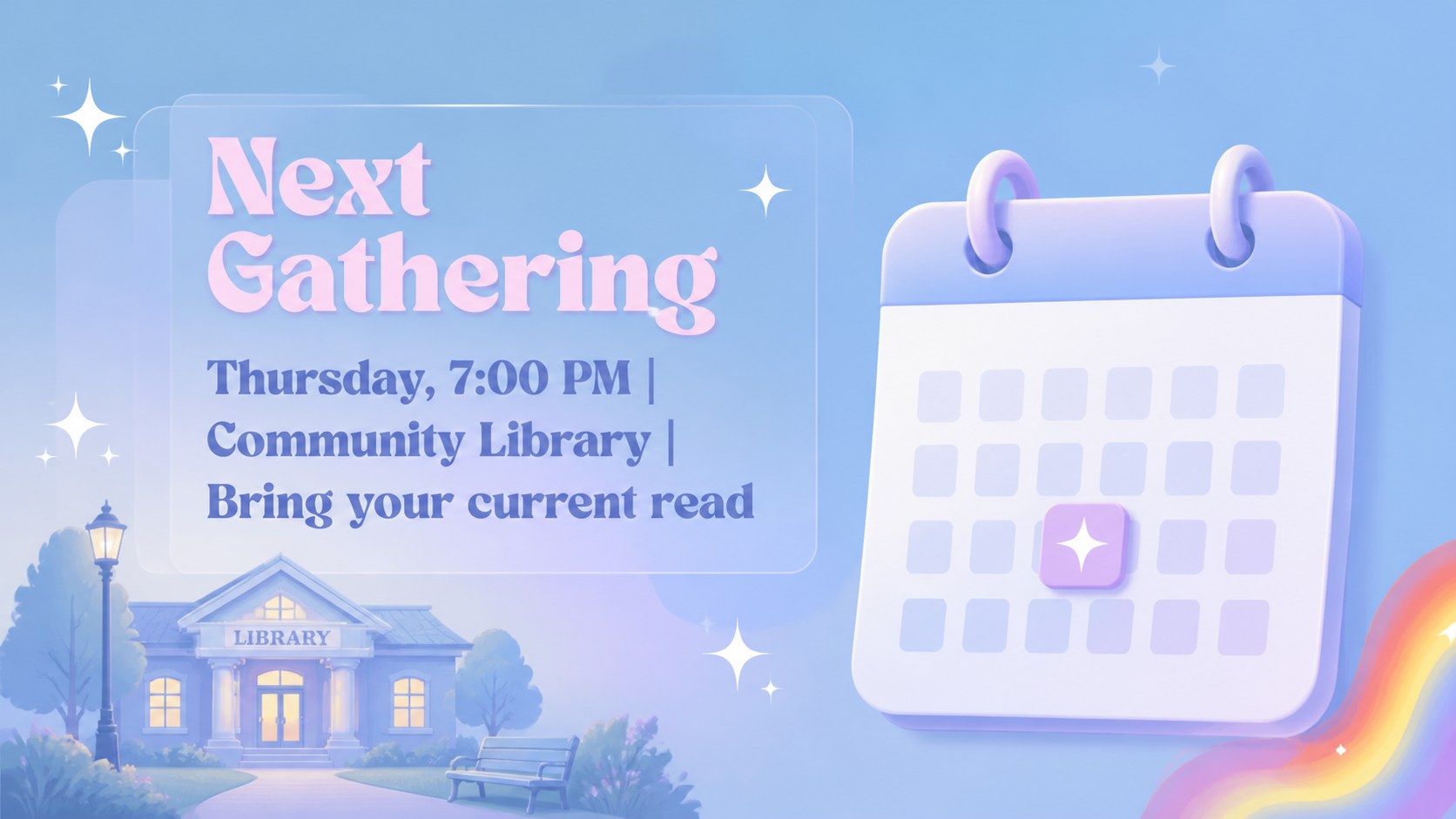
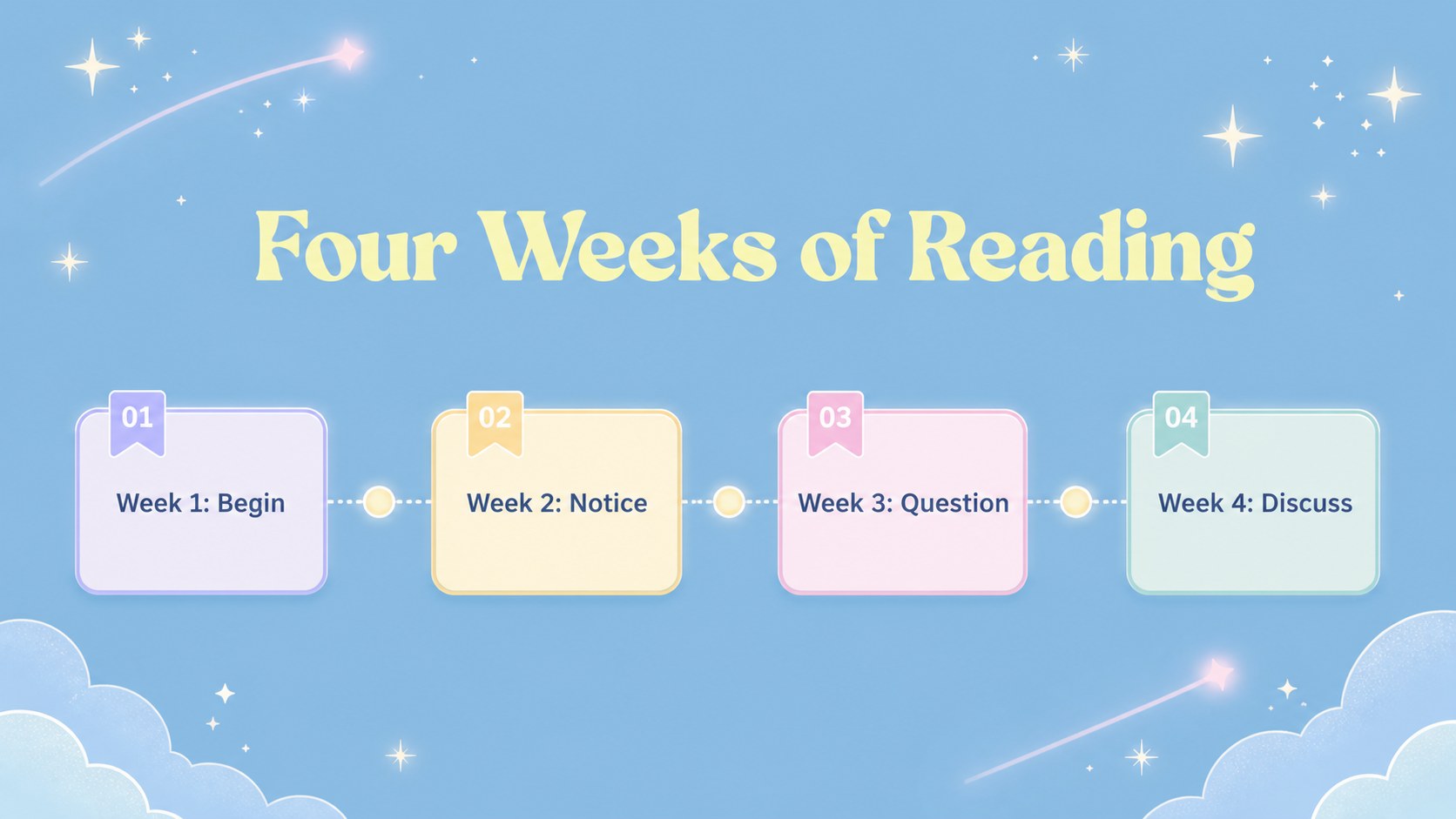
Inside, you’ll find layouts for a club introduction, upcoming meeting announcement, featured title, author spotlight, reading schedule, discussion prompts, member introductions, venue details, and community highlights. A resource page adds flexible frames, charts, lines, shapes, and icons for building extra promotional content. The deck can support a book club audience growth plan, from announcing a seasonal reading list to sharing registration information across social channels.
Use the presentation for literary community event promotion, monthly newsletters, volunteer recruitment, library programming, or a virtual reading group launch. The 25+ editable slides work well and can be adapted for PowerPoint or Google Slides after export. Overpass typography, soft blue accents, and pastel gradients keep the visual system cohesive while leaving room for quotes, cover images, speaker details, and calls to action. Customize colors, imagery, layouts, and text to fit your group’s personality.
Perfect for: monthly book club promotion; library reading program launch; author discussion event; new member recruitment; virtual reading group campaign.
Frequently asked questions
Can I edit these readers circle outreach slides? Yes. The template is designed for, where you can replace text, images, colors, and layout elements with drag-and-drop tools. You can also add book covers, event links, and member photos.
Practical details
Yes. The template is designed for, where you can replace text, images, colors, and layout elements with drag-and-drop tools. You can also add book covers, event links, and member photos.
Yes. Open the design and use the Share menu to export a PowerPoint file or save a copy to Google Drive. Some -only animation and media features may change during export.
Use the layouts for meeting dates, featured books, author biographies, discussion questions, testimonials, and sign-up details. The flexible resource page also supports social posts, flyers, and announcement graphics.
Yes. Its soft colors and clear layouts suit public libraries, school clubs, community organizations, and informal reading circles. Adjust the language and imagery to match the age group and audience.
Keep exploring
15Build stronger academic arguments with a college essay thesis builder featuring guided examples, revision prompts, and editable PowerPoint and Google Slides.
 15
15Build an engaging World UFO Day session with this flying saucer history lesson deck, featuring retro green-and-brown slides for PowerPoint and Google Slides.
 14
14Plan a memorable Lunar New Year campaign with the 2036 Dragon Year Celebration Theme, featuring bold red-and-yellow slides for lessons and events.
 15
15Build a thoughtful classroom discussion with this interfaith awareness lesson deck, featuring editable blue-and-white slides for PowerPoint and Google Slides.
 15
15Use this environmental awareness lesson deck to teach climate action through illustrated activities, discussion prompts, and ready-to-edit visuals.
 15
15Build playful lessons and party stories with a kid-friendly zombie celebration theme in purple, green and pastel blue for PowerPoint and Google Slides.
 15
15Build eerie lessons, campaigns, and story pitches with an undead survival scenario theme featuring editable slides for PowerPoint and Google Slides.
 16
16Turn environmental research into a clear story with a Watercolor Ecology Presentation Theme for PowerPoint and Google Slides in calming green and blue.