
 15
15presentation
College Essay Thesis Builder Slides
Build stronger academic arguments with a college essay thesis builder featuring guided examples, revision prompts, and editable PowerPoint and Google Slides.
Google SlidesPowerPoint
presentation · English
Lead lively classroom and library conversations with a book discussion presentation featuring editable gray notebook layouts for readers of every level.
Design notes
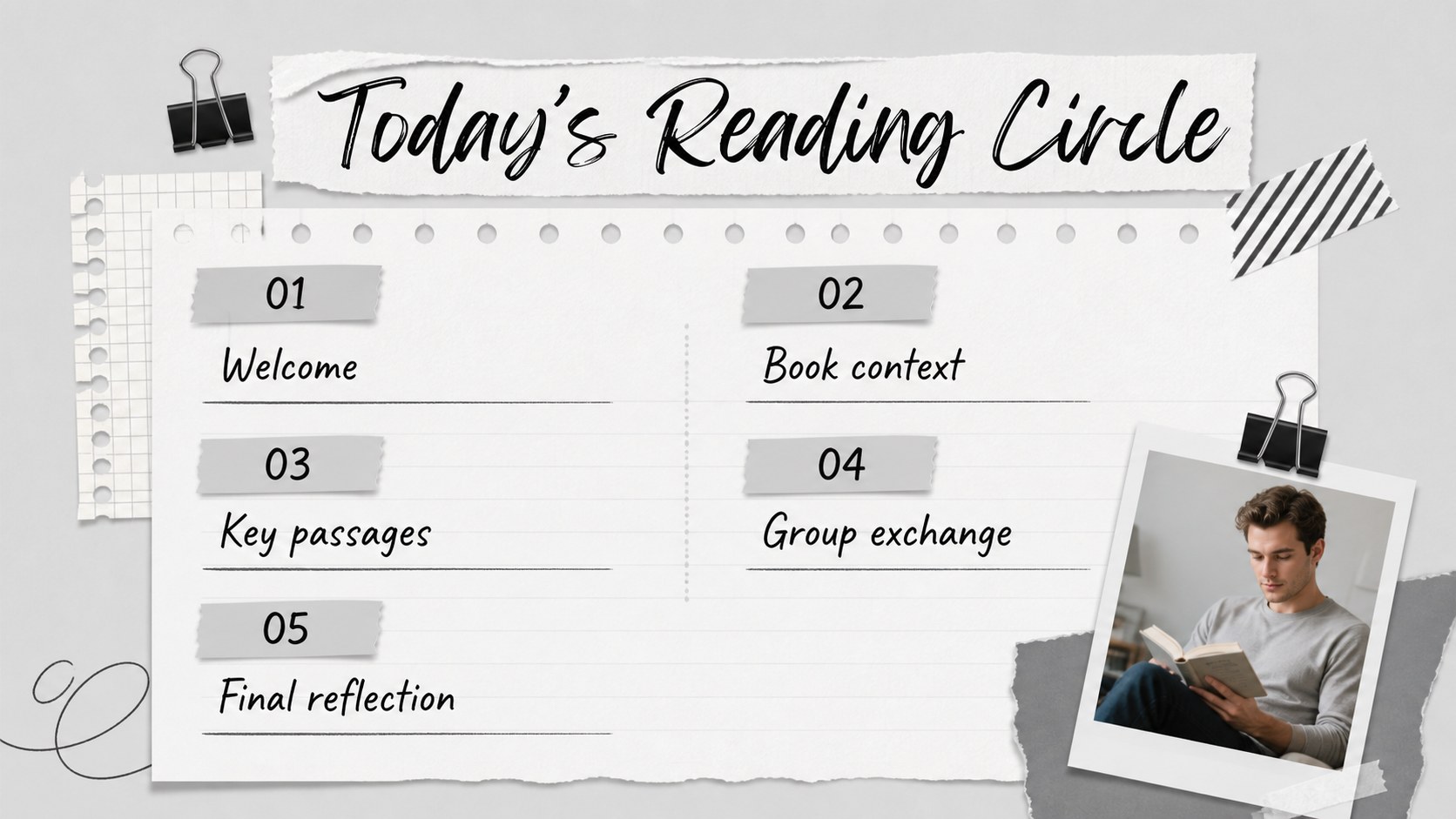
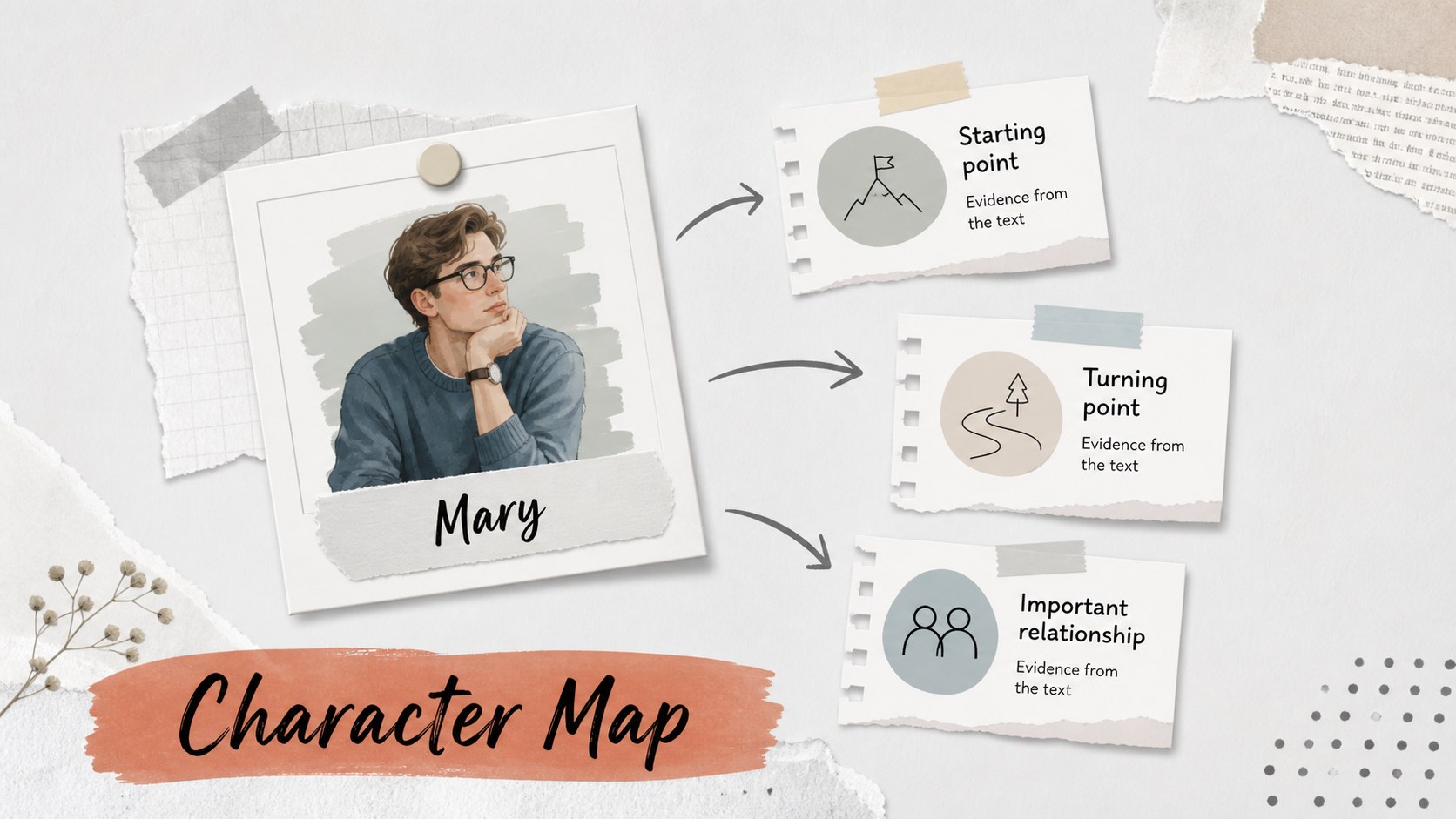
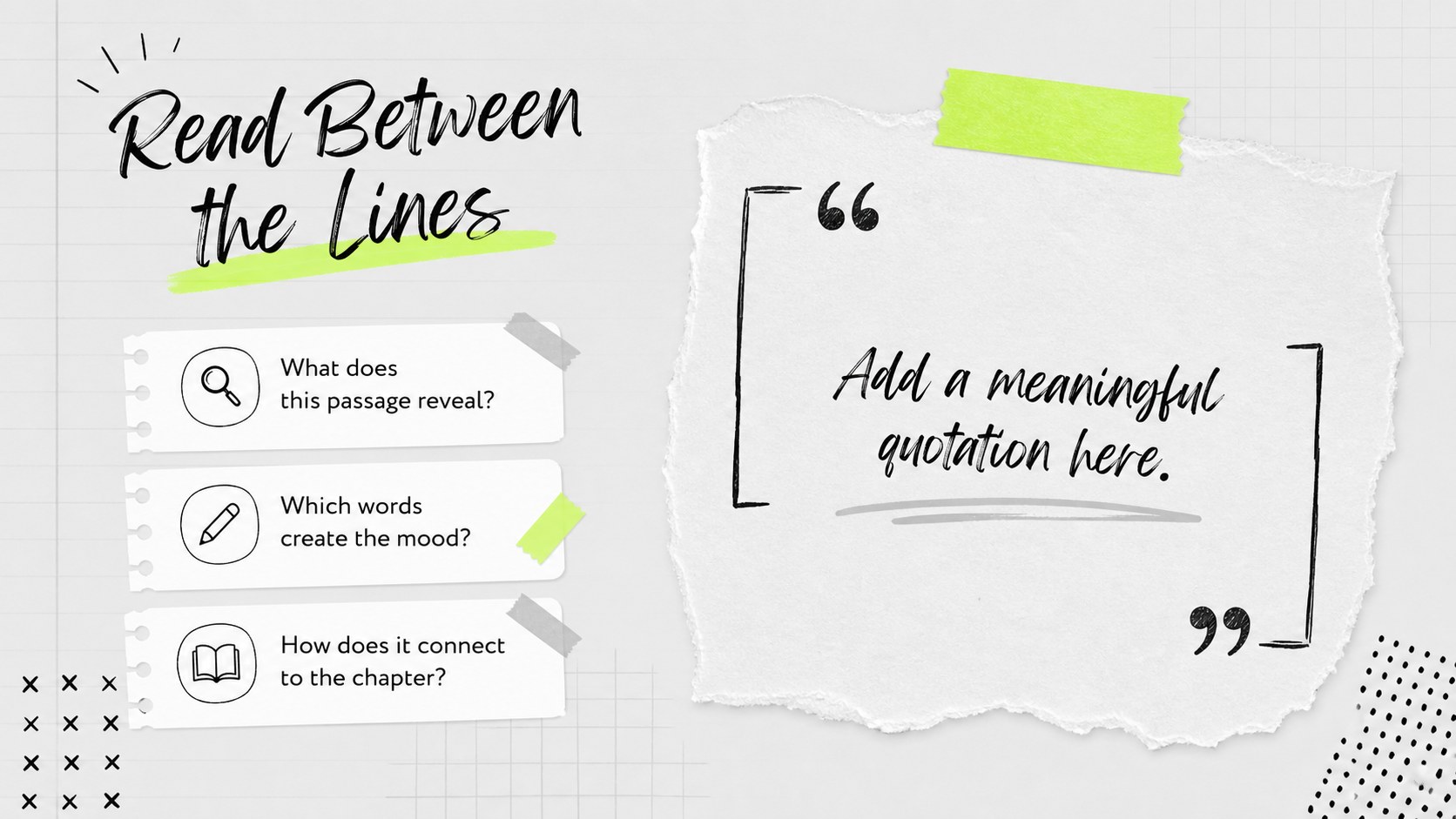
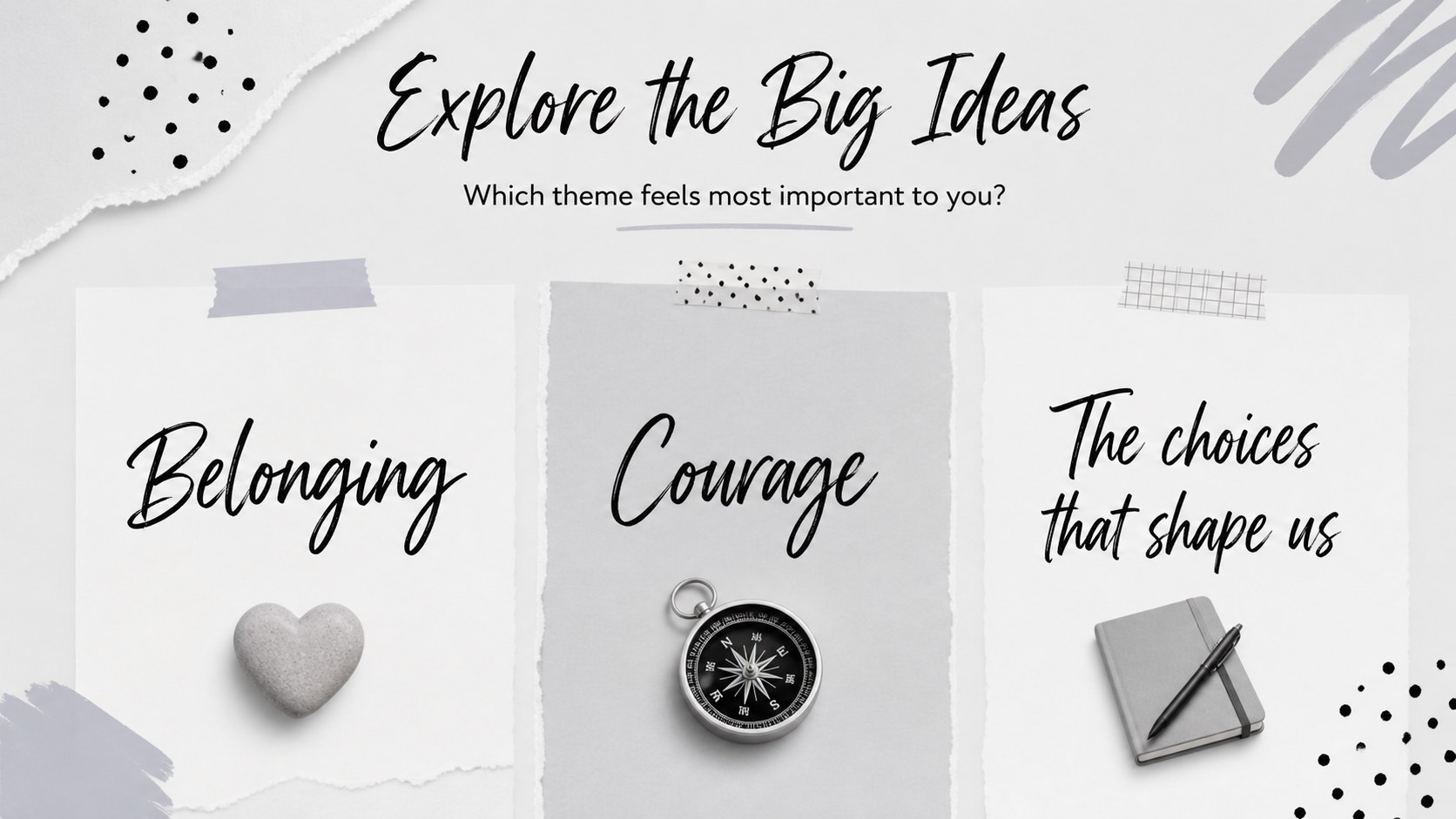
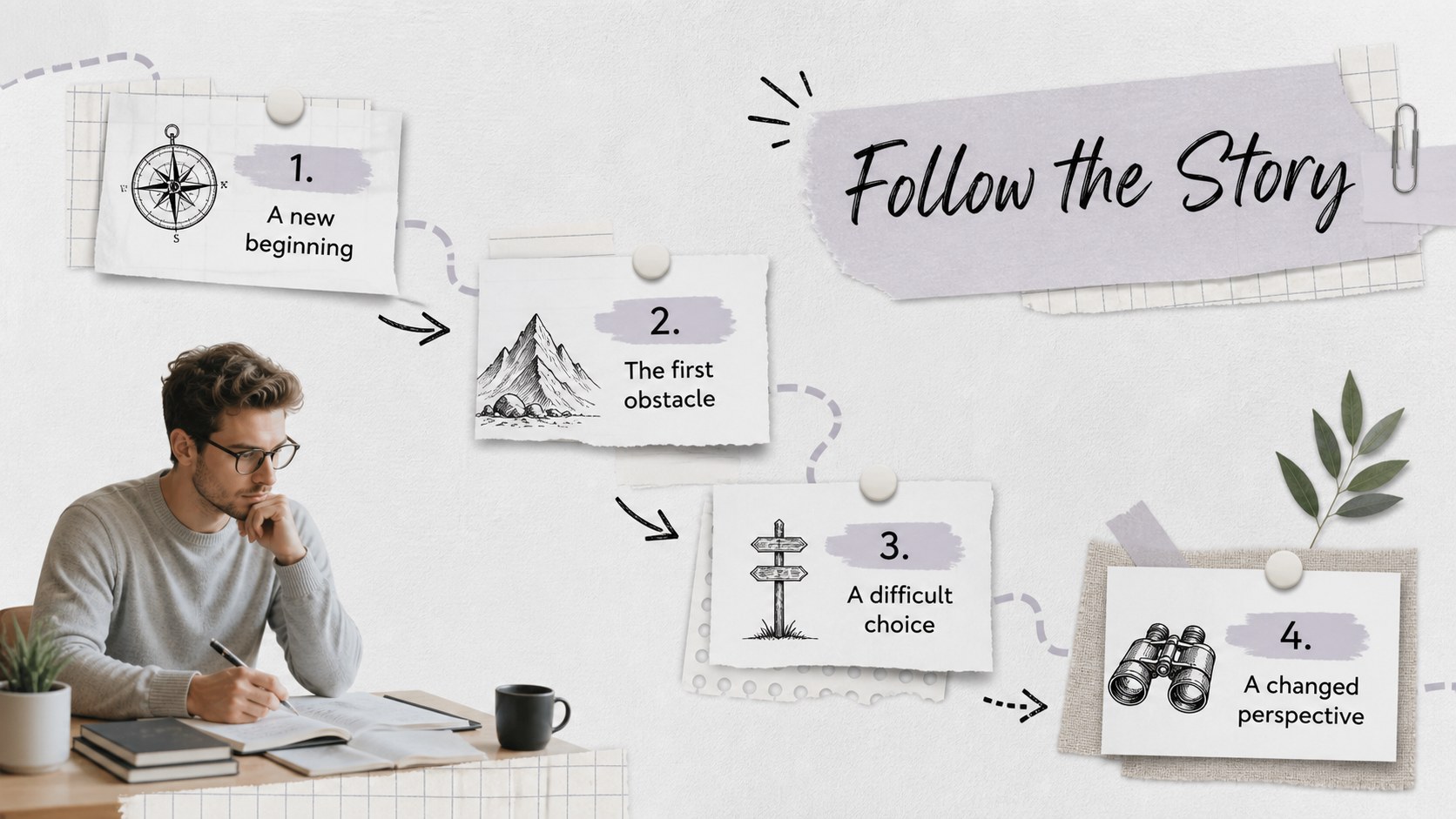
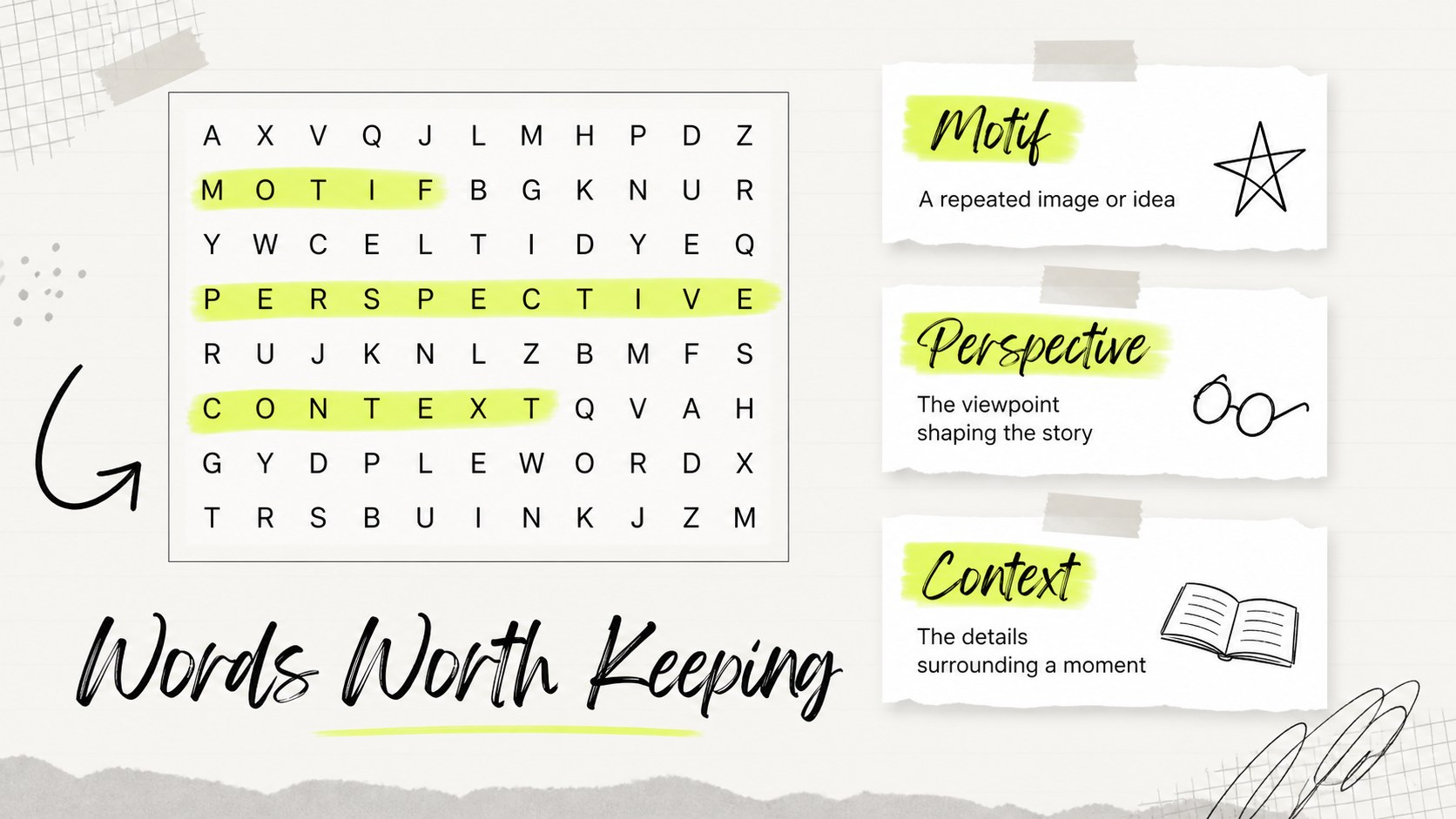
Make every chapter conversation easier to structure with this book discussion presentation for classrooms, libraries, and reading communities. The gray-and-white notebook aesthetic gives your meeting a calm editorial feel, while collage details and paper-inspired elements add personality without distracting from the text. Use it to introduce a title, frame reading goals, compare characters, explore themes, and collect reactions from the group.
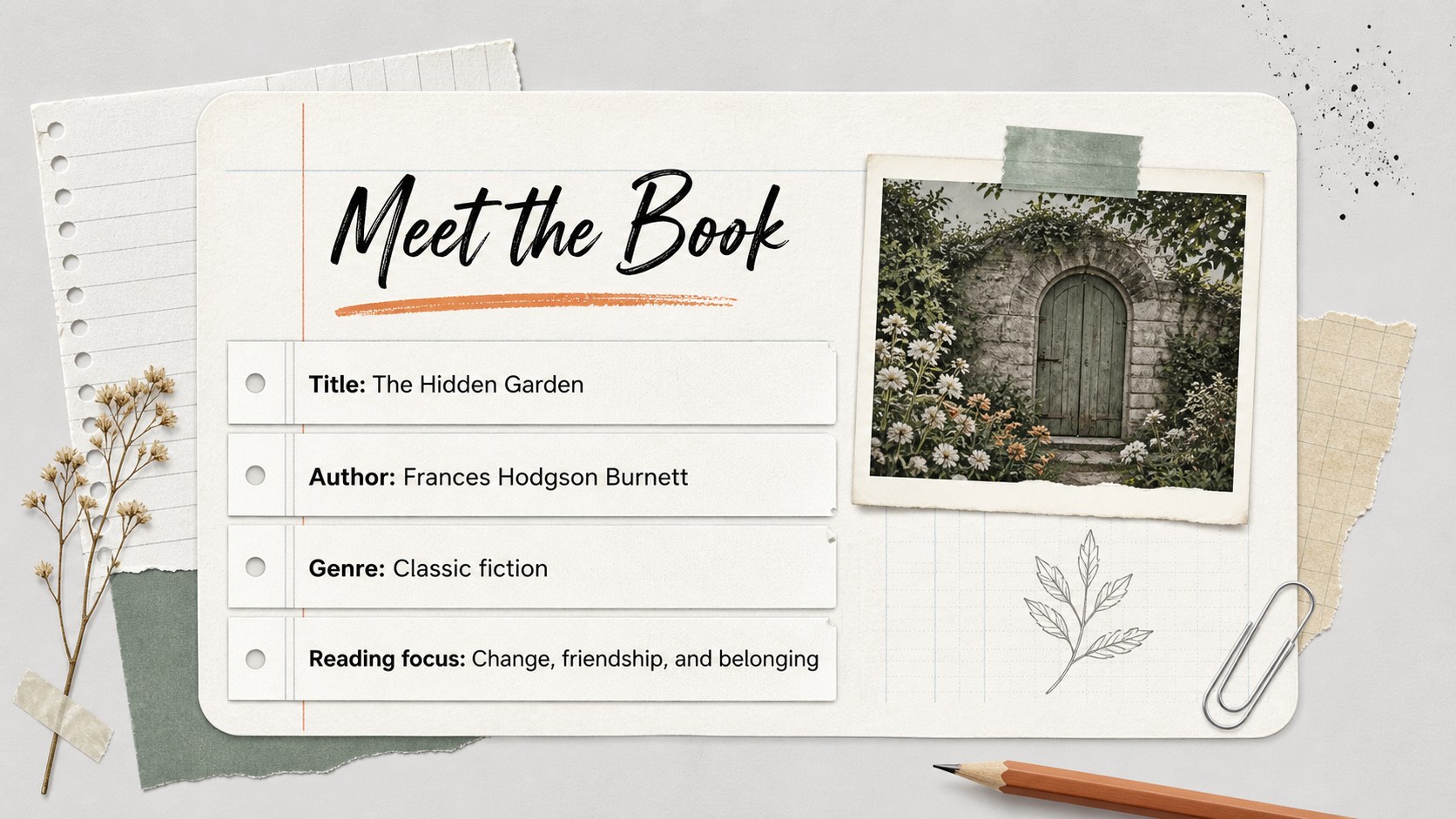
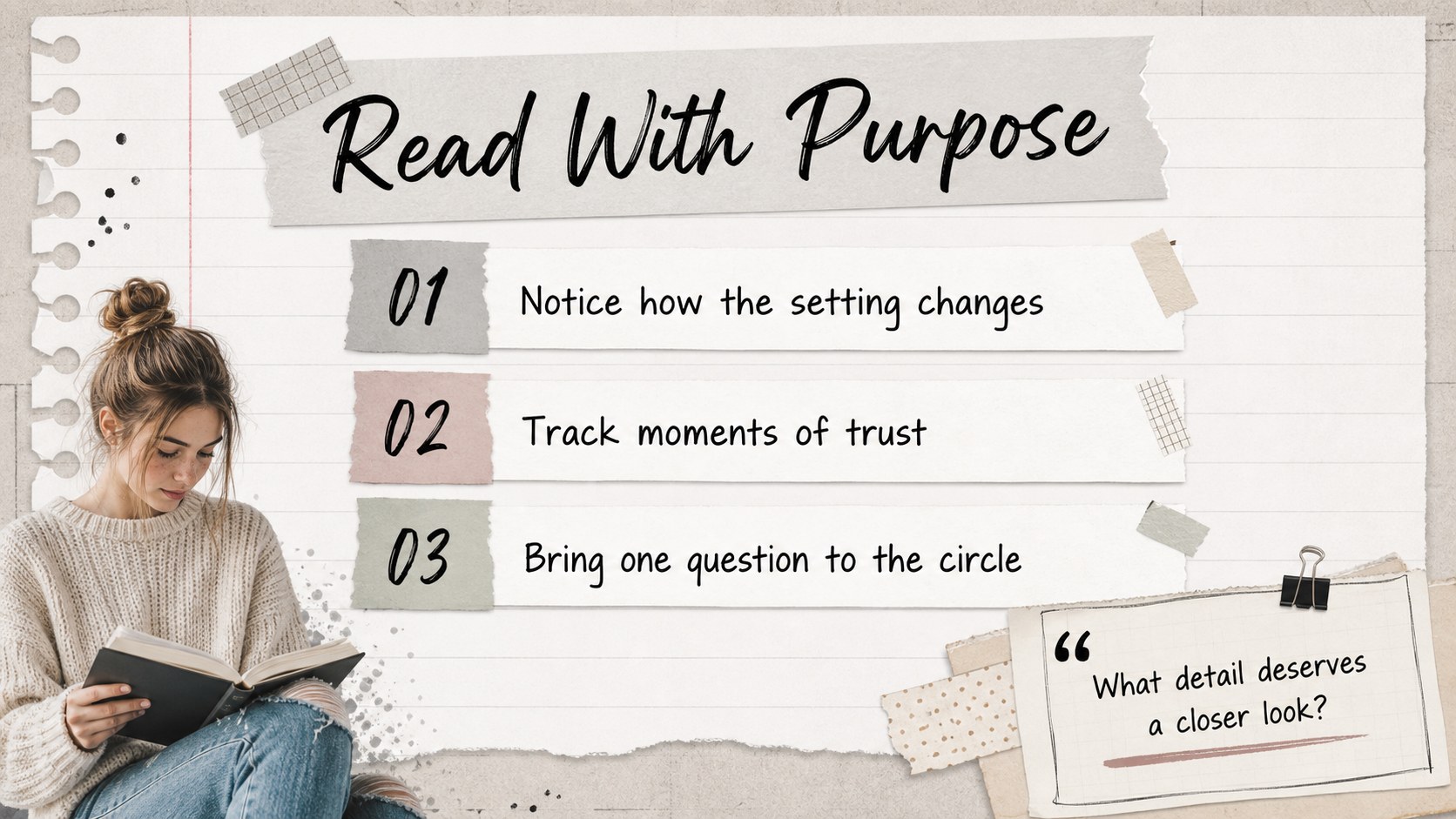
Inside, you will find more than 25 editable layouts for opening agendas, author and book details, character maps, quote analysis, plot summaries, vocabulary, discussion questions, timelines, evidence boards, and closing reflections. Charts, frames, lines, shapes, and text areas make it simple to adapt the deck for a single novel or a full reading series. The layouts also work well as a book report presentation or a guided literature circle activity.
This resource suits elementary, middle school, and high school teachers, college instructors, librarians, student-led reading groups, and workplace book clubs. Edit, then export to PowerPoint or Google Slides when you need another presentation format. The restrained palette is easy to pair with book-cover colors, classroom materials, or your organization’s visual identity.
Perfect for: classroom novel discussion; library reading group meeting; student book report; literature circle activity; workplace reading club.
Frequently asked questions
Can I edit this presentation? Yes. The layouts are designed for editing, so you can change text, images, colors, fonts, and page order with drag-and-drop controls. You can also collaborate with classmates, teachers, or colleagues in the editor.
Practical details
Yes. The layouts are designed for editing, so you can change text, images, colors, fonts, and page order with drag-and-drop controls. You can also collaborate with classmates, teachers, or colleagues in the editor.
Yes. After editing, export the finished presentation as a PowerPoint file or save an editable copy to Google Drive for Google Slides. Some -only features may need adjustment after export.
The structure works for novels, memoirs, short stories, biographies, and nonfiction titles. Replace the sample content with chapter notes, quotations, character evidence, vocabulary, or theme observations for the book you are studying.
Yes. Update the document colors to match a book cover, classroom theme, library brand, or reading campaign. The notebook and collage elements can also be rearranged or removed as needed.
Keep exploring
15Build stronger academic arguments with a college essay thesis builder featuring guided examples, revision prompts, and editable PowerPoint and Google Slides.
 15
15Build an engaging World UFO Day session with this flying saucer history lesson deck, featuring retro green-and-brown slides for PowerPoint and Google Slides.
 14
14Plan a memorable Lunar New Year campaign with the 2036 Dragon Year Celebration Theme, featuring bold red-and-yellow slides for lessons and events.
 15
15Build a thoughtful classroom discussion with this interfaith awareness lesson deck, featuring editable blue-and-white slides for PowerPoint and Google Slides.
 15
15Use this environmental awareness lesson deck to teach climate action through illustrated activities, discussion prompts, and ready-to-edit visuals.
 15
15Build playful lessons and party stories with a kid-friendly zombie celebration theme in purple, green and pastel blue for PowerPoint and Google Slides.
 15
15Build eerie lessons, campaigns, and story pitches with an undead survival scenario theme featuring editable slides for PowerPoint and Google Slides.
 16
16Turn environmental research into a clear story with a Watercolor Ecology Presentation Theme for PowerPoint and Google Slides in calming green and blue.