
 15
15presentation
College Essay Thesis Builder Slides
Build stronger academic arguments with a college essay thesis builder featuring guided examples, revision prompts, and editable PowerPoint and Google Slides.
Google SlidesPowerPoint
presentation · English
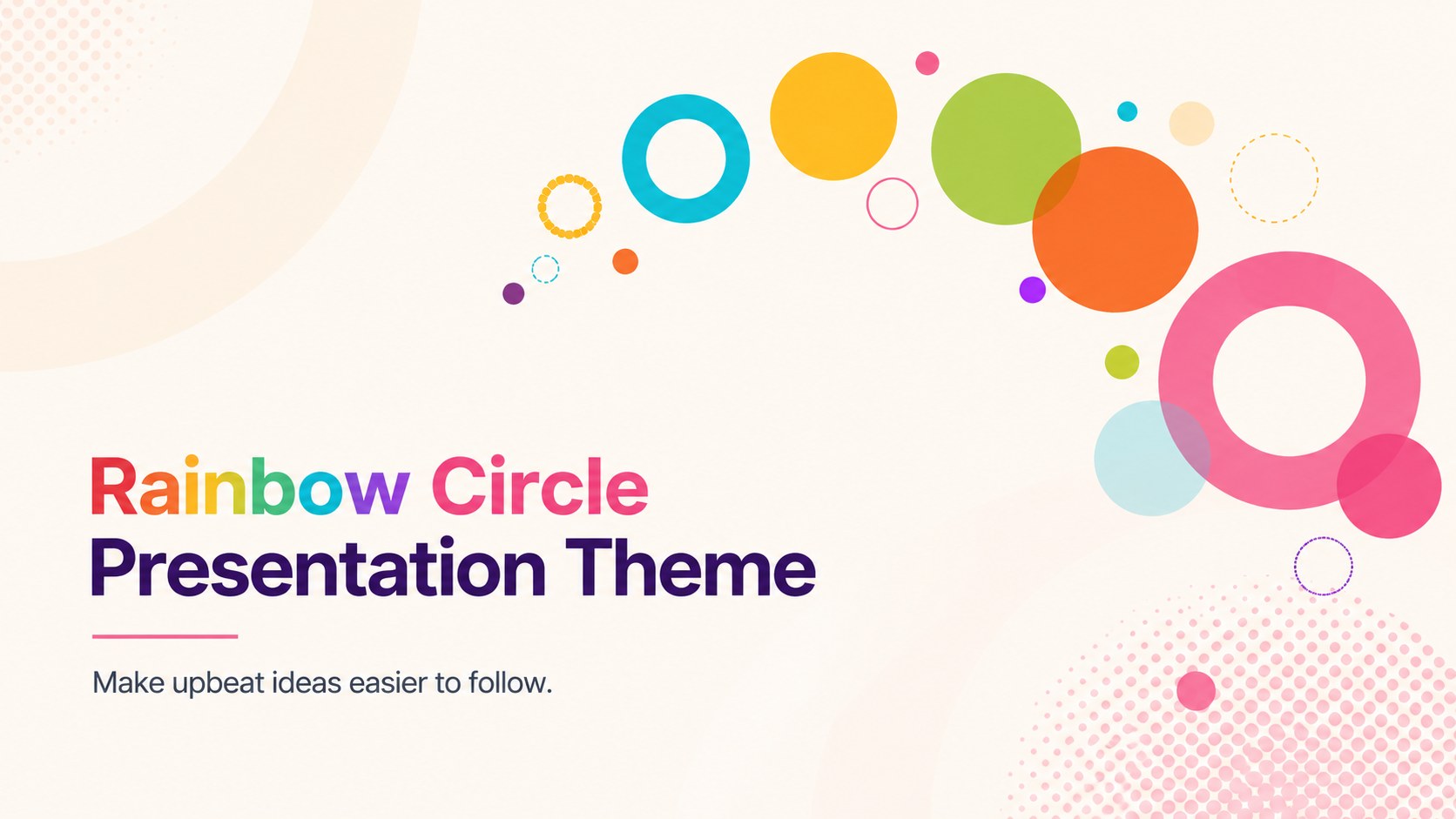
Turn bright ideas into clear stories with the Rainbow Circle Presentation Theme, an editable 16:9 deck designed for PowerPoint and Google Slides.


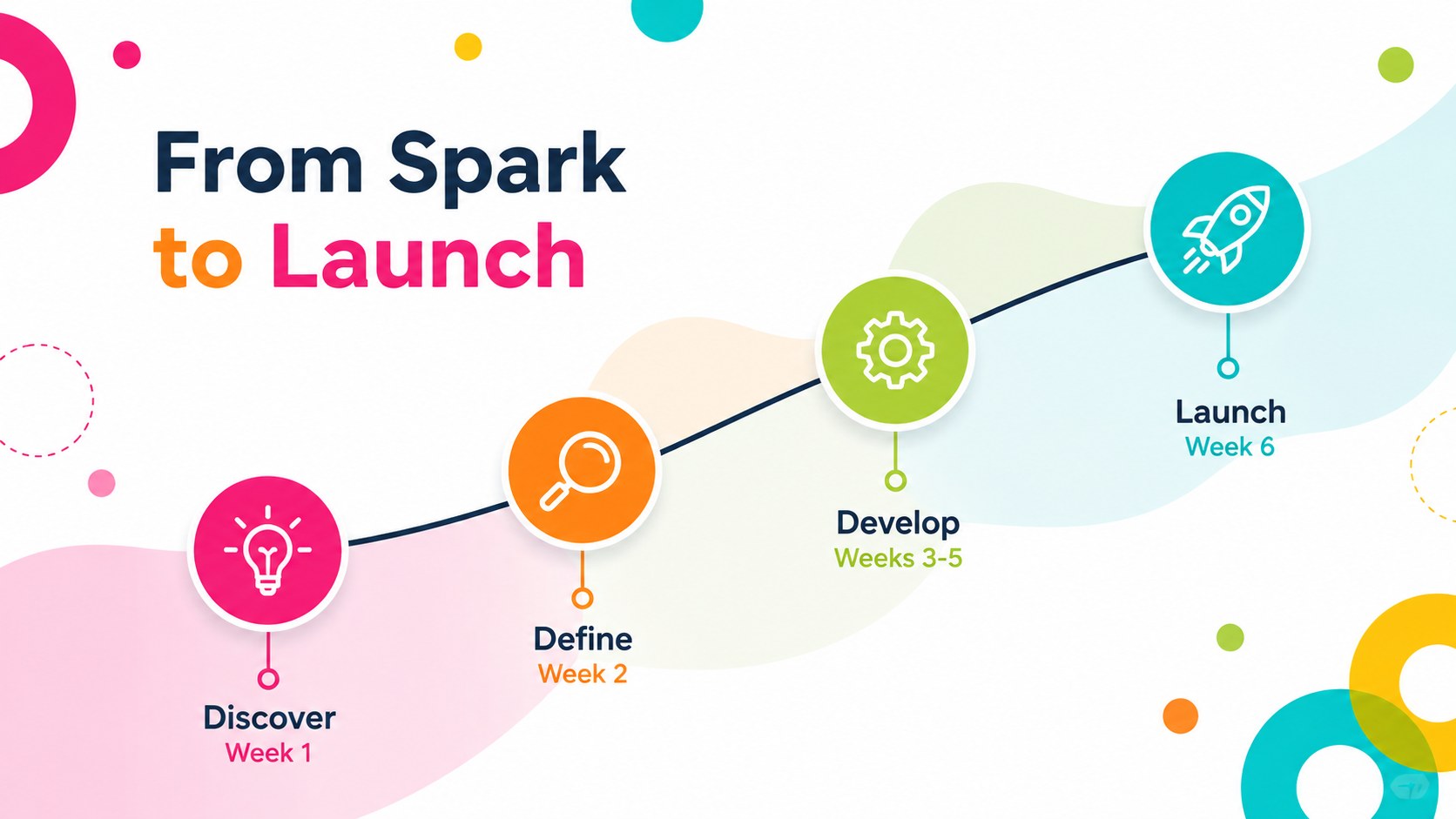
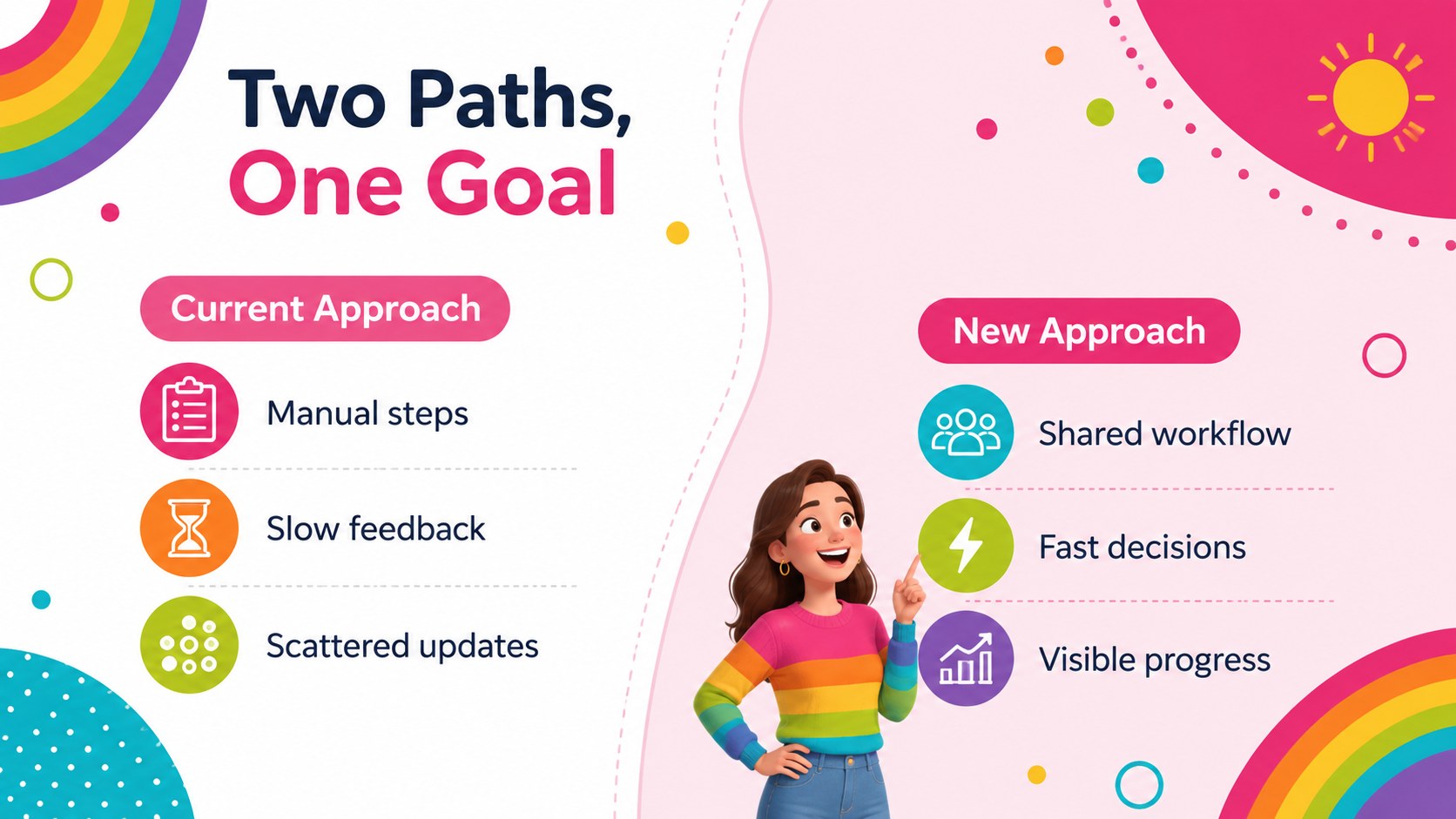
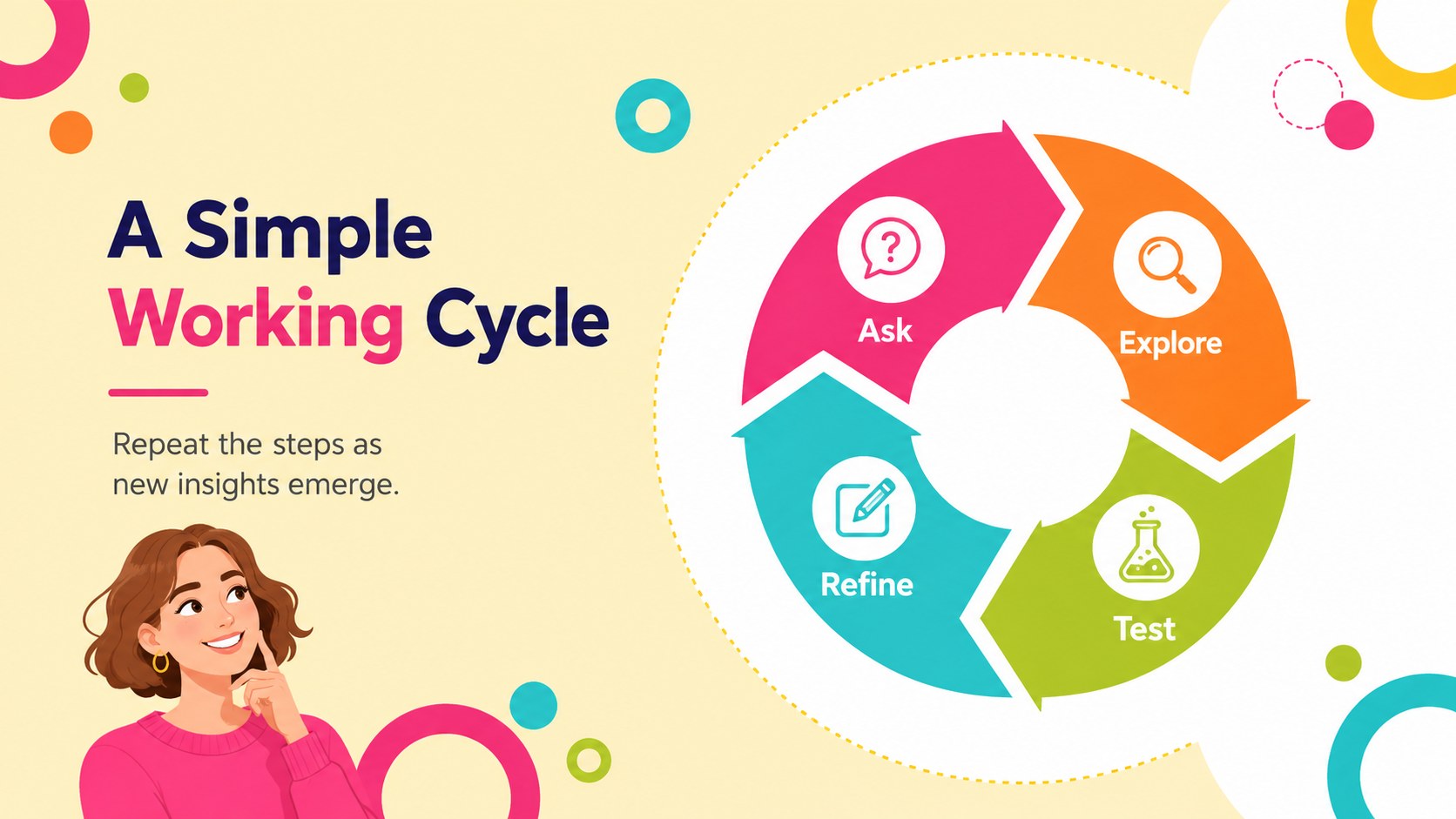
Design notes
The Rainbow Circle Presentation Theme turns energetic ideas into a clear, engaging visual story. Bright pink, yellow, blue, green, and orange circles create a cheerful rhythm without making the presentation feel childish. Use the original multicolor palette for maximum impact, or apply a smaller selection of brand colors for a more focused result.
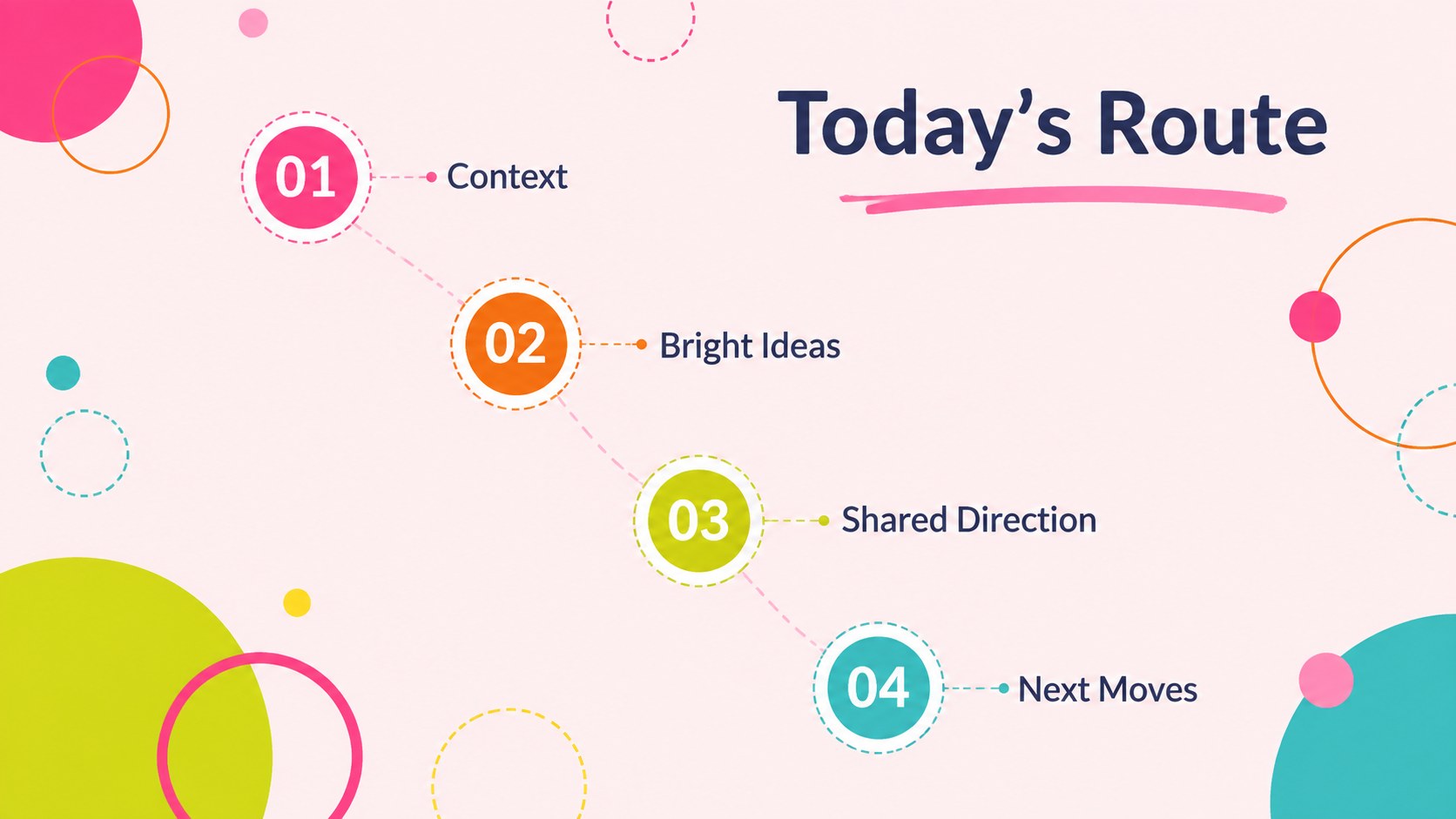
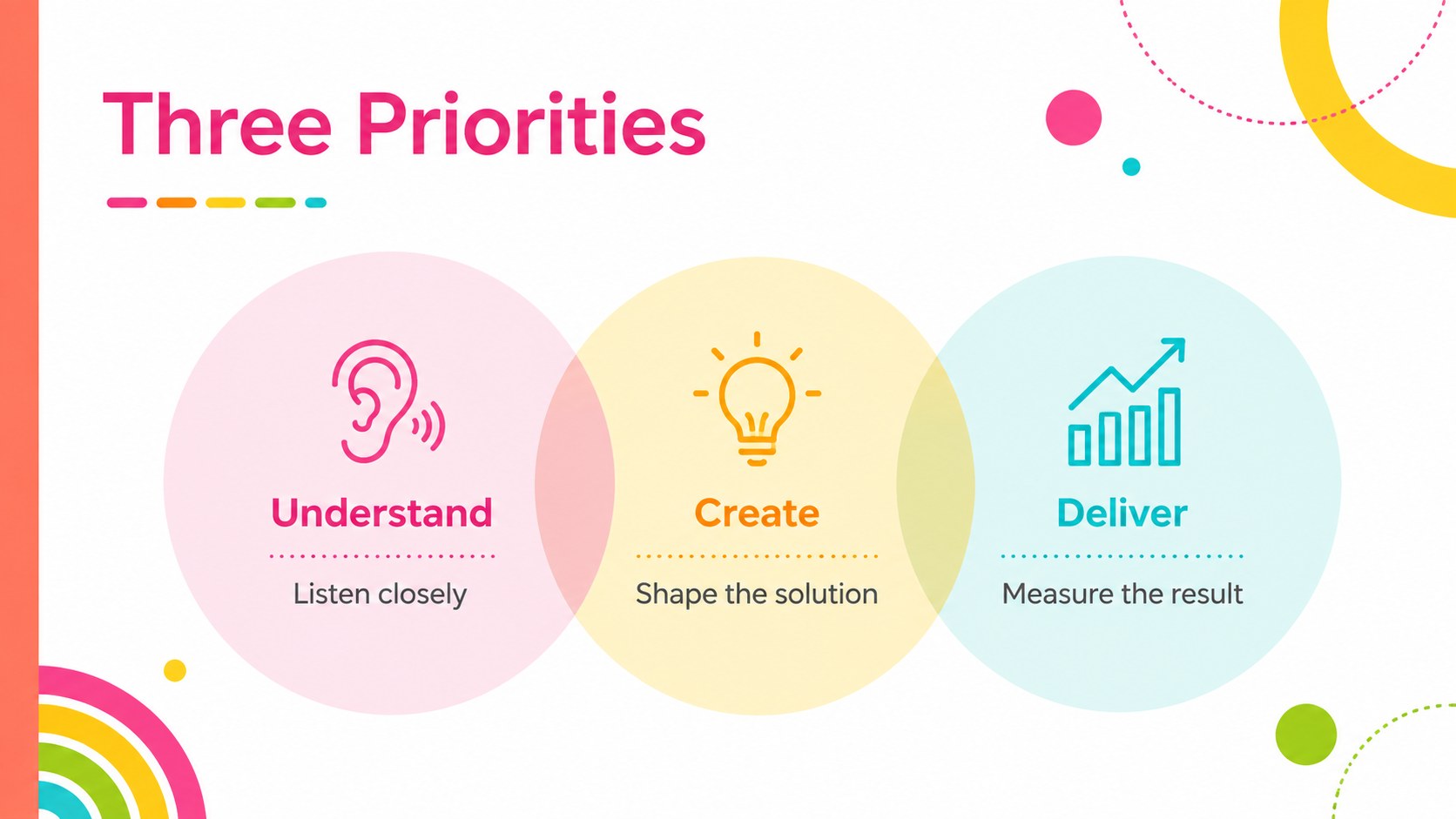
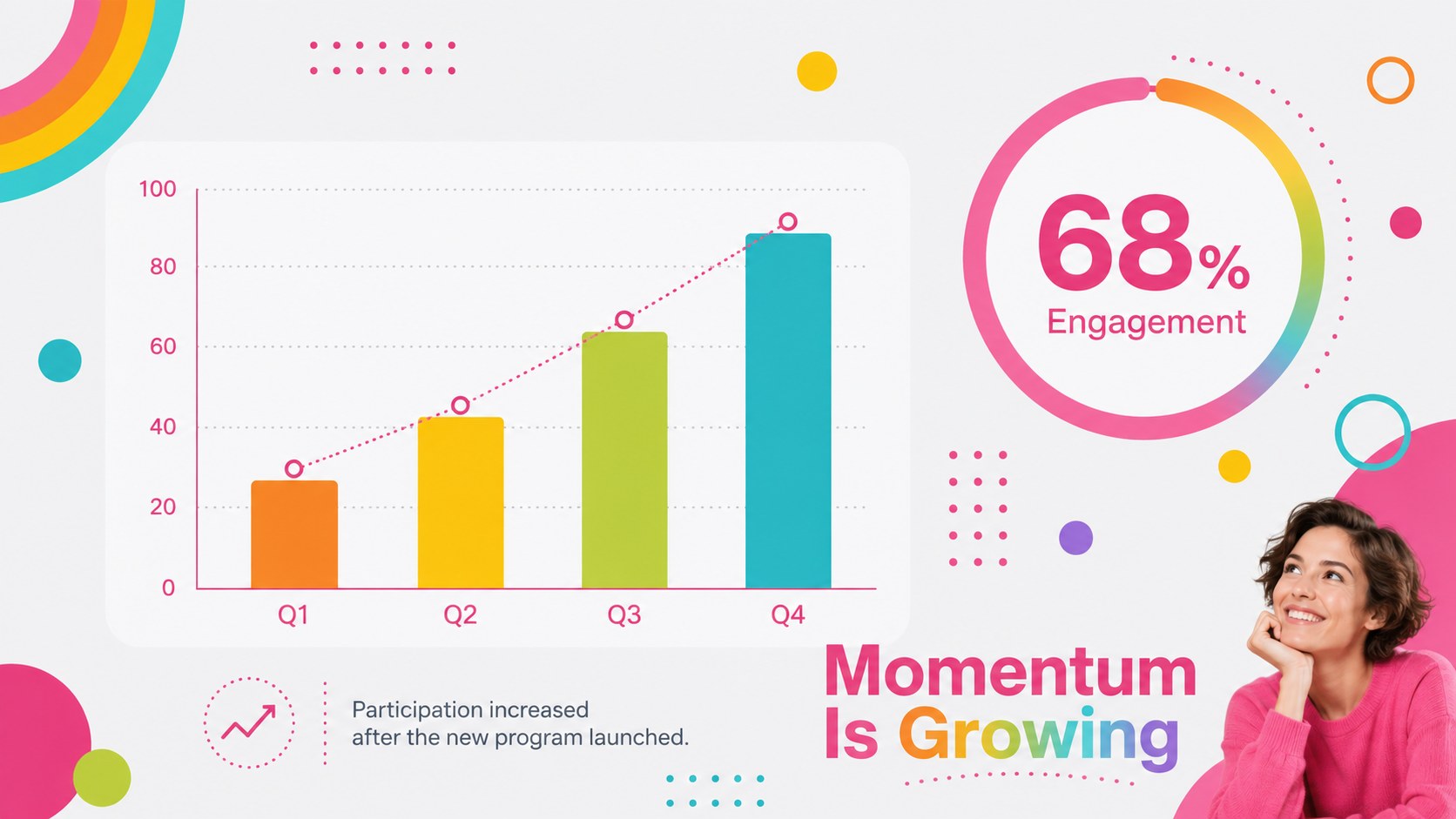
Inside this bright geometric slide deck, you will find 16:9 layouts for opening statements, agendas, key points, comparisons, timelines, processes, charts, team profiles, quotes, and action plans. Editable shapes, text areas, image placeholders, tables, and circular infographic slides for PowerPoint make it easy to adapt the design without rebuilding each page. The same layouts can also be edited in Google Slides. Keep paragraphs concise and use the circular graphics to emphasize hierarchy, milestones, percentages, or connected ideas.
This vibrant workshop presentation template is suited to teachers, creative studios, nonprofit teams, event planners, and project leads who want an optimistic visual style. It works especially well for classroom activities, campaign proposals, community updates, brainstorming sessions, and lively internal reports. Consistent typography and varied compositions help the slides feel coordinated while giving every section its own purpose.
Perfect for: creative campaign pitch; classroom project lesson; team brainstorming workshop; nonprofit impact update; community event proposal; project progress review.
Frequently asked questions
Can I edit the circle colors and layouts? Yes. The circles, backgrounds, text, charts, and image placeholders are editable. You can preserve the rainbow palette or reduce it to a few coordinated brand colors.
Practical details
Yes. The circles, backgrounds, text, charts, and image placeholders are editable. You can preserve the rainbow palette or reduce it to a few coordinated brand colors.
The template is designed for Microsoft PowerPoint and Google Slides. Both platforms allow you to update the wording, rearrange elements, replace images, and adjust colors.
It includes layouts for charts, comparisons, percentages, timelines, and key metrics. For the clearest result, divide dense information across several slides rather than placing long paragraphs over decorative patterns.
Yes. Use brighter combinations and friendly wording for education or events, or limit the palette and simplify the decoration for professional projects. The content structure works for lessons, workshops, proposals, and progress reports.
Keep exploring
15Build stronger academic arguments with a college essay thesis builder featuring guided examples, revision prompts, and editable PowerPoint and Google Slides.
 15
15Build an engaging World UFO Day session with this flying saucer history lesson deck, featuring retro green-and-brown slides for PowerPoint and Google Slides.
 14
14Plan a memorable Lunar New Year campaign with the 2036 Dragon Year Celebration Theme, featuring bold red-and-yellow slides for lessons and events.
 15
15Build a thoughtful classroom discussion with this interfaith awareness lesson deck, featuring editable blue-and-white slides for PowerPoint and Google Slides.
 15
15Use this environmental awareness lesson deck to teach climate action through illustrated activities, discussion prompts, and ready-to-edit visuals.
 15
15Build playful lessons and party stories with a kid-friendly zombie celebration theme in purple, green and pastel blue for PowerPoint and Google Slides.
 15
15Build eerie lessons, campaigns, and story pitches with an undead survival scenario theme featuring editable slides for PowerPoint and Google Slides.
 16
16Turn environmental research into a clear story with a Watercolor Ecology Presentation Theme for PowerPoint and Google Slides in calming green and blue.