
 15
15presentation
College Essay Thesis Builder Slides
Build stronger academic arguments with a college essay thesis builder featuring guided examples, revision prompts, and editable PowerPoint and Google Slides.
Google SlidesPowerPoint
document · English
Plan a focused draft with this 500-word essay organizer, featuring clear sections, word-count guidance, and playful orange doodles for students.
Design notes
The Quick 500-Word Essay Organizer gives students a practical path from an initial idea to a polished short essay. Its clean structure divides the writing process into manageable stages, while cheerful orange doodles make schoolwork feel approachable. Use this 500-word essay organizer for classroom assignments, timed practice, homework, or independent skill building.
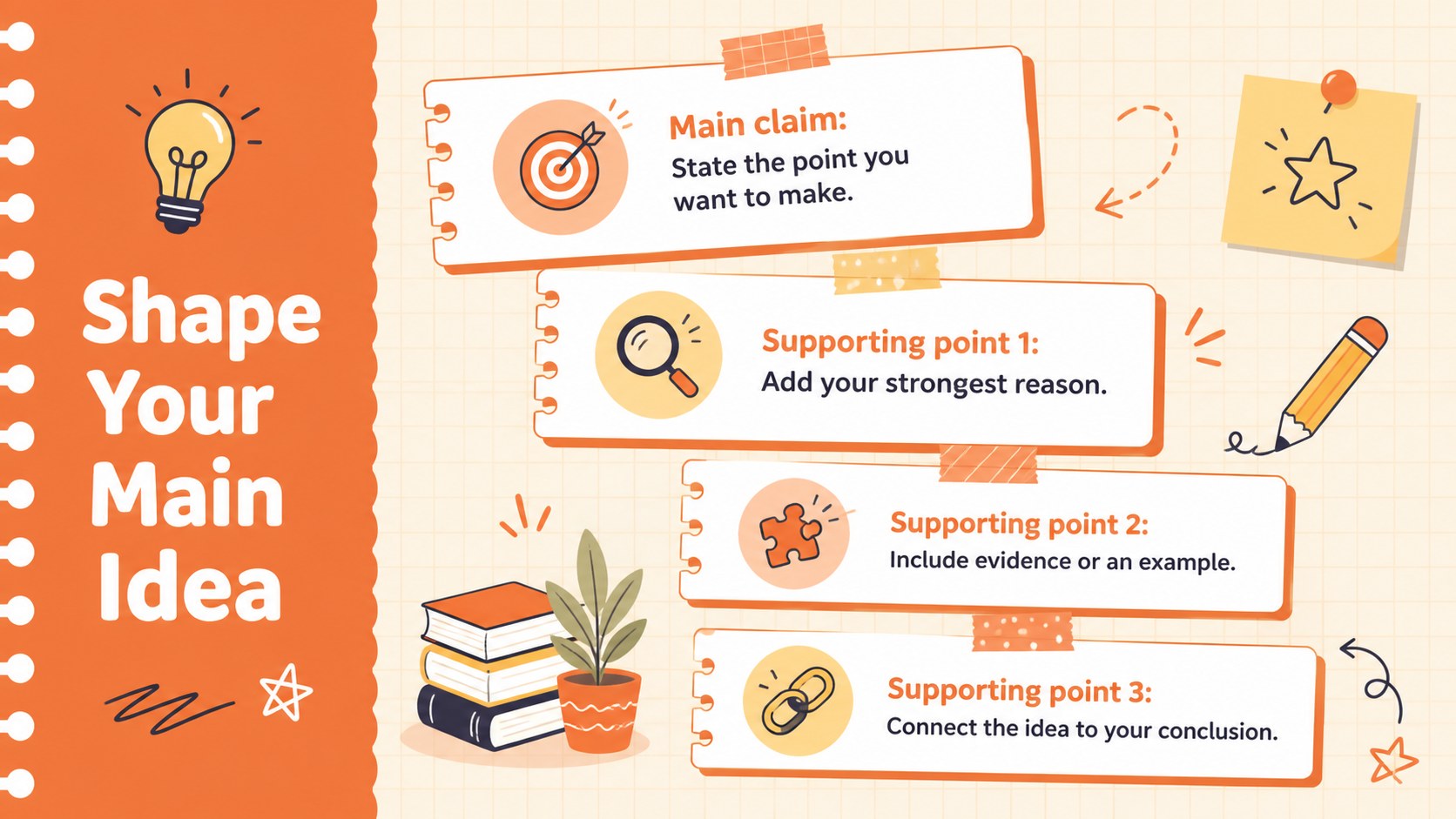
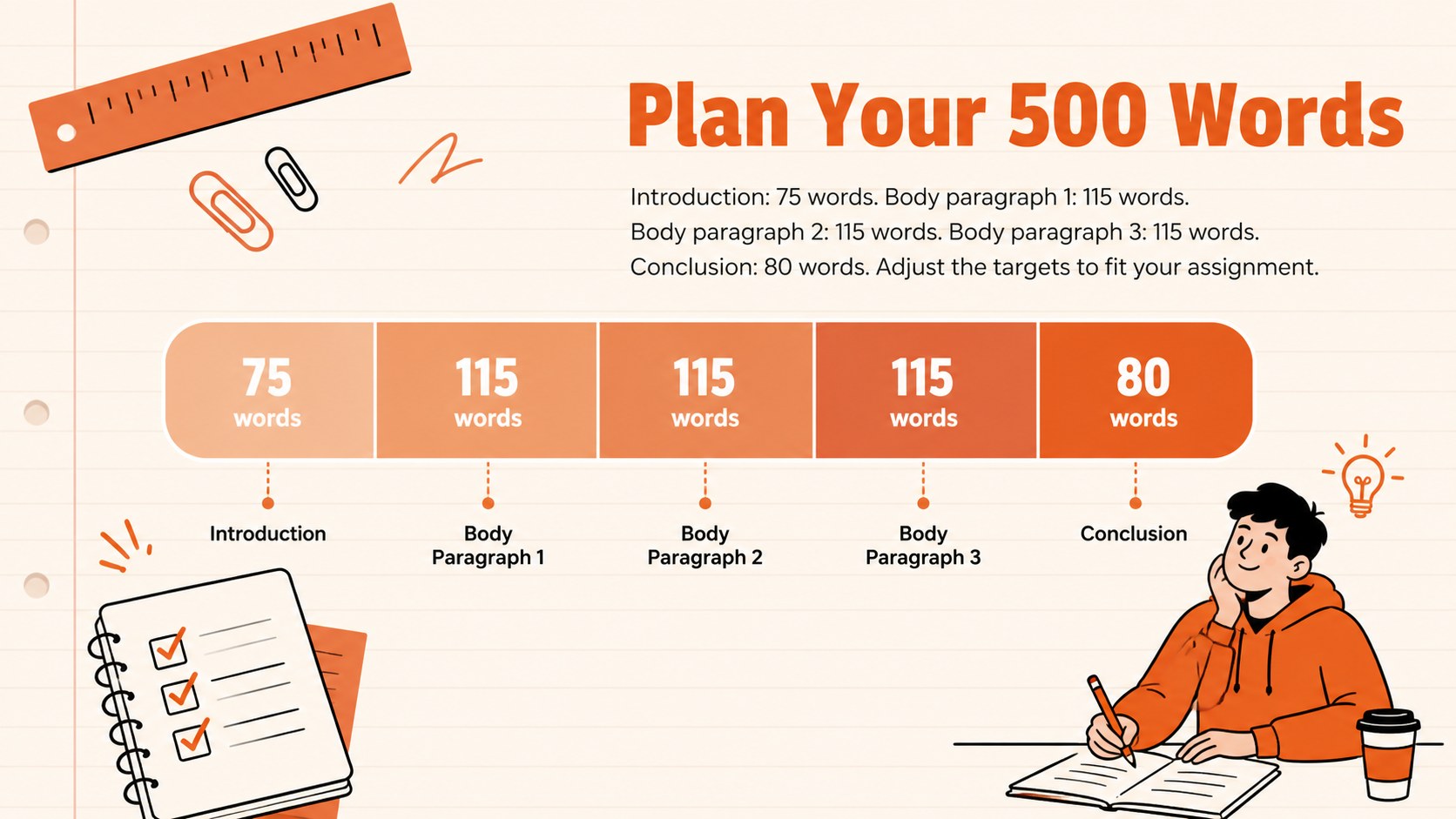
Inside, writers will find dedicated areas for a central claim, supporting points, paragraph notes, transitions, and a concise conclusion. A simple word count breakdown for essays helps students balance the introduction, body paragraphs, and ending without repeatedly checking the total. The layout also works as a short essay planning worksheet when students need to outline their reasoning before drafting complete sentences.
Designed for middle school and high school learners, this student essay outline organizer can be customized Docs or Google Docs. Change the fonts, adjust the orange accents, replace doodles, add research notes, or adapt the prompts for different subjects. Teachers can use it for guided writing lessons, peer review, or revision conferences, while students can collaborate with classmates and instructors through comments. Once the essay is complete, it can be shared digitally or exported for submission, presentation, and printing.
Perfect for: middle school writing assignment; high school essay practice; timed classroom writing; peer review workshop; homework draft planning.
Frequently asked questions
Can I edit this organizer in Google Docs Docs? Yes. Open the design in either supported platform to revise prompts, type directly into each section, and collaborate through comments.
Practical details
Yes. Open the design in either supported platform to revise prompts, type directly into each section, and collaborate through comments.
Yes. The accent colors, fonts, decorative graphics, and section styling can all be adjusted to suit a class, subject, or personal preference.
It provides suggested word ranges for each essay section, but students should still check the final count in their editor. The ranges can also be changed for shorter or longer assignments.
Yes. The prompts are simple enough for developing writers and flexible enough for more advanced assignments. Teachers can replace the guidance with subject-specific criteria when needed.
Keep exploring
15Build stronger academic arguments with a college essay thesis builder featuring guided examples, revision prompts, and editable PowerPoint and Google Slides.
 15
15Build an engaging World UFO Day session with this flying saucer history lesson deck, featuring retro green-and-brown slides for PowerPoint and Google Slides.
 14
14Plan a memorable Lunar New Year campaign with the 2036 Dragon Year Celebration Theme, featuring bold red-and-yellow slides for lessons and events.
 15
15Build a thoughtful classroom discussion with this interfaith awareness lesson deck, featuring editable blue-and-white slides for PowerPoint and Google Slides.
 15
15Use this environmental awareness lesson deck to teach climate action through illustrated activities, discussion prompts, and ready-to-edit visuals.
 15
15Build playful lessons and party stories with a kid-friendly zombie celebration theme in purple, green and pastel blue for PowerPoint and Google Slides.
 15
15Build eerie lessons, campaigns, and story pitches with an undead survival scenario theme featuring editable slides for PowerPoint and Google Slides.
 16
16Turn environmental research into a clear story with a Watercolor Ecology Presentation Theme for PowerPoint and Google Slides in calming green and blue.