
 15
15presentation
College Essay Thesis Builder Slides
Build stronger academic arguments with a college essay thesis builder featuring guided examples, revision prompts, and editable PowerPoint and Google Slides.
Google SlidesPowerPoint
presentation · English
Build a clear quake readiness infographic deck for classrooms and workplaces, featuring editable safety steps for PowerPoint and Google Slides presentations.
Design notes
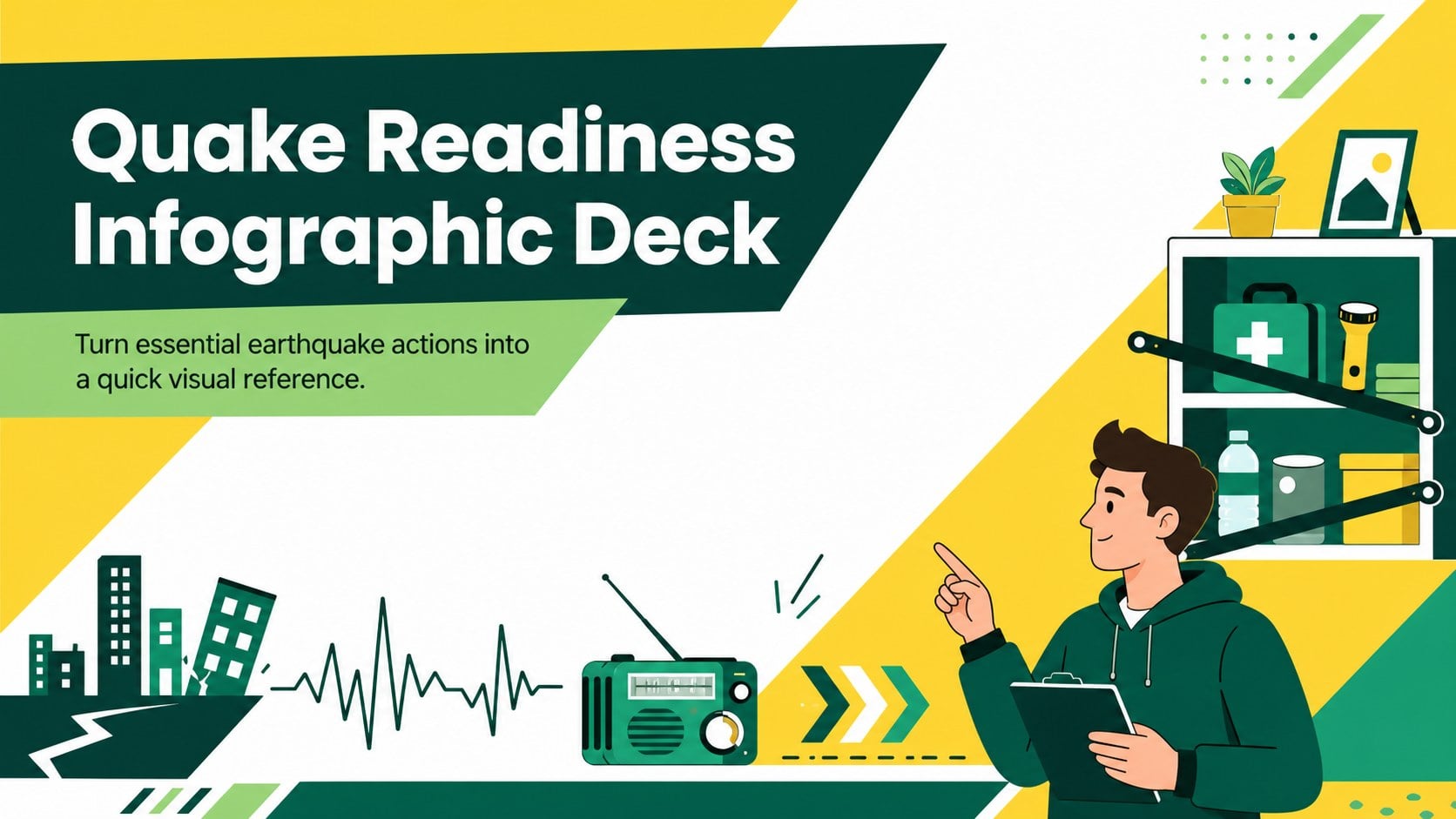
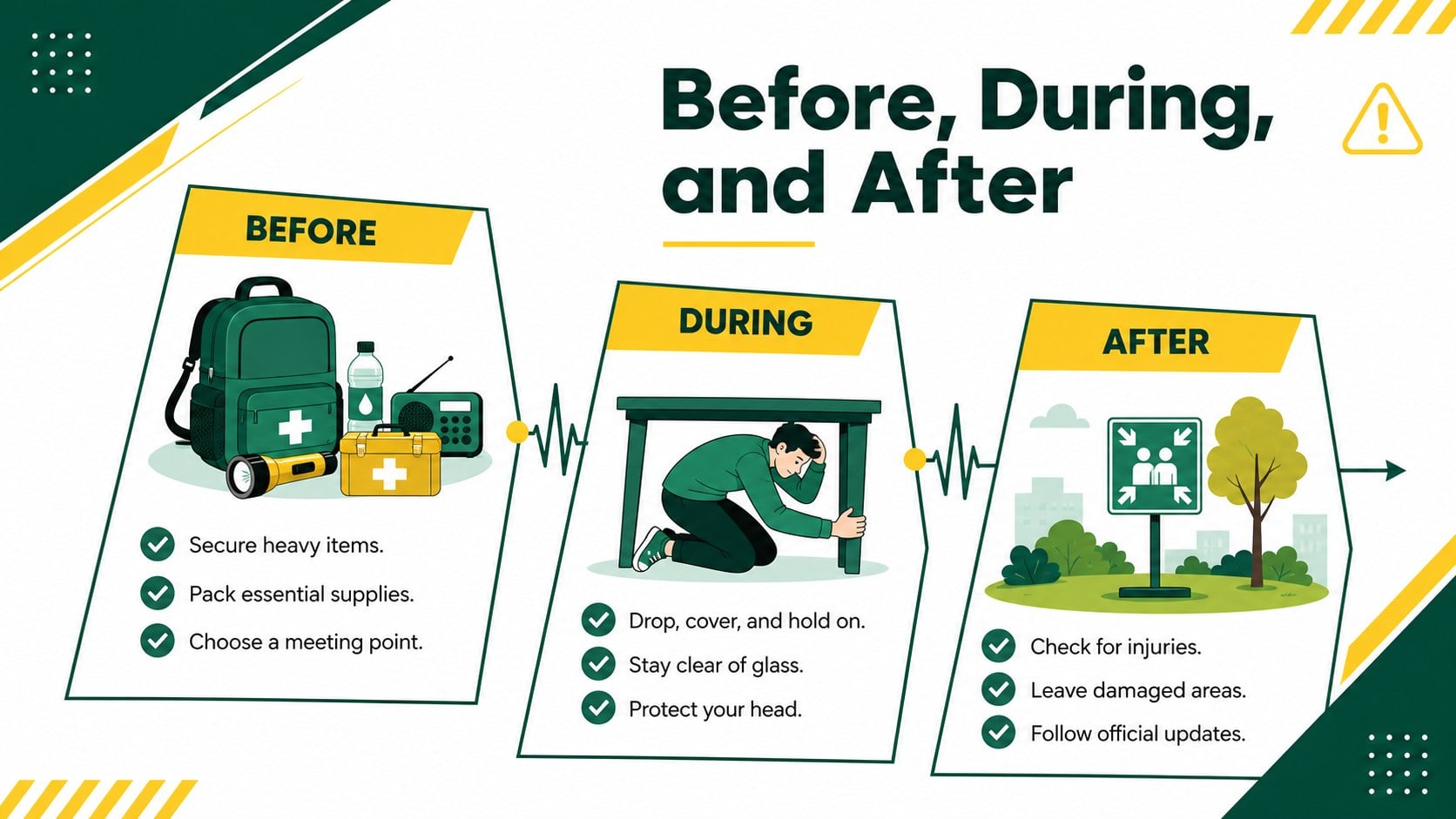
Make emergency guidance easier to scan with this quake readiness infographic deck. Designed around a lively yellow, green, and white palette, its illustrated geometric style organizes essential information without making the subject feel overwhelming. Edit the layouts in PowerPoint or Google Slides to match local procedures, building details, or audience needs.
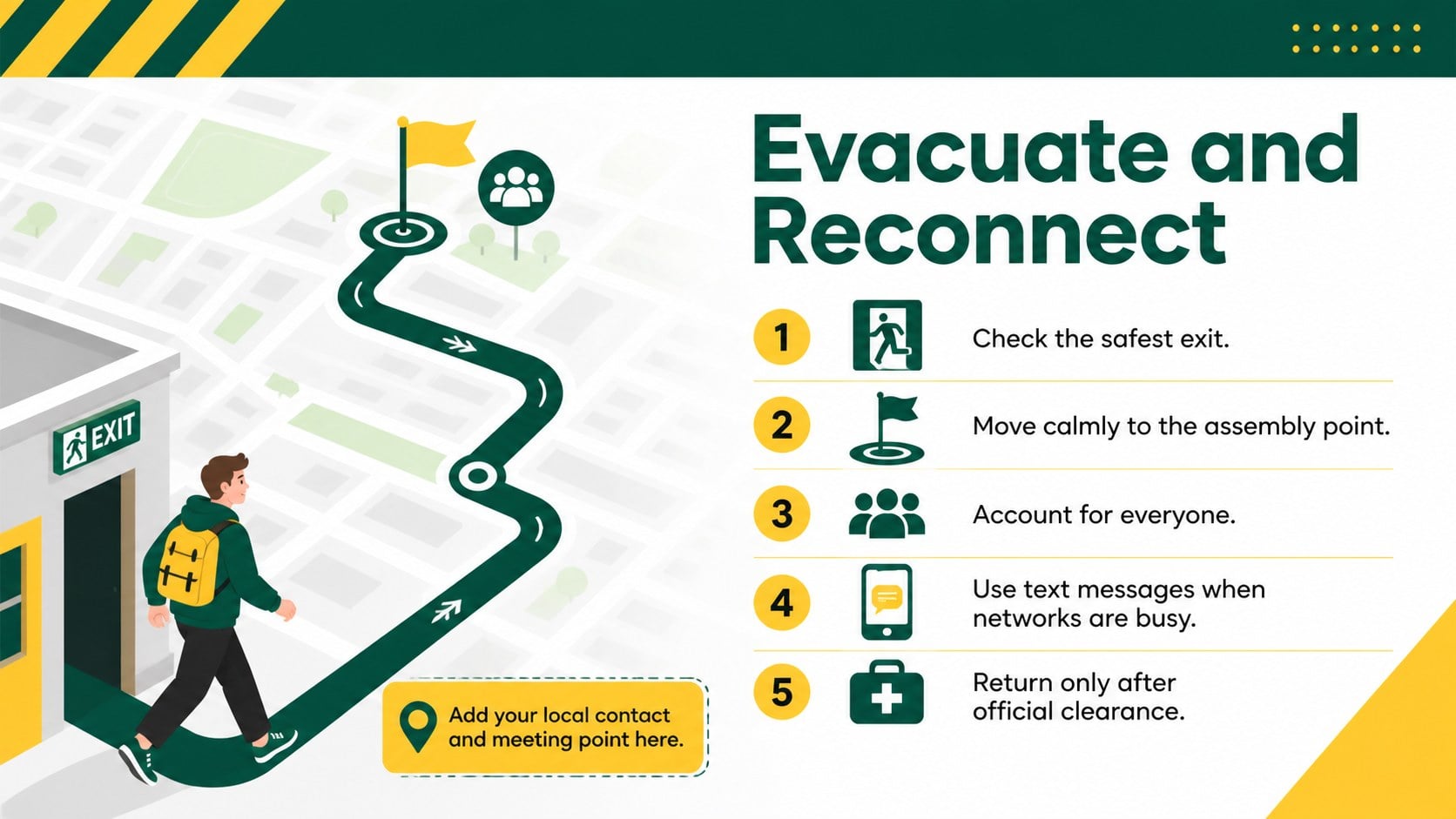
The deck includes a bold introduction, an actionable before during and after earthquake checklist, and a final layout covering evacuation and communication priorities. Portrait-inspired infographic sections, directional symbols, simple illustrations, and clearly separated steps help viewers find important instructions quickly. Colors, type, icons, shapes, and wording can all be adjusted, allowing the same design to become an earthquake safety poster for schools, a digital handout, or part of a larger training presentation.
This template is suited to teachers, school administrators, workplace safety coordinators, community organizers, emergency volunteers, and public information teams. Use it for classroom discussions, staff briefings, preparedness campaigns, family safety sessions, or a workplace earthquake response infographic. The concise structure supports both live explanations and self-guided reading, while the high-contrast palette keeps critical actions visible. Add your own assembly points, emergency contacts, room-specific directions, and regional recommendations to create a practical resource that reflects the procedures your audience should follow.
Perfect for: school safety lesson; employee preparedness briefing; community awareness campaign; family emergency planning session; earthquake evacuation training.
Frequently asked questions
Can I edit every part of the infographic deck? Yes. You can revise the text, colors, fonts, icons, shapes, and step labels to reflect your organization’s procedures and visual identity.
Practical details
Yes. You can revise the text, colors, fonts, icons, shapes, and step labels to reflect your organization’s procedures and visual identity.
The deck is designed for PowerPoint and Google Slides. Some fonts or transition effects may vary slightly between the two platforms.
Yes. Replace the sample wording with assembly locations, contact numbers, regional guidance, and instructions specific to your building or community.
Yes. The visual steps can be simplified for student audiences or expanded with workplace responsibilities, communication protocols, and evacuation procedures.
Keep exploring
15Build stronger academic arguments with a college essay thesis builder featuring guided examples, revision prompts, and editable PowerPoint and Google Slides.
 15
15Build an engaging World UFO Day session with this flying saucer history lesson deck, featuring retro green-and-brown slides for PowerPoint and Google Slides.
 14
14Plan a memorable Lunar New Year campaign with the 2036 Dragon Year Celebration Theme, featuring bold red-and-yellow slides for lessons and events.
 15
15Build a thoughtful classroom discussion with this interfaith awareness lesson deck, featuring editable blue-and-white slides for PowerPoint and Google Slides.
 15
15Use this environmental awareness lesson deck to teach climate action through illustrated activities, discussion prompts, and ready-to-edit visuals.
 15
15Build playful lessons and party stories with a kid-friendly zombie celebration theme in purple, green and pastel blue for PowerPoint and Google Slides.
 15
15Build eerie lessons, campaigns, and story pitches with an undead survival scenario theme featuring editable slides for PowerPoint and Google Slides.
 16
16Turn environmental research into a clear story with a Watercolor Ecology Presentation Theme for PowerPoint and Google Slides in calming green and blue.