
 15
15presentation
College Essay Thesis Builder Slides
Build stronger academic arguments with a college essay thesis builder featuring guided examples, revision prompts, and editable PowerPoint and Google Slides.
Google SlidesPowerPoint
presentation · English
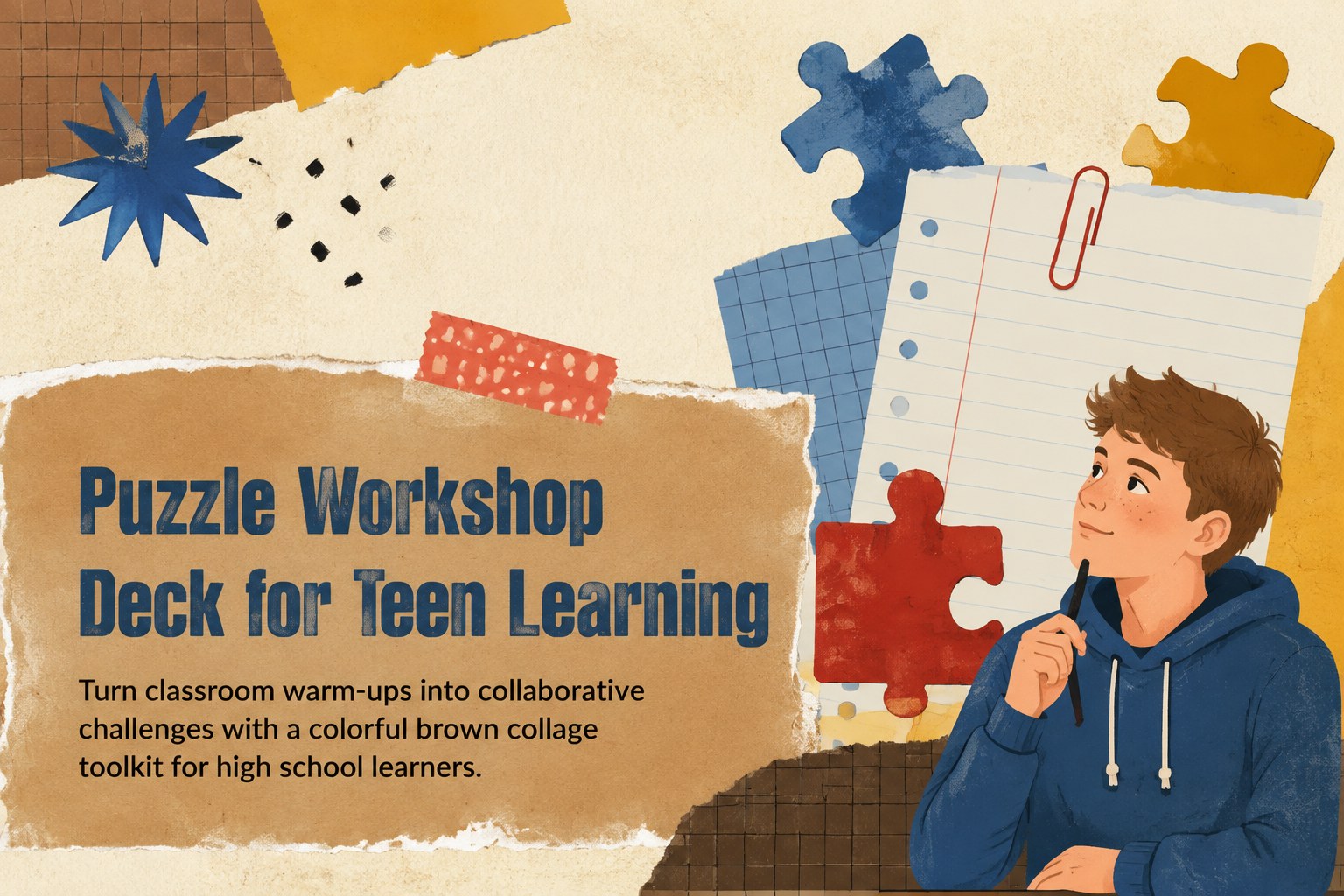
Build a puzzle workshop deck for high school classes with colorful brown collage visuals, editable activities, and free PowerPoint and Google Slides layouts.
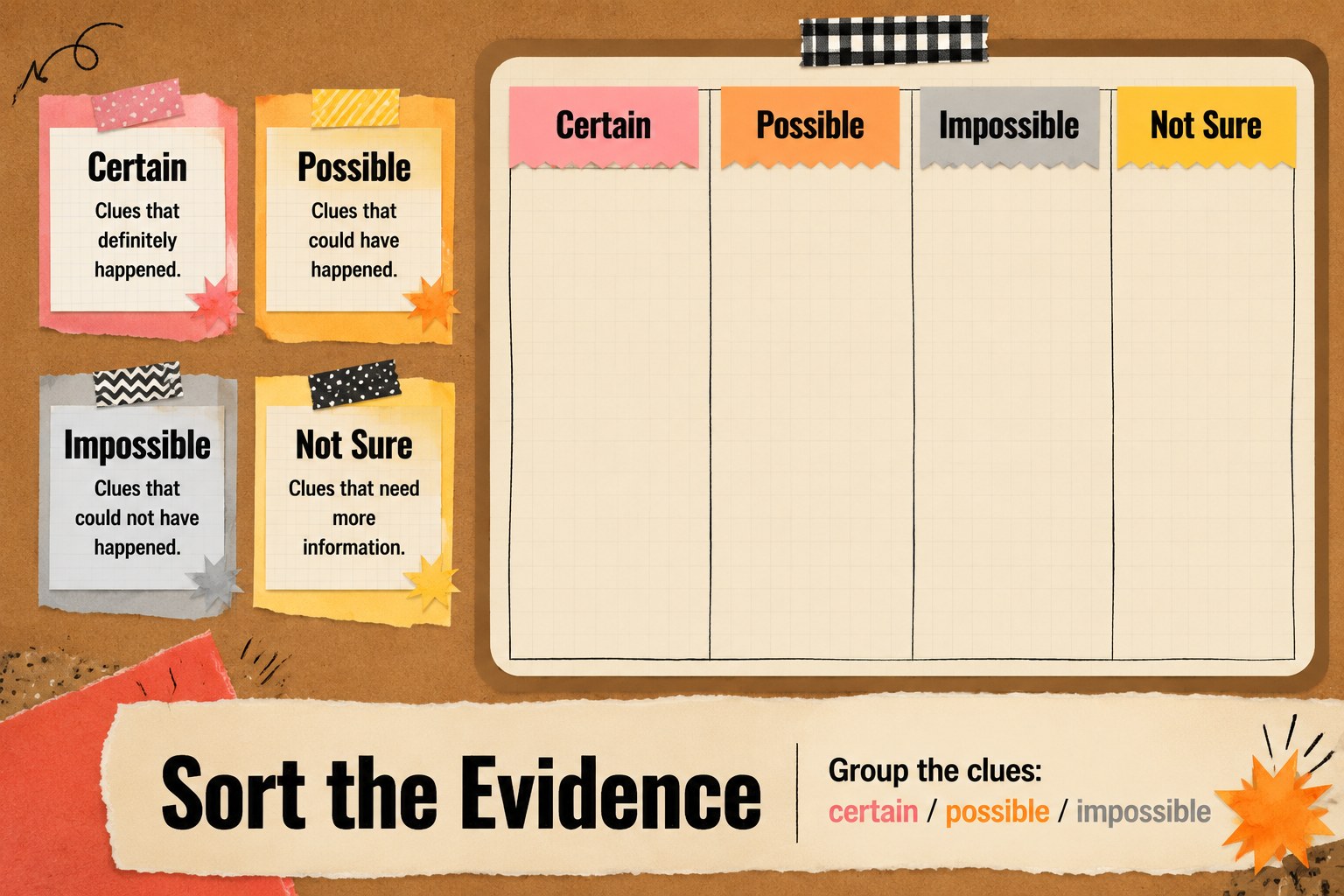
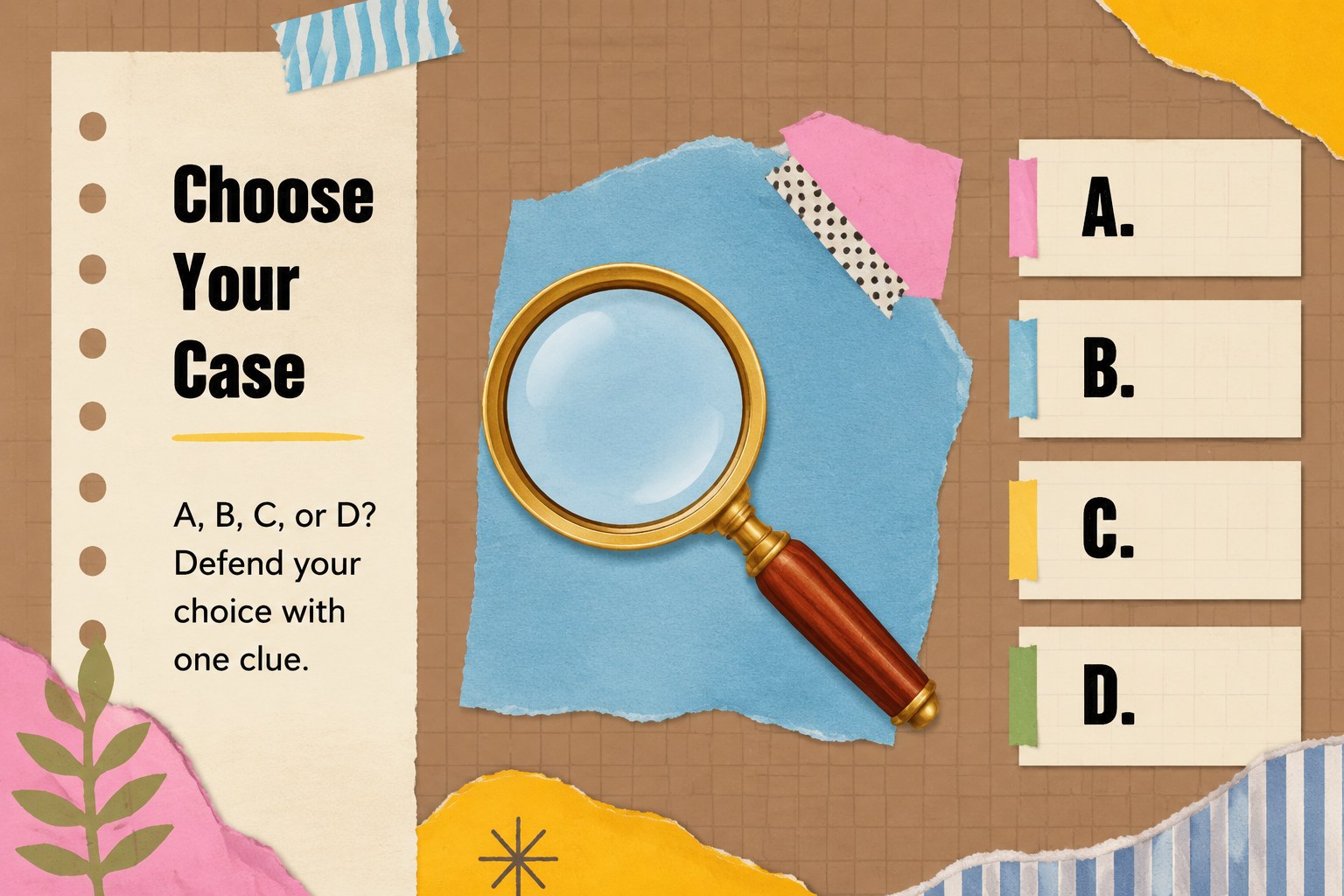
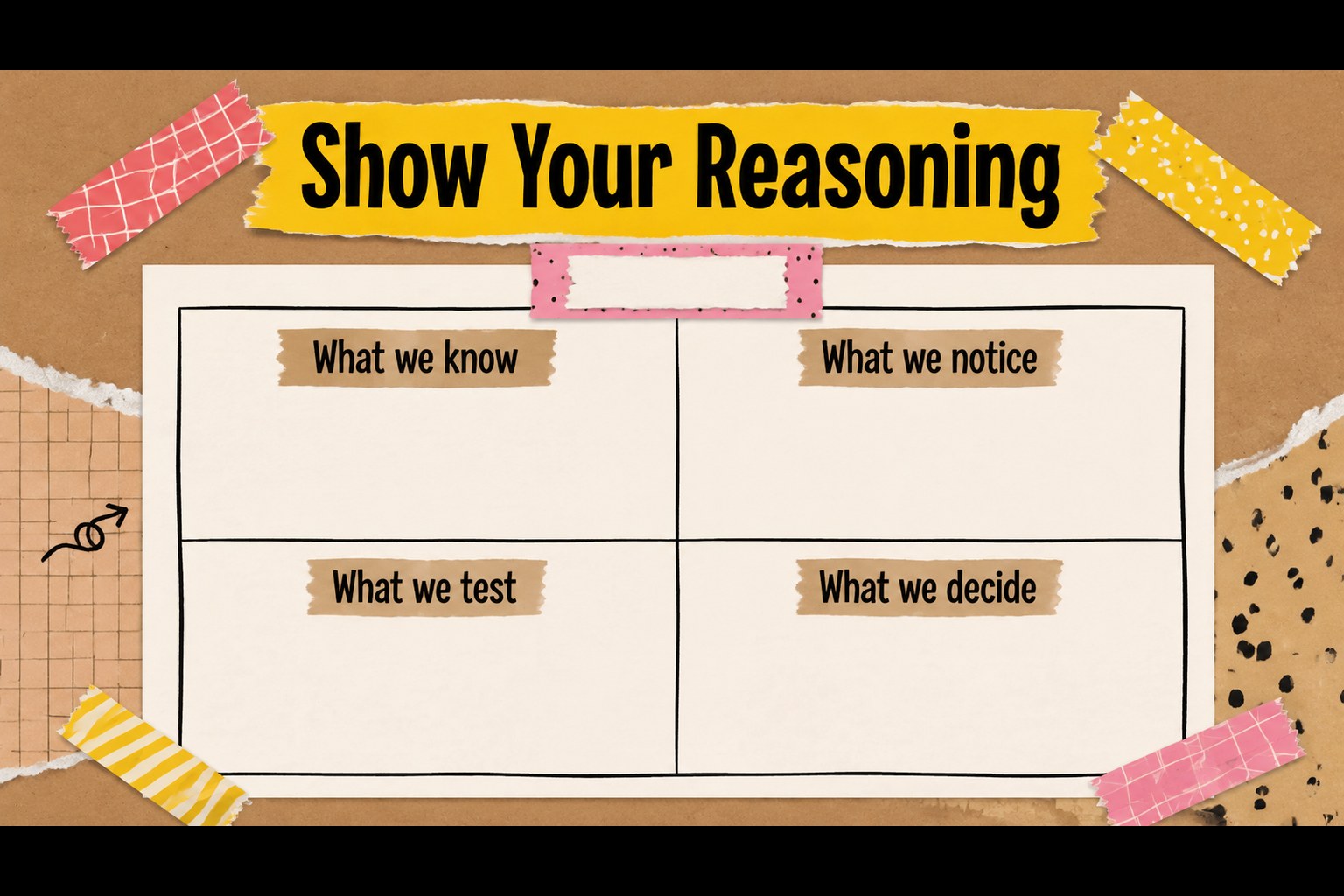
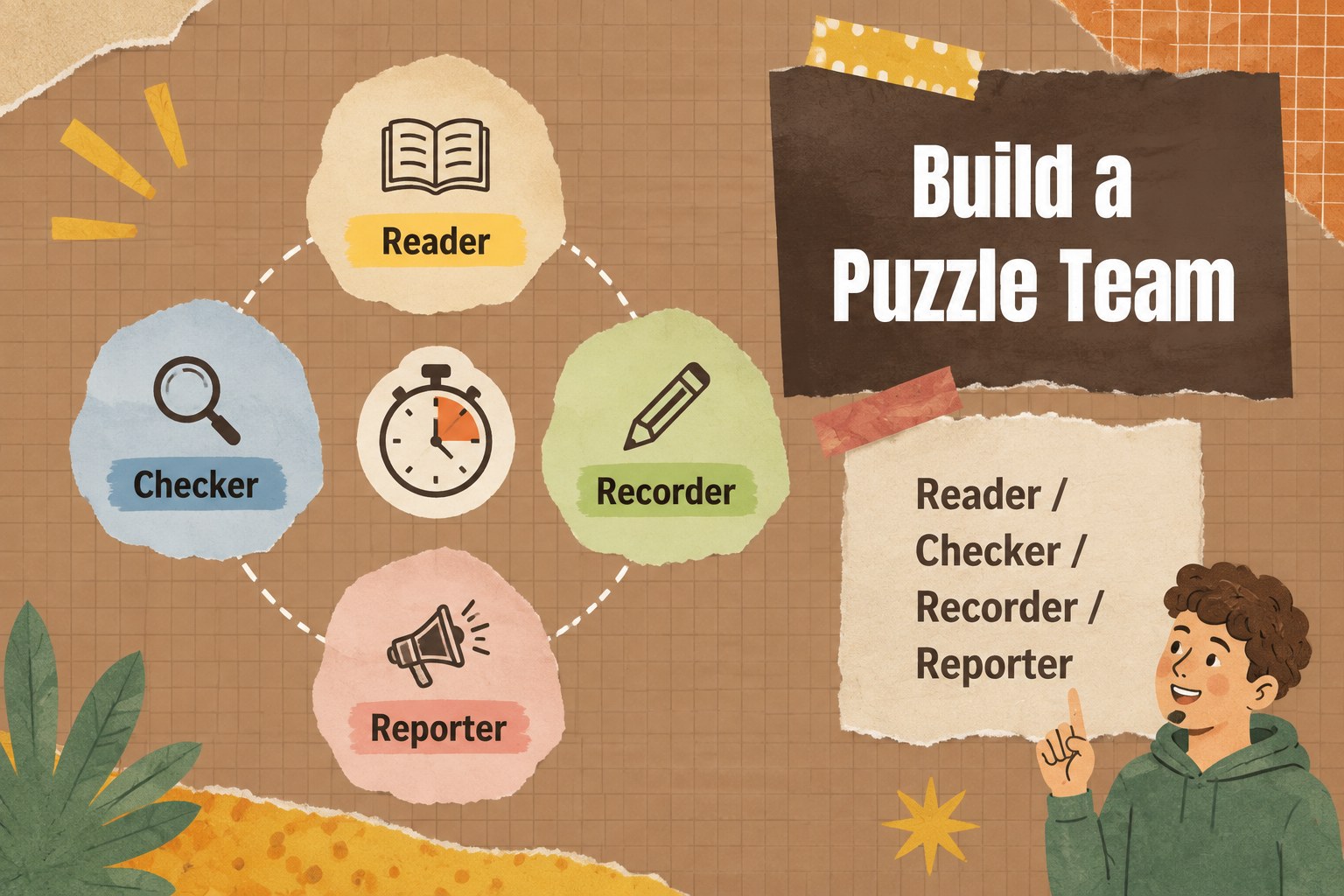
Design notes
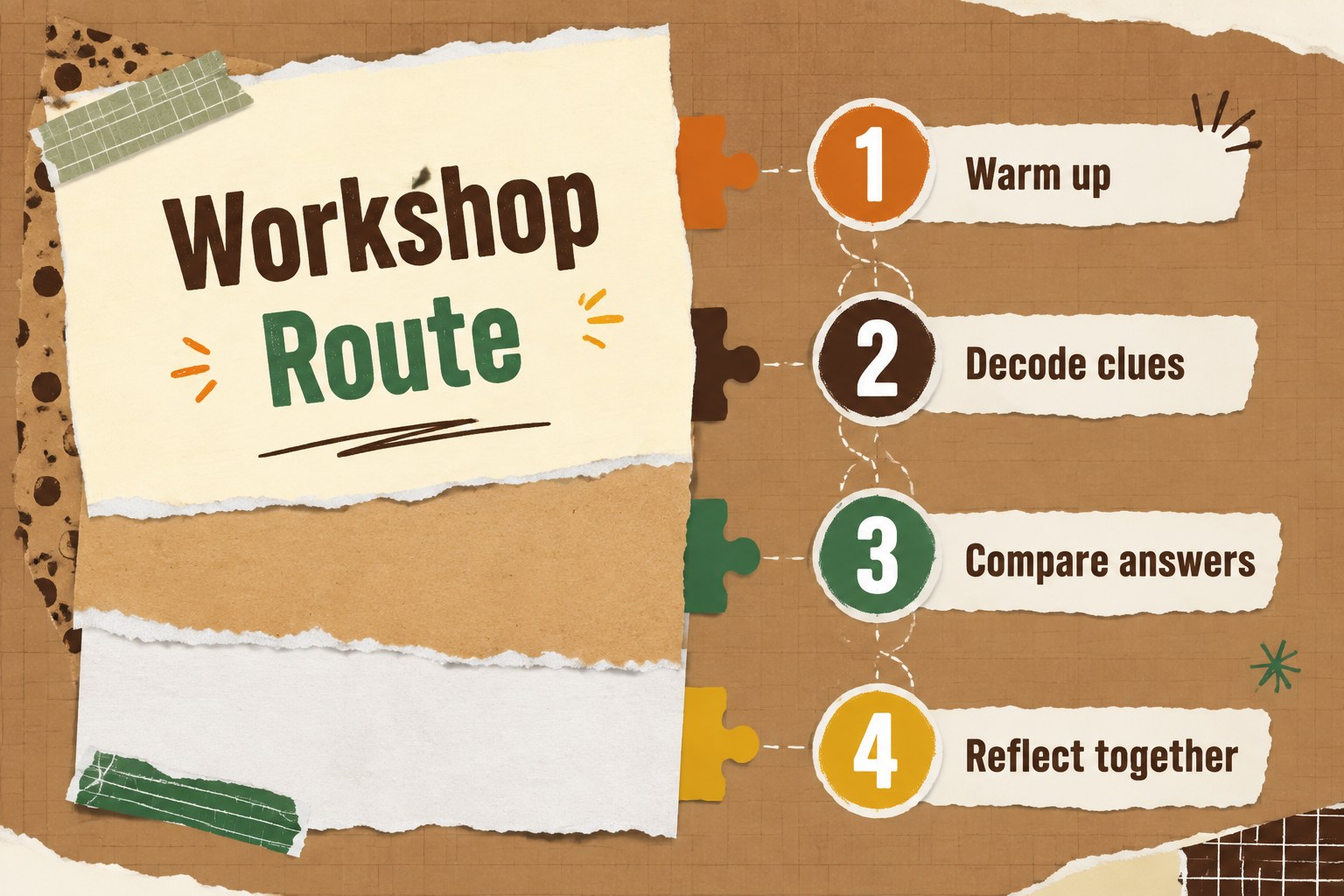
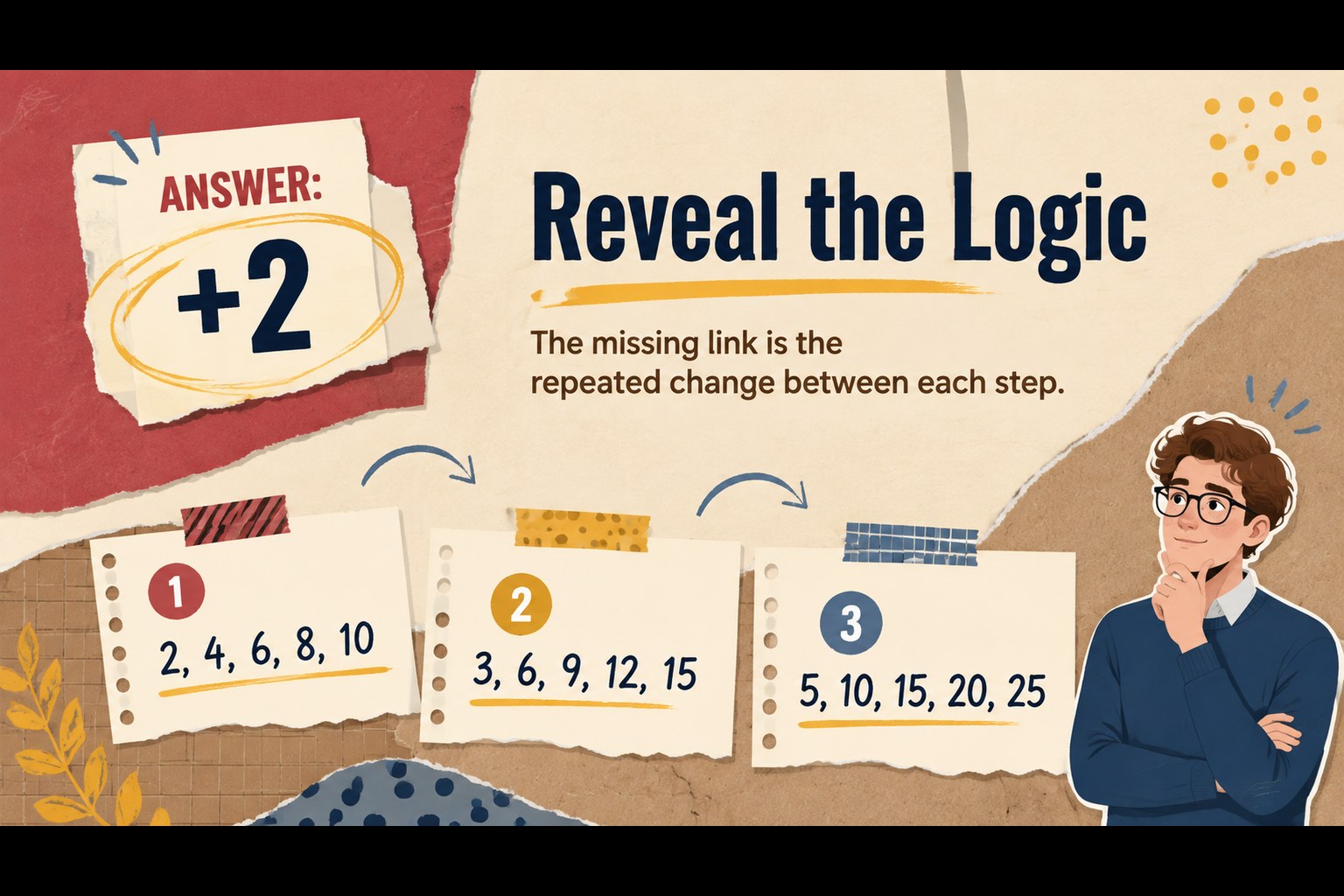
Turn ordinary lesson warm-ups into collaborative challenges with this puzzle workshop deck for high school educators. Its colorful brown collage style combines paper textures, cutout shapes, handwritten accents, and playful visual prompts to make classroom activities feel more memorable without losing structure. Use the layouts for logic practice, review sessions, team competitions, or discussion starters.
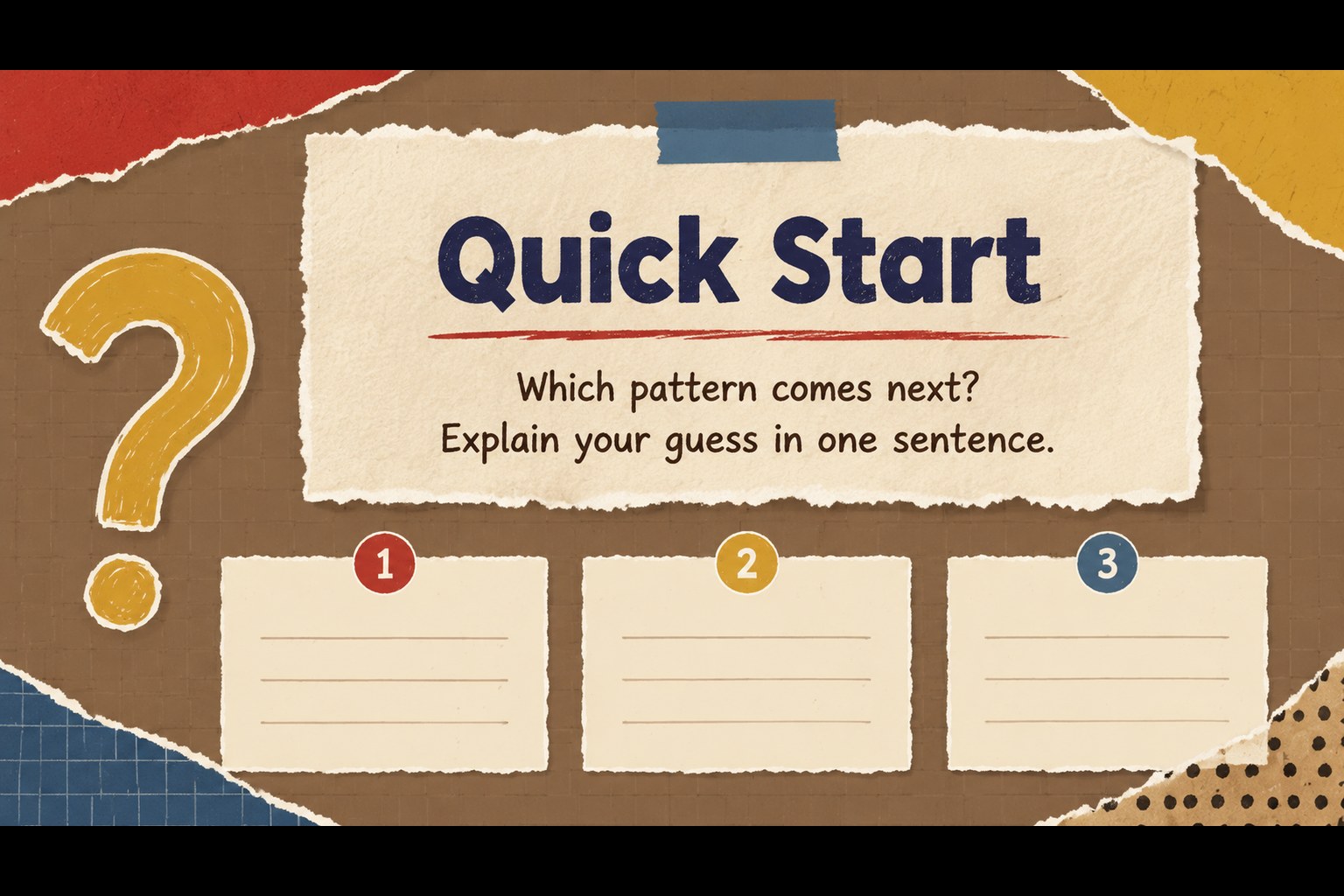
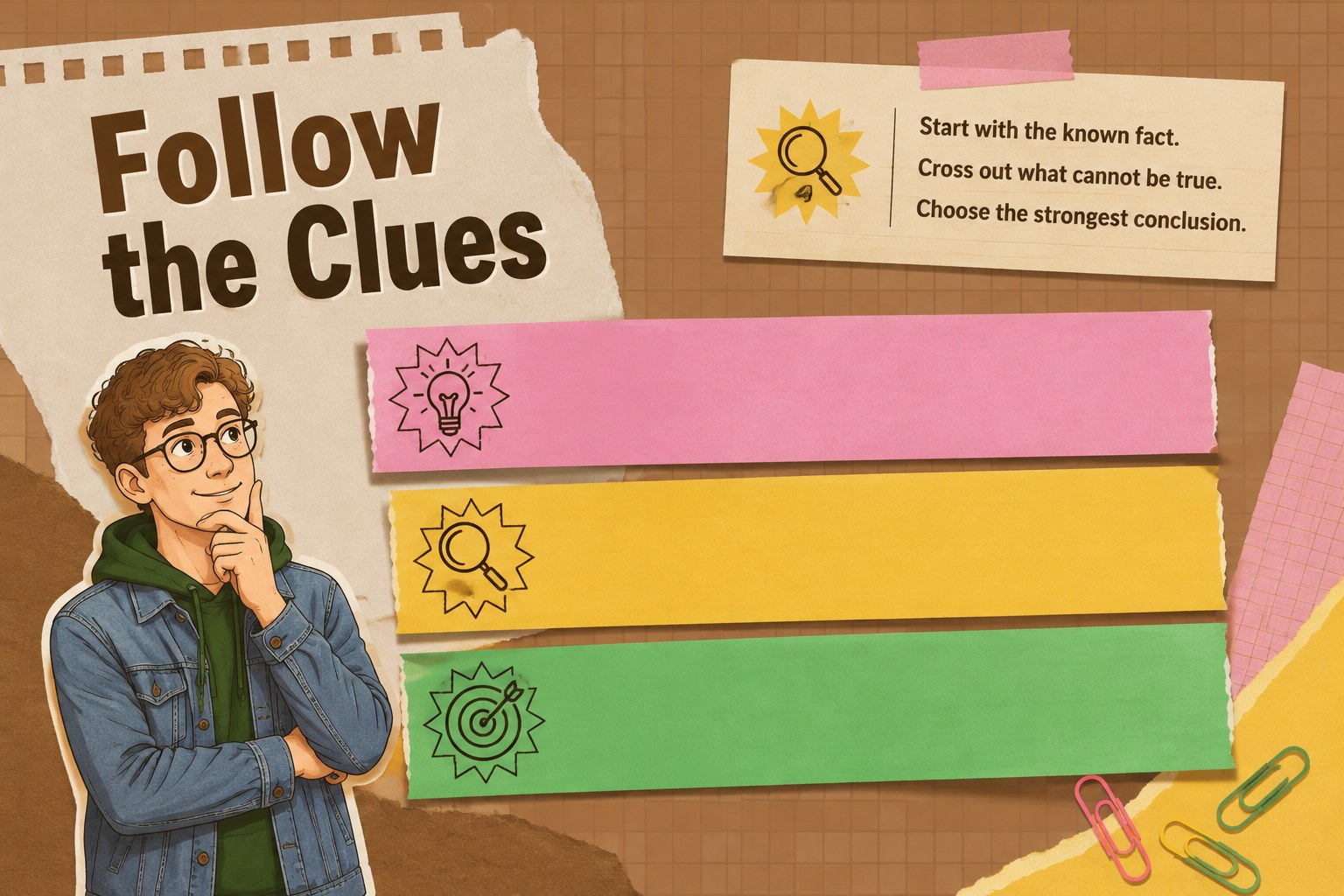
Inside, you will find more than 25 editable PowerPoint and Google Slides layouts for question rounds, clue reveals, answer checks, graphic organizers, number challenges, and reflection prompts. The flexible slide system supports interactive puzzle lesson slides, from quick bell-ringers to a complete multi-step classroom activity. Rearrange cards, update the examples, add subject-specific images, and adapt the answer areas to suit different ability levels.
This high school logic activity deck is designed for teachers, tutors, workshop leaders, and students preparing peer-led activities. It also works as an editable classroom brain games resource for language arts, mathematics, science, or advisory periods. Charts, frames, lines, labels, and shapes help you build clear visual instructions, while animation and transition options can reveal clues or solutions at the right moment. Download the template and create an engaging, repeatable format for learning through problem-solving.
Perfect for: classroom warm-up challenge; team-based review session; student-led logic workshop; math or science puzzle lesson; advisory discussion starter.
Frequently asked questions
Can I edit this template in PowerPoint? Yes. The layouts are designed for PowerPoint editing, including text, colors, shapes, images, and slide order. You can also use the same presentation structure in Google Slides.
Practical details
Yes. The layouts are designed for PowerPoint editing, including text, colors, shapes, images, and slide order. You can also use the same presentation structure in Google Slides.
Yes. Replace the sample puzzles with language, science, history, or advisory activities. The clue, answer, organizer, and discussion layouts can support many types of classroom content.
Yes. Every editable element can be adjusted to match your lesson or school identity. You can keep the brown paper look or introduce additional accent colors while preserving the scrapbook-inspired style.
Place a clue or question before the reveal layout and invite students to discuss possible solutions. Then use the answer slide to show the reasoning, key steps, or a teacher-created explanation.
Keep exploring
15Build stronger academic arguments with a college essay thesis builder featuring guided examples, revision prompts, and editable PowerPoint and Google Slides.
 15
15Build an engaging World UFO Day session with this flying saucer history lesson deck, featuring retro green-and-brown slides for PowerPoint and Google Slides.
 14
14Plan a memorable Lunar New Year campaign with the 2036 Dragon Year Celebration Theme, featuring bold red-and-yellow slides for lessons and events.
 15
15Build a thoughtful classroom discussion with this interfaith awareness lesson deck, featuring editable blue-and-white slides for PowerPoint and Google Slides.
 15
15Use this environmental awareness lesson deck to teach climate action through illustrated activities, discussion prompts, and ready-to-edit visuals.
 15
15Build playful lessons and party stories with a kid-friendly zombie celebration theme in purple, green and pastel blue for PowerPoint and Google Slides.
 15
15Build eerie lessons, campaigns, and story pitches with an undead survival scenario theme featuring editable slides for PowerPoint and Google Slides.
 16
16Turn environmental research into a clear story with a Watercolor Ecology Presentation Theme for PowerPoint and Google Slides in calming green and blue.