
 15
15presentation
College Essay Thesis Builder Slides
Build stronger academic arguments with a college essay thesis builder featuring guided examples, revision prompts, and editable PowerPoint and Google Slides.
Google SlidesPowerPoint
presentation · English
Build energetic lessons, pitches, and event stories with a Purple Shape Creative Deck, fully editable for PowerPoint and Google Slides in a bold style.








Design notes
The Purple Shape Creative Deck gives energetic ideas a distinctive stage without sacrificing clarity. Layered triangles, circles, lines, and abstract blocks create a youthful visual system built around vivid purple tones. Use it when a conventional corporate layout feels too restrained and your message needs movement, personality, and strong contrast.
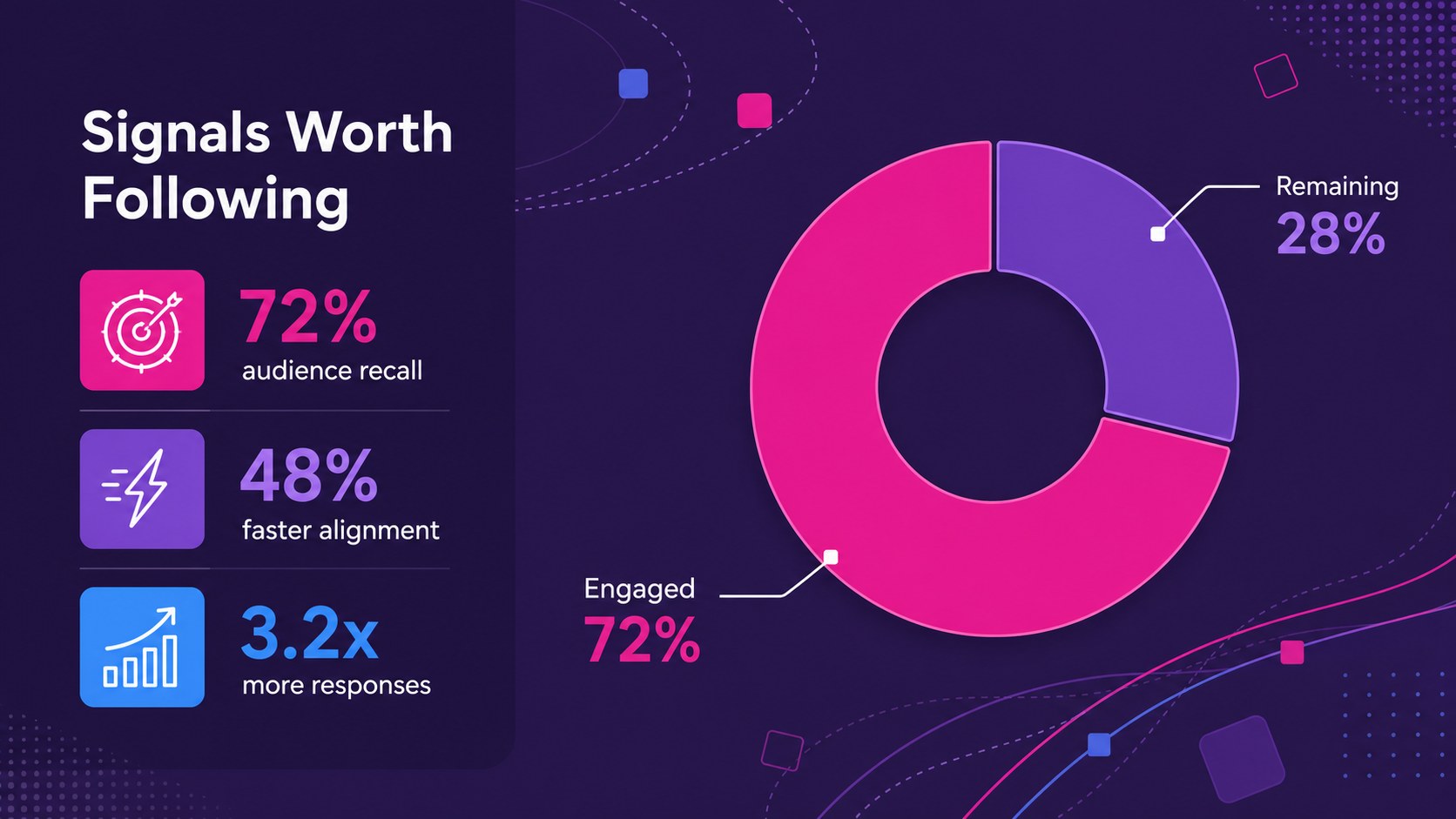
Inside are 16 coordinated layouts for introductions, agendas, section breaks, image stories, timelines, comparisons, charts, statistics, team profiles, and closing remarks. Every page is editable in PowerPoint and Google Slides, allowing you to replace text, recolor shapes, move graphic elements, and insert your own photography. The widescreen format works well for live presentations, classroom displays, online meetings, and exported PDF handouts.
This bold purple presentation deck is a practical choice for creative teams, educators, students, event organizers, and technology presenters. Adapt it as a purple music event presentation, a creative math lesson slide deck, or a visual pitch for gaming and digital culture. The geometric framework can also support festival proposals, trend briefings, science topics, product ideas, and youth-focused campaigns. Its expressive palette and modular layouts help varied content feel connected while leaving enough room for concise copy, charts, and memorable imagery.
Perfect for: creative agency pitch; music festival proposal; technology trend briefing; math or science lesson; gaming project showcase; student research presentation.
Frequently asked questions
Can I edit every element in this presentation? Yes. Text, colors, geometric shapes, charts, and image placeholders can be adjusted to suit your content and visual identity.
Practical details
Yes. Text, colors, geometric shapes, charts, and image placeholders can be adjusted to suit your content and visual identity.
The deck is designed for PowerPoint and Google Slides. You can also export the finished presentation as a PDF or a set of image files.
Select the shape or background you want to change and apply a new fill color through the platform's formatting controls. For a consistent result, update the main purple, accent, and neutral colors across all layouts.
The expressive geometry suits creative pitches, event concepts, technology topics, gaming projects, and lively classroom lessons. Concise text and high-contrast images will produce the strongest layouts.
Keep exploring
15Build stronger academic arguments with a college essay thesis builder featuring guided examples, revision prompts, and editable PowerPoint and Google Slides.
 15
15Build an engaging World UFO Day session with this flying saucer history lesson deck, featuring retro green-and-brown slides for PowerPoint and Google Slides.
 14
14Plan a memorable Lunar New Year campaign with the 2036 Dragon Year Celebration Theme, featuring bold red-and-yellow slides for lessons and events.
 15
15Build a thoughtful classroom discussion with this interfaith awareness lesson deck, featuring editable blue-and-white slides for PowerPoint and Google Slides.
 15
15Use this environmental awareness lesson deck to teach climate action through illustrated activities, discussion prompts, and ready-to-edit visuals.
 15
15Build playful lessons and party stories with a kid-friendly zombie celebration theme in purple, green and pastel blue for PowerPoint and Google Slides.
 15
15Build eerie lessons, campaigns, and story pitches with an undead survival scenario theme featuring editable slides for PowerPoint and Google Slides.
 16
16Turn environmental research into a clear story with a Watercolor Ecology Presentation Theme for PowerPoint and Google Slides in calming green and blue.