
 15
15presentation
College Essay Thesis Builder Slides
Build stronger academic arguments with a college essay thesis builder featuring guided examples, revision prompts, and editable PowerPoint and Google Slides.
Google SlidesPowerPoint
presentation · English
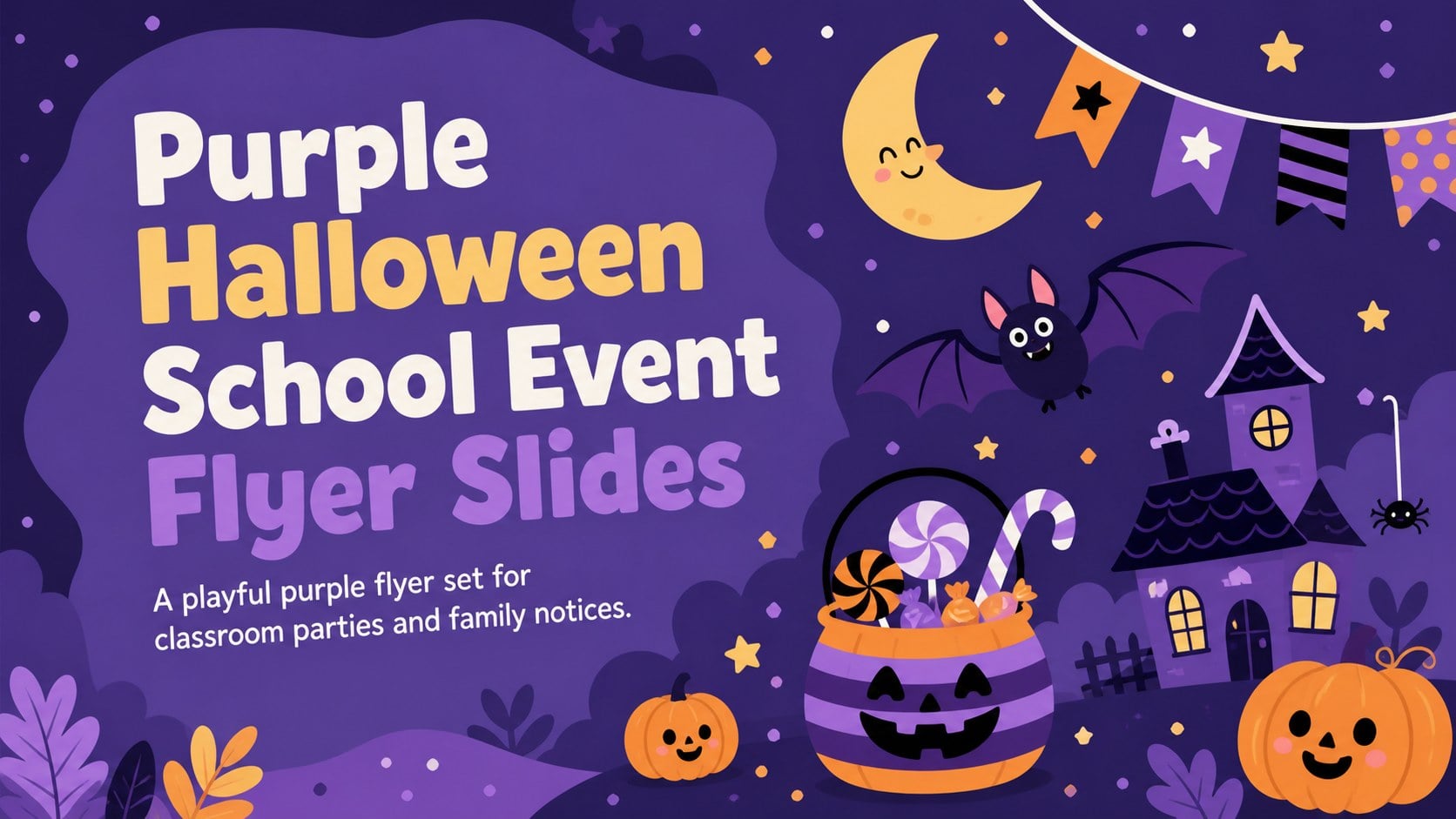
Use Purple Halloween School Event Flyer Slides to share party details, costume reminders, and family notices in an editable illustrated format for teachers.
Design notes
Purple Halloween School Event Flyer Slides give teachers a lively way to announce seasonal celebrations without designing every notice from scratch. The cheerful purple palette, playful typography, and kid-friendly illustrations create a spooky atmosphere that remains welcoming for elementary and middle school audiences. Use the set as an editable Halloween school flyer for digital sharing, classroom screens, or printed handouts.
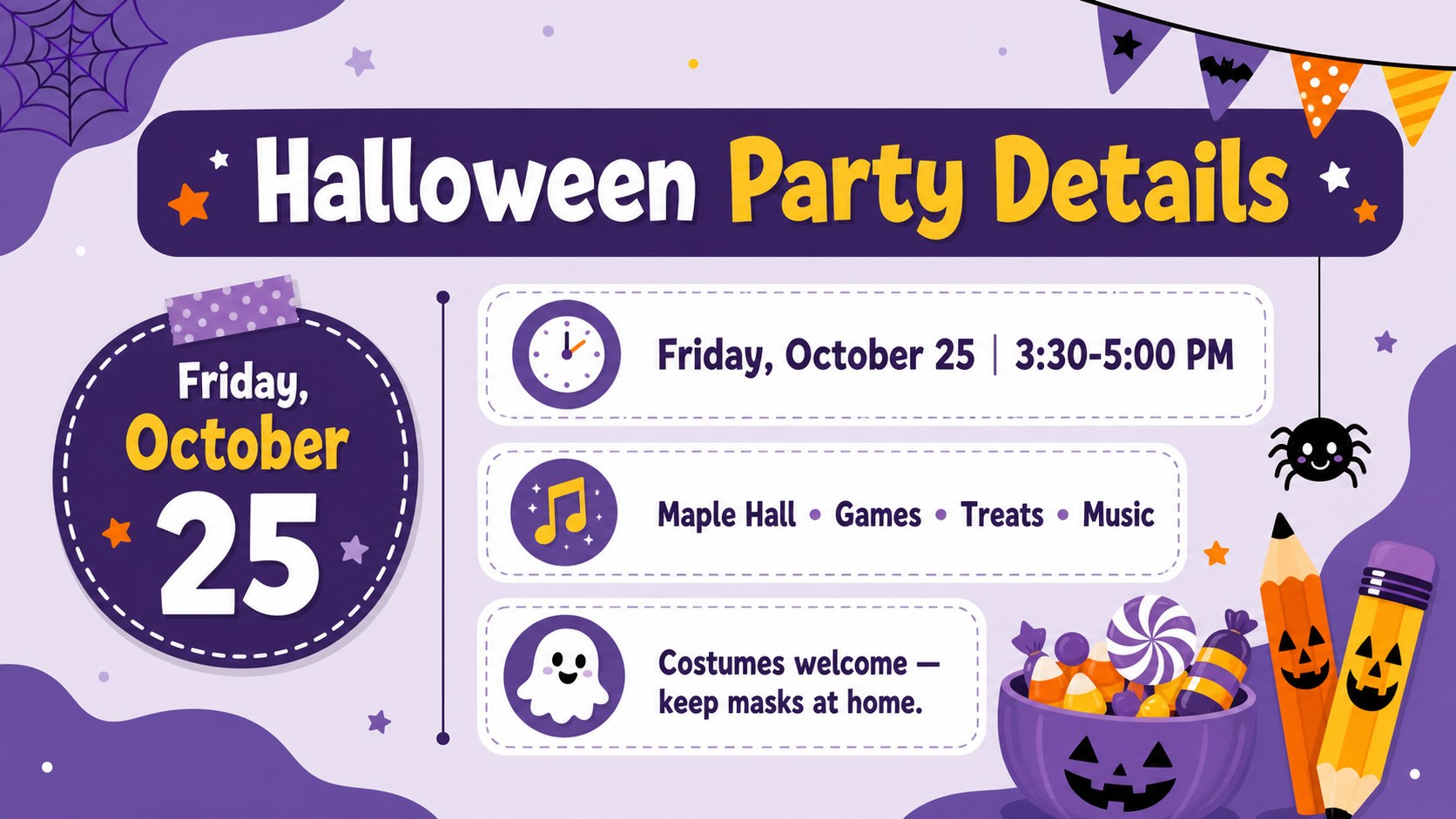
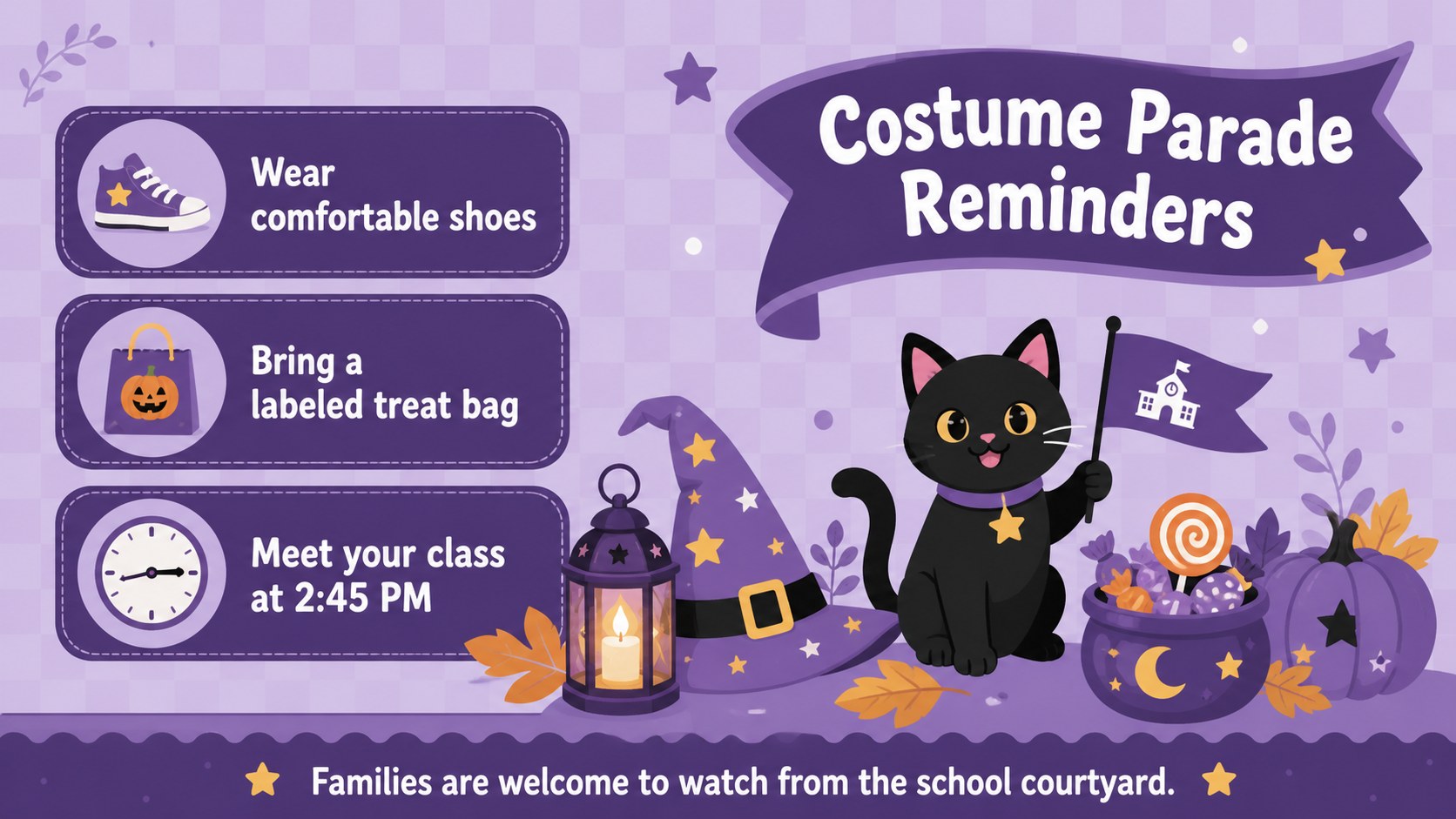
Inside, you will find three coordinated 16:9 layouts for introducing the celebration, presenting essential event details, and sharing reminders with students and families. Clearly marked text areas make it easy to add the date, time, location, costume guidance, activity schedule, and contact information. Decorative Halloween graphics can be repositioned or removed, while colors and fonts can be adjusted to suit your school. The layouts work as a student costume party invitation, a hallway announcement, or a concise family information notice.
This illustrated set is designed for teachers, student councils, parent groups, and school event coordinators preparing a friendly seasonal gathering. Customize the slides in PowerPoint or Google Slides, then present them on screen or export them for distribution. Whether you are organizing a class party, costume parade, pumpkin activity, or autumn fundraiser, the deck keeps important details visible while preserving a fun, age-appropriate mood.
Perfect for: classroom Halloween party announcement; student costume parade invitation; family event information notice; school hallway digital display; autumn fundraiser promotion.
Frequently asked questions
Can I edit the event details and invitation wording? Yes. Replace the sample text with your date, time, location, activities, costume guidance, and contact details. Text boxes, colors, fonts, and decorative elements can also be adjusted.
Practical details
Yes. Replace the sample text with your date, time, location, activities, costume guidance, and contact details. Text boxes, colors, fonts, and decorative elements can also be adjusted.
The slides are designed for PowerPoint and Google Slides. Some font spacing or animation behavior may vary slightly between the two platforms.
Yes. Export a completed layout as a PDF or high-resolution image before printing. Check the printer preview and margins because the slides use a widescreen 16:9 format.
Yes. Simplify the wording, enlarge essential details, and keep the friendliest illustrations for early-grade audiences. You can also remove any decorative element that feels too spooky for your class.
Keep exploring
15Build stronger academic arguments with a college essay thesis builder featuring guided examples, revision prompts, and editable PowerPoint and Google Slides.
 15
15Build an engaging World UFO Day session with this flying saucer history lesson deck, featuring retro green-and-brown slides for PowerPoint and Google Slides.
 14
14Plan a memorable Lunar New Year campaign with the 2036 Dragon Year Celebration Theme, featuring bold red-and-yellow slides for lessons and events.
 15
15Build a thoughtful classroom discussion with this interfaith awareness lesson deck, featuring editable blue-and-white slides for PowerPoint and Google Slides.
 15
15Use this environmental awareness lesson deck to teach climate action through illustrated activities, discussion prompts, and ready-to-edit visuals.
 15
15Build playful lessons and party stories with a kid-friendly zombie celebration theme in purple, green and pastel blue for PowerPoint and Google Slides.
 15
15Build eerie lessons, campaigns, and story pitches with an undead survival scenario theme featuring editable slides for PowerPoint and Google Slides.
 16
16Turn environmental research into a clear story with a Watercolor Ecology Presentation Theme for PowerPoint and Google Slides in calming green and blue.