
 15
15presentation
College Essay Thesis Builder Slides
Build stronger academic arguments with a college essay thesis builder featuring guided examples, revision prompts, and editable PowerPoint and Google Slides.
Google SlidesPowerPoint
presentation · English
Organize classes, projects, and personal plans with a purple grunge student planner featuring editable weekly layouts for PowerPoint and Google Slides.

Design notes
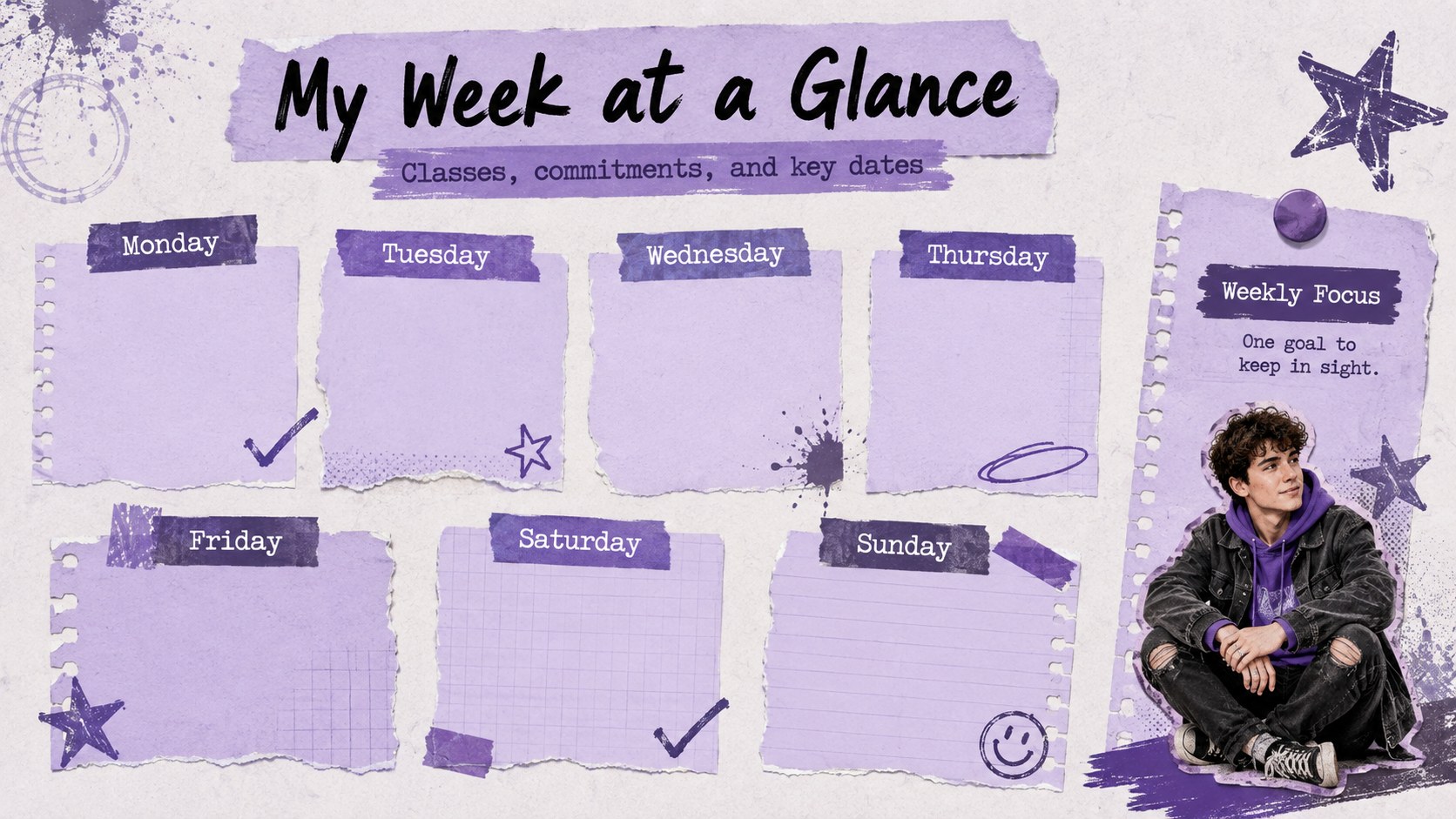
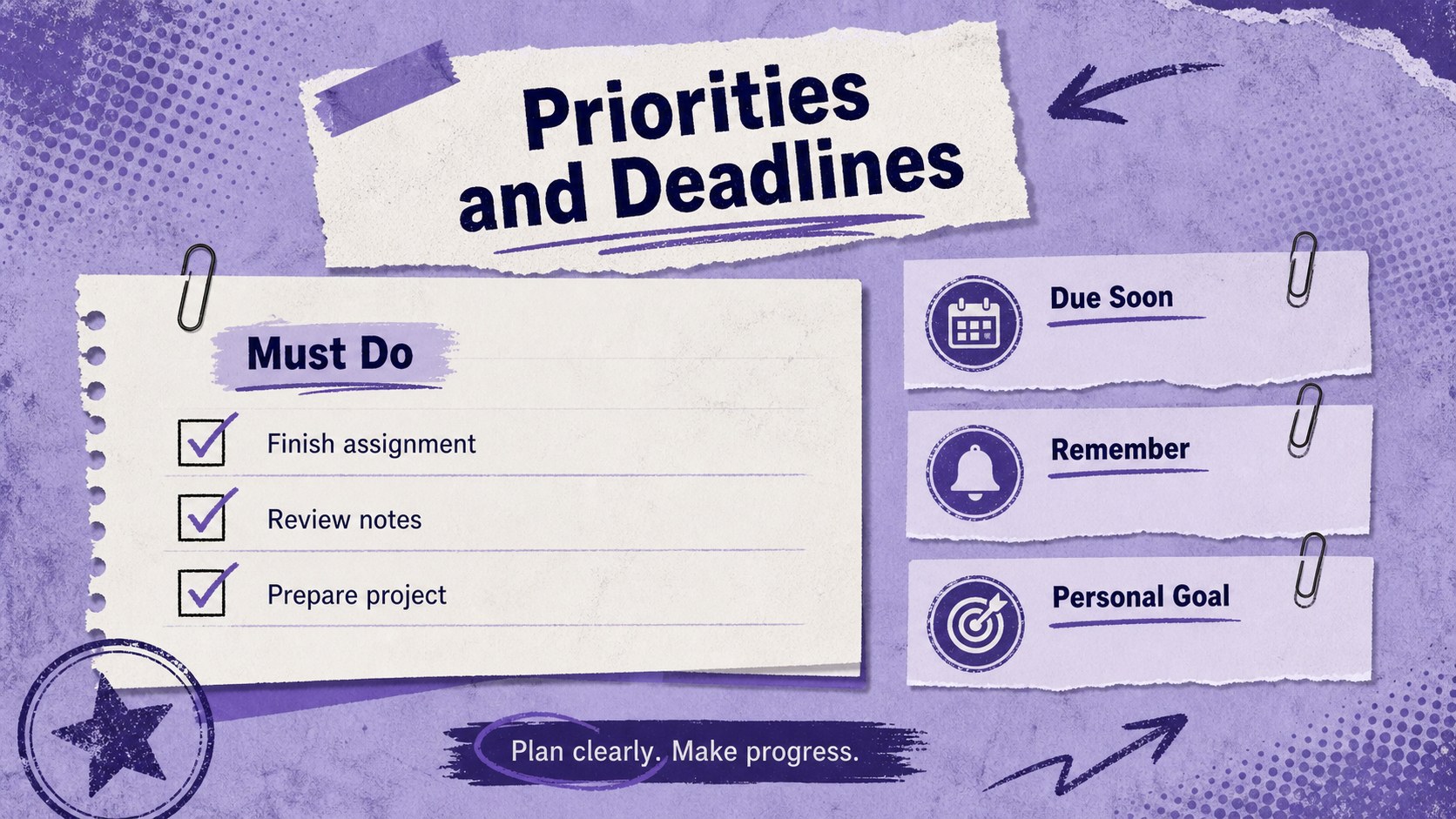
Bring structure to a packed schedule without losing your personal style. The Purple Grunge Student Planner combines practical organization with distressed textures, layered paper details, and a bold purple palette. Use it as an editable grunge planner for students who want a clear place for classes, assignments, activities, appointments, and personal goals.
Inside, you will find three coordinated layouts: an expressive cover, a complete weekly overview, and a focused priorities tracker. Clearly separated sections make it easy to scan each day, note important deadlines, and identify the tasks that need attention first. Adapt the purple weekly study organizer by changing the wording, typefaces, colors, and layout elements in PowerPoint or Google Slides. You can also duplicate pages to plan multiple weeks or create separate schedules for school, work, and home.
This alternative style class schedule template is designed for high school and college students, creative professionals, teachers, and anyone who prefers energetic visuals over a conventional calendar. Present the slides digitally, share them with a study group, or print individual pages for a binder or desk. The grunge styling adds character while the structured planning areas keep your week readable, useful, and easy to update.
Perfect for: college class planning; homework deadline tracking; creative project scheduling; weekly study organization; student activity planning.
Frequently asked questions
Can I edit every section of the planner? Yes. The headings, schedule entries, colors, fonts, shapes, and decorative elements can be edited to match your routine and visual preferences.
Practical details
Yes. The headings, schedule entries, colors, fonts, shapes, and decorative elements can be edited to match your routine and visual preferences.
The template is designed for Microsoft PowerPoint and Google Slides. Open it in either platform to customize the layouts, duplicate planner pages, and present or print your schedule.
Yes. Duplicate the weekly overview and priorities pages as often as needed, then rename each copy with the appropriate dates or week number.
Yes. You can export completed pages as PDF files and print them, although margins may vary by printer. Review the print preview and select a fit-to-page option before printing.
Keep exploring
15Build stronger academic arguments with a college essay thesis builder featuring guided examples, revision prompts, and editable PowerPoint and Google Slides.
 15
15Build an engaging World UFO Day session with this flying saucer history lesson deck, featuring retro green-and-brown slides for PowerPoint and Google Slides.
 14
14Plan a memorable Lunar New Year campaign with the 2036 Dragon Year Celebration Theme, featuring bold red-and-yellow slides for lessons and events.
 15
15Build a thoughtful classroom discussion with this interfaith awareness lesson deck, featuring editable blue-and-white slides for PowerPoint and Google Slides.
 15
15Use this environmental awareness lesson deck to teach climate action through illustrated activities, discussion prompts, and ready-to-edit visuals.
 15
15Build playful lessons and party stories with a kid-friendly zombie celebration theme in purple, green and pastel blue for PowerPoint and Google Slides.
 15
15Build eerie lessons, campaigns, and story pitches with an undead survival scenario theme featuring editable slides for PowerPoint and Google Slides.
 16
16Turn environmental research into a clear story with a Watercolor Ecology Presentation Theme for PowerPoint and Google Slides in calming green and blue.