
 15
15presentation
College Essay Thesis Builder Slides
Build stronger academic arguments with a college essay thesis builder featuring guided examples, revision prompts, and editable PowerPoint and Google Slides.
Google SlidesPowerPoint
presentation · English
Clarify complex findings with Purple Data Storytelling Slides, a minimalist purple deck for reports, pitches, and planning in PowerPoint and Google Slides.



Design notes
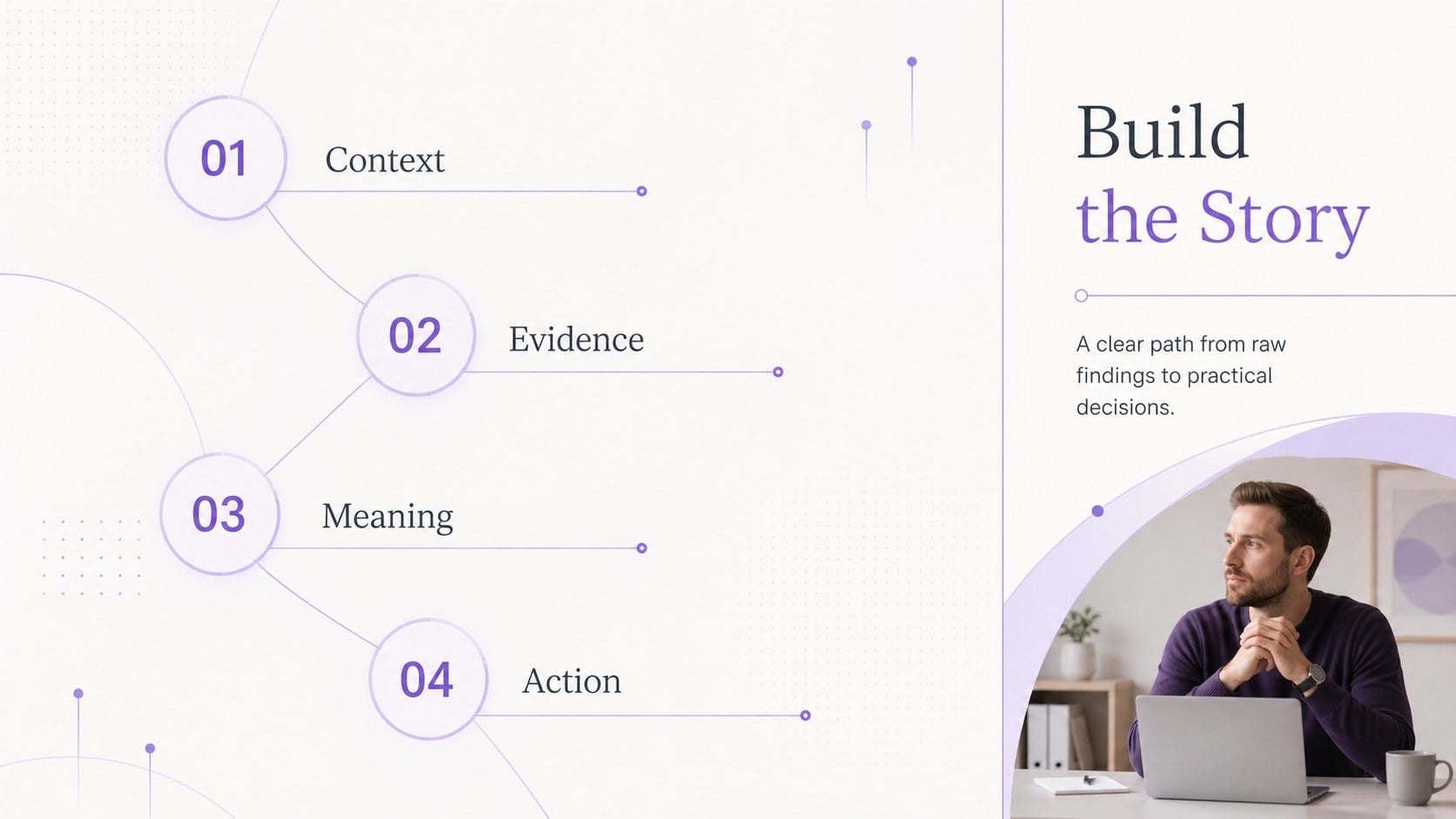
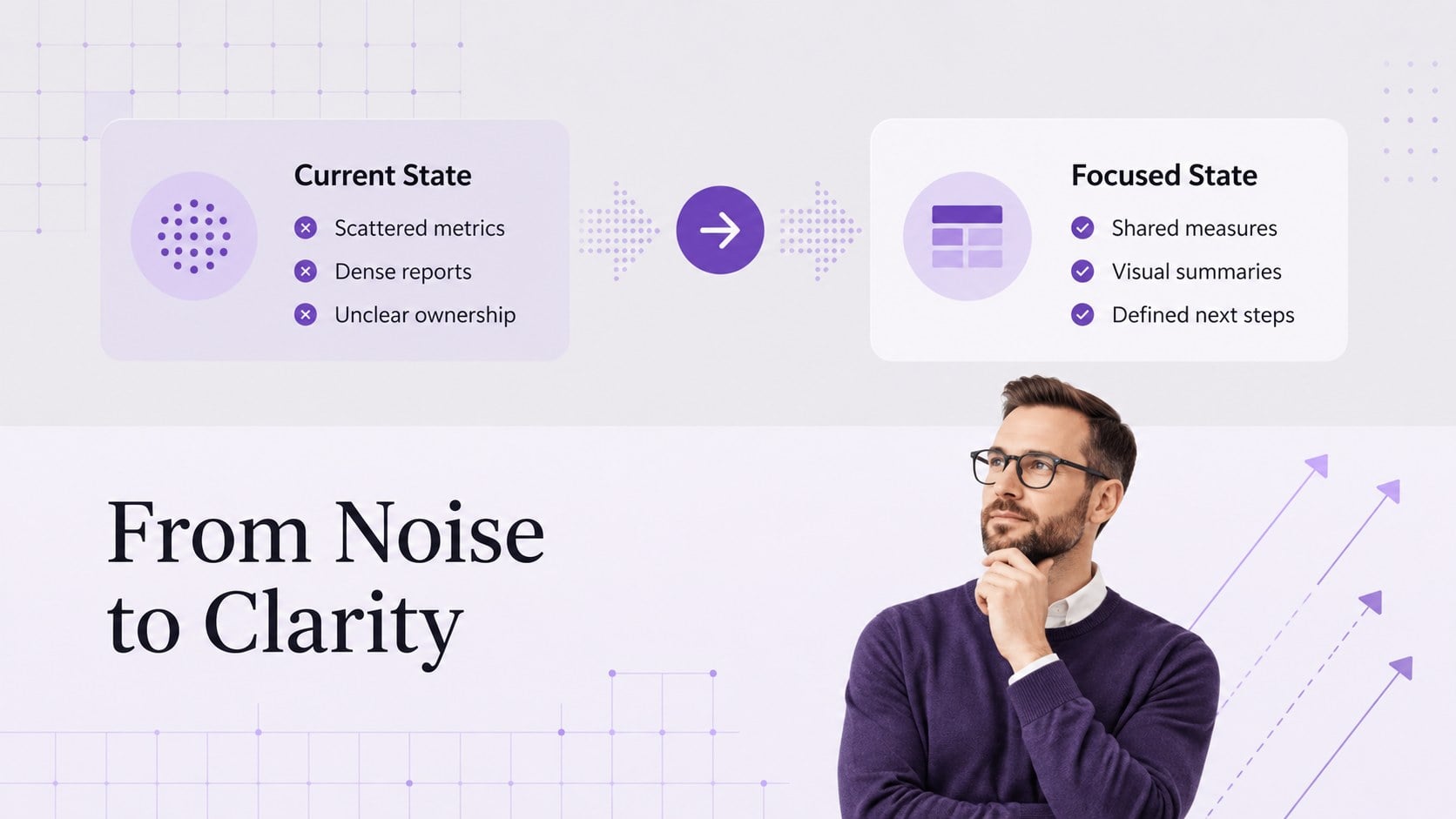
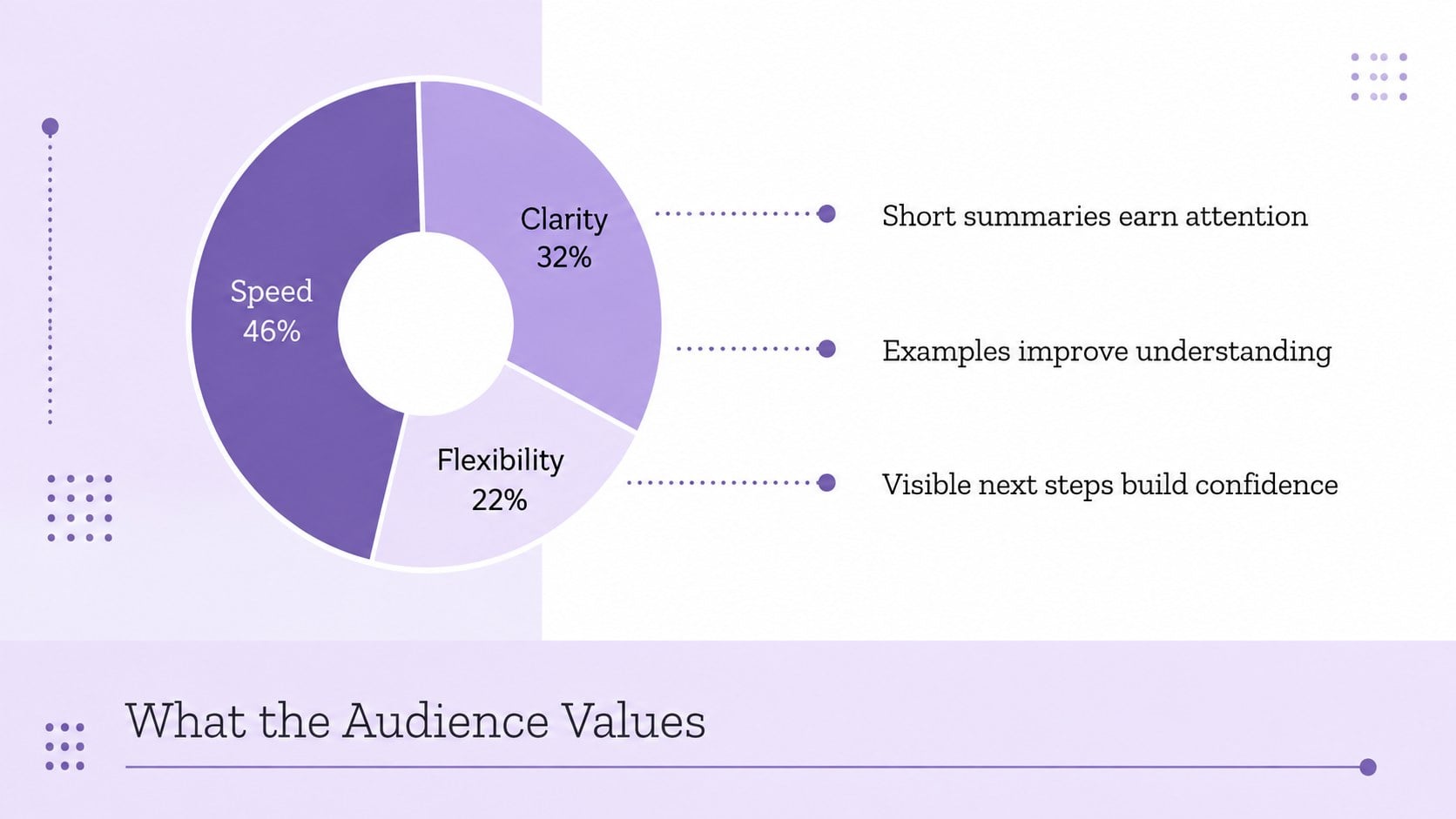
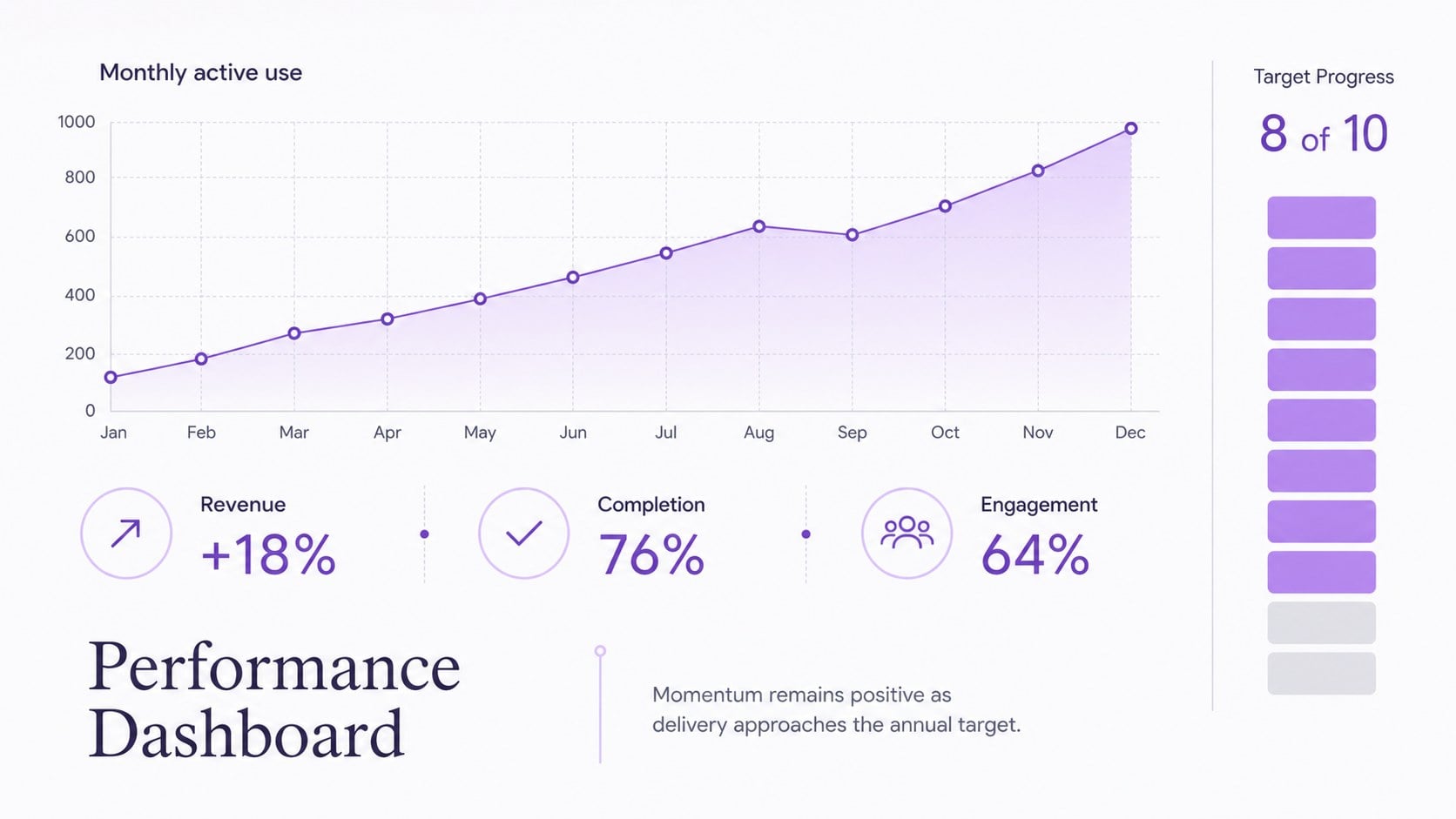
Purple Data Storytelling Slides help professionals translate research, performance figures, and strategic ideas into a focused visual narrative. The restrained purple palette, modern typography, and generous spacing keep attention on the information instead of unnecessary decoration. Use this purple data visualization presentation for stakeholder updates, client proposals, campaign reporting, or internal planning in PowerPoint and Google Slides.
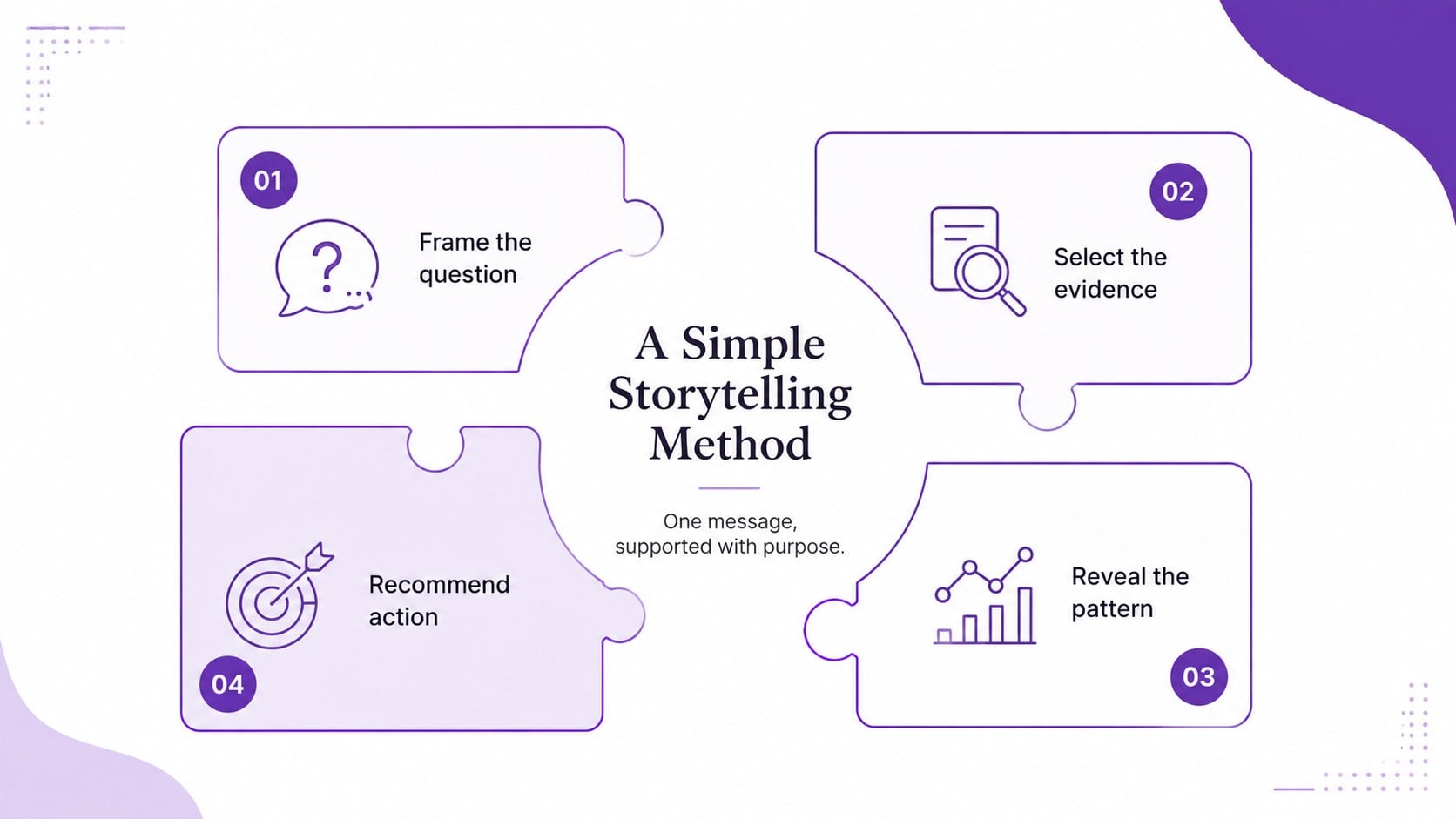
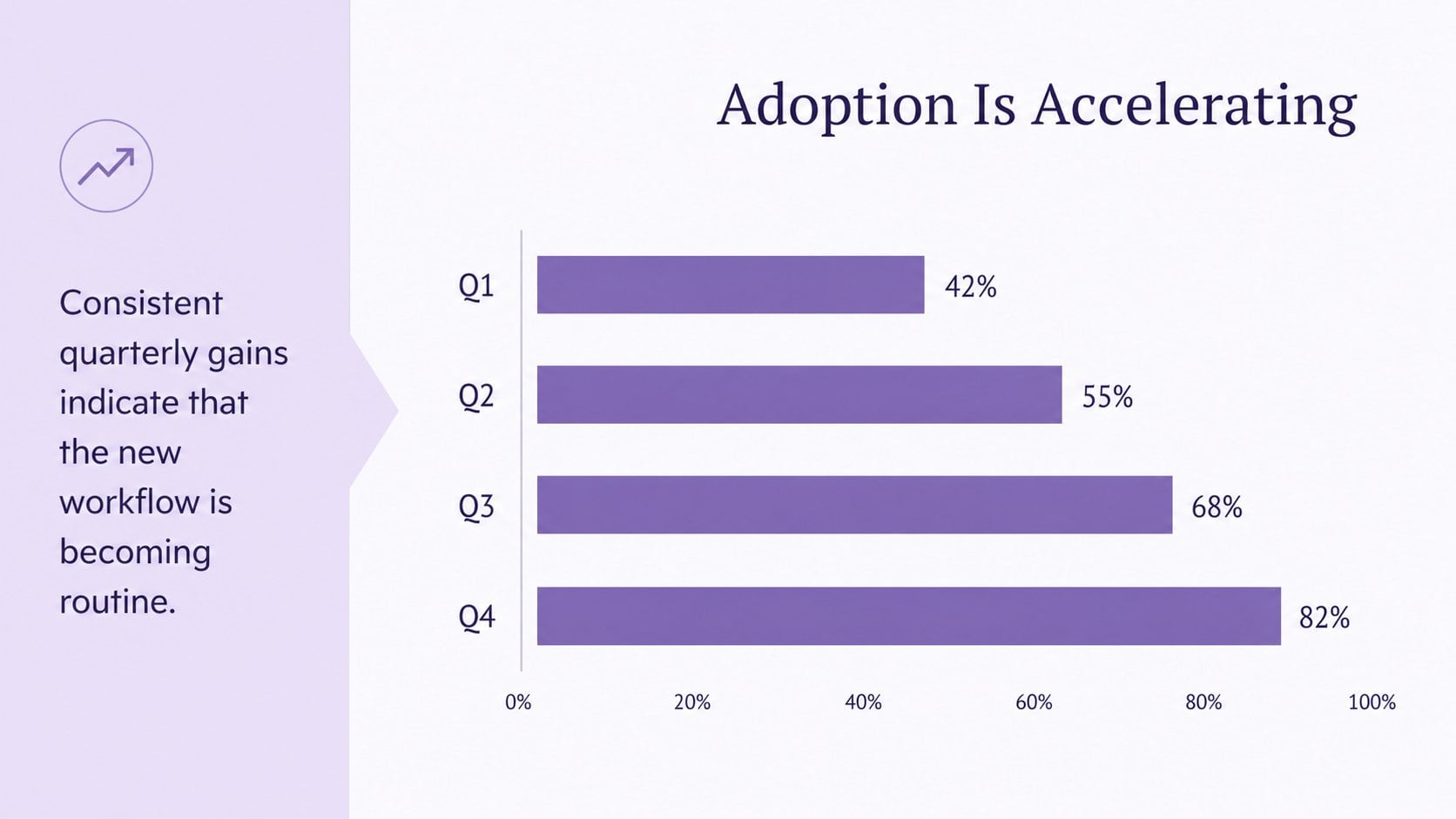
The deck includes adaptable layouts for headline statistics, bar and line charts, comparisons, process diagrams, timelines, audience profiles, dashboards, and final recommendations. Each page establishes a clear hierarchy so viewers can quickly distinguish the central message from supporting evidence. Icons, chart colors, labels, and text blocks can be adjusted to match your subject while preserving the minimalist design system. These layouts also work as minimalist report slides for PowerPoint when a traditional document feels too dense.
Designed for analysts, consultants, marketers, project managers, educators, and startup teams, this visual storytelling presentation template supports both detailed reviews and concise executive briefings. Add your own figures, reorganize sections, duplicate useful layouts, or remove pages that do not fit the story. The result is a polished presentation that makes patterns easier to recognize, comparisons easier to understand, and next steps easier to discuss.
Perfect for: quarterly performance review; market research presentation; client analytics report; project status briefing; campaign results summary; startup metrics update.
Frequently asked questions
Can I edit these slides in PowerPoint and Google Slides? Yes. Every layout can be edited in PowerPoint or Google Slides, including text, colors, charts, icons, and section order. Font substitutions may vary slightly depending on the fonts installed on your device.
Practical details
Yes. Every layout can be edited in PowerPoint or Google Slides, including text, colors, charts, icons, and section order. Font substitutions may vary slightly depending on the fonts installed on your device.
Select a chart and replace the sample values with your figures using the platform's chart editor. Keep the existing purple accent system or assign contrasting colors when multiple data series need to be distinguished.
Yes. The concise headlines, KPI layouts, comparisons, and dashboard pages are designed for quick scanning during leadership meetings. Detailed supporting notes can be added in the speaker notes area.
Yes. Update the theme colors to apply a new palette consistently across backgrounds, charts, shapes, and icons. Check contrast after editing so labels and key figures remain easy to read.
Keep exploring
15Build stronger academic arguments with a college essay thesis builder featuring guided examples, revision prompts, and editable PowerPoint and Google Slides.
 15
15Build an engaging World UFO Day session with this flying saucer history lesson deck, featuring retro green-and-brown slides for PowerPoint and Google Slides.
 14
14Plan a memorable Lunar New Year campaign with the 2036 Dragon Year Celebration Theme, featuring bold red-and-yellow slides for lessons and events.
 15
15Build a thoughtful classroom discussion with this interfaith awareness lesson deck, featuring editable blue-and-white slides for PowerPoint and Google Slides.
 15
15Use this environmental awareness lesson deck to teach climate action through illustrated activities, discussion prompts, and ready-to-edit visuals.
 15
15Build playful lessons and party stories with a kid-friendly zombie celebration theme in purple, green and pastel blue for PowerPoint and Google Slides.
 15
15Build eerie lessons, campaigns, and story pitches with an undead survival scenario theme featuring editable slides for PowerPoint and Google Slides.
 16
16Turn environmental research into a clear story with a Watercolor Ecology Presentation Theme for PowerPoint and Google Slides in calming green and blue.