
 15
15presentation
College Essay Thesis Builder Slides
Build stronger academic arguments with a college essay thesis builder featuring guided examples, revision prompts, and editable PowerPoint and Google Slides.
Google SlidesPowerPoint
presentation · English
Build a polished purple academic poster template for science fairs, conferences, and class projects, with editable layouts for clear research storytelling.
Design notes
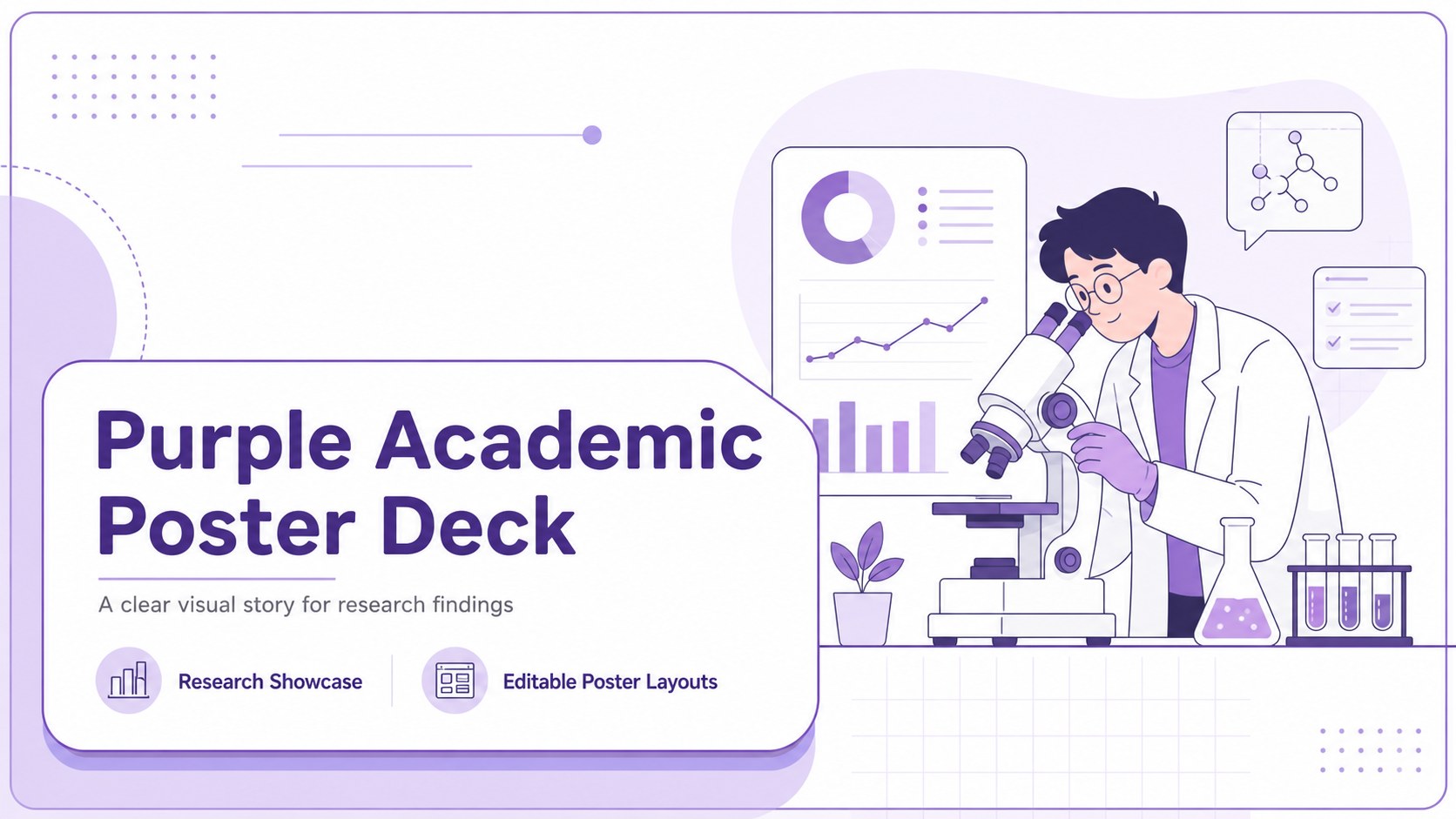
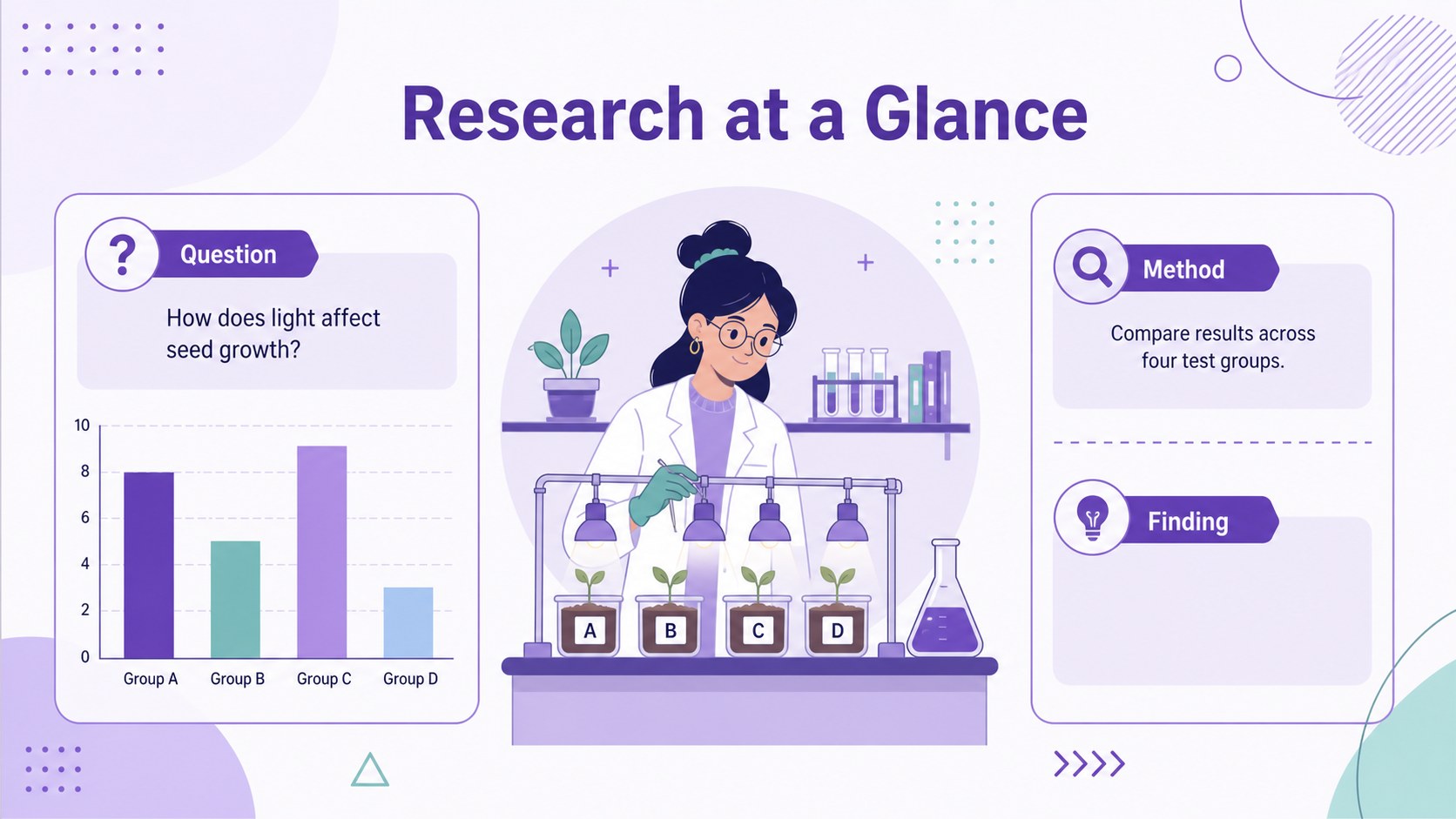
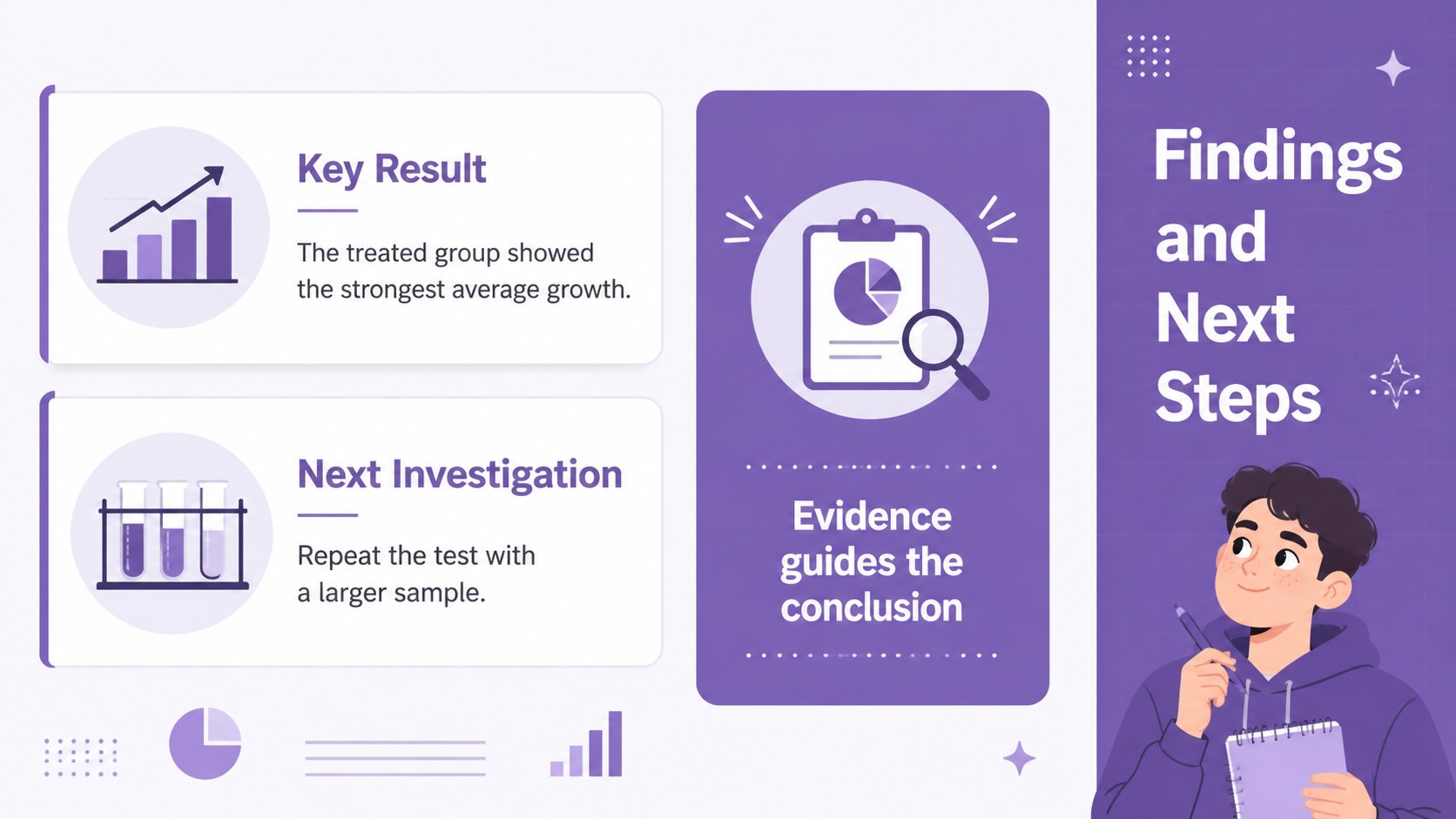
Turn complex findings into a clear visual story with this purple academic poster template. Its illustrated visual language and purple palette help students organize research, highlight key evidence, and present conclusions in a format that is easy to scan. Use it for science fairs, academic conferences, classroom assessments, or a student research showcase.
The deck includes three editable 48 x 36 inch poster layouts, plus a flexible library of charts, frames, lines, and shapes for building a strong visual hierarchy. Add diagrams, images, section labels, and concise summaries without starting from a blank canvas. The layout works well for an editable science fair poster, a conference research poster PowerPoint, or a student data presentation poster. Animation and transition options are available when the design is presented digitally.
The template is provided for Google Slides and PowerPoint, so you can choose the editing environment that fits your workflow. adds drag-and-drop graphics, image libraries, color palettes, font combinations, notes, collaboration, and presentation practice tools. The design uses Dosis and a purple color scheme, keeping the finished poster approachable, modern, and suitable for science, education, and research communication.
Perfect for: science fair project; academic conference poster; classroom research presentation; student research showcase; laboratory findings summary.
Frequently asked questions
Can I edit the poster in Google Slides or PowerPoint? Yes. The layouts are available for both Google Slides and PowerPoint, with editable text, shapes, charts, and visual elements. You can also use when you prefer drag-and-drop editing.
Practical details
Yes. The layouts are available for both Google Slides and PowerPoint, with editable text, shapes, charts, and visual elements. You can also use when you prefer drag-and-drop editing.
Yes. Replace the purple accents with your institution, project, or event colors while keeping the existing hierarchy intact. You can also update the Dosis font and apply a different font pairing.
The template includes three 48 x 36 inch poster layouts. Confirm the required dimensions with your school, conference, or print provider before exporting.
Yes. The poster can be exported as a PDF or image for online sharing and printing. Google Slides and PowerPoint also support animations and transitions for presenting the research on screen.
Keep exploring
15Build stronger academic arguments with a college essay thesis builder featuring guided examples, revision prompts, and editable PowerPoint and Google Slides.
 15
15Build an engaging World UFO Day session with this flying saucer history lesson deck, featuring retro green-and-brown slides for PowerPoint and Google Slides.
 14
14Plan a memorable Lunar New Year campaign with the 2036 Dragon Year Celebration Theme, featuring bold red-and-yellow slides for lessons and events.
 15
15Build a thoughtful classroom discussion with this interfaith awareness lesson deck, featuring editable blue-and-white slides for PowerPoint and Google Slides.
 15
15Use this environmental awareness lesson deck to teach climate action through illustrated activities, discussion prompts, and ready-to-edit visuals.
 15
15Build playful lessons and party stories with a kid-friendly zombie celebration theme in purple, green and pastel blue for PowerPoint and Google Slides.
 15
15Build eerie lessons, campaigns, and story pitches with an undead survival scenario theme featuring editable slides for PowerPoint and Google Slides.
 16
16Turn environmental research into a clear story with a Watercolor Ecology Presentation Theme for PowerPoint and Google Slides in calming green and blue.